The iPhones tag page on CellularNews collects articles specifically for iPhone users, from casual owners to those who like to tinker with their devices. This tag is for anyone who wants to get more out of their phone, whether that means fixing a common glitch, finding a new app, or understanding a key feature.

The articles here solve real-world problems grouped around a few clear themes. One major theme is troubleshooting and network fixes, with guides on resetting network settings, fixing cellular network errors, and using Wi-Fi calling. Another theme is customization and app management, covering how to transfer apps to a new iPhone, schedule text messages, and recover deleted texts and WhatsApp messages. A third theme focuses on entertainment and productivity, including lists of the best Apple Arcade games, free movie apps, and text to speech readers.

These articles help the reader do practical things: fix a phone that won't make calls, learn how to screen record mobile games, recover deleted messages, and choose the best phone case or mobile accessory. They also explain technical topics like what an IPA file is and how to jailbreak an iPhone without a PC, giving clear steps for specific tasks.
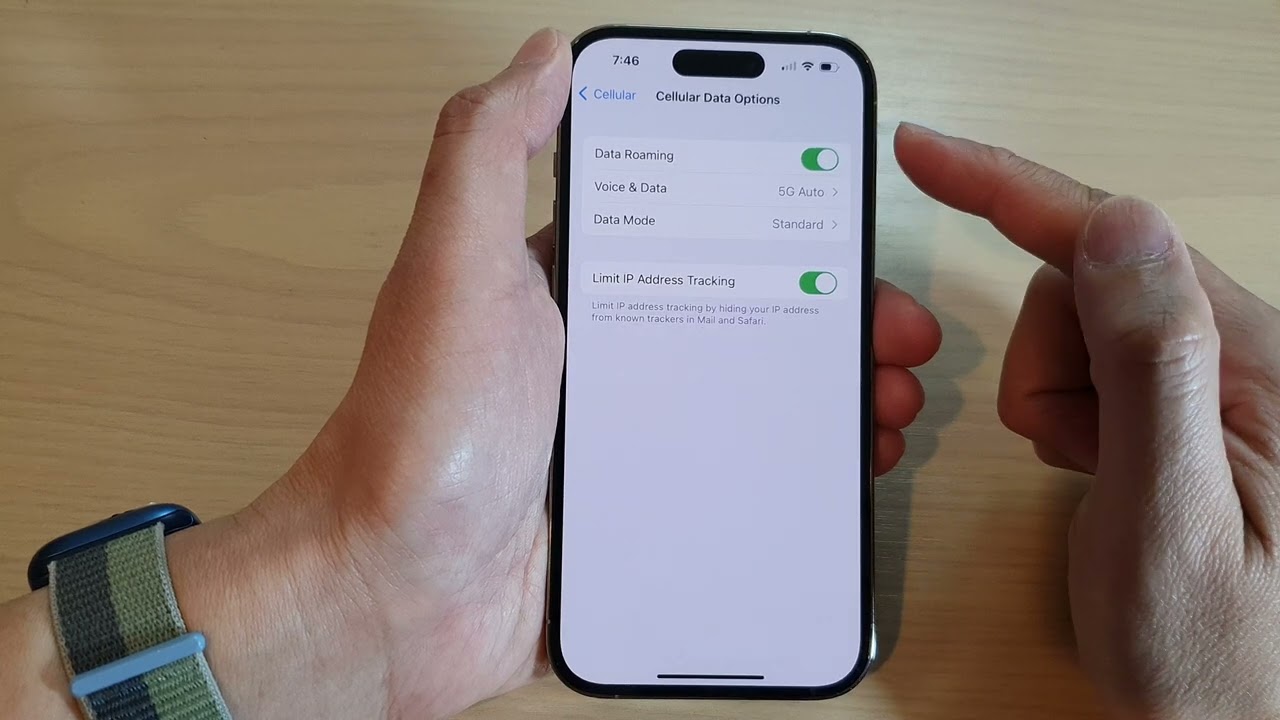
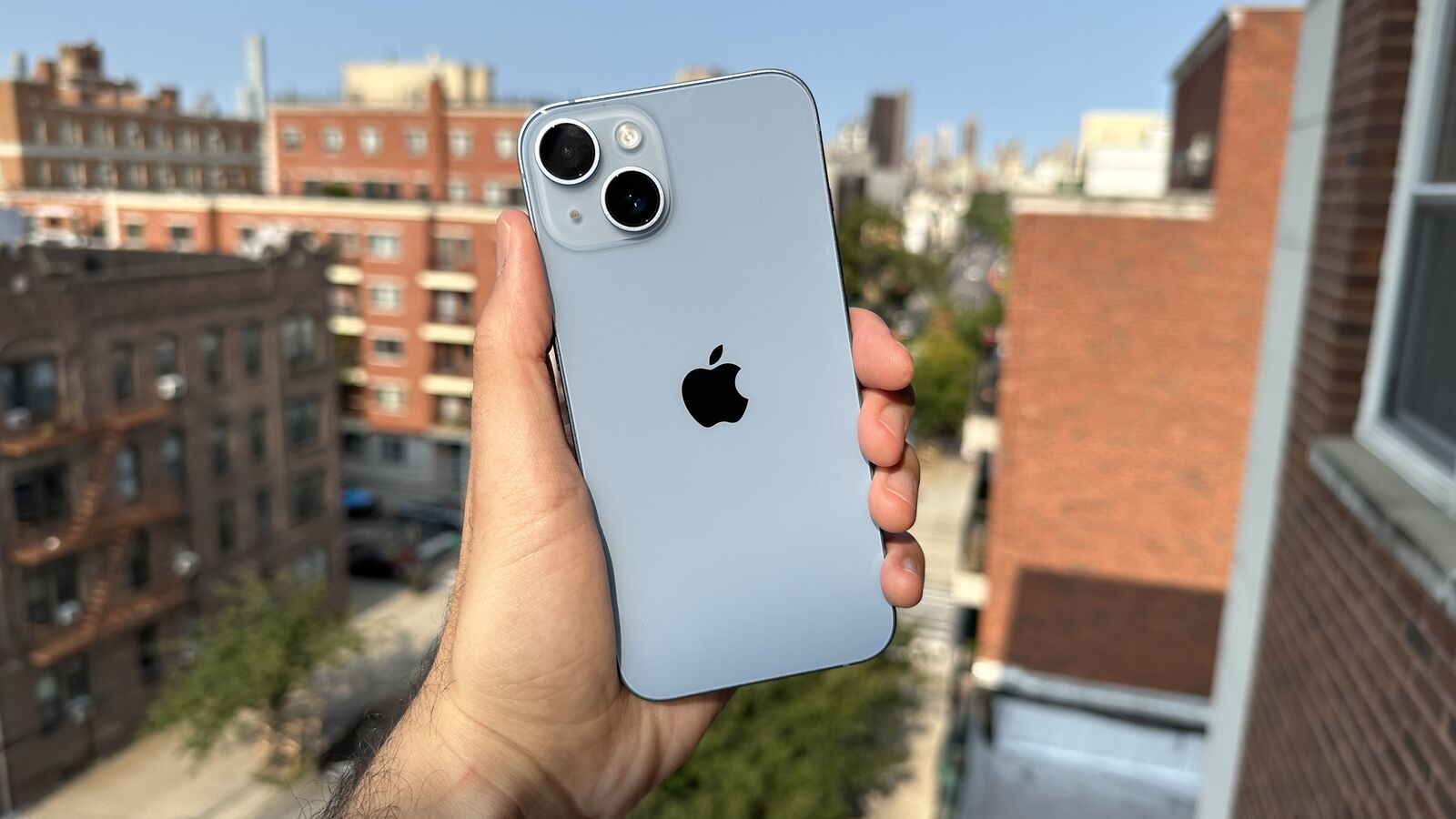
How To Turn Off Roaming On IPhone 14

To turn off roaming on iPhone 14, open Settings, tap Cellular, then tap Cellular Data Options, and turn off Data Roaming. This is the primary way to turn off roaming...

How To Lock Messages On IPhone 13

You cannot lock individual message conversations on iPhone 13. Apple does not provide a built-in feature to password-protect or lock messages on iPhone 13 per conversation, so no setting or...

How To Remove ESIM From IPhone 13

To remove an eSIM from an iPhone 13, open Settings and tap Cellular. If you have a single cellular plan, tap Delete eSIM; if you have multiple plans, first tap...

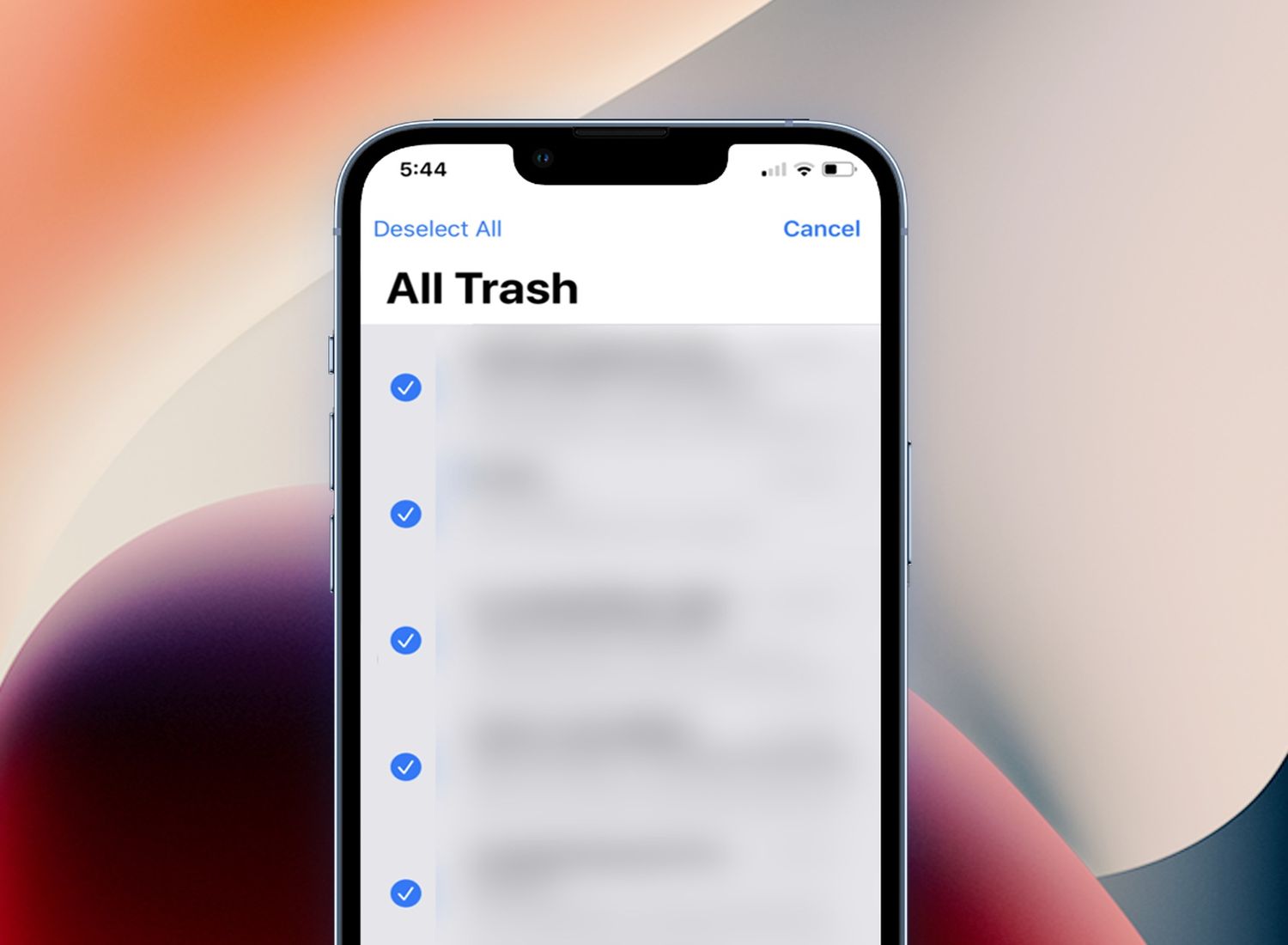
How To Delete Trash On IPhone 13

To delete trash on iPhone 13, open the Photos app and go to the Recently Deleted album under Utilities. This is where your deleted photos and videos are stored for...

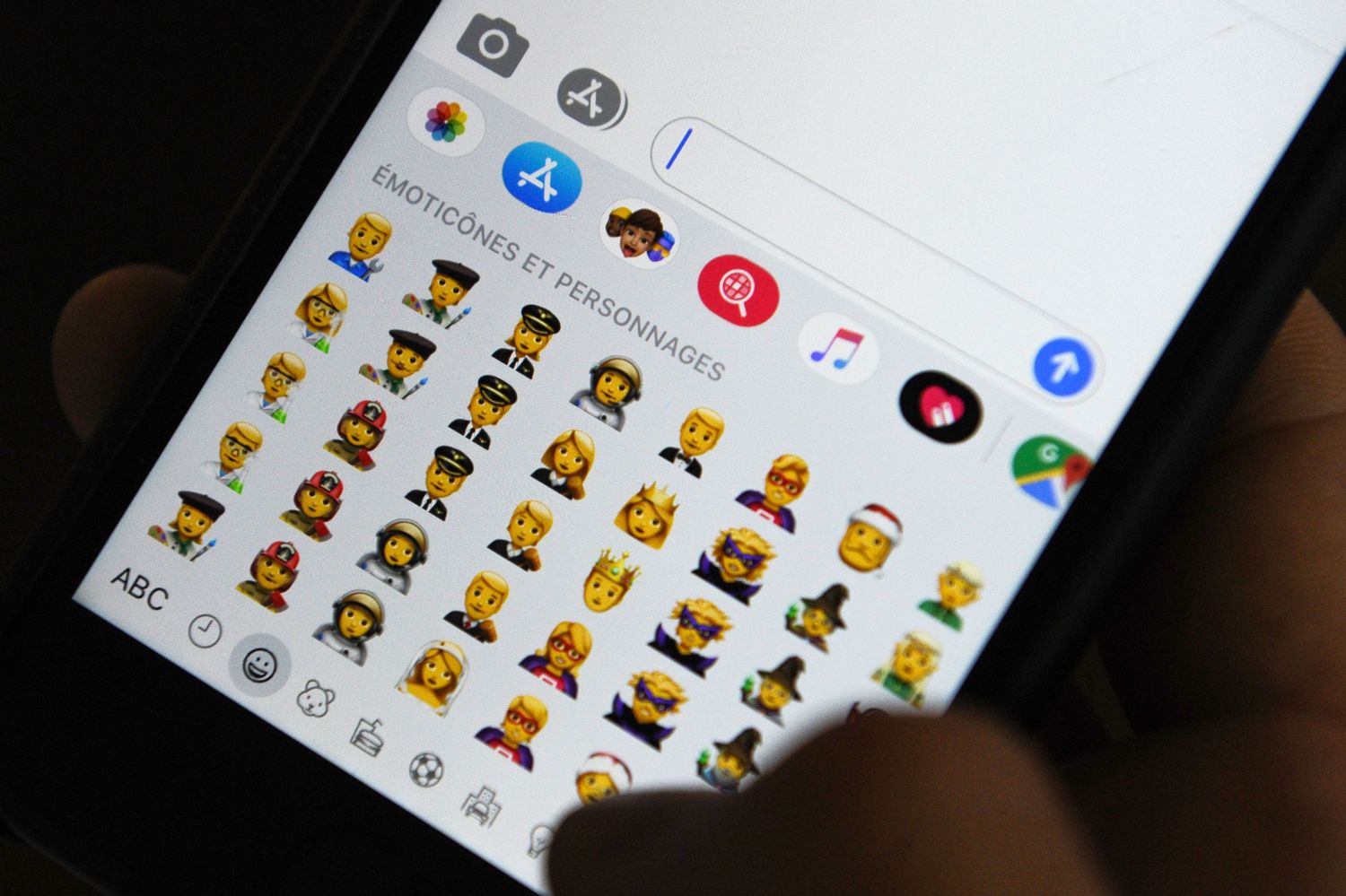
How To Make Emojis Bigger On IPhone 13

To make emojis bigger on iPhone 13, you have two Apple-documented options: send a single emoji by itself in Messages for a larger display, or use the system-wide Zoom accessibility...

How To Set IPhone 13 To Vibrate

To set your iPhone 13 to vibrate, simply flip the physical Ring/Silent switch on the left side of the device downward toward the back of the phone. This one-step method...

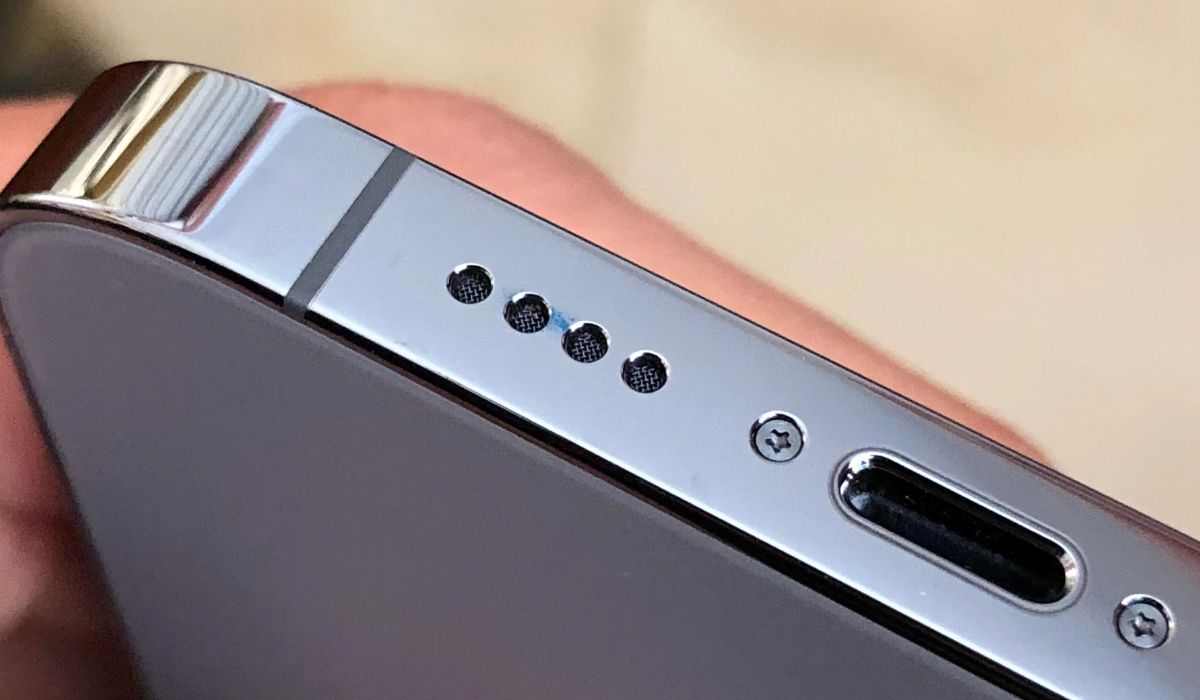
Where Is Speaker On IPhone 13

If you're wondering where is speaker on iPhone 13, it has two locations: a top earpiece speaker used for phone calls and a bottom-firing speaker on the right edge of...

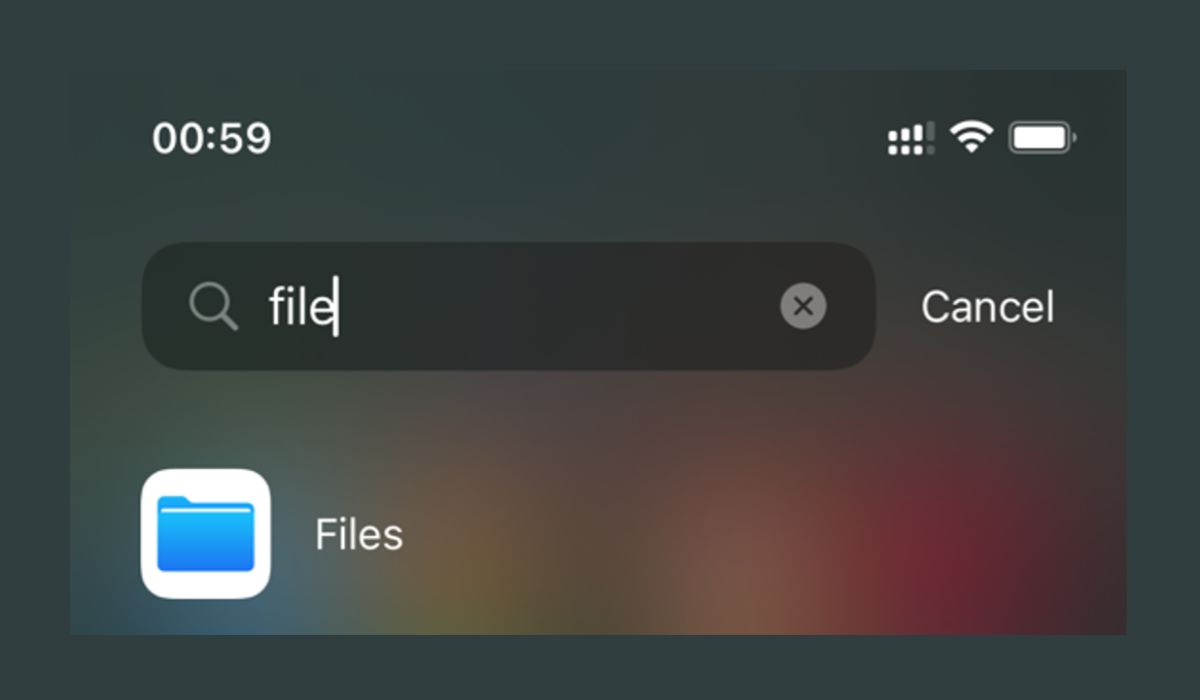
Where Are Downloads On My IPhone 13

Where are downloads on my iPhone 13? Downloaded files are stored in the Files app, specifically under Browse > iCloud Drive > Downloads. For files you just downloaded in Safari,...

How To Get Water Out Of Your IPhone 13

To get water out of your iPhone 13, immediately disconnect any cable or accessory and unplug it from both the iPhone and the power adapter. Then, tap the iPhone gently...

How To Record Conversation On IPhone 13

To record a conversation on iPhone 13, use the built-in Call Recording control in the Phone app during an active call, which saves the audio directly to the Notes app....