The iPhones tag page on CellularNews collects articles specifically for iPhone users, from casual owners to those who like to tinker with their devices. This tag is for anyone who wants to get more out of their phone, whether that means fixing a common glitch, finding a new app, or understanding a key feature.

The articles here solve real-world problems grouped around a few clear themes. One major theme is troubleshooting and network fixes, with guides on resetting network settings, fixing cellular network errors, and using Wi-Fi calling. Another theme is customization and app management, covering how to transfer apps to a new iPhone, schedule text messages, and recover deleted texts and WhatsApp messages. A third theme focuses on entertainment and productivity, including lists of the best Apple Arcade games, free movie apps, and text to speech readers.

These articles help the reader do practical things: fix a phone that won't make calls, learn how to screen record mobile games, recover deleted messages, and choose the best phone case or mobile accessory. They also explain technical topics like what an IPA file is and how to jailbreak an iPhone without a PC, giving clear steps for specific tasks.
How To Enable MMS Messaging On IPhone 14

To enable MMS messaging on iPhone 14, open Settings, tap Apps, then tap Messages, and turn on Send as Text Message. This is the verified, current path because Apple no...

How To Take Moon Pictures With IPhone 14 Pro

To take moon pictures with an iPhone 14 Pro, you must work around the fact that Apple does not provide a dedicated moon mode, relying instead on the phone's Night...

How To Turn Ringer Off IPhone 13

To turn ringer off iPhone 13 instantly, flip the physical Ring/Silent switch on the left side of the device toward the back of the phone until you see an orange...

What Are Haptics On IPhone 13

Haptics on iPhone 13 are the vibrations and tactile taps the phone uses for alerts, keyboard input, and system interactions. These subtle physical cues make your device feel more responsive,...

How To Close Waze On IPhone 13

To close Waze on iPhone 13, you need to force quit the app from the App Switcher or stop its background activity in Settings. Doing this saves battery and frees...

How To Change Caller ID On IPhone 14

To change caller ID on iPhone 14, open Settings > Apps > Phone > Show My Caller ID and turn the switch off to hide your number or on to...

Where Are Downloads On IPhone 14

If you’re wondering where are downloads on iPhone 14, most downloaded files are saved in the Files app at Browse > iCloud Drive > Downloads. For files downloaded from Safari,...

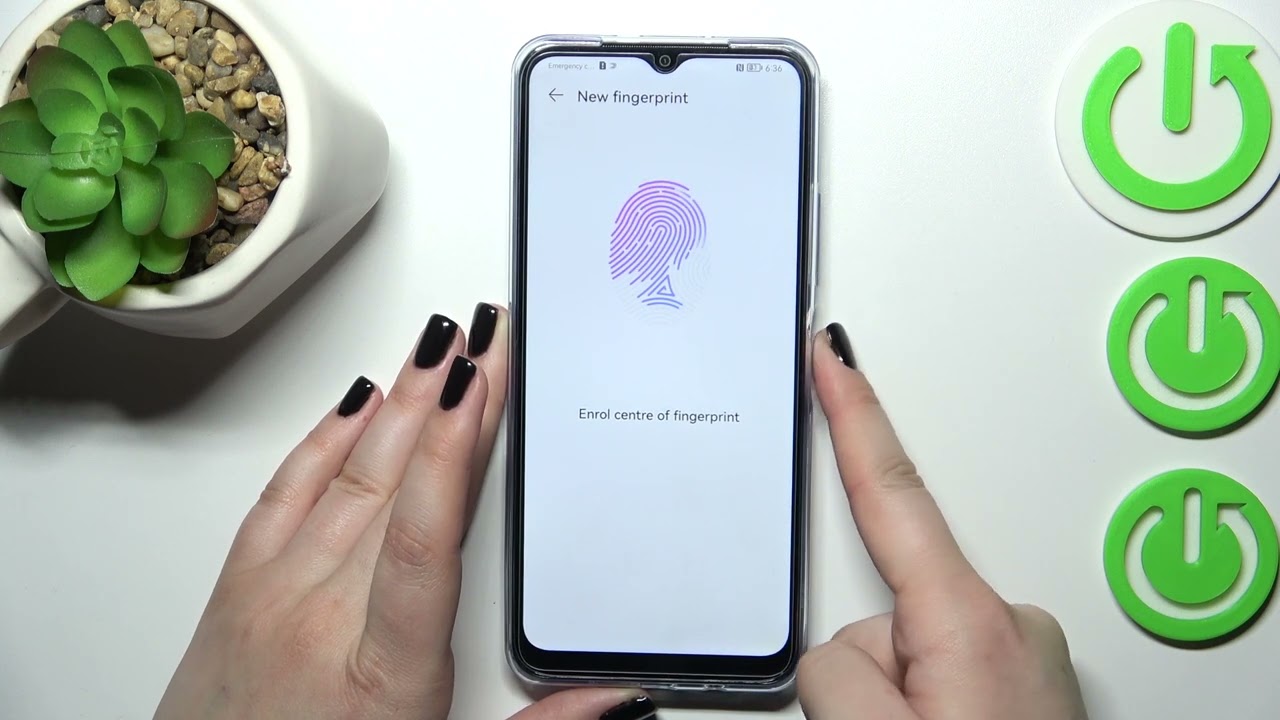
How To Setup Fingerprint On IPhone 13

To set up Face ID on your iPhone 13, you need to use the front-facing camera system, not a fingerprint sensor. The iPhone 13 does not have a Touch ID...

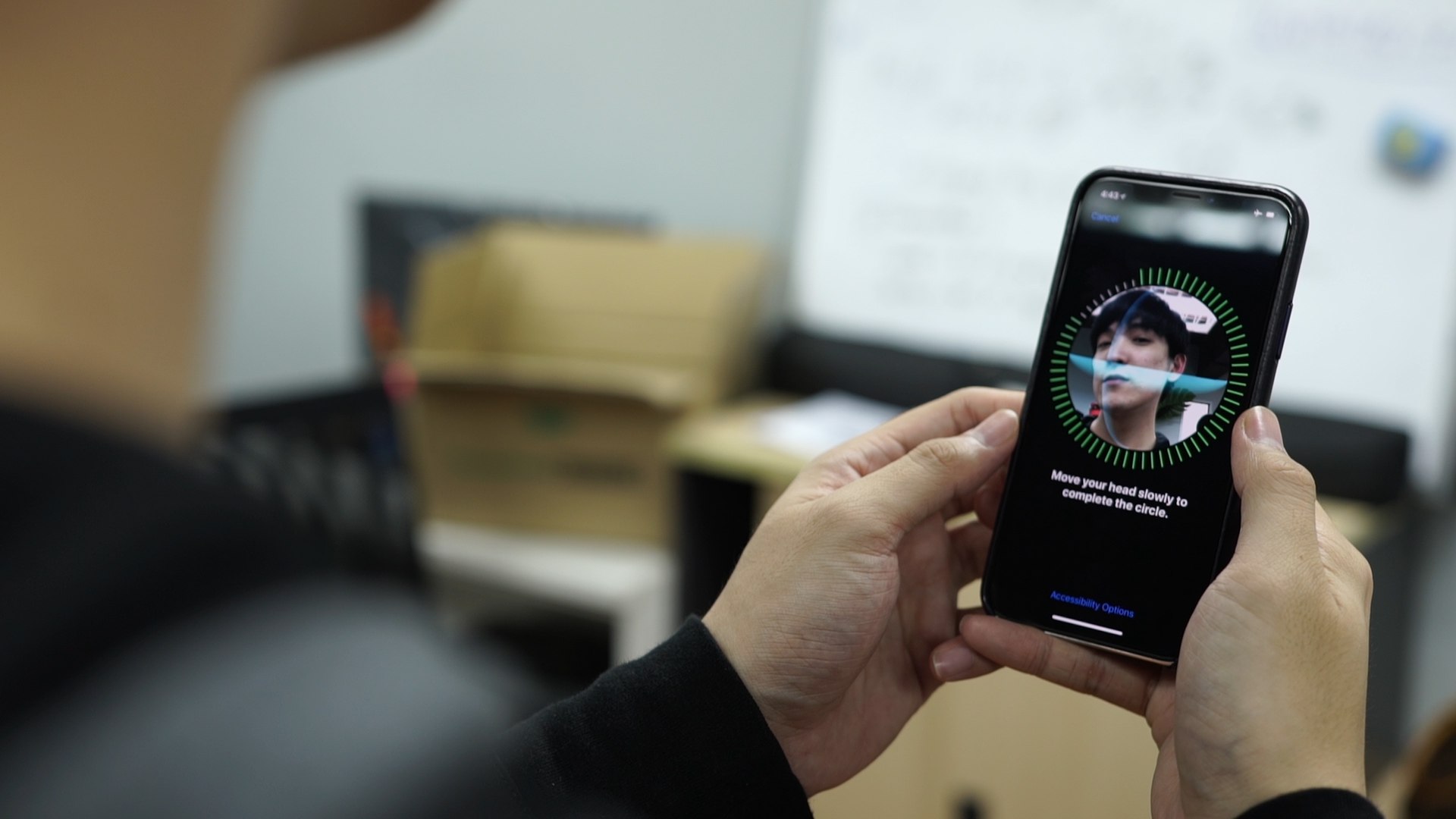
How Do I Set Up Face ID On IPhone 13

To set up Face ID on iPhone 13, open Settings, tap Face ID & Passcode, enter your passcode, then tap Set Up Face ID. Hold your iPhone 13 in portrait...

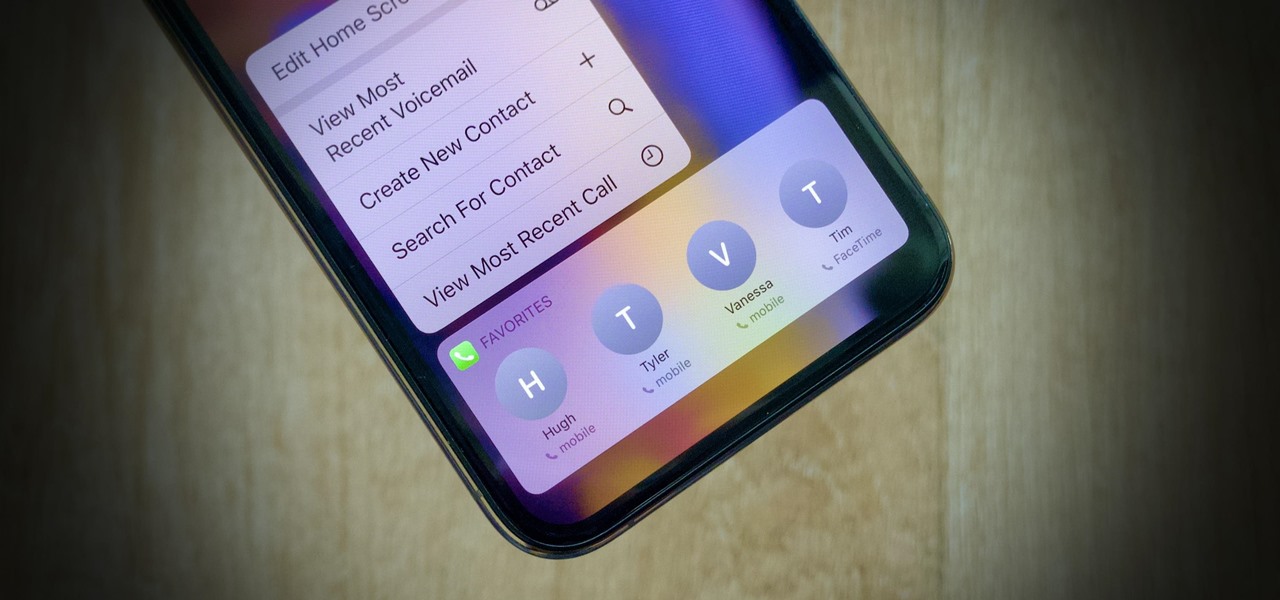
Where Are Favorites On IPhone 13

On an iPhone 13, "favorites" are not a single feature but are stored separately across multiple built-in apps, each with its own location and management method. To find where favorites...

How To Turn On Data Roaming In IPhone 14

To turn on data roaming on iPhone 14, go to Settings > Cellular > Cellular Data Options, then turn on Data Roaming. This setting is off by default and must...