The iPhones tag page on CellularNews collects articles specifically for iPhone users, from casual owners to those who like to tinker with their devices. This tag is for anyone who wants to get more out of their phone, whether that means fixing a common glitch, finding a new app, or understanding a key feature.

The articles here solve real-world problems grouped around a few clear themes. One major theme is troubleshooting and network fixes, with guides on resetting network settings, fixing cellular network errors, and using Wi-Fi calling. Another theme is customization and app management, covering how to transfer apps to a new iPhone, schedule text messages, and recover deleted texts and WhatsApp messages. A third theme focuses on entertainment and productivity, including lists of the best Apple Arcade games, free movie apps, and text to speech readers.

These articles help the reader do practical things: fix a phone that won't make calls, learn how to screen record mobile games, recover deleted messages, and choose the best phone case or mobile accessory. They also explain technical topics like what an IPA file is and how to jailbreak an iPhone without a PC, giving clear steps for specific tasks.
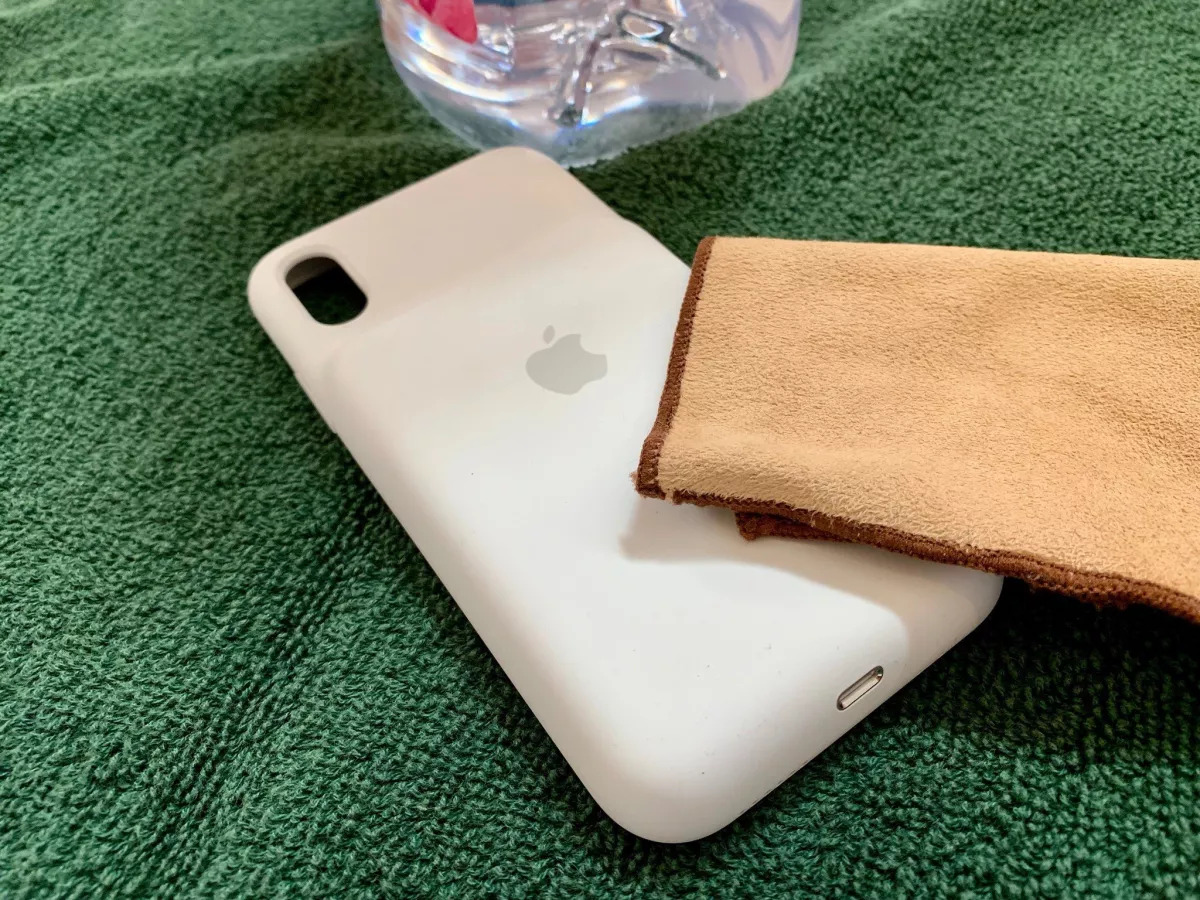
How Do You Clean A White Phone Case

To clean a white phone case safely, first remove the phone from the case, then wipe the case with the manufacturer-recommended cleaner for that material, rinse or wipe away residue...

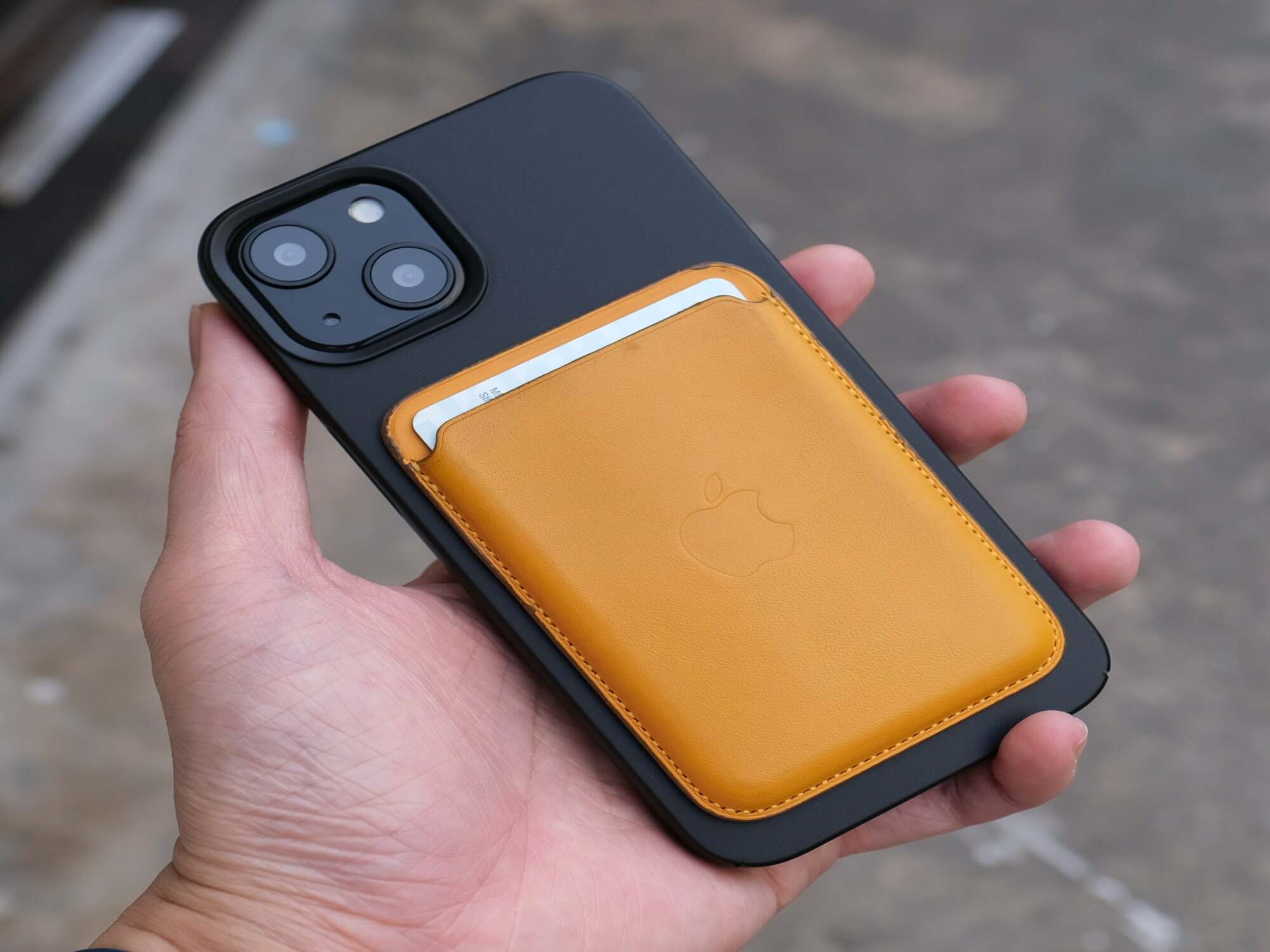
What Is Mag Safe Phone Case

A MagSafe phone case is a protective iPhone cover with a built-in magnetic ring that aligns with Apple's MagSafe system, enabling secure accessory attachment and improved wireless charging. This case...

What Is A Magnetic Phone Case

A magnetic phone case is a phone case with magnets built into it so the phone can attach to magnetic accessories, such as chargers and battery packs, and so those...

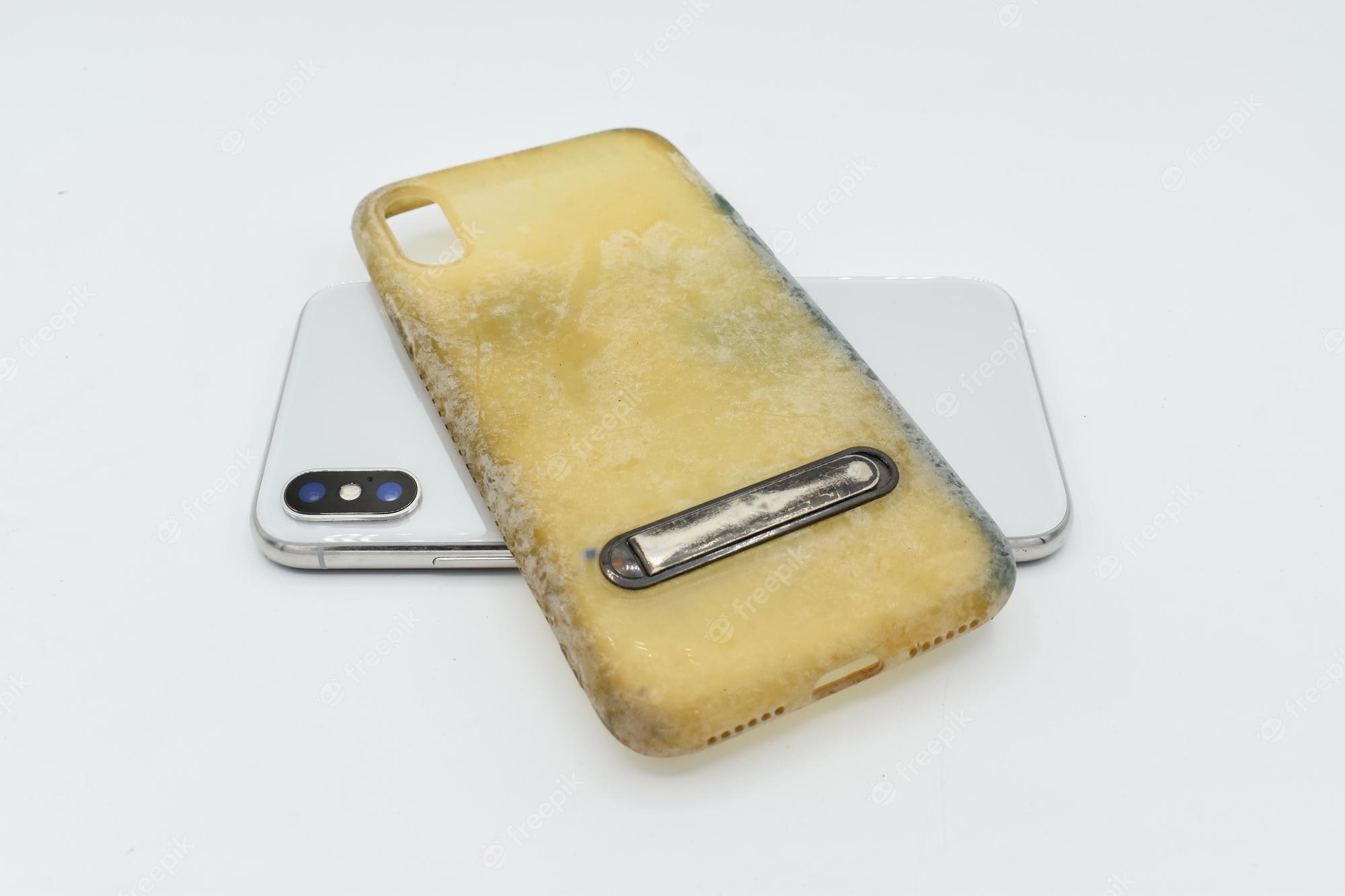
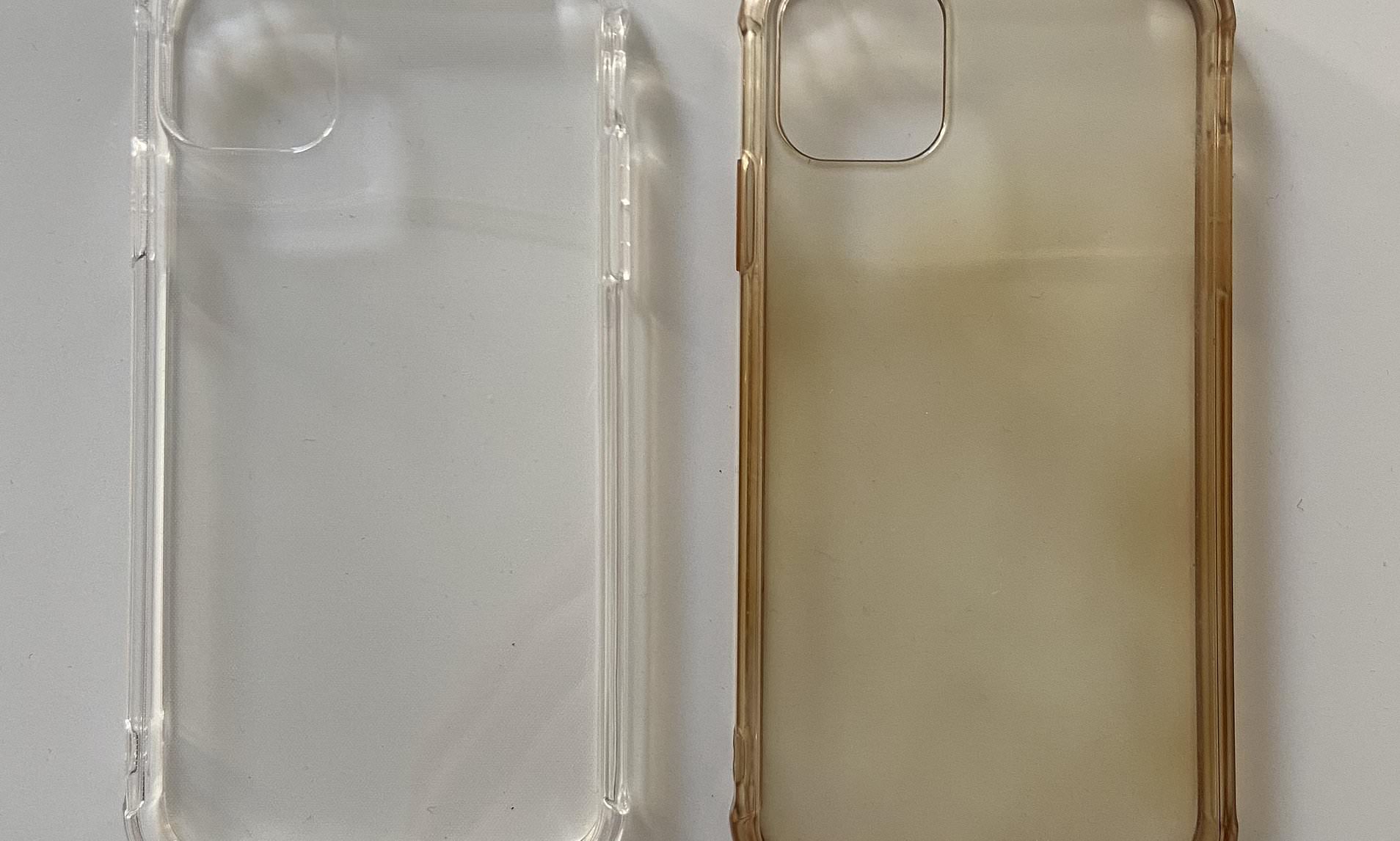
How To Unyellow A Clear Phone Case

You cannot fully unyellow a clear phone case in most cases; the chemical change that causes yellowing is usually not reversible. While gentle cleaning can improve the appearance, setting realistic...

How Does The Selfie Stick Work

A selfie stick works by holding your phone in a clamp, extending a telescopic arm for distance, and using a shutter trigger that simulates a volume button press to take...

How To Pair A Selfie Stick

To pair a selfie stick, you must first put the stick into discovery mode, usually by pressing and holding its Bluetooth button until a light flashes, then connect it through...

How Do You Use A Selfie Stick

Understand how to use a selfie stick Learning how to use a selfie stick starts with a clear definition: it is simply a handheld extension that holds your phone farther...

What Is Magsafe Popsocket

A MagSafe PopSocket is a phone grip or wallet accessory that attaches magnetically to MagSafe-compatible iPhones and cases, rather than using traditional adhesive. It combines the grip and stand functionality...