The iPhones tag page on CellularNews collects articles specifically for iPhone users, from casual owners to those who like to tinker with their devices. This tag is for anyone who wants to get more out of their phone, whether that means fixing a common glitch, finding a new app, or understanding a key feature.

The articles here solve real-world problems grouped around a few clear themes. One major theme is troubleshooting and network fixes, with guides on resetting network settings, fixing cellular network errors, and using Wi-Fi calling. Another theme is customization and app management, covering how to transfer apps to a new iPhone, schedule text messages, and recover deleted texts and WhatsApp messages. A third theme focuses on entertainment and productivity, including lists of the best Apple Arcade games, free movie apps, and text to speech readers.

These articles help the reader do practical things: fix a phone that won't make calls, learn how to screen record mobile games, recover deleted messages, and choose the best phone case or mobile accessory. They also explain technical topics like what an IPA file is and how to jailbreak an iPhone without a PC, giving clear steps for specific tasks.
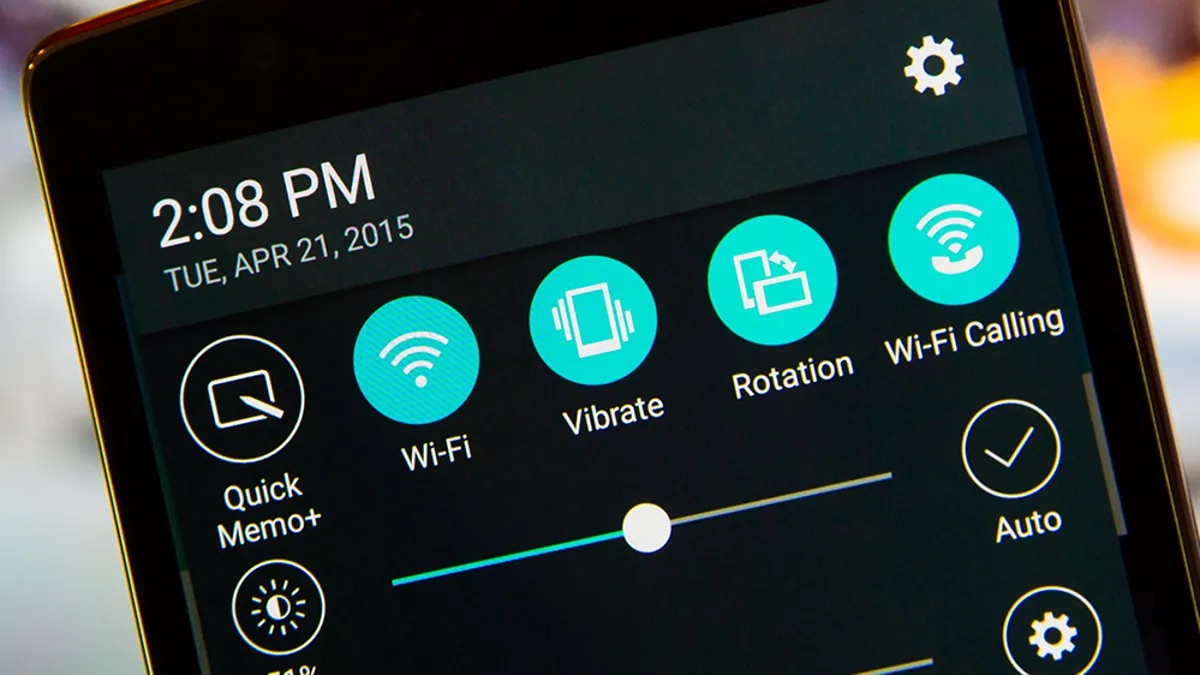
What Is WiFi Calling T-Mobile

What is WiFi calling? T-Mobile’s Wi-Fi Calling lets you make and receive calls and texts over a Wi-Fi network when your cellular signal is weak or unavailable, using your existing...

How To Turn On T-Mobile WiFi

T-Mobile Wi‑Fi Calling lets you make calls and send texts over any Wi‑Fi network when cellular coverage is weak. This feature, not a separate “T‑Mobile WiFi” hotspot network, requires an...

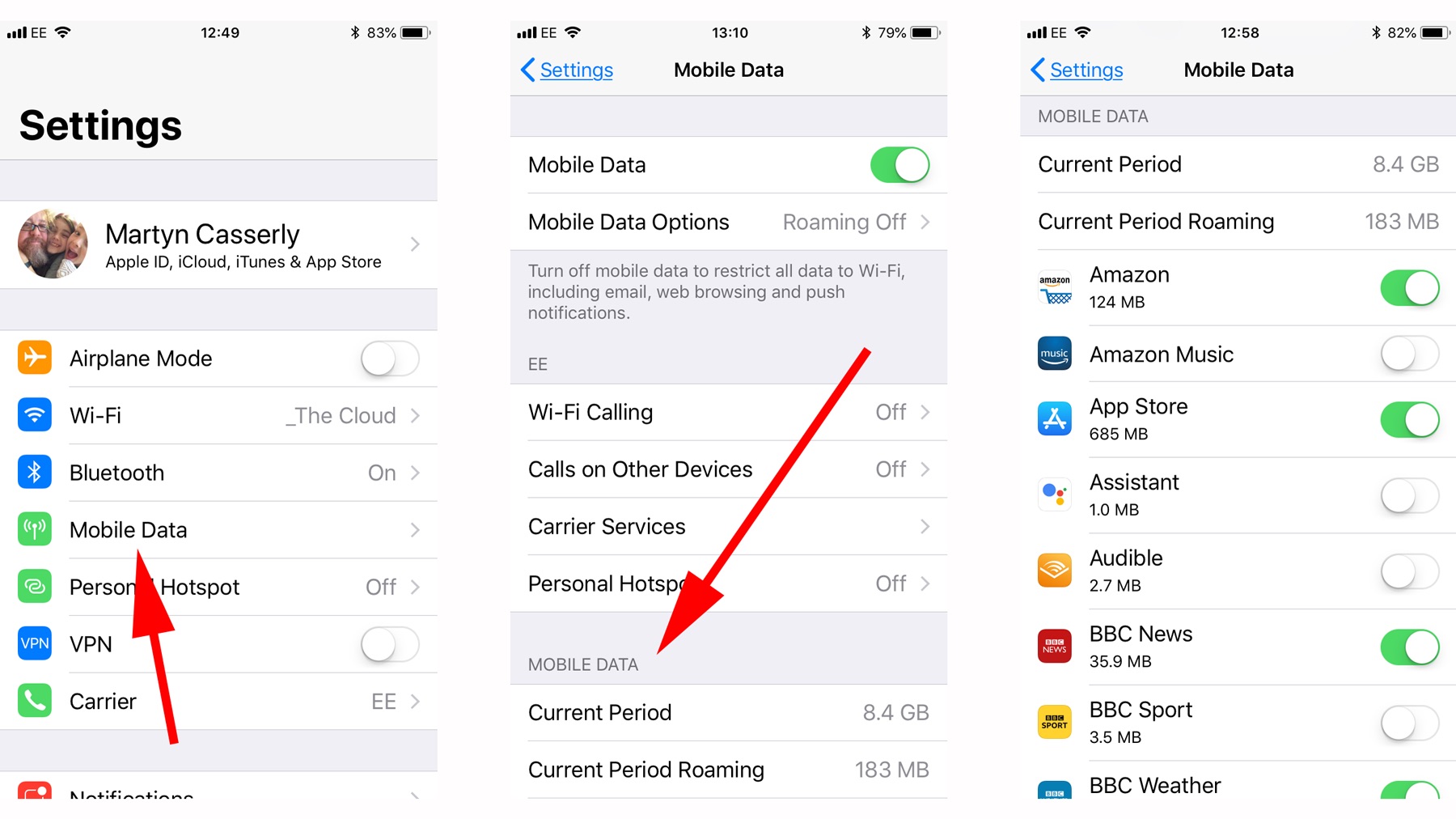
How Do I Turn Off My Mobile Data

To turn off mobile data, open your device settings and locate the cellular or mobile network menu. The exact steps differ between iPhone and Android (Samsung Galaxy), but the goal...

How To Check My Mobile Number T-Mobile

To check your mobile number T-Mobile, the fastest method is to look in your phone's settings menu. For most Android devices, go to Settings > About Phone > Status or...

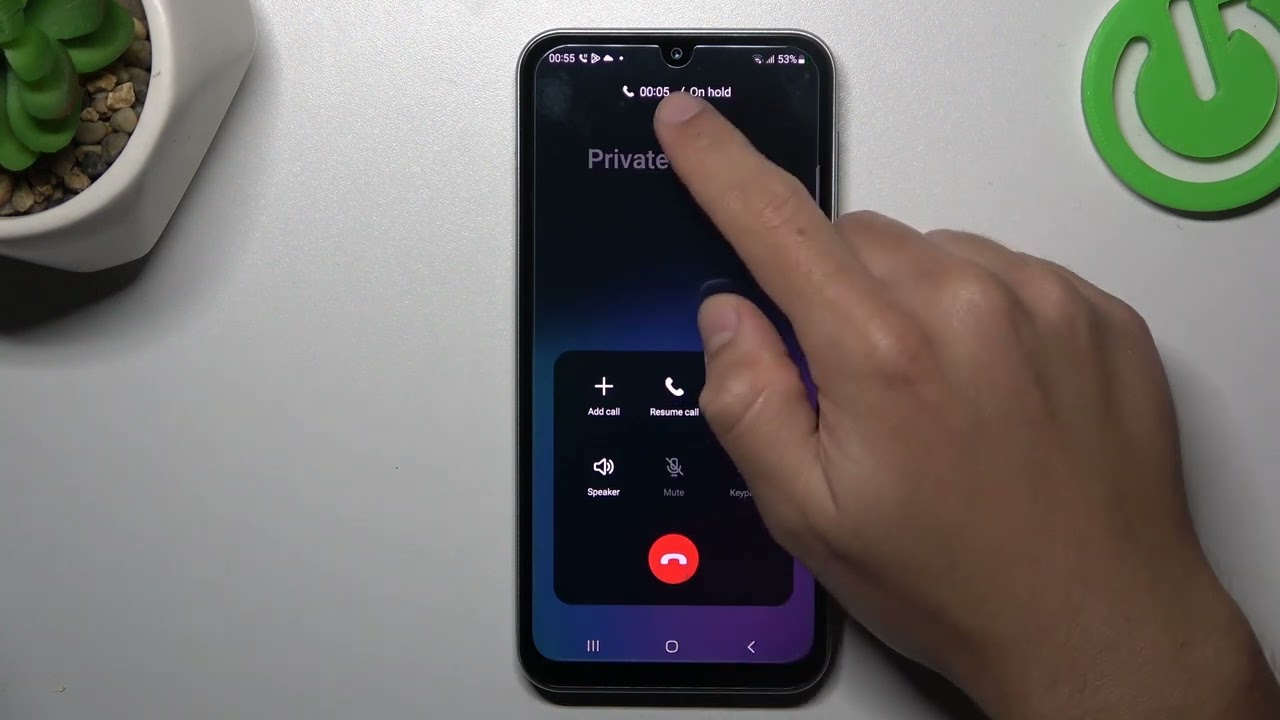
How To Hide Mobile Number When Calling

To hide mobile number when calling, you can turn off caller ID in your phone settings, use a one-call prefix like *67, or place the call through a service like...

How Do I Call An American Mobile Number

To call an American mobile number, dial the full U.S. number: +1 followed by the 10-digit number. If you are calling from inside the United States, you can dial just...

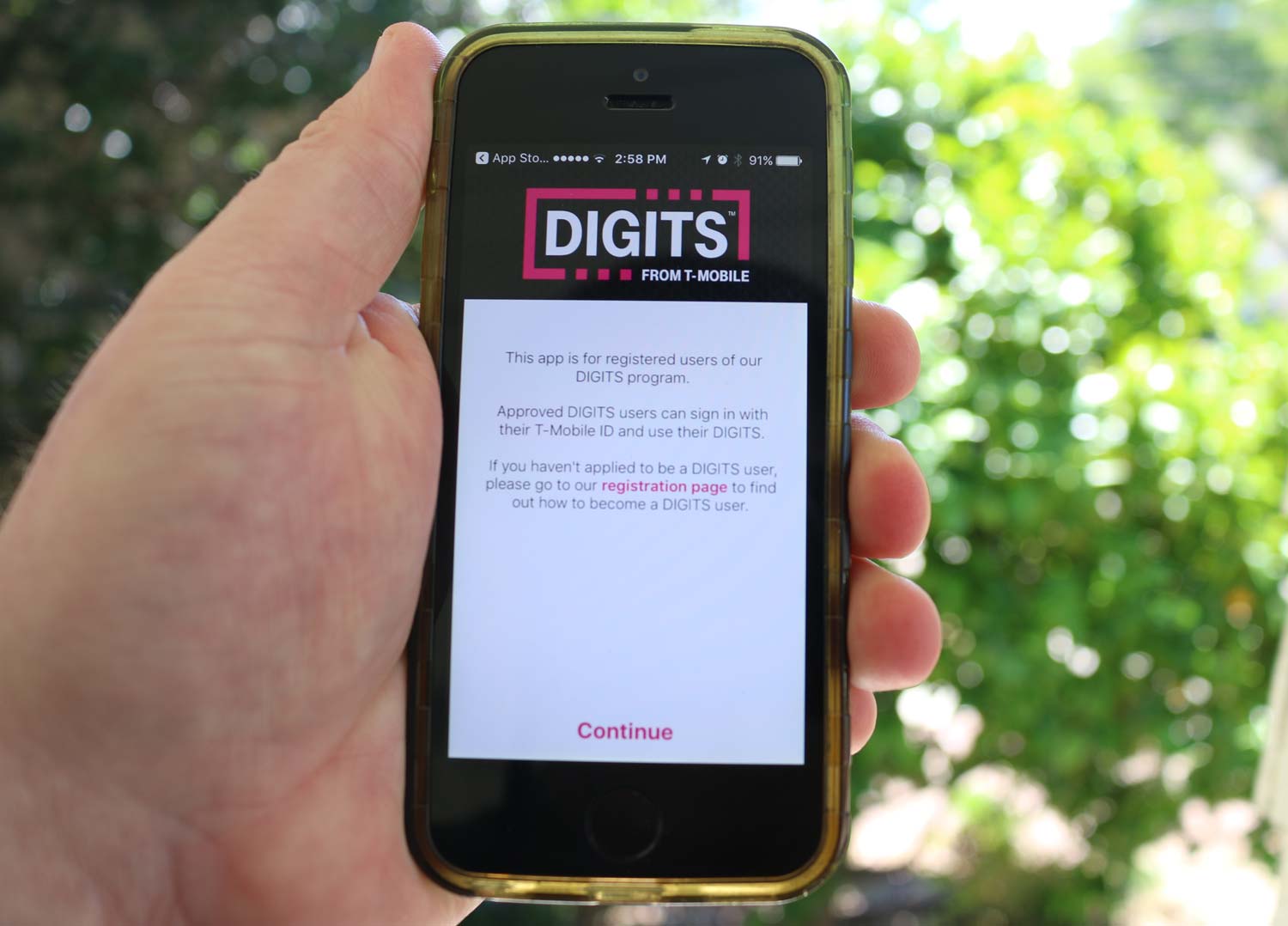
What Is T-Mobile Number

Your T-Mobile number is the 10-digit phone number assigned to your line when you activate service, and it’s what you use for calls, texts, and data, as well as the...

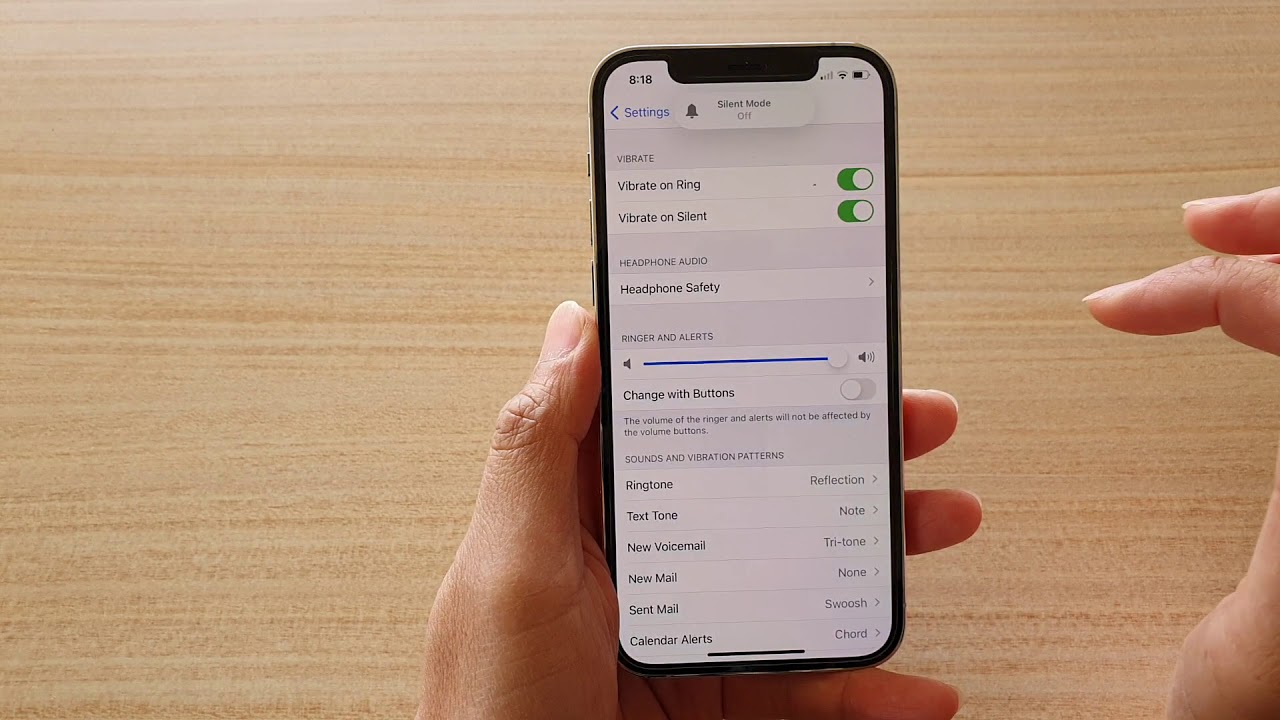
How To Turn On Ringer On IPhone 12

To turn on the ringer on iPhone 12, locate the physical Ring/Silent switch on the left side of the phone, above the volume buttons, and flip it toward the front...

How To Stop Pocket Dialing On IPhone 12

To stop pocket dialing on iPhone 12, the most direct fix is to shorten your Auto-Lock timer so the screen turns off quickly when the phone is in your pocket....

How To Unmute My IPhone 12

To unmute your iPhone 12, flip the Ring/Silent switch on the left side of the phone toward the front of the device so the orange indicator is no longer showing....