When your mobile number gets blocked, calls and text messages you send will not reach the person who blocked you. The exact behavior depends on the phone, app, and carrier, but neither Apple nor Google provides a reliable way for you to know you have been blocked.
What happens when my mobile number gets blocked
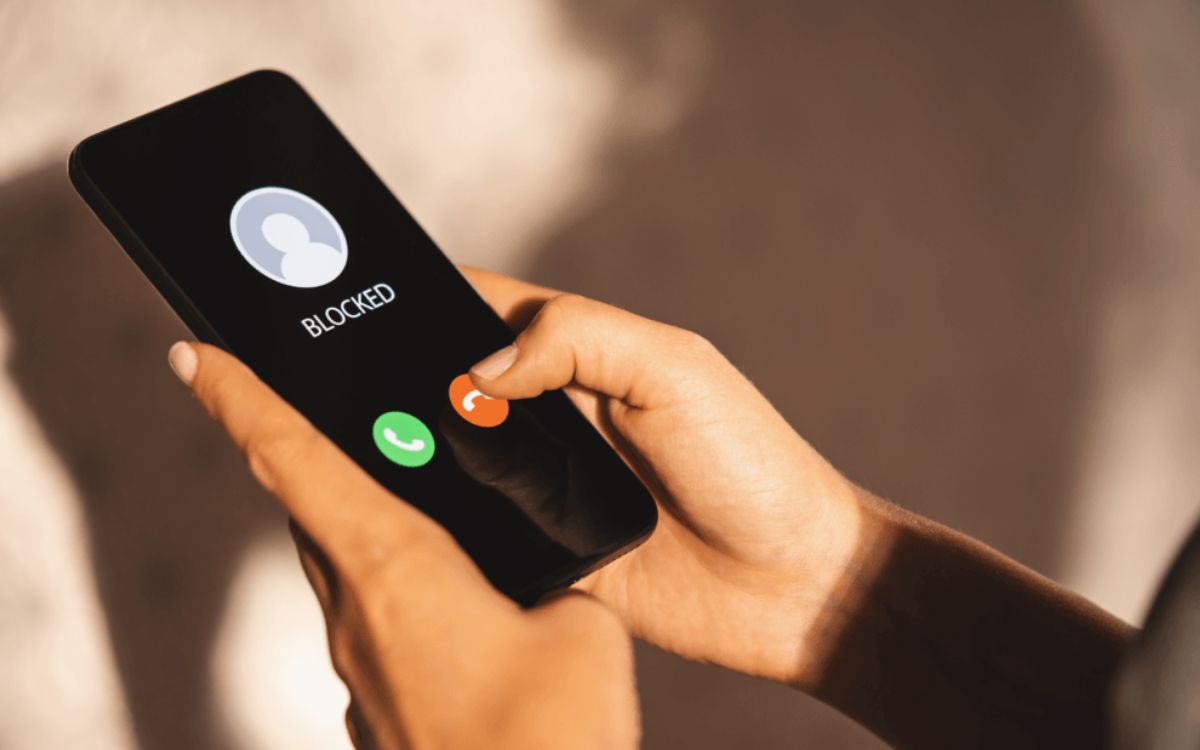
A blocked mobile number usually cannot reach the person who blocked it by normal calls or texts. On iPhone, Apple documents that the number is added to a blocked list in the relevant app settings, but does not specify what the blocked caller hears or sees. On Android, Google’s Phone and Messages help pages state that blocking restricts the blocked number from contacting the user through calls and texts, and the Android Open Source Project confirms the blocked-number system stops telephony communications including calls, SMS, and MMS.
How call blocking works on iPhone
Apple documents that you can block phone numbers, contacts, and emails from several built-in apps. The paths to block a number are:
- Phone app: Recents, tap the info button next to the number, scroll down, tap Block Caller.
- FaceTime app: tap the info button next to the number, contact, or email, scroll down, tap Block Caller.
- Messages app: open the conversation, tap the contact at the top, tap the info button, scroll down, tap Block Caller.
- Mail app: open the email, tap the contact at the top, tap Block this Contact.
You can manage the blocked list in Settings: go to Apps > Phone > Blocked Contacts and tap Add New, or to Apps > FaceTime > Blocked Contacts, Apps > Messages > Blocked Contacts, or Apps > Mail > Blocked.
How call blocking works on Android
Google’s Phone app help documents these paths for blocking calls and numbers:
- Phone app: More > Call history, tap a call from the number, tap Block / report spam.
- Phone app: More > Settings > Blocked numbers to manage the list. You can also turn on Unknown to block calls not in your contacts.
Google Messages documents blocking from a conversation: touch and hold the conversation, then tap Block and Report spam and OK, or open a conversation, tap More options > Details > Block & report spam > OK.
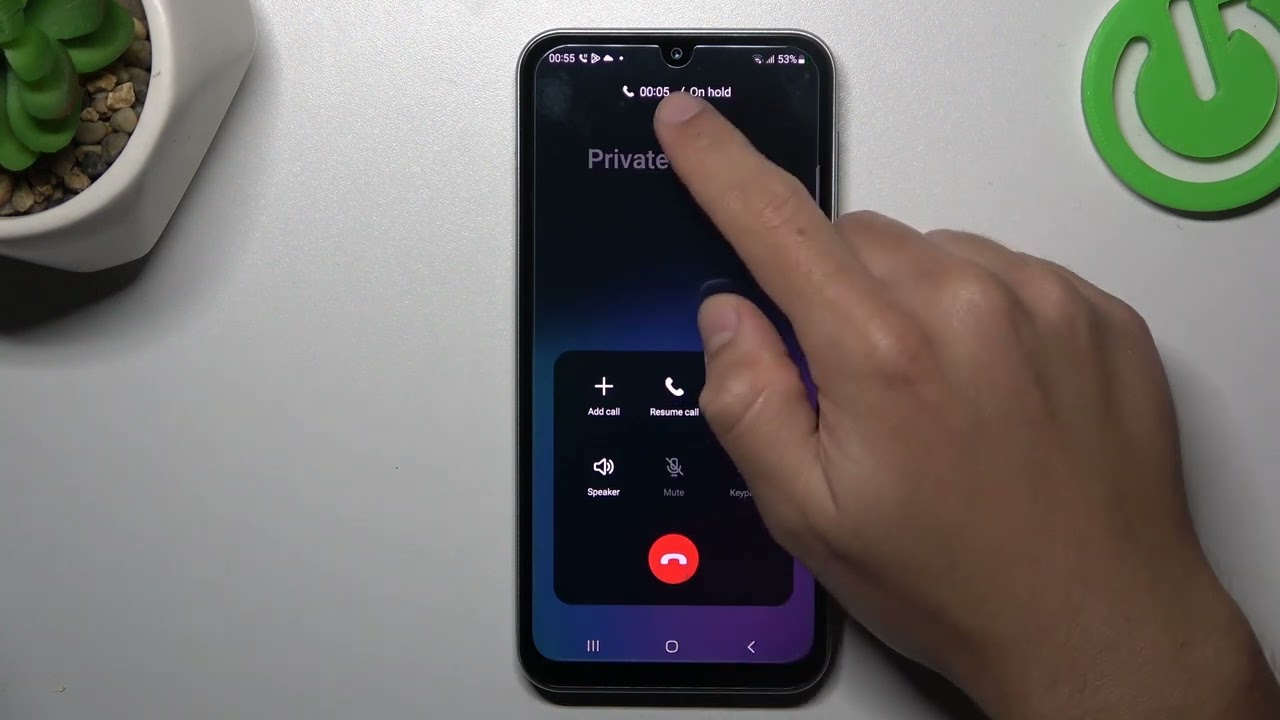
Samsung documents a Galaxy path: Phone app > More options (three vertical dots) > Settings > Block numbers. There you can turn on the switch for Block calls from unknown numbers and add a number by typing it and tapping Add.
Third-party apps can provide additional features like blocking private/unknown numbers, creating blacklists, and setting up automated responses for blocked calls.
Can you tell if your number is blocked
Neither Apple nor Google provides a reliable “you are blocked” indicator. The official help pages document how to block and manage blocked numbers, but they do not give a user-facing check for whether your number has been blocked by someone else. Common anecdotal signs, such as calls going straight to voicemail or messages not showing delivered, are not verified by the documented systems and can occur for other reasons like a phone being off or no signal. If you previously had regular contact and suddenly notice a complete lack of response, it's worth considering the possibility that your number has been blocked.
What to do if your number is blocked
If the blockage is on your own device, remove the entry from the same blocked list where it was added. On iPhone, go to Settings > Apps > Phone > Blocked Contacts, or the equivalent path in FaceTime, Messages, or Mail settings. On Android, open the Phone app, tap More > Settings > Blocked numbers to manage blocks. On Samsung Galaxy phones, go to Phone app > More options > Settings > Block numbers.
The only option is for the recipient to remove the block from their own device. You cannot unblock your number on someone else’s phone. If the relationship is important, consider reaching out through other means like email or social media to express willingness to communicate and resolve issues. Sometimes a cooling-off period can be beneficial; allowing time to pass before attempting to re-establish contact may lead to a more productive conversation. If the block stems from a misunderstanding, make an effort to address it directly by acknowledging mistakes, offering an apology, or seeking clarification. In situations where communication has broken down, seeking professional mediation or a counselor may provide a neutral platform to work towards resolution.
Frequently Asked Questions
What happens when my mobile number gets blocked?
You won't be able to make or receive calls or messages, and might not be able to access data services like internet using your mobile network.
How can I tell if my mobile number is blocked?
If calls go directly to voicemail without ringing and messages are not delivered, it could be a sign.
What should I do if I suspect my mobile number has been blocked?
Reach out through other means like email or social media to address the situation.
Do blocked calls go to voicemail?
On iPhone, Apple does not specify what the blocked caller experiences, so voicemail behavior varies. On Android, the blocked-number system stops calls and texts, but whether a call is diverted to voicemail depends on the carrier and the recipient’s settings.
Can I unblock my number on someone else’s phone?
No. You cannot remove a block that another person placed on their own device. Only the person who blocked you can unblock your number from their settings.
Will a blocked number know they are blocked?
Neither Apple nor Google sends a notification to the blocked caller. There is no documented way for the blocked number to receive a “you are blocked” message.
Does blocking a number also block iMessage or RCS?
On iPhone, blocking a number in the Phone app also blocks FaceTime and Messages. On Android, the blocked-number system stops SMS and MMS, and Google Messages blocking applies to texts sent through that app.
Can my mobile network provider block my number?
Yes. Your mobile network provider can block your number at your request, often to prevent calls, messages, or data usage. This is separate from a block placed by another person on their phone.
Related reading: How Do You Know If Someone Blocked Your Phone Number.