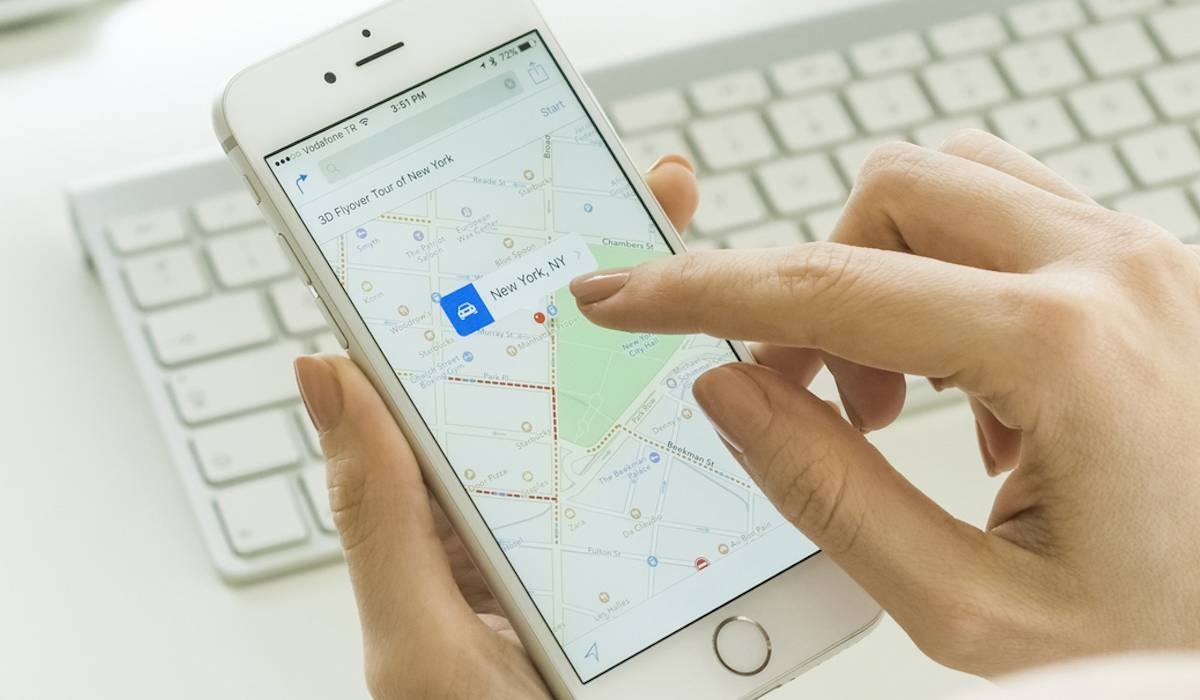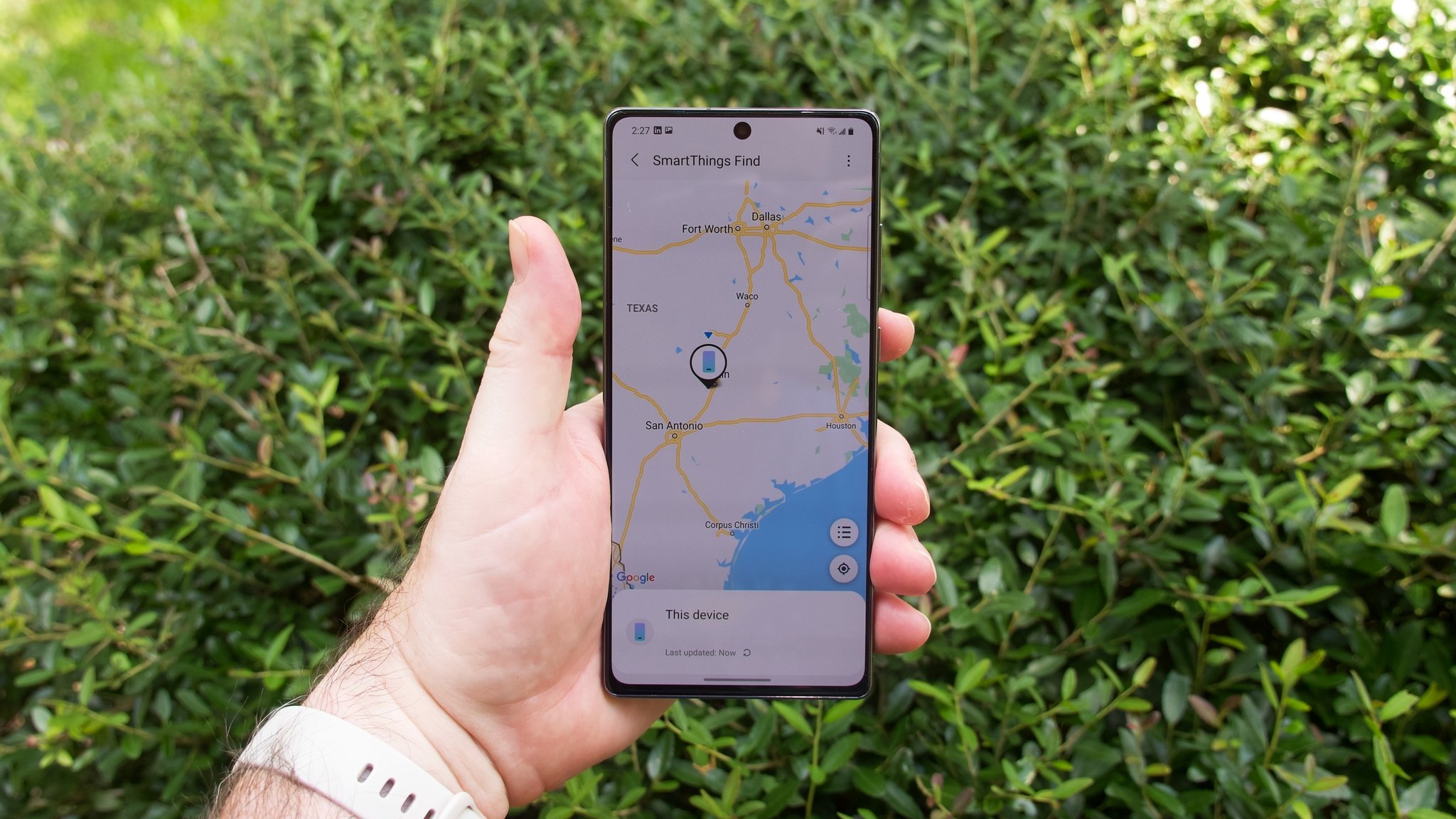
How your phone knows where you are, how to control that knowledge, and how to use it to find devices or people. This content is for anyone who owns a smartphone, whether iPhone or Android, and wants to understand location features, fix common problems, or use location tools for practical tasks like tracking a lost device or checking in on social media.
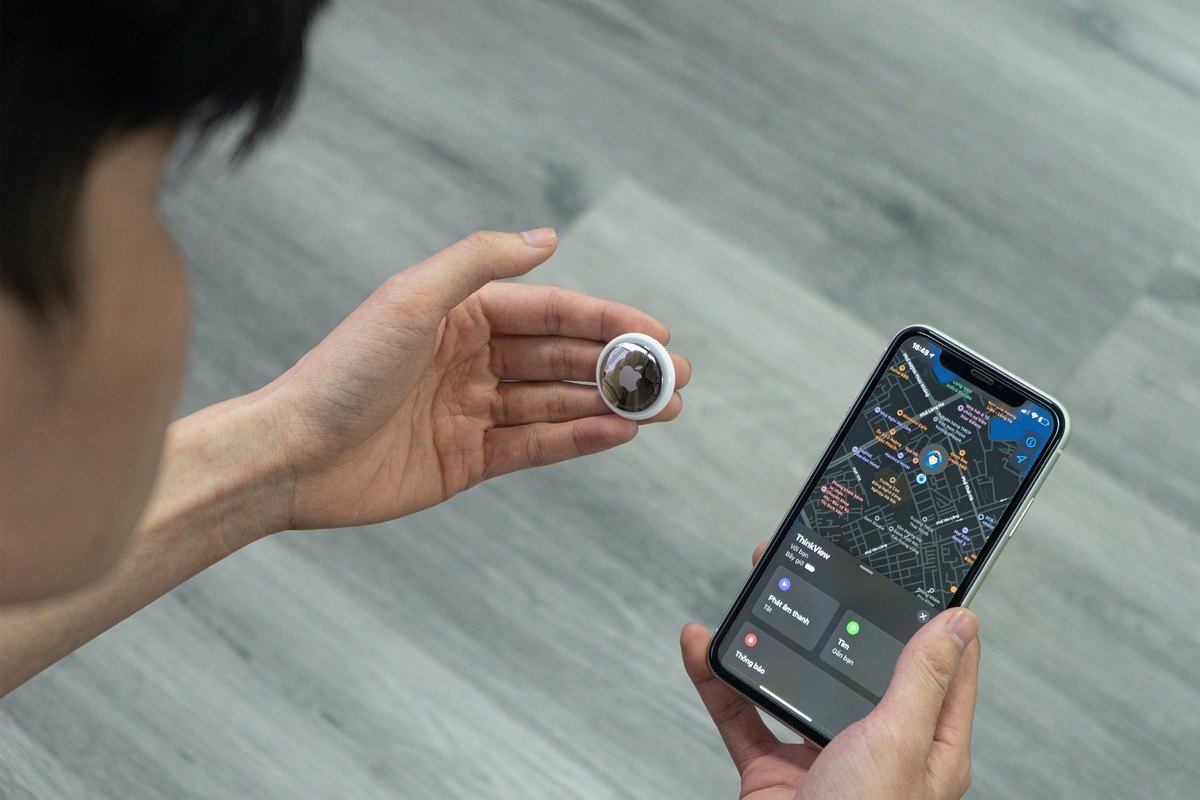
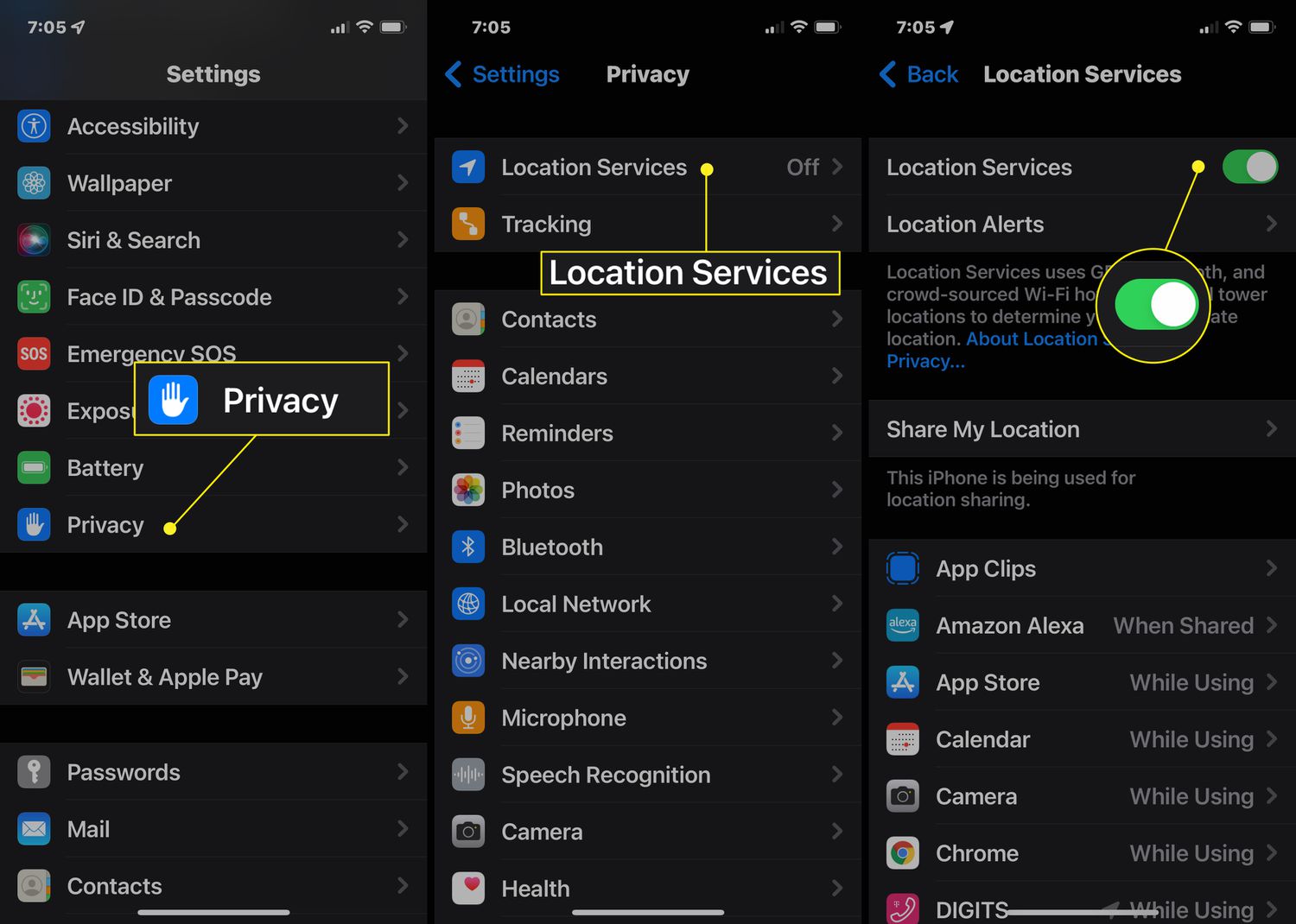
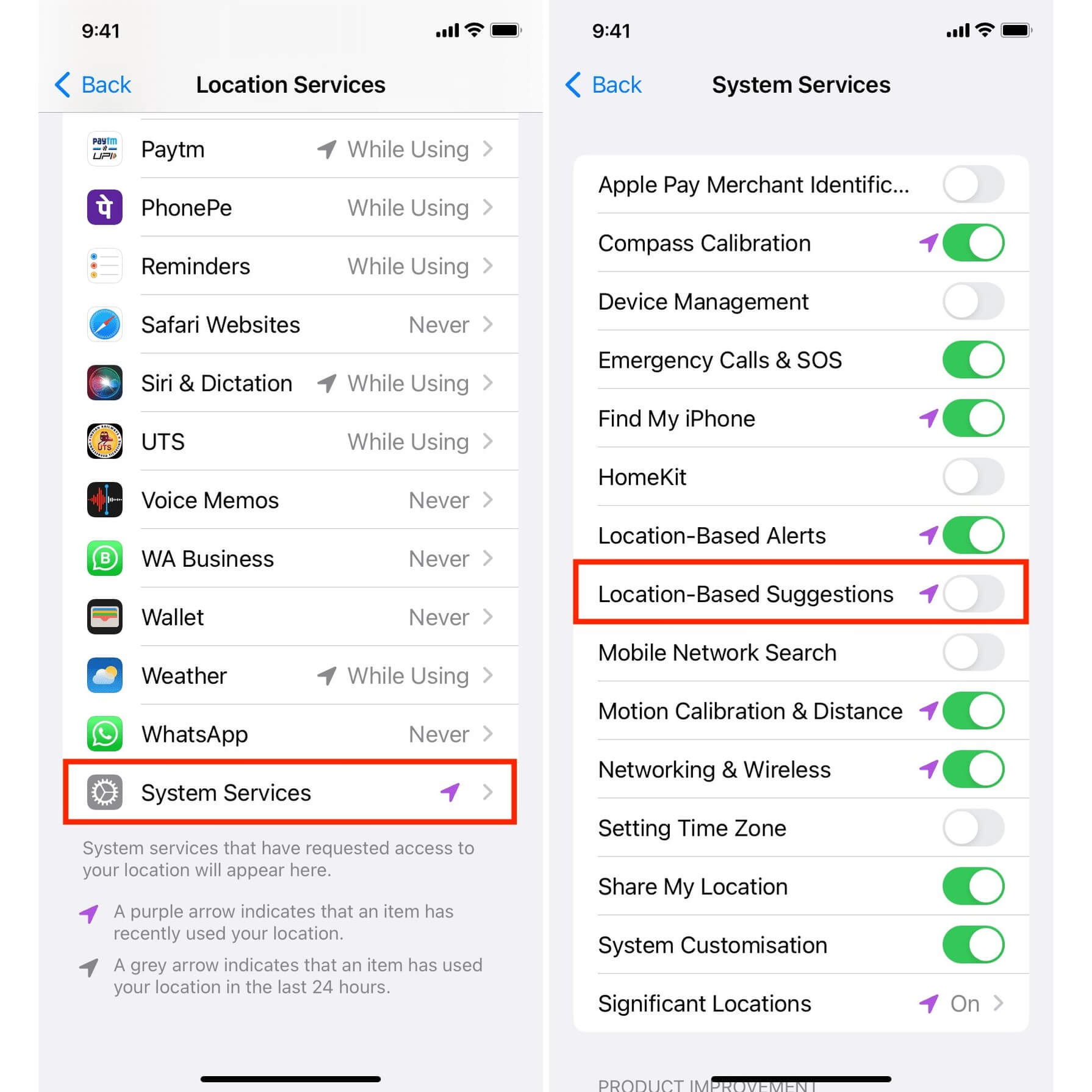
The articles here solve three main kinds of problems. First, they help you manage location settings and understand what your phone is telling you, with guides like "How To Turn On Location On Android," "How To Turn On GPS On Samsung Phone," and explanations of what icons like the arrow on iPhone or the blue dot near the phone icon actually mean. Second, they help you find things: lost phones, hidden cell phones in your house, or even a Samsung device using "Find My Samsung Phone" and "How To Find An Android." Third, they cover specific location-based tasks and troubleshooting, such as checking elevation on an iPhone, fixing AirTags that won't connect, and understanding what "No Location Found" means on an iPhone.
Whether you need to turn on GPS, track a phone, or just figure out why a location feature isn't working, these articles give you clear steps to follow. They also explain broader concepts like Global Navigation Satellite Systems (GNSS) and the different methods used for phone location tracking, so you can make informed decisions about your privacy and device use.