Start here: Meta Quest

All topics →

This tag collects articles about the Meta Quest (formerly Oculus) line of VR headsets, specifically written for visitors of CellularNews who are looking for practical, how-to guidance. Whether you are a new owner trying to get your device working or an experienced user troubleshooting a specific issue, these articles focus on the everyday tasks and problems that come with owning a VR headset, particularly in relation to your phone, apps, and accessories.

The articles here solve problems grouped around a few clear themes. One major theme is setup and connectivity, covering how to get your VR system running and linked to other devices. You will find guides on how to pair your Meta Quest 2 to your phone, how to connect your phone to your Oculus, and how to set up your VR headset for the first time. Another strong theme is casting and streaming, with articles explaining how to cast VR to a Roku TV, how to stream VR on Discord, and how to display VR on a standard TV. A third theme focuses on hardware and accessories, such as how to replace the battery in an Oculus controller, how to charge the Quest 2 headset, and where to get a VR gamepad.

These articles help you do specific things: get your headset paired with your phone, play popular games like Roblox and Fortnite in VR, watch YouTube in a virtual environment, and understand costs like how much a VR headset or full body tracking costs. They also cover practical steps like how to buy VR games and how to use SideQuest VR to expand your library.
VR Setup and Casting to Your TV

Understanding your Steam VR setup hardware Before you buy or set anything up for your Steam VR setup, it helps to know that virtual reality headsets explained simply are displays...

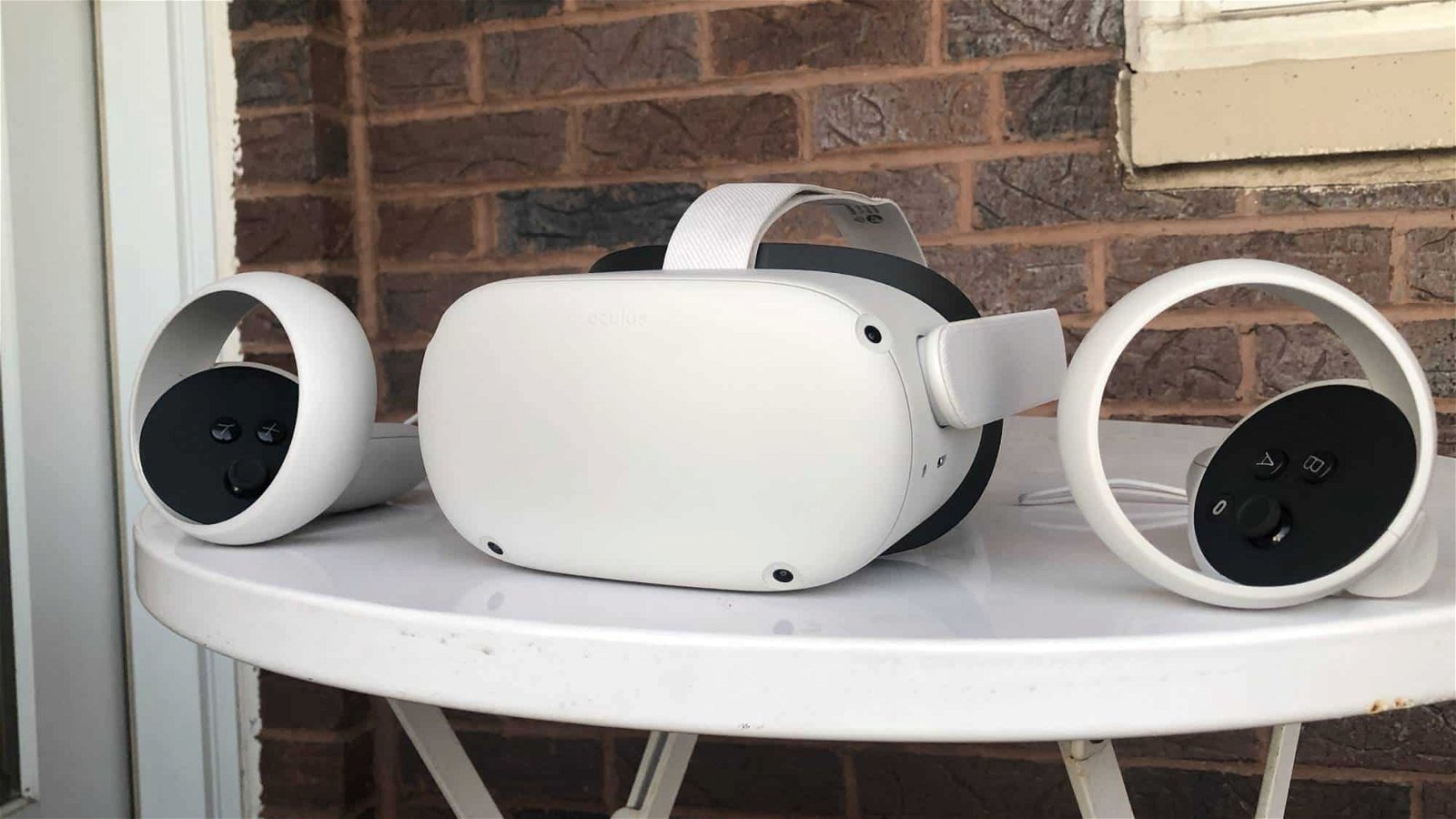
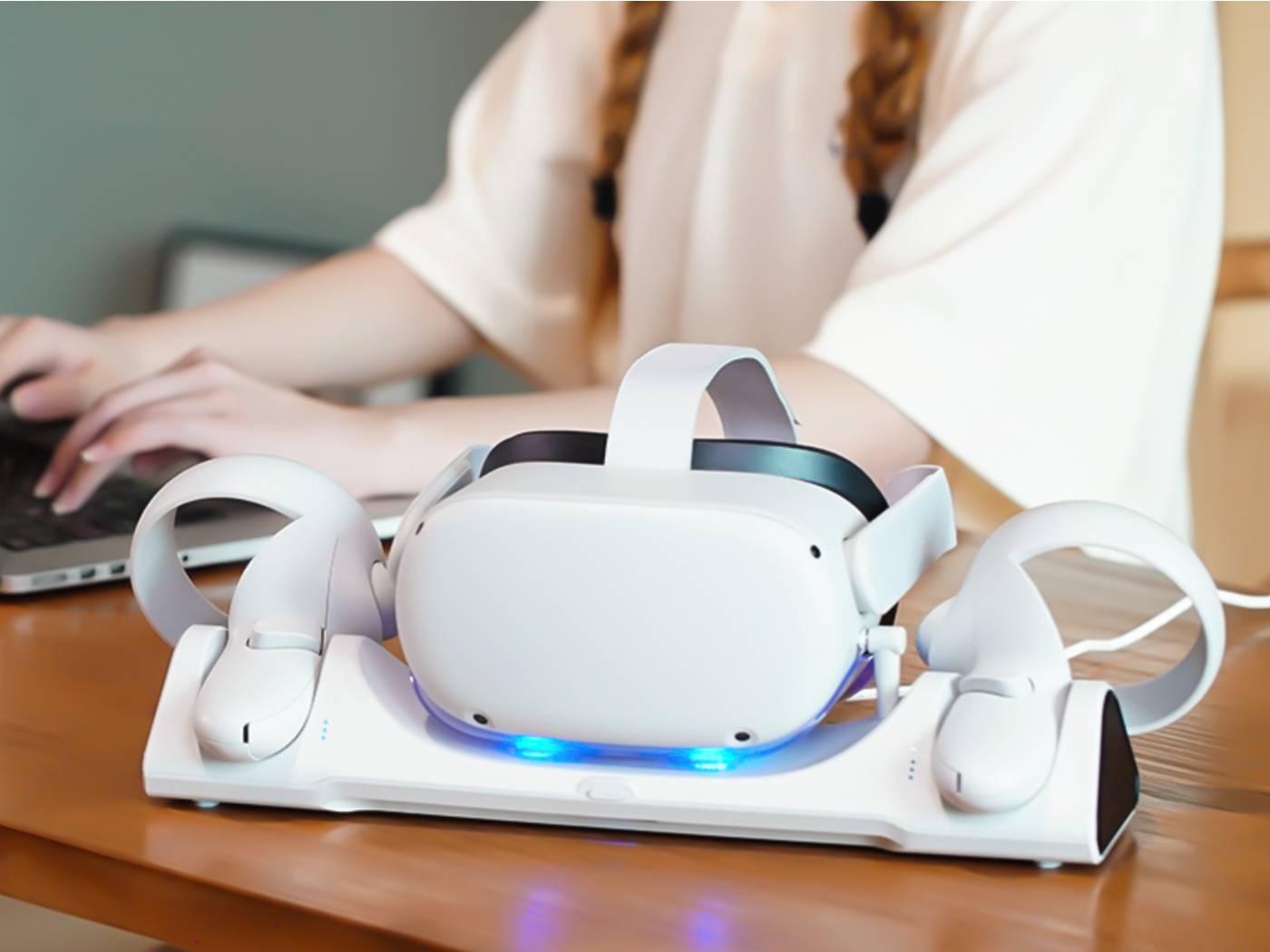
How To Charge Quest 2 Headset

To charge Quest 2 headset, connect the provided USB-C cable to the headset's USB-C port and plug the charger into a power source. The LED on the headset will glow...

How To Connect Your Phone To Your Oculus

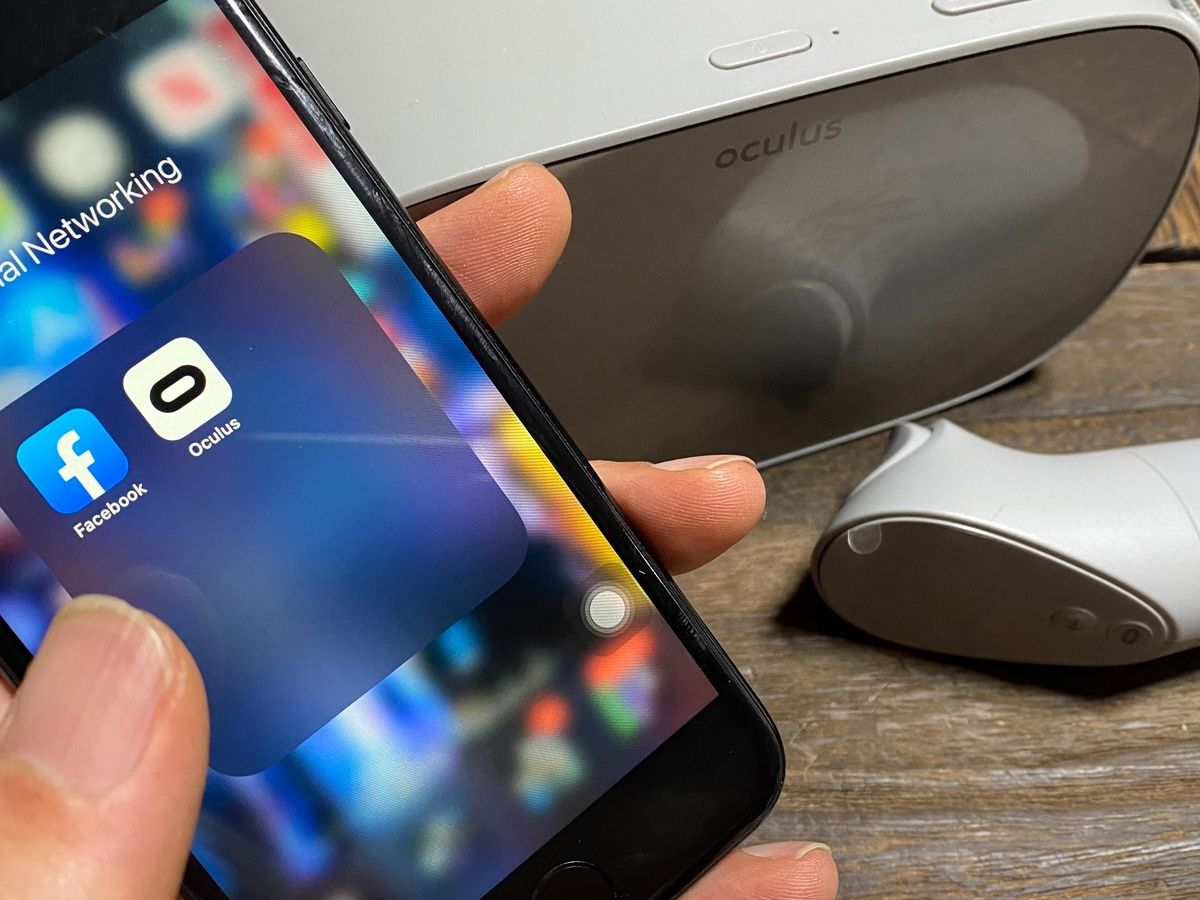
To connect your phone to Meta Quest, you need the official Meta Horizon mobile app installed on a compatible phone with Wi‑Fi and Bluetooth enabled. This wireless pairing process is...

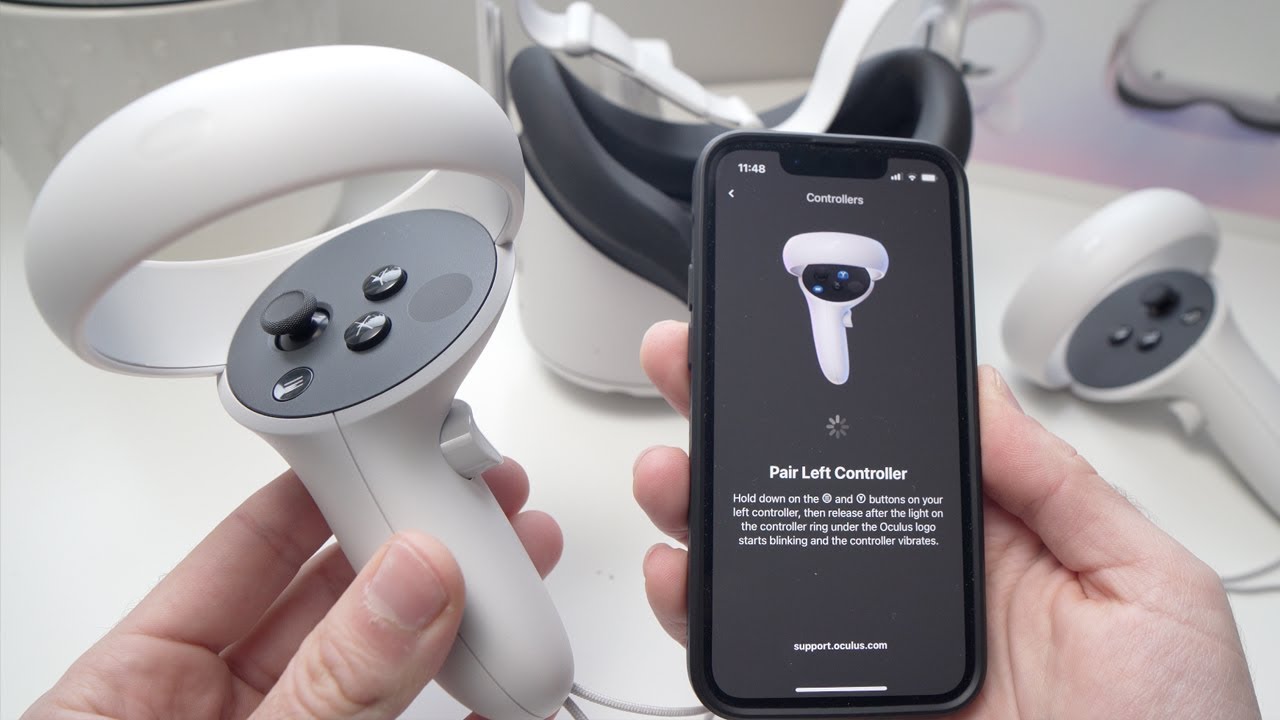
How To Pair Meta Quest 2 To Phone

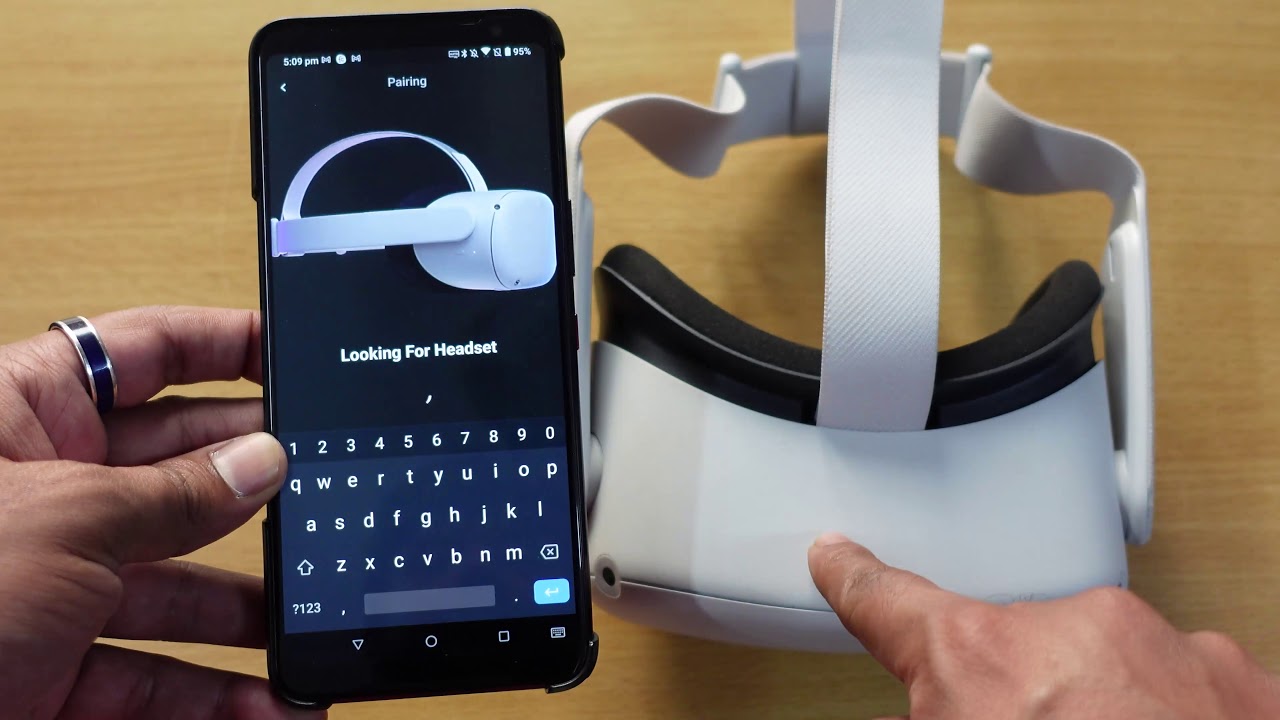
To pair Meta Quest 2 to phone, you must use the Meta Horizon app on a supported phone with Wi-Fi and Bluetooth turned on. This connection allows you to complete...

How To Watch Oculus On Phone

The Meta Horizon mobile app is the official companion for setting up your Meta Quest headset and managing VR content from your phone, not a standalone VR viewer. To watch...

Where To Get VR Gamepad

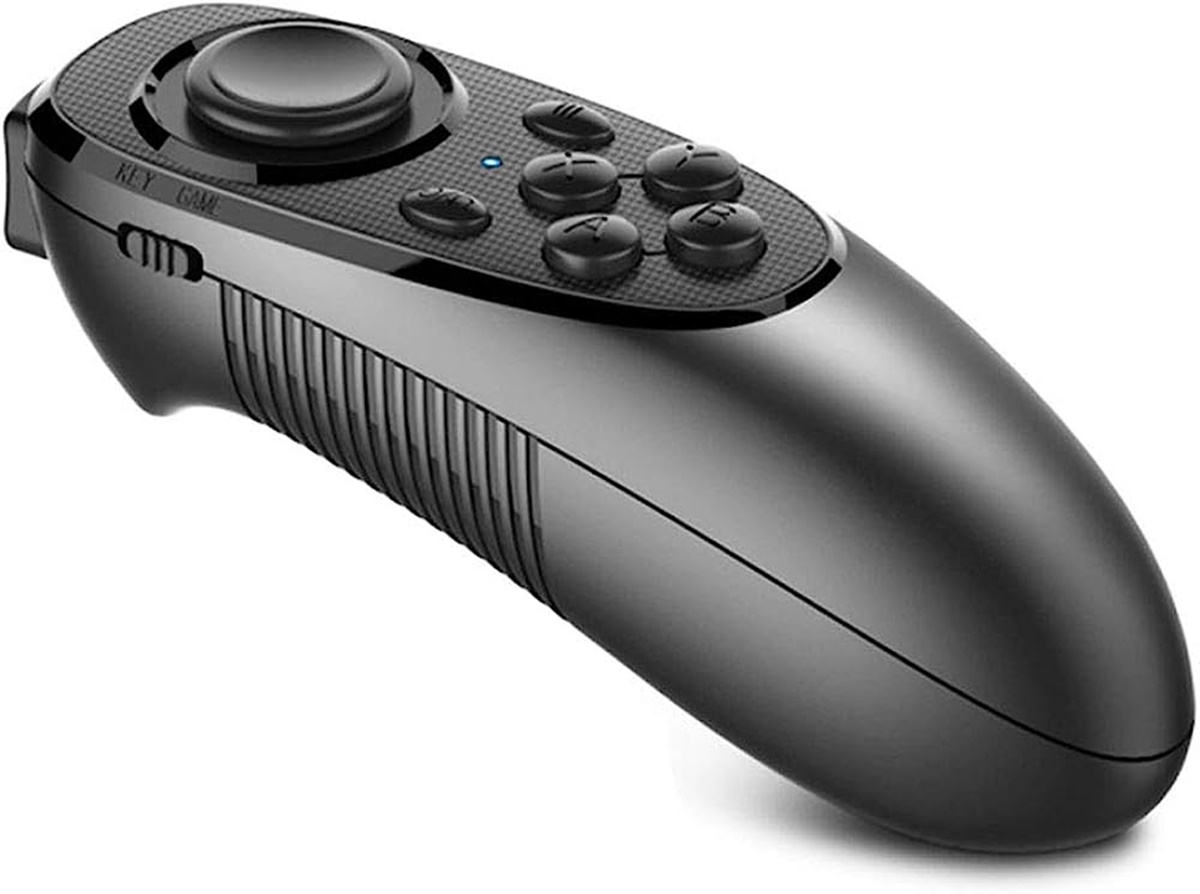
To find where to get a VR gamepad, the first step is to match the controller to your specific headset. This answer covers verified compatibility for Meta Quest headsets and...

How To Play Fortnite On VR

Can you actually play Fortnite on VR? No, you cannot play Fortnite in true virtual reality, because Epic Games has never released official VR support and has confirmed there are...

How To Watch Youtube In VR

To watch YouTube in VR, the primary method is using the official YouTube VR app on a standalone headset like Meta Quest 2, Meta Quest Pro, Meta Quest 3, PICO...

How To Display VR On Tv

How to Cast VR to TV: A Guide for Every Major Headset Casting your VR view to a TV lets everyone in the room share the action, turning a solo...

How To Stream VR

To stream VR from Quest, you need to cast your headset's view to a screen for a live audience or stream it to platforms like Twitch and YouTube. There are...