Guides, reviews, and how-to articles for anyone who plays games on their phone. Whether you are a casual player looking to pass the time or a dedicated gamer trying to optimize your setup, these articles are designed to help you get more out of your mobile gaming experience. The content covers everything from discovering new titles to fine-tuning your controls and understanding in-game mechanics.
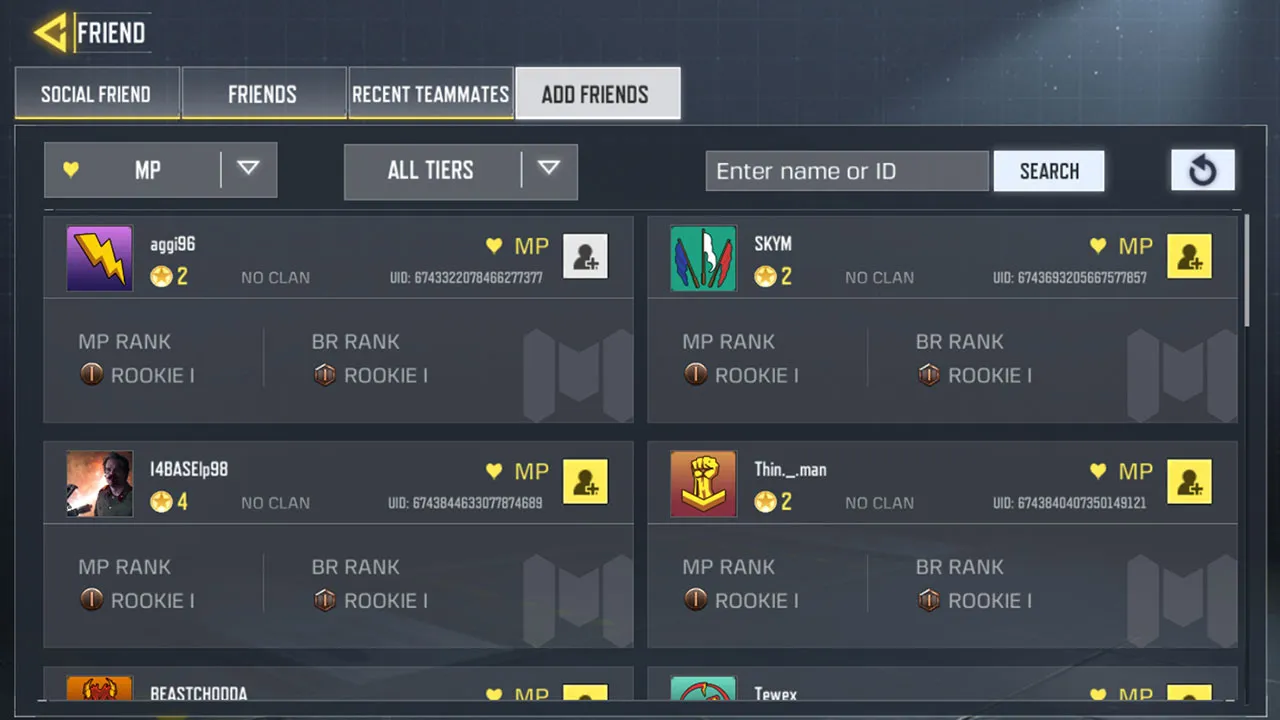
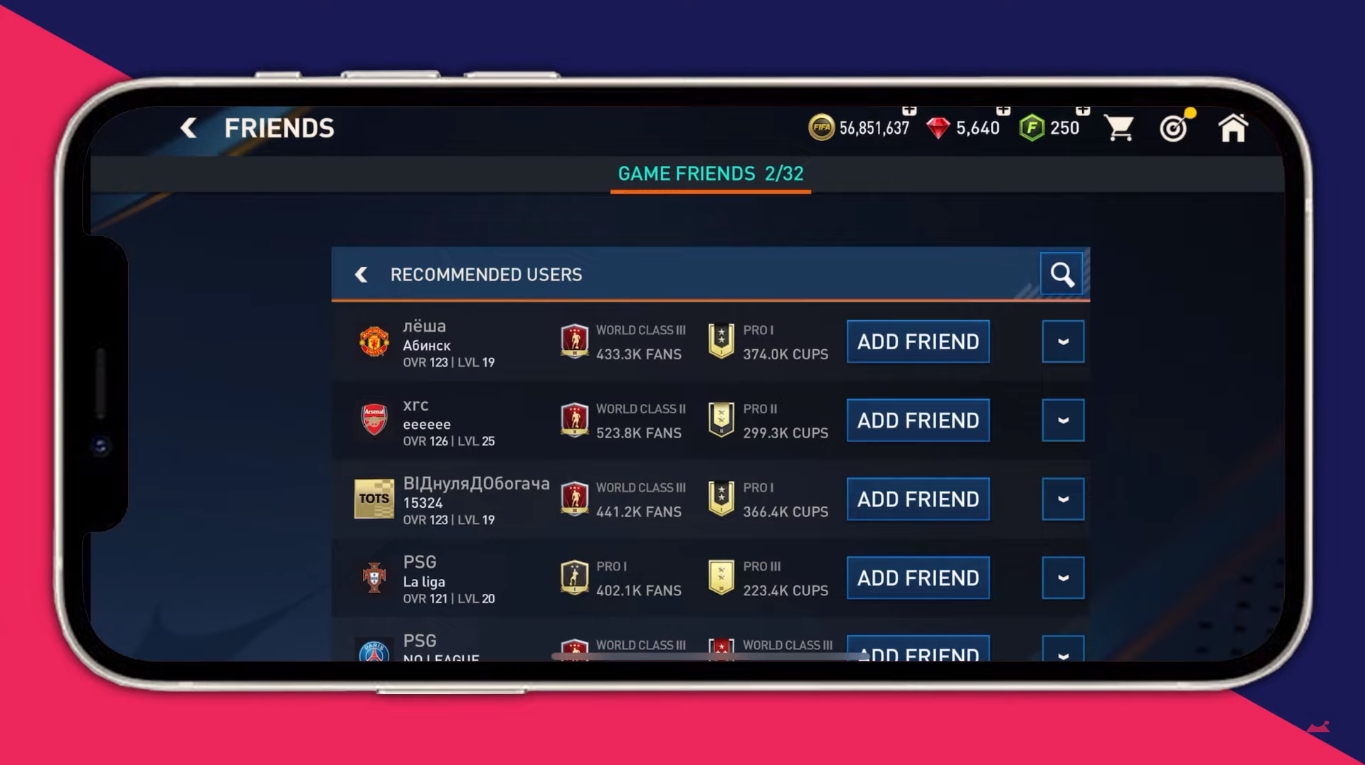
The articles solve two main kinds of problems. First, they help you find the right game for your mood or device, with curated lists like the 20 Best Open World Games for Android and iOS, the 31 Best JRPGs You Should Be Playing, and the 20 Best Mobile Games to Play When Bored. Second, they tackle practical gameplay and technical issues, such as how to reduce the sensitivity of your joystick, how to add friends in Call of Duty Mobile or FIFA Mobile, and whether the Samsung Game Launcher is worth using. You will also find beginner guides for specific titles like Stardew Valley on Mobile and Kingdom Two Crowns, as well as tips for spotting the rarest Pokémon in Pokémon Go or choosing the best weapons in Fortnite on mobile.
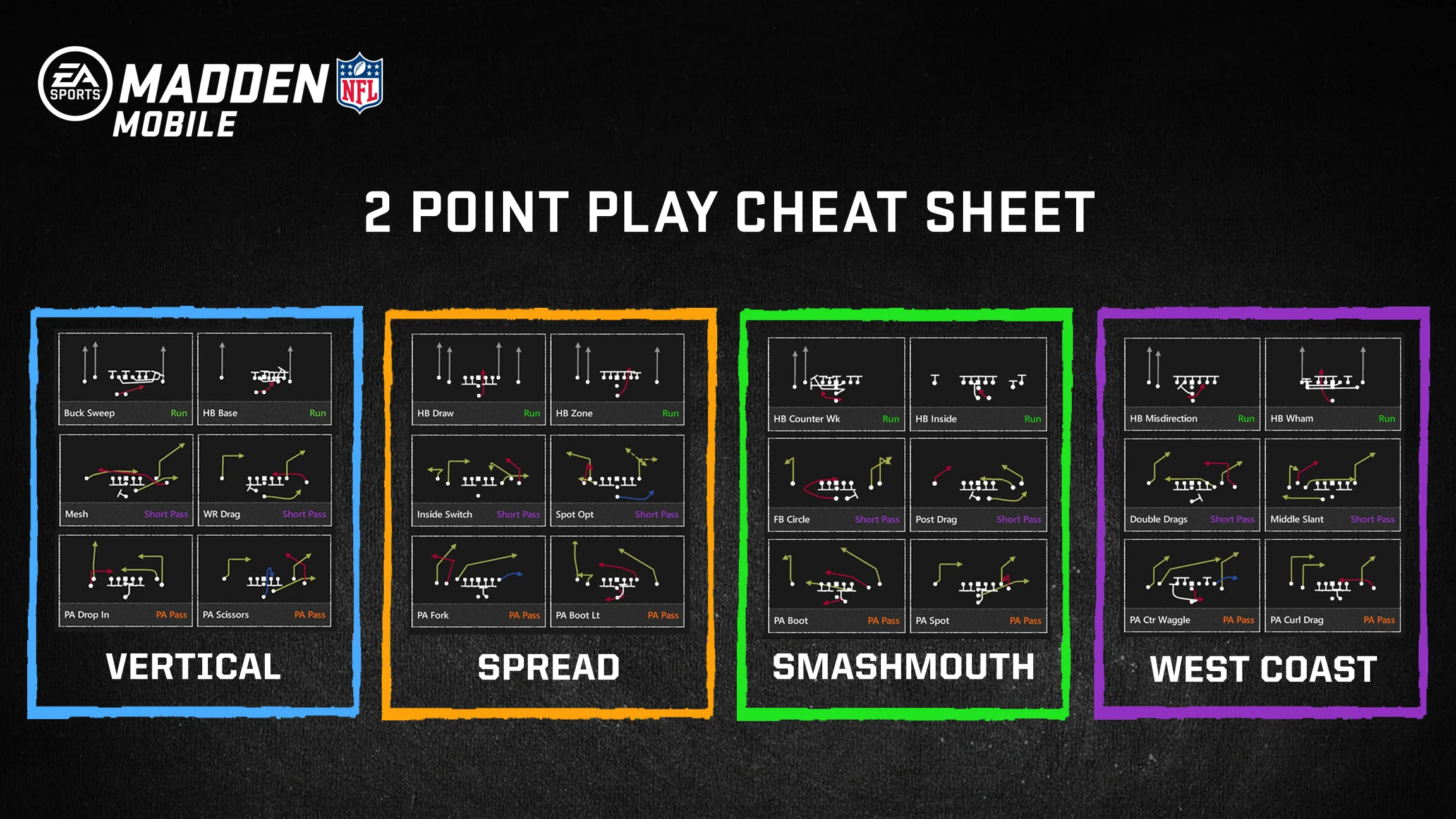
Ultimately, these articles help you do three things: discover new games worth your time, master the games you already play, and solve common hardware or software problems that get in the way of a smooth session. From learning how to cheat on Madden Mobile to understanding PUBG crossplay, the tag covers the practical side of mobile gaming without the fluff.