Straightforward, practical guides for anyone who needs to turn off a phone, a headset, or a work device. This section is built for everyday users, whether you're dealing with a stubborn Samsung, a new OnePlus, or a simple Nokia flip phone, who just want a clear, step-by-step method to power down their gear without fuss.
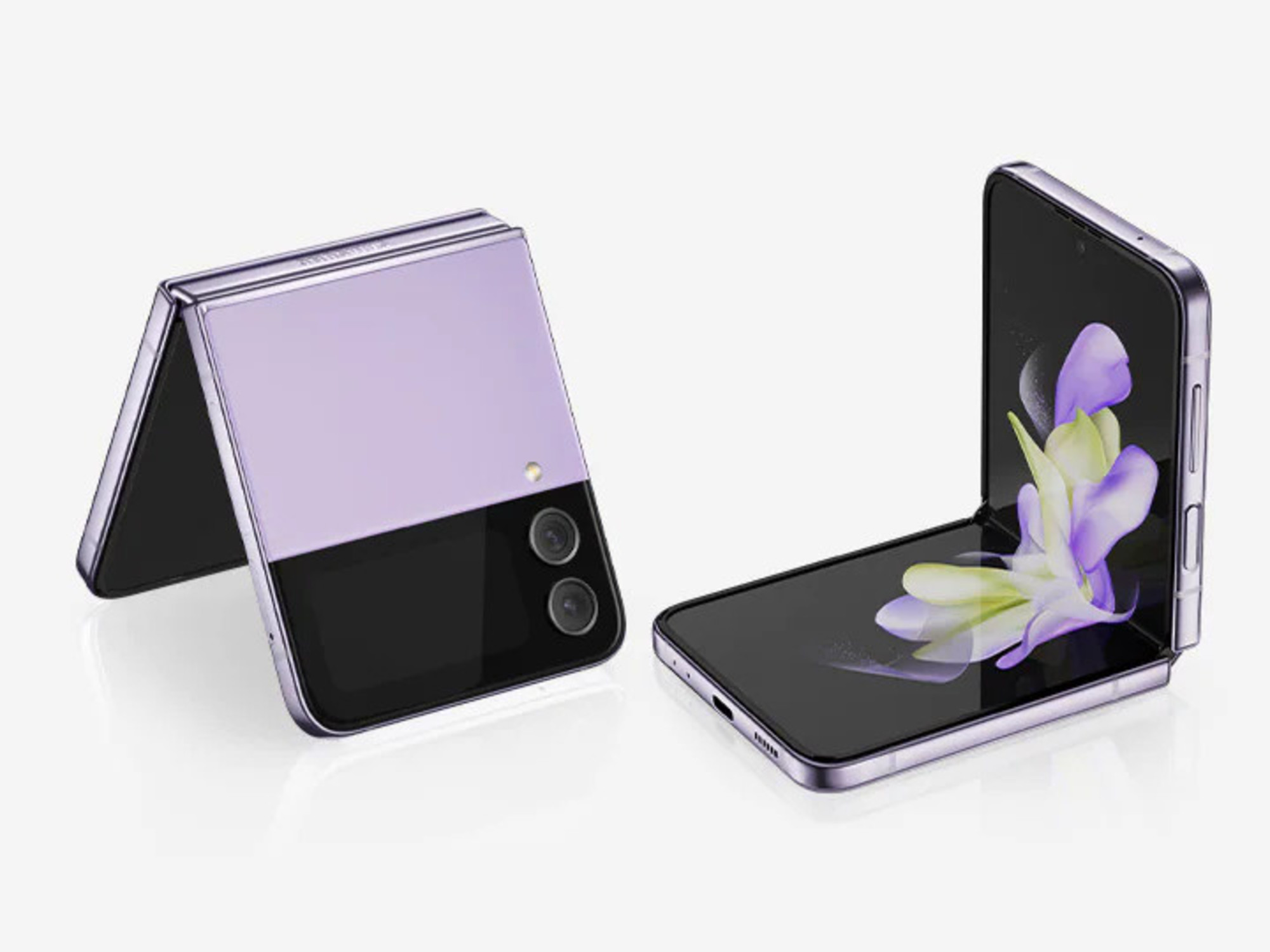
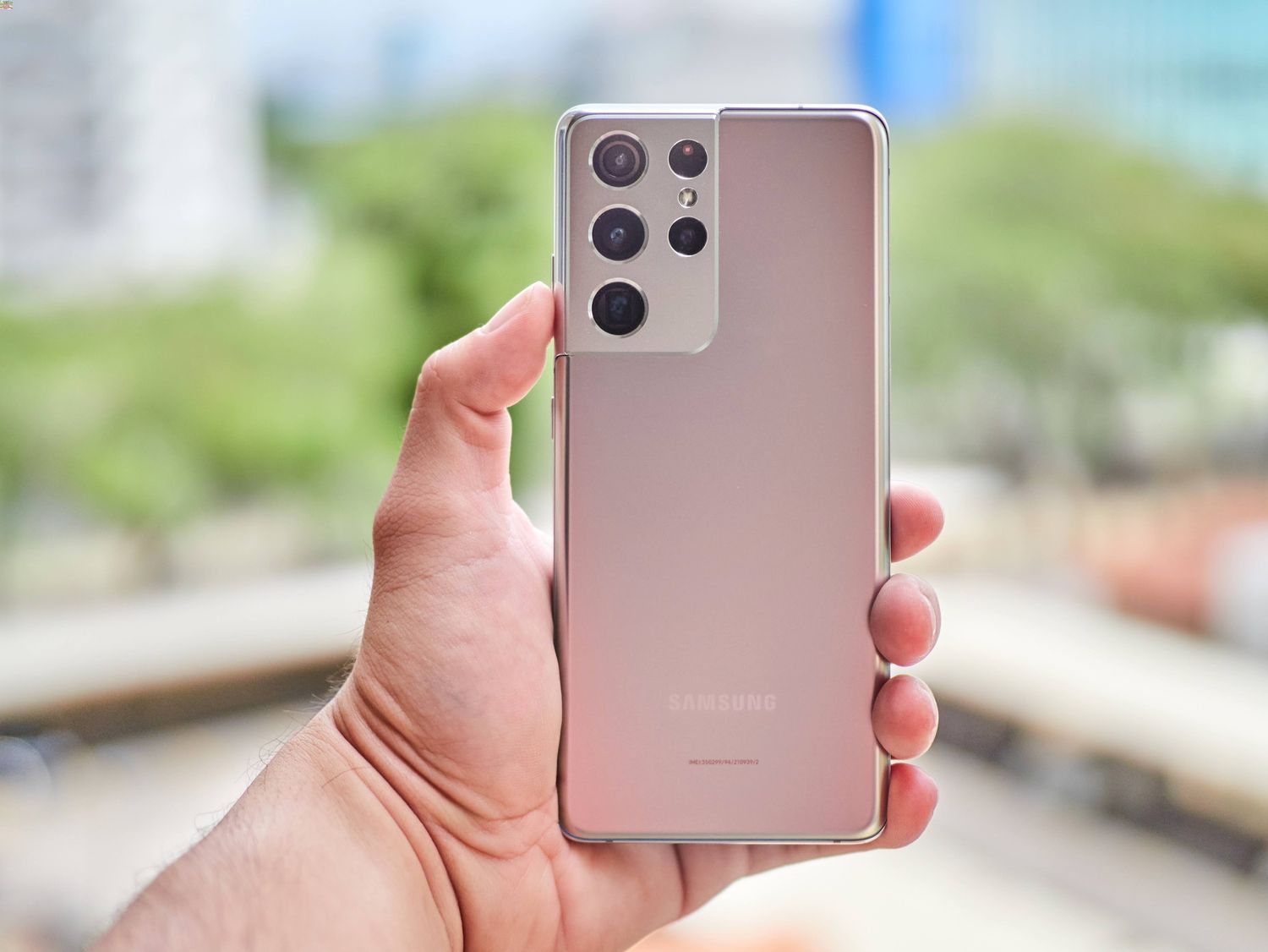
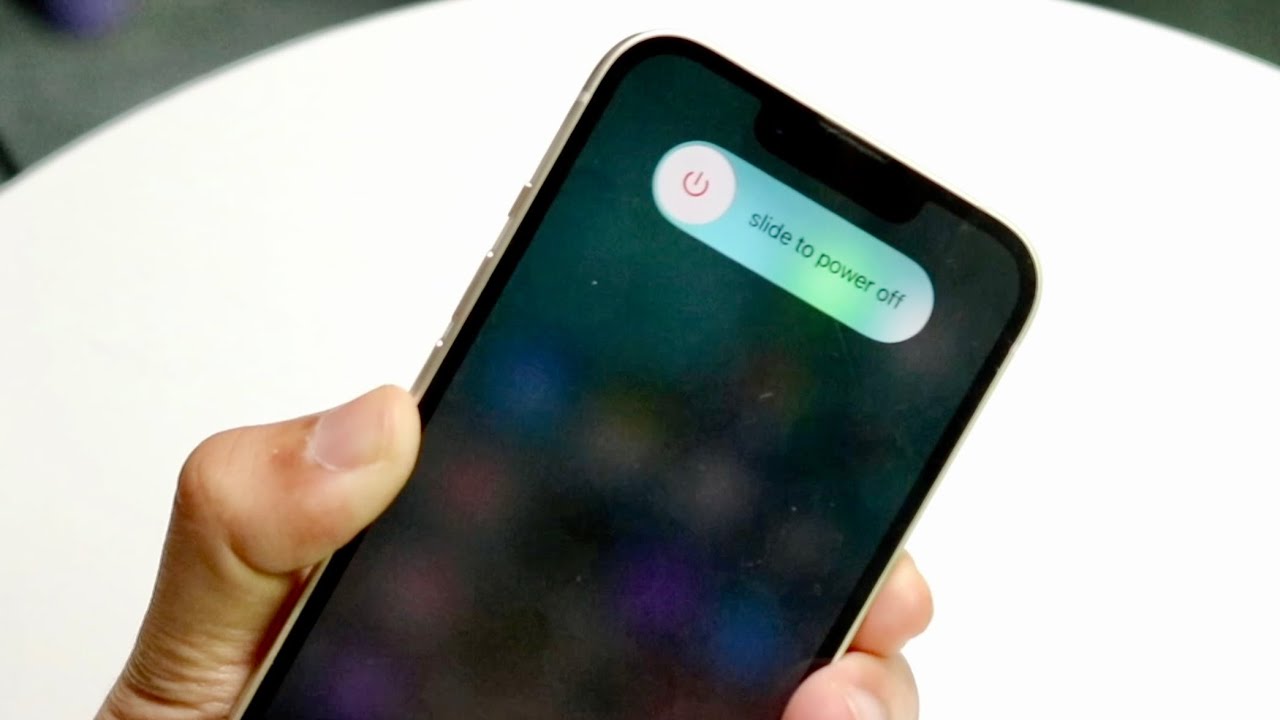
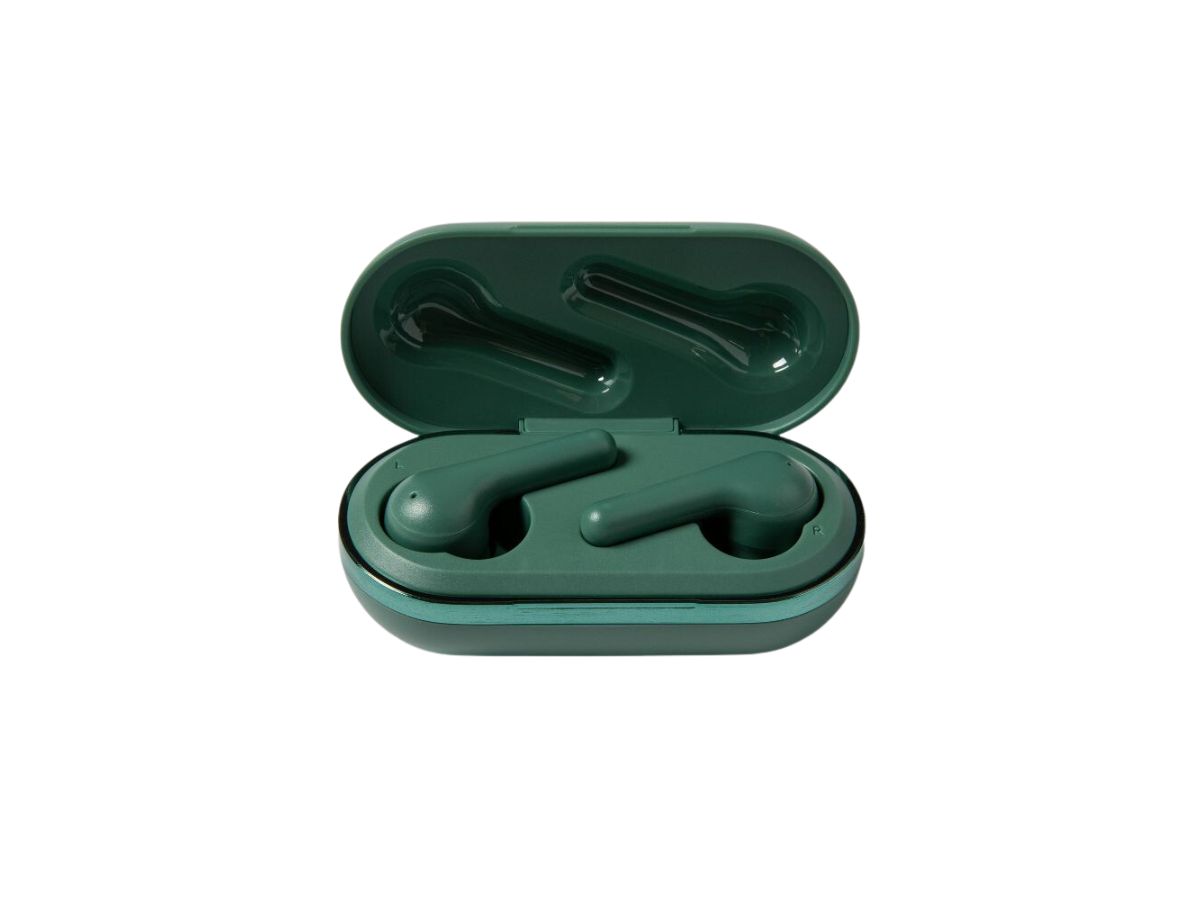
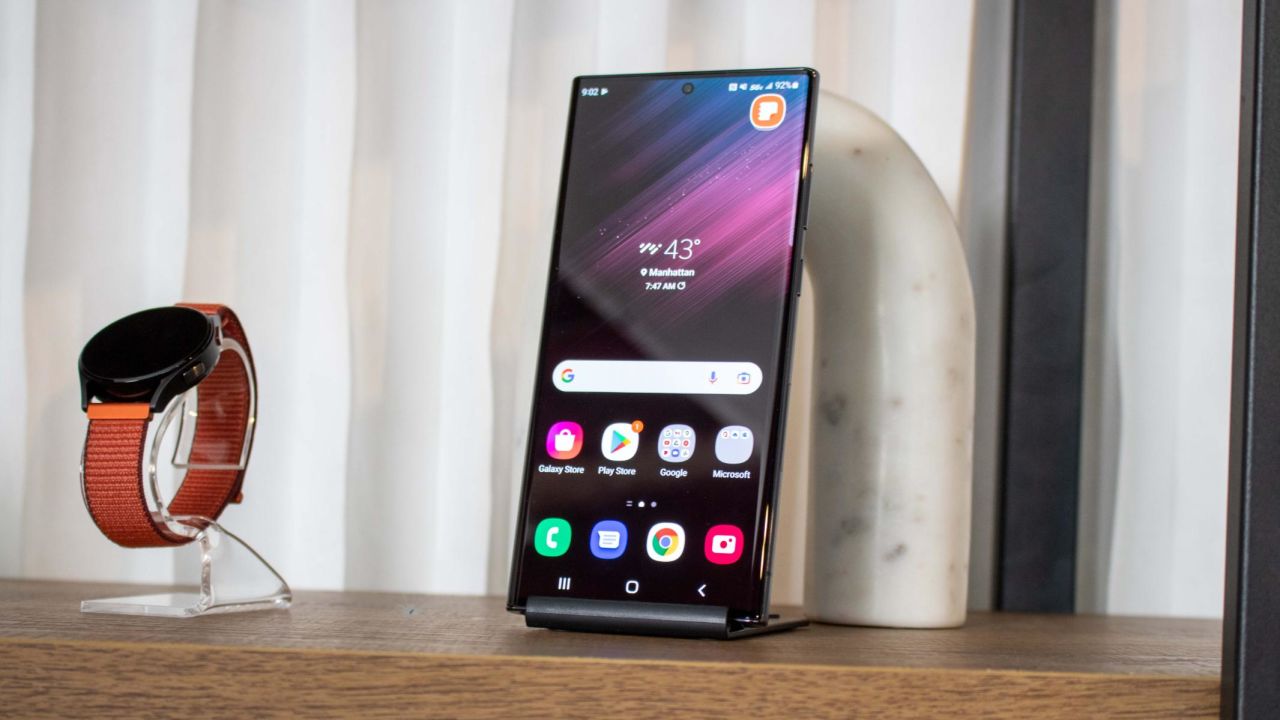
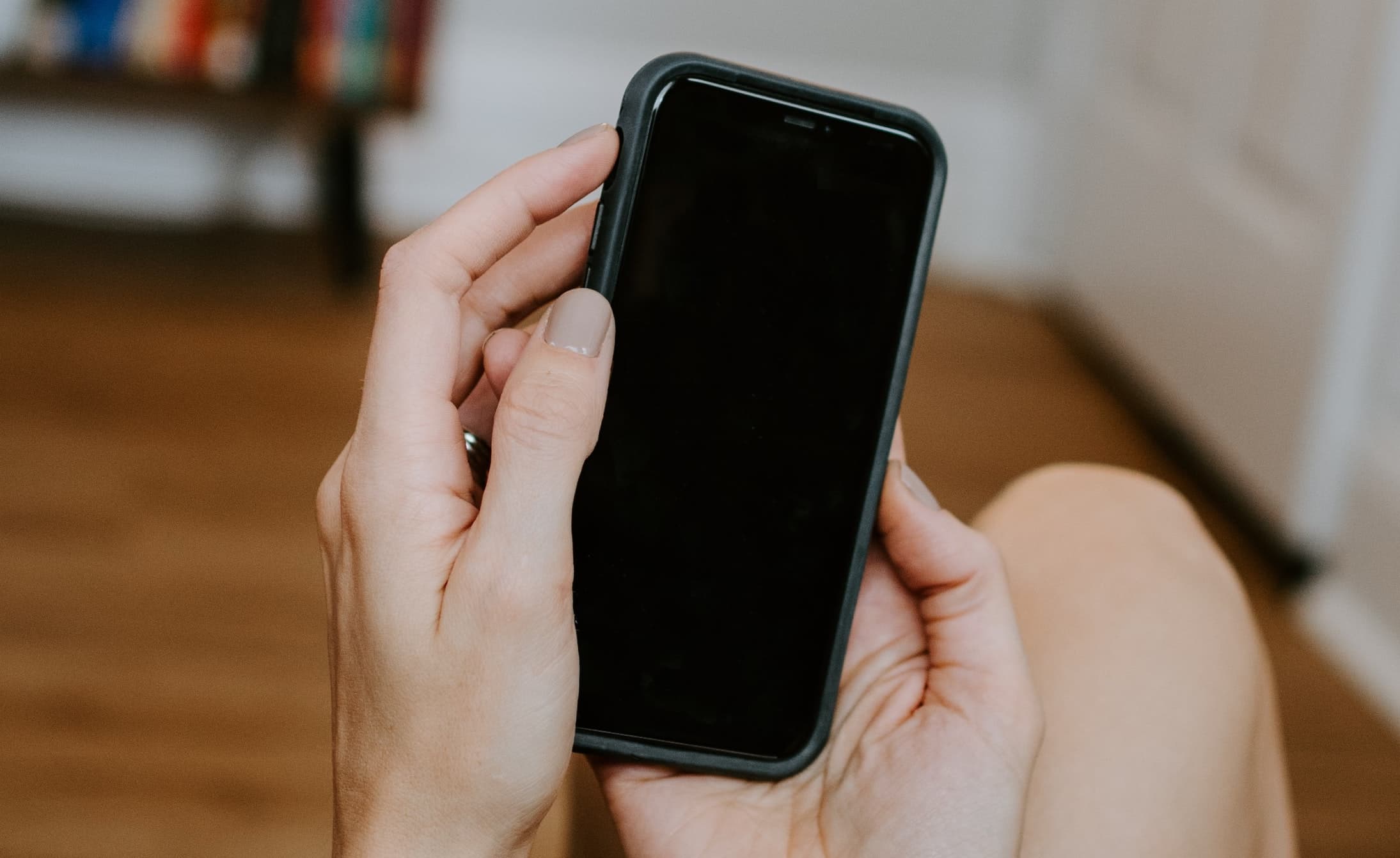
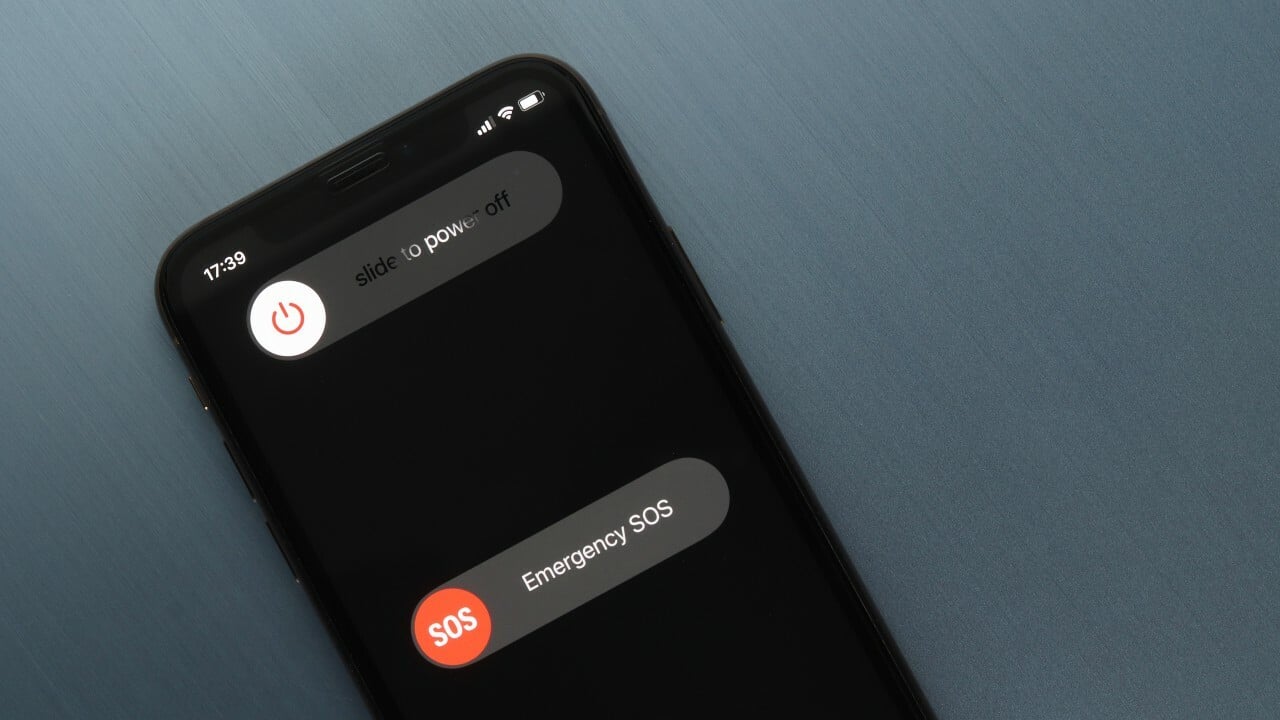
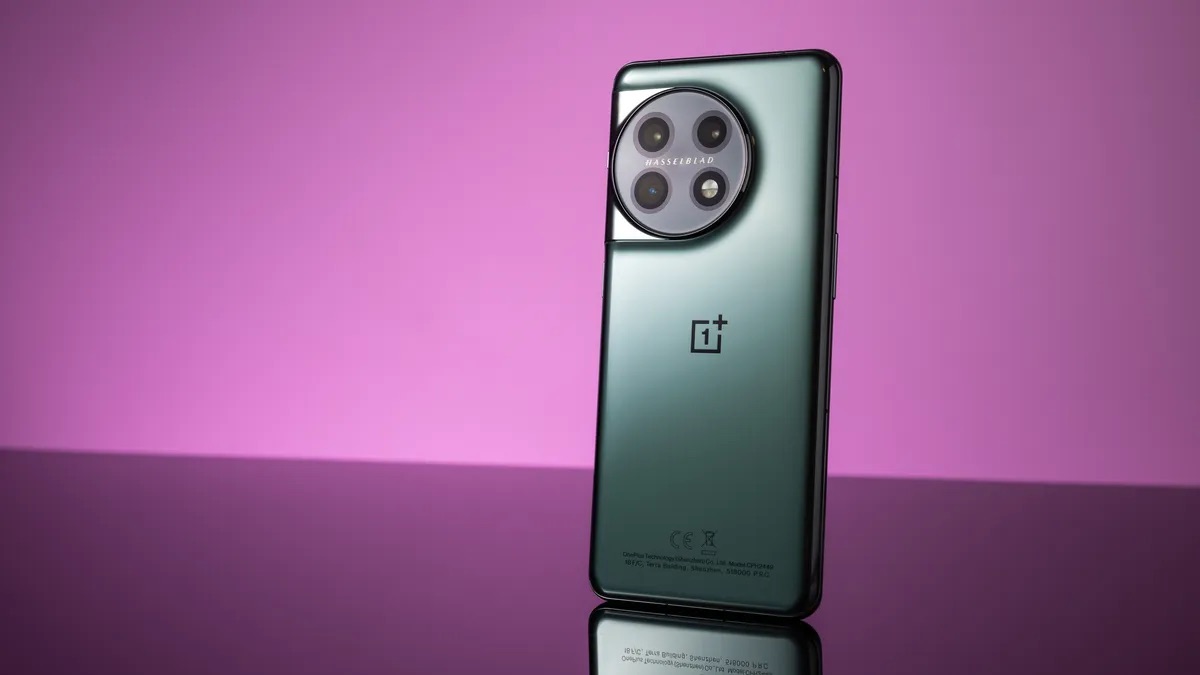
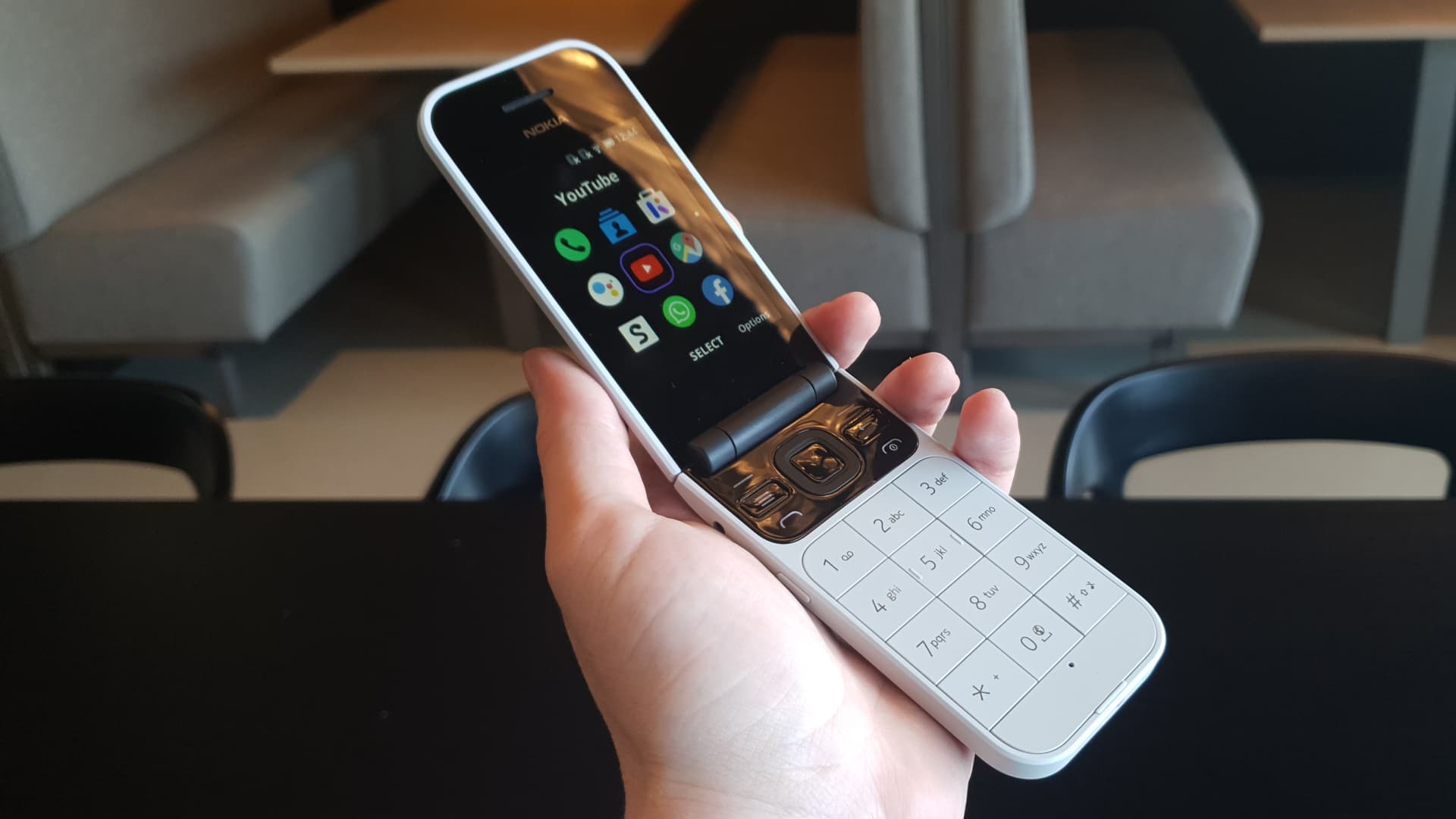
The articles here solve two main kinds of problems. First, they cover the basic "how do I turn this thing off?" question for a wide range of devices, from the Galaxy S21 Ultra and Galaxy Z Flip to the Corsair Virtuoso headset and Heyday Wireless Earbuds. Second, they address a specific, tricky scenario: powering down a phone when you can't, or don't want to, use the touchscreen. For example, you'll find guides on how to shut down an iPhone 13 without touching the screen, as well as how to shut down any phone without touching the screen at all. Other topics include turning off a Walmart work phone, a Samsung flip phone, and a Nokia flip phone, ensuring that even the most basic or locked-down devices are covered.
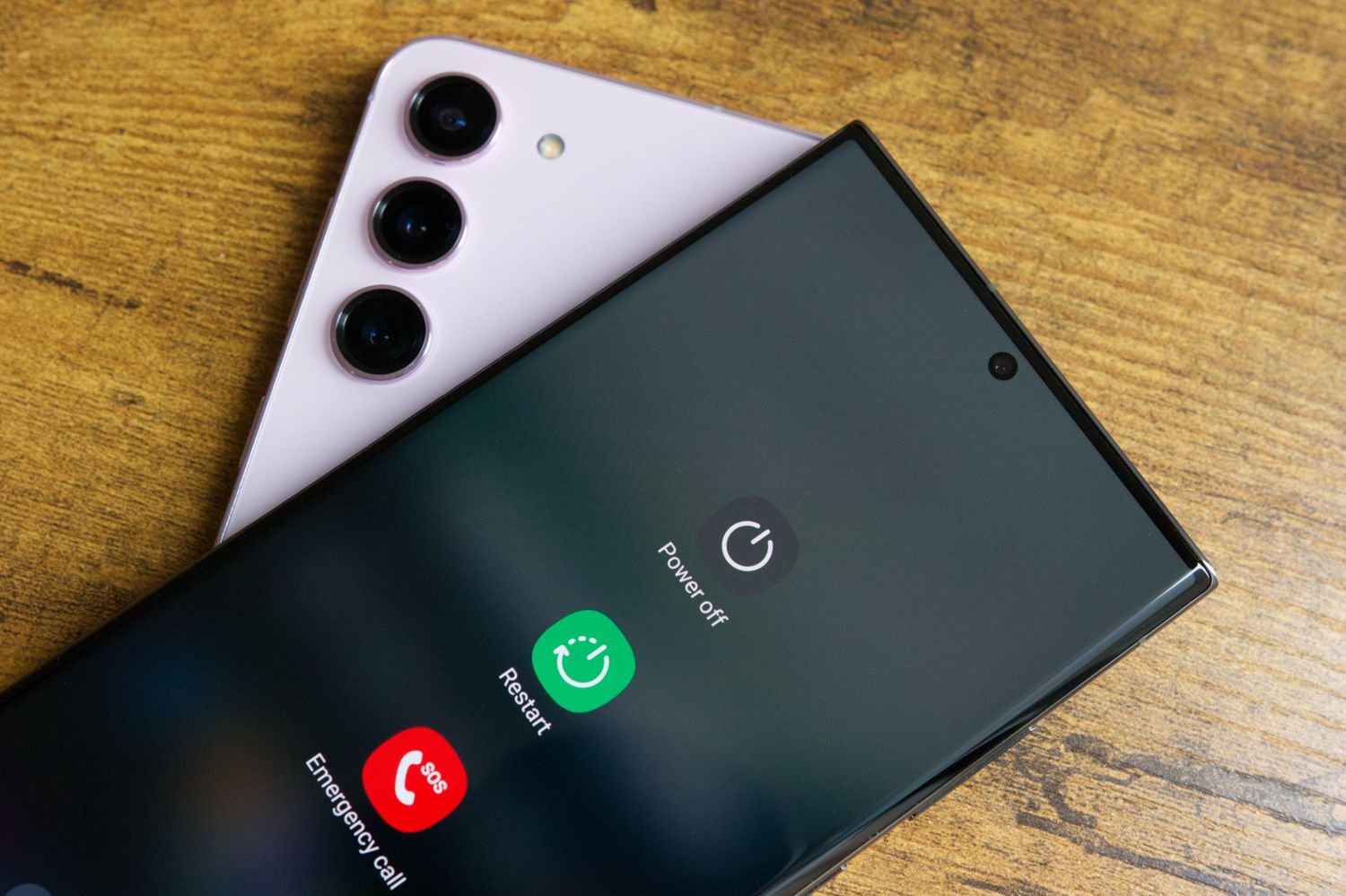
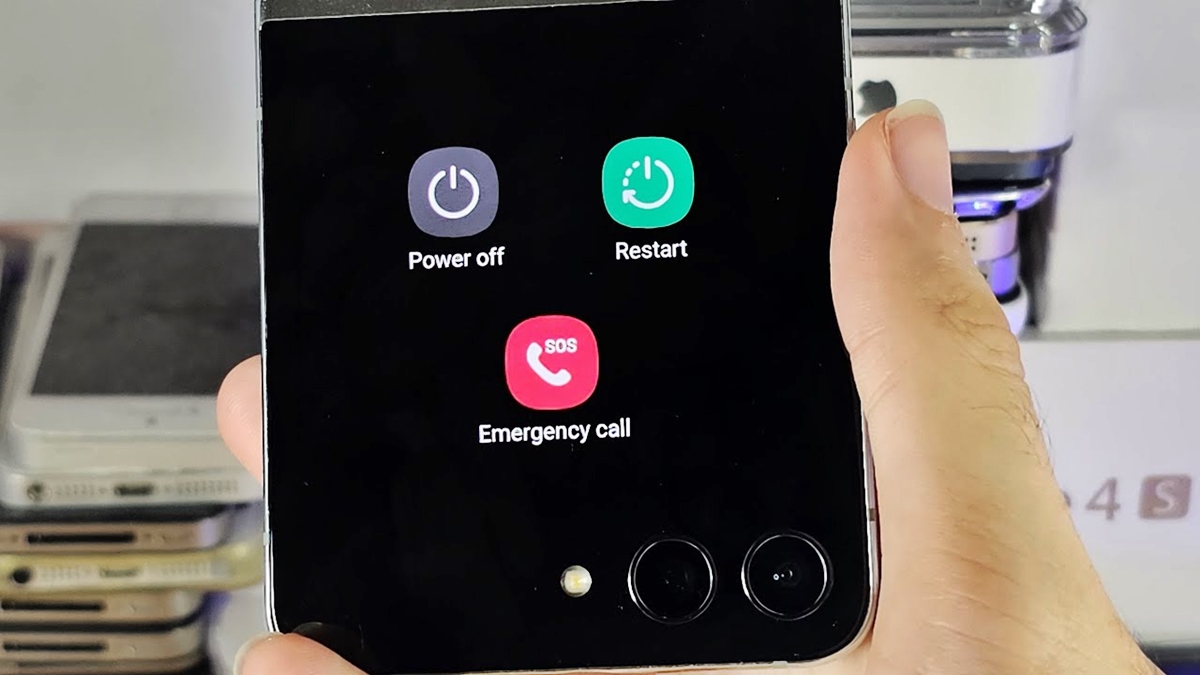
Each guide helps you perform a single, clear action: successfully power off your device. Whether you need to force a shutdown on a frozen Galaxy, properly turn off a OnePlus phone, or silence a pair of earbuds, these articles deliver the exact steps to get the job done. No extra fluff, just the instructions you need.