To turn off a OnePlus phone, press and hold the Power button and the Volume Up button simultaneously. When the on-screen power menu appears, select "Power off" or drag the slider to shut down your device.
How to turn off a OnePlus phone
The correct button combination for powering your phone on and off on most OnePlus models is pressing and holding the Power button and Volume Up button together. This method works because recent OxygenOS versions assign the long press of the power button alone to the voice assistant, not the power menu.
- Press and hold the Power button and the Volume Up button at the same time.
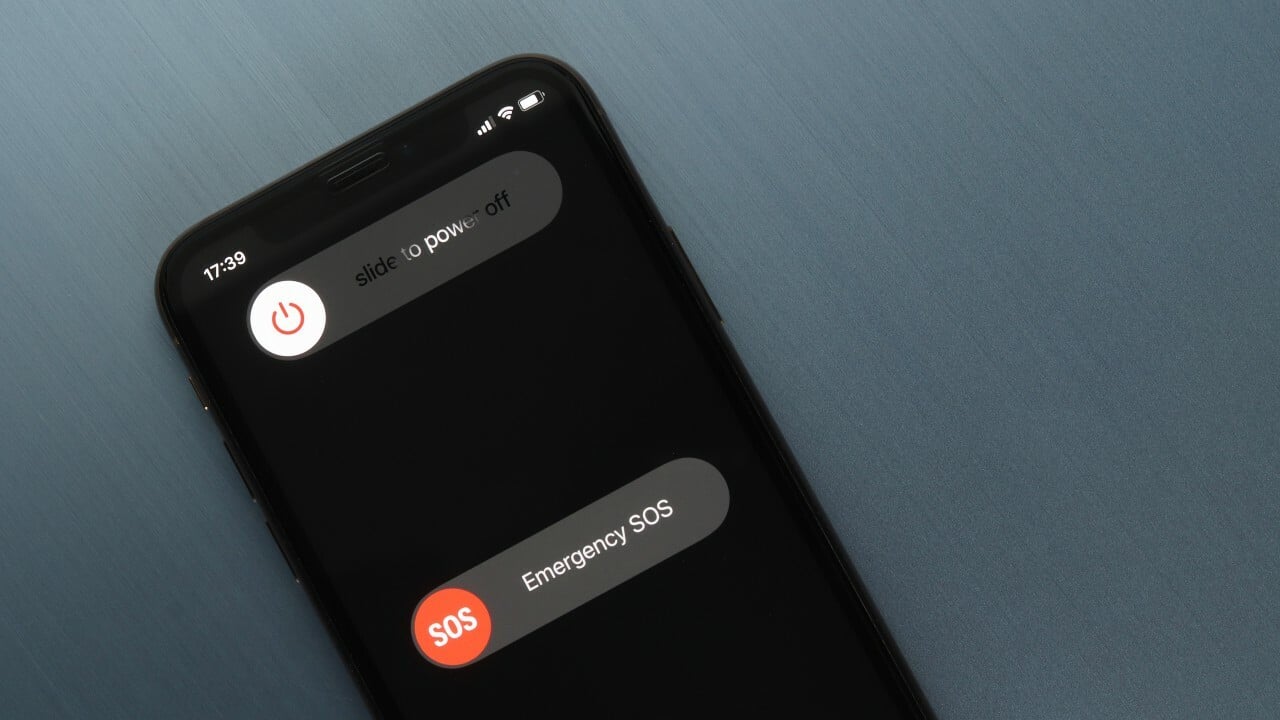
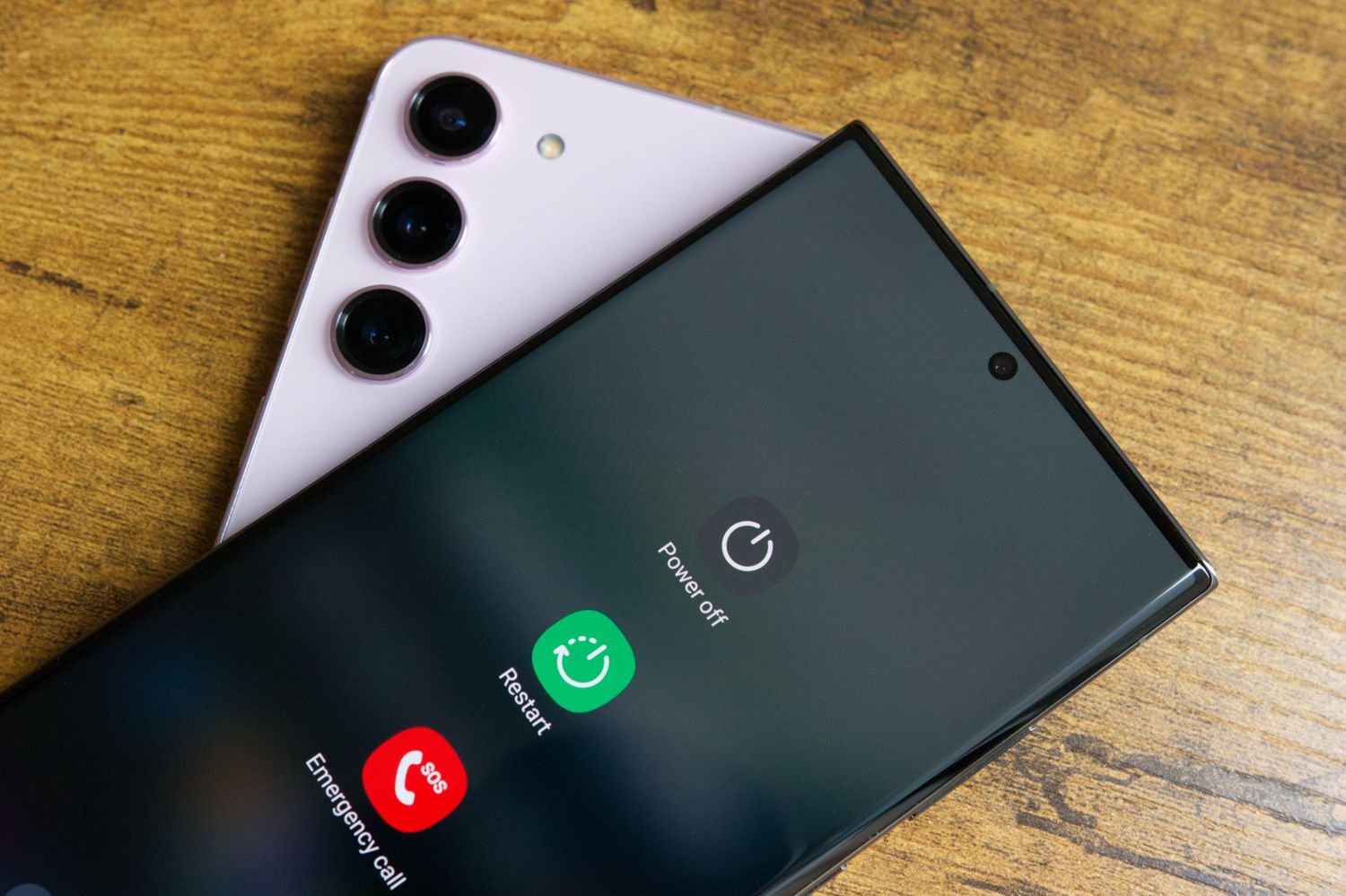
- Wait for the power menu to appear on the screen.
- Select "Power off" or drag the on-screen slider to power off, depending on your device's software version.
Model-specific notes from official OnePlus manuals confirm this method:
- OnePlus 11 5G: The manual documents a long press of the power button and volume up for 10 seconds to force a power off.
- OnePlus 10T 5G: The manual states to press and hold the power button and volume up button simultaneously to turn off the device.
- OnePlus 8: The manual states to press the power button and volume up button simultaneously to power off.
If the power menu does not appear normally, the long-press combination is still the supported shutdown method on these models as documented in the official manuals.
What if my OnePlus phone is frozen or unresponsive?
If your OnePlus phone becomes unresponsive and the standard button combination does not bring up the power menu, you can perform a force restart. Press and hold the Power button and Volume Up button together for 10 seconds. The device will power off and restart. This method is documented in the official user manuals for the OnePlus 11 5G, OnePlus 9, and other models as the supported force power-off procedure.
Frequently Asked Questions
Is there a settings menu path to turn off my OnePlus phone?
No. No retrieved official OnePlus page documents a separate Settings menu path for turning off the phone. The only documented method uses the hardware button combination to access the power menu.
Does this button combination work on iPhones?
No. The Power + Volume Up combination is specific to OnePlus and other Android devices.
Are there differences between OnePlus models for turning off?
Yes. The official manuals vary slightly: some models require pressing and holding the Power button and Volume Up button to power off, while others specify a long press for 10 seconds to force a power off. The basic button combination is the same across the OnePlus 11 5G, OnePlus 10T 5G, OnePlus 9, and OnePlus 8.
Can I turn off my OnePlus phone using an app or carrier method?
No. No retrieved official OnePlus page documents an app or carrier-specific power-off method. The hardware button combination is the only supported way to turn off the device.
What if the power menu does not appear when I press the buttons?
If the power menu does not appear, continue holding both buttons for up to 10 seconds. This will force the device to power off and restart, as documented in the official user manuals for OnePlus models.
Does turning off my phone erase any data?
Turning off the phone does not erase data.
Why should I restart my phone periodically?
Periodic restarts can help clear background processes and free up system resources for smoother operation.
Related reading: How To Turn Off My Galaxy Phone and How To Turn Off Walmart Work Phone.