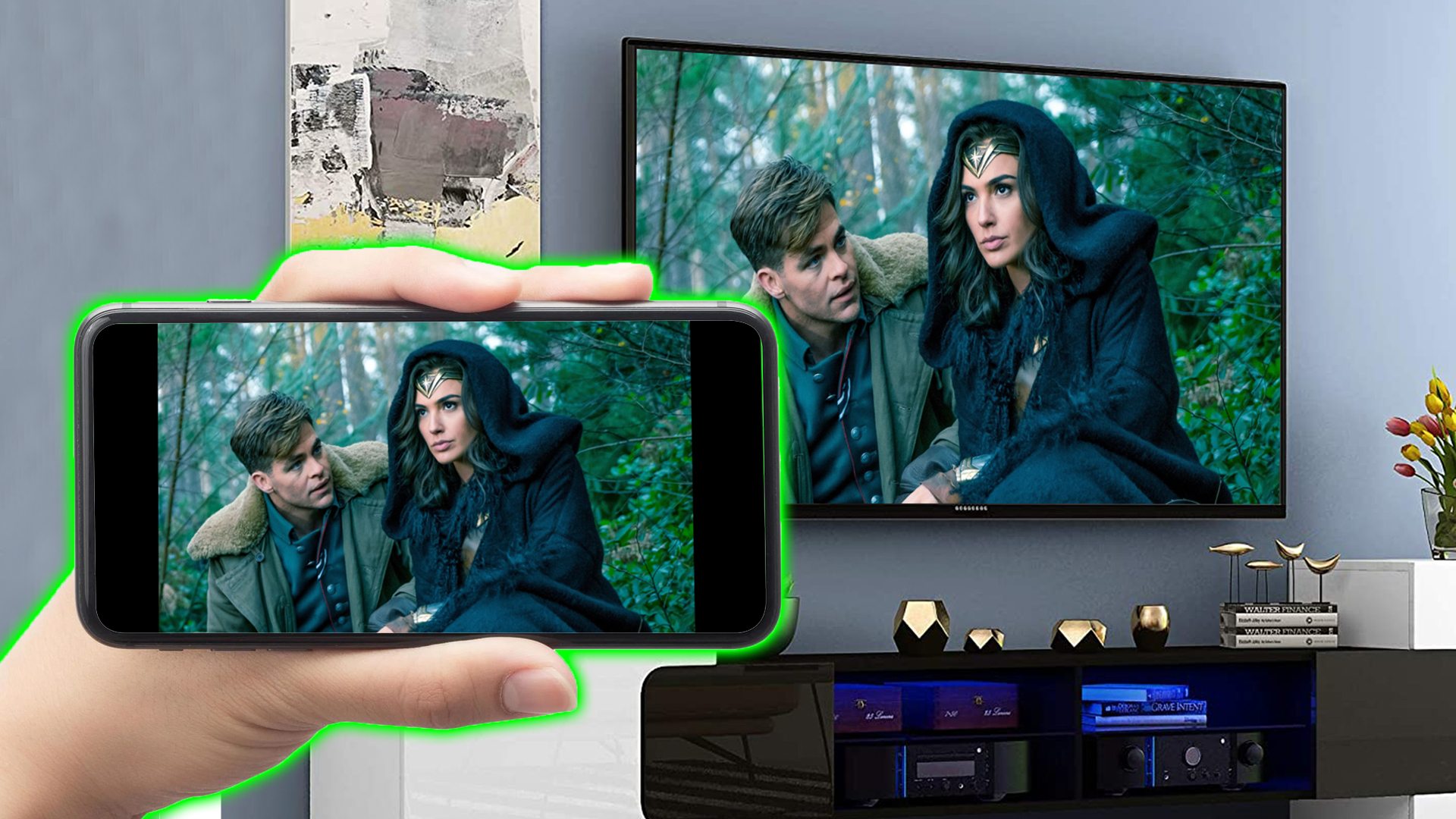
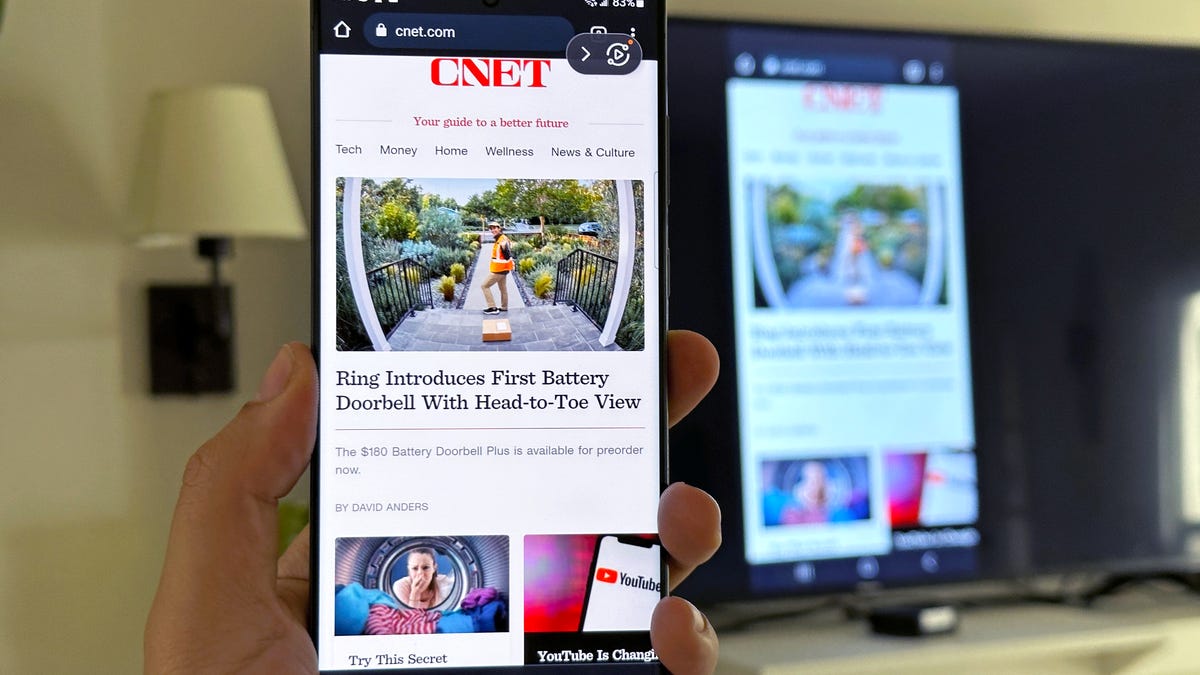
To disconnect your TV from your phone immediately, open Control Center on your iPhone and tap Screen Mirroring, then tap Stop Mirroring. On a Samsung Galaxy phone, swipe down to...
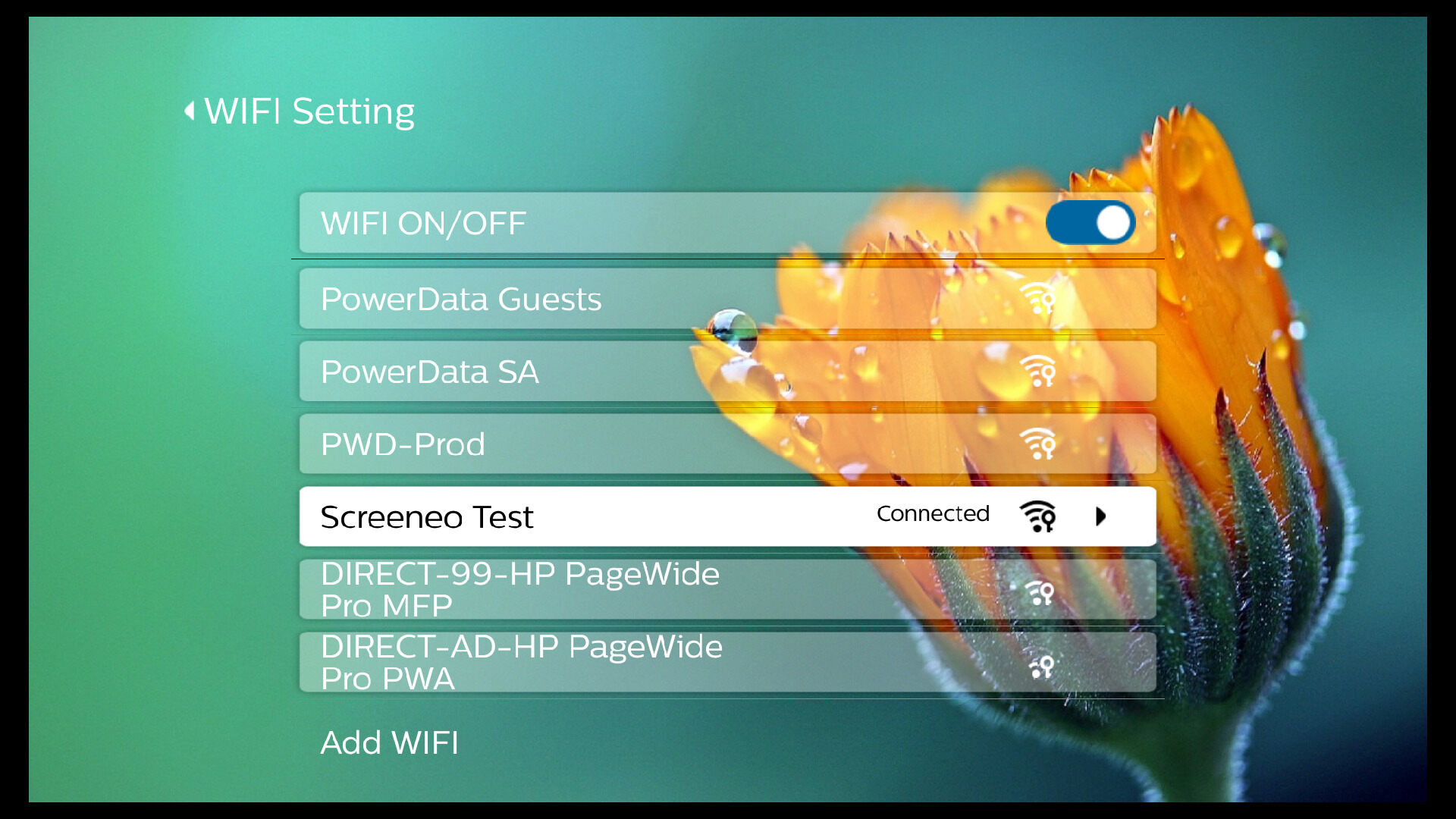
Wireless screencasting on a Philips Smart TV lets you share content from your phone, tablet, or computer on the big screen without cables. To get started, you need a compatible...
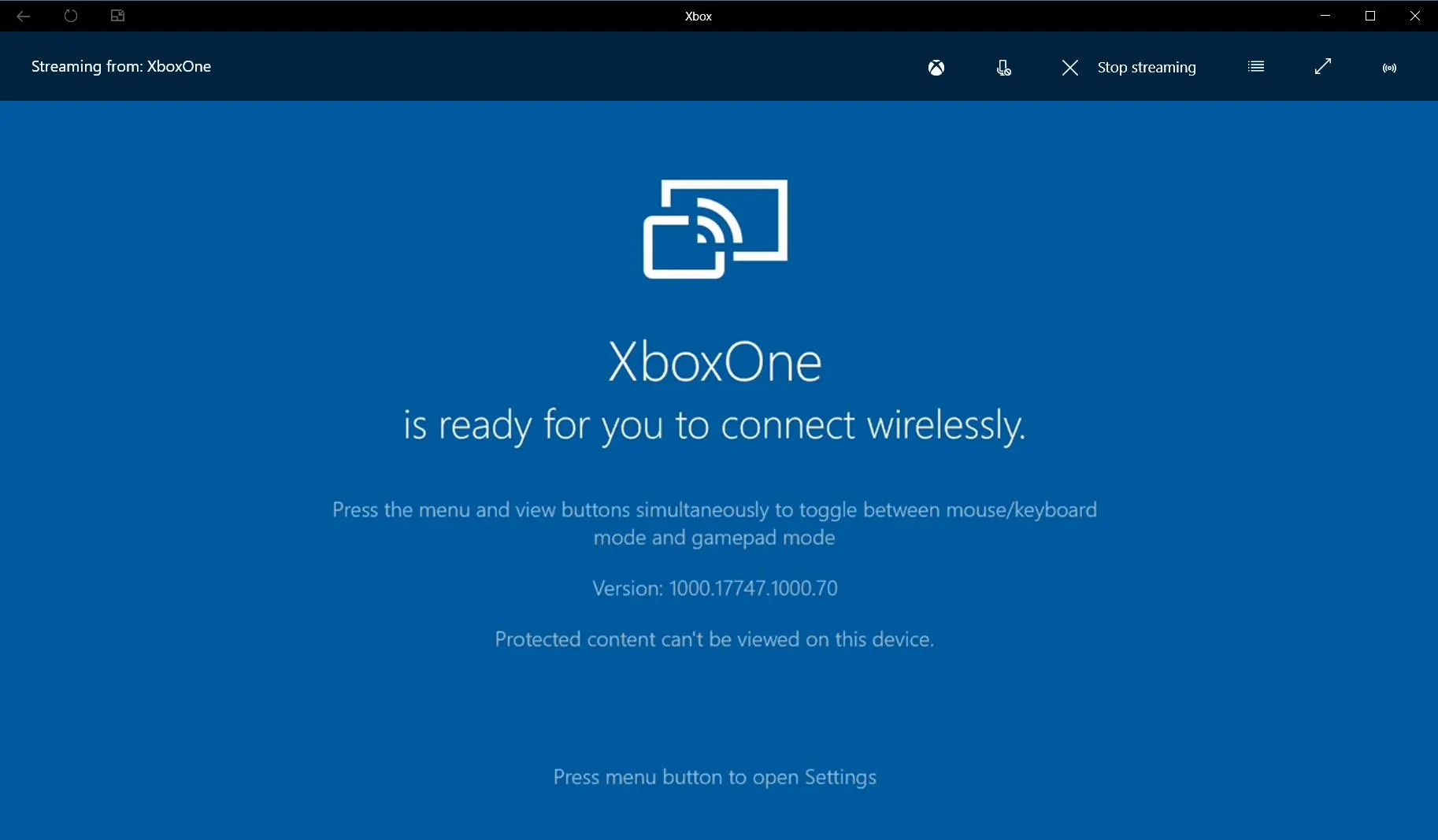
The Xbox One Wireless Display app lets you mirror your Windows PC or Android phone screen to your console using Miracast, turning your TV into a large display for apps,...
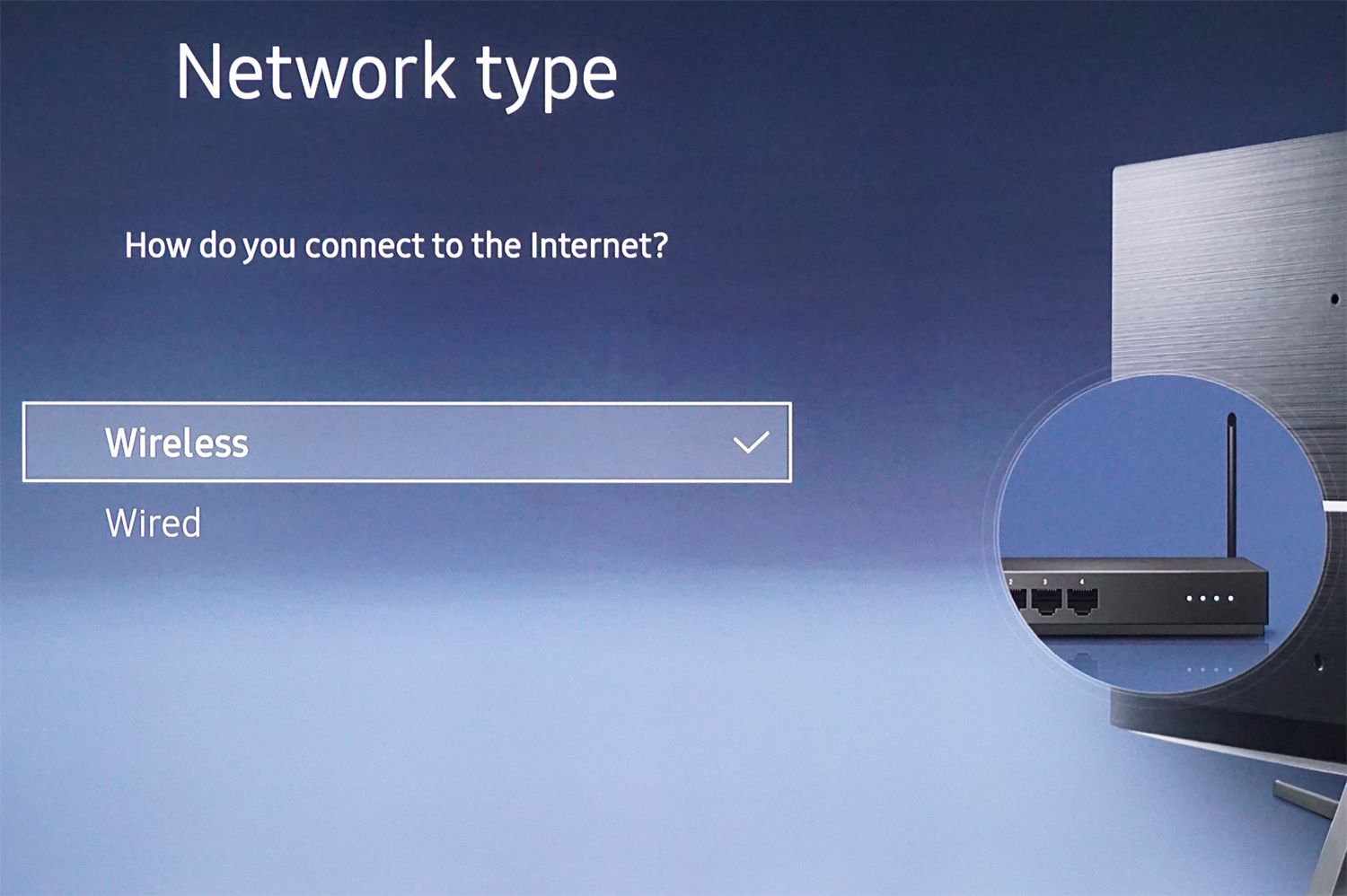
To make a Samsung TV wireless, you need to connect it to your home Wi‑Fi network. Once connected, you can wirelessly stream content and mirror your phone screen to the...
To connect an Epson projector to a laptop wirelessly, use the Epson iProjection software, which allows you to project your laptop screen over a shared Wi-Fi network. If your projector...
You can make a projector wireless by using a wireless HDMI transmitter, a media streaming device like Apple TV or Chromecast, or by using screen mirroring with AirPlay or Google...
Have you ever wondered if it's possible to mirror one phone to another without the person knowing? In today's connected world, there may be times when you need to monitor...
To mirror Android phone to Fire Stick, you need to enable Display Mirroring on your Fire TV device and then initiate the connection from your Android phone. This allows you...
To mirror a cell phone, you need both your phone and the receiving display to be connected to the same Wi-Fi network, and the receiving device must be compatible, like...
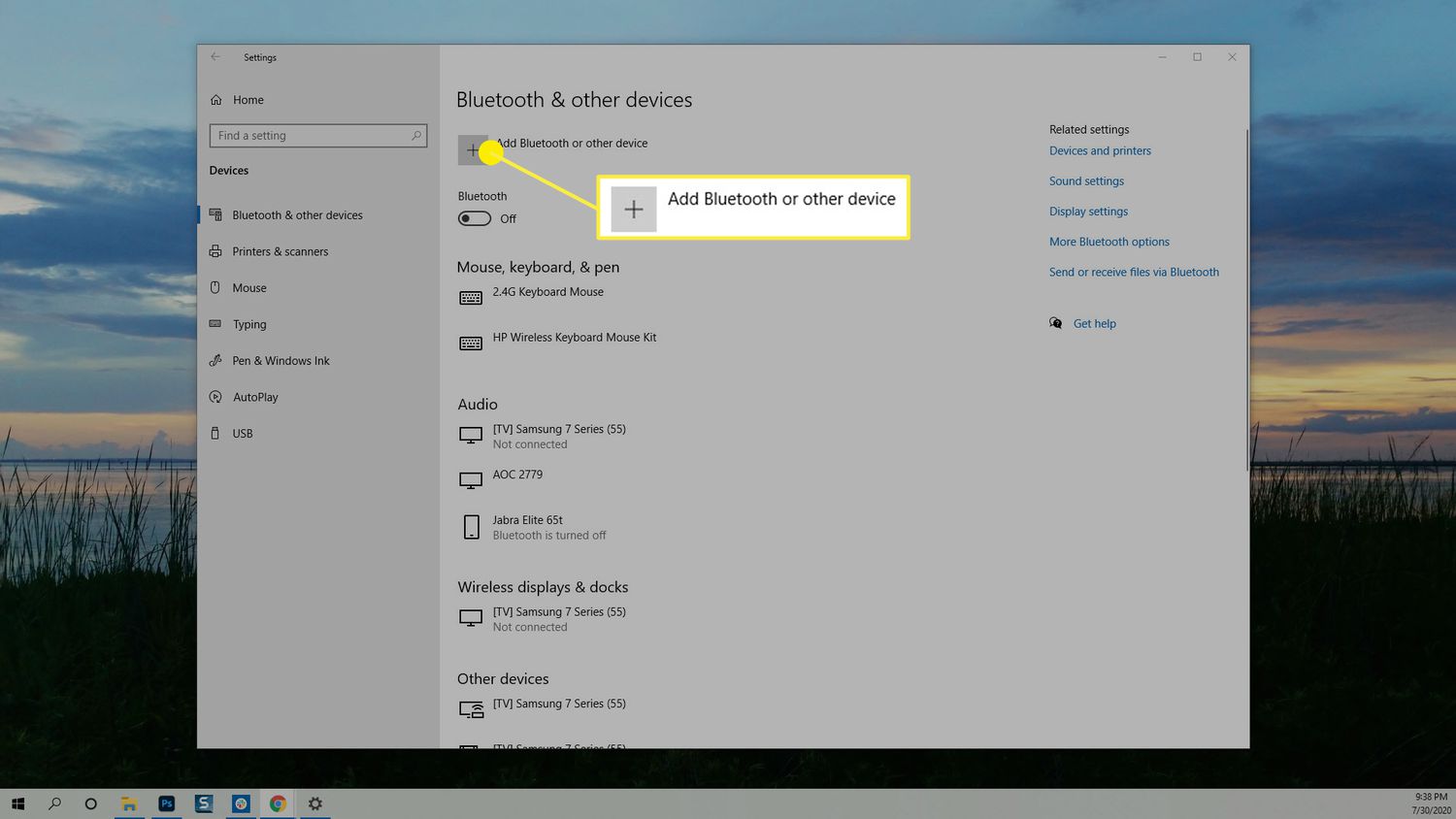
To stream from laptop to TV wireless, you can use built-in technologies like Miracast or streaming devices like Chromecast, depending on your laptop and TV. The right method for you...
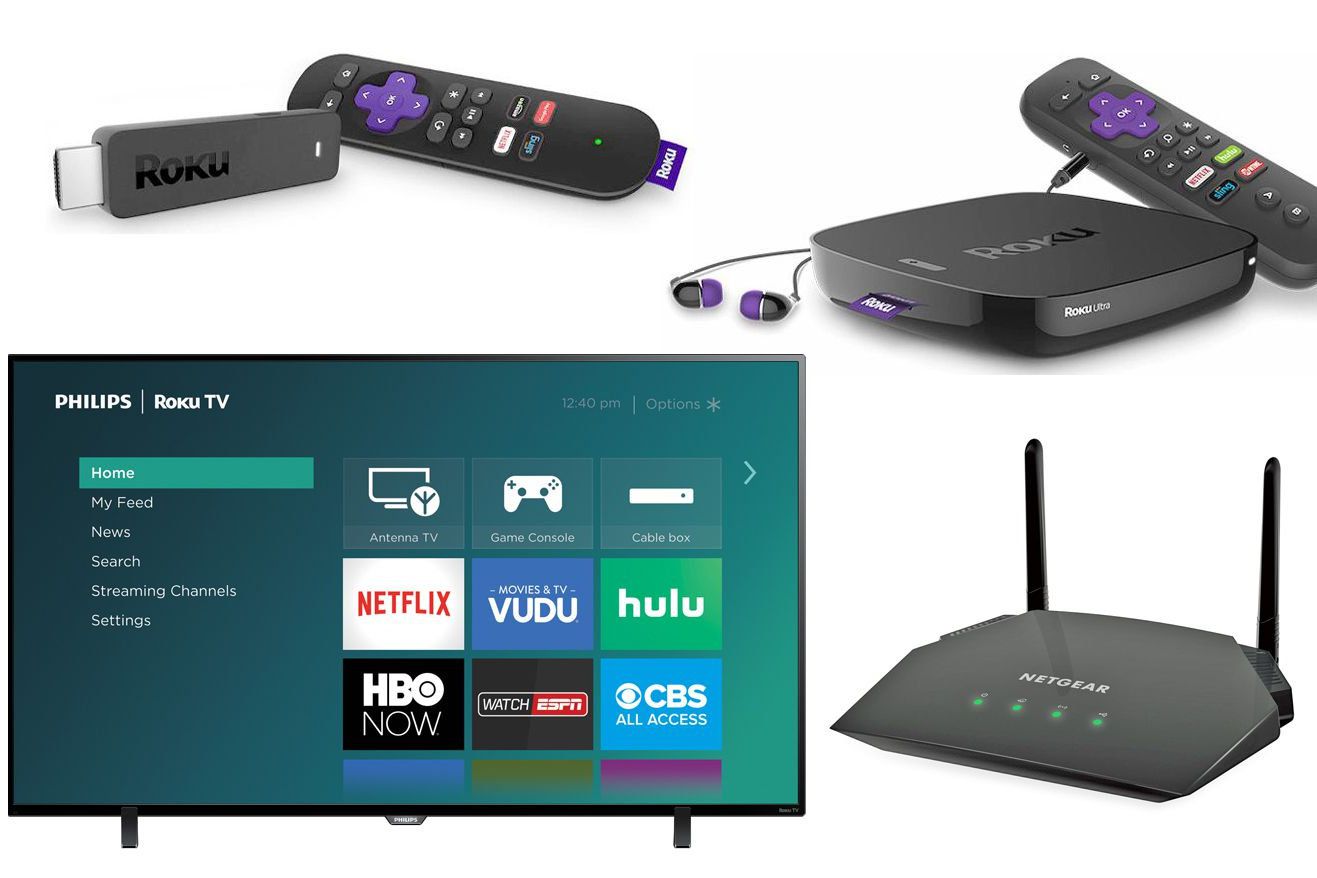
To connect your computer to your Roku TV wireless, you use Roku's built-in screen mirroring feature, which mirrors your entire computer screen to the TV. This method works with Windows...
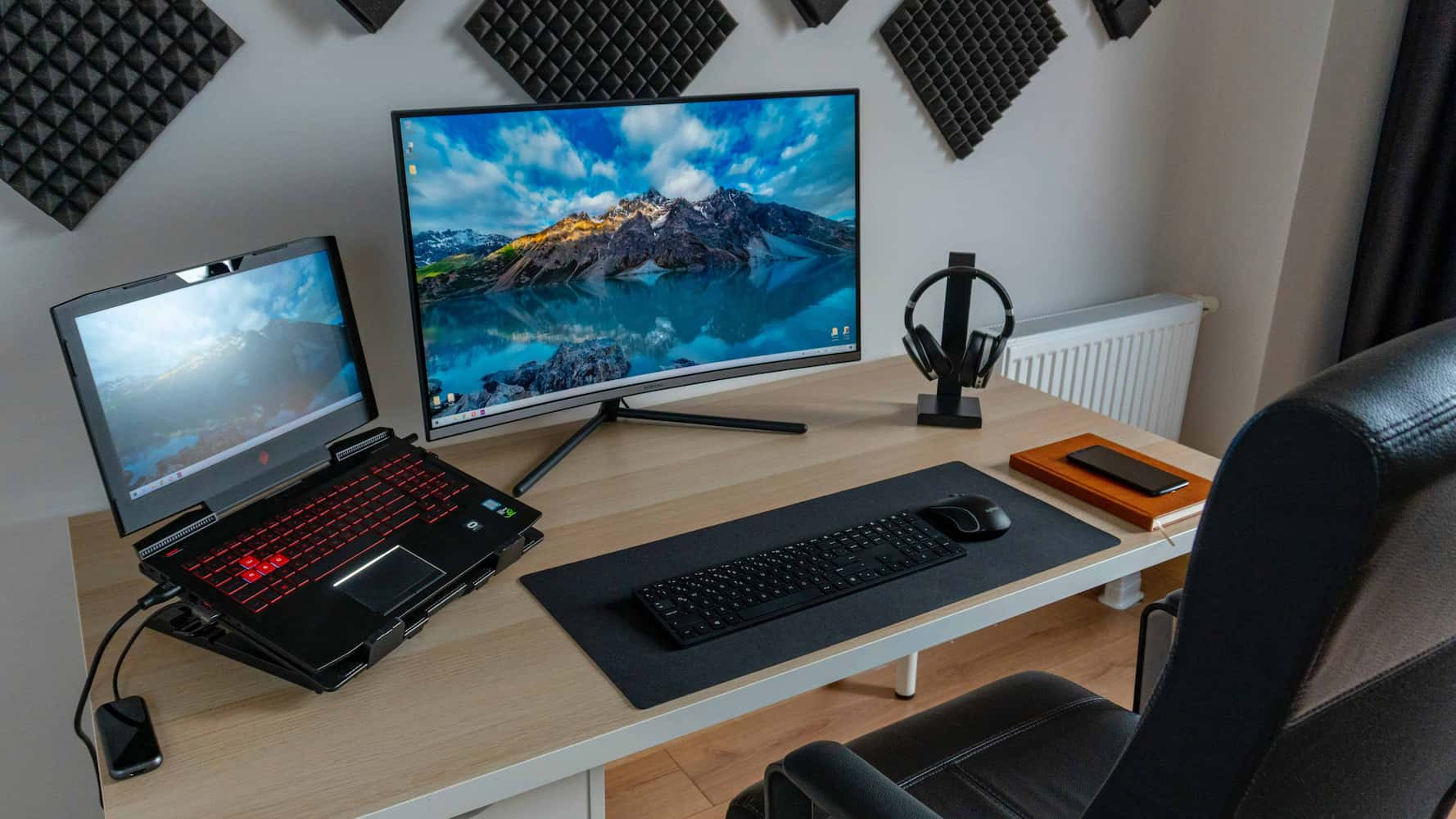
To make a monitor wireless, you need to add a wireless display adapter or a wireless HDMI transmitter/receiver kit to its HDMI port. This eliminates the video cable between your...