Guides and troubleshooting advice for using Valve’s Steam platform on mobile devices, PCs, and with VR hardware. This page is for anyone who manages their Steam account from a phone, plays PC games with a gamepad, or wants to get into virtual reality gaming.
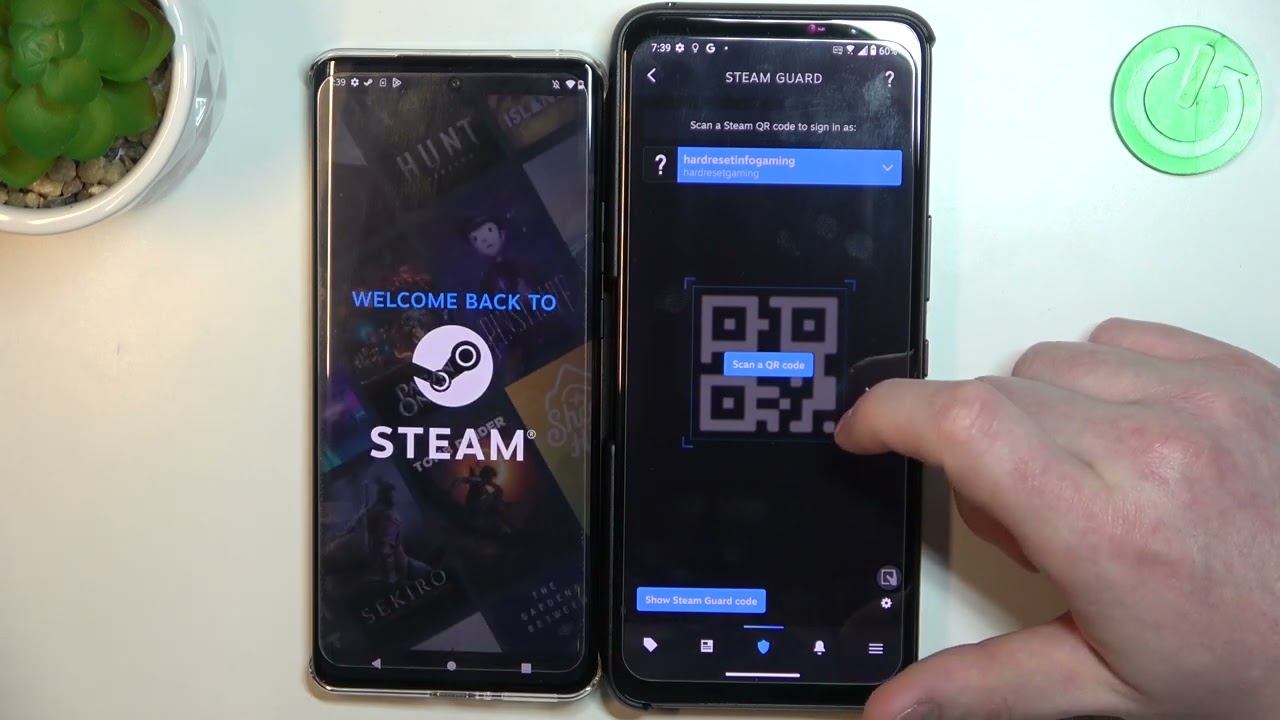
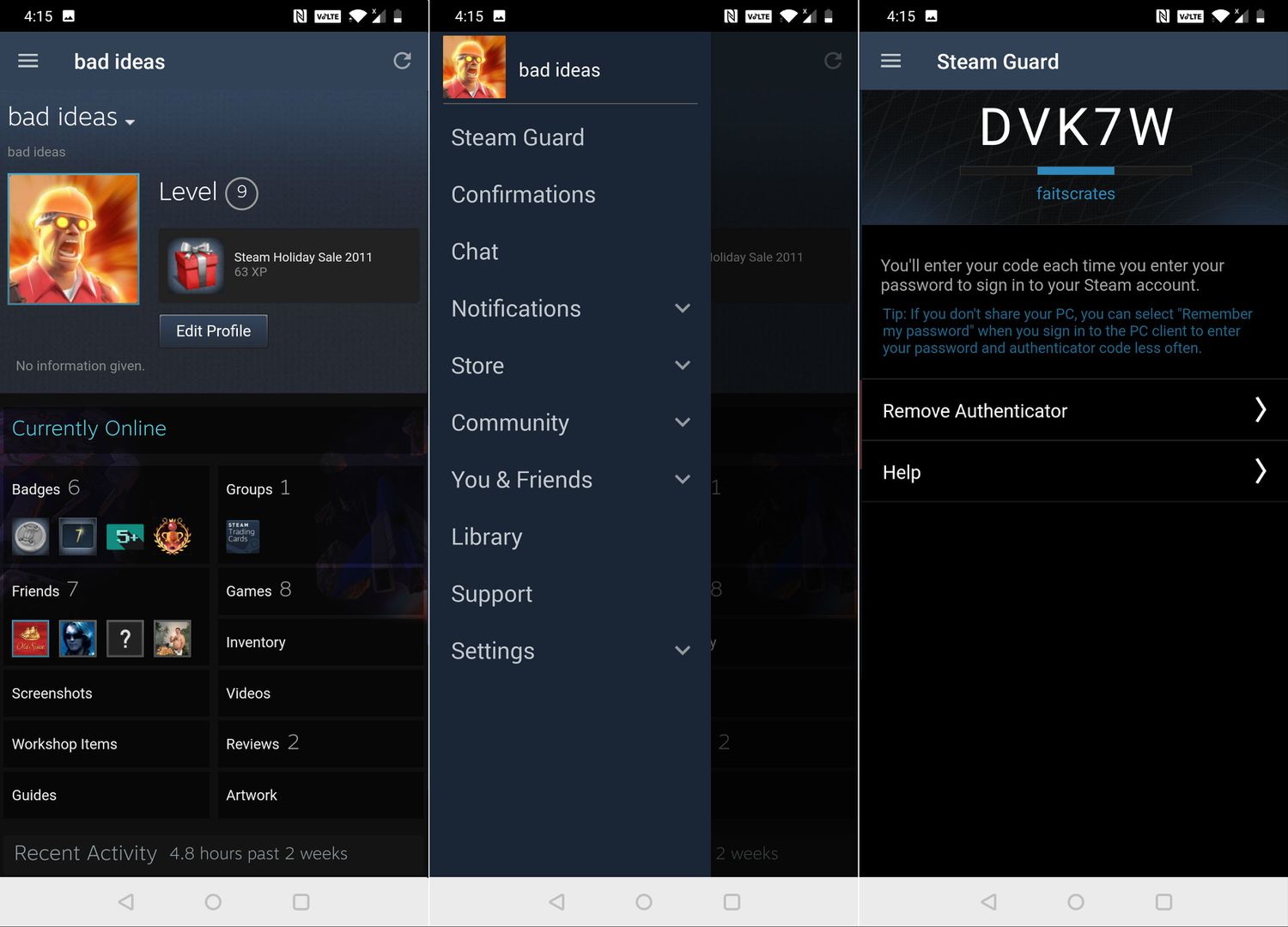
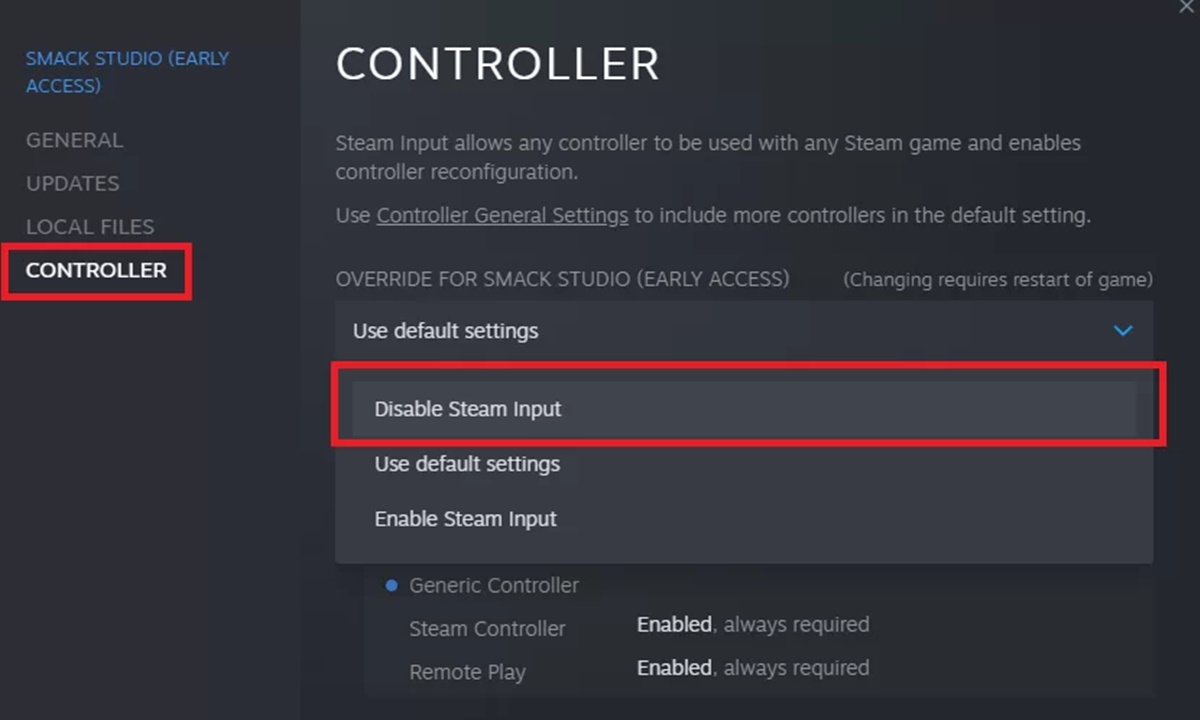
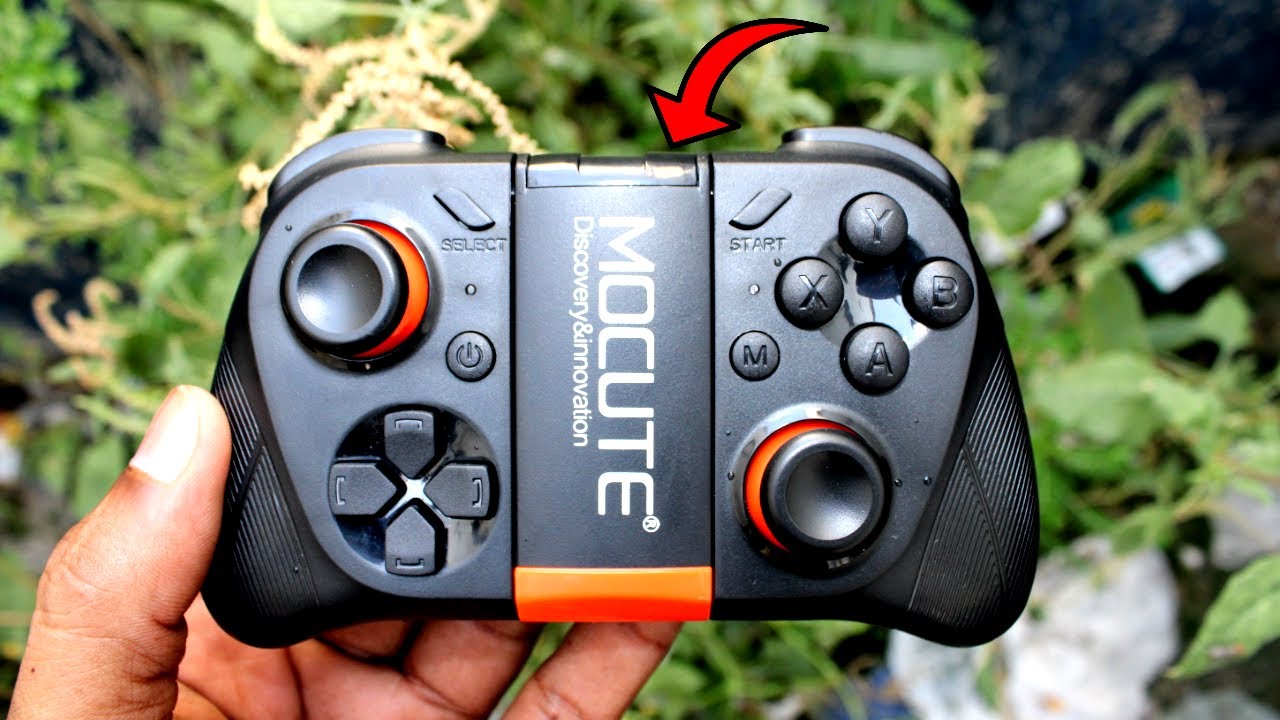
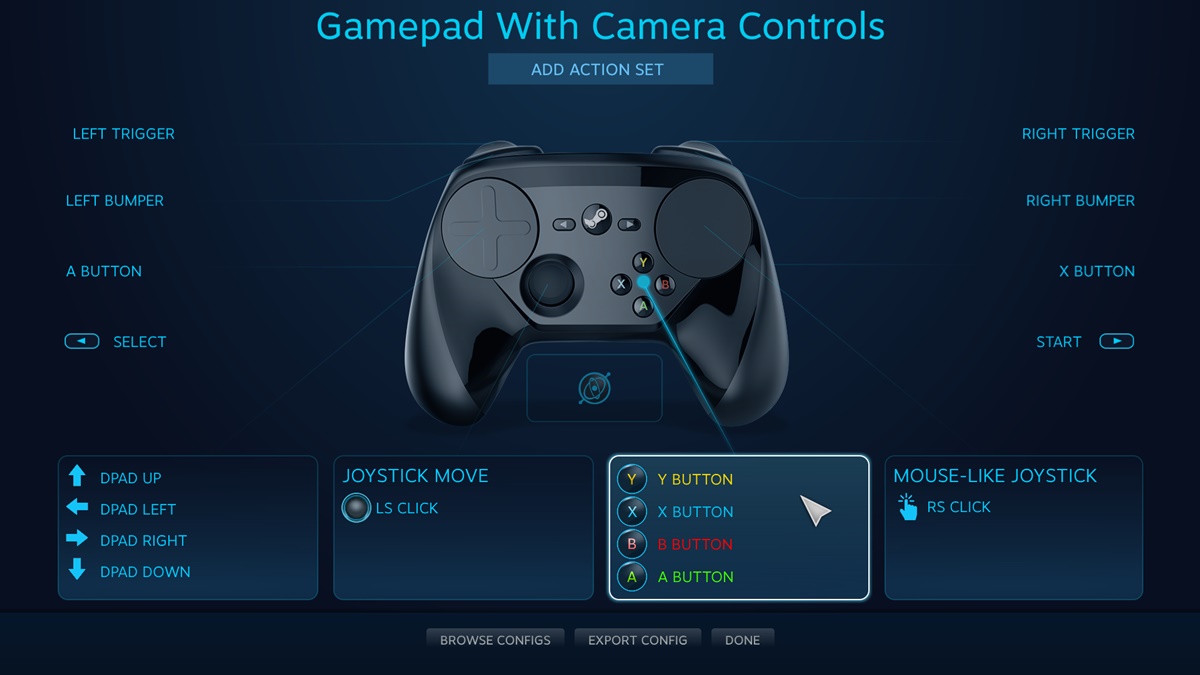
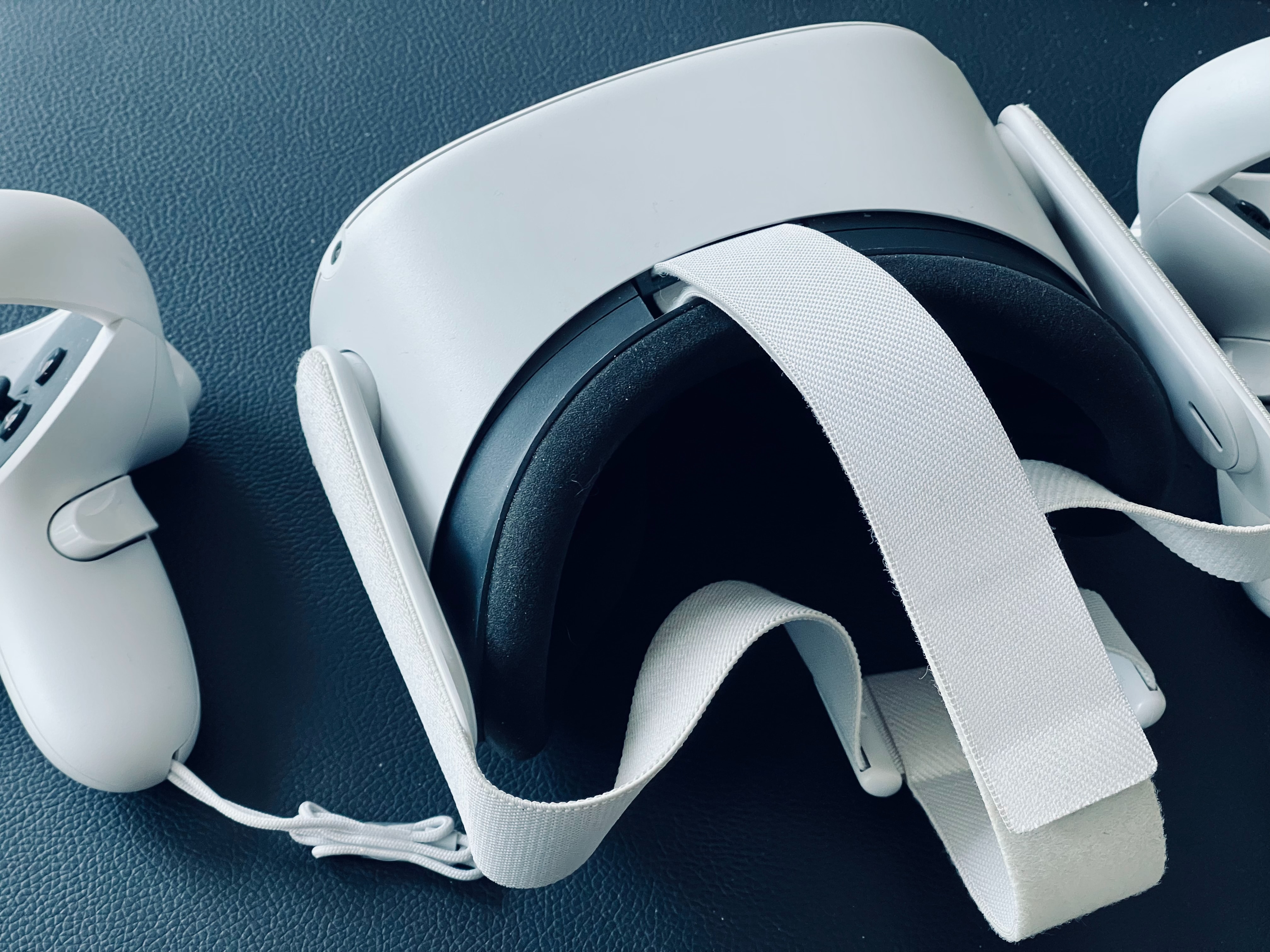
The articles here solve three main kinds of problems. First, they help with account security and phone linking: you can learn how to move the Steam Authenticator to a new phone, how to add or change your phone number, and how to remove the mobile authenticator when you no longer have access to your old device. Second, they cover VR game costs and setup, including how to buy VR games, how much specific titles like Hard Bullet VR and Pavlov VR cost, and how to launch Steam VR or cast VR gameplay to your TV. Third, they address gamepad configuration and data management, showing you how to connect a Mocute gamepad to your PC, disable a gamepad in Steam, or delete Steam game save data.
Whether you need to redeem a Steam code on your mobile phone, set up a controller for Resident Evil 7 on PC, or link your Steam account to Discord Mobile, these articles walk you through the exact steps required.