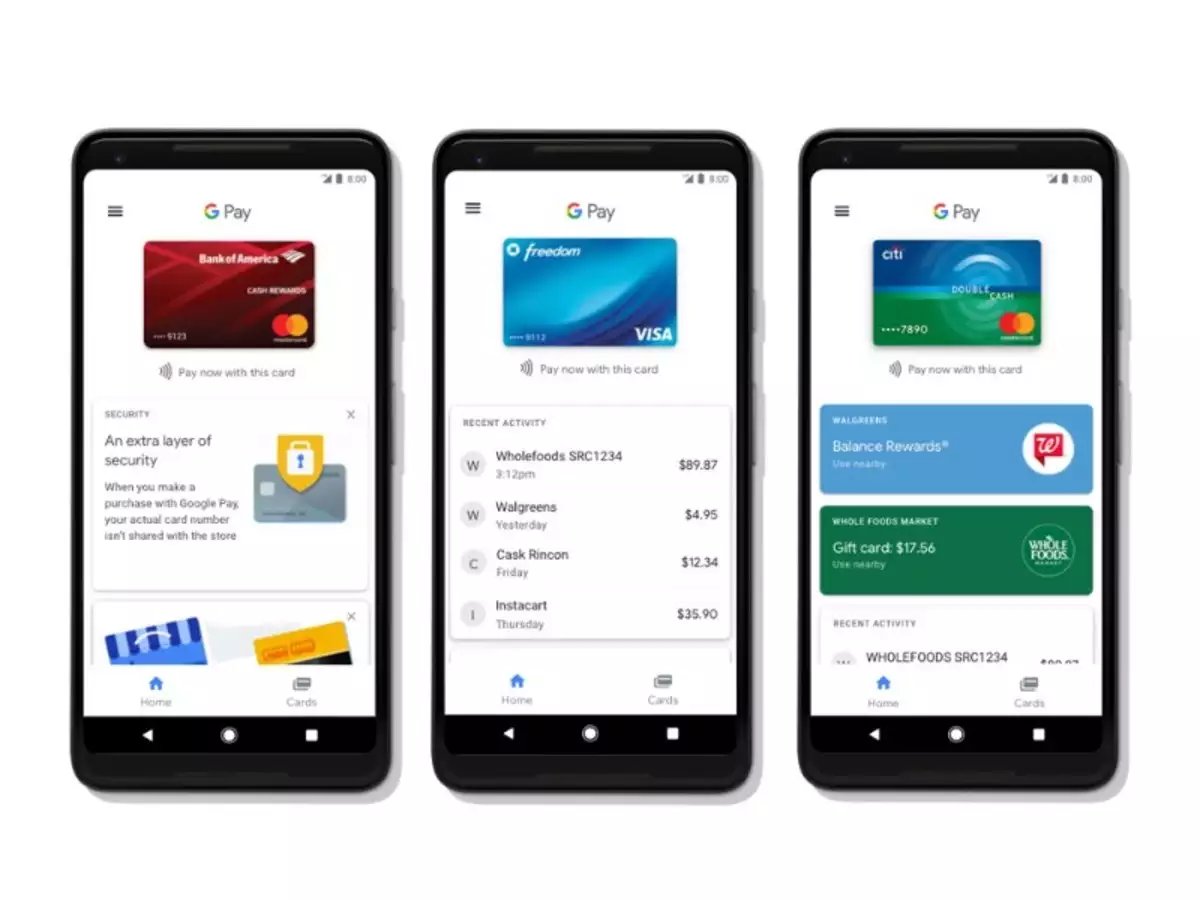
To use Google Pay on Android for contactless tap-to-pay, you now access it through the Google Wallet app.
Setting up Google Wallet for contactless payments
- Open the Google Wallet app on your Android device.
- Tap your profile picture or account icon at the top right.
- Tap Payment setup.
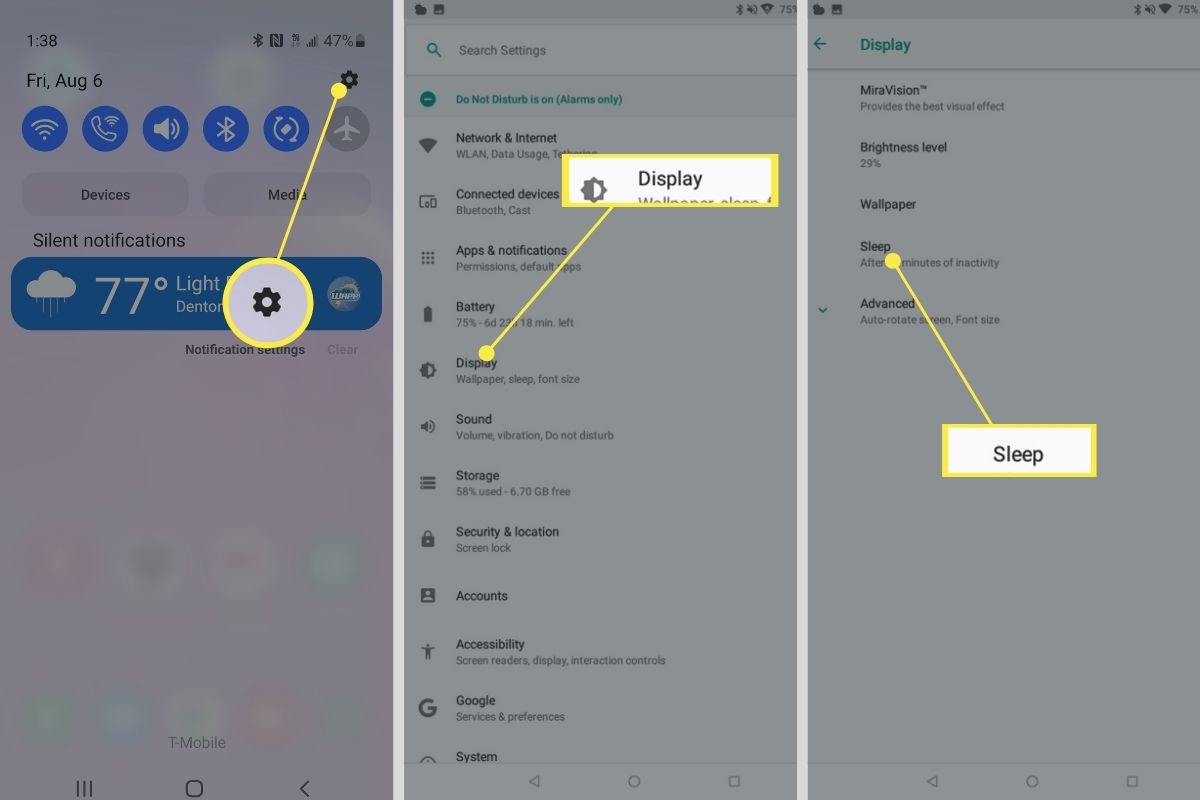
- Turn on NFC in your device settings.
- Set Google Pay as your default payment app in your device settings.
- Set a screen lock (PIN, pattern, password, or biometric) to secure your wallet.
- Confirm your phone meets software requirements and is in a supported country. Google's Android setup page says Wallet can be used to store things in your Google Wallet.
Adding a credit or debit card to Google Wallet
- In the Google Wallet app, tap Add to Wallet at the bottom.
- Select Payment card, then New credit or debit card.
- Add the card by camera, by entering details manually, or with the tap feature if available in your country.
- Tap Save and continue.
- Read the Issuer Terms and tap Accept.
- If bank verification is required, enter the code your bank sends, Google states this code comes from the bank, not Google Wallet.
Google's payment info page says the first payment method must be a credit or debit card. The first payment method must be a credit or debit card, and after that other methods such as bank accounts can be added.
How to tap and pay in stores with Google Pay
Ensure NFC is on, Google Pay is set as your default payment app, and a contactless payment method is added in a supported country. If a card shows no warning above it in Wallet, Google says it is ready to tap and pay. Check that no warning appears above the card in your Wallet, if a warning appears, tap Finish setup and follow the on-screen instructions. When ready, hold your phone near the contactless terminal to pay.
Managing payment methods and security settings
In the Wallet app, tap your profile picture or account icon, then Payment setup to adjust tap-to-pay settings. On the Google Wallet website, go to Payment methods then Add payment method if you want to manage cards or bank accounts there. Google's help also says the Wallet website lets you manage payment info from your Google Account. Use the Payment methods section to add, edit, or remove cards and bank accounts. If you want to pay with Cash App on phone, you would first need a credit or debit card in your Wallet as your primary payment method, then follow Cash App's specific setup instructions for contactless payments.
Device requirements and supported countries
Google Pay works on most modern Android devices running Android 9.0 or higher with NFC. Google Wallet's Android help page says some features require your phone to meet software standards. Historically, devices with Android Lollipop 5.0 and up could download the app, but Android Nougat 7.0 or higher was required for contactless payments. Google's older Google Pay download page says Android devices with Lollipop 5.0 and up can download the app, but Nougat 7.0 is required to add or find cards and passes or to make contactless payments. Feature availability varies by country. In India, use Pix with Google Pay. In India, Google Pay requires an Android 6.0 phone or higher, or an iPhone XS or higher running iOS 17.0 or higher, plus an active Indian phone number.
Frequently Asked Questions
Does Google Pay work on any Android device?
How do I set up Google Pay on my Android phone?
Open the Google Wallet app, add a credit or debit card, turn on NFC, set Google Pay as your default payment app, and set a screen lock.
Is Google Pay secure?
Google Pay uses tokenization, meaning your actual card number is never shared with merchants. It also requires authentication like a PIN, fingerprint, or face unlock to authorize payments.
Can I use Google Pay for online purchases?
Yes, many websites and apps accept Google Pay. Look for the Google Pay logo or option at checkout.
Can I use Google Pay internationally?
Google Pay is available in multiple countries, but supported features and banks vary by location. Check Google's website or your bank for compatibility while traveling.