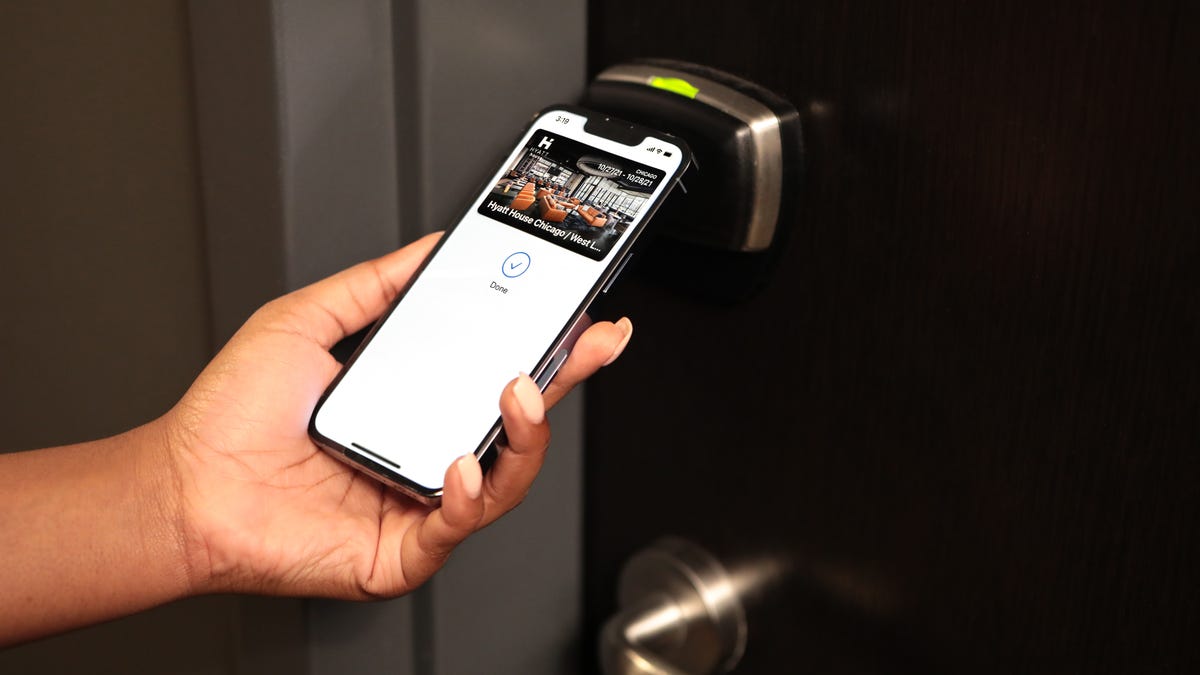
Start here: NFC

All topics →

This page collects articles about Near Field Communication (NFC) technology for readers of CellularNews, people who own smartphones, use mobile payment apps, or want to connect accessories wirelessly. Whether you are troubleshooting a stubborn tag, setting up a new wallet, or just figuring out what NFC actually does on your phone, these guides are written for everyday users, not tech experts.

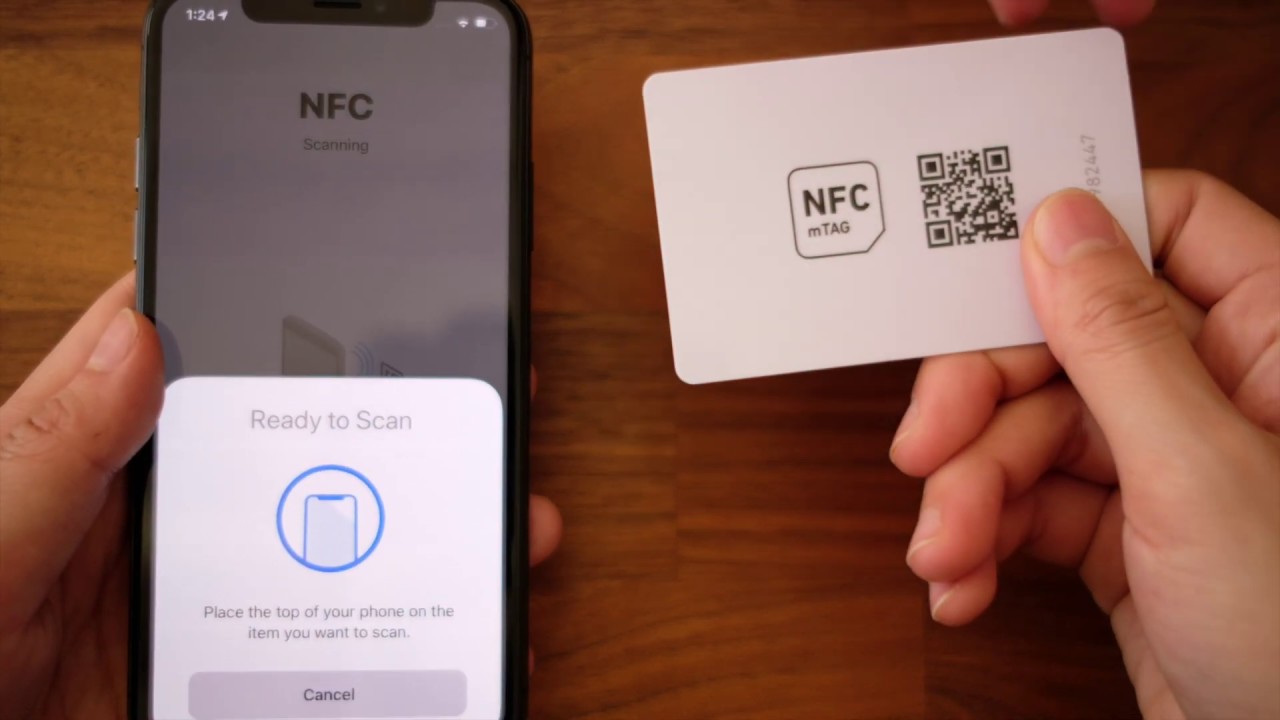
The articles solve two main kinds of problems. First, they help you perform specific tasks like paying with Google Pay on Android, setting up a Wallet in a Fitbit, or connecting wireless earbuds to an Android phone. You will also find step-by-step help for using your phone at a Chase ATM or casting your phone screen to a car display. Second, the list tackles common errors and confusion, such as why your phone keeps saying "Couldn't read NFC tag" or why you keep getting random NFC tag notifications. Several pieces explain the basics clearly, including what an NFC reader is, what an NFC chip does, and where to find NFC on an iPhone.

Beyond the core phone functions, the collection covers practical extras like how to scan an NFC tag on a pair of Golden Goose shoes, how to print NFC cards, and how to rewrite or turn off an NFC tag. Whether you are copying a tag to your phone or setting up an NFC sticker, these articles help you take control of the technology rather than just wondering what it is.
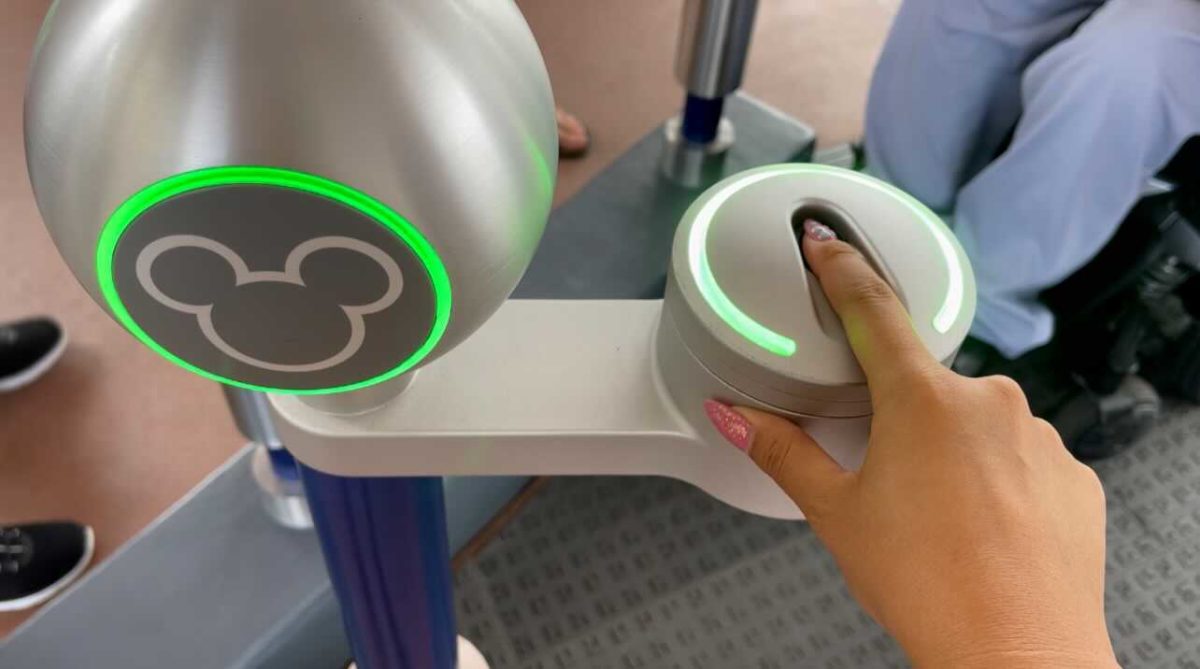
What Is The Disney Magic Mobile Pass

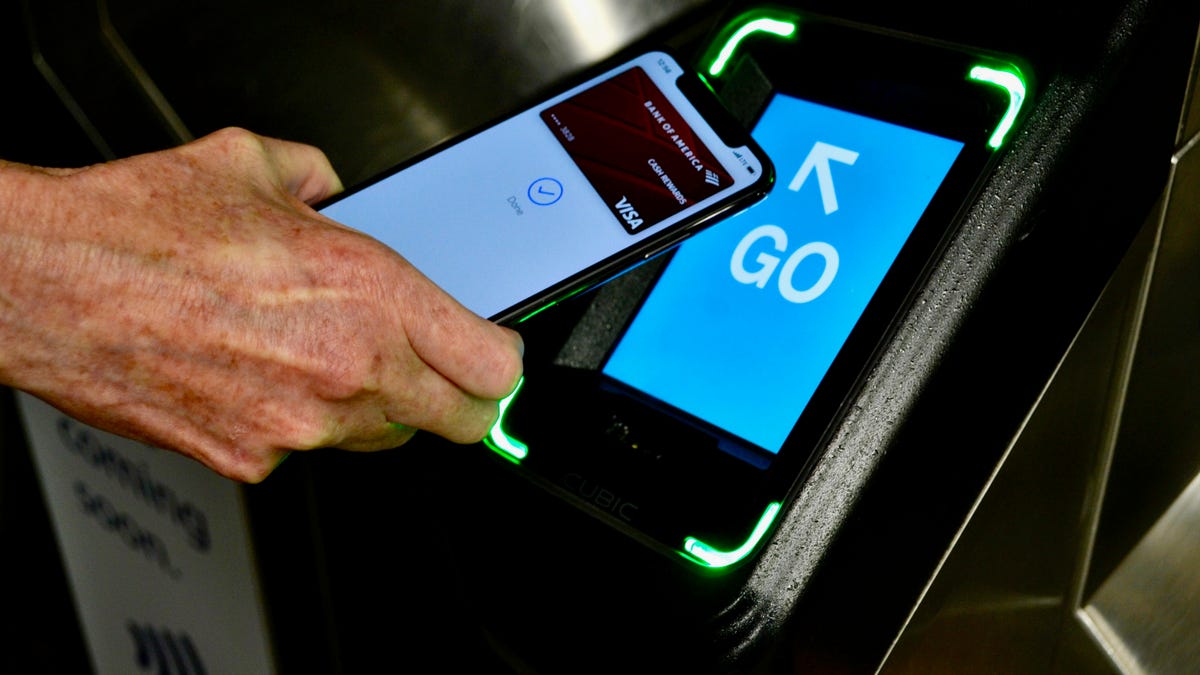
The Disney MagicMobile pass is a digital feature in the My Disney Experience app that lets you use an eligible iPhone, Apple Watch, or Android phone for park entry and...

How To Enable NFC On IPhone 11

You do not need to manually enable NFC on iPhone 11 because there is no setting to turn it on or off. Apple documents that the iPhone 11 automatically supports...

How To Enable NFC On Moto G Play

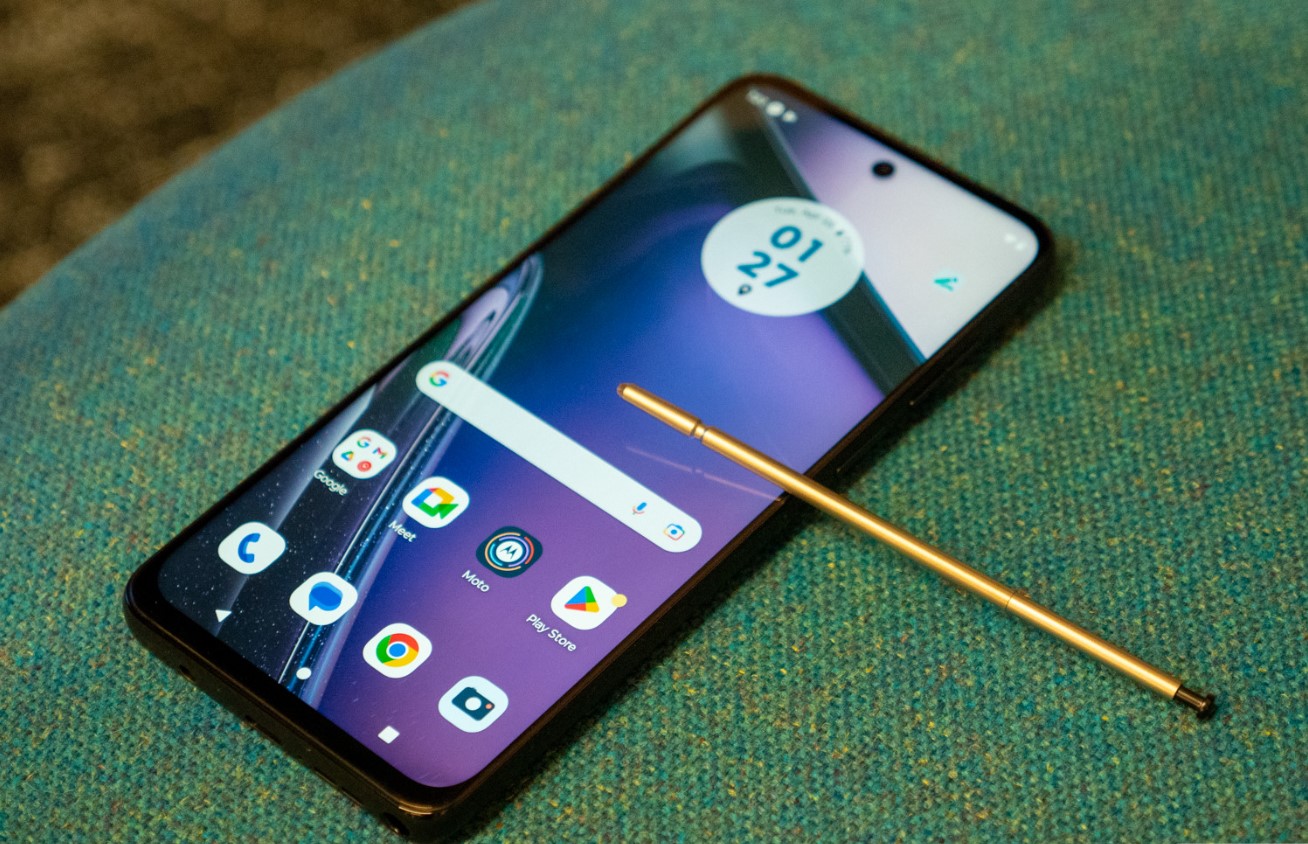
To enable NFC on Moto G Play, open Quick settings and tap the NFC tile, or go to Settings > Connected devices > Connection preferences > NFC and turn it...

How To Enable NFC On IPhone 14?

To enable NFC on iPhone 14, you do not need to toggle anything on because NFC tag scanning is always enabled and cannot be turned off. There is no manual...

What Is The Wallet App On Android?

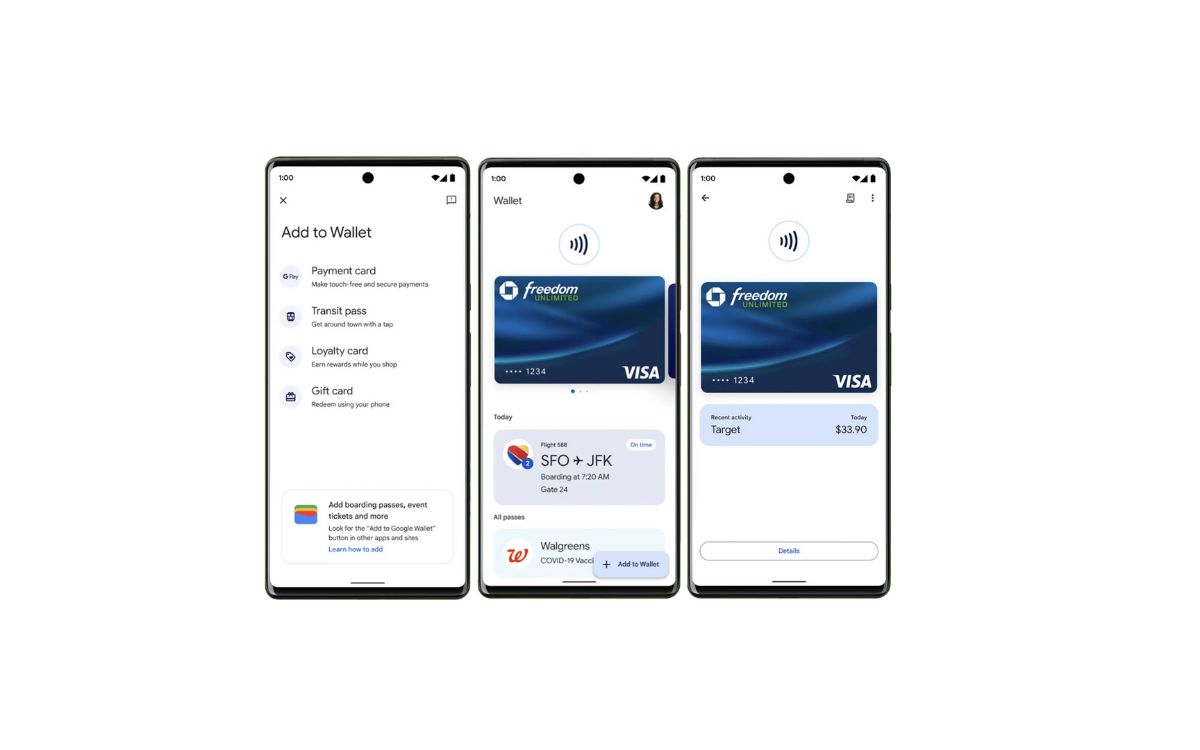
The Google Wallet app on Android is the official digital wallet that stores your payment cards, loyalty cards, transit passes, tickets, and digital IDs, using Google Pay for secure transactions....

How To Scan An NFC Tag On Android

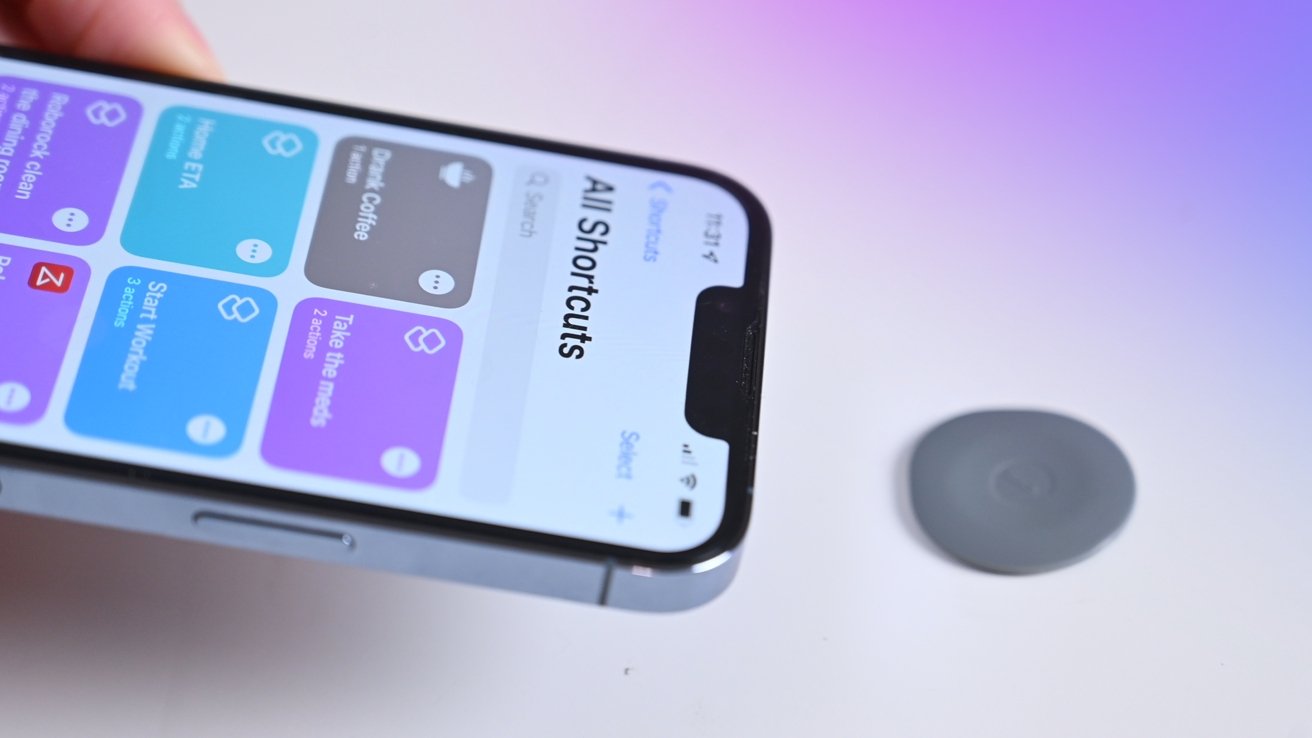
To scan an NFC tag on Android, simply turn on NFC in your phone's settings and hold the back of your device near the tag. The phone will automatically read...

How To Rewrite An NFC Tag

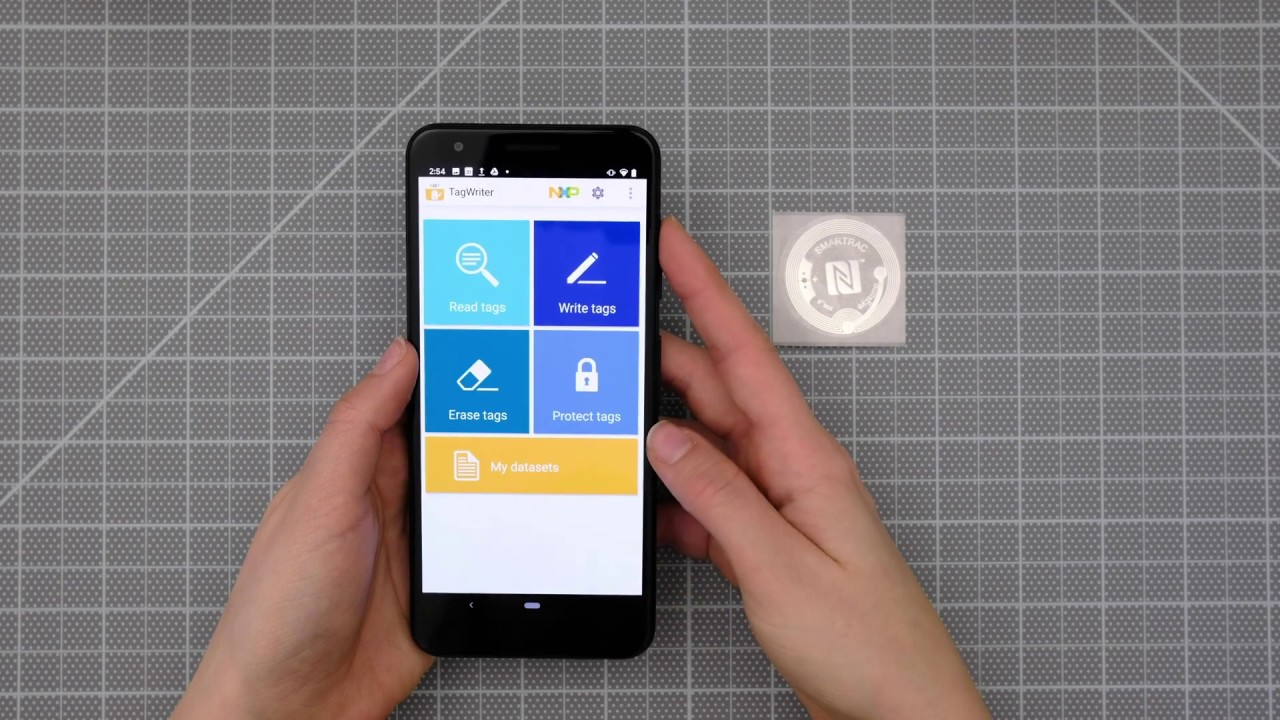
To rewrite an NFC tag means to overwrite the NDEF data stored on a writable tag, such as a URL or text, with new information, using your smartphone. This does...

How To Add An NFC Tag To Apple Wallet

The documented path is to add supported passes and cards directly in the Wallet app, and then use those passes with NFC readers for contactless redemption. Can you add an...

What Is An NFC Key?

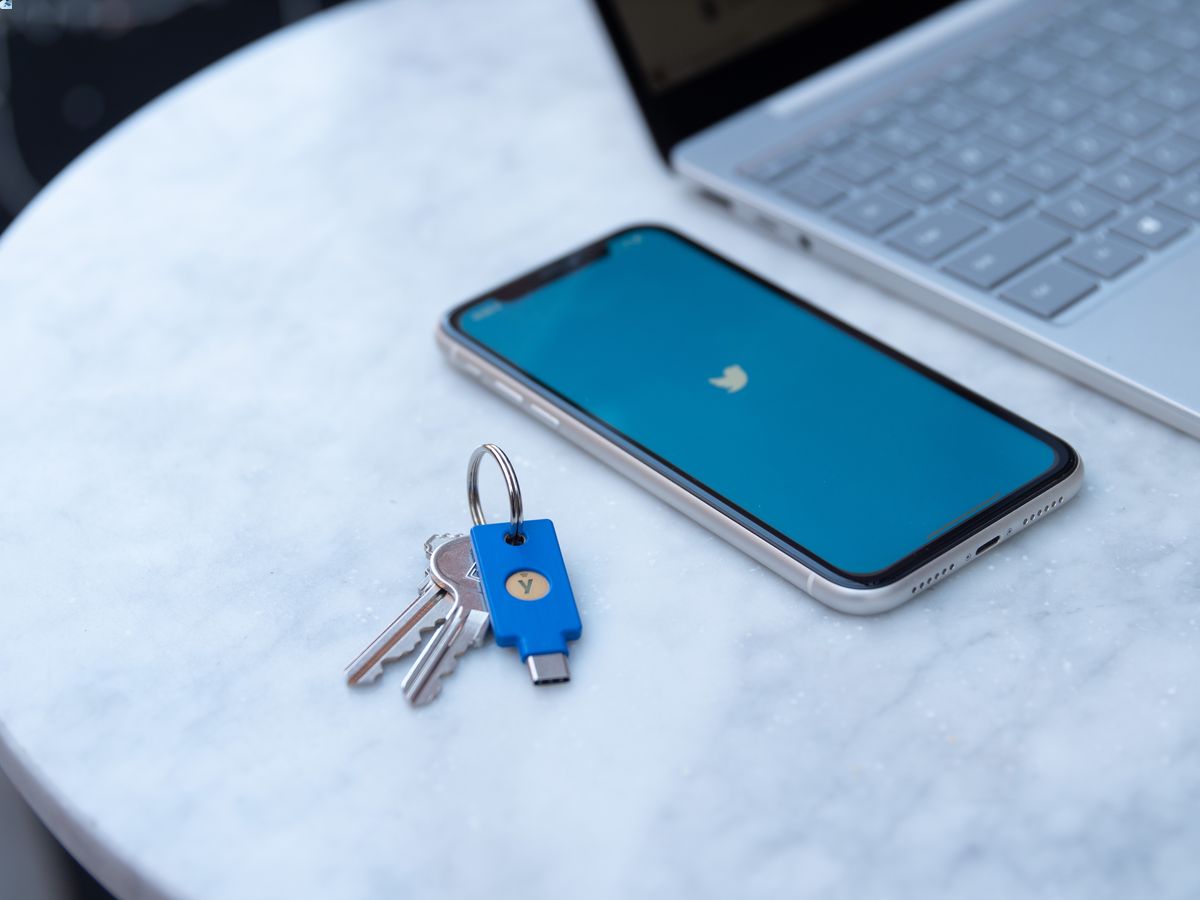
An NFC key is a hardware security token that uses Near Field Communication to provide phishing-resistant multi-factor authentication for online accounts. By tapping the key to an NFC-enabled device, you...

How To Copy An NFC Tag To An IPhone

You cannot copy an NFC tag to an iPhone. Apple’s official documentation does not support cloning or emulating an NFC tag’s data on an iPhone, so the direct answer to...