Disney MagicMobile is a digital pass feature in the My Disney Experience app that lets you use your iPhone, Apple Watch, or Android phone for touchless park entry and select in-park services at Walt Disney World. Instead of reaching for a physical ticket or MagicBand, you tap your device at the touch point to enter the parks, connect PhotoPass photos, redeem Lightning Lane selections, and charge purchases to your Disney Resort hotel folio.
What is Disney MagicMobile?
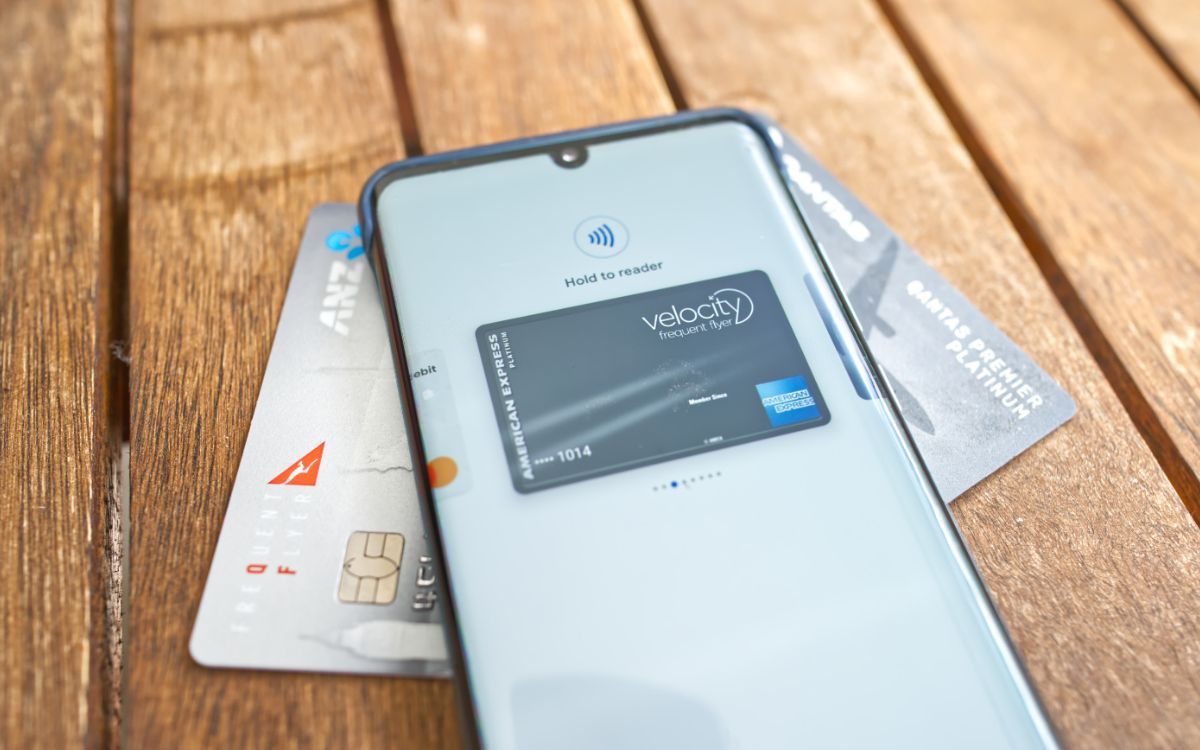
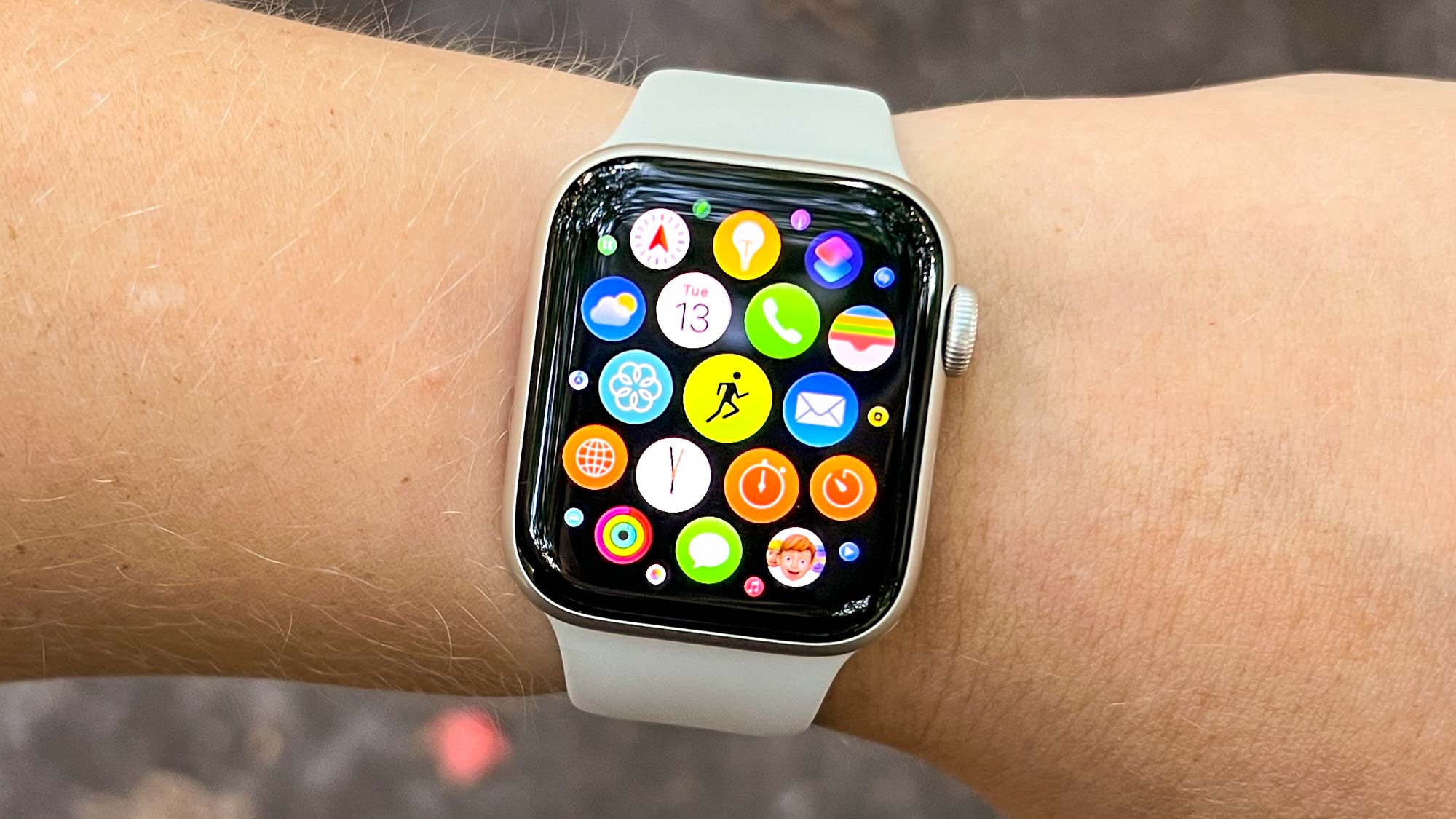
Disney MagicMobile is a feature of the My Disney Experience app that works with an eligible iPhone, Apple Watch, or Android phone. Disney says it is used for park entry and several in-park services at Walt Disney World. It functions as a digital wallet pass stored in Apple Wallet or Google Wallet, giving you a contactless way to move through the parks without carrying a separate card or band.
Disney MagicMobile device requirements
Your device must meet minimum requirements to set up and use Disney MagicMobile. For iPhone, you need iOS 14.4 or later. For Apple Watch, you need watchOS 7.3 or later. For Android phones, you need Android 8.0 or later. Bluetooth must be enabled for the My Disney Experience app on your device. Disney says the eligible smart device must be compatible with Apple Wallet or Google Pay / Google Wallet.
How to set up Disney MagicMobile
Follow these steps to add Disney MagicMobile to your device:
- Open the My Disney Experience app.
- Open the app menu, then tap Disney MagicMobile Pass or Disney MagicMobile.
- Tap Set Up Your Pass. If you already have a pass set up, select the settings icon in the top-right corner to set up another one.
- Select the guest names for the passes you want to add.
- Choose a pass design with Change Pass Style.
- Continue with Add to Apple Wallet on iPhone or Add to Google Wallet / G Pay | Save to phone on Android, then follow the prompts to finish.
Once added, your digital pass is ready to use at the touch points throughout Walt Disney World.
How to use Disney MagicMobile for park entry
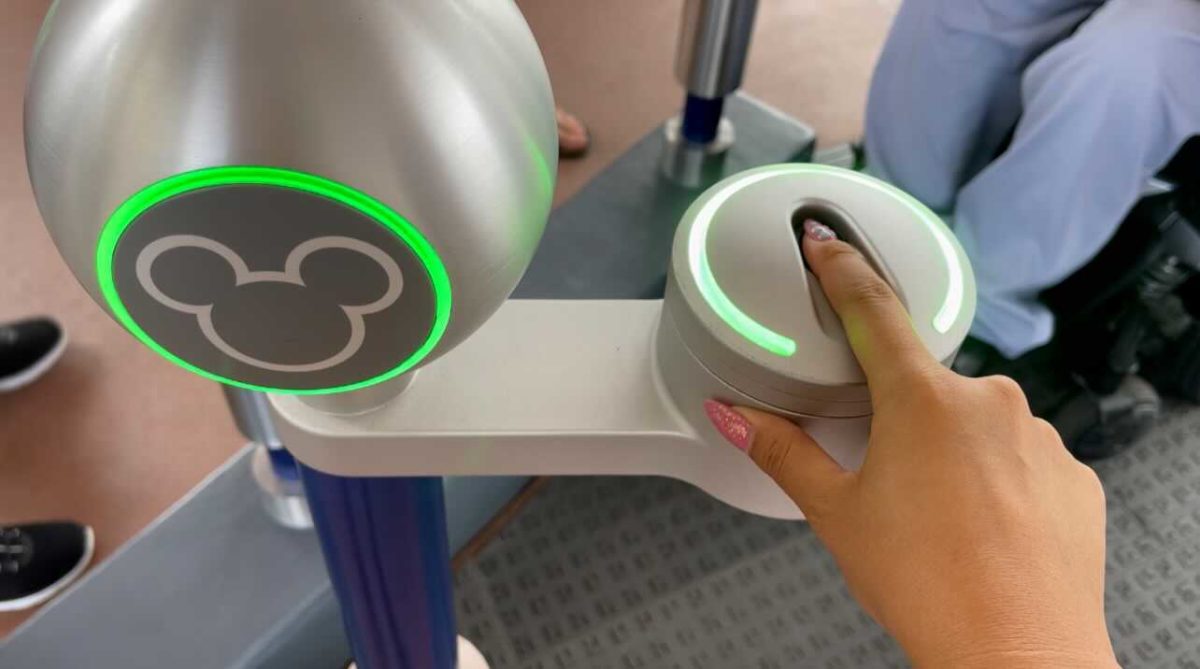
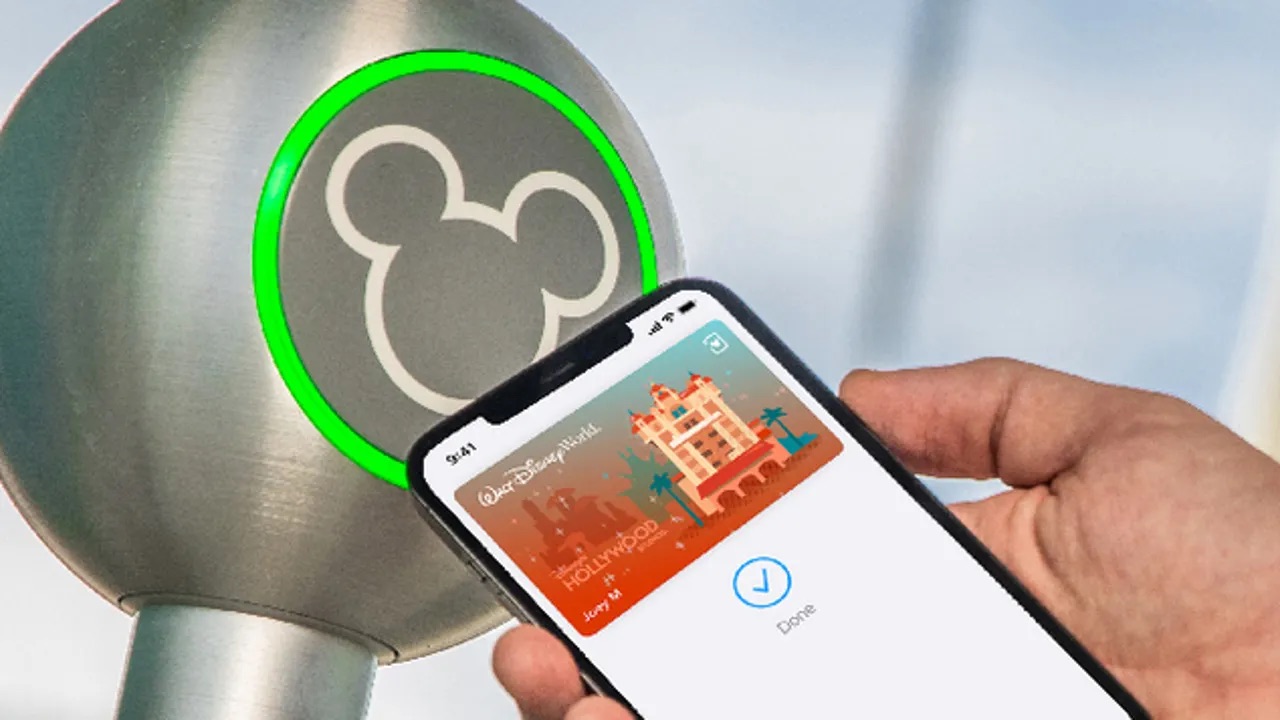
Disney says to tap your iPhone, Apple Watch, or Android device to the touch point and place your right index finger on the reader. On iPhone or Apple Watch, hold the top of the iPhone or the display of the Apple Watch near the contactless ticket reader. A tick plus Done appears when successful. Park entry requires valid admission and a theme park reservation.
Other Disney MagicMobile uses in the parks
Beyond park entry, Disney MagicMobile connects Disney PhotoPass images to your Disney account so your ride photos and character meet-and-greet shots appear automatically. You can also redeem virtual queue and Lightning Lane selections by tapping your device at the attraction entrance. During your stay, you can charge purchases to your Disney Resort hotel folio by presenting your digital pass at participating locations.
Managing multiple passes on one device
If you have more than one MagicMobile Pass, you select the passes you want to add during setup. If you have more than one MagicMobile Pass on your device, you can use the relevant pass from the device at the reader. Disney also says you can create digital passes for members of your party or link their passes to your device, making it easy to manage entry for a family or group from a single phone.
What to do if you lose your device
If your mobile phone or smart device is lost, Disney directs you to go to Guest Relations for assistance. Guest Relations can help you with the lost device and any passes stored on it.
Disney MagicMobile FAQ
Is Disney MagicMobile available on Android?
Yes, on eligible Android phones with Android 8.0 or later and Google Wallet / Google Pay compatibility.
Does it work on Apple Watch?
Yes, on Apple Watch with the required Apple/Disney setup and an eligible iPhone.
Does it replace a MagicBand?
Disney describes MagicMobile as a digital wallet pass for touchpoint entry and select services, but does not say it fully replaces all MagicBand functions. Some features, like automatic ride photo linking and hands-free entry, may still work differently with a MagicBand.
Can I use my phone as a controller for games or interactive experiences in the parks?
The documented uses are park entry, PhotoPass, virtual queue and Lightning Lane redemption, and hotel folio charging.
How many passes can I store on one device?
You can add passes for yourself and link passes for family or group members during setup.
Related reading: Wallet, Cards and Contactless Payments on Your Phone.