What is wrong with Boost Mobile? The most common documented problems with Boost Mobile services center on limited phone compatibility, network coverage that is tied to device IMEI checks, customer service access, and the absence of a documented throttling policy. These issues are not universal, but they are the specific areas where official Boost pages document potential friction for users considering a switch or troubleshooting their current service.
Limited phone selection: what is wrong with Boost Mobile
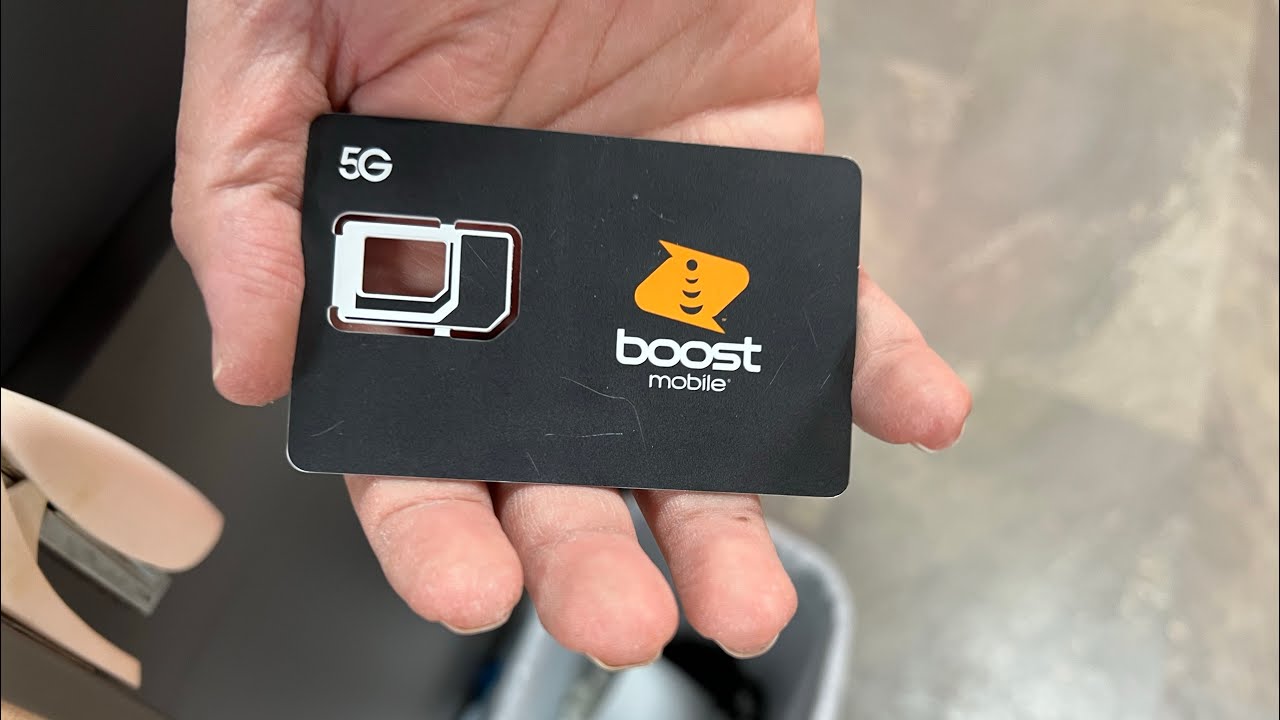
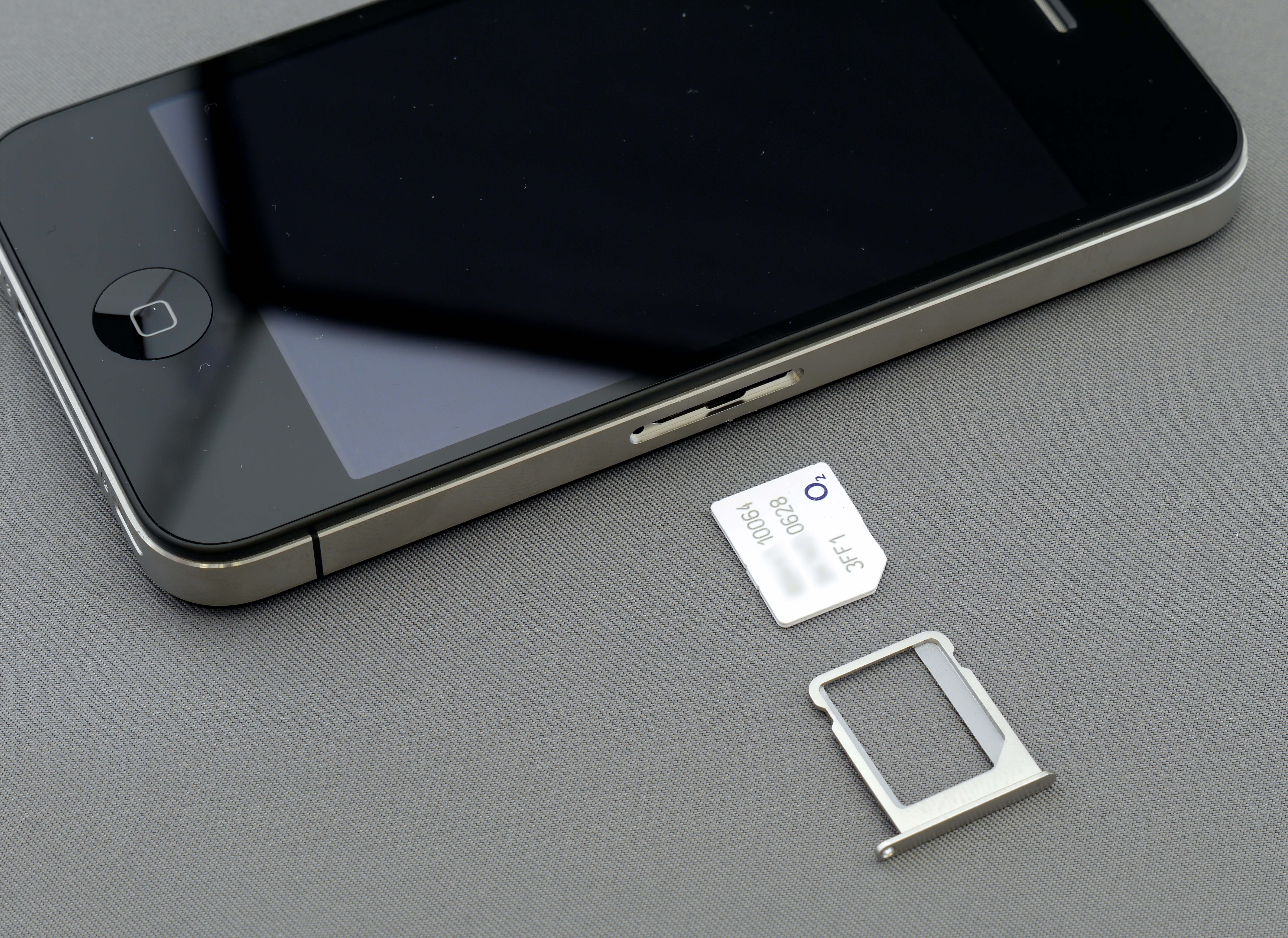
Boost Mobile requires you to check a phone’s IMEI number to see whether the device is compatible with Boost Mobile coverage. This means that even if a phone is unlocked, it may not pass the compatibility check. Boost’s Bring Your Own Device page explicitly documents support for iPad 8th Generation and later and Apple Watch Series 6 and later. For any other device, you must use the IMEI checker before purchasing a plan or activating service.
Network coverage tied to device compatibility
Boost Mobile operates on the nationwide network of T-Mobile. Boost’s official pages do not provide a public coverage map or detailed coverage warnings for specific regions. Instead, the only documented step to verify network access is to use the IMEI compatibility checker. Boost Mobile offers Wi-Fi calling capabilities, allowing users to make calls and send texts over a Wi-Fi network when cellular coverage is limited. Because compatibility is tied to Boost Mobile coverage, a device can fail the check even if it is unlocked and otherwise functional on other networks. This means that coverage is not simply a matter of geography; it is also a function of whether your specific device is approved for Boost’s network.
Customer service access and account management
Boost Mobile is a subsidiary of Dish Wireless LLC. Boost documents two primary support channels. The Boost Mobile app can be used to activate your line, manage your account, and contact customer support. For activation-specific issues, Boost’s Welcome Center page says to call Boost Mobile Activation Specialists at (866) 957-8278.
Data speed management: what Boost does not document
The official Boost pages retrieved here do not state a universal throttling rule, a speed cap, a post-limit reduced-speed amount, or a fixed deprioritization threshold. This absence means that Boost does not publicly commit to a specific speed-reduction policy, and users should not rely on a documented throttling limit when choosing a plan.
Frequently Asked Questions
How do you check if a phone works on Boost Mobile?
Boost says to use the phone’s IMEI on its compatibility checker. The checker will tell you whether the device is compatible with Boost Mobile coverage.
What devices are specifically documented as supported for BYOD?
How do you change your account password?
In the Boost Mobile app, tap Settings at the top right, then go to Security and select Change Password.
How do you manage AutoPay?
Go to Settings, then Account, then Payment Methods, and toggle AutoPay off.
How do you get app support?
The Boost Mobile app is available for iOS and Android and lets you activate your line, manage your account, and contact customer support directly from the app.
Related reading: How To Activate Boost Mobile and What Towers Does Boost Mobile Use.