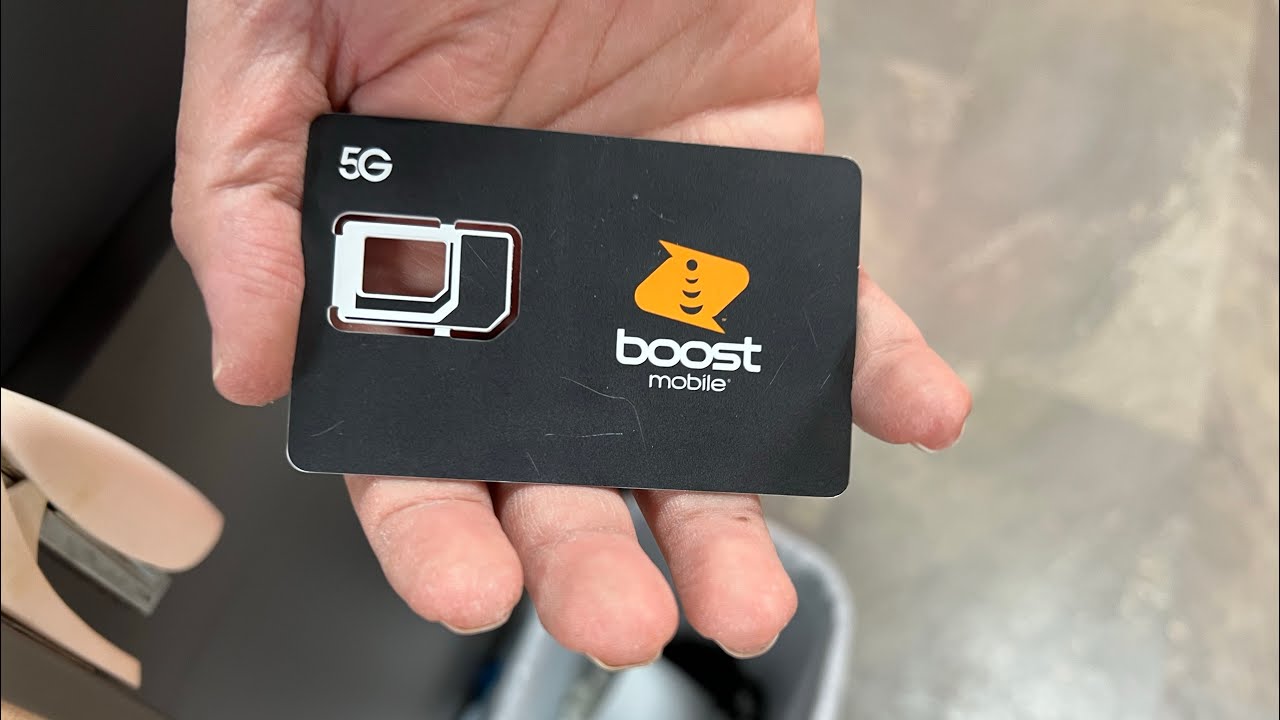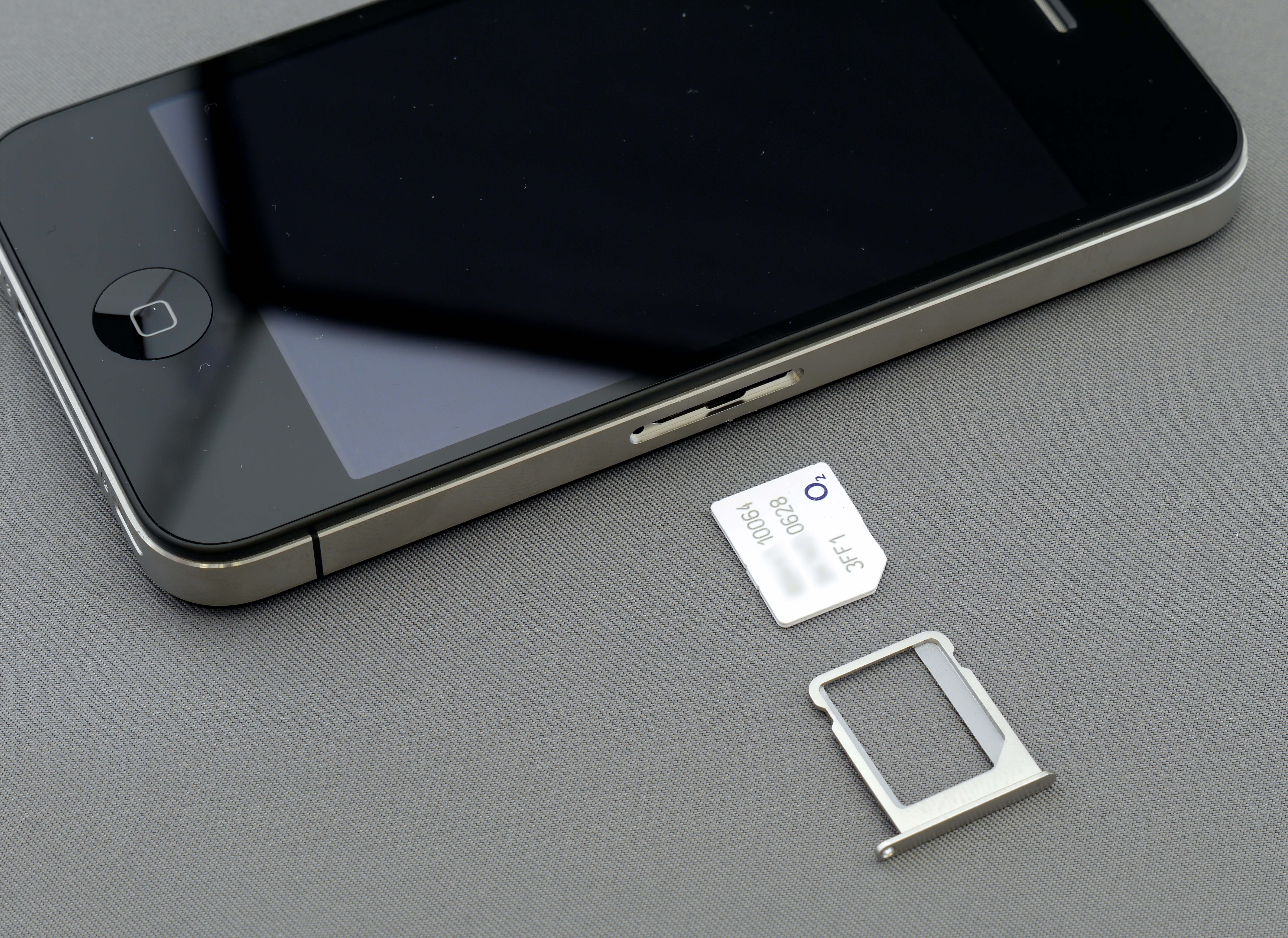
Phones compatible with Boost Mobile are devices that appear on Boost's supported-device lists or pass its IMEI compatibility check, though LG models are not currently supported. Boost Mobile says most popular, unlocked phones can be activated on its service, but compatibility depends on whether the device supports Boost’s SIM or eSIM setup and whether it appears on Boost’s supported-device lists.
Which phones are compatible with Boost Mobile?
Boost Mobile separates compatibility by SIM and eSIM and directs customers to check the IMEI before activation. Boost says “most popular, unlocked phones” can be activated, but that is not a blanket guarantee for every unlocked device.
The one rule: always check your IMEI first
Use Boost’s “Bring Your Own Device (BYOD)” page to check whether the phone is eligible, and Boost’s “Check Phone Compatibility” page says entering the phone’s IMEI before bringing your own phone helps confirm it will work after the SIM or eSIM is activated. For eSIM, Boost publishes a separate “eSIM Supported Devices” list and a “SIM Cards & eSIMs” help page that points to that list. This documented, mandatory step is the only guarantee before purchasing or switching.
iPhone models that work with Boost Mobile
Boost’s eSIM-supported iPhone list includes all U.S. models from iPhone 12 and newer. Boost also lists specific supported Apple devices in its eSIM page, including iPhone 12, 13, 14, 15, 16, 17, iPhone SE 2 and SE 3, and iPhone Air. Boost’s device page also says it supports iPad 8th Generation and later and Apple Watch Series 6 and later for cellular models.
Samsung Galaxy models that work with Boost Mobile
Boost’s eSIM-supported list includes Samsung Galaxy S26, S25, S23, S22 5G, Z Flip7, Z Fold7, Z Flip6 SE, Z Fold6 SE, Z Flip4 5G, Z Fold4 5G, Galaxy A54 5G, A36 5G, A35 5G, A27 5G, A17 5G, and A16 5G. Boost’s separate Boost blog page says Samsung eSIM-compatible phones include Galaxy S20 and up, Galaxy Note 20, Z Flip, and Z Fold series.
Google Pixel models that work with Boost Mobile
Boost’s eSIM-supported list includes Google Pixel 10, 10 Pro, 10 Pro XL, 10 Pro Fold, and Pixel 10a, plus Pixel 9a.
How to set up your new phone in the Boost Mobile app
Boost’s “Upgrade your Device” page gives the documented phone-change flow in the Boost Mobile app:
- On iPhone, turn on the new iPhone, connect to Wi‑Fi, update to the latest software, and follow the onscreen transfer prompts.
- For cellular setup prompts, Boost says to select SKIP for any prompts about transferring cellular settings or setting up eSIM.
- Then download and sign in to the Boost Mobile app.
- In the app, tap Settings → Device Setup → Manage under the appropriate line → Change Phone.
- Boost gives the same in-app path for Android: Settings → Device Setup → Manage under the appropriate line → Change Phone.
By following these exact steps, you can switch devices while keeping your Boost Mobile services (Boost Mobile Plans, Payments and Account Services) active on the new phone.
Frequently Asked Questions
Can I bring my own phone to Boost Mobile?
Yes, Boost Mobile allows customers to bring their own phone as long as the device is unlocked and passes the IMEI compatibility check. Use Boost’s BYOD page to confirm eligibility before purchasing a SIM or eSIM.
Do I need to purchase a new SIM card for my phone to work with Boost Mobile?
If you are bringing your own phone, you may need a new Boost Mobile SIM card because SIM cards are often carrier-specific. You can order one from Boost’s website or visit a Boost Mobile retail store.
Why are LG models not listed as compatible with Boost Mobile?
Boost has not published a supported LG device list at this time.
Before buying a separate eSIM, use uPhone’s device compatibility checker and also confirm that the phone is carrier-unlocked.
More eSIM resources: Browse our eSIM guides and troubleshooting resources for compatibility, setup, travel-data and account-safety advice.
Related reading: What Is Wrong With Boost Mobile? and Complete eSIM Guide: Compatibility, Setup, Travel and Troubleshooting.