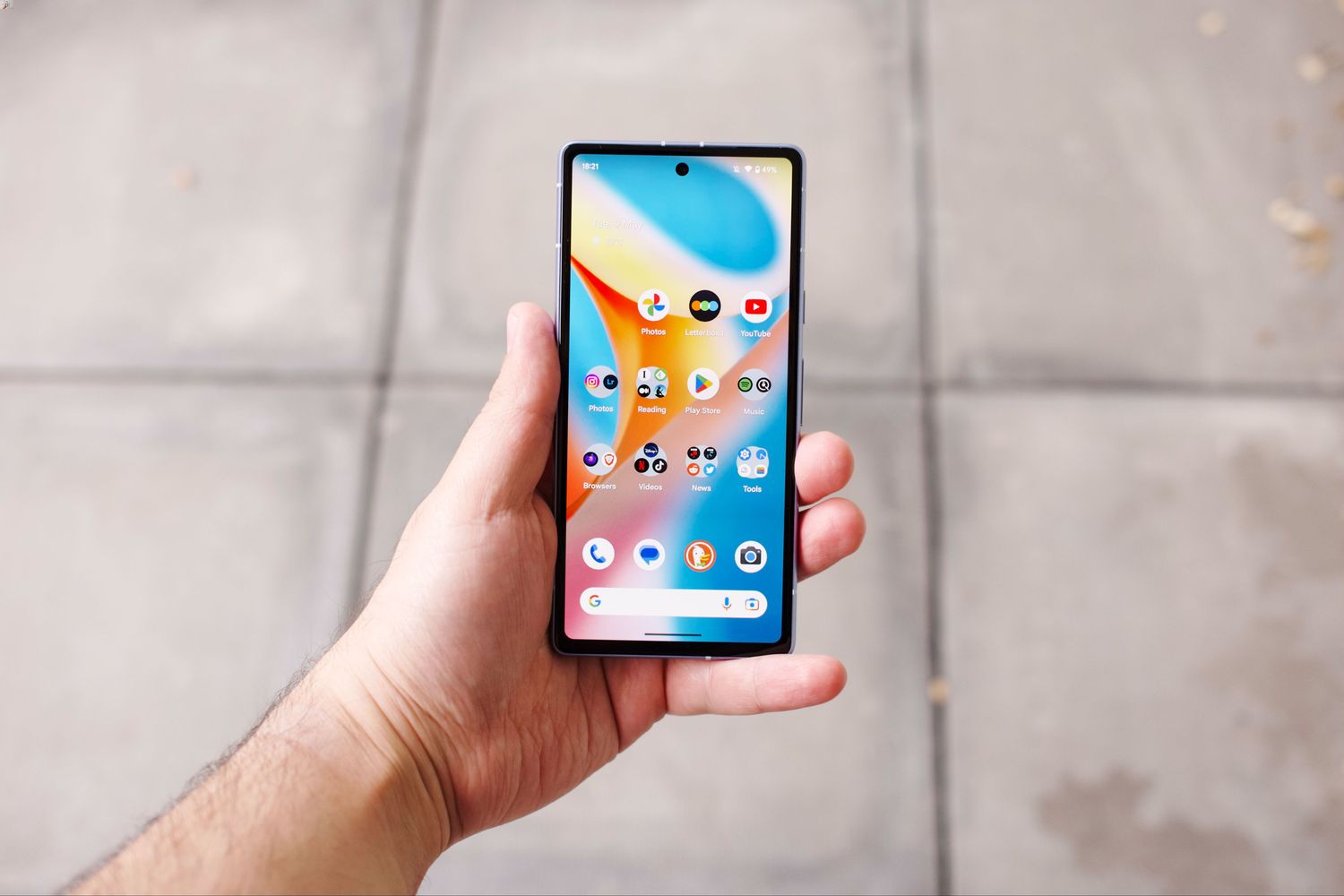
To move pictures to a flash drive from a Google phone, you connect a USB storage device using an OTG adapter and then copy or move the photos using the Files app. On iPhone, Apple does not support importing photos directly to a flash drive, so iPhone users should use a computer instead.
What you need to transfer photos on Android
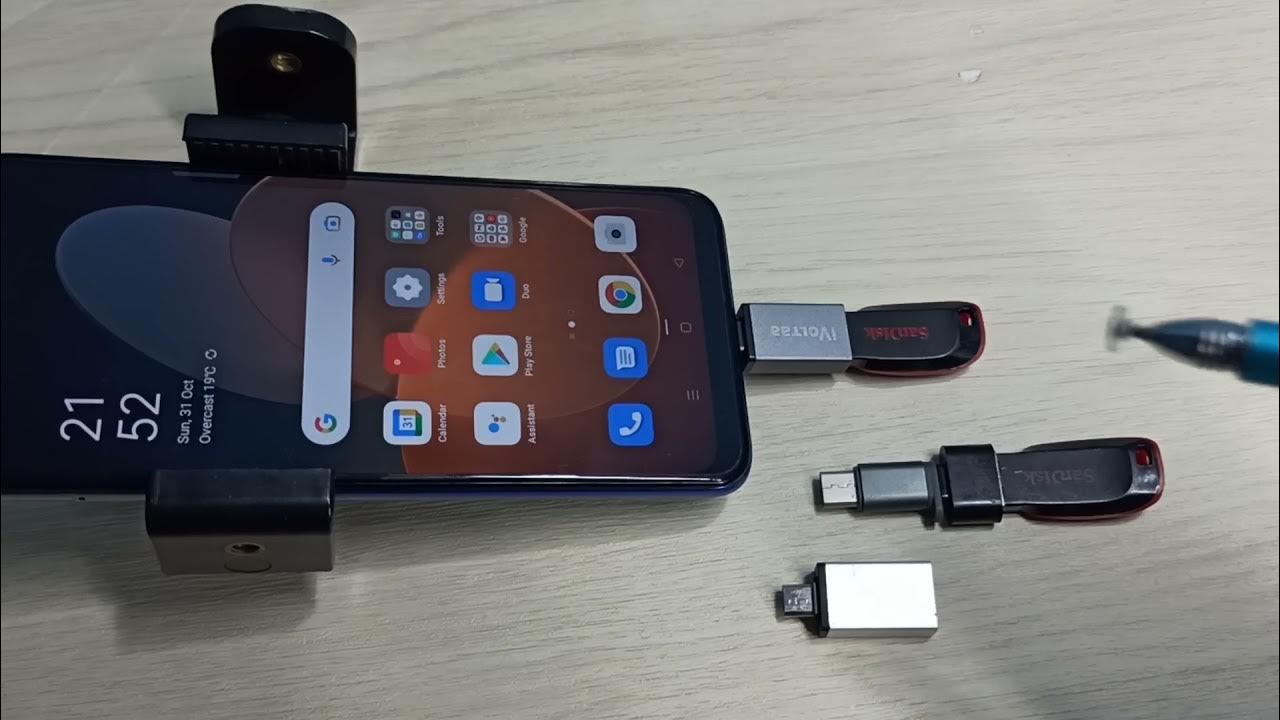
You need a USB OTG adapter, a flash drive formatted in FAT32, and the Files by Google or built-in Files app. Organize your pictures into folders or albums before transfer to make selection easier. Check available storage space on phone and free up space if needed before transfer. Update your phone's software to the latest version to minimize transfer issues. Charge your phone or connect to power to prevent interruptions during transfer. Most modern Android phones support OTG, so no special software is required for managing and transferring photos.
Connect your flash drive to an Android phone
- Plug the OTG adapter into your phone’s charging port.
- Insert the flash drive into the USB port on the OTG adapter.
- When the Files app prompts, tap Allow to grant permission to access the USB storage device.
Not all Android phones support OTG functionality, so check compatibility before purchasing an adapter.
Copy photos to the flash drive using the Files app
- Open the Files app.
- Navigate to Internal storage or the DCIM folder where your photos are stored.
- Select the pictures you want to transfer.
- Tap Copy or Move.
- Choose the connected USB drive as the destination.
- Tap Paste to complete the transfer.
What about iPhone and flash drives?
Apple’s documentation states that flash or USB thumb drives are not supported for image importing in the Photos app. iPhone users can use the Files app to manage external storage or transfer photos to a computer instead. If you need to transfer photos from phone to computer, that is the supported path for iPhone.
Frequently Asked Questions
Can you move photos directly from a Google phone to a flash drive?
Yes, on Android you connect USB storage and use the Files app to copy or move photos to it.
Which folder contains Android photos?
Photos are usually stored in the DCIM folder on Android devices.
Is special software needed to transfer photos to a flash drive?
No, the built-in Files app on your Google phone handles the transfer without additional software.
Can videos be transferred the same way as photos?
Yes, you can transfer videos using the same method, select them in the Files app and copy or move them to the USB drive.
Can I transfer pictures directly from Google Photos to a flash drive?
You can transfer pictures directly from Google Photos to a flash drive by downloading them from the Google Photos app to your phone first.
Can I transfer pictures to a flash drive without a computer?
You can transfer pictures to a flash drive without a computer by using a USB OTG cable or adapter to connect the flash drive directly to your phone.