






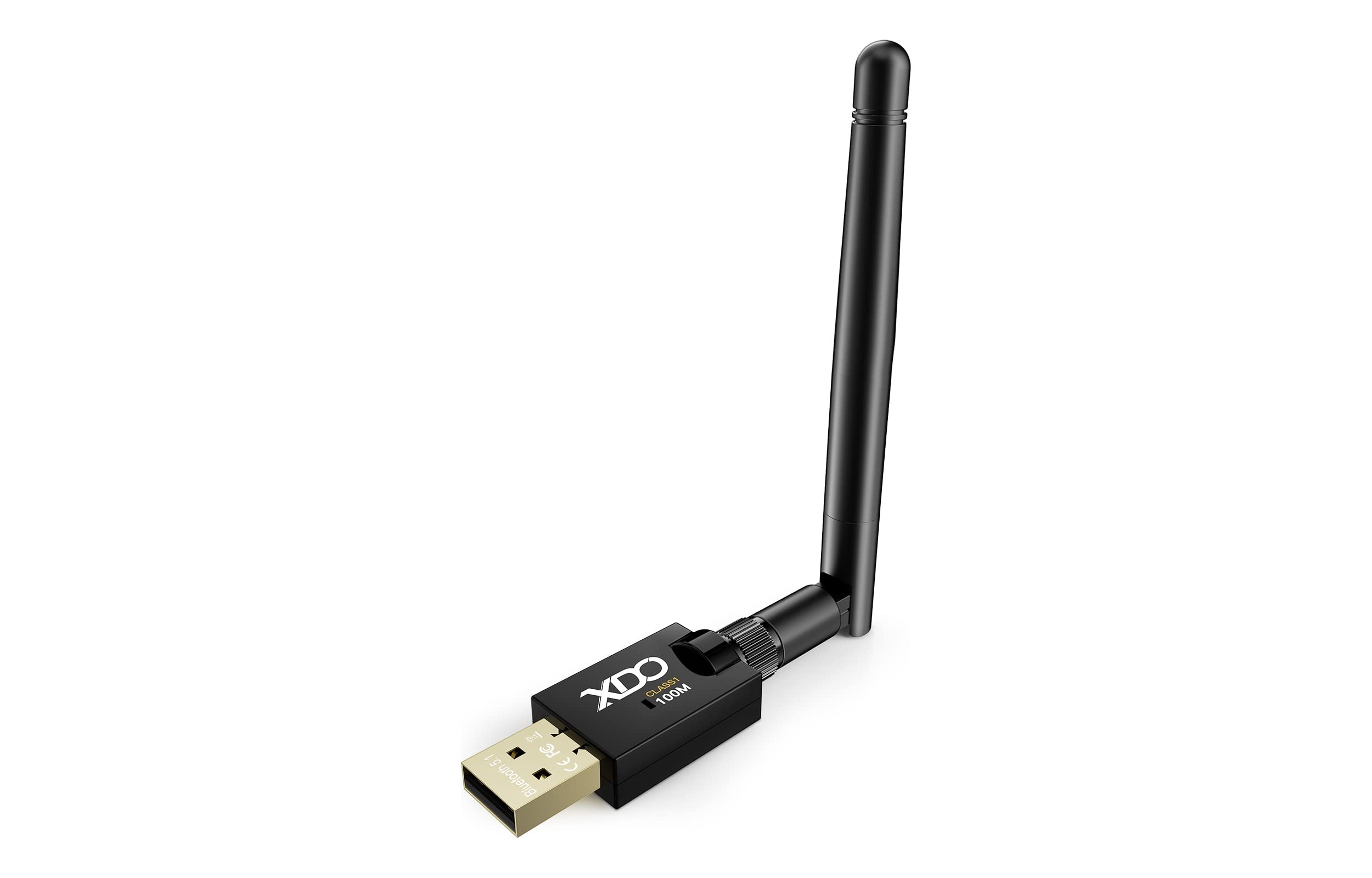
The best Bluetooth dongle is the one that matches your device's compatibility and your specific use case, but for most people searching for a "best Bluetooth dongle," the real answer is that your phone probably doesn't need one. Before you buy a dongle, it is important to understand that iPhones and Android phones already have built-in Bluetooth, so a dongle is usually the wrong purchase for phone users.
Your phone probably doesn't need a best Bluetooth dongle
If you are searching for a Bluetooth dongle because you want to connect wireless headphones, a keyboard, or a speaker to your smartphone, you do not need to buy anything. Every modern iPhone and Android phone includes built-in Bluetooth hardware. Adding a Bluetooth dongle to a phone that already has Bluetooth is unnecessary and will not improve performance. The correct solution is to pair your accessory directly with your phone using the built-in Bluetooth settings.
How to connect Bluetooth accessories on iPhone
To connect a Bluetooth accessory to your iPhone, follow the official Apple setup steps. Your iPhone should be within about 33 feet (10 meters) of the Bluetooth device for pairing.
- Open Settings and tap Bluetooth.
- Turn on Bluetooth if it is not already enabled.
- When your accessory appears below the devices list, tap its name to pair.
After pairing, you can classify supported third-party Bluetooth audio devices by going to Settings > Bluetooth, tapping the info button next to the accessory, and selecting a Device Type.
How to connect Bluetooth accessories on Android
To connect a Bluetooth accessory on an Android phone, use the official Google documented steps.
- Swipe down from the top of the screen to open Quick Settings.
- Tap the Bluetooth icon to turn Bluetooth on.
- Alternatively, open the Settings app and tap Bluetooth to find and pair your device.
No official Android documentation specifies a Bluetooth range or signal-strength limit for this process.
When a Bluetooth dongle actually makes sense
A Bluetooth dongle is the right purchase only for devices that lack built-in Bluetooth, such as older laptops or desktop computers. If your computer does not have Bluetooth, plugging a Bluetooth dongle into a USB port adds wireless connectivity for accessories like headphones, keyboards, and mice. Modern phones do not need this, so if your goal is to add Bluetooth to a phone, a dongle is not the correct solution. Bluetooth 4.0 offers a maximum data transfer speed of 25 Mbps, while Bluetooth 5.0 can achieve speeds of up to 50 Mbps. Some dongles are designed specifically for Windows or Mac operating systems, while others may offer broader compatibility across different platforms. Some Bluetooth dongles are designed for specific uses, such as audio streaming or gaming. For readers who do need a dongle for a computer, the hub page for dongle information provides further guidance on compatibility and selection.
Managing your Bluetooth connections
Once your devices are paired, you may need to manage connections or remove an accessory. To disconnect without turning Bluetooth off entirely, open Control Center and tap the Bluetooth control. Turning Bluetooth off in Settings > Bluetooth fully disables all connections until you turn it back on. For app-level control, iPhone users can manage Bluetooth permissions in Settings > Privacy & Security > Bluetooth, where you can choose OK or Don't Allow when an app requests access.
Frequently Asked Questions
What is a Bluetooth dongle?
A Bluetooth dongle is a small device that plugs into a USB port to add Bluetooth functionality to a computer or other device that does not have it built in. It allows that device to connect wirelessly to Bluetooth-enabled accessories.
Can I add Bluetooth to a device that doesn't have it?
Yes, a Bluetooth dongle can add Bluetooth to devices that lack it, such as older computers, laptops, and desktops. This enables them to connect to Bluetooth peripherals like headphones, speakers, and keyboards.
Does a Bluetooth dongle improve sound quality for headphones?
No, a Bluetooth dongle does not improve sound quality beyond what your device's built-in Bluetooth supports. Sound quality depends on the audio codec used by your phone and headphones, not the presence of a dongle.
Can I use one Bluetooth dongle with multiple devices at the same time?
Some Bluetooth dongles support connecting to multiple devices simultaneously, but this depends on the specific dongle's hardware and software capabilities. Check the dongle's specifications for multi-device support before purchasing.
Do I need a Bluetooth dongle for a modern laptop?
Most modern laptops already have built-in Bluetooth, so a dongle is unnecessary. You can check your laptop's specifications or look for the Bluetooth icon in your system settings to confirm if it is already included.
Are there different types of Bluetooth dongles available?
Yes, common types include standard USB dongles, micro dongles, and nano dongles.

















