Smartwatch comparison basics and first decisions
Before starting any smartwatch comparison, it helps to recognise that every option here is fundamentally a wearable device, a computer worn on the body that collects sensor data and relies on a nearby phone for its initial identity. For an Apple Watch, that means turning on Bluetooth and Wi‑Fi or cellular on an iPhone 8 or later running iOS 17 or newer, opening the Apple Watch app, and following the pairing flow; an Android phone will not work. The hardware is not the only form factor, as some health-monitoring prototypes are woven directly into fabric as an electronic textile, embedding conductive fibres and sensors into clothing rather than a rigid case, though these remain largely outside the consumer watch aisle.
Once paired, understanding how a smartwatch work for daily life depends on which app ecosystem you already live in, since the watch mirrors the phone’s notifications, voice assistant, and payment services, a key insight if you are curious about the underlying technology that makes it all possible. That ecosystem split also shapes the difference between a Fitbit tracker and a smartwatch: a tracker prioritises continuous health metrics and longer battery life inside a lightweight band, while a smartwatch layers on a full app store, a richer display, and often cellular calling. This distinction directly feeds into smartwatch pricing factors, which you should examine to understand why costs vary so widely between basic models and premium LTE-equipped devices; the jump from a simple AMOLED tracker to a watch with standalone LTE, a third-party app catalogue, and a larger, brighter screen accounts for much of the cost gap you will see on a shelf.
Choosing your device
Once you know which phone you are pairing with, the first real filter is whether your handset is even invited to the party. If you are browsing smartwatches compatible with Motorola phones, the baseline is refreshingly simple. Motorola’s support documentation confirms that any Wear OS watch works with Android 6.0 or later (excluding Go edition). Compatibility with iOS varies by watch model. The company does not maintain a proprietary compatibility list. Running the “Wear Check” tool from your phone’s browser will give you a definitive yes or no before you buy. That same ecosystem question shapes how independent you want to be. You may wonder which smartwatch can I use without a phone for a run or an errand. True phone-free use, beyond cached music, is documented only for LTE-equipped models. Even then the limits are strict. A Pixel Watch without 4G LTE needs the paired phone nearby to place an emergency call. A Pixel Watch 2 or 3 with LTE can use Safety Signal without a carrier plan, provided the unit was not purchased from AT&T or Verizon with the feature blocked.
Health monitoring is where the hardware earns its spot on your wrist. Safety features often tip the decision. Many people ask which smartwatches have fall detection. On the Pixel side the answer is clear. Google documents support on Pixel Watch, Pixel Watch 2, and Pixel Watch 3. Availability varies by country and the feature is designed for adults. If you are setting up Google Pixel Watch fall detection, you can enable it directly on the wrist by pressing the crown and opening Personal Safety. You can also use the Watch Companion app under Watch Preferences. The watch will still need location permission granted. On non-LTE models, the phone must be nearby to complete an emergency call. The sensor story gets murkier when you look for a smartwatch that tracks blood pressure, which is why you would want to read the article about which smartwatch tracks blood pressure to separate marketing from reality. No retrieved manufacturer page documents a wrist-worn smartwatch that measures blood pressure directly from the skin. The only official device retrieved here is a dedicated upper-arm cuff. Treat on-watch readings with healthy skepticism. Similarly, if you are hunting for Garmin touchscreen models, no official Garmin watch pages were retrieved here to provide a touchscreen-specific list. You will need to check the specifications of the exact Forerunner or Venu unit you are eyeing. Confirm whether it uses buttons, a touch layer, or both.
Getting started and setup
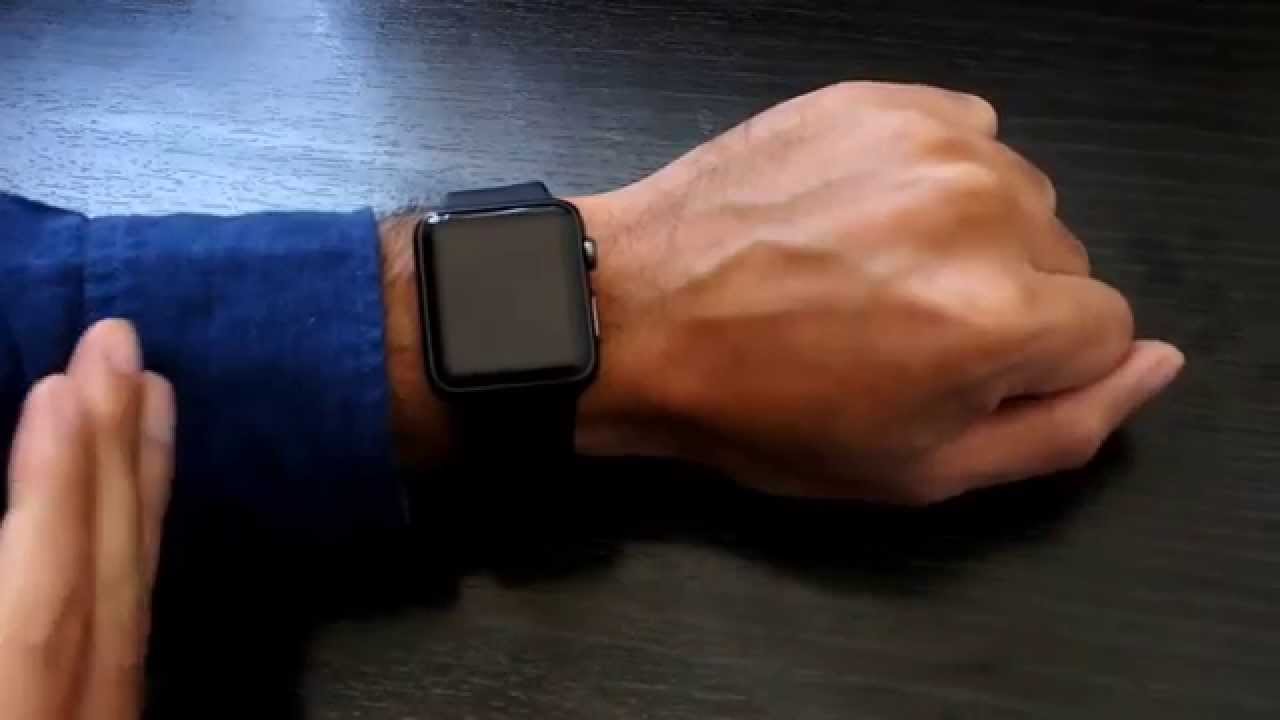
When you first lift the device out of the box, the setup path splits almost immediately based on the phone in your pocket. If you need to disconnect my Apple Watch from my old phone, open the Apple Watch app on the new handset to finish pairing. That same Apple Watch app is one of the few truly required smartwatch companion apps, since skipping it means the watch stays locked to a previous owner’s account.
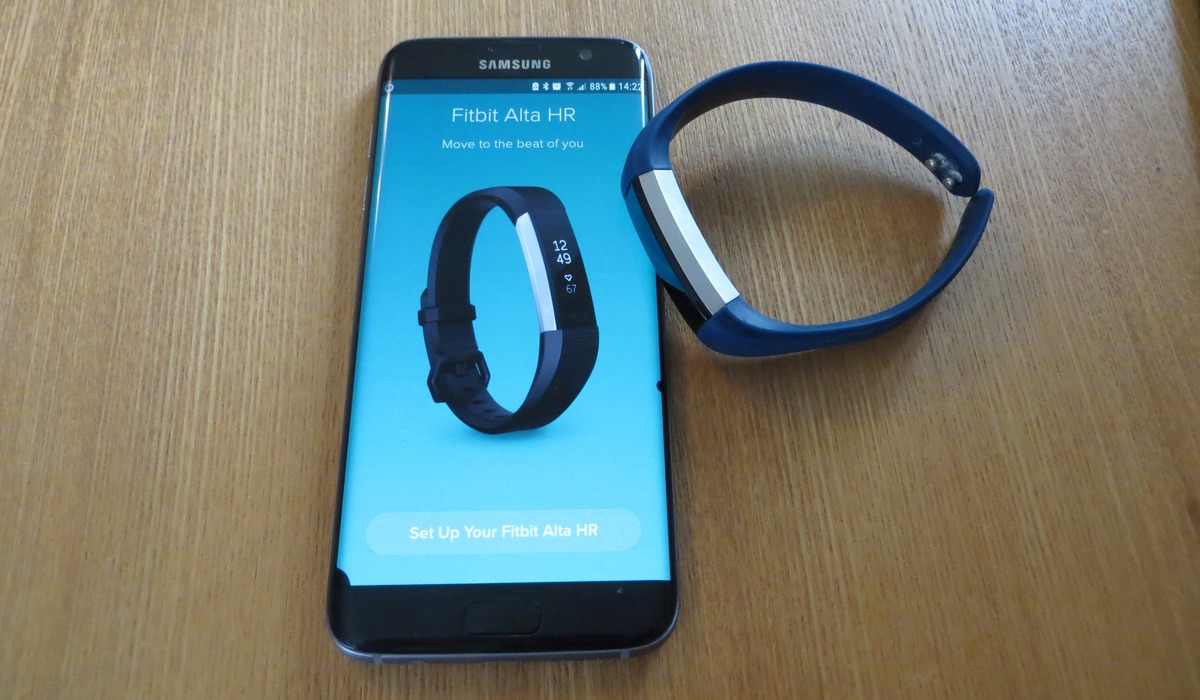
For households mixing Android and iOS, the process changes shape, and you can find the steps to sync Versa 2 to iPhone and to connect Amazfit watch to Android phone through each brand's official companion app. Voice assistant setup is not universal, either. If you try to set up Google assistant on Fitbit Versa 3 today, check Google’s own help documentation for current feature availability on that device. Before you buy a smartwatch, it is worth checking whether the model you are eyeing needs a newer phone to even get past the welcome screen.
Wearing and fit
Before you worry about sensors, a comfortable fit starts with the physical band, and the process varies by model. If you need to change your Apple Watch band, press and hold the band release button on the back of the case, then slide the current band across to remove it. Slide the new band in until you feel a click, but never force it. For a different clasp style, you might have to adjust Fossil smartwatch band by removing links with a pin tool, though the exact method depends on the bracelet design you own. On a Fitbit, the mechanism is simpler. To change the band on Fitbit Versa 2, turn the watch over, press the quick-release lever inward, and gently pull the band away from the frame. That same lever-based system works on the Versa and Versa Lite Edition as well.
Once the band is sized, the question of on which wrist should I wear my smartwatch is less about a universal rule and more about sensor consistency. The heart-rate monitor needs steady skin contact, which is why you should read our guide to decide which side works best for your activity. Equally important is smartwatch band tightness, and you can consult our dedicated guide to find the ideal balance. The band should feel snug enough that the watch does not slide around, yet loose enough that you can fit a fingertip underneath without the skin pinching. A band that is too tight during a desk-bound afternoon can leave marks. One that is too loose during a run will produce gaps in your heart-rate graph.
- on which wrist should I wear my smartwatch
- change the band on Fitbit Versa 2
- adjust Fossil smartwatch band
- change your Apple Watch band
- proper smartwatch placement
- smartwatch band tightness
Understanding your device's features
When you glance at your wrist and see a number you do not recognise, knowing where to look inside the companion app usually clears it up. If you have been tracking a personal activity intelligence score, you can check your Pai on smartwatch through the companion app or a dedicated screen on the device to see how your daily exertion compares to your fitness goal, and reading the article about it will help you interpret the score.
A very different kind of reading appears when you want to understand how Garmin measure stress.
Sometimes the screen shows a symbol that stops you in your tracks. If you have ever wondered what does the red X mean on Fitbit Versa, it may indicate the device cannot complete a requested action right then, often because it is out of range or a required permission is missing.
Storage expansion is another area where confusion creeps in. Some wearables accept a TF card for a smartwatch, which is a microSD card slot that lets you load music or maps directly onto the wrist.
Fitbit versa comparisons and capabilities
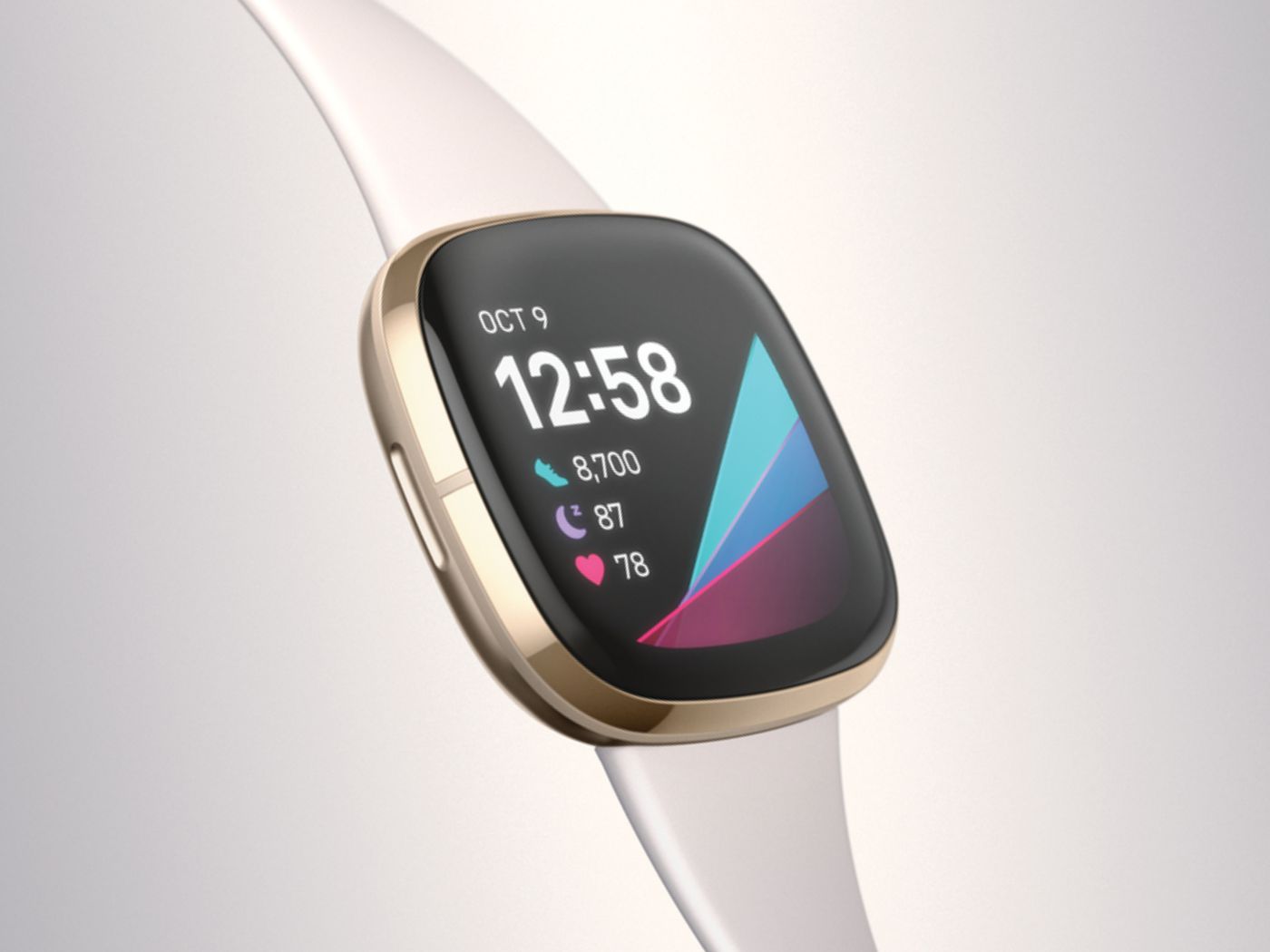
If you are trying to decide between a wrist-worn device that acts as a phone companion and one that primarily logs your activity, understanding what a Fitbit Versa do helps clarify the lineup. The Versa family sits closer to the smartwatch side of the spectrum, tracking heart rate, sleep, and workouts while syncing data to the Fitbit app throughout the day. Models vary significantly in their extra tools.
When you look at the difference between Fitbit Versa 3 and 4, the newer model keeps the core fitness tracking and built-in GPS and adds Google Maps and Google Wallet for on-wrist navigation and contactless payments. It adds on-wrist navigation and contactless payments. This shift in capability means asking what can the Fitbit Versa 4 do often leads straight to its built-in GPS and expanded exercise tracking. A Versa 3 owner had a different selection of downloadable watch faces and apps.
For a child, the question is entirely different, and what does a Fitbit Ace 3 do points to a kids’ activity tracker with parental controls and family setup features. It is built for movement challenges rather than smartwatch functions. Because the Versa 3 was the prior-generation model, many shoppers search for the Fitbit Versa 3 release date to gauge its age. Its feature set still appeals to those who want music playback from the wrist.
Daily use and app management
Everyday wrist wear lives or dies on how naturally it handles the small, repeat interactions. If you need to glance at the forecast before a run, you can set weather on Fitbit Versa 2 by opening the Weather app on the watch itself, though the current location only appears when the Fitbit app is running in the background on your paired phone with location services enabled. You can add up to two extra cities in the companion app under Today tab > devices icon > your device > Gallery > Weather > Settings, which is useful when travelling.
Expanding what the device can do often means heading into the on-wrist store, and the way you download apps for smartwatch hardware depends entirely on the platform. On a Wear OS device you wake the screen, open the app list and tap the Play Store, signing in with the Google Account used during setup.
After a pool workout, knowing how to turn off swim mode on Fitbit Versa 3 is a practical need.
Some tasks are meant to bridge the gap between your wrist and the phone in your pocket, but the option to unlock Fitbit Versa 2 with phone is not actually a supported feature on that model, despite what a quick search might suggest, so you will still enter your PIN directly on the screen.
Maintenance and repairs
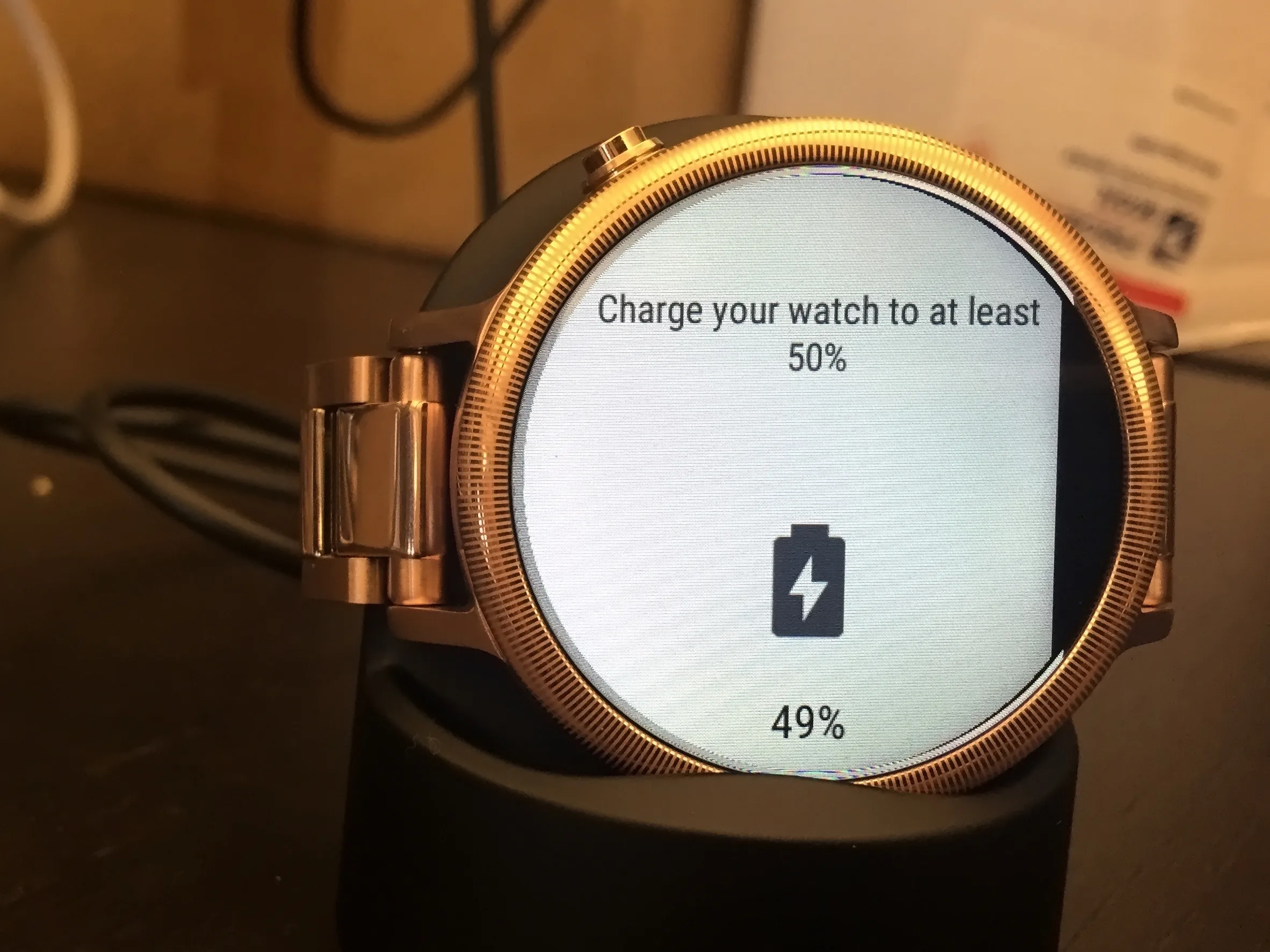
When a strap tears or the display glass cracks, the fix usually starts with the same step mentioned earlier: find your exact model name on the back of the case or in the About menu, because band lug designs and screen adhesives change even between generations of the same line. Water damage can be equally tricky; many devices have a swim mode, but a watch that refuses to charge after a saltwater session may need a thorough rinse of the charging contacts with fresh water and a dry before you assume the battery has failed. If the button feels sticky or unresponsive, a soft, damp cloth worked around the edges often clears debris without forcing anything, while a completely seized button on a sealed device generally means a repair center visit. For bands that show fraying or cracks near the spring bar, replacing the strap yourself is straightforward as long as you match the quick-release pin width to your specific model.
Frequently Asked Questions
How do I turn on fall detection on a Pixel Watch?
Press the crown, open Personal Safety, then tap Fall detection. You can also enable it in the Watch Companion app under Watch Preferences > Safety & Emergency. Location permission must be granted, and on non-LTE models the paired phone needs to be nearby to complete an emergency call.
Which phones work with a Wear OS smartwatch?
Wear OS works with phones running Android 6.0 or later, excluding Go edition, and iOS 13.0 or later. Motorola recommends running the Wear Check tool from your phone's browser to confirm compatibility with your specific handset before buying.
What does the red X mean on my Fitbit Versa?
A red X on a Fitbit Versa typically indicates the device cannot complete a requested action at that moment, often because it is out of range of the paired phone or a required permission is missing. Checking the companion app usually clarifies the exact cause.