






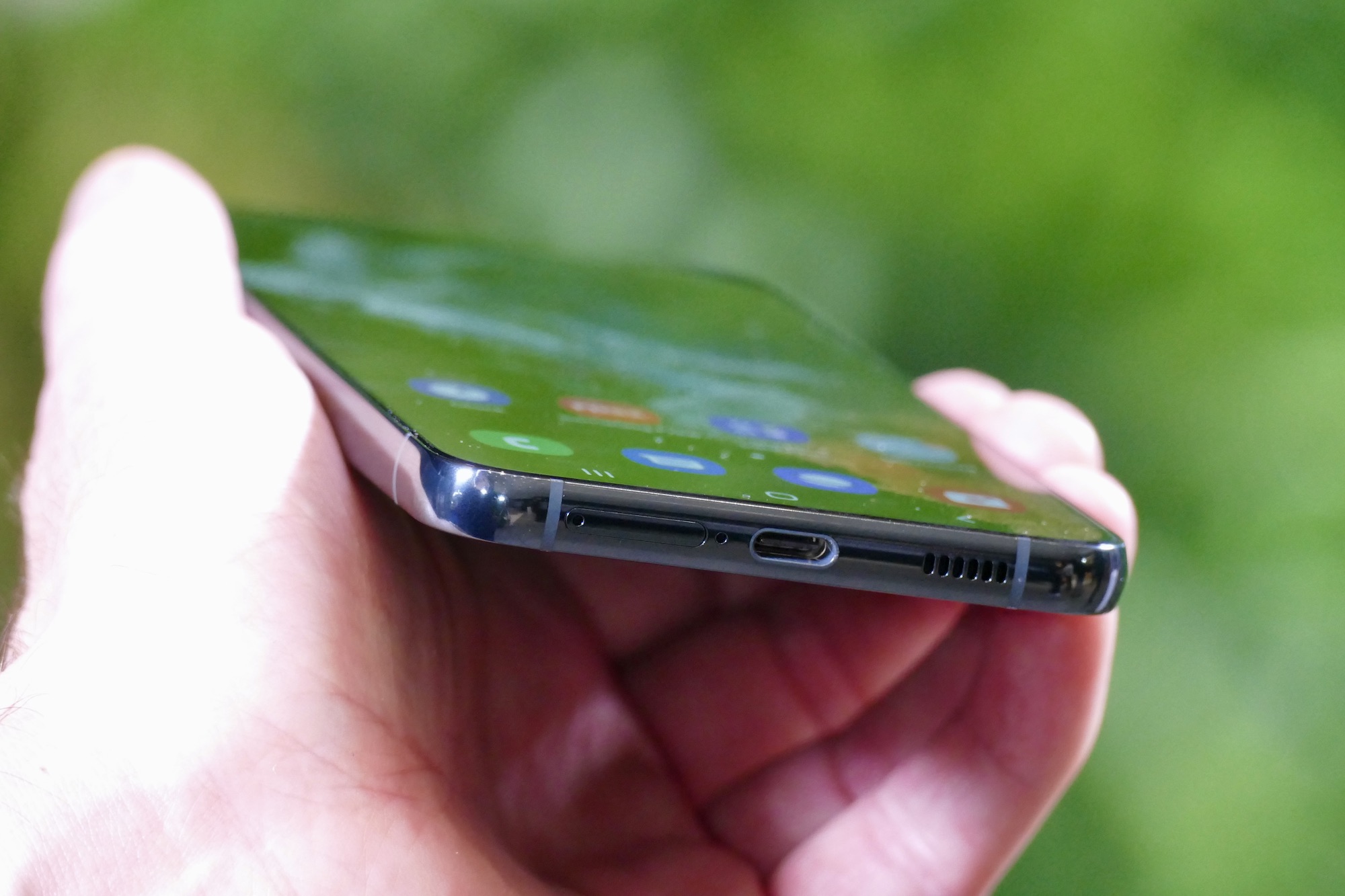
To charge a Samsung phone, use the USB-C cable and power adapter that came with your device, or place a compatible Galaxy model on a Qi-certified wireless charger. The correct way to charge a Samsung phone depends on the method you choose, wired, wireless, or PowerShare, and ensuring your accessories support the desired charging speed.
How to charge a Samsung phone: available methods
Samsung phones support three charging methods. Wired charging uses the USB-C port. Wireless charging works on supported Galaxy models through a Qi-certified pad or stand. Wireless PowerShare lets compatible Galaxy devices charge another compatible device wirelessly by placing them back-to-back.
Charge with the original cable and adapter
Using the original charger and cable gives you the most reliable charging experience. Samsung says to connect the USB cable to the phone or tablet first, then plug the USB power adapter into a power outlet. This order helps start Fast charging or Super fast charging when supported. The fastest charging speed available depends on the connected charger and the battery's current status. Super fast charging is only available on select devices and requires a 25W or 45W Samsung-approved adapter. The charging speeds your device supports will appear in Settings.
Enable fast charging and super fast charging
To turn on faster wired charging, open Settings > Battery > Charging settings. Tap the switch next to Fast charging or Super fast charging. Only the charging speeds your device supports will appear in this menu. If you do not see Super fast charging, your phone or connected adapter does not support it. Fast charging, Super fast charging, and Fast wireless charging all require a compatible power adapter, cable, and accessories.
Charge wirelessly on a Qi pad or stand
Wireless charging eliminates the need to plug in a cable. Samsung says wireless charging is supported only on certain Galaxy models, and Fast wireless charging is only supported on certain Galaxy models. First, plug the wireless charger’s power adapter into a power outlet and connect the USB cable to the wireless charger. Then place your phone on the wireless charger, centered and with the back of the phone in full contact with the charger. Samsung’s US support page lists wireless-capable models including the Galaxy Note20 5G, Note20 Ultra 5G, Note10+, Note10, Note9, Note8, Note5, and Galaxy S series from the S6 through the S26 series. To enable faster wireless charging, go to Settings > Battery > Charging settings and tap the switch next to Fast wireless charging. Samsung says Fast wireless charging may appear after the first wireless charge on some Galaxy models. Some regional Samsung pages use Settings > Battery and device care > Battery > More battery settings for Fast wireless charging. Fast wireless charging is only supported on devices certified by Samsung and the Wireless Power Consortium.
Troubleshooting charging issues
If your Samsung phone is not charging correctly, start with these Samsung-specific checks. Confirm that the charger, cable, and accessories support the charging function you are trying to use. Verify the charging toggles are on in Settings > Battery > Charging settings. Clean the USB-C port gently with a soft brush or compressed air to remove dust or lint. For wireless charging, check that your phone model is compatible and that you are using a Qi-certified wireless charger. Remember that wireless charging works only on certain models and with compatible wireless chargers. If you still have trouble, test with a different Samsung-approved cable and adapter. For a complete reference on compatible accessories, consult a Phone Charger Types and Cable Guide to ensure you are using the right hardware for your device.
Frequently Asked Questions
Can I use any USB-C charger with my Samsung phone?
Samsung says all phones since the Galaxy S8 and Note8 are compatible with USB-C chargers. However, for the fastest charging speeds, use a Samsung-approved adapter that supports the wattage your device requires.
Does wireless charging work with a phone case?
Wireless charging can work through thin, non-metallic cases. If charging is inconsistent, remove the case and place the phone directly on the charger to rule out interference.
Why is my Samsung phone charging slowly?
Slow charging can happen if you are using a low-wattage adapter, a damaged cable, or if Fast charging is disabled in Settings. Also, using your phone while it charges can reduce the charging speed.
Is it safe to charge my Samsung phone overnight?
Samsung phones include built-in protection to stop charging when the battery is full. Overnight charging is generally safe, but for long-term battery health, avoid keeping the phone at 100% charge for extended periods.
What is Wireless PowerShare and which phones support it?
Wireless PowerShare lets you charge another compatible device, such as earbuds or another phone, by placing it on the back of your Galaxy phone. This feature is available on select Galaxy models and can be enabled in Settings.
For the wider topic, see phone charger types and cables.













