






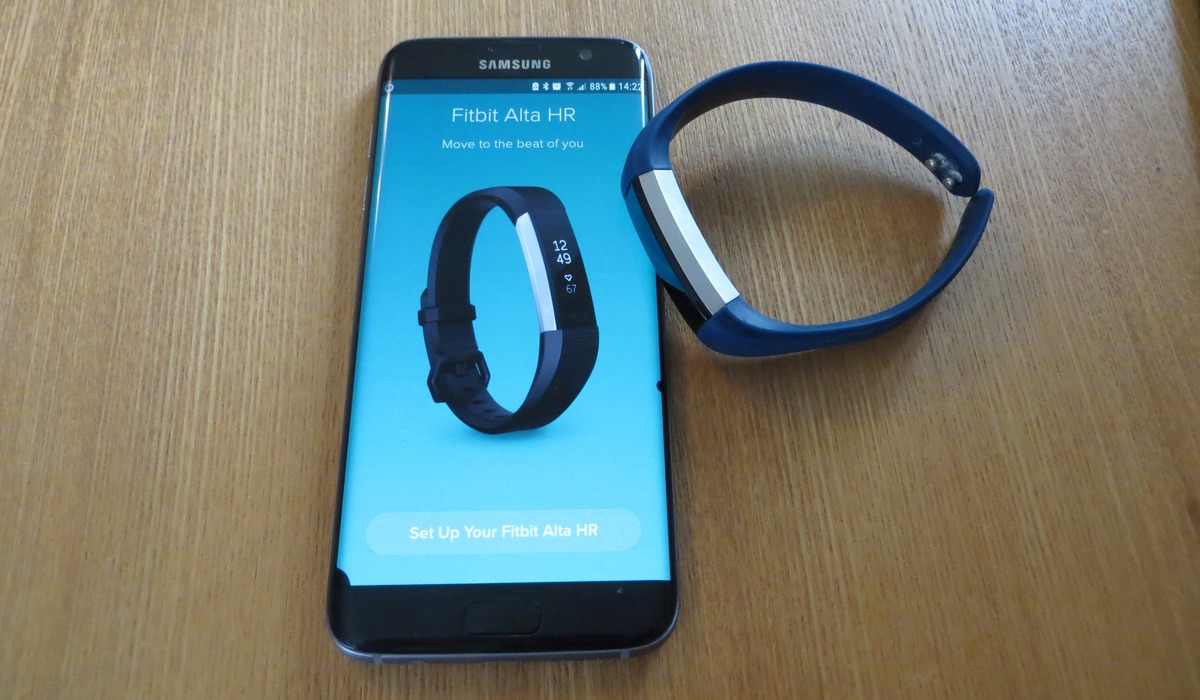
To connect Fitbit to Bluetooth, you pair the device through the Fitbit app, not your phone's Bluetooth settings. The Fitbit app uses Bluetooth Low Energy (BLE) technology to communicate and sync data with your Fitbit device, so the entire setup is managed within the app.
How to connect Fitbit to Bluetooth on your phone
The complete process for pairing a Fitbit tracker or smartwatch with an iPhone or Android phone is handled entirely inside the Fitbit app. Follow these steps in order.
- Open the Fitbit app on your phone and log in to your existing account or create a new one.
- From the Today tab, tap your profile picture or the account icon in the top-left corner of the screen.
- Select "Set Up a Device" or "Add new device."
- Choose your Fitbit model from the list of available devices.
- Follow the on-screen instructions within the Fitbit app to complete the pairing process. This may include confirming a pairing code that appears on your Fitbit screen.
Once the setup is complete, your Fitbit will automatically connect to your phone via Bluetooth and begin syncing data.
Before you start: check these settings
Before beginning the Fitbit setup and pairing process, verify the following prerequisites to ensure a successful connection:
- Bluetooth is on. Turn on Bluetooth on your phone or tablet from the device settings menu.
- Fitbit app is installed. Download and install the Fitbit app from the Apple App Store (for iPhones) or Google Play Store (for Android phones).
- Location services are enabled. Ensure the Fitbit app has permission to use Bluetooth and location services. Android devices in particular require location permissions for Bluetooth scanning during device setup.
- Device is charged. Your Fitbit device should have sufficient battery charge before attempting to pair it.
Connecting Bluetooth audio devices to your Fitbit watch
Some Fitbit watches allow you to connect Bluetooth audio devices like headphones or speakers directly to the watch for listening to playlists stored on the watch. This feature is available on models such as the Fitbit Sense and Fitbit Versa.
This feature is not available on Fitbit Sense 2, Fitbit Versa Lite Edition, or Fitbit Versa 4. On these models, you cannot pair Bluetooth audio devices directly to the watch.
Troubleshooting Fitbit Bluetooth connection problems
Fitbit not found during setup
If the Fitbit app cannot find your device, first confirm that Bluetooth is on and that your Fitbit is charged and near your phone. Restart both your Fitbit device and your phone.
Pairing fails or the connection drops repeatedly
Toggle Bluetooth off and on again on your phone. Restart your Fitbit device. If the issue continues, unpair the device from the Fitbit app by removing it from your account, then repeat the setup process from the beginning. Check for software updates for both the Fitbit app and your Fitbit device, as updates often address known connectivity issues.
Weak Bluetooth signal
Keep your Fitbit device within the typical Bluetooth range of 20-30 feet from your phone. Move away from potential sources of interference such as Wi-Fi routers, cordless phones, and microwave ovens. Physical obstacles like walls can also weaken the signal, so try moving closer to your phone.
Older Fitbit devices and computers without Bluetooth
If you are setting up an older Fitbit device with a Windows 10 PC that does not have Bluetooth, you may need to use the wireless sync dongle that came with your Fitbit. Plug the dongle into a USB port on your computer to enable the connection.
Frequently Asked Questions
Can I connect my Fitbit to multiple phones?
Yes, you can connect your Fitbit device to multiple phones, but it can only sync with one phone at a time. To switch devices, open the Fitbit app on the new phone and follow the setup process to add the device to that account.
What do I do if I've lost the Bluetooth connection between my Fitbit and my phone?
Ensure Bluetooth is enabled on both devices. Toggle Bluetooth off and on again on your phone, then restart your Fitbit device. Open the Fitbit app, go to your profile, tap on your Fitbit device, and follow the prompts to reconnect.
Do I need my phone nearby to use my Fitbit?
Your Fitbit can track steps, heart rate, and other activities without a constant connection to your phone. However, features such as GPS tracking, call and text notifications, and music control require a Bluetooth connection to your phone.
Why does my Fitbit keep disconnecting from Bluetooth?
Intermittent disconnections are often caused by being out of range, low battery, or software glitches. Restart both devices, ensure they are within 30 feet of each other, and check for software updates in the Fitbit app. If the problem persists, remove the device from your account and set it up again.

















