






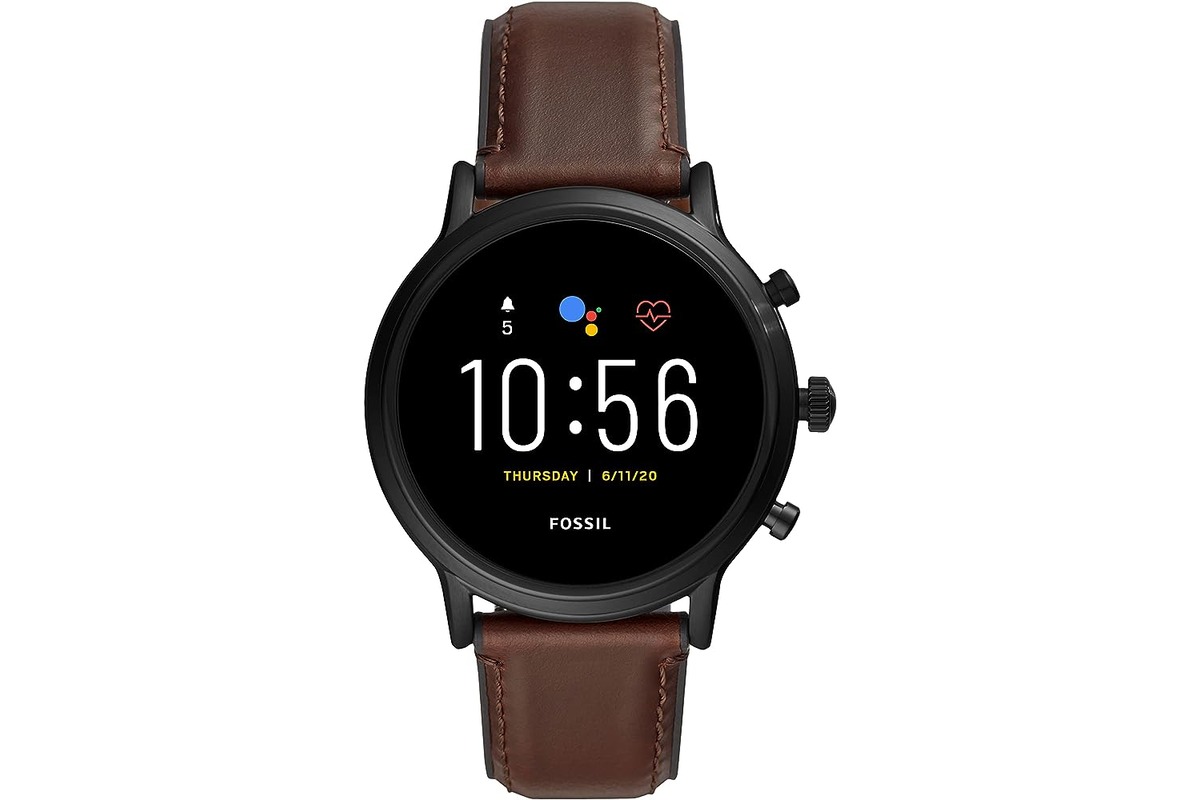
To turn on a Fossil smartwatch, connect it to its magnetic charger. This is the only method Fossil documents for powering on the device, and the watch will start up automatically once it detects the charger.
How to turn on a fossil smartwatch: The verified primary method
Fossil's official support page states that the way to turn on a Fossil smartwatch is to place it on the charger. The magnets in the charger will hold it securely against the back of the watch. Once connected, the watch should power on automatically without needing to press any button. This process is similar to how you would turn on a smart bracelet, where the device wakes upon being placed in its charging cradle.
- Place the smartwatch charger against the back of the watch; the magnets will hold it in place.
- Wait for the watch to power on automatically.
Setting up your watch after it turns on
After the watch turns on, you need to install the Fossil Smartwatches app from the App Store or Google Play Store. Open the app and follow the on-screen pairing instructions. Keep the watch on its charger during the entire setup and pairing process, as Fossil instructs.
- Open the app and follow the pairing instructions while the watch remains on the charger.
What if your fossil smartwatch won't turn on?
If the watch does not power on, the only troubleshooting step documented on Fossil's support page is to double-check the charger connection. Ensure the charger is properly aligned and making contact with the back of the watch. For issues beyond this, users should consult the general fix guide on Fossil's website.
A separate user manual snippet for a Fossil Gen 6 says to press and hold the crown button until the Fossil logo appears, but that is not from Fossil’s own support page and may be model-specific[5].
If your smartwatch is unresponsive, a reset may solve the problem. Refer to the user manual or the Fossil website for instructions on how to perform a reset on your specific model.
Check for Software Updates: Keeping your smartwatch's software up to date is crucial for optimal performance. Check for any available updates and install them if necessary. Software updates often address bugs and other issues that might prevent the device from turning on.
Contact Fossil Support: If none of the above steps work, it's advisable to get in touch with Fossil's customer support.
Frequently Asked Questions
How do I know if my Fossil smartwatch is on?
Once the watch completes its startup process, the Fossil logo will appear on the screen and then disappear, indicating the watch is fully powered on and ready for use.
What should I do if the screen stays black after charging?
If the screen remains black after connecting to the charger, verify that the charger is properly connected to a power source and that the magnetic connection to the watch is secure.
Can I turn on my Fossil smartwatch without the charger?
The only documented method is connecting it to the charger.
How long does it take for the watch to turn on after placing it on the charger?
The watch should power on automatically shortly after being placed on the charger. If it takes longer than expected, check that the charger is receiving power and that the watch is properly aligned.
How long does it take for a Fossil Smartwatch to turn on? The time it takes for a Fossil Smartwatch to turn on may vary, but it usually takes around 10-15 seconds.
What should I do if my Fossil Smartwatch doesn't turn on? Try performing a hard reset by pressing and holding the side button and the bottom button simultaneously for about 10-15 seconds until the watch restarts.
Can I turn on my Fossil Smartwatch with voice commands? No, Fossil Smartwatches do not support turning on through voice commands.

















