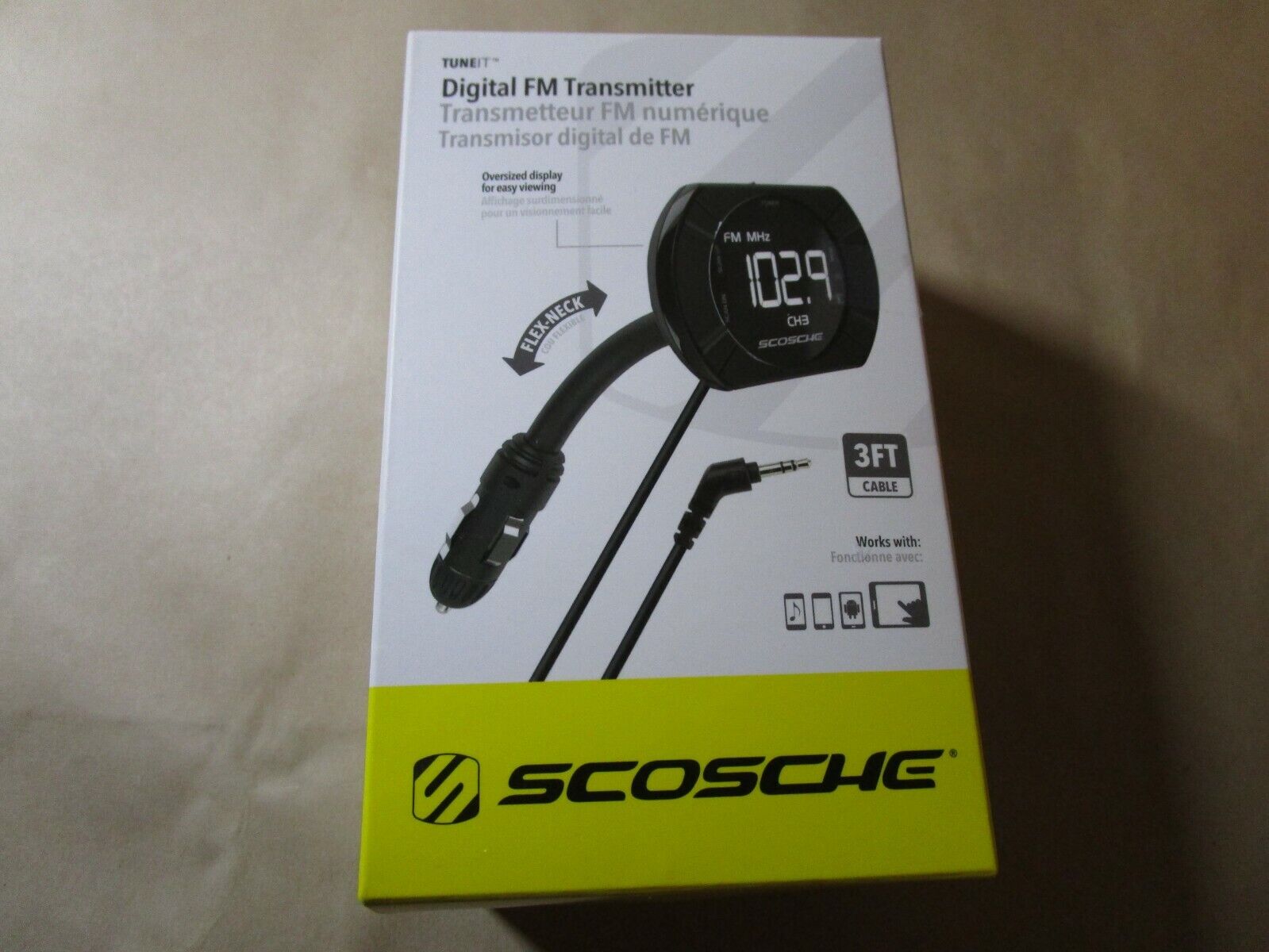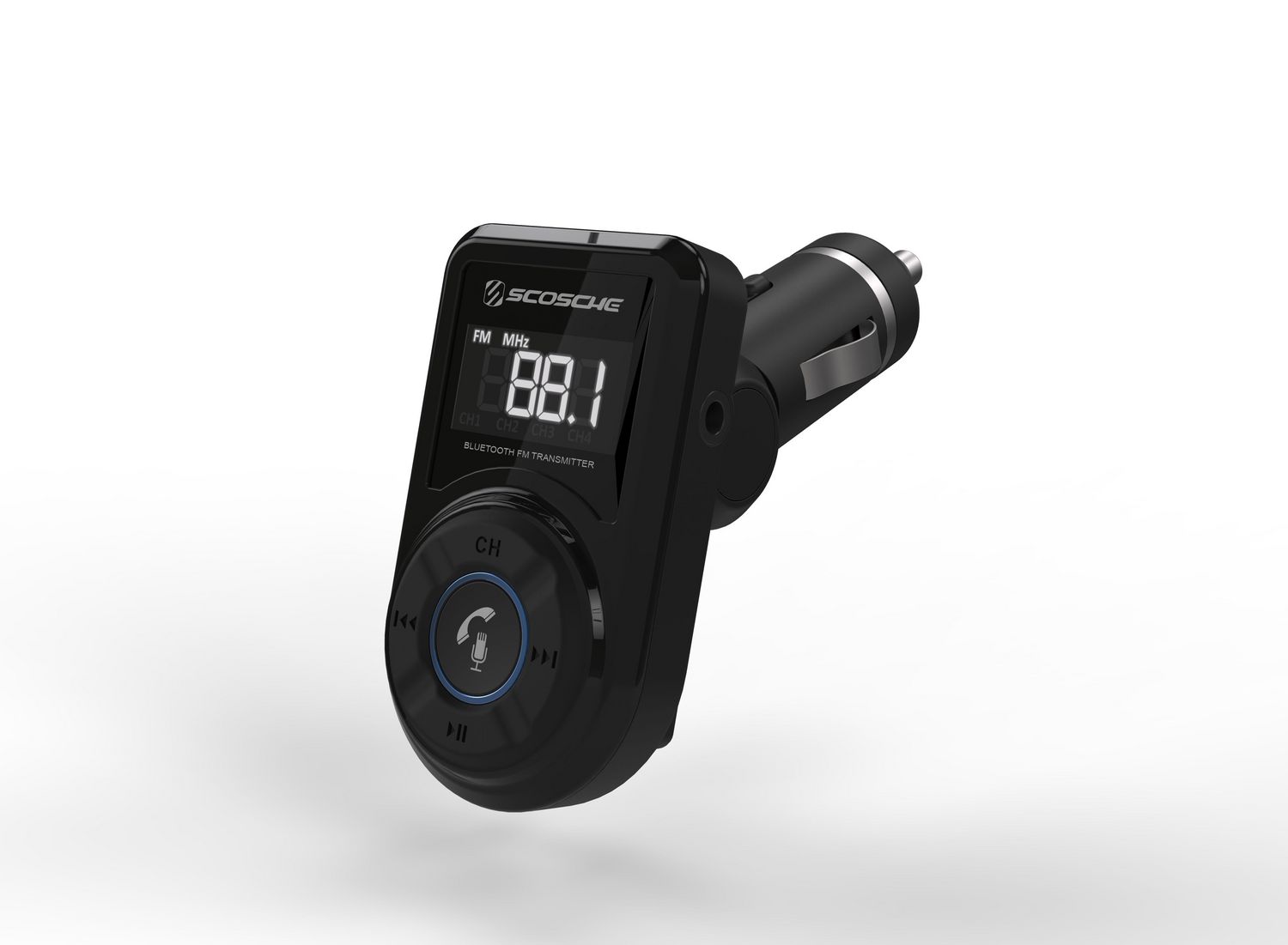
To reset a Scosche Bluetooth FM transmitter, disconnect it from all paired devices, turn it off, then press and hold the power or Multifunction Button (MFB) for about 10 seconds until the LED blinks three times. This reset scosche Bluetooth fm transmitter procedure clears all saved connections, so you will need to pair your phone again before using it.
How to reset your Scosche Bluetooth FM transmitter: The verified step-by-step factory reset procedure
Follow these steps in order to perform a complete factory reset on your Scosche Bluetooth FM transmitter. The entire process takes less than a minute and requires no special tools.
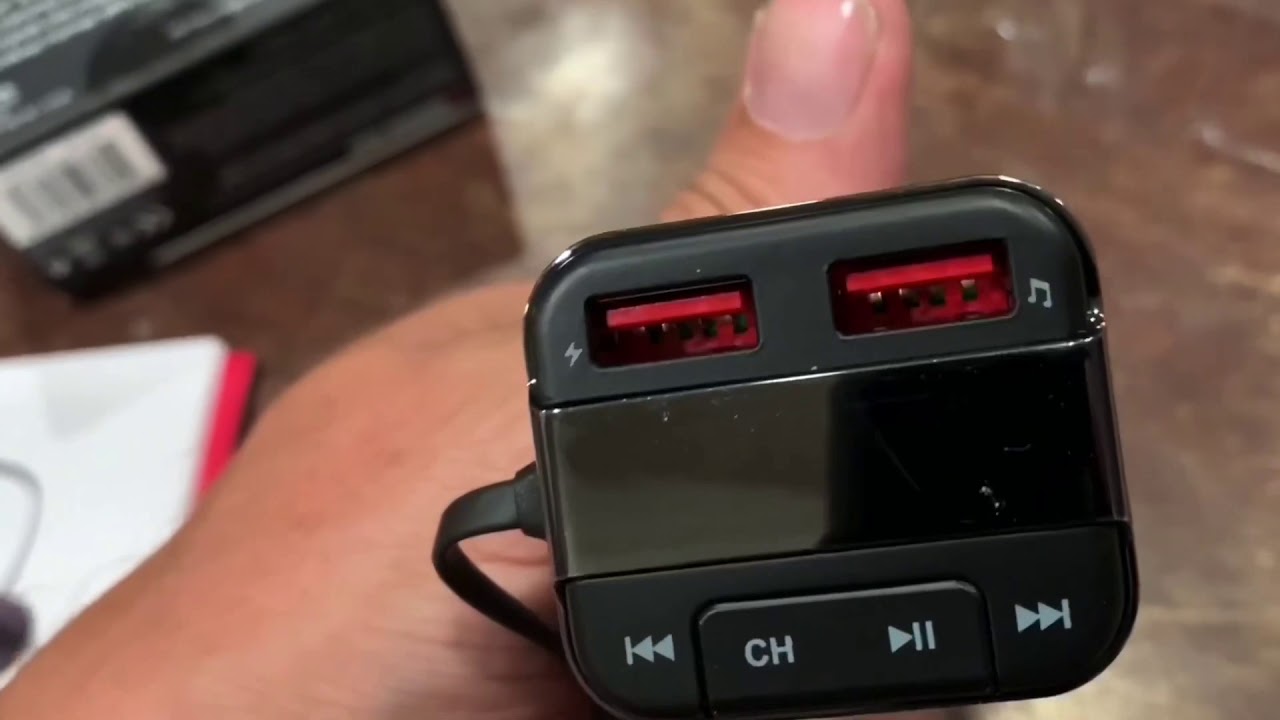
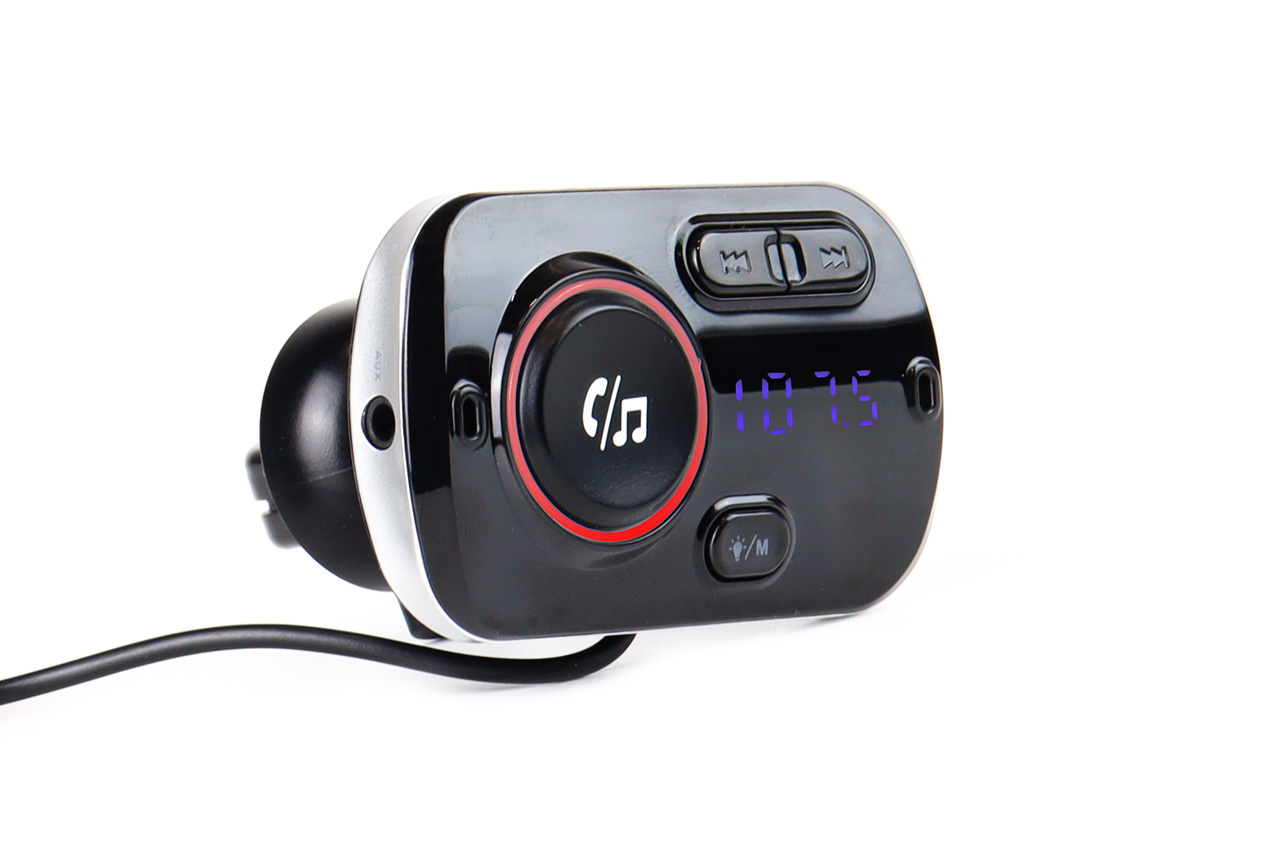
On most models, the reset button is usually found on the side or at the bottom of the device; it is a small, recessed button that can be pressed using a pin or a thin object.
- Disconnect the transmitter from all paired devices, including your phone or any other Bluetooth source.
- Turn the Scosche device off using its power button or by unplugging it from the power source.
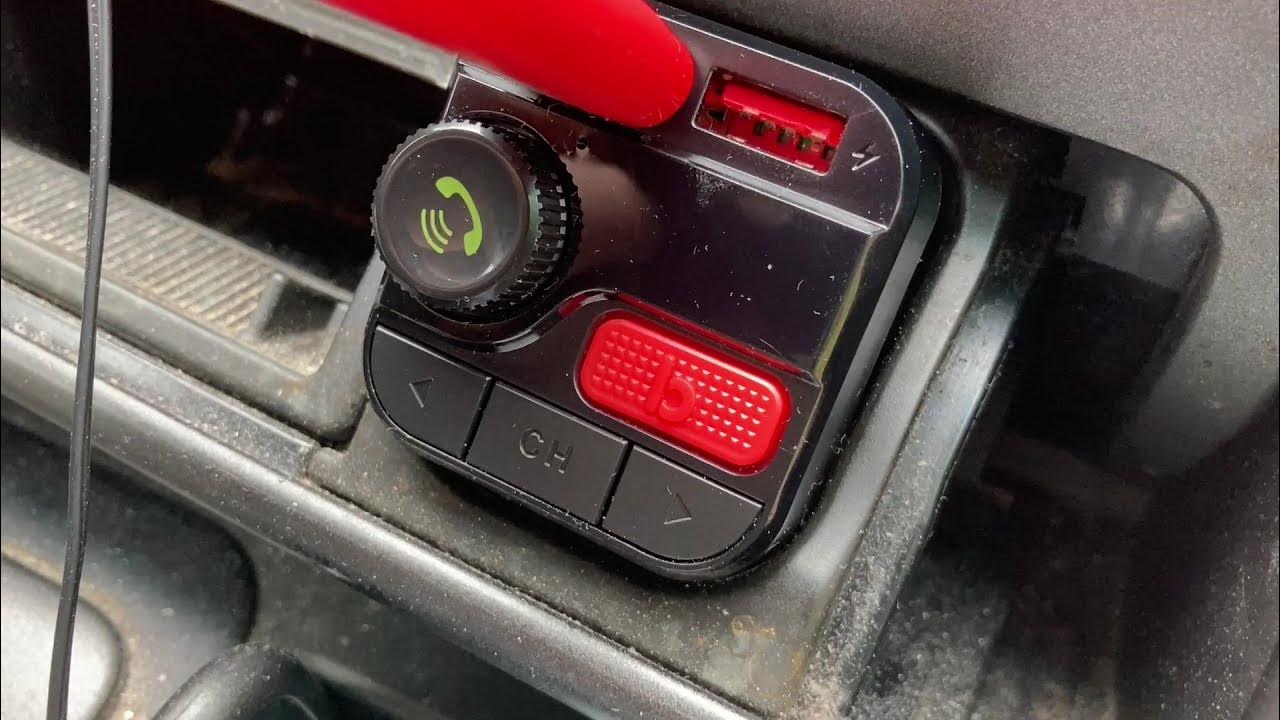
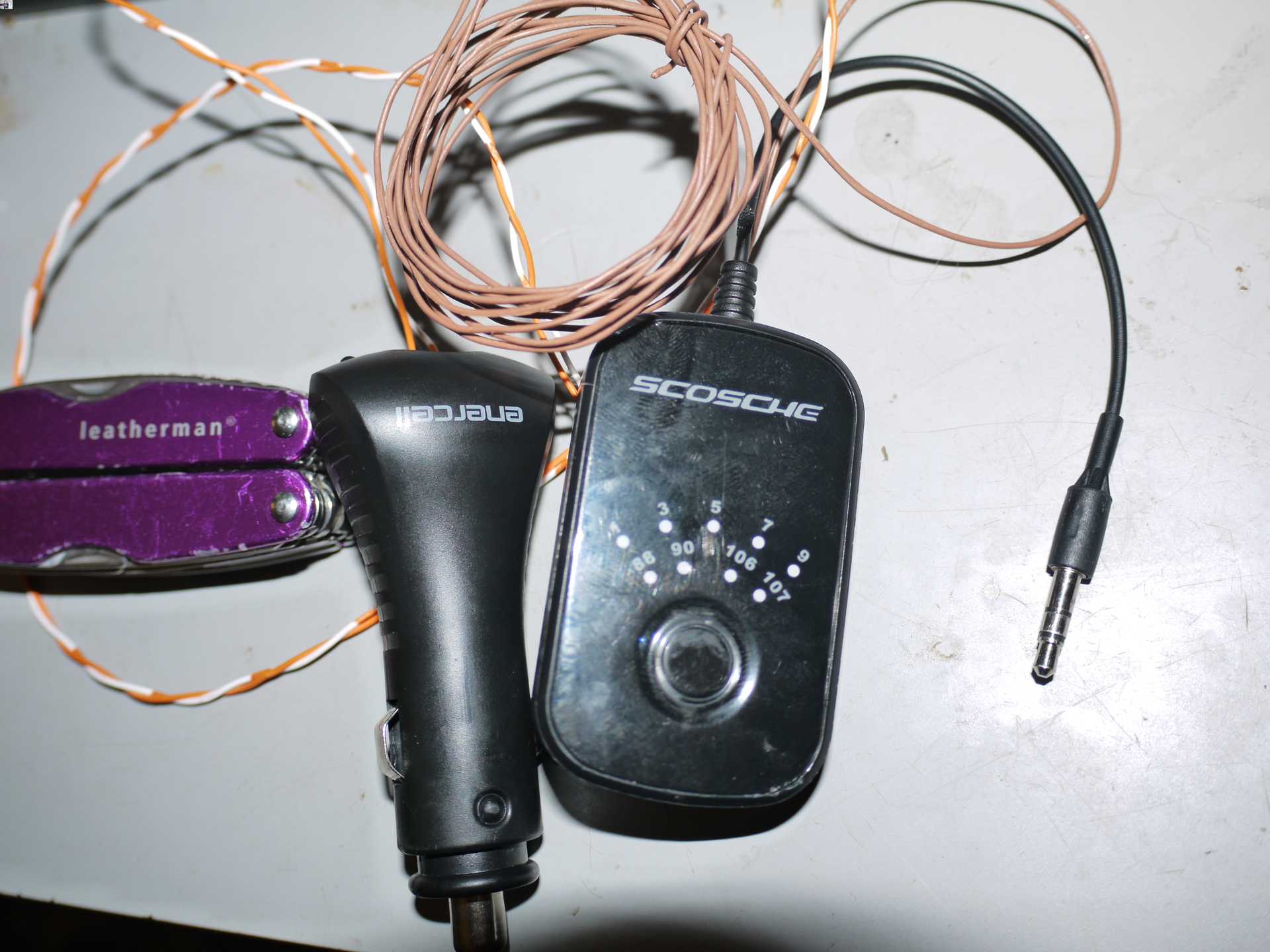
- Press and hold the power button or the Multifunction Button (MFB) for about 10 seconds.
- Wait for the LED to blink three times. This blinking pattern confirms that the reset has completed successfully.
- Pair your phone again after the reset, as the device will no longer remember any previous connections.
What to do after the reset
The reset clears all previous Bluetooth pairings from the transmitter's memory. This means your phone and any other devices that were previously connected will no longer be recognized. To use the transmitter again, you must initiate a fresh pairing process: put the transmitter into pairing mode and select it from your phone's Bluetooth settings. This step is mandatory after every factory reset, so do not skip it if you want the device to work.
Power cycle the transmitter after reset: turn it off by removing it from the power source or turning off the vehicle's ignition, leave it powered off for a couple of minutes, then reconnect it.
Troubleshooting after a reset
If your Scosche transmitter does not automatically reconnect to your phone after the reset and re-pairing, there is a verified fix. According to the device manual, you can tap the Multifunction Button (MFB) once to manually trigger reconnection. This single tap forces the transmitter to search for the last paired device or enter a new pairing state. If the issue persists, try restarting and rebooting phones and the transmitter together, then repeat the pairing process from scratch.
No Sound troubleshooting: ensure car stereo is set to the correct FM frequency matching the transmitter's output; verify phone volume is turned up; make sure FM transmitter is properly connected to both car's power source and audio input; try changing FM frequency to avoid interference from other radio stations.
Poor Sound Quality troubleshooting: check for obstructions or interference between FM transmitter and car stereo; ensure transmitter's antenna is fully extended and positioned for optimal reception; adjust volume and equalizer settings on both phone and car stereo; consider using an audio cable instead of FM transmitter if signal strength is consistently poor.
Bluetooth Connection Issues troubleshooting: make sure FM transmitter is in pairing mode and device Bluetooth is on; verify transmitter is not connected to any other device (it can only connect to one device at a time); restart both Bluetooth device and FM transmitter then attempt to pair again; ensure you are within Bluetooth range specified by transmitter's specifications.
Tips for a stable connection
To prevent future connectivity issues, follow these operational best practices verified from the device manuals. First, keep the transmitter powered from the vehicle's 12V socket or cigarette lighter socket, as this is the intended power source for setup and normal use. Second, tune your car radio to an unused FM frequency before you adjust the transmitter to match it. Third, use the transmitter's frequency controls to match the car radio's unused frequency exactly. This prevents interference from local radio stations and ensures a clean audio signal. The retrieved materials did not document maintenance limits, supported phone models, or supported OS versions, so these power and frequency practices are the key preventative measures available.
Regularly clean the transmitter with a soft microfiber cloth; avoid harsh chemicals or abrasive materials. Handle with care: avoid dropping or subjecting to unnecessary impact or pressure; be mindful of connecting cables and ports, avoid forcefully inserting or removing them. Store properly in a safe, dry place away from extreme temperatures, humidity, or direct sunlight; consider using a protective carrying case or pouch.
Frequently Asked Questions
Why would I need to reset?
Reasons include experiencing connectivity issues, the FM transmitter not responding or functioning properly, or needing to clear previous pairing settings.
Does resetting erase pairings?
Yes. The verified sources state that the reset removes all past connections from the transmitter's memory. You will need to pair your phone again after the reset completes.
Will resetting delete saved settings?
Yes, resetting deletes any saved settings and pairings including previously paired devices, FM frequencies, and customized settings.
How do you know the reset worked?
The LED blinks three times to confirm that the factory reset has finished. If you do not see three blinks, the reset did not complete and you should repeat the hold sequence.
Can I reset without a reset button?
No, if the transmitter does not have a reset button, you cannot perform a reset and should consult the user manual or contact Scosche customer support.
How often should I reset?
There is no set frequency; a reset is only necessary if you encounter connectivity or functionality issues.
Is there an official Scosche support reset page?
No. The retrieved search results did not include an official Scosche support page with model-specific reset instructions. The procedure above comes from third-party manual sources and applies to the documented Scosche FM transmitter models.