Your coffee is still too hot, your next appointment is ten minutes away, and you want something more satisfying than another scroll through your feed. A browser puzzle can fill that gap without an app download. The catch is finding one that feels comfortable on a phone. Tiny numbers, awkward dragging, and a board buried beneath banners can turn a relaxing break into a test of patience.
A good mobile browser puzzle makes the next move easy to see and easy to make.
- Choose readable boards that fit your screen without constant zooming.
- Look for comfortable touch controls, clear feedback, and accessible undo options.
- Favor games that reach a playable board promptly and explain how progress is saved.
Start With Puzzles That Suit a Phone Screen
The best puzzle for your phone is not always the one with the most features. It is often the one whose rules and layout survive the move to a smaller display. A simple board with distinct pieces gives you more room to think and less interface to manage.
When browsing free browser puzzle games, choose a familiar format for your first test. You can judge the screen and controls more easily when you already understand the basic goal. A number grid, matching board, or sliding puzzle makes a useful starting point. Individual games can behave differently, even within the same category.
Number Grids for Deliberate Play
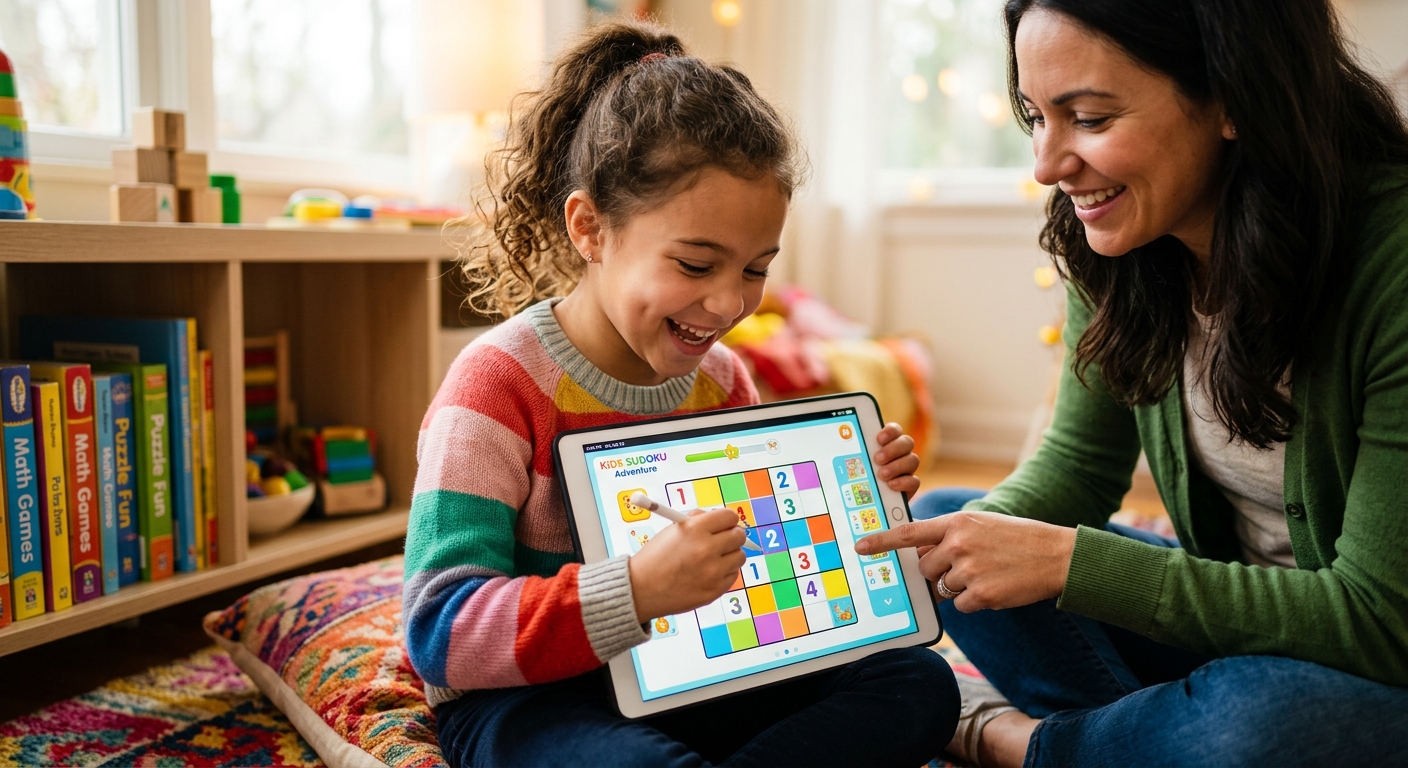
Sudoku and other number puzzles suit players who prefer thinking between taps. There is usually no need to react within a split second. Check whether the selected cell stands out and whether entered numbers are clearly different from fixed clues. If you use pencil marks, those smaller digits need to remain readable at your normal viewing distance.
A number pad beneath the board can feel comfortable in portrait mode. Test whether you can reach it without accidentally touching a neighboring number. A visible erase control also saves frustration after a mistaken entry.
Matching and Sliding Puzzles for Short Breaks
Tile matching, sliding blocks, and compact sorting puzzles can fit naturally into a few spare minutes. Their appeal depends heavily on spacing. You should be able to identify each piece before placing a finger over it.
For sliding games, try moving a piece slowly. It should follow your intended direction without making the whole page scroll. For matching games, check whether selection remains visible after you lift your finger. Clear feedback helps you understand whether a tap registered.
Word Puzzles With Comfortable Input
Word games can work nicely in a browser, but keyboard placement deserves attention. An on-screen keyboard may leave more predictable space for the board than your phone's keyboard. Either approach can work if the clues, answer area, and controls stay visible.
Try entering and deleting a few letters. If the keyboard covers the current clue or shifts the answer box out of view, the game may become tiring over a longer session.
Judge Readability Before You Commit
A puzzle can look attractive in a preview and still be difficult to read on your phone. Open the actual board before deciding. Hold your device at the distance you normally use for messages. You should be able to read clues and distinguish pieces without leaning closer.
Contrast matters more than decorative detail. Pale numbers on a pale background can disappear in bright surroundings. Busy textures can make it harder to separate playable pieces from decoration. Look for clear outlines, distinct text, and a background that lets the board remain the focus.
Color should help explain the puzzle rather than carry every instruction. Pieces that also differ by shape, symbol, or label are easier to distinguish when colors look similar. This is useful if your screen is dim or you have difficulty telling certain colors apart.
Check the space around the board, too. Your browser's address bar and navigation controls use part of the display. A game that technically fits the screen may still place its last row uncomfortably close to the bottom edge. You should not need repeated scrolling just to move between the puzzle and its main controls.
Test Touch Controls With Ordinary Mistakes
Good touch controls allow for fingers, which cover more of the board than a mouse pointer. Buttons need enough separation that tapping one does not regularly activate another. Small settings icons can be manageable. Small controls used on every turn are a bigger problem.
Spend your first minute making ordinary moves and correcting one of them. This tells you more than a polished opening screen. Use this brief check before settling into a longer puzzle:
- Tap pieces near the edges and corners of the board.
- Try a drag and check whether the page moves unexpectedly.
- Make a harmless mistake and look for an undo or erase control.
- Check that selected pieces have a visible outline or highlight.
- Confirm that restart is separated from controls you use frequently.
An undo button is especially helpful in games where one misplaced piece can disrupt several later moves. It lets you recover from a touch error without rebuilding your progress. If a game has no undo, precise selection and a clear confirmation step become more valuable.
Be cautious with puzzles that rely on information appearing when a pointer rests over an object. Touchscreens need another way to reveal those clues. Instructions, labels, and piece details should be available through a clear tap or an always-visible panel.
Look for a Short Route From Opening to Playing
A browser game earns its place in a short break by getting you to the puzzle promptly. A lightweight board with modest animation is a sensible starting point, although appearance alone cannot tell you how much data a game uses. Test it on the connection you actually use during the day.
Notice what happens before your first move. Several loading screens, repeated prompts, or large visual effects may consume much of the time you intended to spend playing. A clear start button and brief instructions make the experience easier to return to.
Advertising placement also affects comfort. A banner that leaves the board stable is easier to manage than an element that shifts the controls just as you tap. Close a game if repeated overlays make it difficult to reach the puzzle or distinguish game controls from advertisements.
No installation should mean you can reach a playable puzzle in your browser. If a page sends you toward an app download, return to the game selection and choose another option. Read prompts carefully so you can tell whether a button starts the browser version or opens a store listing.
Check What Happens When Your Session Is Interrupted
Phone gaming rarely happens without interruptions. A message arrives. You switch to directions. Your screen locks while you speak to someone. A useful browser puzzle should fit those interruptions, particularly if the board takes more than a few minutes to finish.
Before investing much time, make a few moves and briefly switch to another tab. Return and check whether the board remains intact. This is a useful first check, but it does not guarantee the same result after closing the browser or restarting your phone.
Read any save information the game provides. Progress stored in your browser may depend on keeping its site data. Private browsing and clearing browsing data can affect that storage. Avoid assuming a saved board will appear on another device unless the game explicitly offers that feature.
If progress saving is unclear, choose shorter rounds. A compact puzzle you can finish during one break may suit your routine better than a long challenge that leaves you worrying about losing your place.
Match the Game to How You Hold Your Phone
Portrait mode is convenient for one-handed use, but some wide boards feel cramped in that position. Rotate your phone before starting a serious attempt. Landscape mode may give pieces more room, although it can also reduce the vertical space available for instructions and controls.
Check that rotation preserves the current puzzle. A layout that rearranges cleanly is useful when you move from standing in a queue to sitting with both hands free. If the game behaves unpredictably during rotation, pick your preferred orientation before playing.
Sound deserves a brief check as well. A visible mute control lets you play without changing your phone's overall volume. Optional animation controls can also make a busy board calmer. Choose settings that let you concentrate on the puzzle at a comfortable pace.
Give Your Next Break a Better Board
You do not need a huge collection of browser games. A readable number puzzle, a responsive tile game, and a comfortable word challenge may cover most moods. Keep the ones that feel natural on your own screen.
Bookmark a game after it passes a short hands-on test. Can you read every clue? Do taps land where you expect? Can you start playing without a download? Does the session fit the time you have? Those answers matter more than elaborate graphics. The right browser puzzle makes a spare moment feel satisfying, with very little setup between you and the first move.