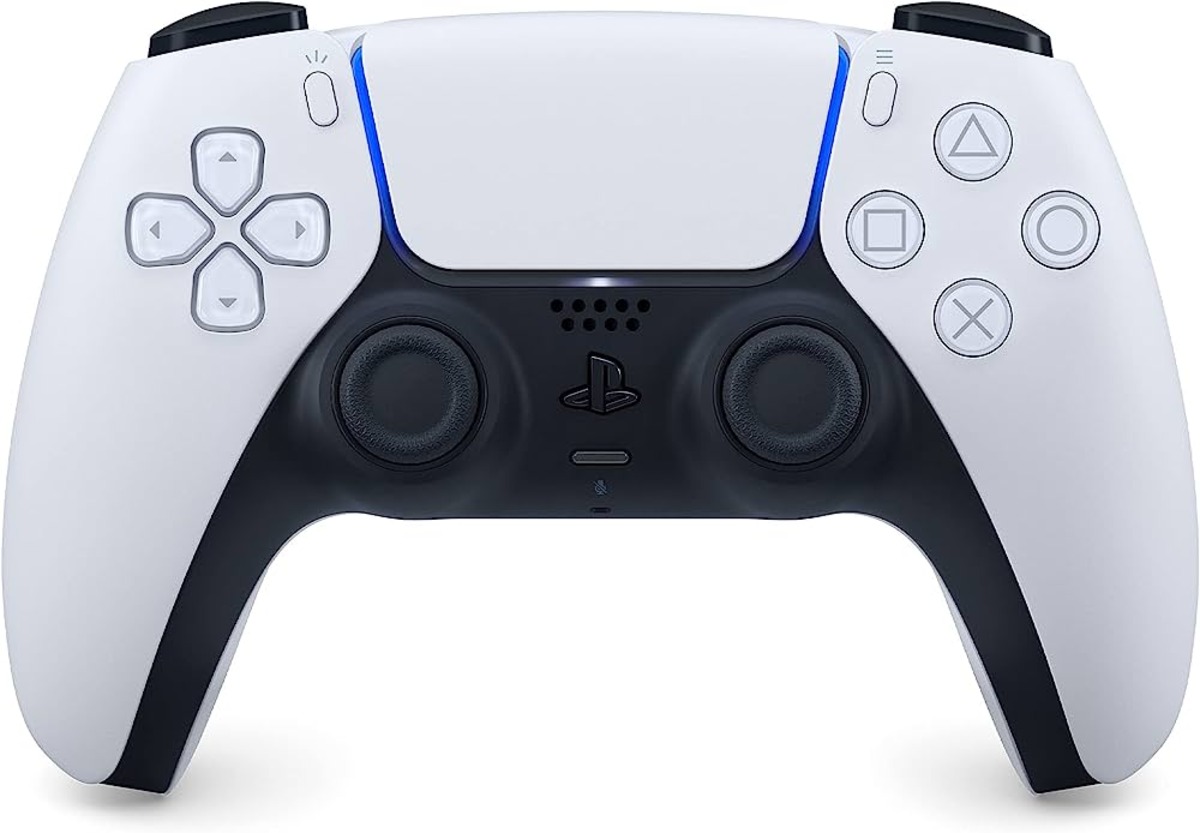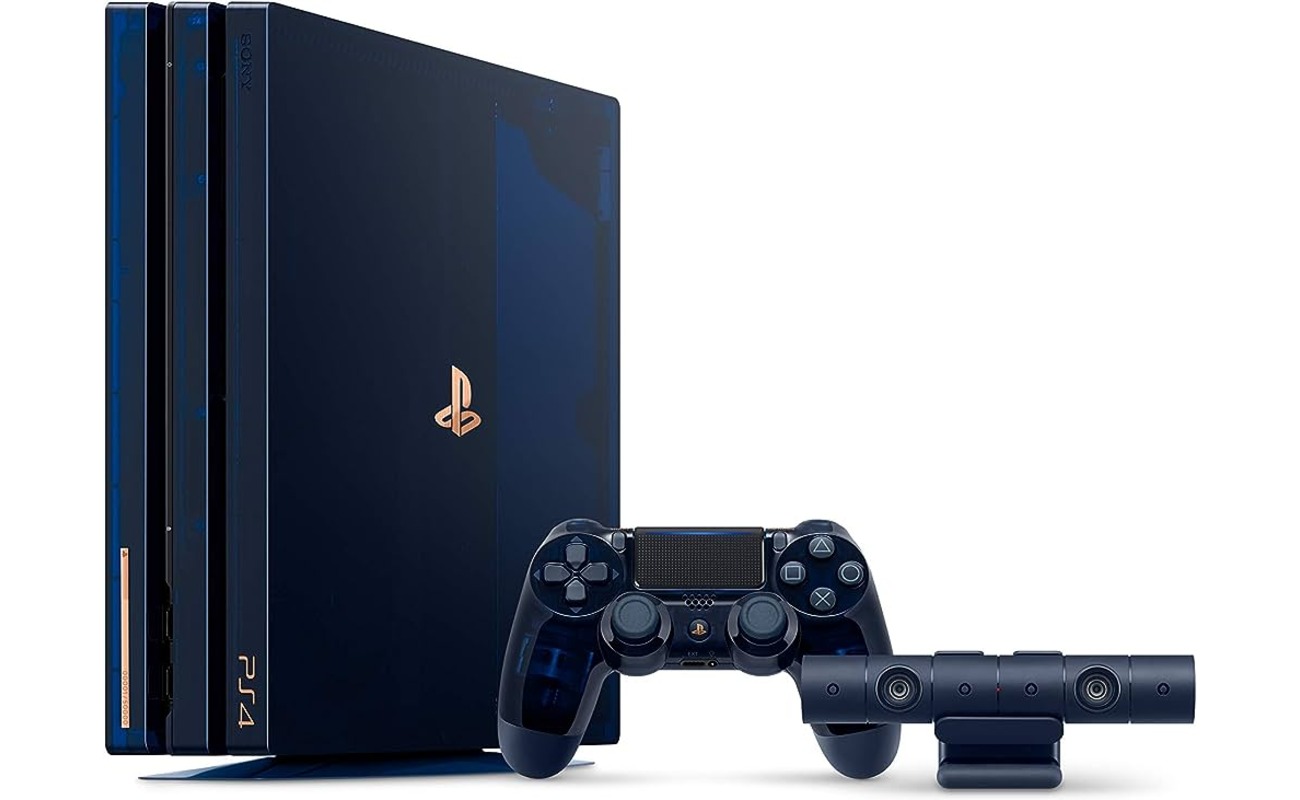
To connect an Xfinity hotspot to PS4, navigate to Settings > Network > Set Up Internet Connection > Use Wi-Fi > Easy, select the xfinitywifi network from the list, then open the PS4's web browser, go to Xfinity.com, and complete the on-screen sign-in prompt with your Xfinity account credentials.
How to connect Xfinity hotspot to PS4
- On the PS4, go to Settings.
- Select Network.
- Select Set Up Internet Connection.
- Select Use Wi-Fi.
- Select Easy.
- Select the network xfinitywifi from the list.
- If the network is password protected, enter the password.
- Select Test the Internet Connection.
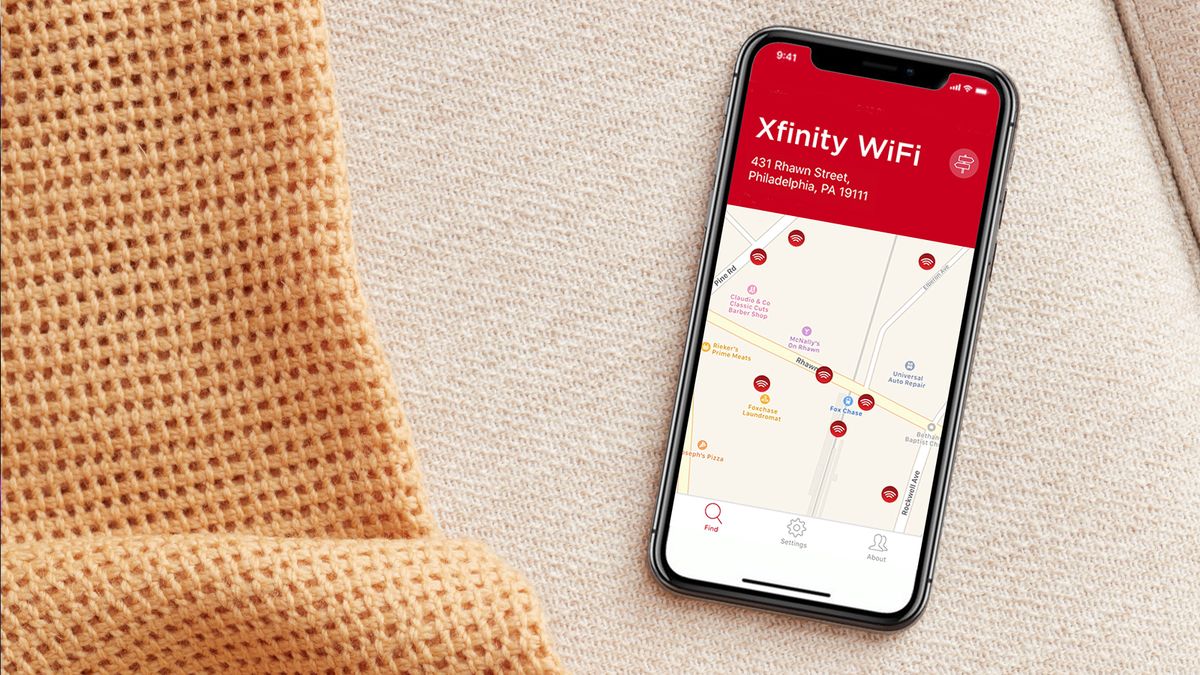
- If the hotspot is the open Xfinity network, open a web browser on the PS4, go to a site such as Xfinity.com, and follow the on-screen prompts to sign in.
This process lets you connect hotspot on PS4 for online gaming, streaming, and access to the PlayStation Network.
Requirements for connecting
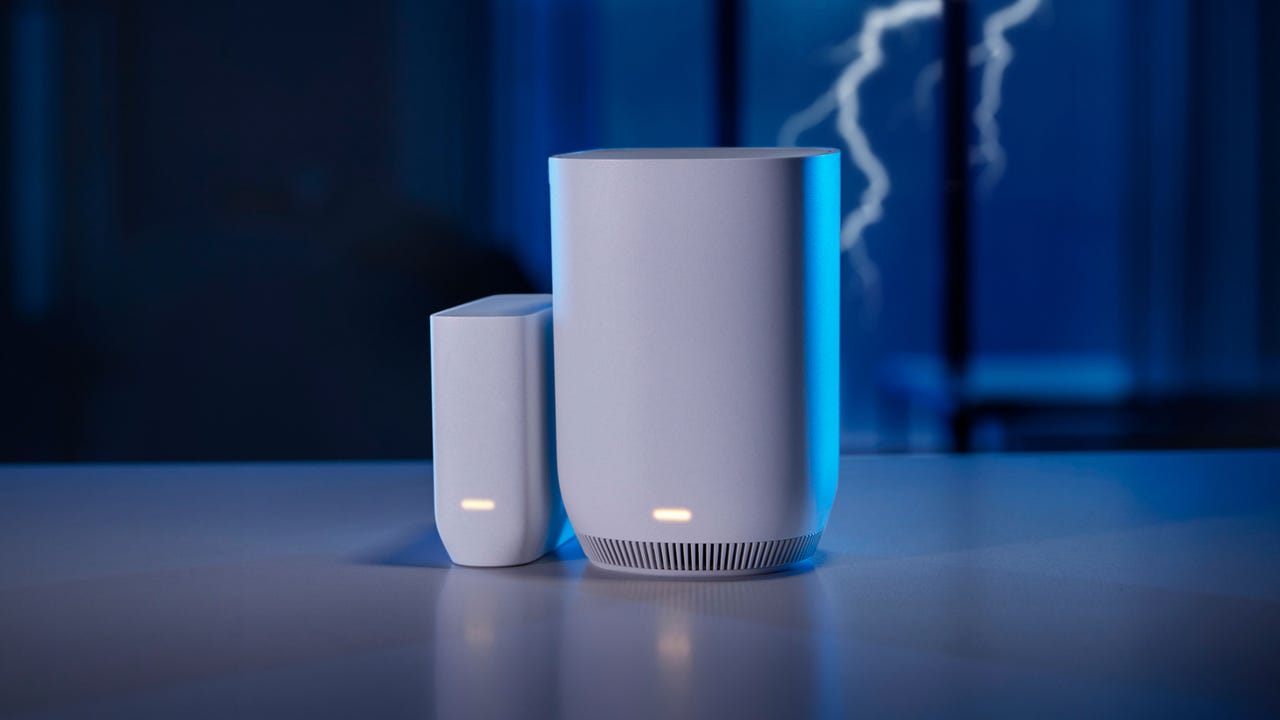
You need an Xfinity WiFi hotspot in range that appears as xfinitywifi on the network list. You also need an active Xfinity account with login credentials for the browser authentication step. A PlayStation Network account is required to access online features and multiplayer games. On iPhone, if Personal Hotspot is dimmed, turn on Cellular Data first in Settings > Cellular. Apple says devices used for Personal Hotspot should have Wi‑Fi and Bluetooth turned on and be within 30 feet (10 meters) of one another. On iPhone, Maximize Compatibility in Settings > Personal Hotspot may reduce performance for connected devices. Google notes some Android devices can use instant hotspot and automatic Wi‑Fi sharing when cross-device services are on, Wi‑Fi and Bluetooth are on, and devices are signed in with the same Google Account.
What to do if the sign-in page doesn't appear
If the captive portal sign-in page does not appear automatically after connecting to xfinitywifi, manually navigate to Xfinity.com in the PS4 browser. Restart both the PS4 console and the hotspot device. Check that the hotspot signal strength is adequate and ensure you are connected to the open xfinitywifi network, not a secured one. If the issue persists, verify that your Xfinity account credentials are correct and that you are within range of the hotspot. Apple says to make sure devices have the latest version of iOS or iPadOS if Personal Hotspot is not working. Clear the PS4 cache: Settings > Storage > System Storage > Applications, select the app, Options > Delete to clear cache for that application. Disable other devices connected to the hotspot temporarily to reduce bandwidth strain and improve PS4 connection stability.
For reference, the same troubleshooting steps can help you connect Xbox series X to Xfinity Wi-Fi hotspot if you encounter similar portal issues on that console.
Frequently Asked Questions
Can I game online over an Xfinity hotspot?
Yes, once your PS4 is connected to the Xfinity hotspot, you can play online multiplayer games and access the PlayStation Network. Performance may vary depending on network congestion and signal strength.
Do I need an Xfinity subscription?
Yes, you need an active Xfinity account to access and authenticate on the xfinitywifi network. The hotspot network is available to Xfinity customers as a benefit of their subscription.
Why won't xfinitywifi appear in my network list?
The hotspot may be out of range, the signal may be too weak, or the hotspot could be temporarily unavailable. Move closer to the known hotspot location and ensure your PS4's Wi-Fi is enabled. Restarting the console can also help refresh the network list.
Does this use my Xfinity data?
Yes, connecting your PS4 to an Xfinity hotspot uses data from your Xfinity account. Make sure you have a sufficient data plan to avoid additional charges.
Can I connect multiple devices?
Xfinity allows you to connect multiple devices to their hotspots, but there may be a limit depending on your Xfinity plan. Check your account details or contact Xfinity customer support for specific device limits.
Related reading: How To Connect To An Xfinity Hotspot.