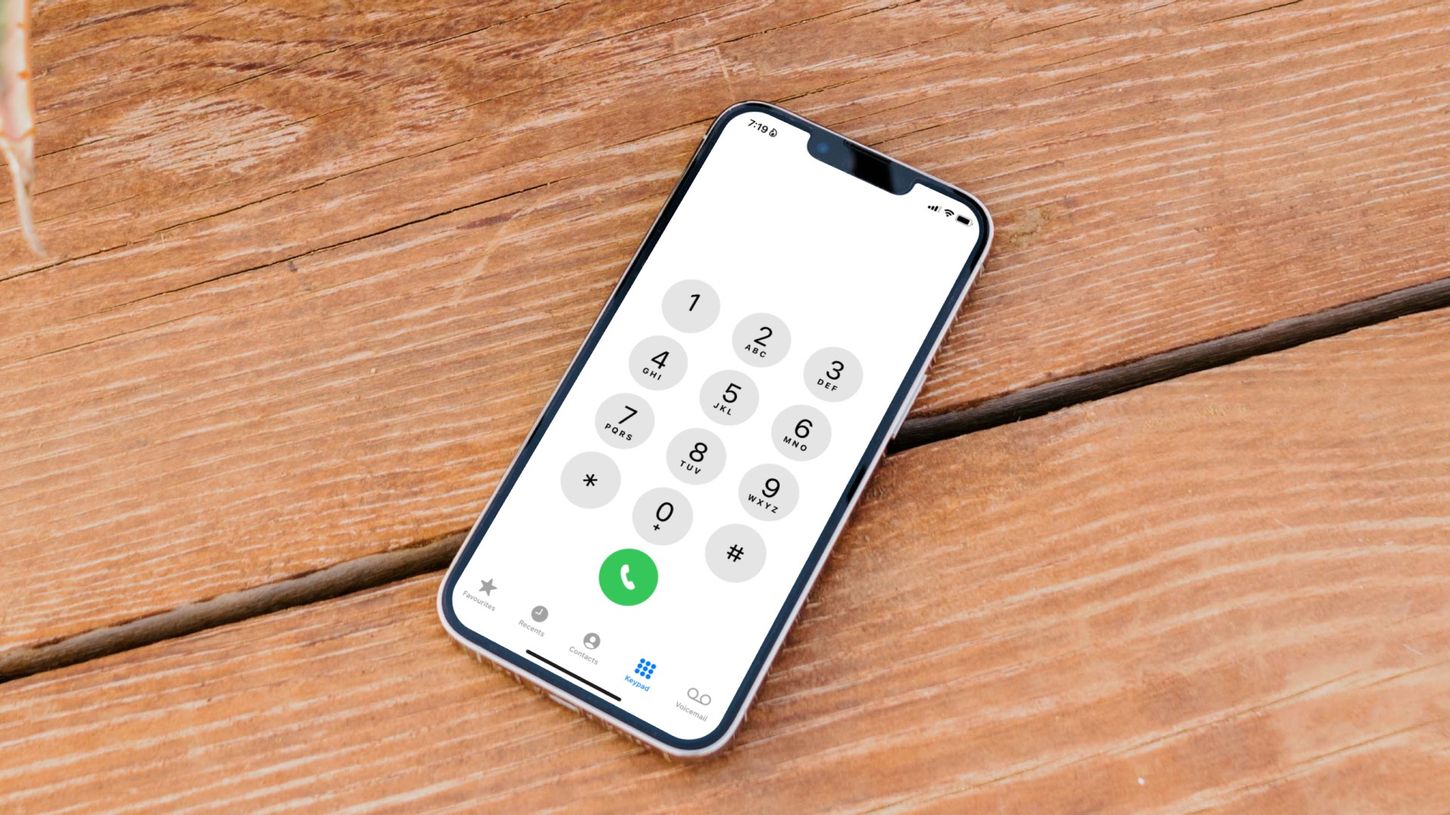
Here's how Zelle works with a phone number: it uses a U.S. mobile phone number as a proxy for your bank account, allowing you to send and receive money directly, instantly, and without sharing sensitive account details. Because the standalone Zelle app was discontinued on April 1, 2025, you now perform all enrollment and transactions exclusively through your bank or credit union's mobile app or online banking platform.
How does Zelle work with a phone number?
When you enroll a U.S. mobile number with Zelle through your bank, that number becomes a secure identifier linked to your checking or savings account. When someone sends money to that number, Zelle routes the funds directly to your linked account, typically within minutes, without either party ever seeing the other's bank account or routing numbers. This system works because Zelle verifies that the phone number belongs to an active U.S. bank account holder before allowing any transactions.
Setting up your phone number for Zelle
To enroll your phone number, open your bank's mobile app and navigate to the Zelle section (often found under "Pay & Transfer" or "Send Money"). Follow these steps:
- Select the option to add or enroll a phone number.
- Enter your valid U.S. mobile number.
- Wait for the one-time passcode (OTP) sent via SMS from authentication short codes like 767666 or 20736.
- Enter the OTP in the app to verify ownership.
- Confirm the bank account you want the number linked to for receiving money.
During enrollment, you may also be required to set up a profile, including selecting the phone number you wish to use for Zelle transactions and linking it to your bank account. After linking your phone number, you can proceed to set up your preferred payment method, such as your debit card or bank account.
Critical rule: A U.S. mobile phone number can only be enrolled with one bank account at a time. If you try to link the same number to a second bank, the first enrollment will be disconnected.
Sending money with a phone number
Once your number is enrolled, sending money is straightforward:
- Log into your bank's mobile app and go to the Zelle section.
- Select "Send" or "Send Money."
- Enter the recipient's enrolled U.S. mobile number (not your own).
- Type the amount you want to send.
- Review the transaction details and confirm.
Warning: If the recipient is already enrolled with Zelle, the money typically appears in their bank account within minutes. Payments to enrolled users are sent directly to their bank account and generally cannot be canceled or reversed. You can only cancel a payment if the recipient has not yet enrolled their phone number or email address.
Receiving money when someone has your number
To receive money, simply share your enrolled U.S. mobile number with the sender. If you are already enrolled, no action is needed on your part, the money will appear in your linked bank account within minutes. The sender will receive a notification confirming the transfer was completed. The only requirement is that the number you give the sender exactly matches the one linked to your Zelle profile at your bank. If you have multiple accounts linked to Zelle, you may be prompted to select the account where you want the funds to be deposited when receiving money.
Phone number rules and limitations
Not every number works with Zelle. Only valid U.S. mobile phone numbers are eligible. International numbers, landlines, and toll-free numbers are not accepted. Voice over IP (VoIP) numbers are also ineligible, which means Google Voice and internet calling numbers cannot be used for Zelle enrollment. Additionally, daily and monthly transfer limits are set by your individual bank or credit union, not by Zelle itself. If you change your phone number with your bank, that update does not automatically change your Zelle information, you must update your Zelle preferences separately within the banking app.
Staying safe when using Zelle
Zelle does not offer purchase protection for payments. Because transactions are sent directly between bank accounts and are generally irreversible, you should only send money to people you know and trust. Scammers often exploit this by pressuring victims to send money for goods or services that never arrive. Always verify the recipient's identity before confirming a payment, and never send money to someone you have not met in person. Zelle incorporates two-factor authentication (2FA) for account verification and transaction authorization, such as a one-time passcode sent to the registered phone number. Zelle continuously monitors transactions for suspicious activity or potential fraud and alerts users to unusual activity.
Frequently Asked Questions
How do I change my phone number on Zelle?
You must update your Zelle preferences separately within your banking app. Simply changing your phone number with your bank does not automatically update it in Zelle. Look for a "Zelle profile" or "Zelle settings" section in your bank's mobile app to enter the new number and complete the OTP verification process.
Are there any fees for using Zelle with a phone number?
Zelle itself does not charge any fees for sending or receiving money using a phone number. However, your individual bank or credit union may impose its own fees for Zelle transactions, so check with your financial institution before using the service.
Is it safe to use a phone number instead of a bank account number?
Yes, using a phone number is actually safer than sharing your bank account and routing numbers. Zelle encrypts all data in transit and at rest, and your phone number only serves as a pointer to your account, no one else sees your account details. The main risk is sending money to the wrong person or falling for a scam, which is why you should only transact with trusted contacts.
What happens if I send money to a phone number that is not enrolled in Zelle?
If the recipient has not yet enrolled their phone number with Zelle, the payment will not go through immediately. The recipient will receive a notification asking them to enroll. Once they enroll using that phone number, the money will be released. You can cancel the payment at any time before the recipient enrolls.
Can I use the same phone number for Zelle on two different bank accounts?
No. A U.S. mobile phone number can only be linked to one bank account at a time for receiving money. If you try to enroll the same number at a second bank, your first enrollment will be disconnected. You would need to choose which account you want to receive funds through that number.
For the wider topic, see Google Voice and internet calling.
Related reading: How To Change Phone Number On TD Bank.