






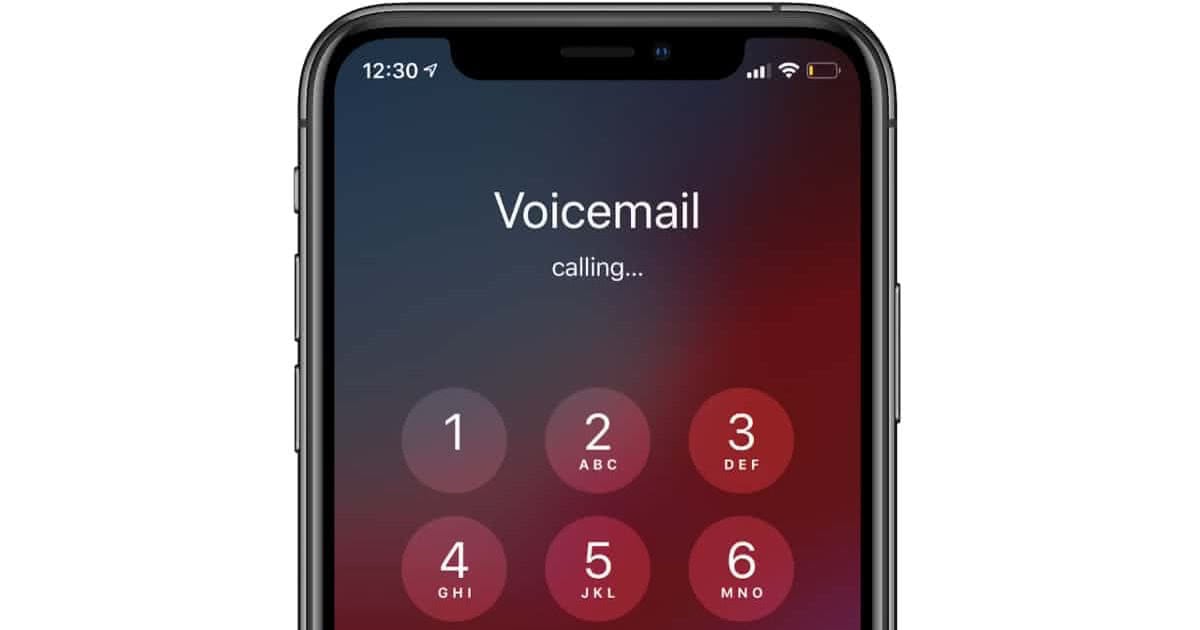
To cancel voicemail on iPhone, you must contact your carrier or use a carrier-specific deactivation code, because no iPhone setting alone can remove carrier voicemail. This is the only way to stop incoming calls from being sent to voicemail, as Apple documents voicemail as a carrier feature, not a setting you can disable from the device itself.
How to cancel voicemail on iPhone
- Open the Phone app.
- Tap Keypad.
- Dial your carrier’s voicemail-deactivation code if your carrier supports one.
- Tap Call.
- If that does not work, contact your carrier and ask them to remove voicemail from the line. Some carriers may not offer the option to completely disable voicemail and may suggest alternatives like increasing ring time or diverting calls.
Carrier voicemail is what actually handles voicemail removal. If your carrier supports deactivation, customer support can remove the voicemail feature from the account. Apple’s support pages do not list carrier-specific deactivation steps, supported carriers, or a universal disablement method.
Why iPhone settings won't cancel your voicemail
Apple says voicemail is a carrier feature, and if your iPhone is turned off or out of your carrier network’s range, calls are sent to carrier voicemail if available. Going to Settings > Apps > Phone lets you manage Live Voicemail, but turning Live Voicemail off stops Live Voicemail only, it does not remove carrier voicemail. Similarly, changing your greeting from Phone > Voicemail > Set Up Now or editing it through Phone > Calls > Edit > Edit Voicemail Greeting does not cancel the voicemail service itself. Third-party apps like YouMail, Google Voice, and Visual Voicemail Plus are mentioned as alternatives for voicemail management with features like transcription, smart greetings, and caller ID.
What happens when deactivation doesn't work
If the deactivation code does not work, contacting the carrier is the documented path for removal. Apple documents voicemail as carrier-managed, so carrier support is the documented path for removal. When your iPhone is turned off or out of network range, calls are sent to carrier voicemail if available, so removing the feature from your account is the only way to prevent that. Canceling voicemail can save storage space on the device. Canceling voicemail can help avoid unnecessary notifications.
Frequently Asked Questions
Can voicemail be turned off on iPhone without the carrier?
No. No documented Apple setting removes carrier voicemail. You must contact your carrier or use a carrier deactivation code.
Does turning off Live Voicemail delete voicemail service?
No. It only turns off Live Voicemail on iPhone. Carrier voicemail remains active and will still receive messages.
Is there an Android method in the retrieved official sources?
No. If you need to cancel voicemail on an Android device, you would need to check with your carrier or Android manufacturer.
Which menu path manages voicemail on iPhone?
Settings > Apps > Phone is the path for Live Voicemail and voicemail-related settings. You can also access voicemail setup from Phone > Voicemail > Set Up Now, and greeting changes from Phone > Calls > Edit > Edit Voicemail Greeting on some layouts.
Will canceling voicemail affect my ability to receive calls?
No, calls will ring continuously until answered or ignored.
Can I reactivate voicemail after canceling it?
Yes, by following carrier instructions or contacting customer support.
Will I still receive missed call notifications if I cancel voicemail?
Yes.
For the wider topic, see setting up and managing voicemail.













