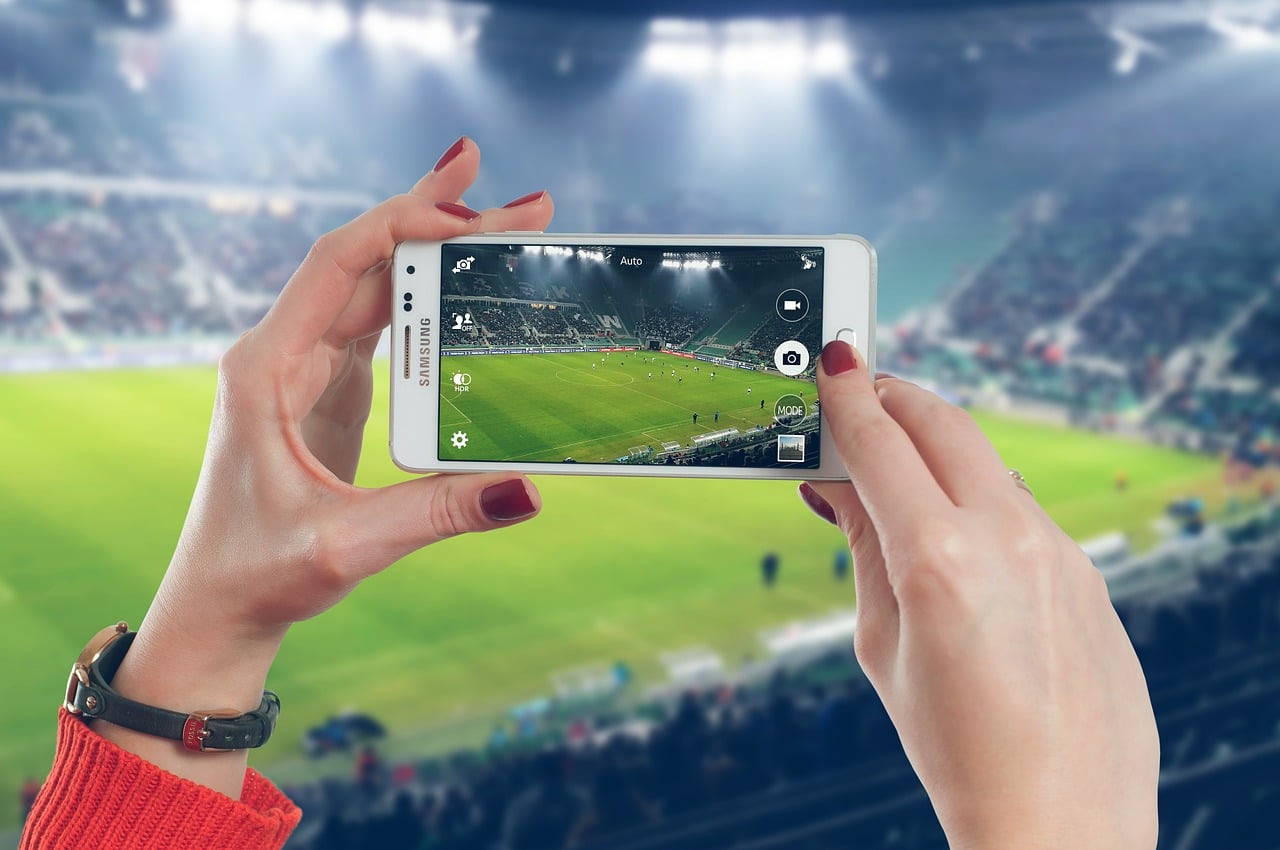
The only way to watch World Cup on mobile is through a licensed broadcaster app in your country, not the FIFA Official App. To watch World Cup on mobile, you must find the official FIFA-licensed broadcaster for your region and use their dedicated streaming app.
The only way to watch world cup on mobile
Live streaming of FIFA World Cup matches on a smartphone or tablet is exclusively available through licensed broadcaster apps. The FIFA Official App does not stream live matches. To get started, follow these three steps:
- Find your country's official broadcaster
- Download the broadcaster's app
- Sign up or log in to start streaming
Step 1: Find your country's official broadcaster
Search for the official FIFA-licensed broadcaster for your region. This is the documented source for live mobile streams. The official route for watching matches on mobile is the licensed broadcaster or streaming service in the user's country, which may require its own app and account. The exact steps, supported devices, and whether replays or highlights are available depend on that broadcaster.
Step 2: Download the broadcaster's app
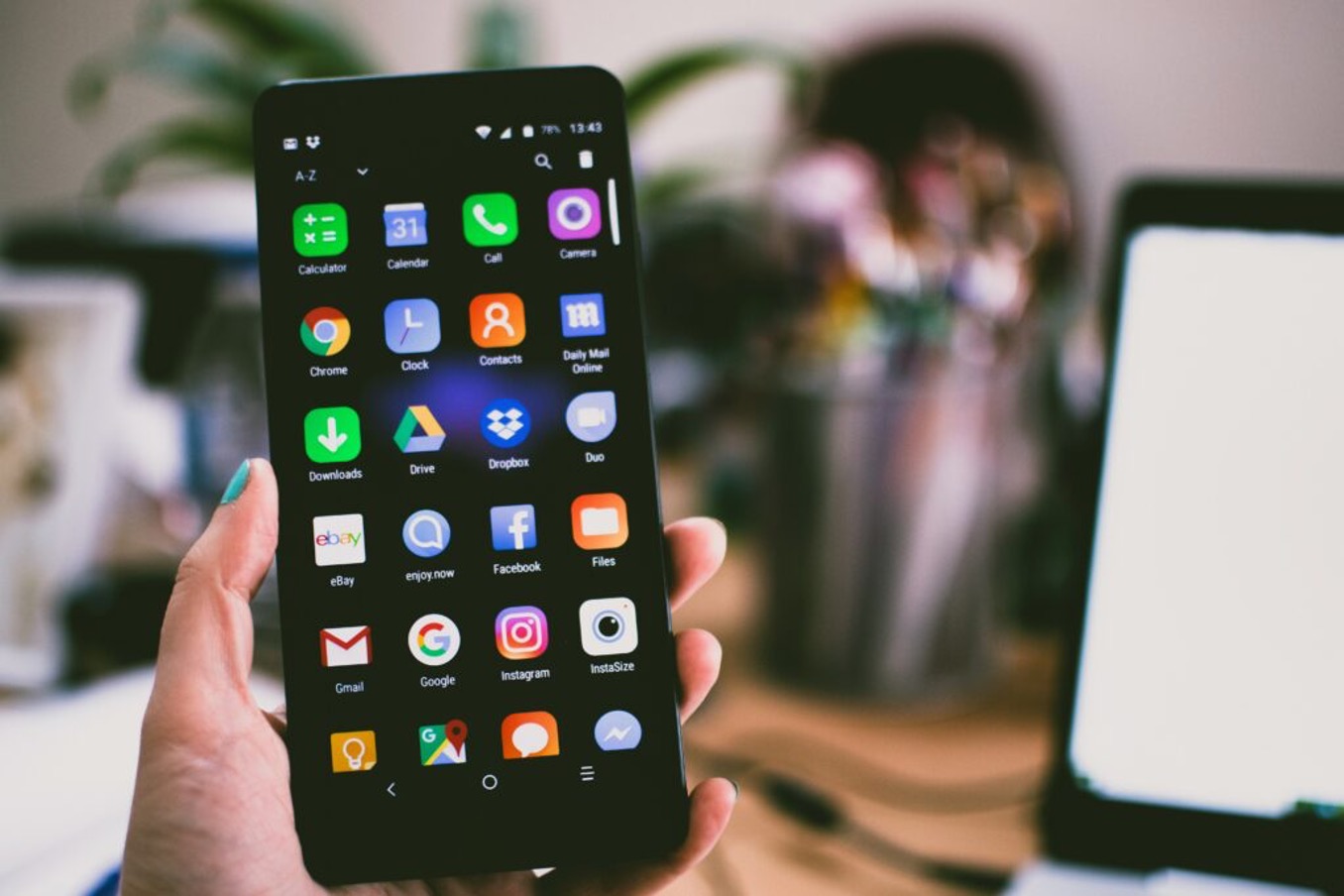
Go to the Apple App Store (for iPhone or iPad) or Google Play Store (for Android) and download the specific app for the broadcaster you identified in Step 1. The apps are available on iPhone and iPad via the App Store and on Android via Google Play.
Step 3: Sign up or log in to start streaming
Within the broadcaster's app, you will need to create an account or log in with a TV provider subscription to access the live match streams. The exact in-app menu paths for live viewing vary by broadcaster app and region, so follow the prompts inside the app you downloaded.
What the FIFA Official App actually does
The FIFA Official App is the official mobile companion for World Cup news, fixtures, matchday info, games, and bracket-style tournament tracking. It is a hub for news, games, and matchday information. The app also includes a direct shortcut to the separate FWC2026 Mobile Tickets app for match tickets. Official Team Apps often offer behind-the-scenes content, player interviews, training session footage, and exclusive access to team events. It is not the live broadcaster.
Watching replays and highlights on mobile
On-demand replays and highlights are typically available through the same broadcaster apps or official FIFA channels, but rules vary by provider. Those details are determined by the broadcaster in your country. Some streaming services also offer on-demand access to match replays and highlights, which is valuable if you cannot watch matches live due to time zone differences or scheduling conflicts. Some streaming services offer interactive features like multi-camera angles, real-time statistics, and interactive commentary. You can also follow official World Cup accounts and teams on social media platforms like Twitter, Facebook, Instagram, and TikTok for real-time updates and highlights, though this is not the same as watching full matches. Social media platforms offer exclusive behind-the-scenes content, live Q&A sessions, and player takeovers. If you are using Twitch on your mobile phone, note that Twitch is not a documented official broadcaster for World Cup live match streams.
Frequently Asked Questions
Do I need a specific mobile data plan to watch the World Cup on my phone?
While you can watch using Wi-Fi or a standard data plan, a high-speed data plan is recommended for smooth streaming.
Are there any geographical restrictions for watching the World Cup on mobile?
Geographical restrictions depend on the licensed broadcaster in your country. Using a VPN may help bypass regional limitations imposed by streaming services or apps.
Can I watch World Cup matches on demand on my mobile device?
Many streaming services and sports apps offer on-demand access to World Cup matches, but availability and replay windows are determined by the broadcaster in your country.
What devices are supported for watching the World Cup on mobile?
Is there a limit to how many matches I can watch?
Any limits would be set by the licensed broadcaster app you are using.