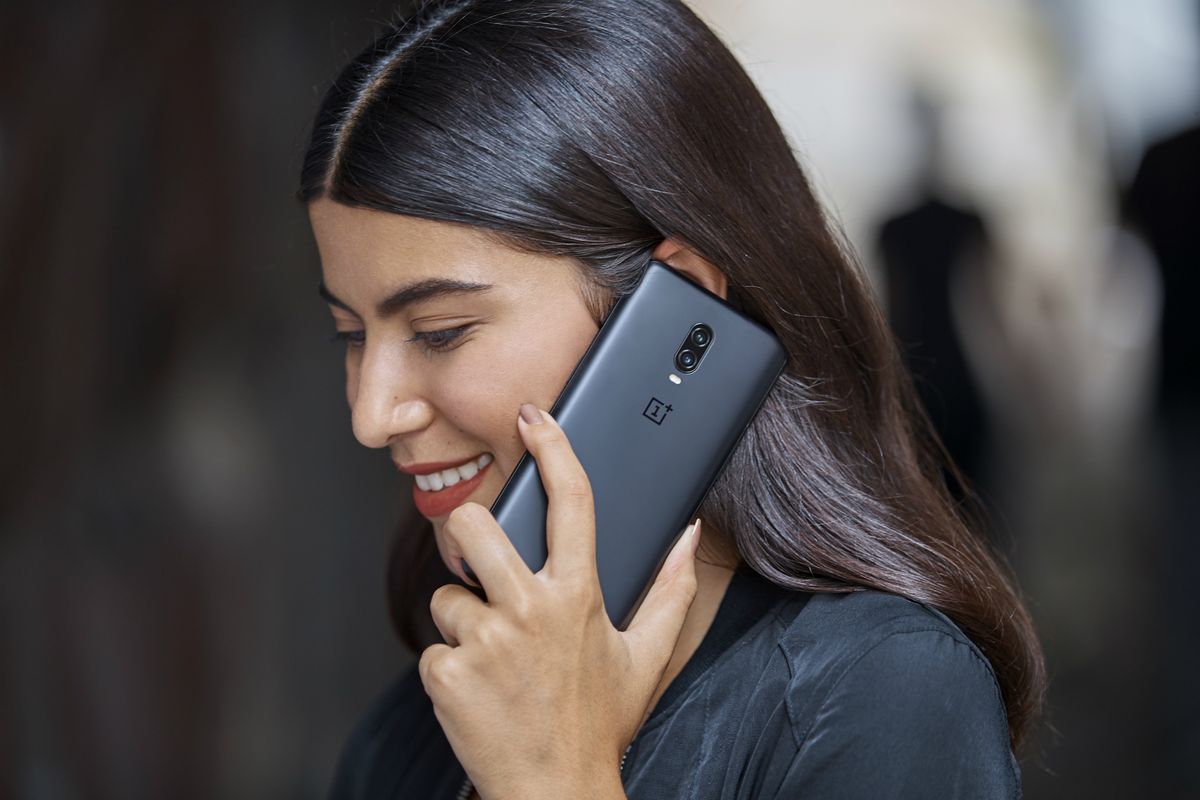
The OnePlus Nord does include a proximity sensor as a built-in hardware component, but there is no official setting or toggle to enable it. The sensor is always active by default and used automatically by the phone during calls to turn off the screen when held to your ear.
Does the OnePlus Nord have a proximity sensor?
Yes. Official OnePlus specs pages confirm that a proximity sensor is listed under Sensors for multiple Nord models, including the original OnePlus Nord, Nord CE 5G, Nord N200 5G, Nord N10 5G, Nord N30 5G, and Nord 3 5G. This means the hardware is present and built into the device, regardless of which specific Nord model you own.
Can you enable or disable the proximity sensor on a OnePlus Nord?
No. No official OnePlus support page documents a menu path, toggle, or setting to turn the proximity sensor on or off. The sensor is always active by default and cannot be disabled or enabled through any user-facing control. If you are searching for a switch in Settings, you will not find one because none exists in the official software.
Why your OnePlus Nord proximity sensor might not be working
Since the sensor is always on, a perceived failure is usually caused by something blocking it. Common physical obstructions include a thick screen protector, a phone case that covers the top of the device, or dirt and dust over the sensor area. Software glitches can also cause temporary issues, and a simple restart may resolve them. However, no setting controls the sensor, so adjusting software options will not fix a hardware obstruction.
What to do if the sensor still doesn't work
If your proximity sensor is not working, start by checking for physical obstructions. Remove any screen protector or case that might cover the top bezel, and clean the area gently with a soft cloth. Restart your phone to clear any temporary software glitches. If the problem persists after these steps, contact OnePlus support, as the official pages do not provide any calibration or enable steps. The sensor may require hardware service if it is defective.
Frequently Asked Questions
Does the OnePlus Nord have a proximity sensor?
Yes.
Can I toggle the proximity sensor on or off?
No. No official OnePlus support page documents a toggle or setting to enable or disable the proximity sensor. It is always active by default.
How do I enable the proximity sensor on my OnePlus Nord?
Go to Settings > Display > Ambient Display and toggle 'Proximity Wake' on.
Can I customize the behavior of the proximity sensor on my OnePlus Nord?
Yes, you can adjust related behaviors via the Ambient Display settings.
What Nord models include a proximity sensor?
Will a screen protector affect the proximity sensor?
Yes. A thick or poorly aligned screen protector can block the sensor, causing the screen to stay on during calls. Removing or replacing the protector may resolve the issue.
Does the proximity sensor affect battery life?
The sensor is used automatically during calls to turn off the display, which helps conserve battery. It does not have a separate setting that impacts battery life.
For the wider topic, see location tracking and NFC.