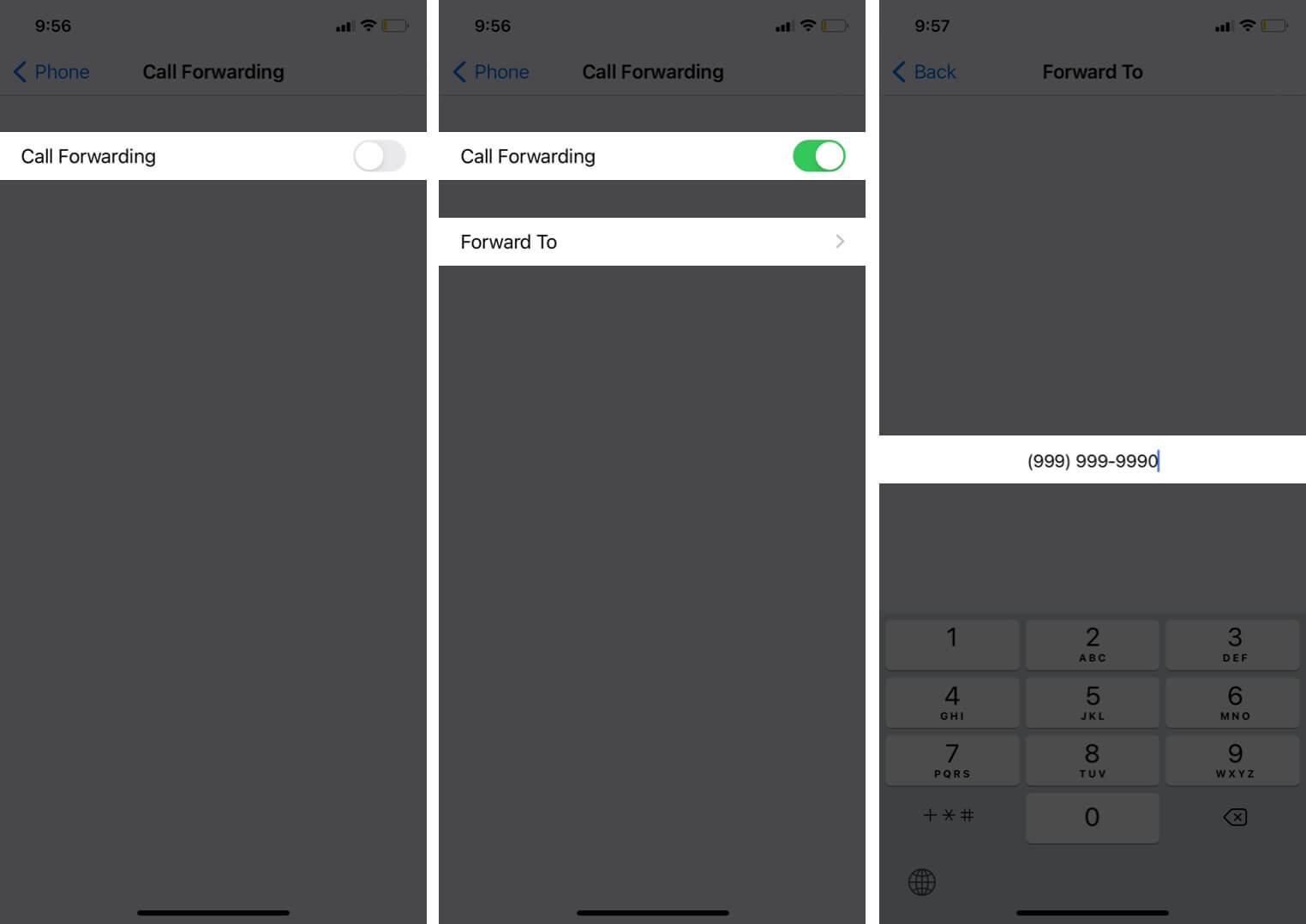
The "Call Forwarding" tag on CellularNews collects all of our guides and troubleshooting articles about routing phone calls to different numbers or devices. This is the right place for anyone who needs to set up call forwarding on their carrier, cancel it when it's stuck on, or understand why their calls are being redirected unexpectedly, whether you use an Android, iPhone, or a landline.

The articles here solve three main kinds of problems. First, they help you turn call forwarding on or off with specific carriers and devices, with guides like How To Forward Calls On T-Mobile, How To Unforward Verizon Phone, and How To Turn Off Call Forwarding On iPhone 11. Second, they address voicemail and missed-call issues, such as Why Is My Phone Going Straight To Voicemail, How To Turn Off Voicemail On Android, and How To Change Number Of Rings On iPhone. Third, they cover connecting different phone systems, including How To Transfer Landline Calls To Cell Phone, How To Forward Verizon Cell Phone Calls To Another Phone, and using services like Google Voice to manage your call routing.

Overall, these articles help the reader take direct control of where their incoming calls end up. Whether you need to forward a cell phone to a desk phone, stop calls from skipping straight to voicemail, or remove your number from a forwarding service, the guides provide clear, step-by-step instructions for getting it done.
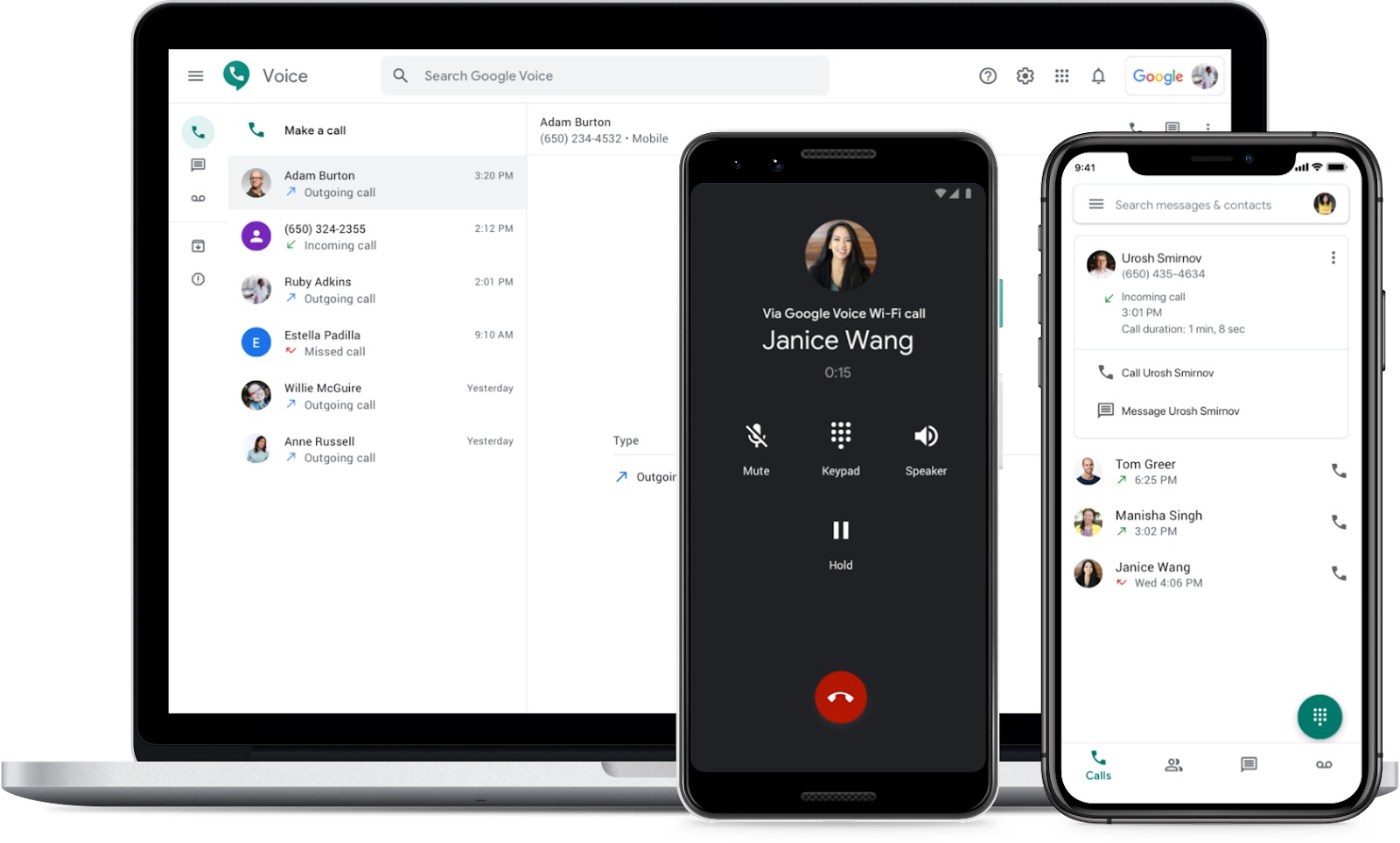
How To Use Google Voice On Android

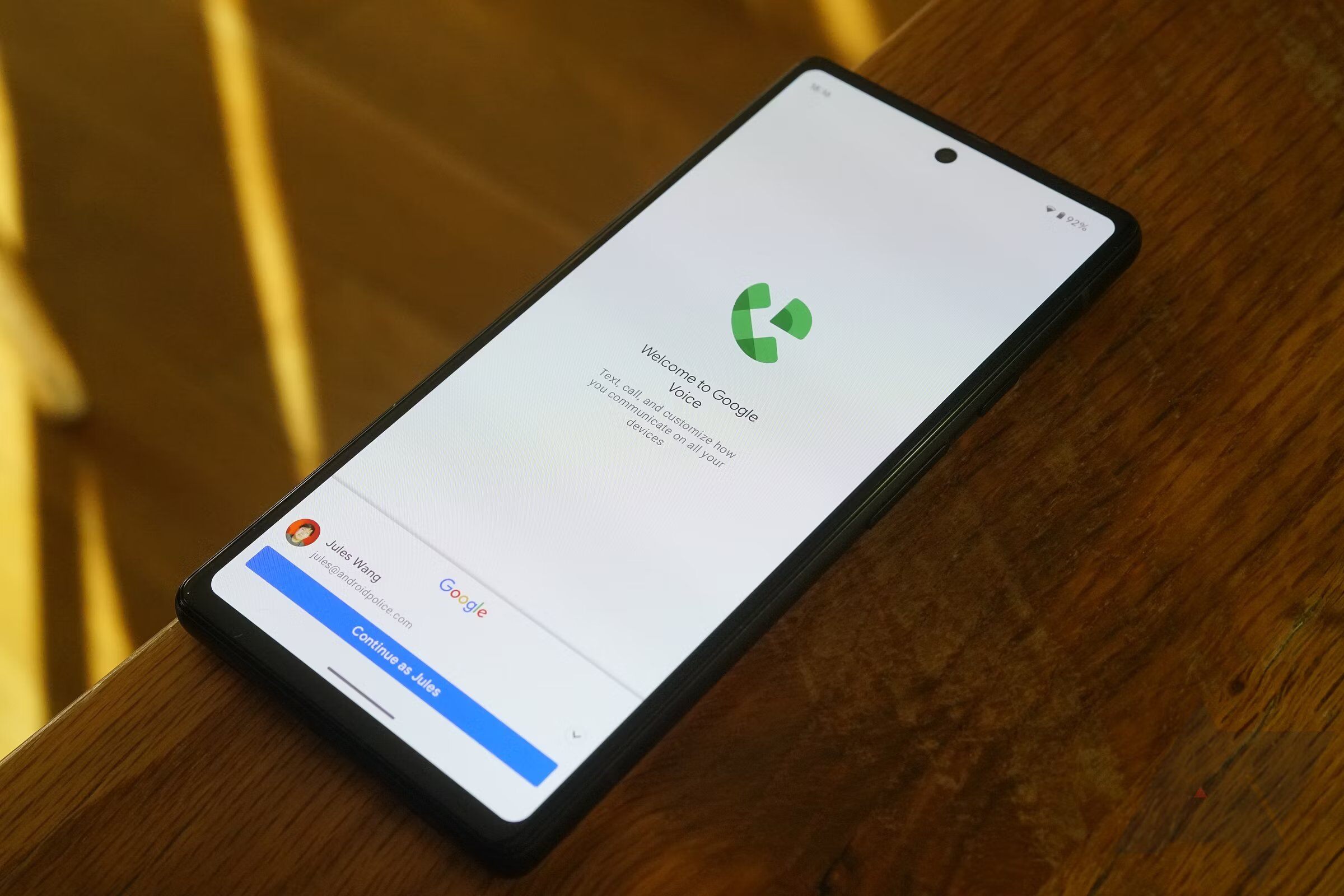
To use Google Voice on Android, download the Google Voice app from Google Play, open it, and sign in to your Google account. Once signed in, you can link a...

How To Forward A Cell Phone

Start with the basics of answering and making calls Before you can forward a call, you need to handle the basics of picking up and dialing out. Where you change...

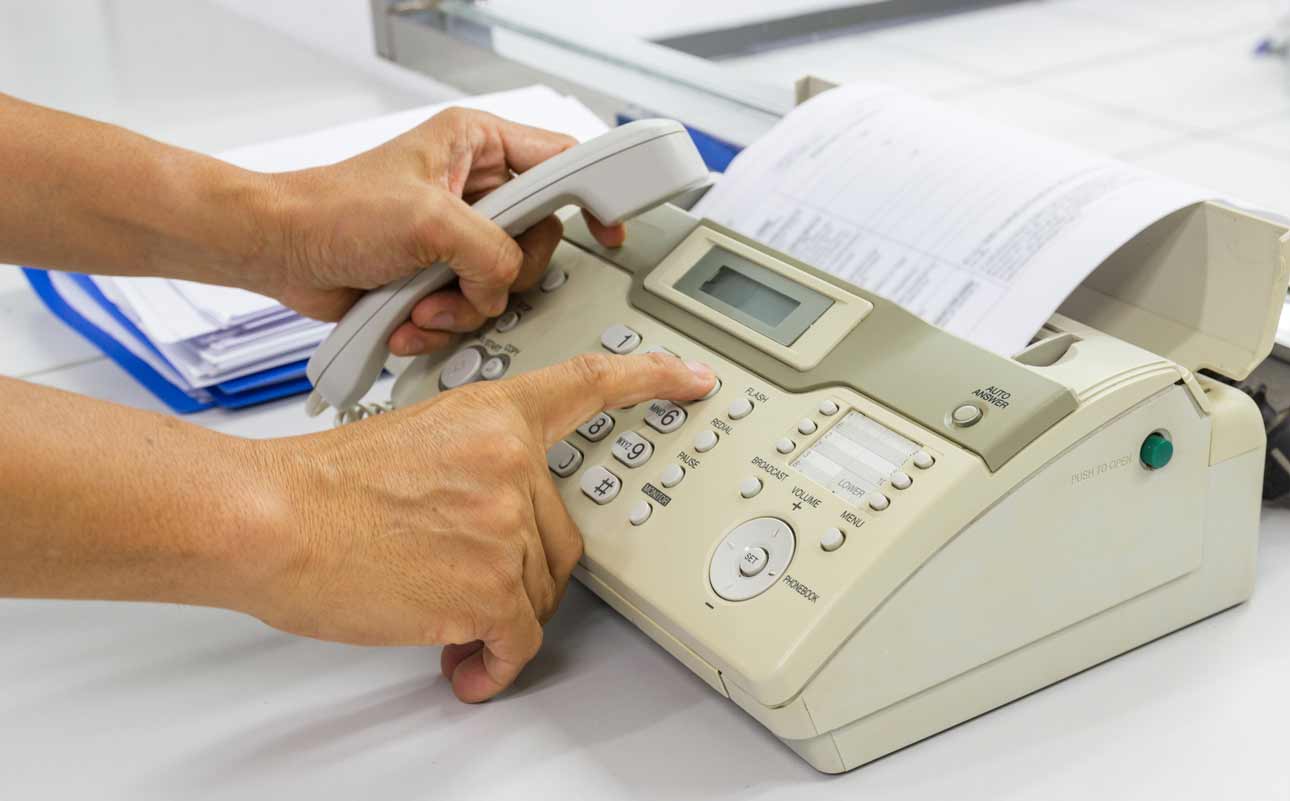
How To Set Up Fax Machine On One Phone Line

Setting up a fax machine on one phone line that also handles voice calls requires careful configuration so both devices can work without interference. The only verified setup detail documented...

How To Transfer Landline Calls To Cell Phone

To transfer landline calls to a cell phone, the primary method is activating unconditional call forwarding from your landline handset. This redirects every incoming call to your mobile number so...

How To Turn Off Phone Ringing On Mac

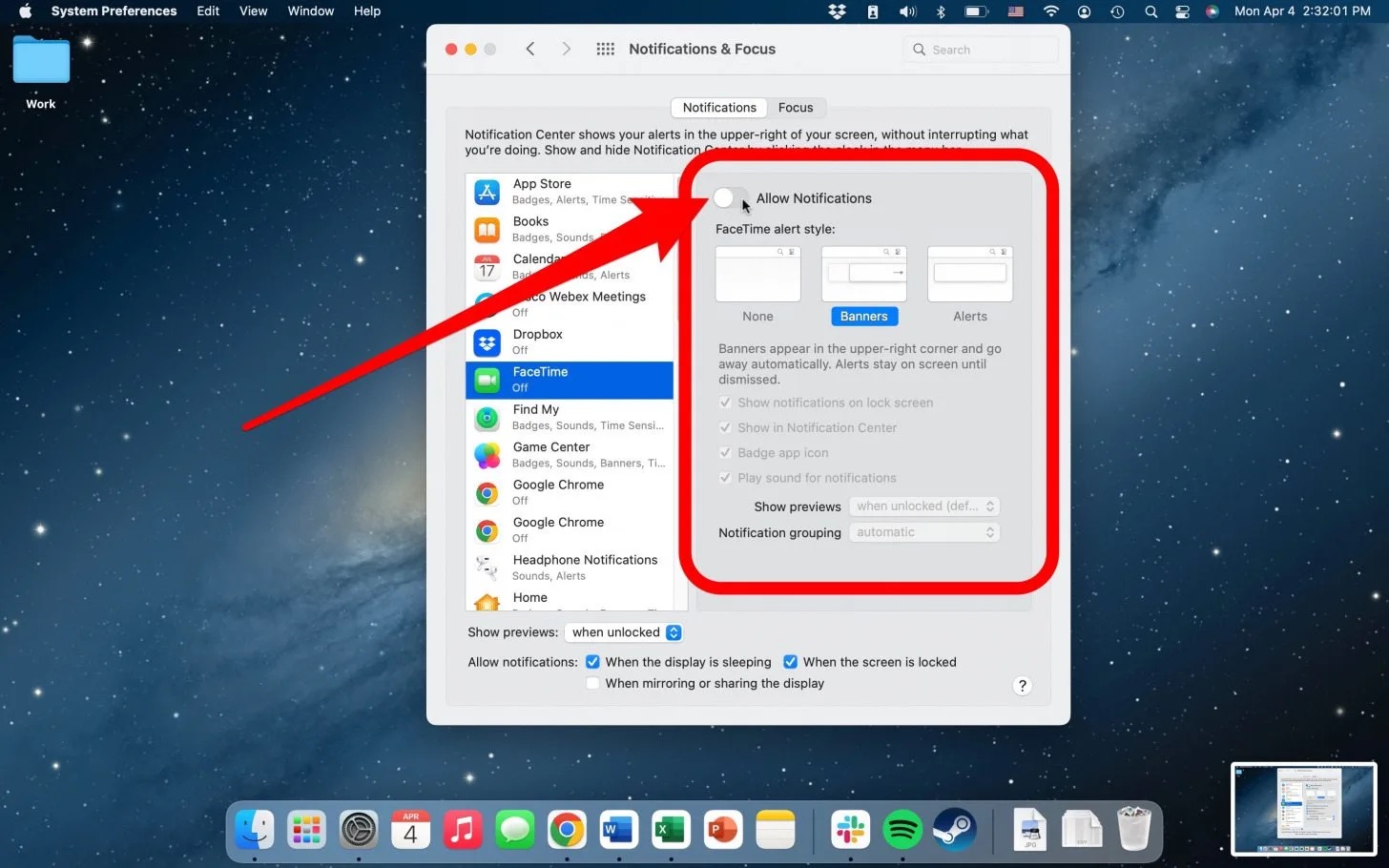
To turn off phone ringing on Mac, you need to stop your iPhone from forwarding calls to your computer. The two verified methods are disabling the feature in your iPhone’s...

How To Unforward Verizon Phone

To unforward your Verizon phone, the quickest method is to dial *73 from the device that is forwarding calls and wait for the confirmation tone. This network code instantly cancels...

How To Forward Calls On T-Mobile

To forward calls on T-Mobile, you need to set up the feature directly on your phone, as the exact steps depend on whether you use an iPhone or an Android...

How To Cancel Call Forwarding On T-Mobile

To cancel call forwarding on T-Mobile, dial ##004# from your phone and press the call button. This universal reset code cancels all types of call forwarding at once and returns...