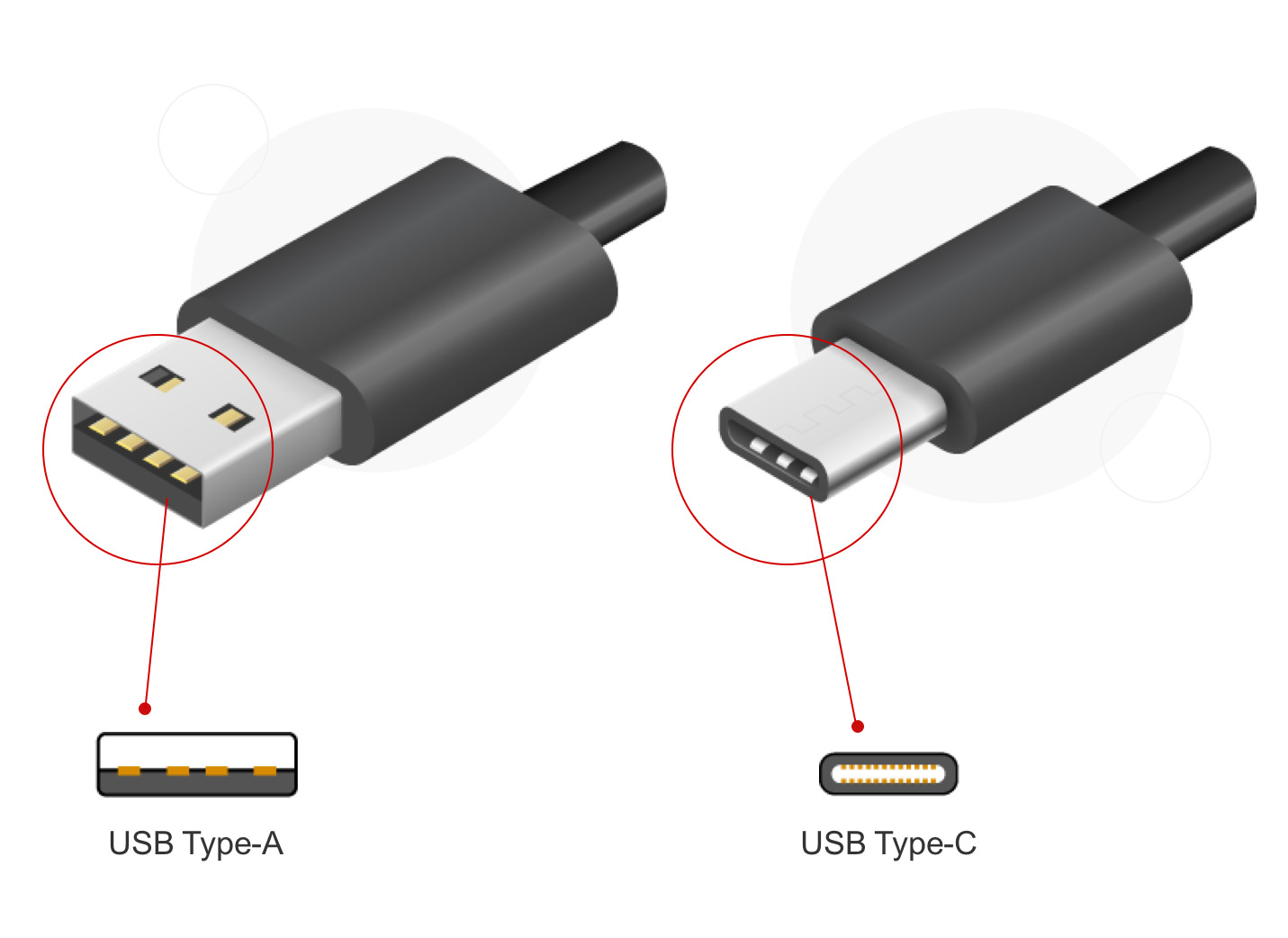
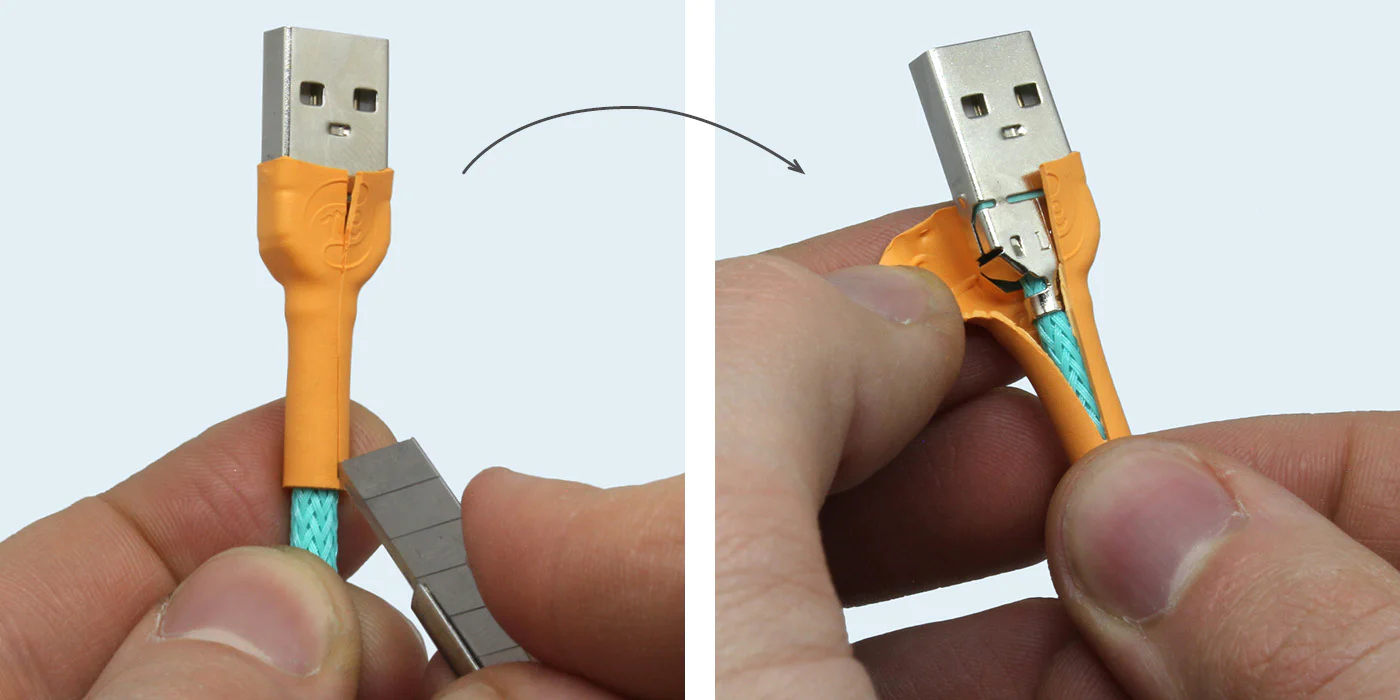
Welcome to the charging port tag on CellularNews. This page collects articles for anyone who owns a phone or portable device and has run into trouble with power, connections, or the physical port itself. Whether you are dealing with a stubborn smartphone, a wireless speaker that won't take a charge, or a damaged cable, the guides here are written for everyday users looking for practical, hands-on solutions.

The articles tackle a few clear categories of problems. One major theme is cleaning and maintenance: you will find specific instructions on how to get sand out of your phone charger hole, how to dry a charging connector, and how to clean an Android phone or an iPhone charging port with alcohol. Another strong theme is physical damage and repair, with guides on how to fix a broken USB connector, how to repair a USB charger, and how to fix a broken iPhone charger tip. A third theme covers connection and recognition issues, such as what to do when USB is not recognized and won’t show up, or how to revive a battery that won’t charge.

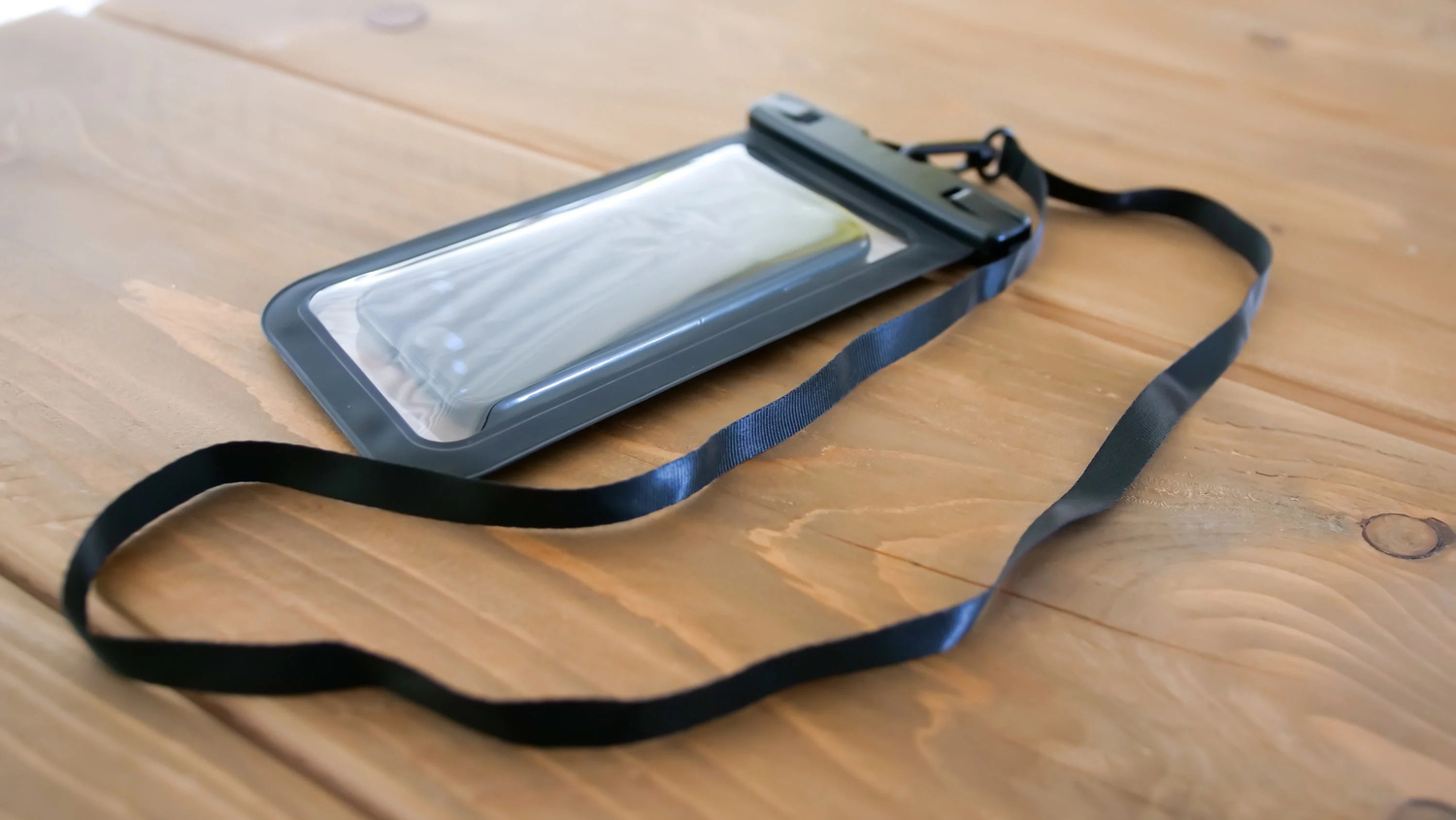
These articles help you do real things: clean out debris, dry moisture, fix broken connectors, and get your devices charging again. You can also learn what a barrel connector is, how to turn off a dock connector, or how to attach a lanyard for a waterproof phone bag. No matter the specific issue, the goal is to get your phone or accessory working reliably again.
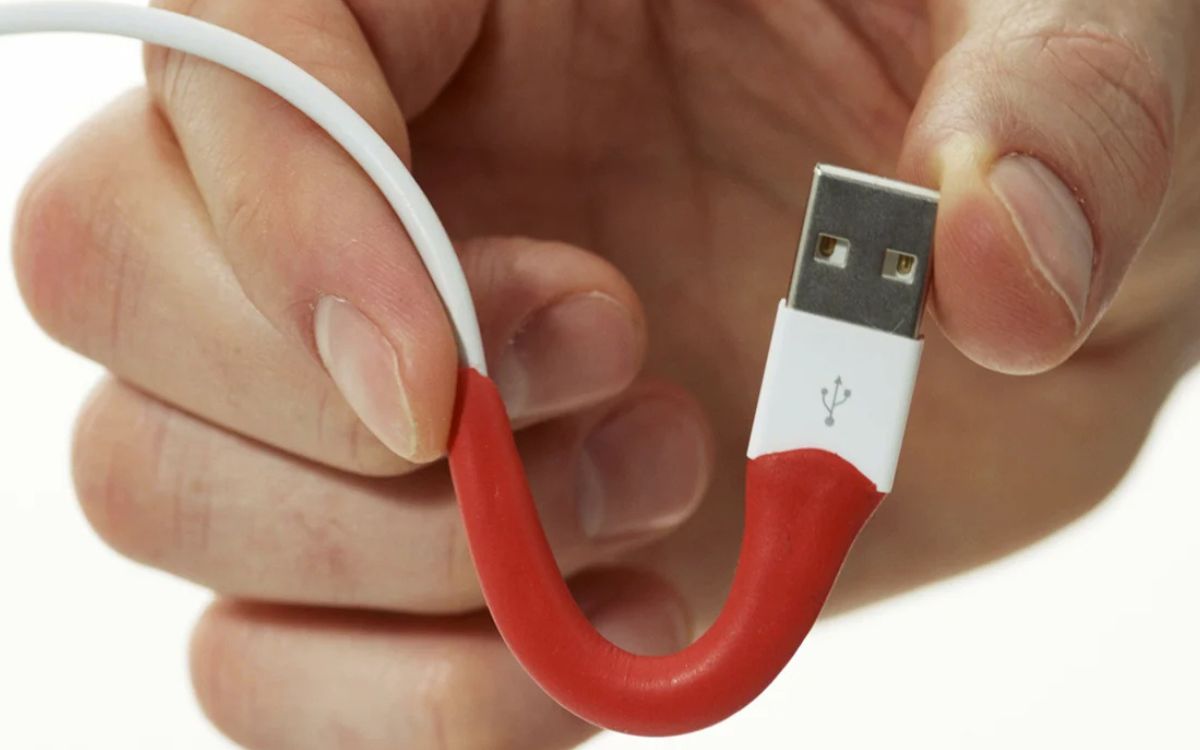
How To Repair A USB Charger

To repair a USB charger, start by isolating whether the problem is in the cable, the wall adapter, or the device itself before attempting any physical repair. This simple diagnostic...

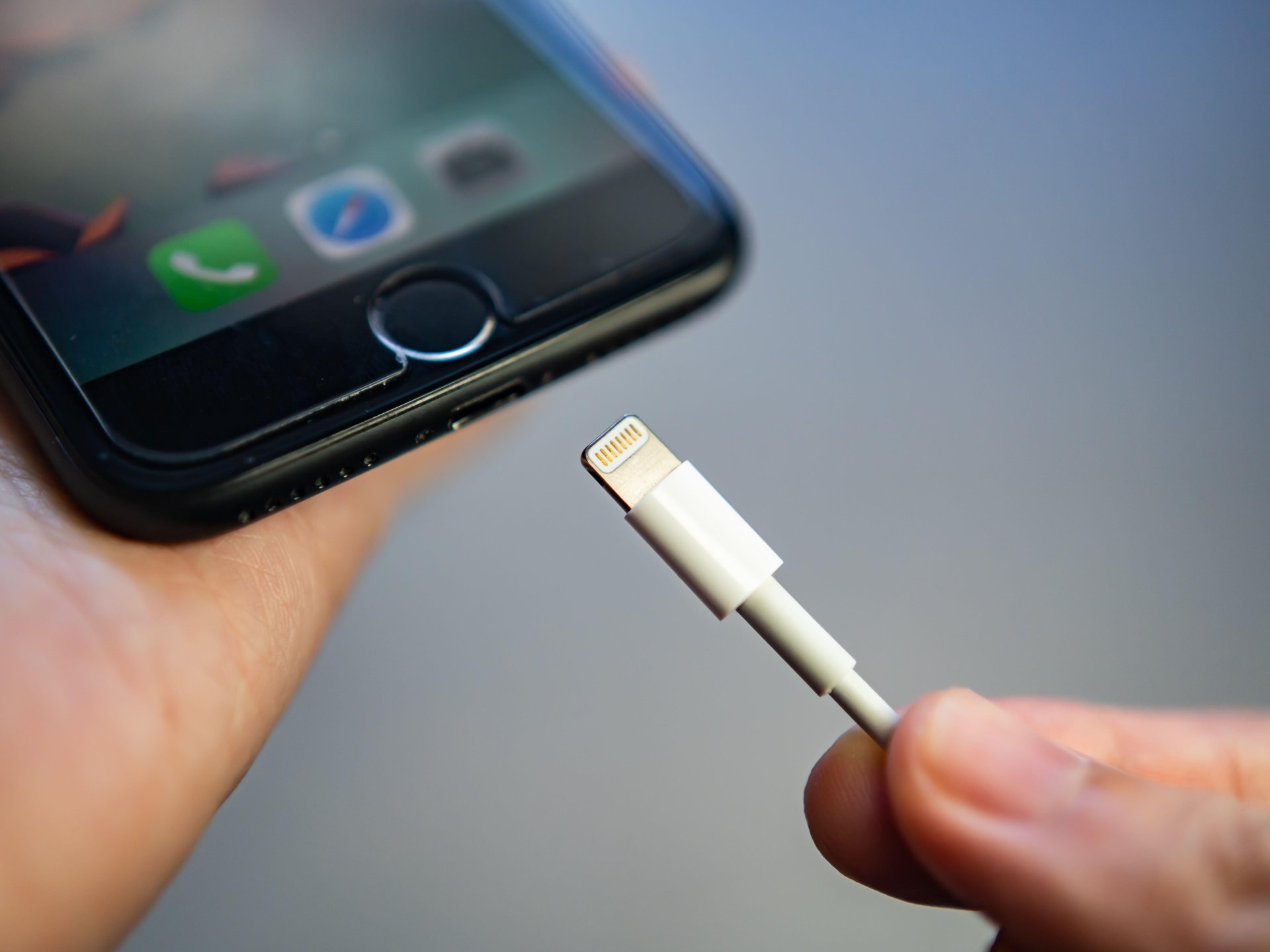
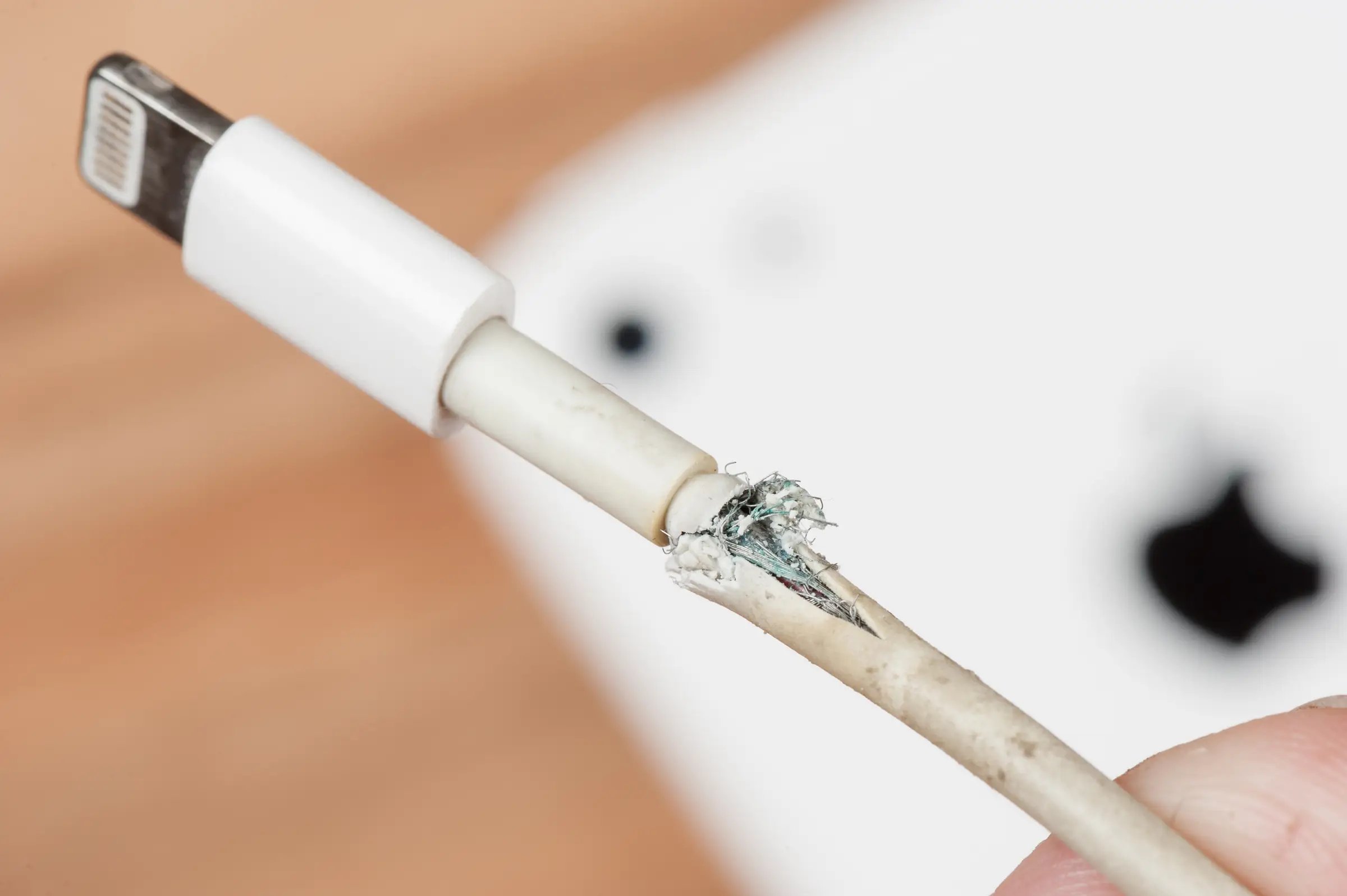
How To Fix Broken IPhone Charger Tip

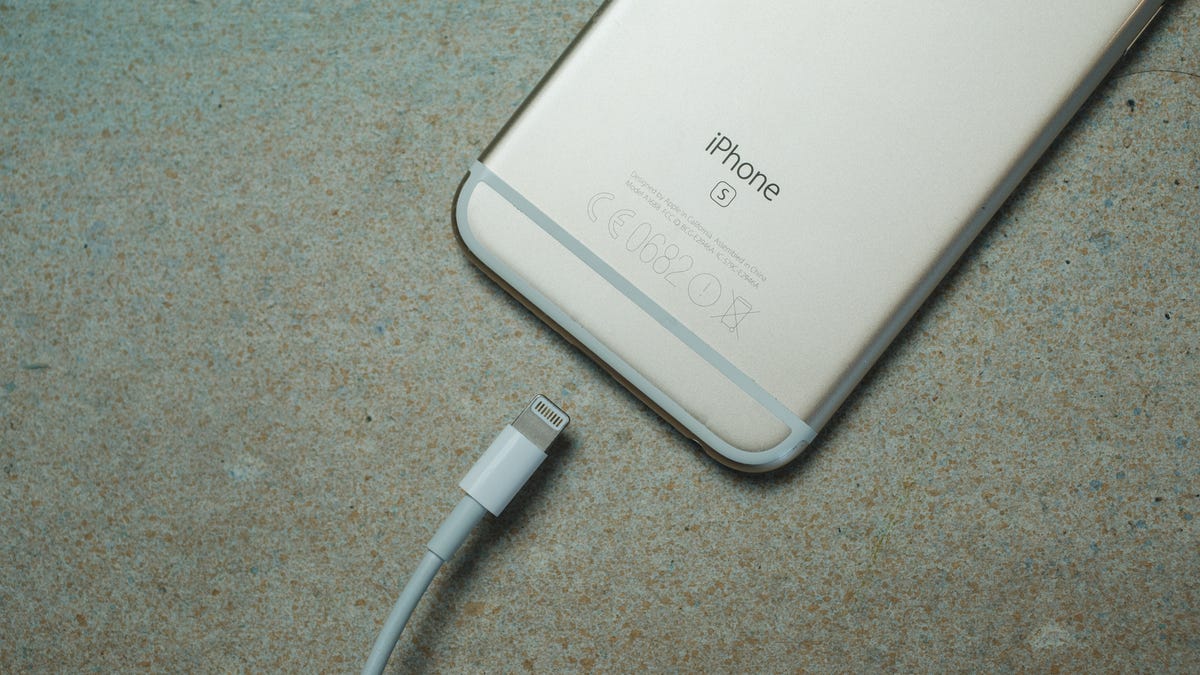
To fix a broken iPhone charger tip, stop using the damaged accessory immediately and then determine whether the problem is a frayed cable end or a tip stuck inside the...

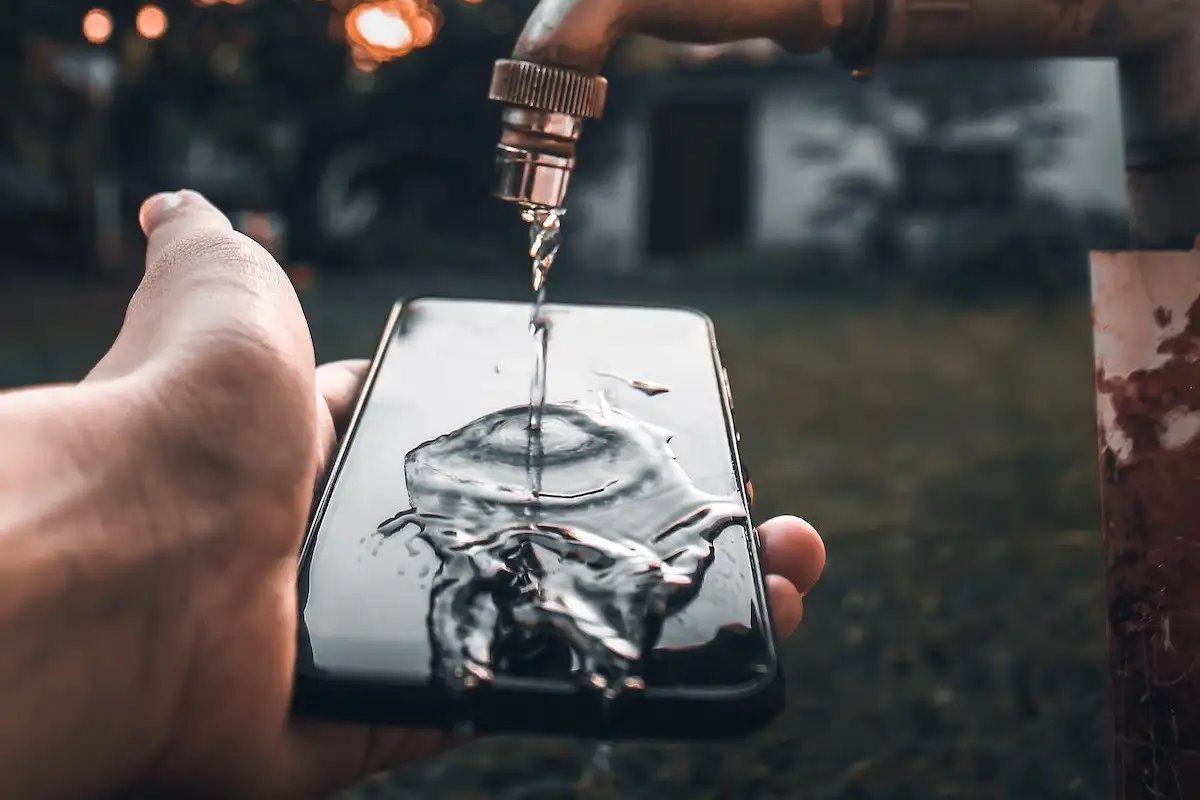
How To Get Water Out Of Charger Port Android

To get water out of charger port Android, power off your device immediately and gently shake it with the port facing down to dislodge loose droplets. This is the safest...

How To Clean An Android Phone

To clean an Android phone safely, power it off first and use a soft, lint-free microfiber cloth on the outside, keeping all liquids and cleaning products away from openings like...

How To Get Liquid Out Of Phone Charger

To get liquid out of phone charger, you must immediately unplug it from the wall and disconnect it from your phone to prevent short circuits and permanent damage. The key...

How To Charge Portable Wireless Speaker

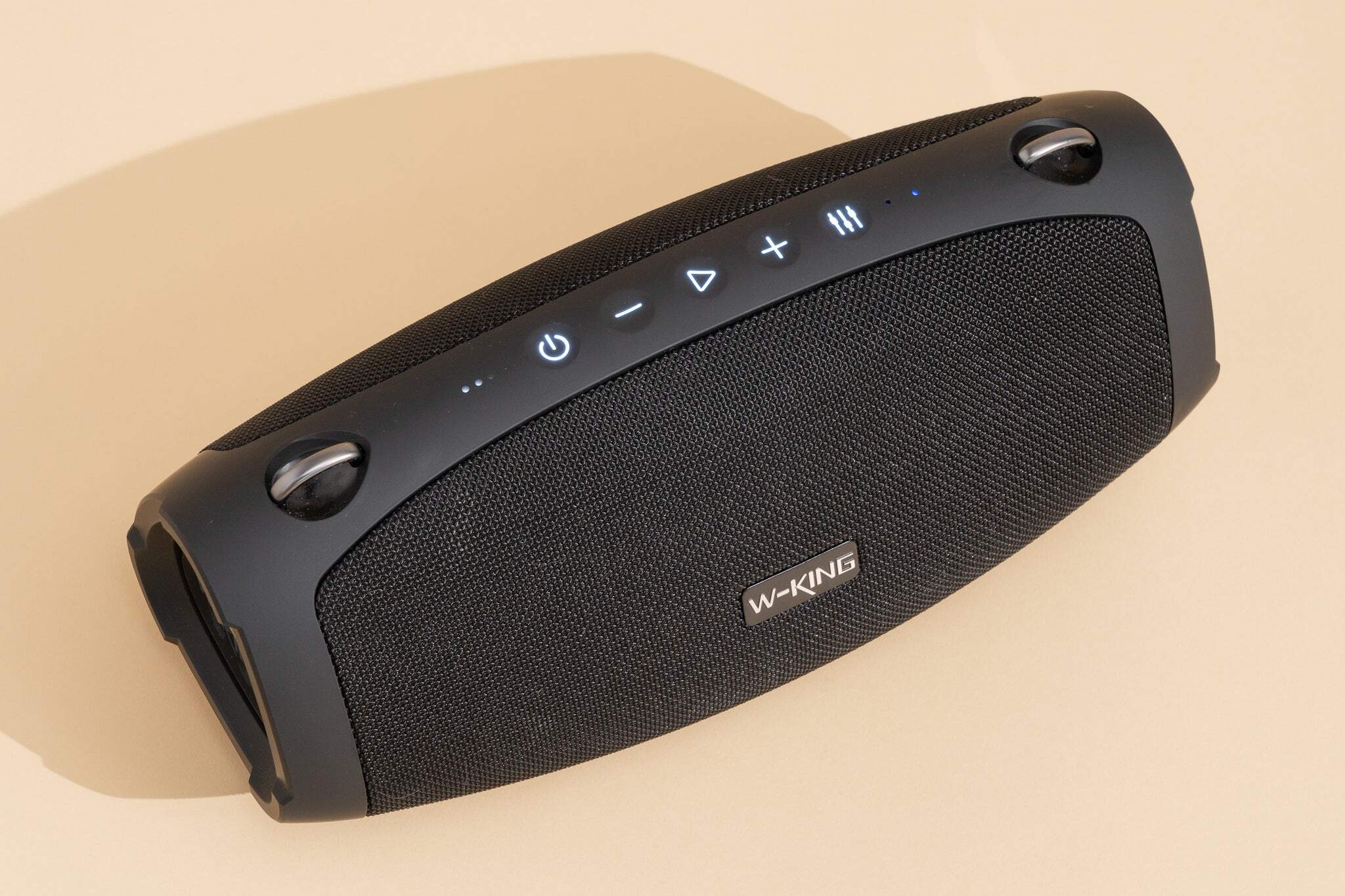
To charge a portable wireless speaker, connect the appropriate USB cable to the speaker's charging port and the other end to a power source like a wall adapter, computer USB...

How To Fix A Phone Charger Cord

To safely fix a phone charger cord, you must first understand that the only manufacturer-supported solution for a damaged cable is replacement, not repair. The official support pages for Google...

How To Turn Off Dock Connector

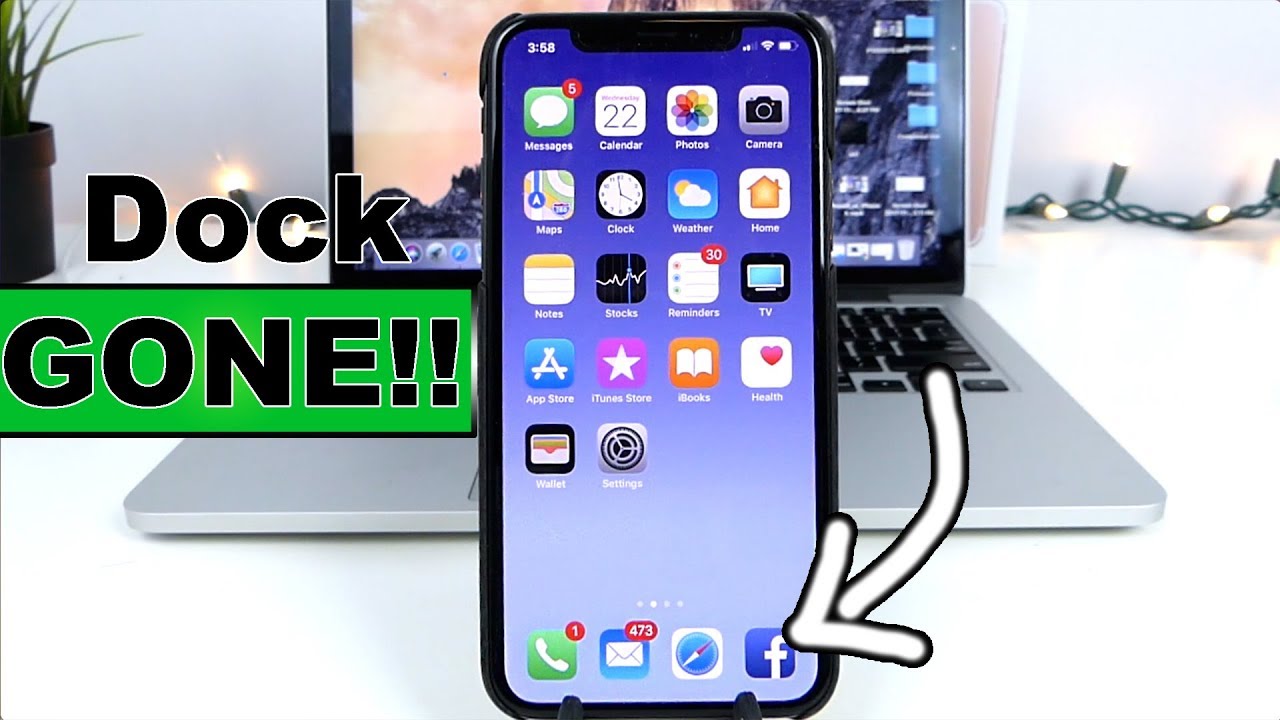
There is no documented way to turn off dock connector on any current iPhone or Android device. The term "dock connector" on modern phones refers to the physical charging and...

How To Fix Broken Usb Connector

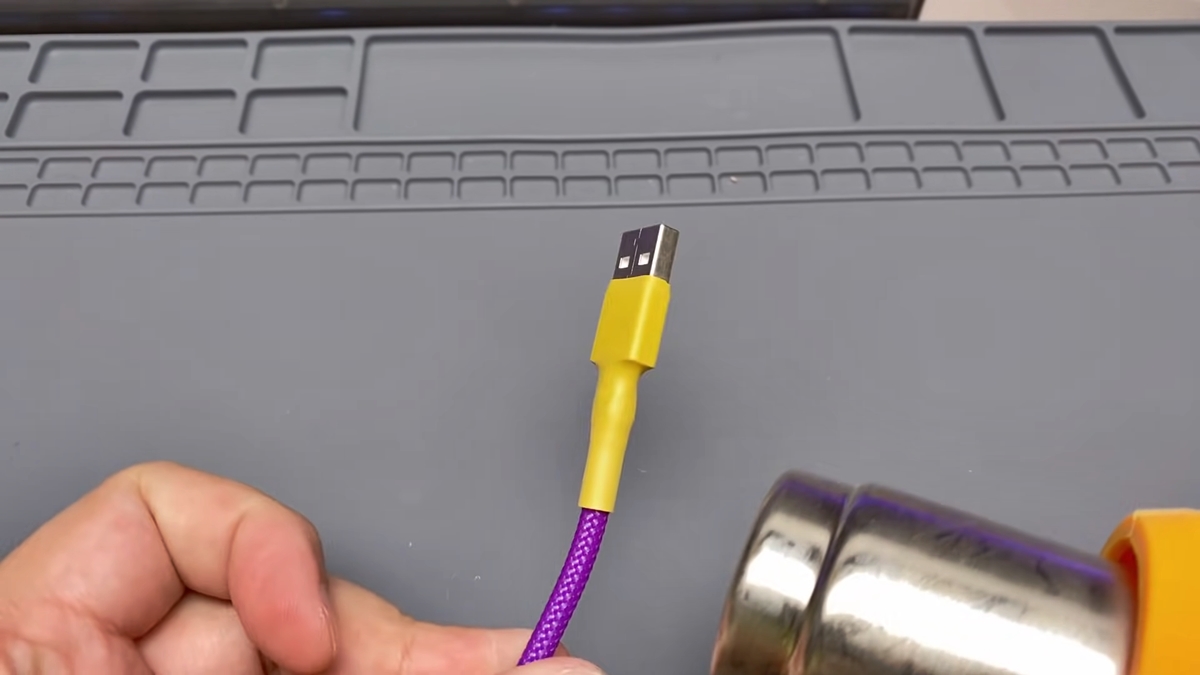
The goal is to safely fix a broken USB connector using only manufacturer-documented steps for cleaning, testing, and seeking service. Common causes of broken USB connectors Moisture, debris, damaged cables,...