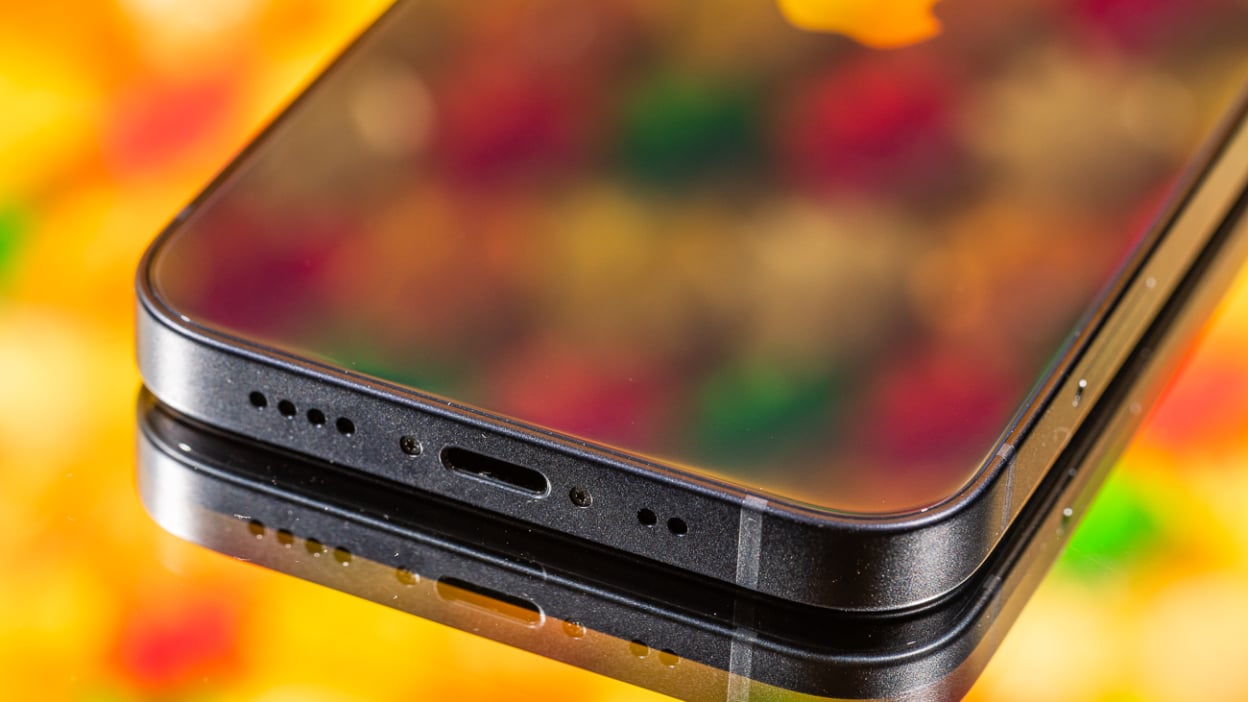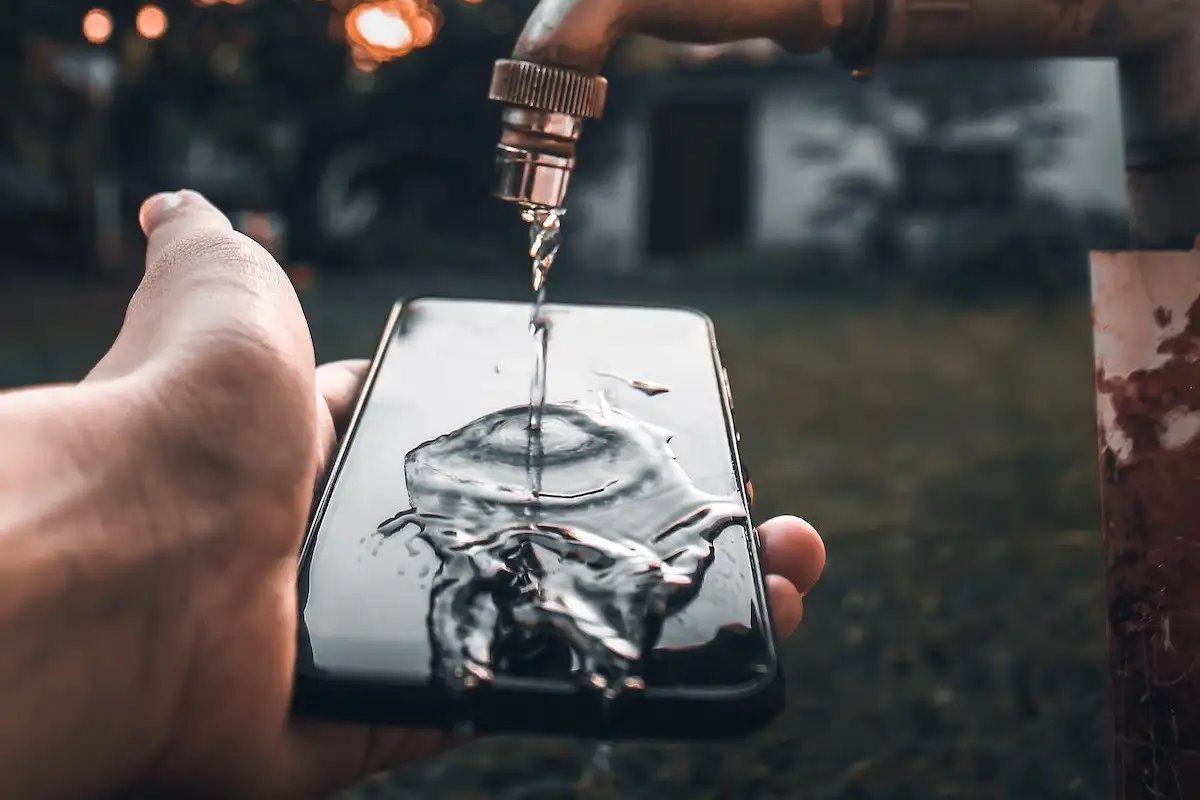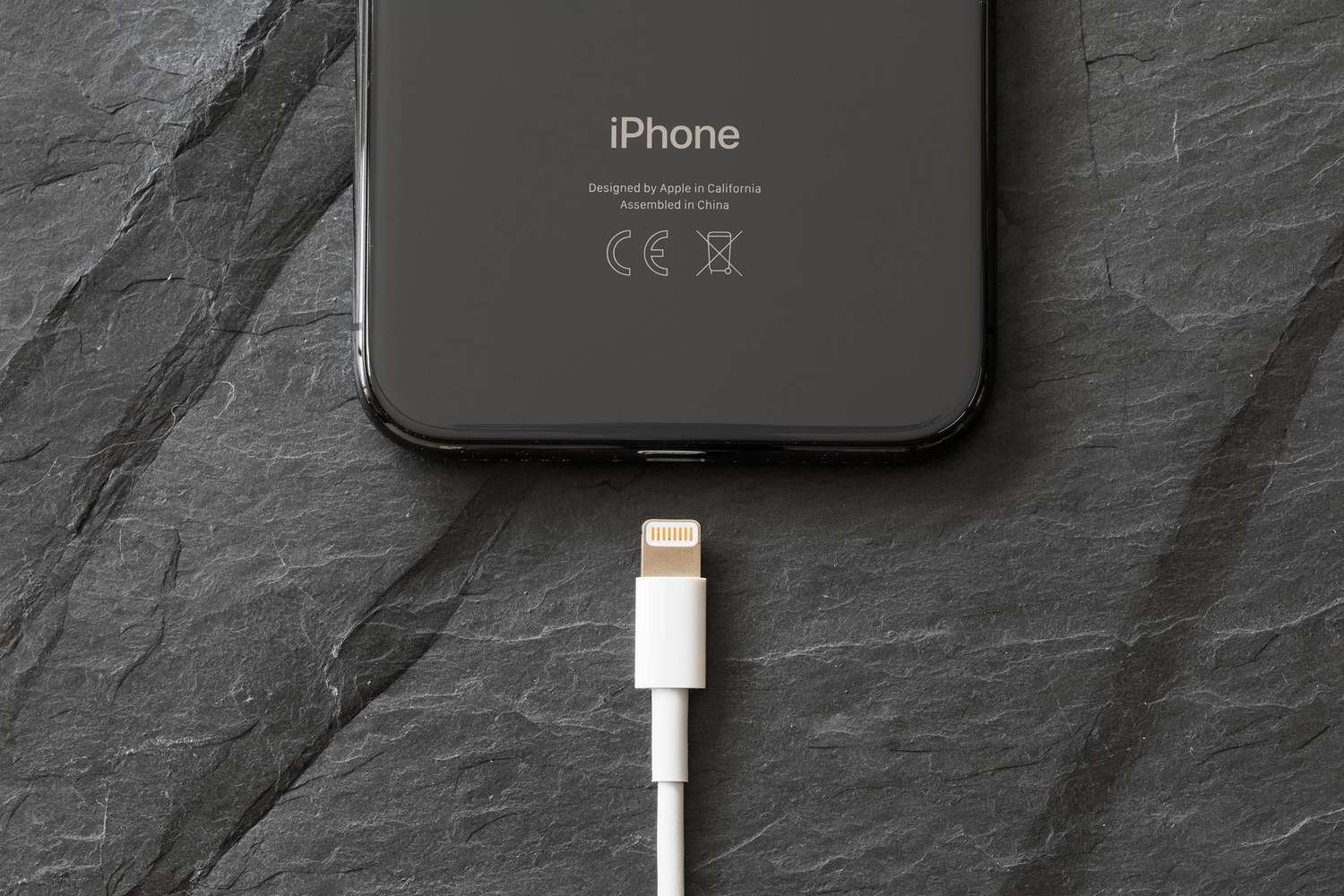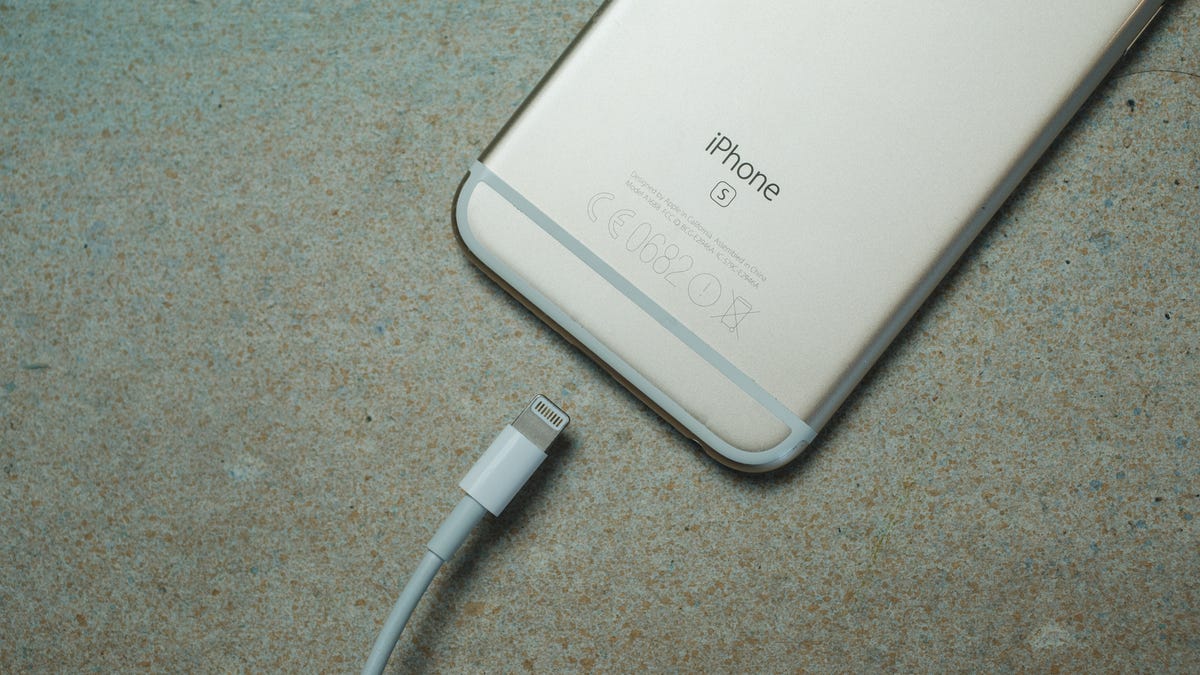
To get liquid out of phone charger, you must immediately unplug it from the wall and disconnect it from your phone to prevent short circuits and permanent damage. The key to successfully removing liquid from a phone charger is acting fast and allowing enough drying time before attempting to charge again.
What to do when you get liquid in your phone charger
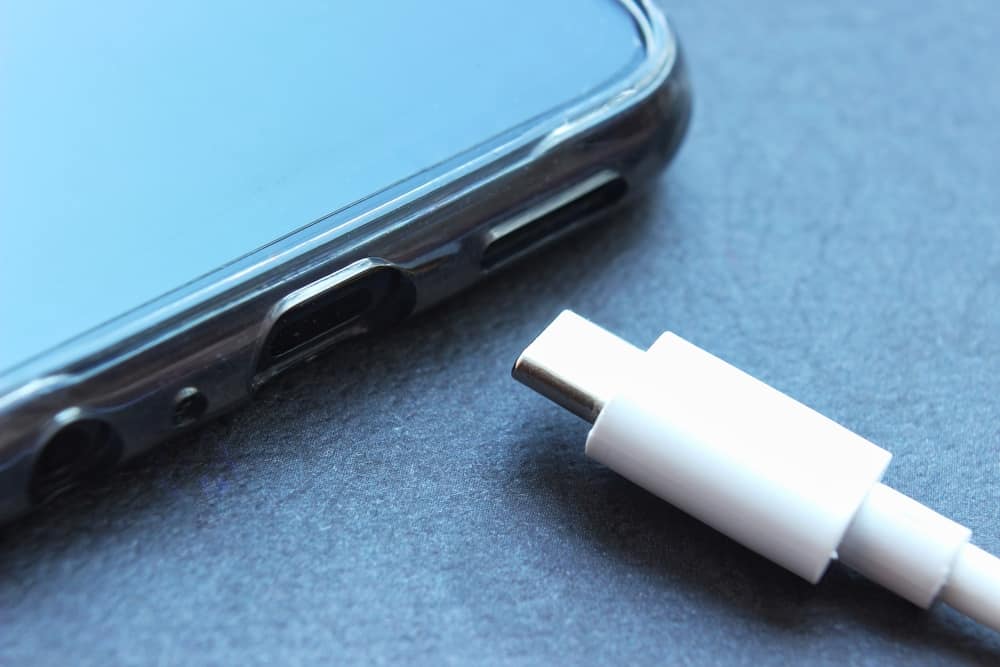
Immediately disconnect the charging cable from your phone and unplug the other end from the power adapter or accessory. This immediate action cuts off electrical current, reducing the risk of short circuits and potential harm to you or your device. Modern phones have built-in safety features to protect against water damage and liquid removal: iPhones display a "Charging not available" or "Liquid Detected in USB-C Connector" alert, Samsung Galaxy phones with IP68 rating show a water drop icon and error message, and Google Pixel 6 through Pixel 9 phones show a "Liquid or debris in USB port" notification. To protect your device from corrosion and permanent damage, charging and accessory connection will be unavailable until the connector, cable ends, and accessory are dry.
How to remove liquid from the charging cable and adapter
- Gently tap your phone against your hand with the charging port facing down to remove any excess liquid.
- Use a soft cloth or paper towel to carefully wipe off visible liquid from the cable ends and adapter. Dab gently without applying pressure to avoid pushing liquid further inside.
- Leave your phone in a dry area with some airflow to air dry naturally.
- Placing the device in front of a fan blowing cool air directly into the charging port can help speed up the drying process.
Do not insert any objects into the charging port, as this may cause damage. Avoid using heat sources like hairdryers or ovens, which can damage the charger.
How long to let your charger dry before using it
Allow at least 30 minutes for drying before attempting to charge an iPhone again; if the alert reappears, continue drying for up to 24 hours. For Samsung and Google Pixel phones, the moisture detected warning should disappear once the USB-C port is completely dry, which may take several hours. To confirm it's completely dry, inspect the cable ends and adapter for any visible moisture, and check that no liquid detection alert appears when you reconnect the charger.
How to safely charge your phone while the port is wet
If you need to charge your iPhone in an emergency while the port is wet, you may have an option to override the liquid detection by reconnecting the cable a second time, but this is not recommended due to the risk of corrosion and permanent damage. Wireless charging can be used as an alternative method to charge your phone while the wired charging port is drying.
What to do if the liquid detection alert won't go away
If the liquid detection alert persists even when the phone and cable appear dry, the cable or accessory might be damaged, or the phone itself may require service. High humidity environments can sometimes trigger moisture detection warnings even if the phone has not been directly exposed to liquid. For Samsung devices, if the water drop icon persists after drying, try clearing the USB cache by powering off the device, then pressing and holding Volume Down + Power buttons to access the recovery menu, navigating to "Wipe cache partition," and then "Reboot system now." For how to get water out of charger port Android devices, the same drying methods apply, tap out excess liquid, wipe with a cloth, and use a fan for airflow until the alert clears.
Frequently Asked Questions
Can I use a vacuum cleaner to remove liquid from my charger?
While a vacuum cleaner on a low-power setting can help extract liquid from ports, it must be done carefully with a small attachment to avoid damaging the charger. Do not insert any objects into the charging port.
What should I do if I spilled soda or coffee on my charger instead of water?
Sugary or acidic liquids are more corrosive than water and require thorough cleaning. Wipe off visible residue immediately, then follow the same drying steps. If the charger shows signs of corrosion or sticky residue, replace it rather than risk damage to your phone.
Can I charge my phone with a wet charger if I dry it with a hairdryer?
No. Heat sources like hairdryers can damage the charger's internal components and melt plastic parts. Always use cool airflow from a fan and allow natural air drying for the safest results.
Will rice help dry out my phone charger?
Rice is not recommended for drying chargers, as it can leave dust and starch inside the ports. Air drying with a fan is more effective and safer for electronic components.
How do I know if my charger is permanently damaged by liquid?
If the charger still triggers a liquid detection alert after 24 hours of drying, or if it shows visible corrosion, discoloration, or fails to charge any device, it is likely permanently damaged and should be replaced.