Start here: drawing app

All topics →

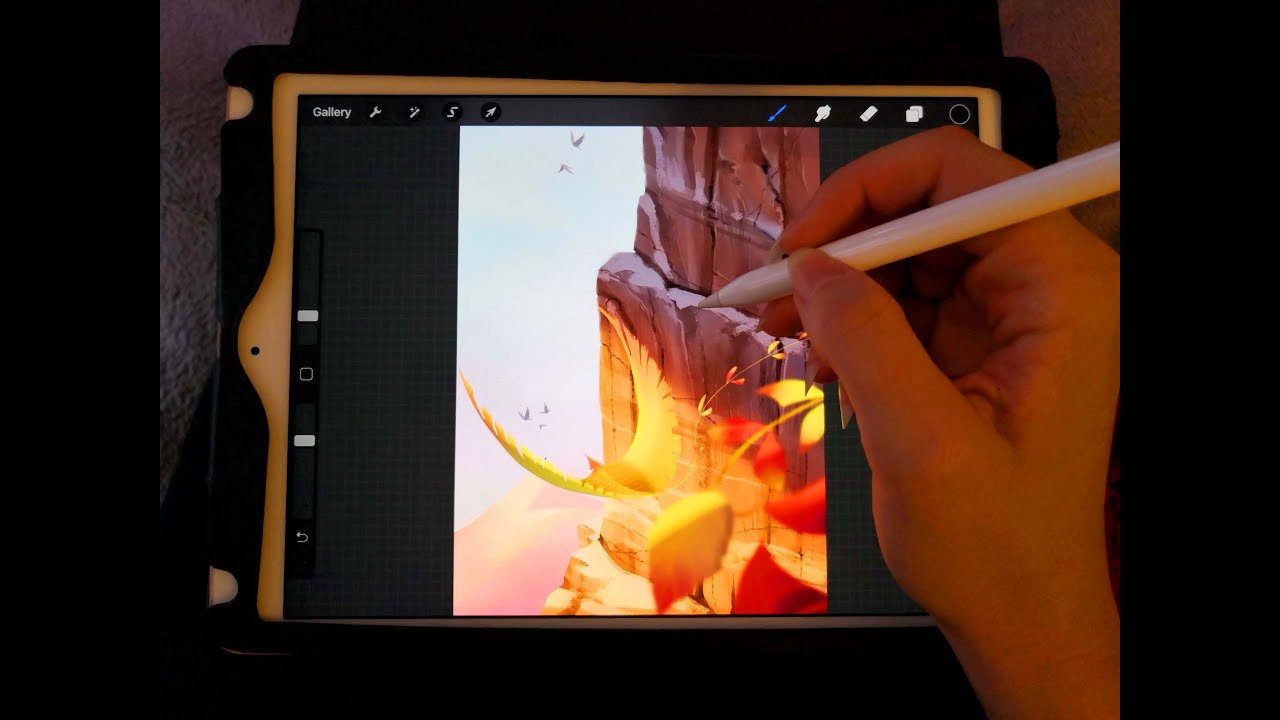
This tag collects every article on CellularNews about drawing apps and the tools that make them work on your phone or tablet. It is written for anyone who uses an iPhone or Android device for digital art, whether you are a beginner learning the basics or a more experienced creator looking to master a specific app like Procreate.

The articles here solve two main kinds of problems. First, they help you choose the right software: you will find comparisons of the best drawing apps available now, as well as solid alternatives to Procreate if you want to try something different. Second, they solve the practical, everyday issues you run into while actually drawing. Several guides focus on how to perform specific actions in Procreate, such as erasing mistakes, using the eyedropper to pick a color, filling in a shape, or using the lasso tool to select and move parts of your artwork. You can also learn how to add a reference photo to your canvas, change the color of a line, or clone parts of an image.

Beyond these individual actions, the collection includes a broader guide to managing Procreate’s tools, layers, and file structure, helping you keep your projects organized. In short, these articles help you pick an app, then show you exactly how to use its core features to draw, edit, and refine your work on a mobile device.
Procreate Tools, Layers and File Management

Getting started with procreate tools and setup If you ever replace your device or reinstall the app, you will want to know how to restore Procreate drawings from a current...

How To Clone In Procreate

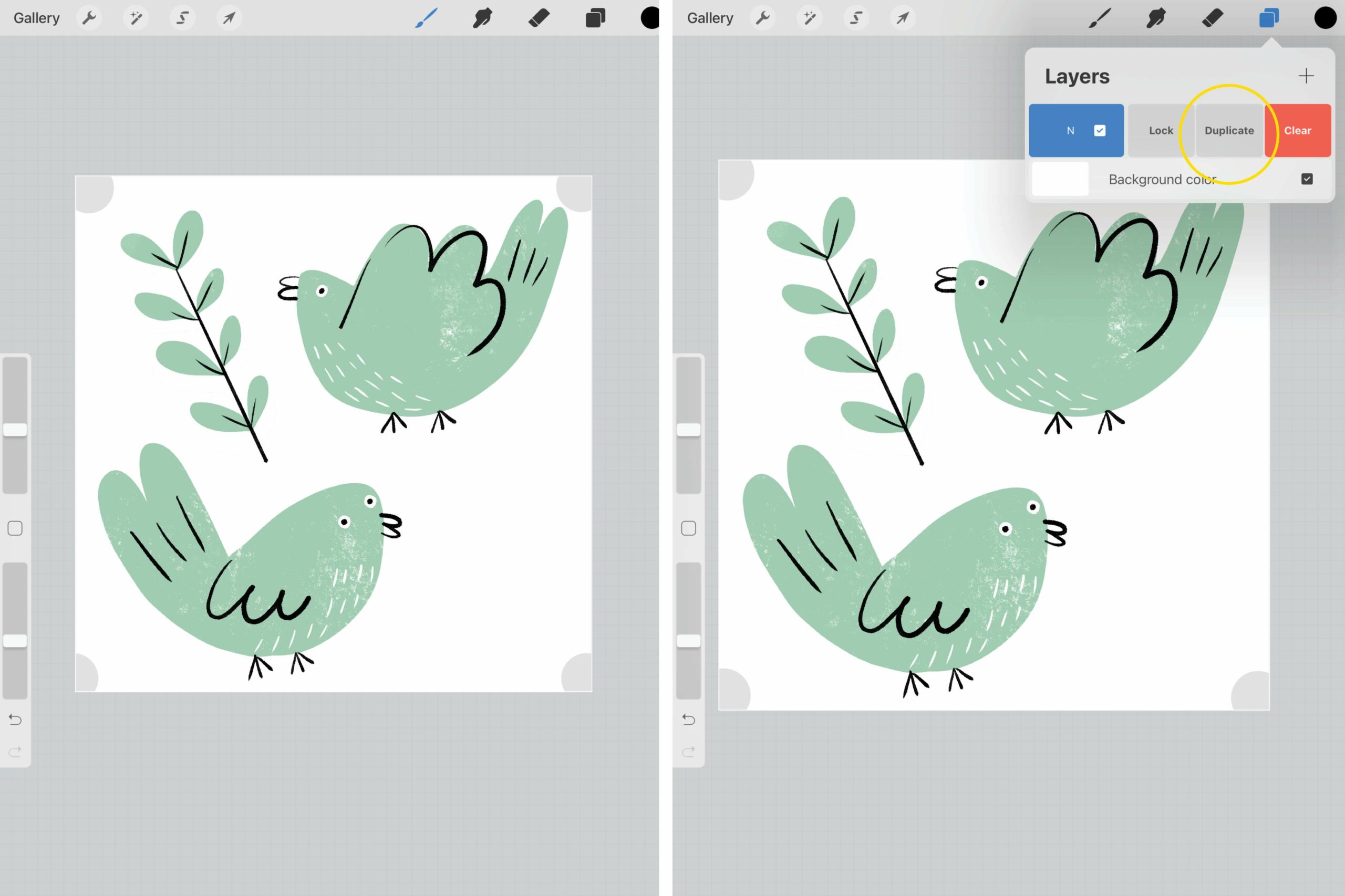
Procreate is a powerful digital art and illustration app that has gained immense popularity among artists and designers. One of the standout features of Procreate is its ability to clone...

How To Change Line Color In Procreate

To change line color in Procreate for lines you have already drawn, use Alpha Lock, the Recolor tool, the Selection tool with Color Fill, or an Adjustment layer. These four...

How To Add Reference Photo In Procreate

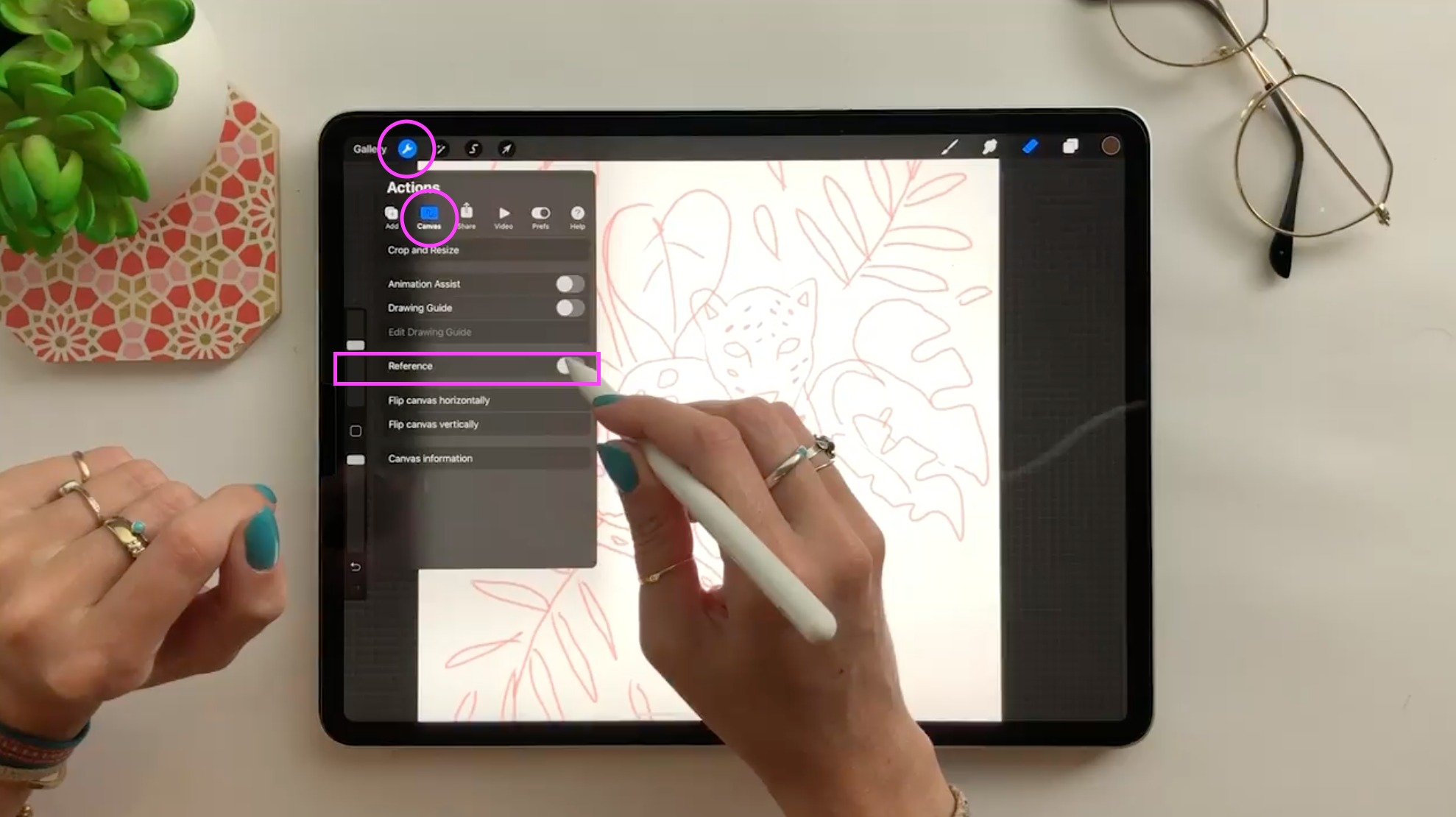
To add a reference photo in Procreate, open any canvas, tap the Actions (wrench icon), then Canvas, and turn on the Reference toggle. In the Reference Companion that appears, tap...

How To Lasso In Procreate

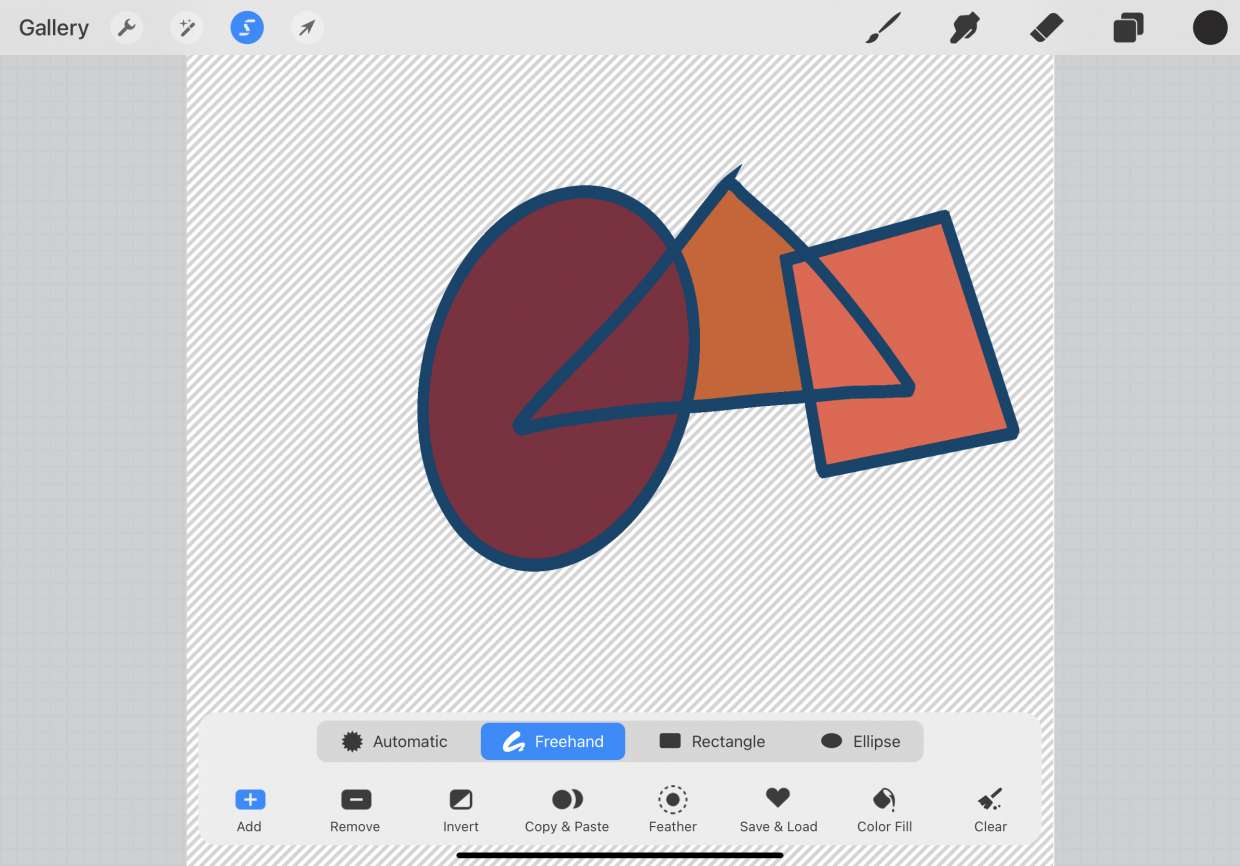
What the lasso tool is in Procreate The lasso tool in Procreate is the Freehand selection mode, which lives inside the Selection tool, the ribbon icon in the top menu...

How To Fill In A Shape In Procreate

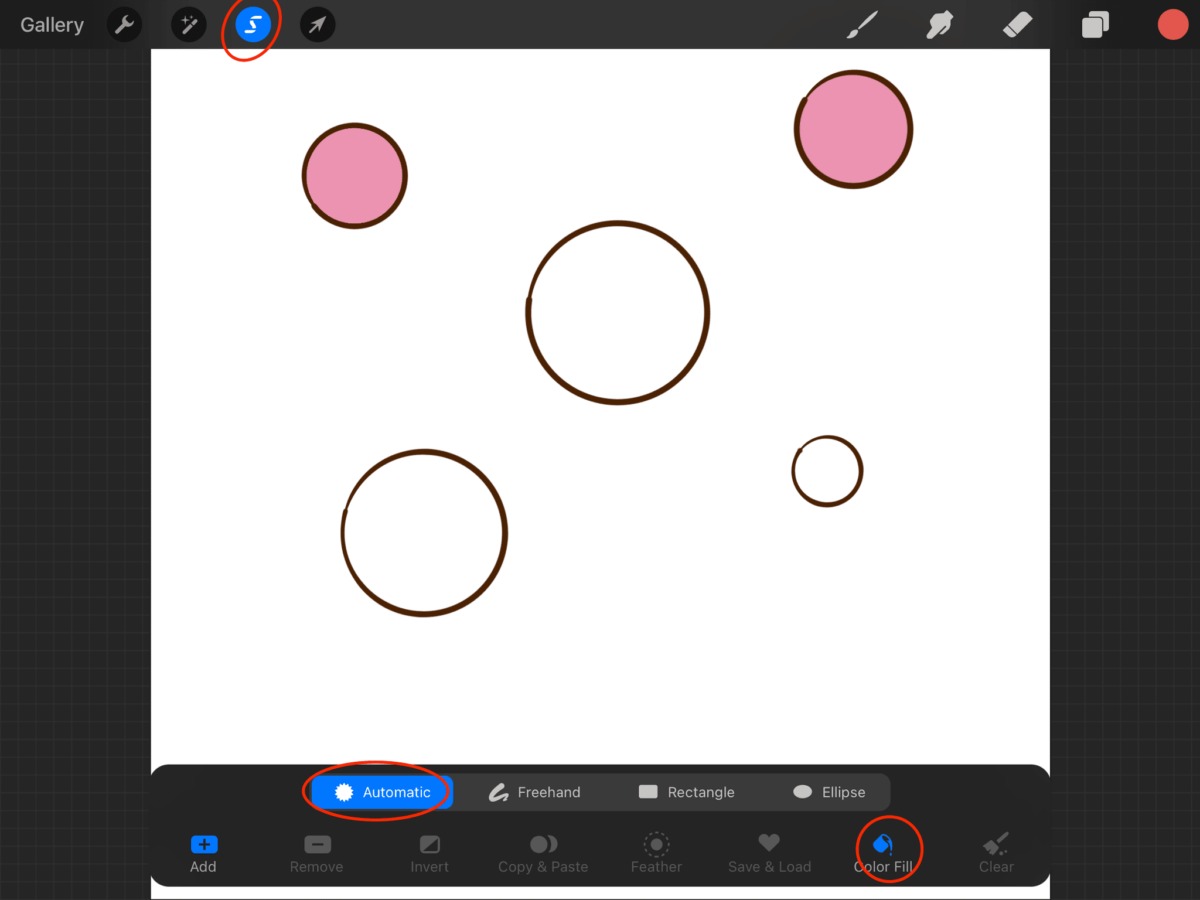
The primary method to fill in a shape in Procreate is called ColorDrop, a drag-and-hold technique that instantly adds solid color to any closed area. This is the fastest way...

How To Use Eyedropper In Procreate

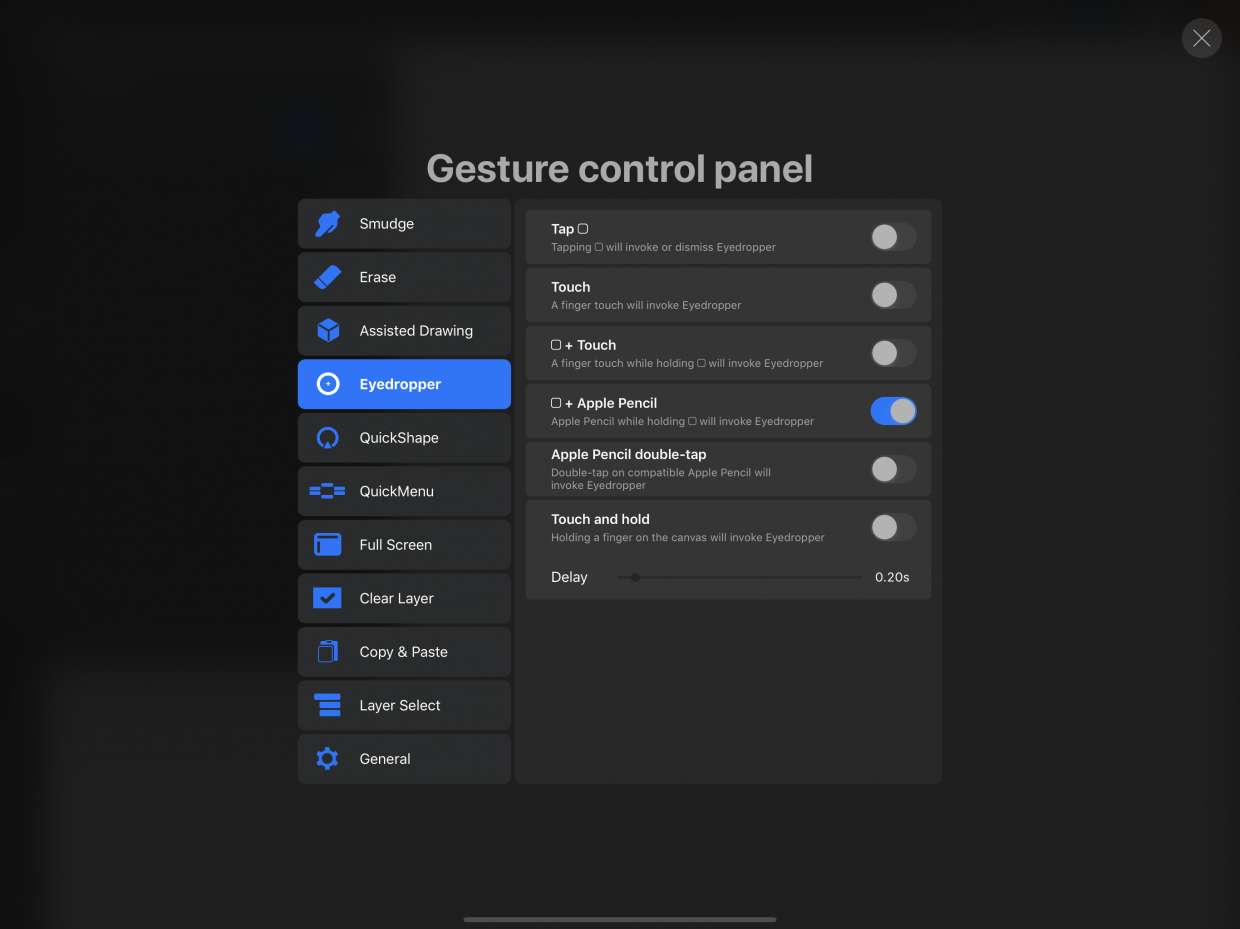
To use the eyedropper in Procreate, tap and hold anywhere on the canvas until the loupe appears, then drag to the desired color and lift your finger to select it....

How To Erase In Procreate

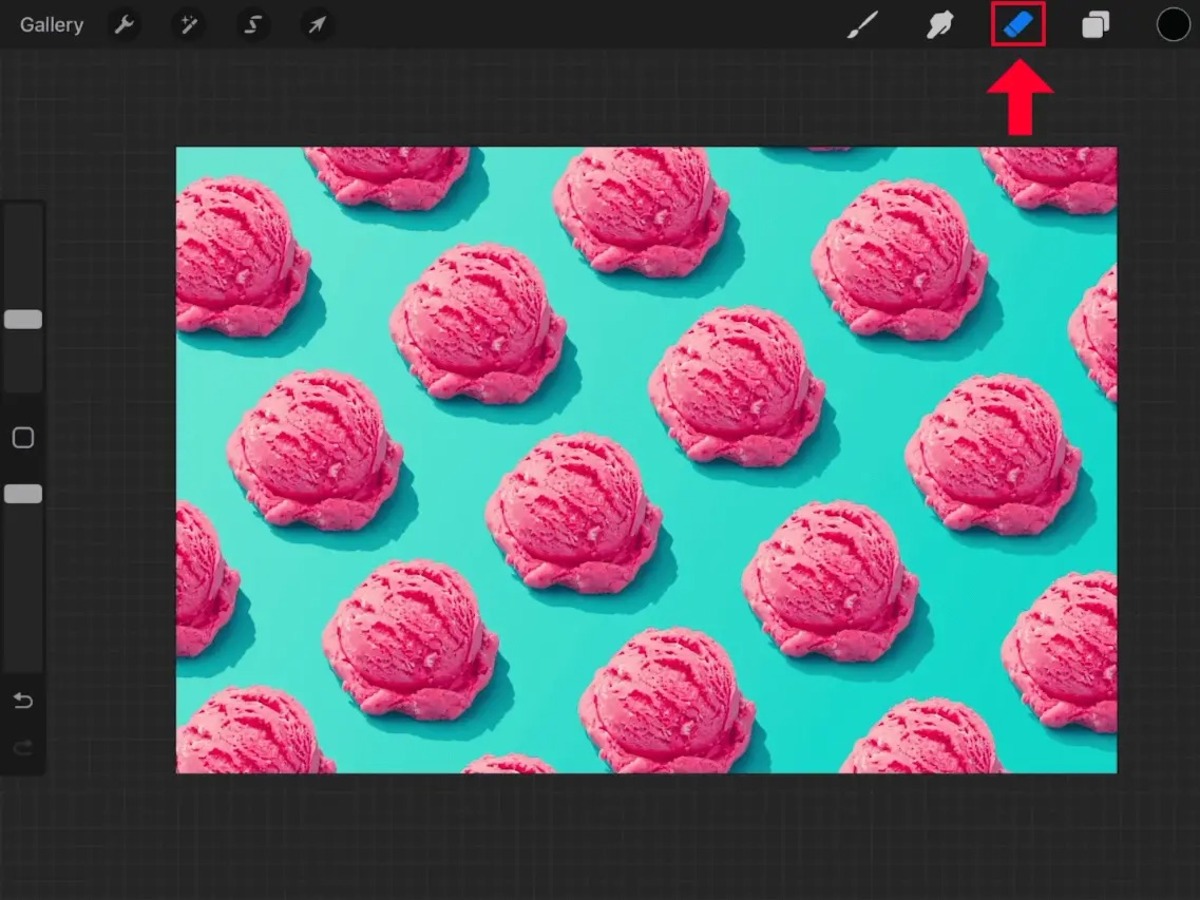
To erase in Procreate, tap the Eraser tool icon in the top right toolbar, it appears as a rubber eraser between the Smudge tool and the Layers panel, then drag...

12 Best Alternatives to Procreate of 2022

Procreate alternatives are essential for artists who want powerful digital painting tools but don't own an iPad or iPhone. Since Procreate is exclusively available for iOS devices, the best procreate...