Procreate alternatives are essential for artists who want powerful digital painting tools but don't own an iPad or iPhone. Since Procreate is exclusively available for iOS devices, the best procreate alternatives work on Android, Windows, macOS, or across multiple platforms, often at a lower cost or for free.
What is Procreate and why look for procreate alternatives?
Procreate is a powerful, one-time purchase digital art app developed by Savage Interactive, available only for iPad and iPhone. In 2022, it was typically priced around $12.99 for iPad and offered over 200 customizable brushes, impressive responsiveness with the Apple Pencil, and an intuitive gesture-based workflow. Procreate requires iPadOS 13.2 or newer; older iPads need a compatible older version of Procreate. Procreate Pocket for iPhone costs $4.99. However, because Procreate is not available on Android, Windows, or macOS, artists using those platforms need alternatives that provide similar features for sketching, painting, and illustration.
12 best procreate alternatives for all platforms
The following alternatives cover Android, Windows, macOS, and more, offering free, one-time purchase, and subscription options to suit every artist's needs. Pixelmator offers a 15-day free trial with no restrictions, while Procreate has no free trial.
1. Krita
Krita is a free and open-source digital painting and 2D animation software available for Windows, macOS, Linux, Android tablets, and ChromeOS. It features a powerful brush engine comparable to Photoshop's, with extensive customization options for texture, spacing, pressure curves, and blending modes. Krita includes stabilizers to smooth pen strokes and offers basic frame-by-frame animation features. The interface can initially feel overwhelming due to the large number of tools and settings, but it remains completely free to download and use.
2. Autodesk Sketchbook
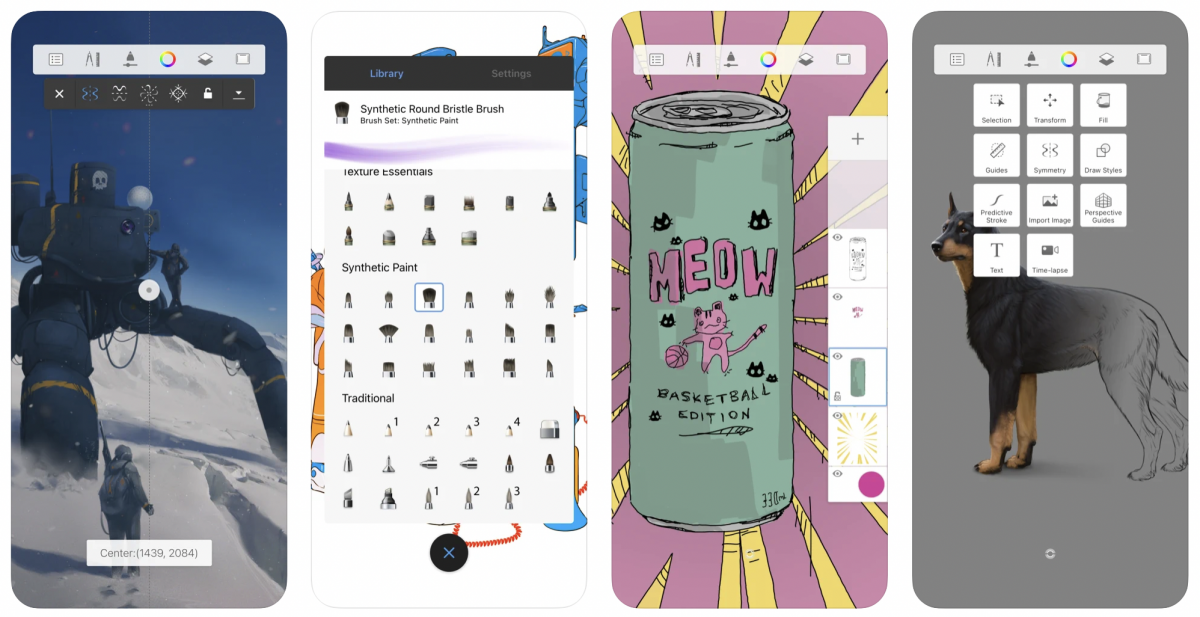
Sketchbook is available across Android, iOS, Windows, and macOS, offering a minimalist and intuitive interface ideal for sketching and concept drawing. It includes over 190 customizable brushes, the exclusive Copic color library, traditional rulers, ellipse guides, and 16-sector Radial Symmetry. A Premium Bundle was available as a one-time purchase for iOS and Android devices to unlock advanced features like brush creation and color management, but it was not a subscription and was platform-specific. Autodesk Sketchbook exports layered PSDs preserving names, groups, and blending modes; Enterprise License costs $85/year for multiple users.
3. MediBang Paint
MediBang Paint is available on Windows, macOS, iPad, iPhone, and Android devices. The core application is free, with a MediBang Premium subscription available for additional features and cloud storage. The free version includes over 180 default brushes, while the Premium subscription unlocks over 700 additional brushes and custom brush creation. It is highly specialized for comic and manga creation, offering cloud sync across unlimited devices, real-time collaborative drawing, and comic-specific tools such as panel layouts, screentones, speech bubbles, and fonts.
4. Ibis Paint X
Ibis Paint X is a free mobile drawing app available on iOS, Android, and Windows that displays advertisements. It offers a wide range of art tools, over 2,100 fonts, rulers, symmetry tools, layers, masking tools, and a pop-up reference window. The app supports time-lapse recording of the creative process. A paid Prime membership or Ad Removal Upgrade removes ads and unlocks premium features including cloud storage, extra brushes, filters, vector tools, and adjustment layers. Ibis Paint X lets users unlock brushes for free by watching ads, unlike Procreate where brushes must be purchased.
5. Infinite Painter
Infinite Painter is available on iOS and Android devices, known for its realistic brushes and fantastic blending possibilities. It offers a free version with in-app purchases for additional features and trials for its pro version. Infinite Painter offers a 7-day free trial, after which premium features are accessed via in-app purchases. The app provides advanced features for illustrators, including a sophisticated brush engine, an intuitive interface, and tools for photo manipulation and filters with real-time masking.
6. Adobe Fresco
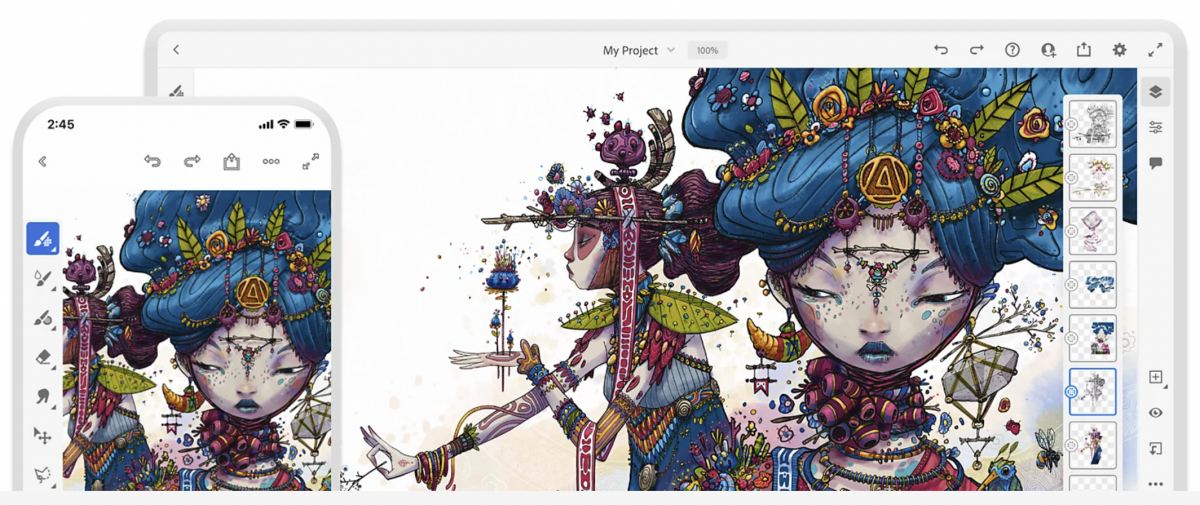
Adobe Fresco is available for iOS devices and Windows, but was not available for Android in 2022. Adobe Fresco was formerly Adobe Photoshop Sketch; support for Photoshop Sketch ended January 10, 2022, and artwork was migrated to Fresco via Adobe ID. The app is free to download and use, offering a robust set of tools for vector and raster illustration. Its unique live brushes mimic watercolor and oil paints, alongside a rich set of vector and raster brushes. A premium version or subscription unlocks additional brushes, fonts, shapes, and cloud storage. Fresco has a touch-optimized interface tailored for tablet use and includes simple animation tools.
7. Concepts
Concepts is a flexible sketching app available for iOS and Android with vector-based tools and an infinite canvas. It has seen professional use at companies like Disney, PlayStation, and Apple. The app allows users to select from a range of pens and pencils, add layers, and sketch small or large-scale projects. Concepts is free to download, with a Pro Pack or subscription available for additional options.
8. Clip Studio Paint
Clip Studio Paint is available on Windows, macOS, iPad, iPhone, Android, and Chromebook. In 2022, it offered both perpetual licenses for Windows and macOS and monthly or annual subscription plans for all devices. It is specialized for drawing, painting, comic and manga creation, and animation, featuring vector layers, intelligent coloring tools, integrated 3D workflows, dedicated panel management systems, speech bubble tools, screen tones, and multi-page project management. Clip Studio Paint EX supports unlimited animation frames and multi-page projects, while the Pro version is limited to single-page illustrations and fewer layers. Its brush engine is deeply customizable, with thousands of free brushes available through the Clip Studio Assets marketplace and excellent pen stabilization. Purchases of Version 1 made after January 1, 2022, were eligible for a free upgrade to Version 2.0.
9. Tayasui Sketches
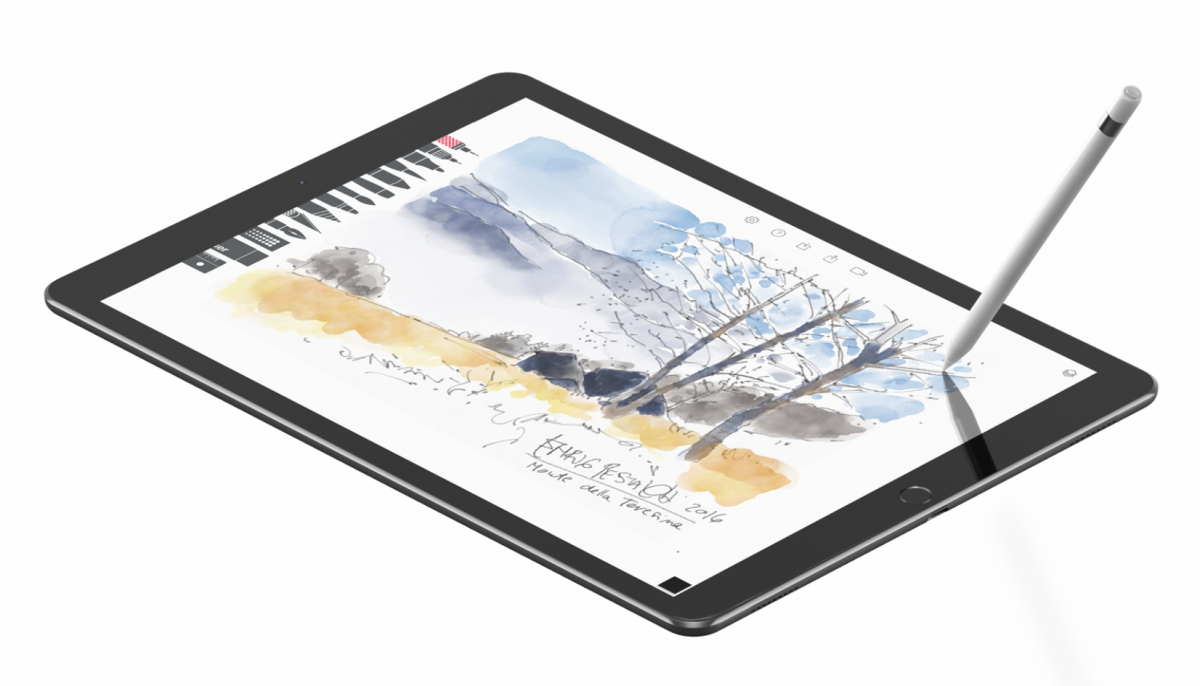
Tayasui Sketches is available on Mac, iOS, and Android. In 2022, the app was free to download with limited features. A Pro version upgrade unlocked features like unlimited layers, additional brush tips, a Wet Watercolor brush, gradients, patterns, cloud sync, and saveable color palettes. It is known for its minimalist interface and realistic brushes, particularly its watercolor brushes, and supports layers and pressure-sensitive styluses including the Apple Pencil.
10. Adobe Photoshop
Adobe Photoshop is available for Windows, macOS, and iPad. In 2022, it was primarily available through subscription-based plans via Adobe Creative Cloud, with a standalone Photoshop subscription or the Creative Cloud Photography plan available. It is a professional image editing and graphic design software offering highly customizable brushes, extensive layer controls, and support for various plugins. Adobe Photoshop Elements 2022 was also available as a one-time purchase.
11. Affinity Designer
Affinity Designer is available for Windows, macOS, and iPad. In 2022, it was known for its one-time purchase model, avoiding subscription fees. It is a vector-based drawing application with robust vector tools, impressive performance, and a user-friendly interface. Affinity Designer can handle both vector and raster graphics within the same document and offers excellent pixel art tools.
12. ArtRage
ArtRage is available for Windows, macOS, Android, and iOS devices. In 2022, it was available as a one-time purchase. It is known for mimicking traditional media, offering a realistic painting experience with tools like thick wet oils, watercolors, blending markers, and pastels. The software supports custom brush design, blend modes, filters, and layer effects, and offers fully compatible file formats between its desktop and mobile versions for seamless workflow across devices.
Which procreate alternative is right for you?
If you need a completely free, open-source option with powerful brush engines and animation tools, Krita is the best choice for Windows, macOS, Linux, or Android tablets. For Android and Windows users who want a minimalist sketching experience, Autodesk Sketchbook or Infinite Painter work well. Comic and manga artists should consider MediBang Paint for its free specialized tools or Clip Studio Paint for professional-grade features. If you already use Adobe products, Adobe Fresco or Photoshop integrate seamlessly. For a one-time purchase with no subscription, Affinity Designer and ArtRage offer excellent value. Artists who stay on iPad can still explore Procreate tools, layers and file management within the app itself, but these alternatives provide robust options for every platform and budget.
Frequently Asked Questions
Can I use Procreate on a Windows computer?
No, Procreate is exclusively available for iPad and iPhone and cannot be installed on Windows computers. The alternatives listed above, such as Krita, Clip Studio Paint, and Adobe Photoshop, are excellent options for Windows users.
Are there any completely free alternatives to Procreate with no in-app purchases?
Yes, Krita is completely free and open-source with no in-app purchases or subscriptions. The free version of MediBang Paint also offers extensive features without requiring payment, though a premium subscription exists for additional tools.
Which Procreate alternative is best for beginners?
Autodesk Sketchbook and Tayasui Sketches are excellent for beginners due to their minimalist, intuitive interfaces. Ibis Paint X is also beginner-friendly, especially for those interested in manga and anime art, with a supportive community and free brushes available by watching ads.
Can I use these alternatives with a stylus or pressure-sensitive pen?
Yes, most of these alternatives support pressure-sensitive styluses. Tayasui Sketches supports the Apple Pencil, Krita and Clip Studio Paint offer excellent pen stabilization, and Infinite Painter is known for realistic brush response with stylus input.
Which alternative is best for professional comic and manga creation?
Clip Studio Paint is the industry standard for professional comic and manga creation, offering dedicated panel management, speech bubble tools, screen tones, and multi-page project management. MediBang Paint is a strong free alternative with similar specialized tools for comic artists.
Related reading: 15 BEST Drawing Apps for iOS and Android You Need Now and How To Lasso In Procreate.