This tag collects articles for anyone who uses email on their phone, whether you’re managing a personal Gmail account, setting up a new email on a Samsung or iPhone, or trying to send a text message from your email to a carrier like AT&T, Verizon, or Consumer Cellular. The content here is for everyday phone users who need practical, step-by-step help with email tasks that often come up when you’re on the go.

The articles solve three main kinds of problems. First, they cover email setup and account access, including how to change your email password on both Android and iOS, how to set up email on a Samsung phone, and how to transfer Gmail data to another Gmail account. Second, they address sending and receiving messages in creative ways, like using email to text a phone number, faxing from your cell phone, or emailing a picture to a Verizon phone. Third, many articles focus on email management and troubleshooting, such as blocking emails on Android or Samsung, deleting all email on an Android phone, retrieving archived Gmail messages, and signing out of or viewing passwords in the Outlook mobile app.

Specific topics you’ll find include sending high-priority email in Outlook Mobile, saving Verizon Wireless voicemails, and even using email to log into apps like Snapchat, TikTok, or PayPal without a phone number. Whether you’re a Mystic Messenger player trying to get more guests or someone just trying to clean up your inbox, these guides help you get the job done on your phone.
How To Delete Outlook Data Files

To delete Outlook data files permanently and free up storage space, you must first close the file within Outlook and then manually delete the .pst or .ost file from your...

How To Recall An Email On IPhone

You can recall an email on iPhone only if you use the Apple Mail app and act within 10 seconds of sending it. This feature, called Undo Send, lets you...

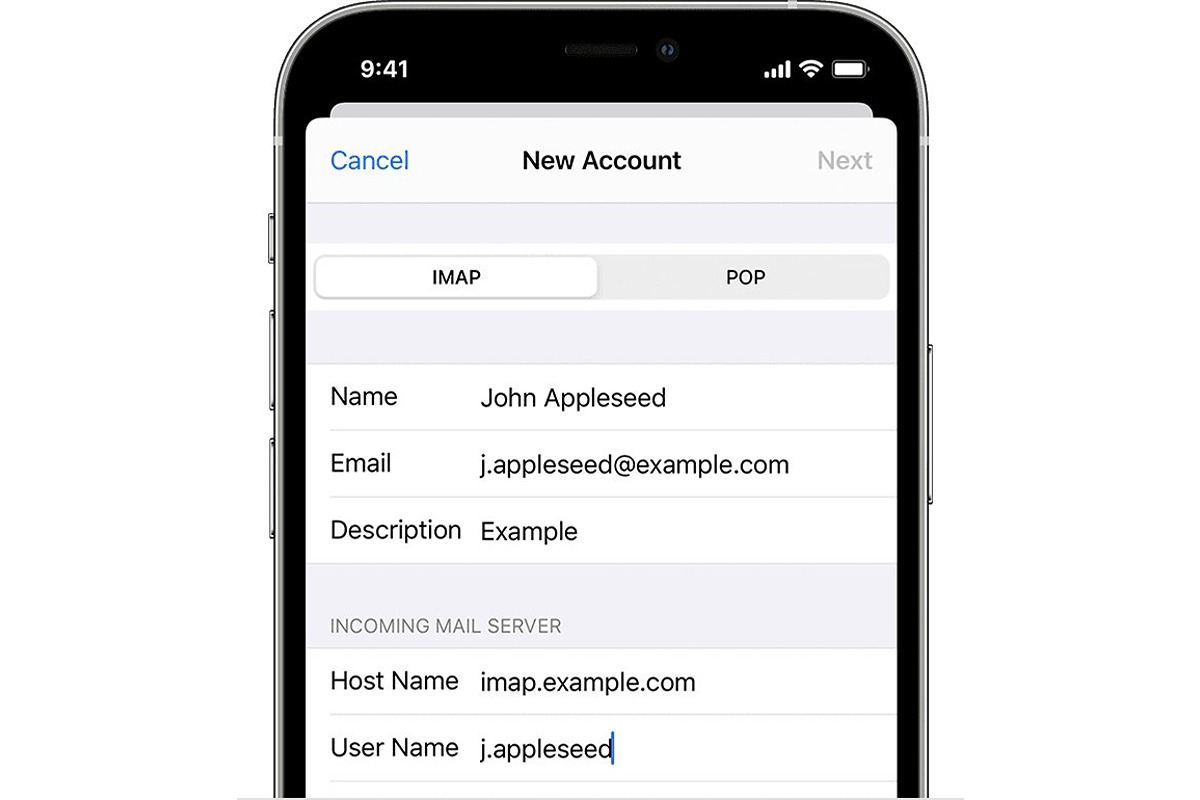
How To Set Up A New Email On IPhone

To set up new email on iPhone, open Settings > Apps > Mail > Mail Accounts > Add Account, then tap your provider (like iCloud, Google, or Microsoft Exchange) or...

How To Block Email On Samsung Phone

To block email on a Samsung phone using Gmail, open the unwanted message, tap the three-dot More menu at the top right, and choose Block “{sender}”. This action works on...

How To Delete All Email On Android Phone

To delete all email on your Android phone, use the Gmail app's built-in selection tool to select and remove messages in bulk without needing any third-party software. This method lets...

How To Block Emails On Android

To block emails on Android, open the Gmail app and open the message from the sender you want to block. Then tap More (the three dots next to Reply) and...

How To Change Email Password On Android

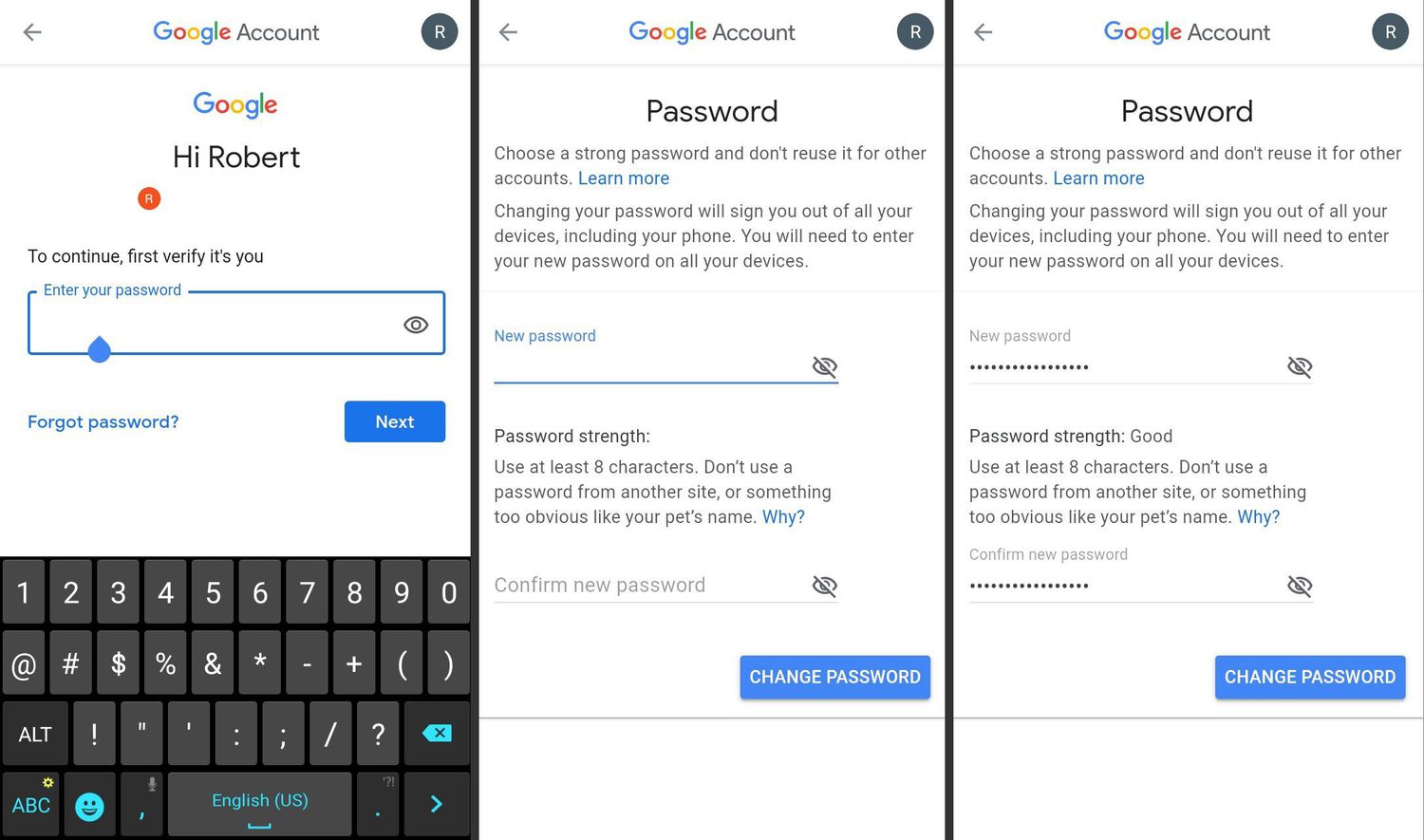
To change email password on Android, you must update it with your email provider (like Gmail, Outlook, or Yahoo) first, then update the saved password on your phone. This is...

How To Email Picture To Verizon Phone

To email a picture to a Verizon phone, send the photo as an attachment to the recipient's 10-digit Verizon number followed by @vzwpix.com. This method delivers the picture as a...

How To Email Photo From Android Phone

To email a photo from an Android phone, the quickest and most reliable method is to attach it directly from the Gmail app's compose screen. Open the Gmail app, tap...

How To Fax From My Cell Phone

You can fax from my cell phone using a dedicated app, email, or an online service, no fax machine or landline needed. Here are three simple methods to send a...