Welcome to the iOS tag on CellularNews. This collection is for anyone who uses an iPhone or iPad and wants to get more out of their device, from casual gamers to power users looking to tweak their system. The articles here are focused on two main areas: helping you find the best apps and games to download, and guiding you through common settings and fixes when things don't work as expected.
If you're looking for something new to play, you'll find extensive lists covering a huge variety of genres. Whether you are into strategy with the 15 Best City Building Games, competitive action with the Top 20 Fighting Games, or relaxing puzzles with 20 Mobile Games Like Candy Crush, these articles help you discover top-rated titles. For those needing practical tools, guides like 26 Best Productivity Apps and 16 Best VPN for Android & iOS help you choose the right software for work and privacy. Beyond just finding apps, the tag also solves technical problems. You can learn how to fix your software with the guide on How to Downgrade iOS Using SHSH2 Blobs, or explore system modifications with the Jailbreak iOS guide and the article on Cydia Impactor. Other topics, such as How to Find Someone's Location by Cell Phone Number and How to Use TikTok App, provide clear steps for specific tasks you might need to accomplish.
Wondering "where is lock screen on iPhone 12"? It's the first screen you see when you wake the device or turn it on. It displays the time, date, and any...
The red numbers on the phone icon on your iPhone are a notification badge that tells you how many missed calls or unheard voicemails are waiting for your attention. This...
If you have noticed your phone icon dim on iPhone, you are likely seeing a visual glitch rather than a documented software feature. Apple’s official support pages describe a gray...
The red dot on the phone icon iPhone is a notification badge that indicates you have missed calls or unheard voicemails. This badge appears on the Phone app icon to...
To add money to Google Voice, you need to add calling credit to your Google Voice account, which is distinct from a generic "phone call account." This guide provides the...
To change email password on iPhone 12, you must first update the password with your email provider, then update the saved password on your iPhone so the Mail app can...
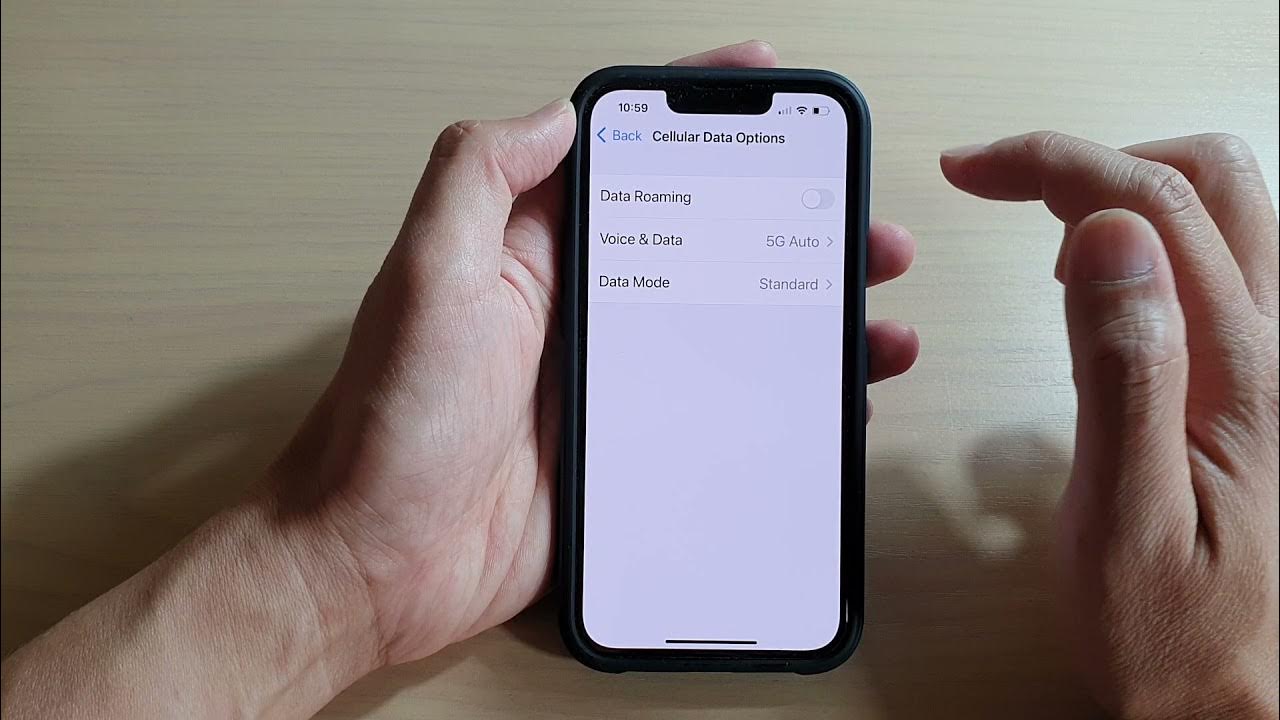
To turn on roaming on iPhone 12, open Settings > Cellular > Cellular Data Options and switch on Data Roaming. This is the direct path for a single SIM or...
The phone icon on your screen is a status indicator that tells you your device is currently on an active phone call. On iPhone, this icon appears in the status...
The iPhone 12 is currently supported on iOS 26, and Apple has not announced an end date for how long iPhone 12 will be supported. The only documented fact is...
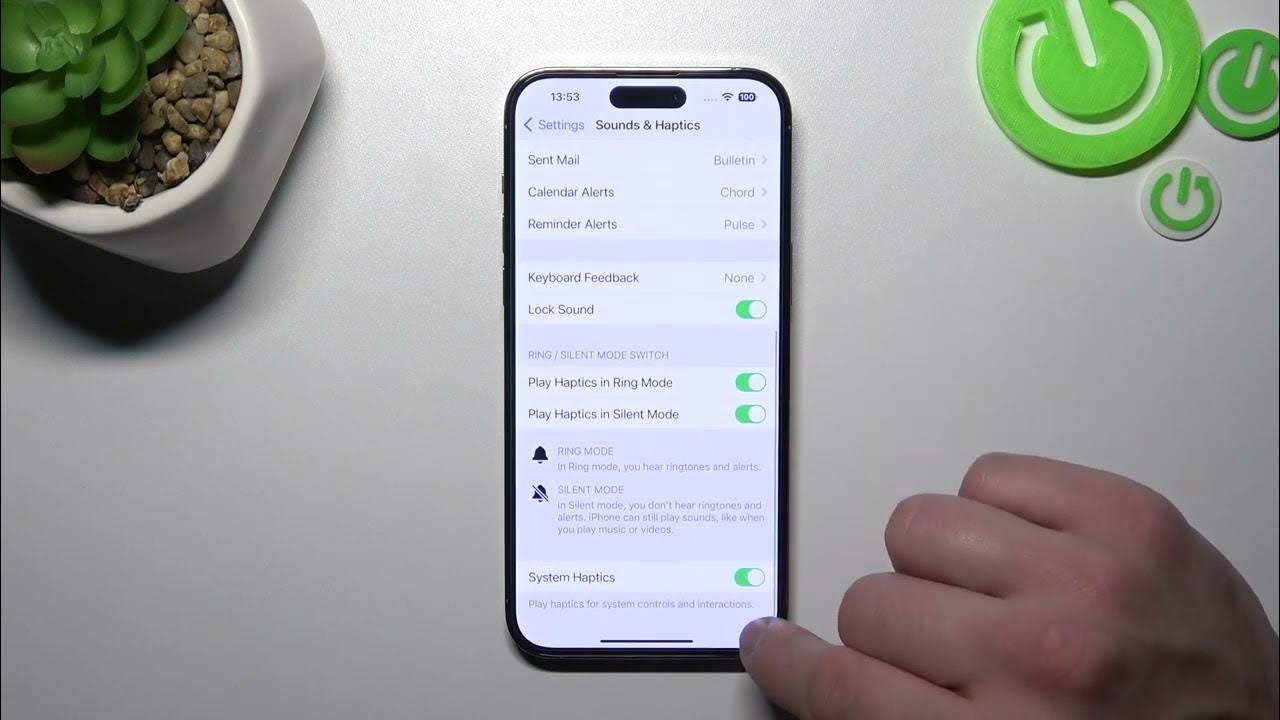
To turn vibrate on iPhone 12 instantly, use the physical Ring/Silent switch on the left side of the device. Sliding the switch toward the back of the phone (showing an...
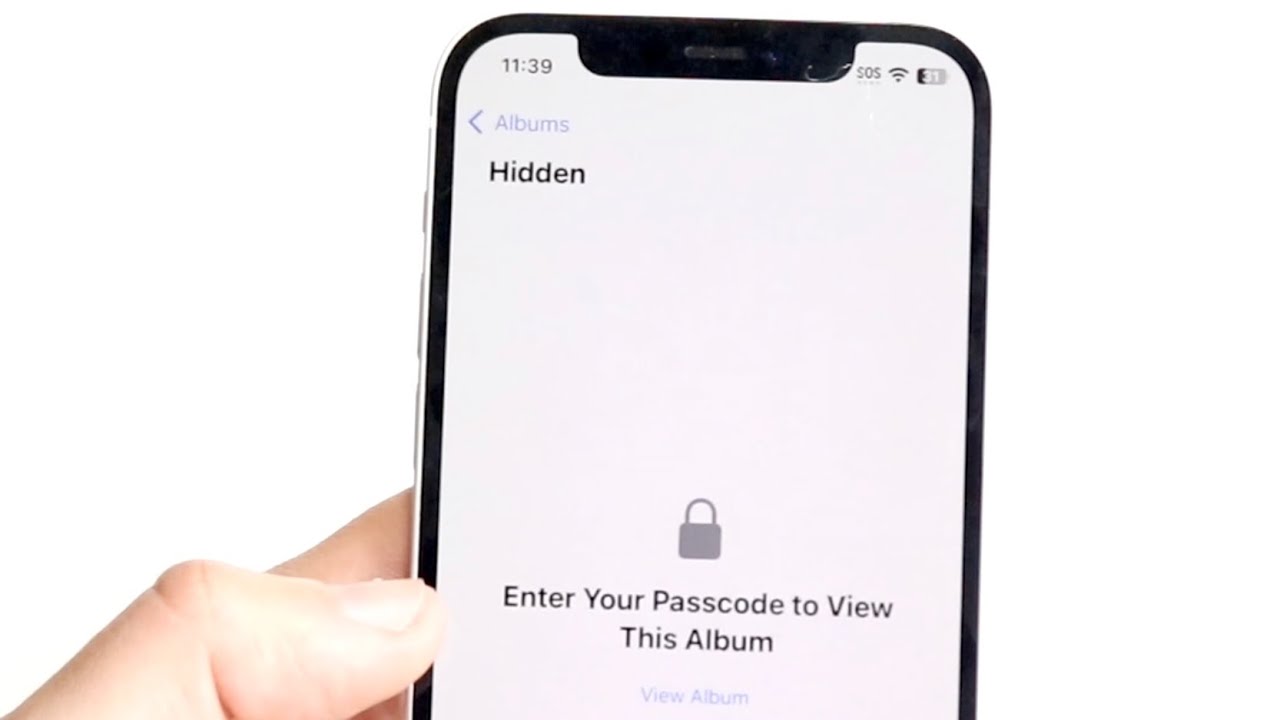
Your iPhone 12 locks hidden photos automatically on iOS 16 and later, so any photo you move to the Hidden album requires Face ID or Touch ID to view and...
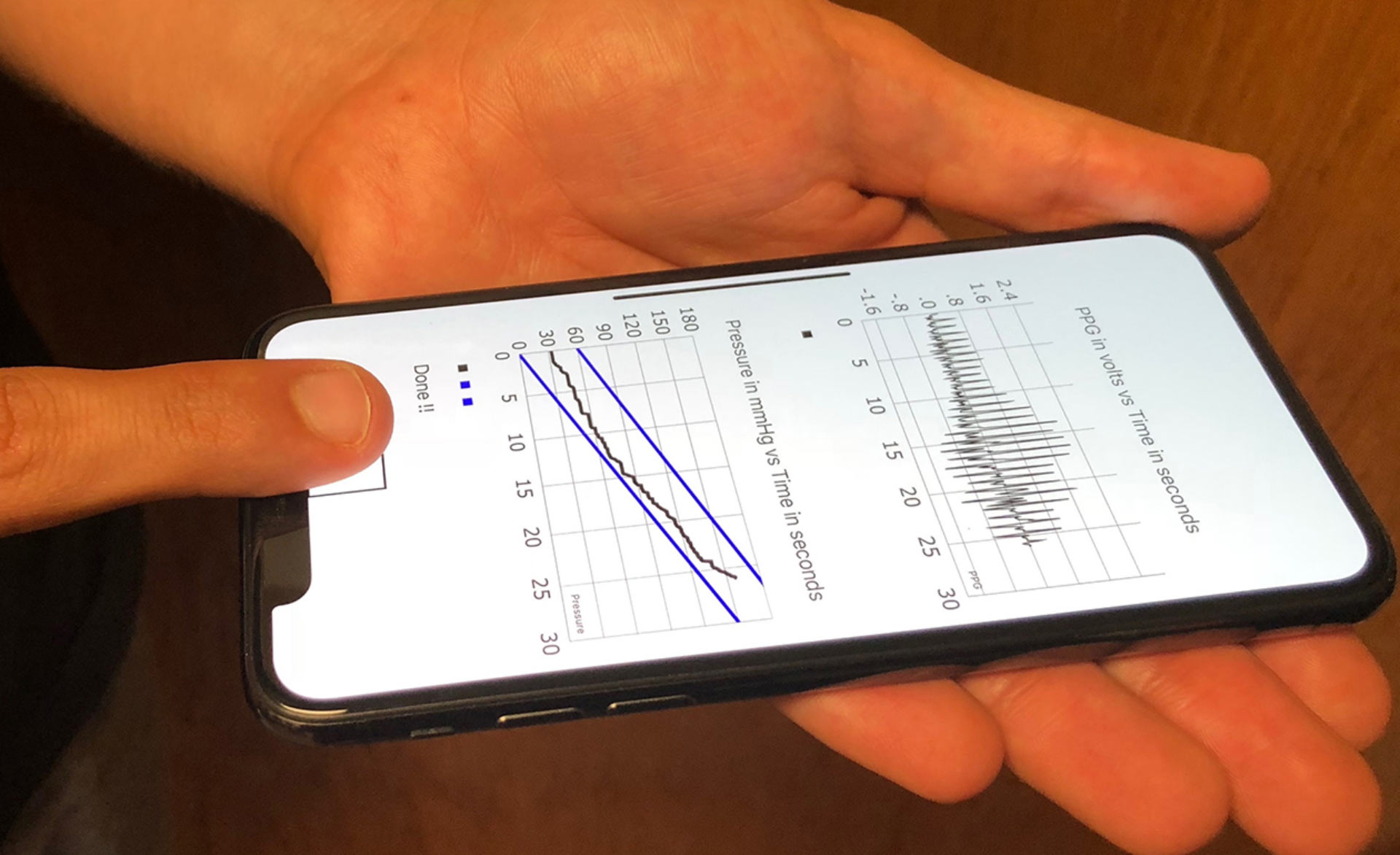
You cannot check blood pressure on iPhone 12 using the phone itself; the device requires a separate blood pressure cuff to take a measurement. The iPhone 12 works with Apple’s...