Welcome to the iOS tag on CellularNews. This collection is for anyone who uses an iPhone or iPad and wants to get more out of their device, from casual gamers to power users looking to tweak their system. The articles here are focused on two main areas: helping you find the best apps and games to download, and guiding you through common settings and fixes when things don't work as expected.
If you're looking for something new to play, you'll find extensive lists covering a huge variety of genres. Whether you are into strategy with the 15 Best City Building Games, competitive action with the Top 20 Fighting Games, or relaxing puzzles with 20 Mobile Games Like Candy Crush, these articles help you discover top-rated titles. For those needing practical tools, guides like 26 Best Productivity Apps and 16 Best VPN for Android & iOS help you choose the right software for work and privacy. Beyond just finding apps, the tag also solves technical problems. You can learn how to fix your software with the guide on How to Downgrade iOS Using SHSH2 Blobs, or explore system modifications with the Jailbreak iOS guide and the article on Cydia Impactor. Other topics, such as How to Find Someone's Location by Cell Phone Number and How to Use TikTok App, provide clear steps for specific tasks you might need to accomplish.
To turn off repeat alerts on iPhone, you need to change the Repeat Alerts setting for the Messages app to Never. This built-in feature, not a separate "2-minute text reminder"...
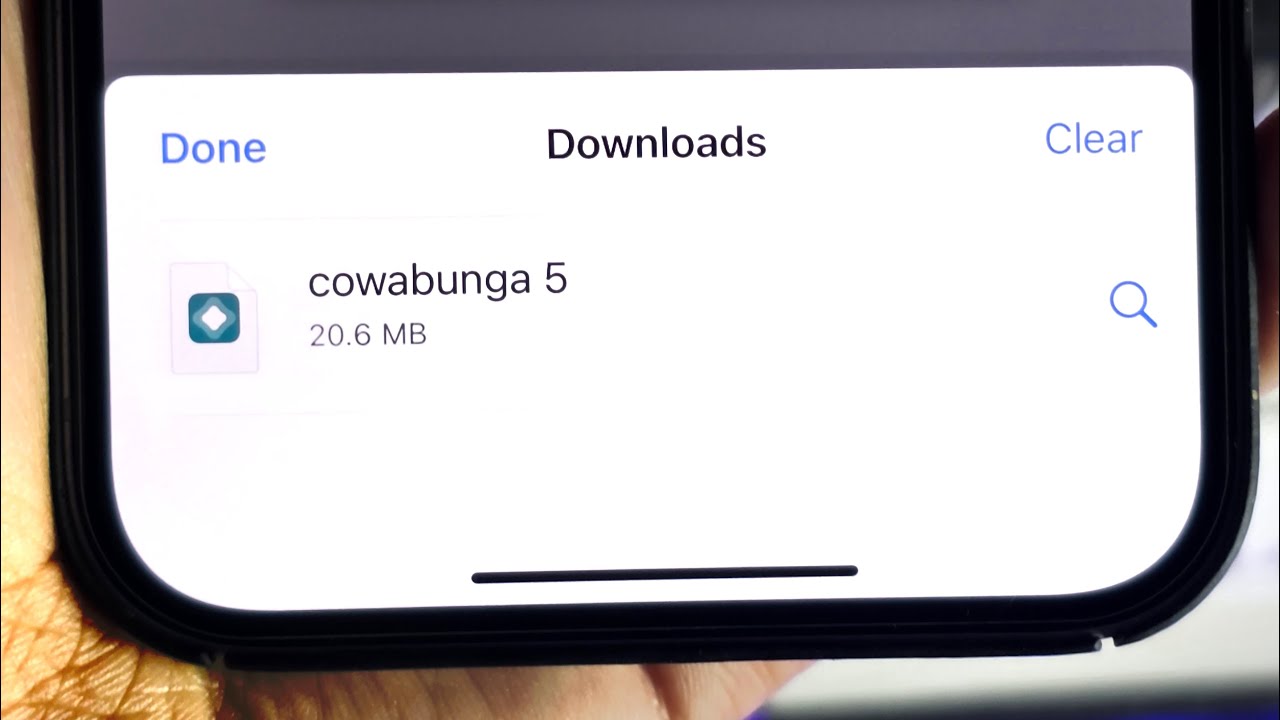
To find downloads on iPhone 12, open the Files app and tap Browse, then tap iCloud Drive, and finally tap the Downloads folder. This is the primary location where all...
To find blocked numbers on iPhone 12, open Settings, tap Apps, then tap Phone, and select Blocked Contacts. This is the documented path on current iPhone software to view your...
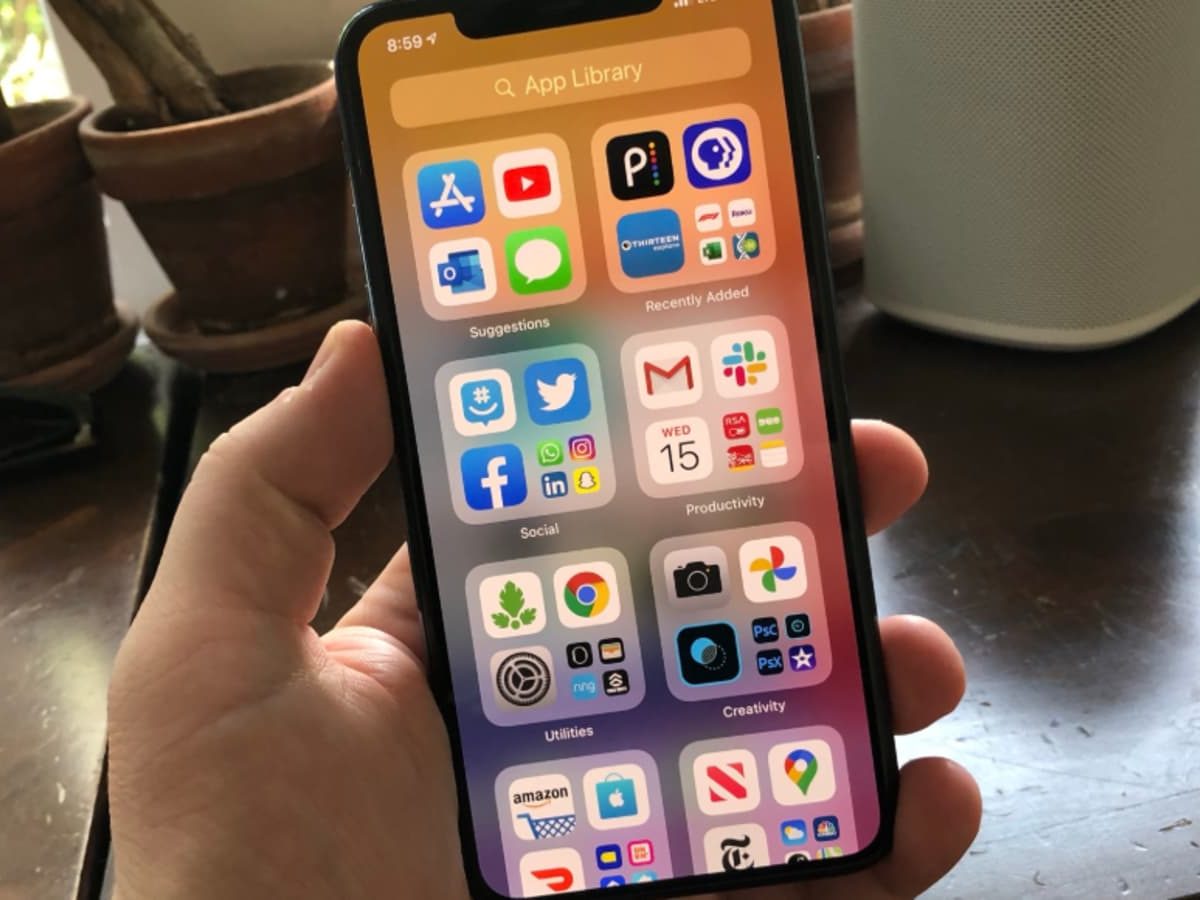
Wondering where is the app library on iPhone 12? Just swipe left past your last Home Screen page and you'll land on it automatically. To access it, simply unlock your...
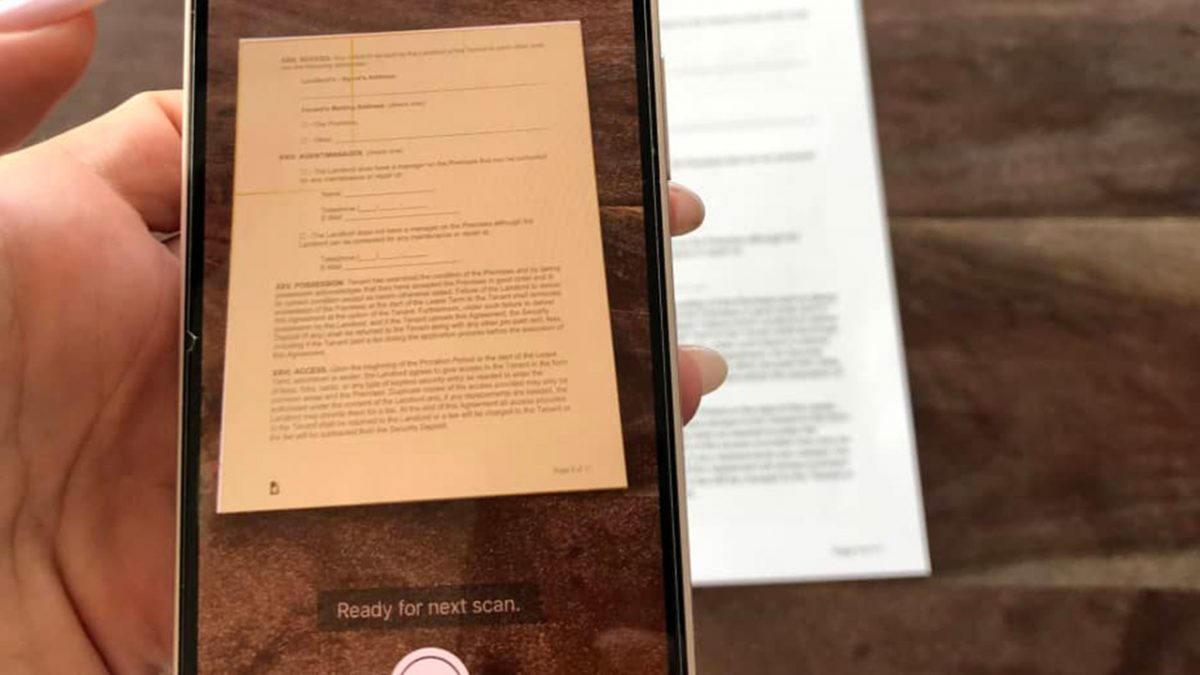
To scan on iPhone 12, use the built-in Notes app to capture documents for free, with no additional app required. Open Notes, create or open a note, tap the camera...
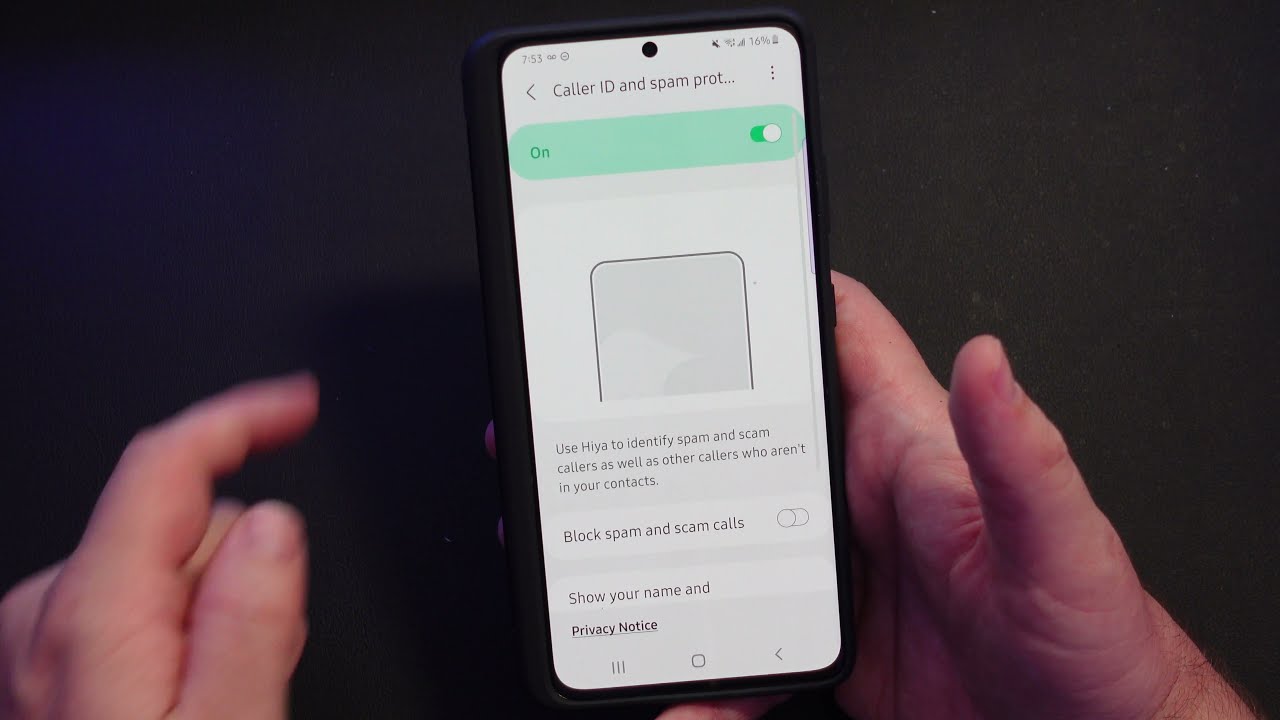
You can identify a telephone number using your smartphone's built-in caller ID features or a reverse lookup service. How to identify a telephone number on iPhone Your iPhone can identify...
The Consumer Cellular telephone number for customer service is (888) 345-5509. If you are calling from a Consumer Cellular phone, you can also dial 611 to reach support directly for...
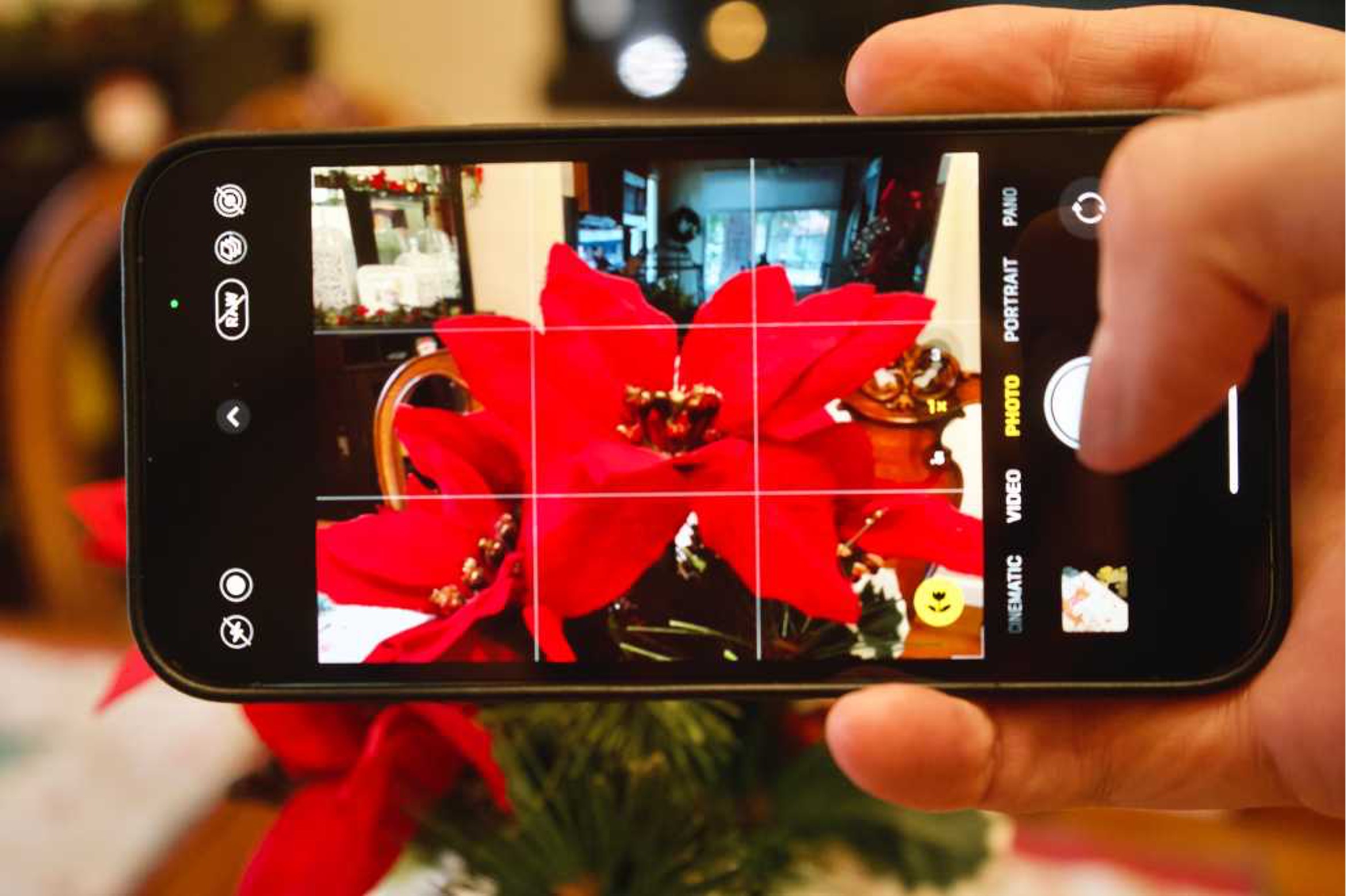
You can take macro photos with iPhone 11, but not using Apple’s built-in macro mode. The iPhone 11 does not support the native macro photography feature that Apple introduced on...
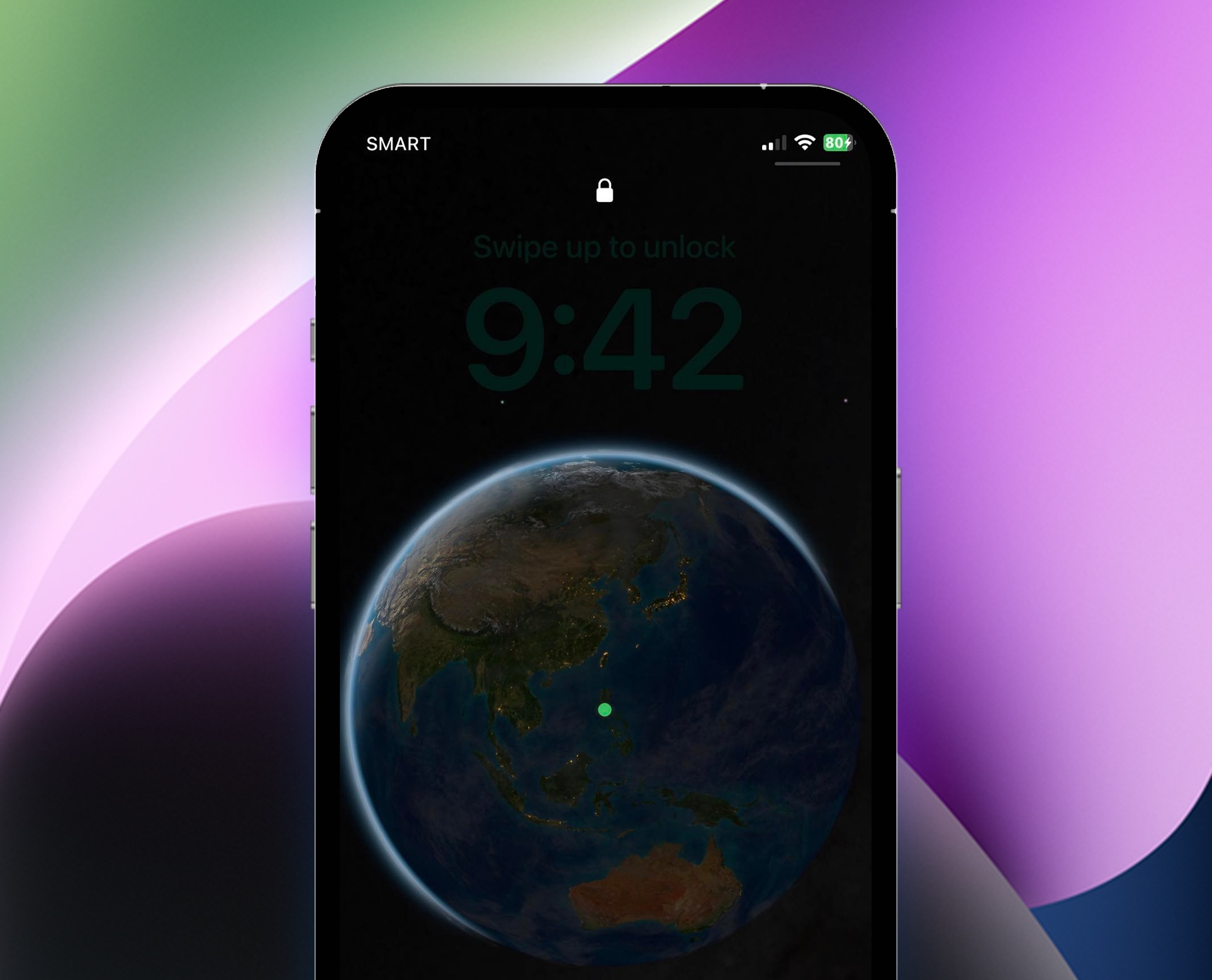
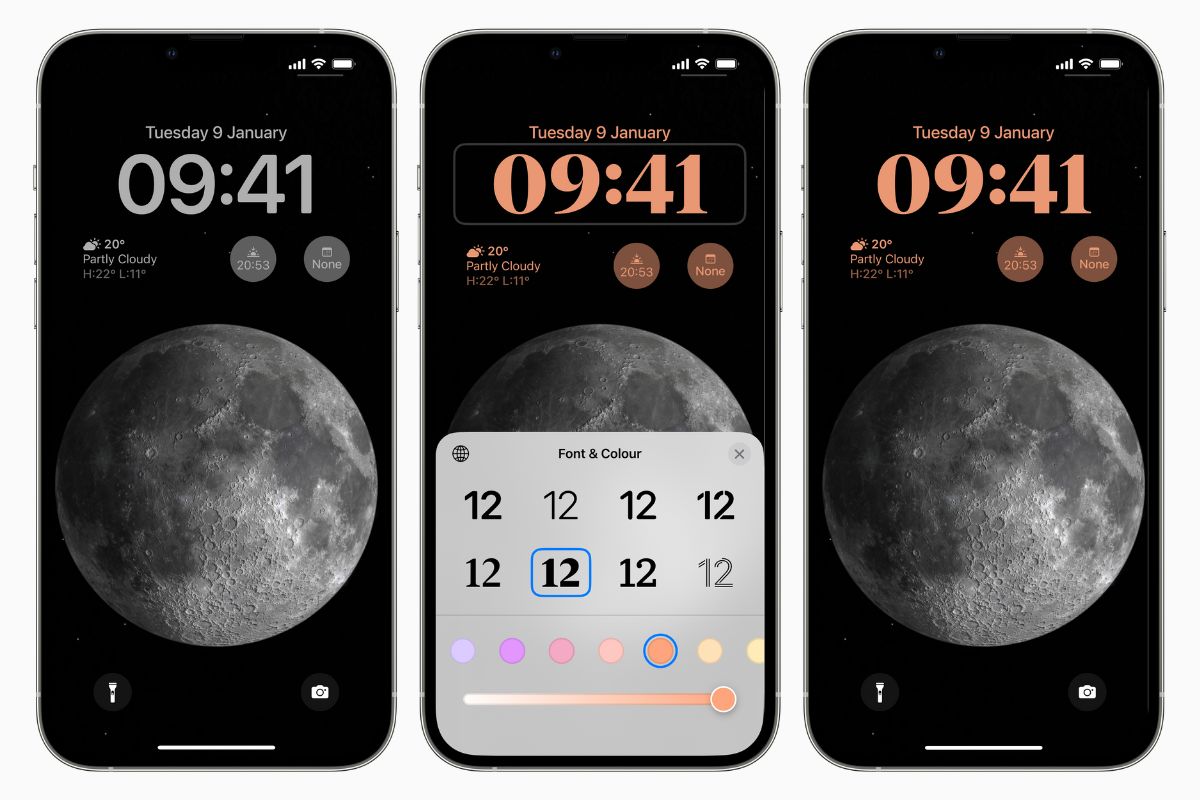
You cannot remove the clock from the lock screen iPhone 11, as Apple does not support any setting, feature, or workaround to hide it. This is confirmed by Apple Discussions...
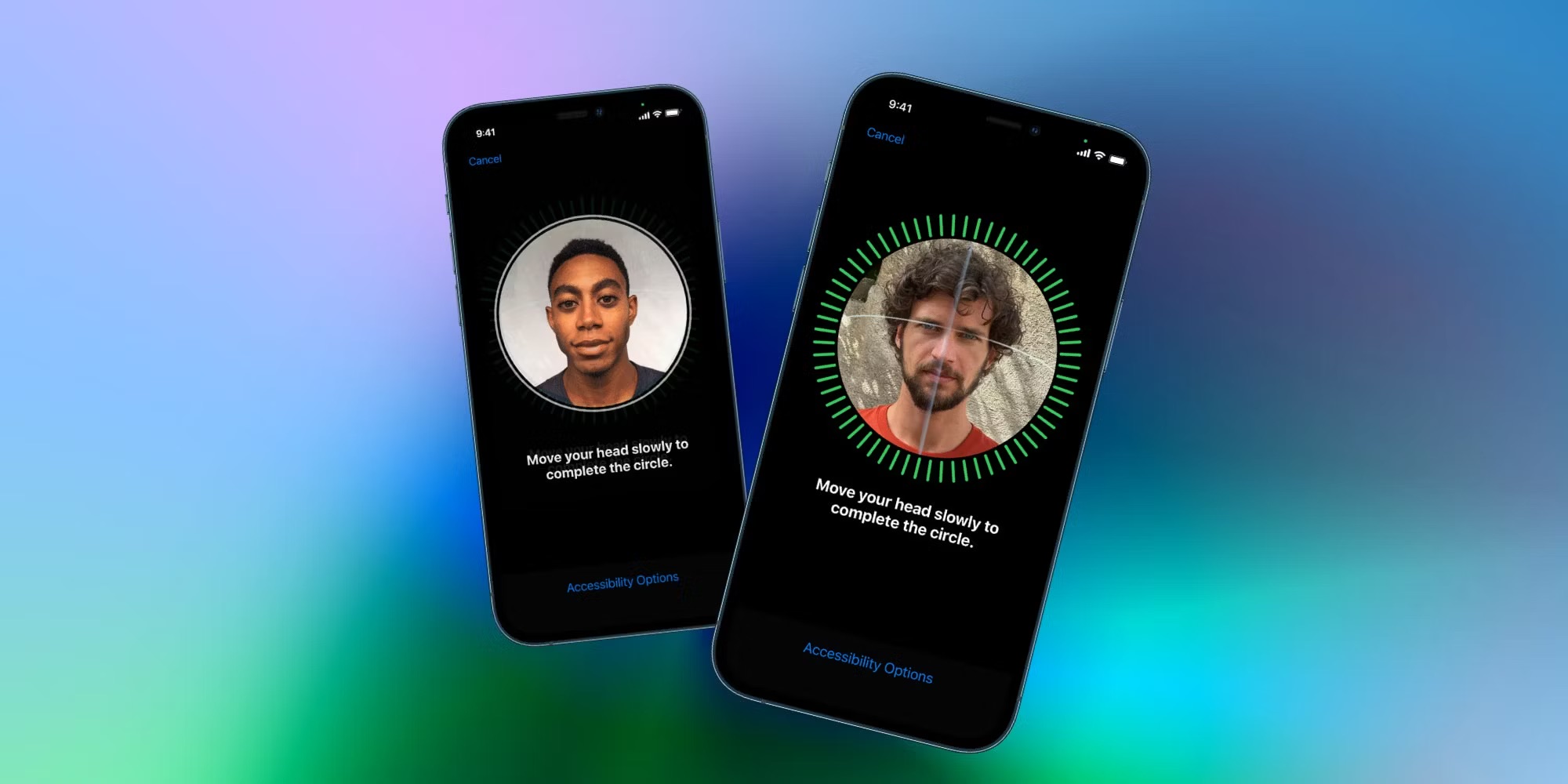
To add an alternate appearance Face ID on your iPhone 11, go to Settings > Face ID & Passcode > Set Up an Alternate Appearance and follow the onscreen instructions....
You cannot change the system-wide font on iPhone 11, but you can install custom fonts for use in supported apps and adjust the text size. To increase font size on...
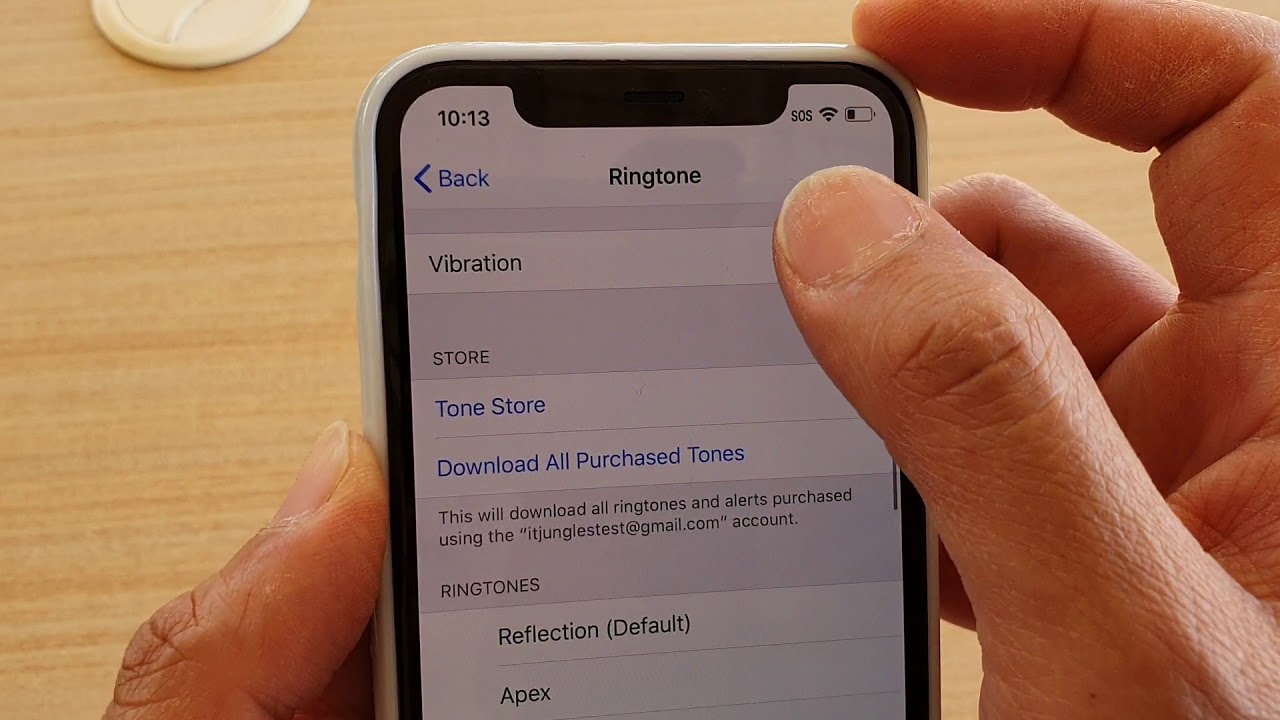
To put iPhone 11 on vibrate, use the physical Ring/Silent switch on the left side of the phone. Flipping the switch toward the back until orange is visible activates Silent...