Welcome to the iOS tag on CellularNews. This collection is for anyone who uses an iPhone or iPad and wants to get more out of their device, from casual gamers to power users looking to tweak their system. The articles here are focused on two main areas: helping you find the best apps and games to download, and guiding you through common settings and fixes when things don't work as expected.
If you're looking for something new to play, you'll find extensive lists covering a huge variety of genres. Whether you are into strategy with the 15 Best City Building Games, competitive action with the Top 20 Fighting Games, or relaxing puzzles with 20 Mobile Games Like Candy Crush, these articles help you discover top-rated titles. For those needing practical tools, guides like 26 Best Productivity Apps and 16 Best VPN for Android & iOS help you choose the right software for work and privacy. Beyond just finding apps, the tag also solves technical problems. You can learn how to fix your software with the guide on How to Downgrade iOS Using SHSH2 Blobs, or explore system modifications with the Jailbreak iOS guide and the article on Cydia Impactor. Other topics, such as How to Find Someone's Location by Cell Phone Number and How to Use TikTok App, provide clear steps for specific tasks you might need to accomplish.
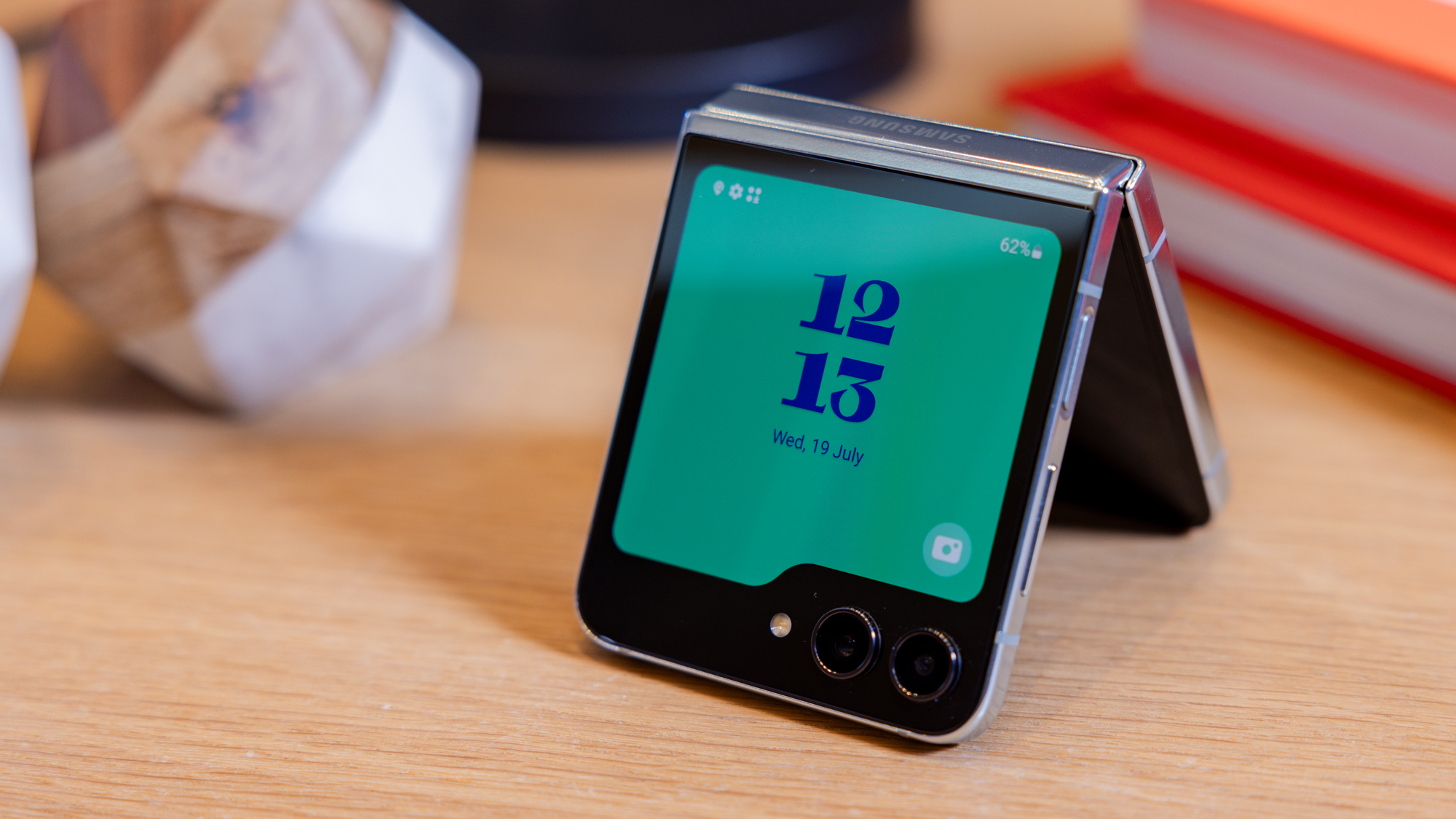
To set up Duo on a new phone, the fastest and most reliable method is Duo Restore, which uses your iCloud or Google Drive backup to transfer your Duo Mobile...
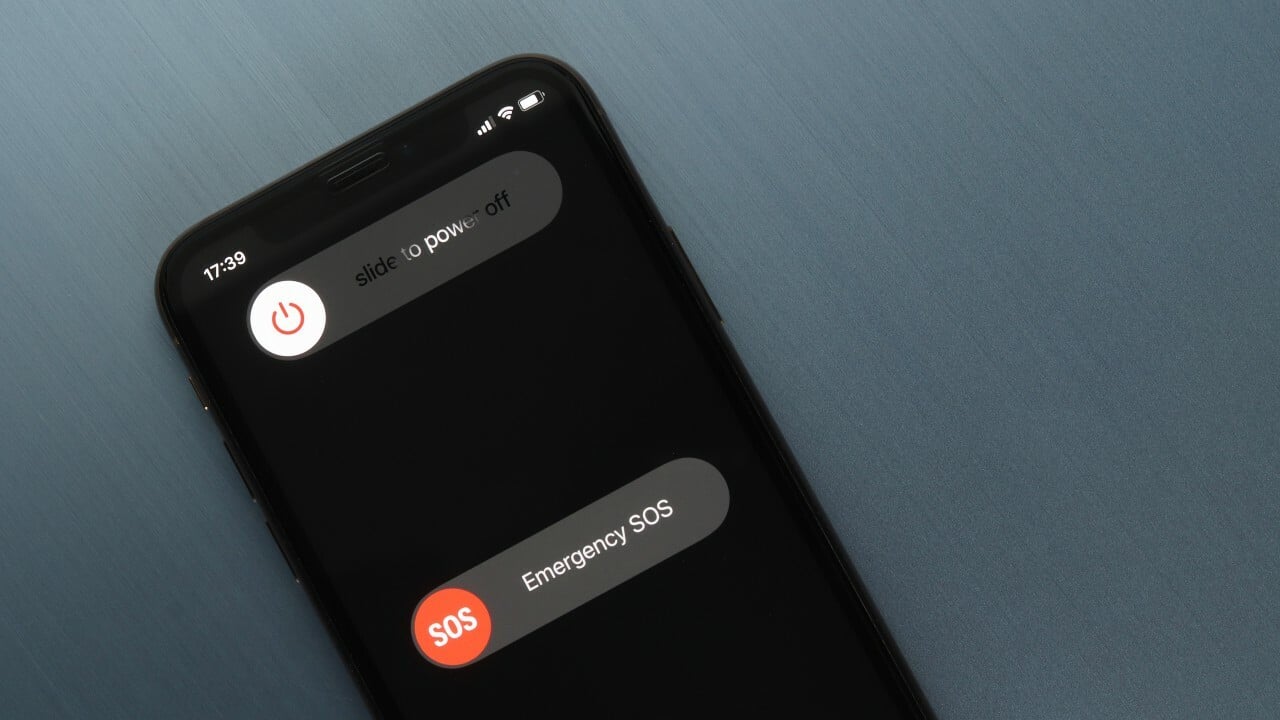
To shut this phone off, press and hold the side button and either volume button on an iPhone with Face ID, or press and hold the side button on iPhone...
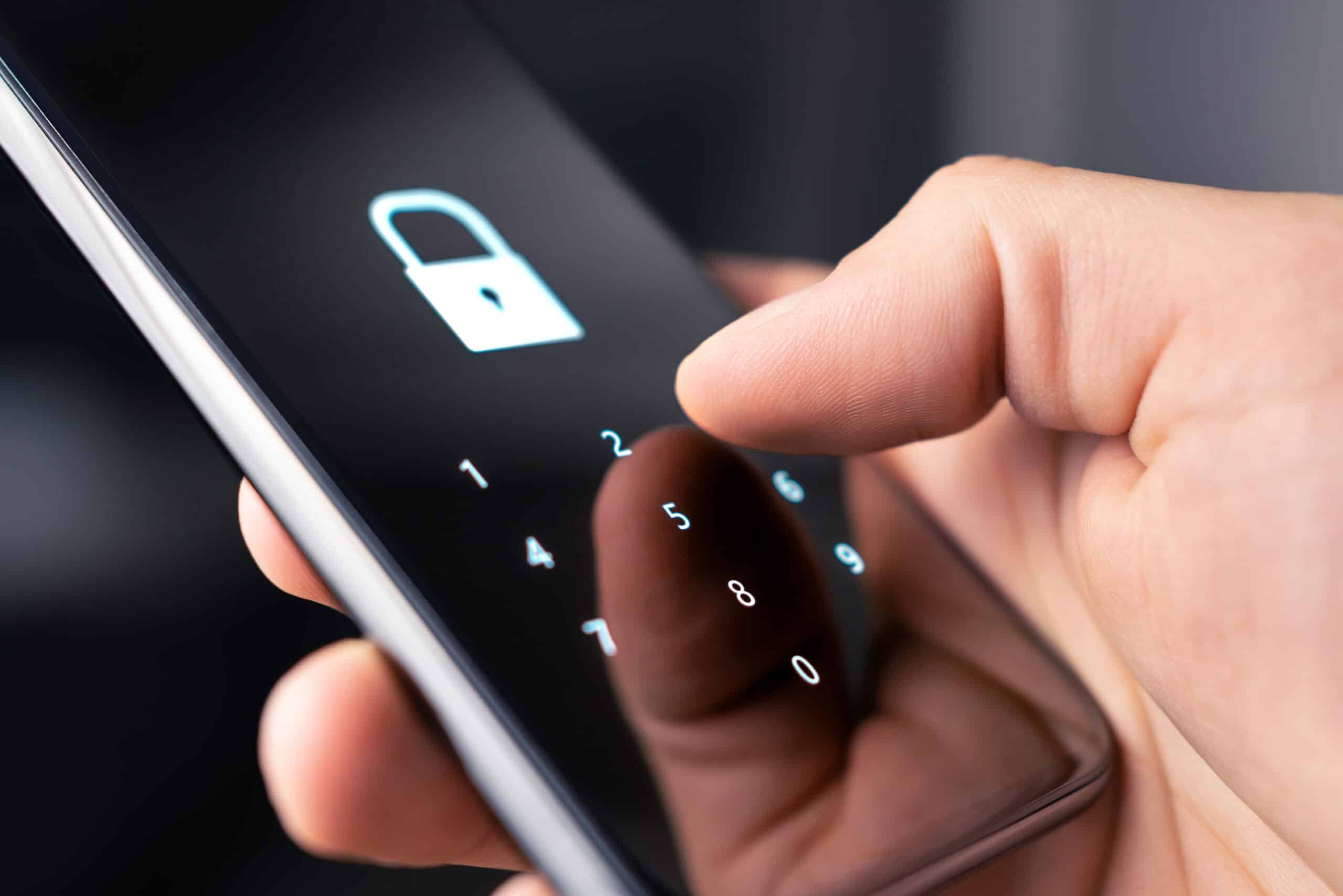
To stop your phone from being tapped, you need device-specific hardening steps that have been verified by the manufacturers themselves. For iPhones, Apple provides Lockdown Mode, an extreme protection feature;...
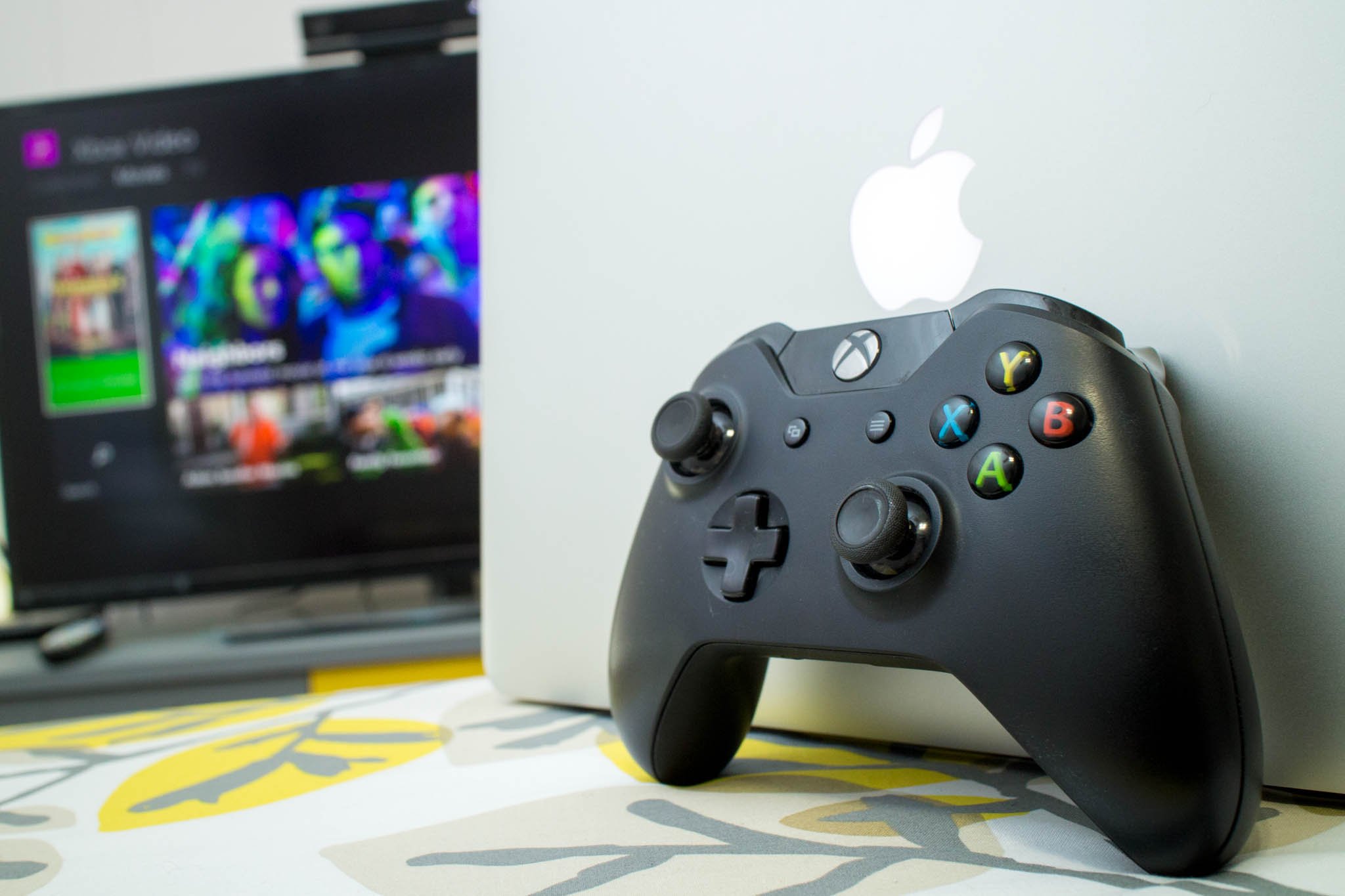
You cannot stream videos from phone to Xbox One using a direct, built-in casting feature. The Xbox One lacks a native phone mirroring or casting receiver, so the only reliable...
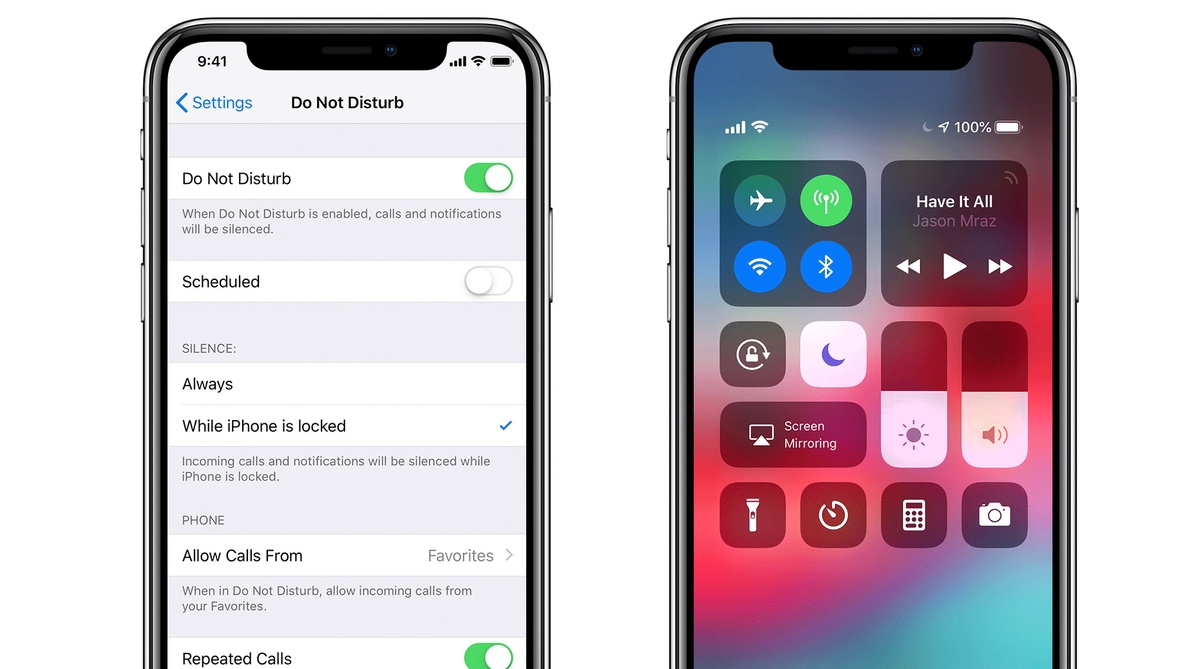
To take your phone off Do Not Disturb, on an iPhone, open Control Center and tap the Do Not Disturb Focus button. On an Android, swipe down from the top...
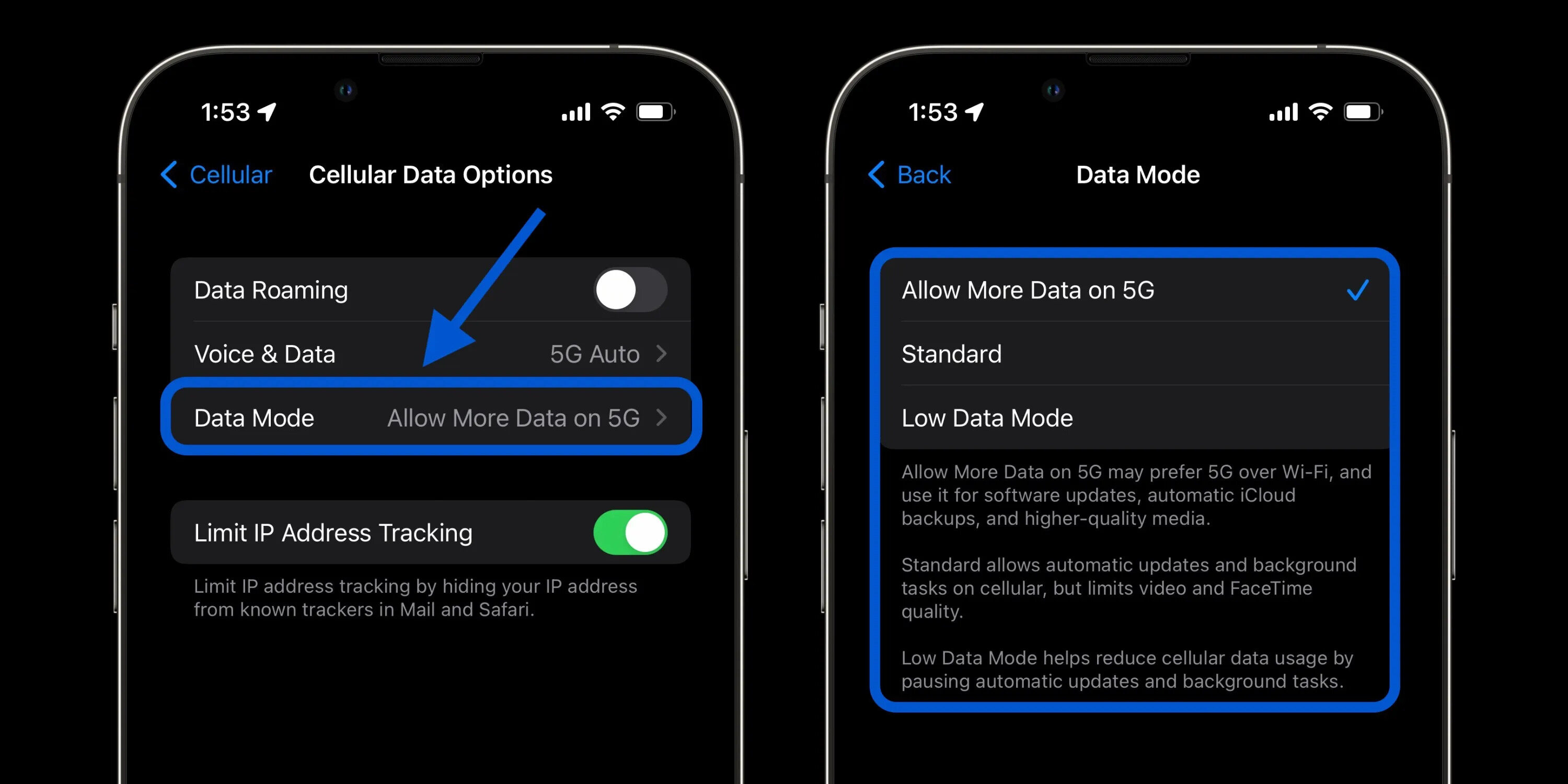
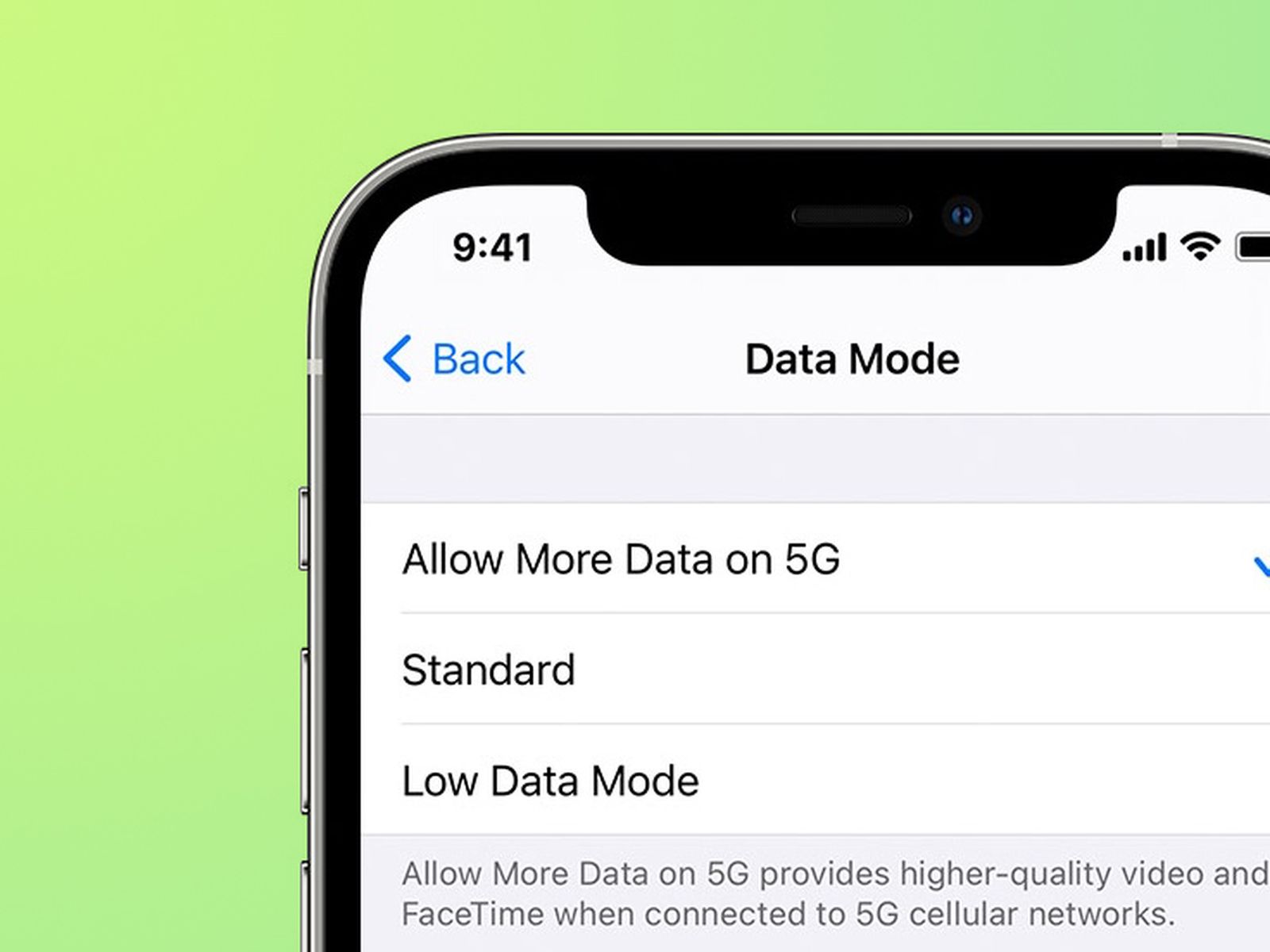
To set up cellular data on your iPhone, open the Settings app, tap "Cellular" (or "Mobile Data" in some regions), and toggle the "Cellular Data" switch to the on position....
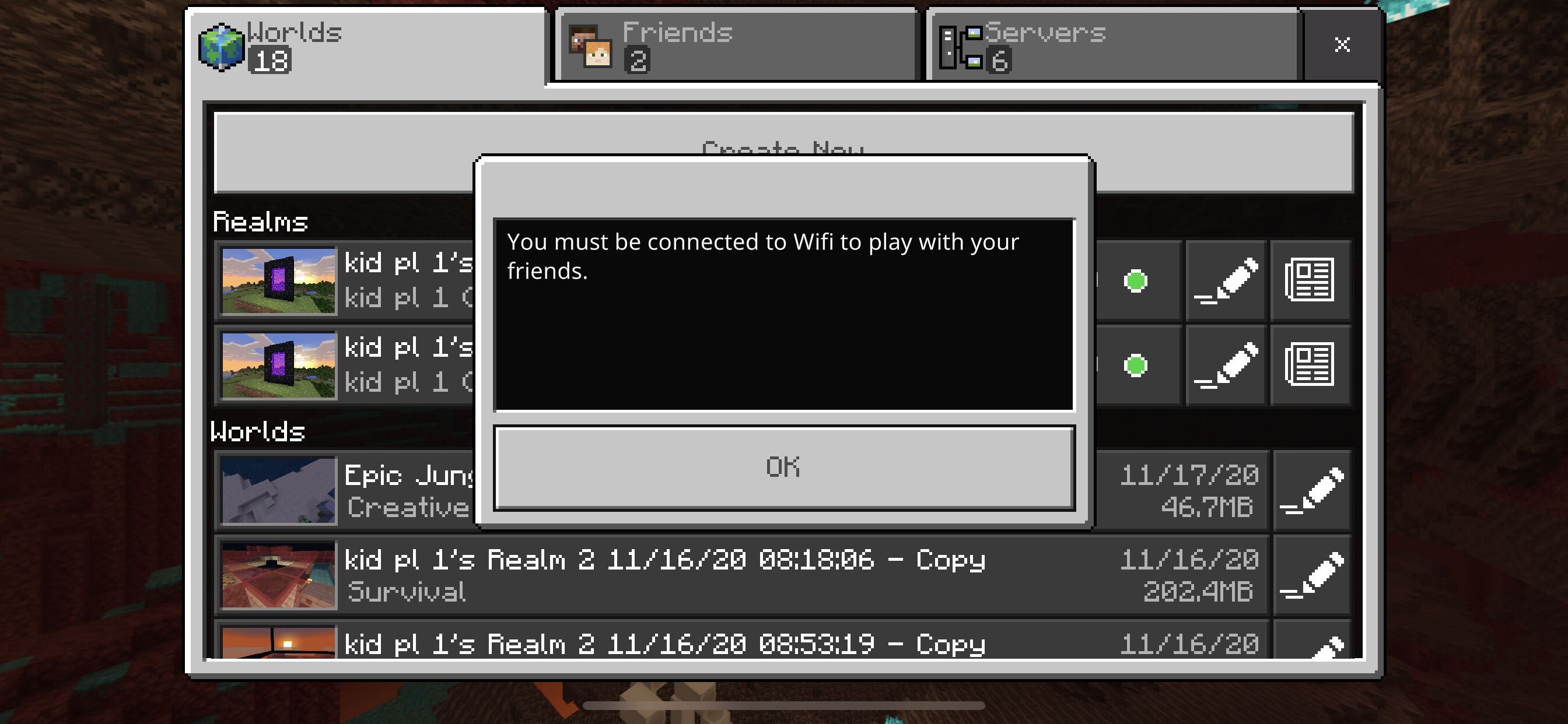
To play Minecraft on cellular data, open the Minecraft app, go to Settings, then navigate to the Profile or General tab, and toggle the "Use cellular data" or "Allow mobile...
To fix cellular shades, start by identifying whether the problem is a stuck cord, uneven lift, sagging fabric, or a broken cord lock. This quick diagnosis saves time and gets...
To download on cellular data on an iPhone, turn on the master Cellular Data switch in Settings > Cellular, then go to Settings > App Store and enable the Cellular...
To view old stories on Facebook mobile, open the Facebook app and tap your profile picture in the top left corner. On your profile, tap the three-dot button (Options) next...
To run Roblox scripts on mobile, you need a third-party exploit app because the official Roblox mobile app cannot execute custom Lua scripts. These exploit apps, often called script executors,...