Welcome to the iOS tag on CellularNews. This collection is for anyone who uses an iPhone or iPad and wants to get more out of their device, from casual gamers to power users looking to tweak their system. The articles here are focused on two main areas: helping you find the best apps and games to download, and guiding you through common settings and fixes when things don't work as expected.
If you're looking for something new to play, you'll find extensive lists covering a huge variety of genres. Whether you are into strategy with the 15 Best City Building Games, competitive action with the Top 20 Fighting Games, or relaxing puzzles with 20 Mobile Games Like Candy Crush, these articles help you discover top-rated titles. For those needing practical tools, guides like 26 Best Productivity Apps and 16 Best VPN for Android & iOS help you choose the right software for work and privacy. Beyond just finding apps, the tag also solves technical problems. You can learn how to fix your software with the guide on How to Downgrade iOS Using SHSH2 Blobs, or explore system modifications with the Jailbreak iOS guide and the article on Cydia Impactor. Other topics, such as How to Find Someone's Location by Cell Phone Number and How to Use TikTok App, provide clear steps for specific tasks you might need to accomplish.
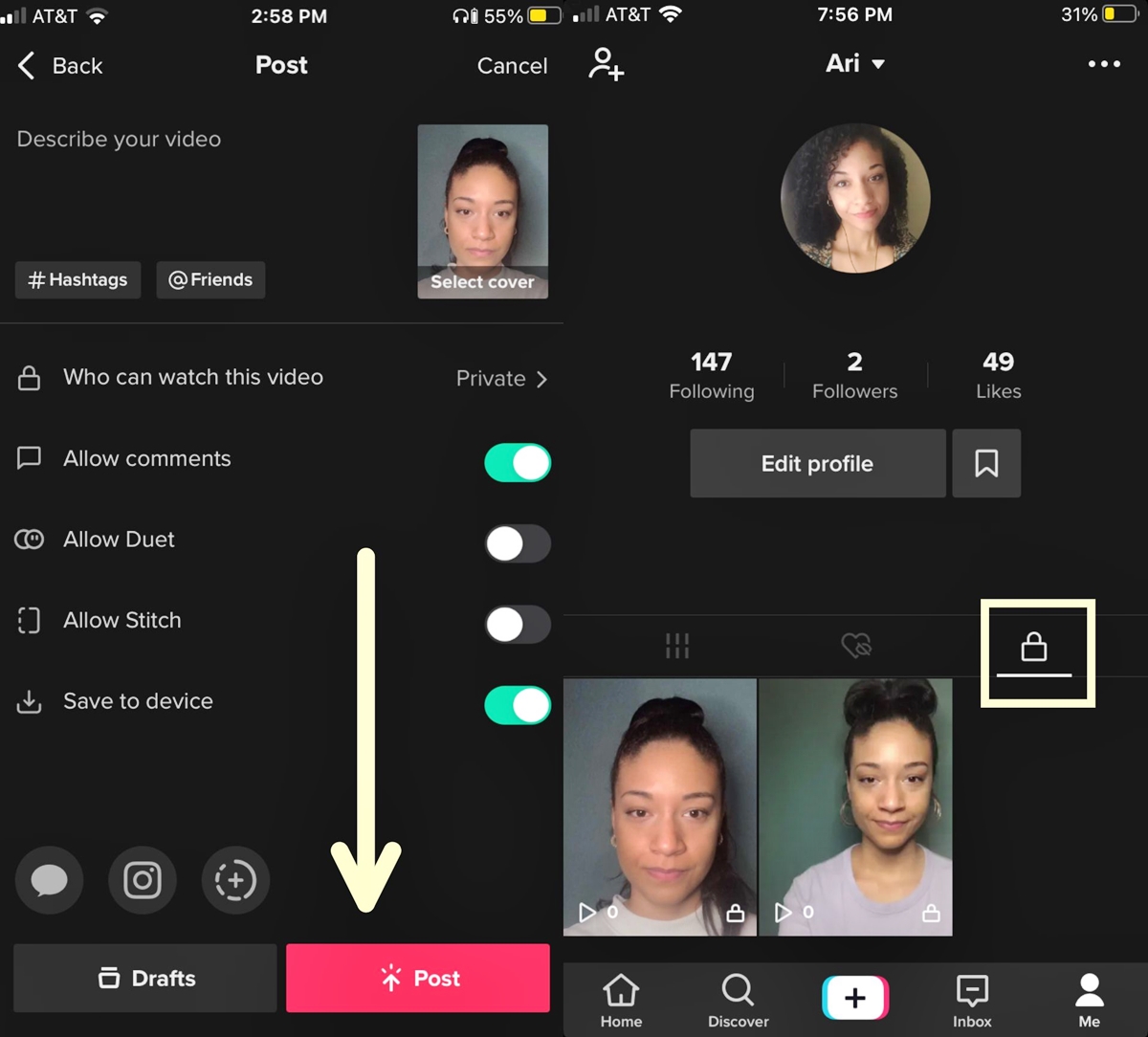
To recover TikTok drafts on a new phone, you must manually save them from your old device because drafts are stored locally and do not transfer with your account login....
Procreate for iPad costs $12.99 USD as a one-time purchase. That is the full price you pay to own the app, and it answers the primary question of how much...
To remove Instagram accounts from your phone, you log the account out of the app on that specific device without permanently deleting the account itself. This process clears the saved...
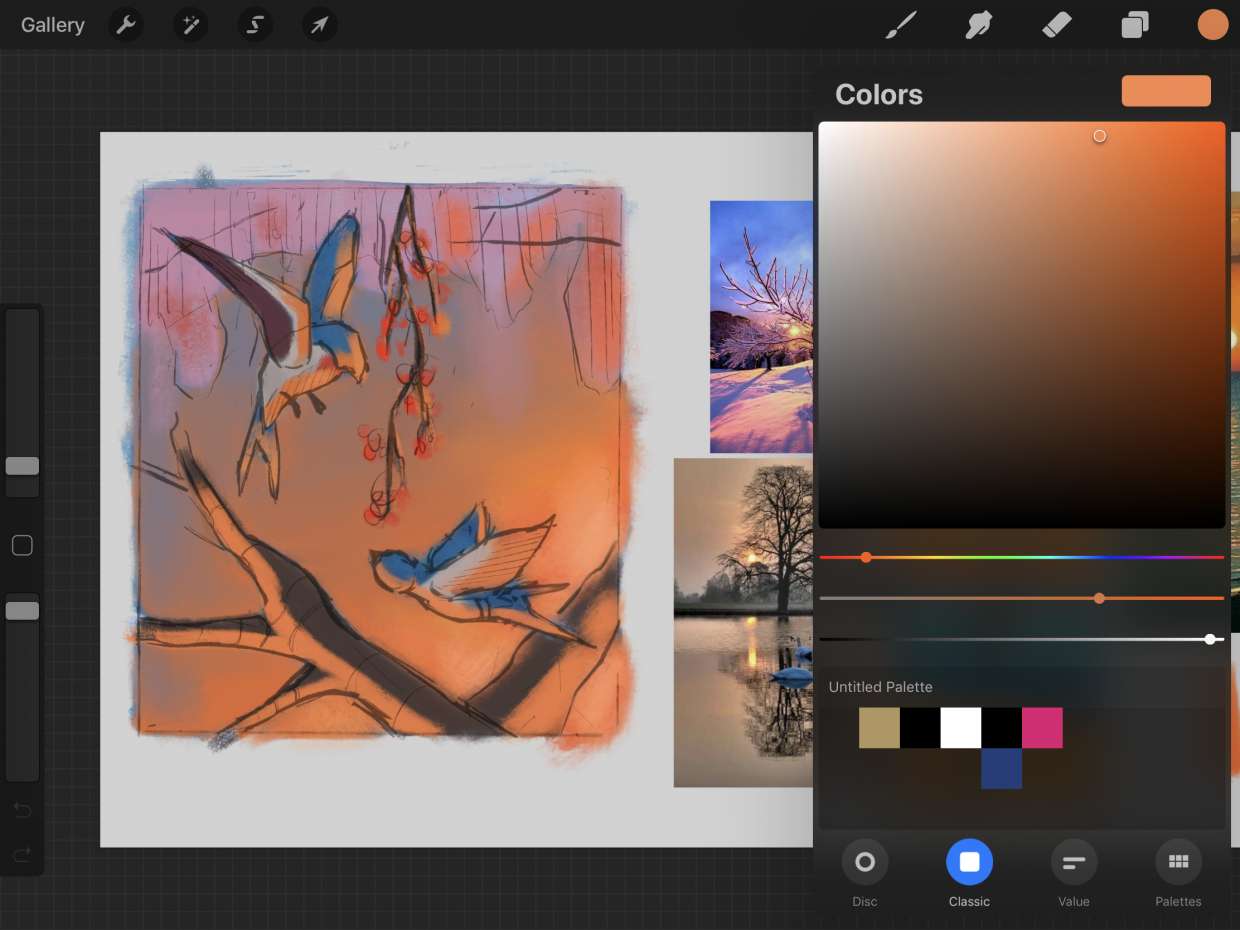
To change color on Procreate, tap the colored circle in the top-right corner to open the Color Panel, then select your active color using the Disc mode's outer hue ring...
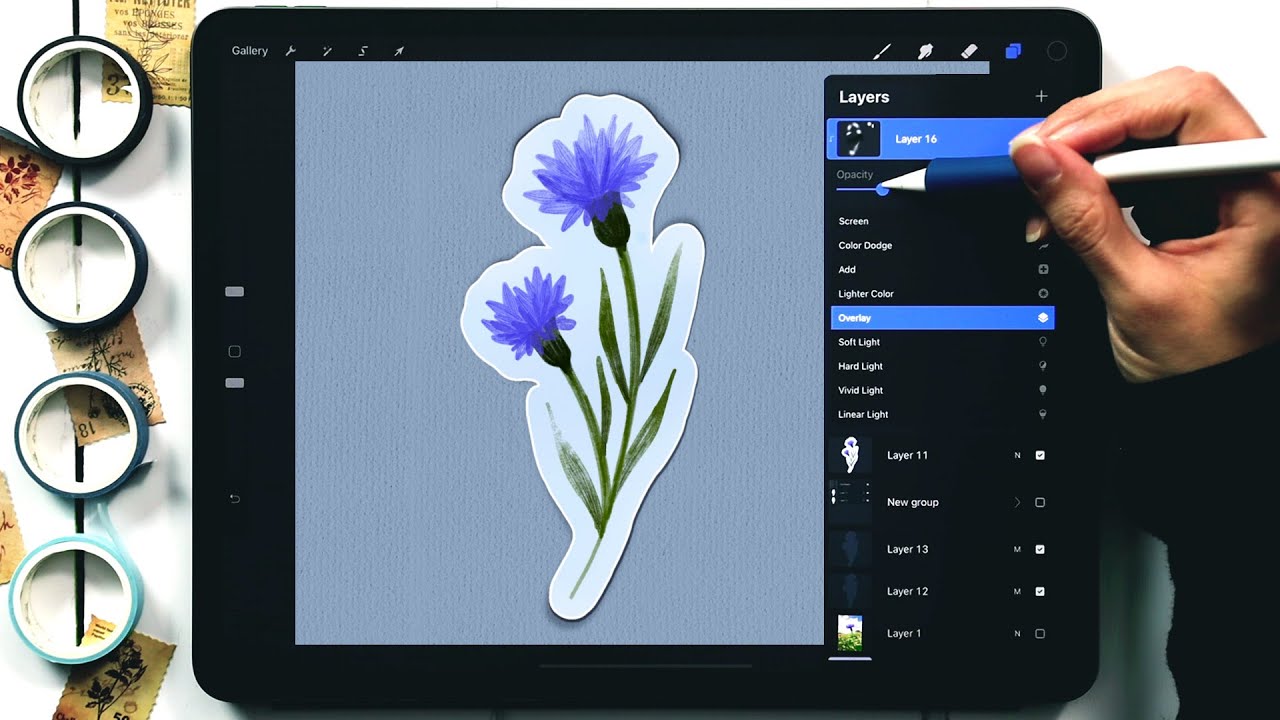
To make a sticker on Procreate, you create a new canvas, draw your design, turn off the background layer for transparency, and export as a PNG file. What you need...
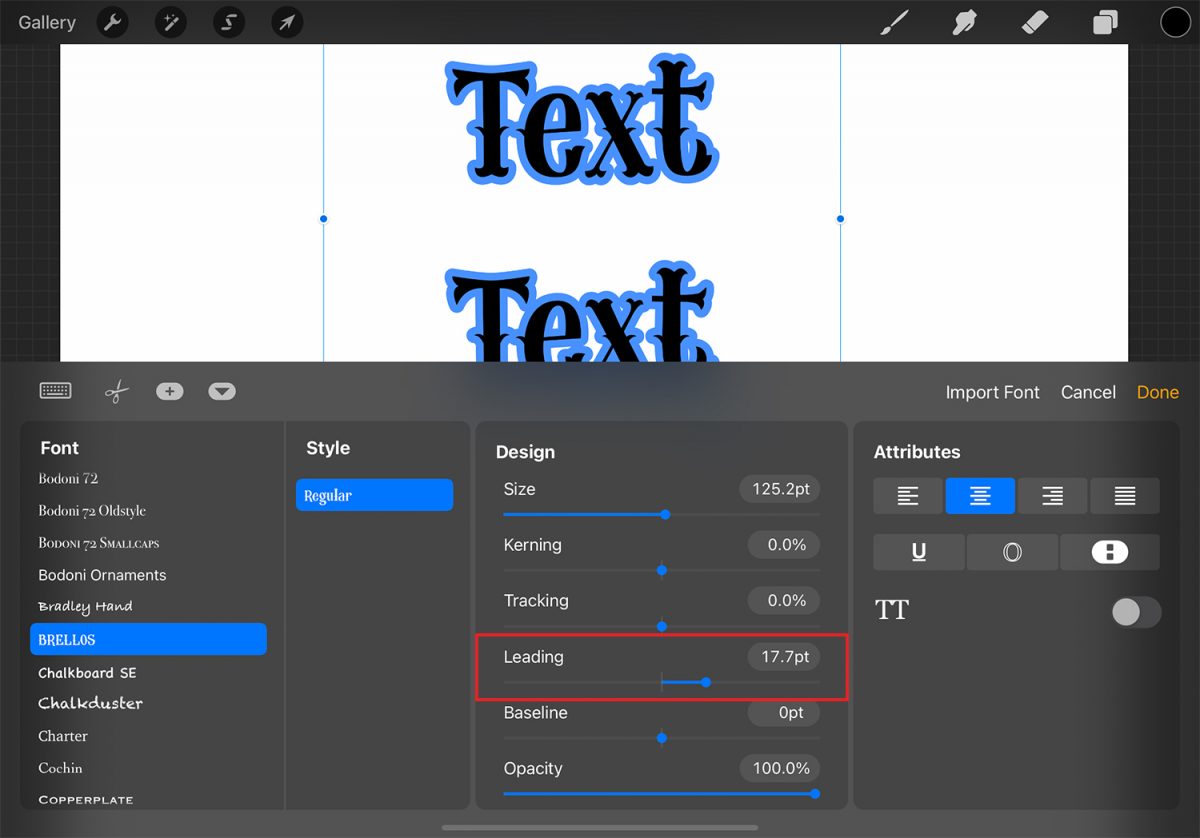
To edit text on Procreate, double-tap the text directly on the canvas to invoke the Text Entry Companion, or open the Layers menu, select the text layer, then close the...
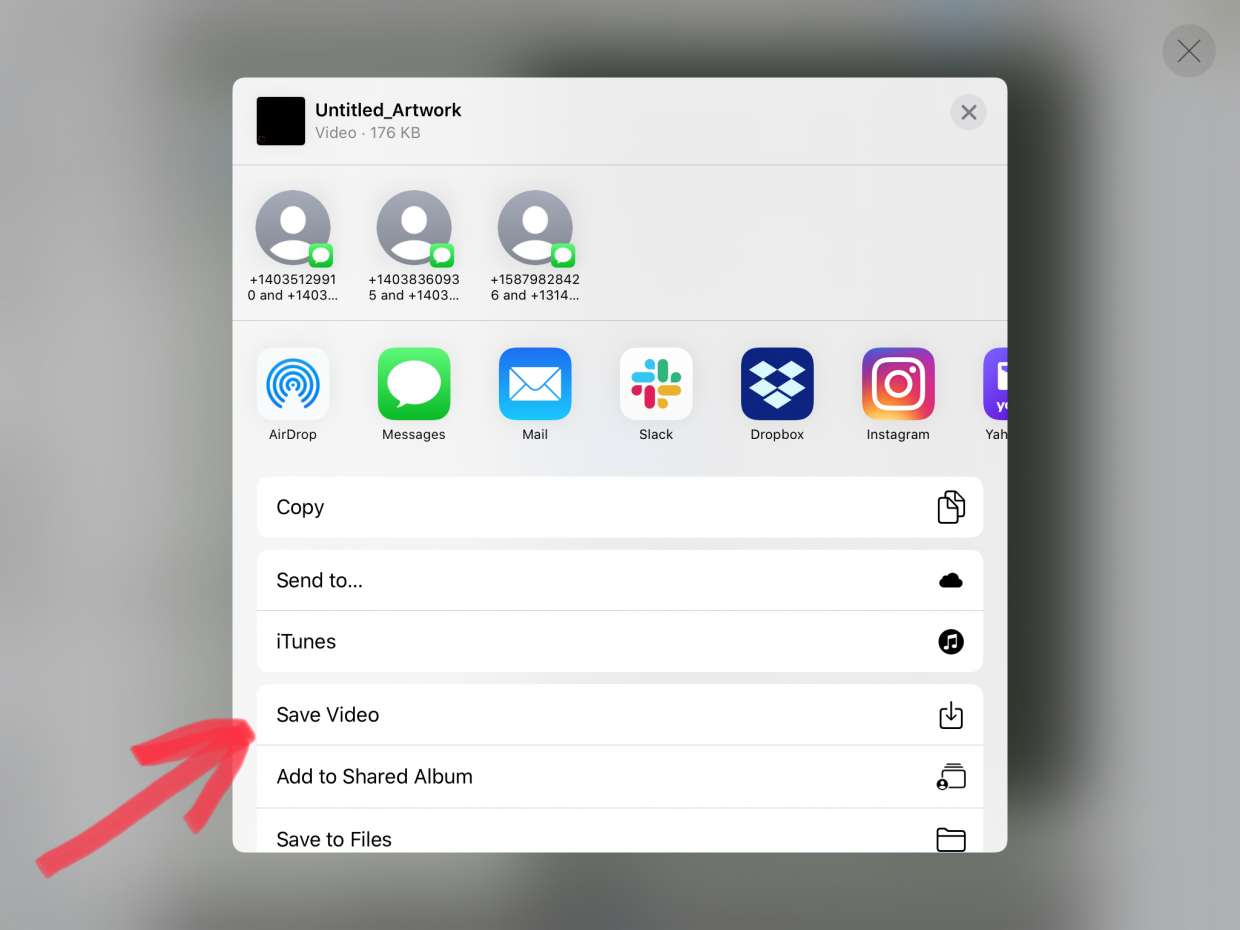
To save on Procreate, you need to understand that "saving" actually means exporting your finished artwork and backing up your working files. How to save on Procreate: understanding your export...
The quickest and most reliable method to draw a perfect circle in Procreate is the QuickShape feature. Draw a rough oval, keep your Apple Pencil or finger held down on...
To remove photos from Google Photos without deleting them from your phone, you need to understand that there is no single button that performs this action for already-backed-up items. Instead,...
To save TikTok drafts when getting a new phone, you must manually save each draft to your device's camera roll before switching devices. Because TikTok drafts are stored locally on...
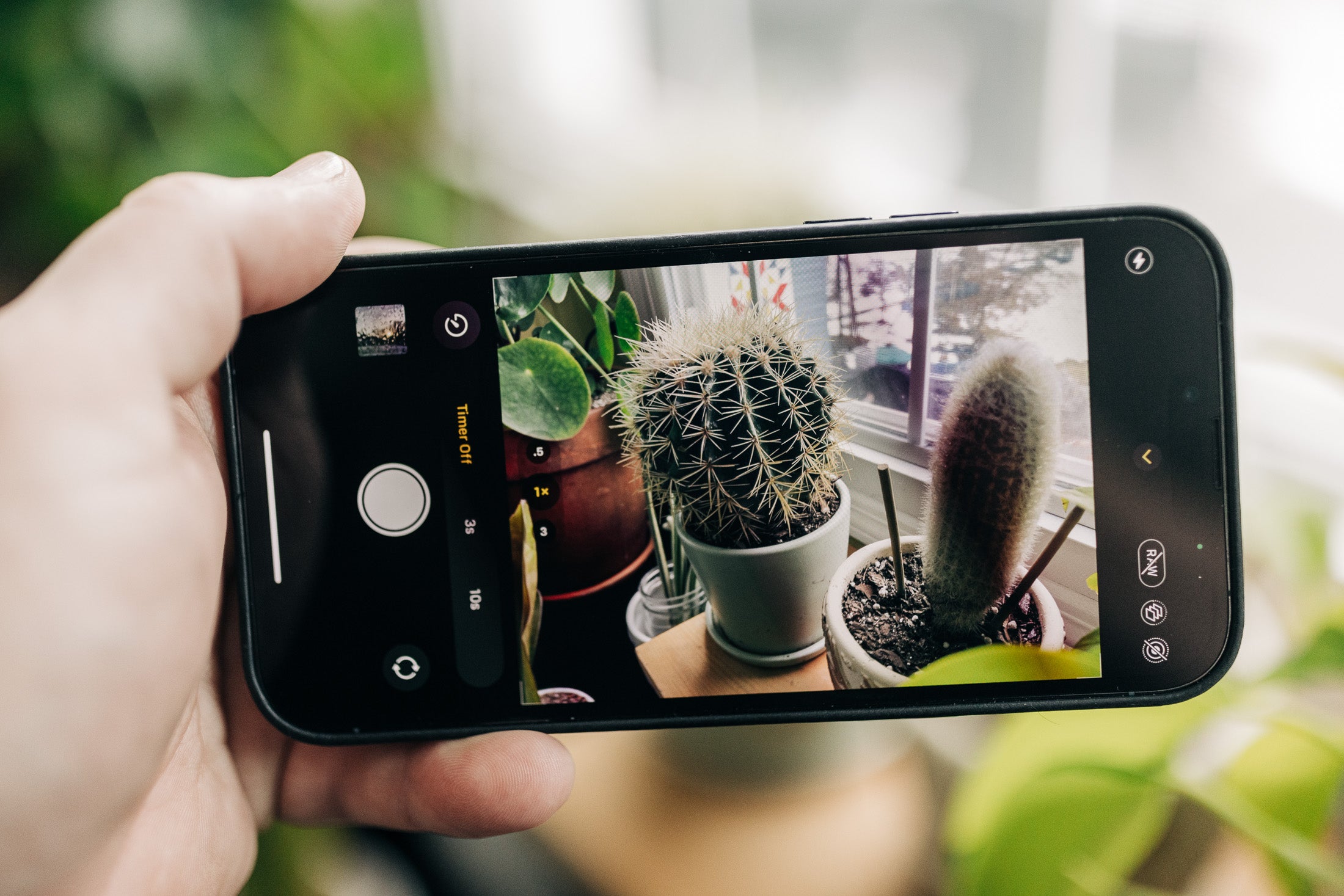
To set timer on phone camera on an iPhone, open the Camera app, tap or swipe up from the camera modes at the bottom of the screen, tap Timer, choose...