Welcome to the iOS tag on CellularNews. This collection is for anyone who uses an iPhone or iPad and wants to get more out of their device, from casual gamers to power users looking to tweak their system. The articles here are focused on two main areas: helping you find the best apps and games to download, and guiding you through common settings and fixes when things don't work as expected.
If you're looking for something new to play, you'll find extensive lists covering a huge variety of genres. Whether you are into strategy with the 15 Best City Building Games, competitive action with the Top 20 Fighting Games, or relaxing puzzles with 20 Mobile Games Like Candy Crush, these articles help you discover top-rated titles. For those needing practical tools, guides like 26 Best Productivity Apps and 16 Best VPN for Android & iOS help you choose the right software for work and privacy. Beyond just finding apps, the tag also solves technical problems. You can learn how to fix your software with the guide on How to Downgrade iOS Using SHSH2 Blobs, or explore system modifications with the Jailbreak iOS guide and the article on Cydia Impactor. Other topics, such as How to Find Someone's Location by Cell Phone Number and How to Use TikTok App, provide clear steps for specific tasks you might need to accomplish.
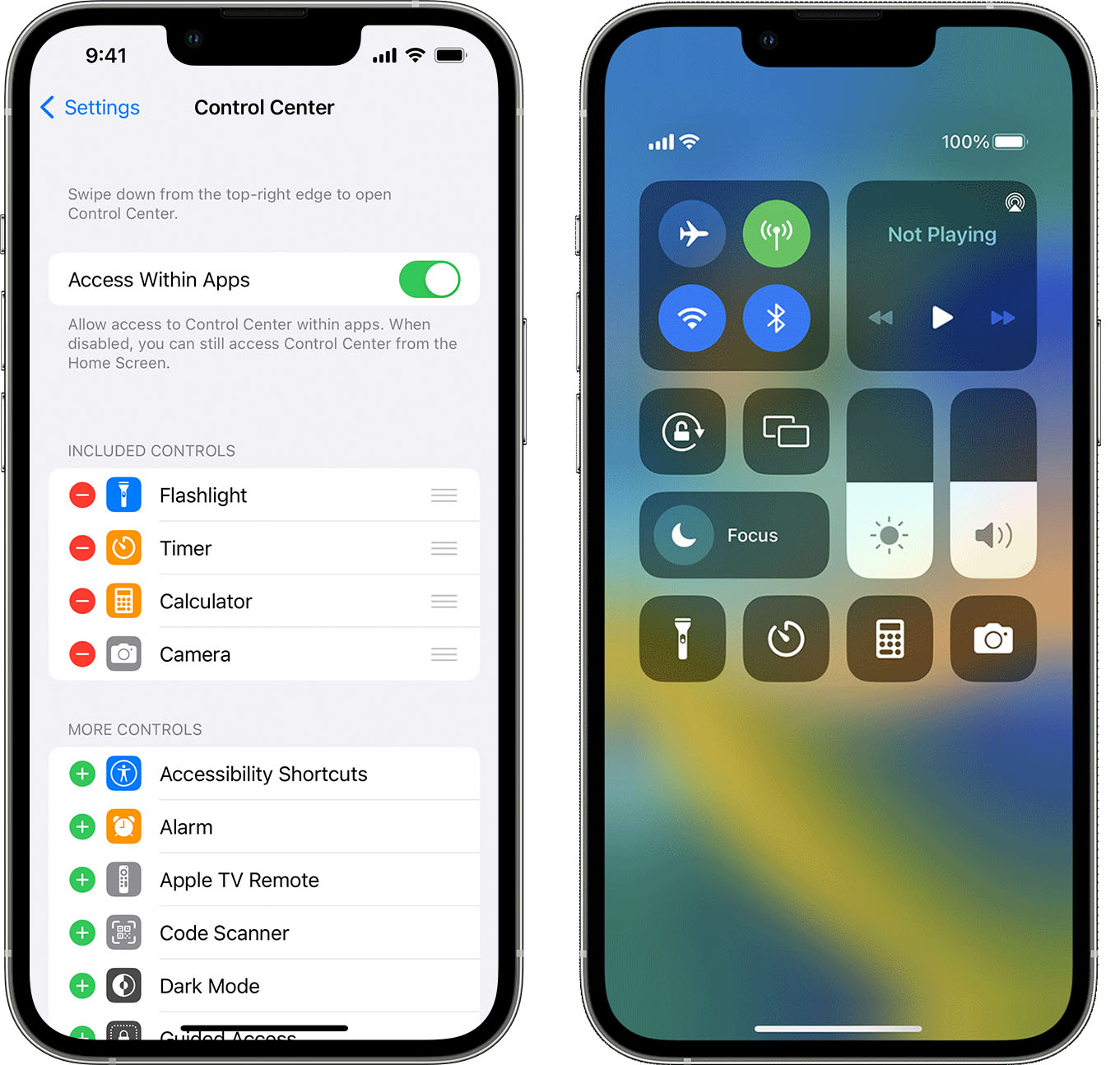
To add accessibility features to your iPhone or iPad Control Center, go to Settings > Control Center and tap the plus sign next to controls like Accessibility Shortcuts, Magnifier, Hearing...
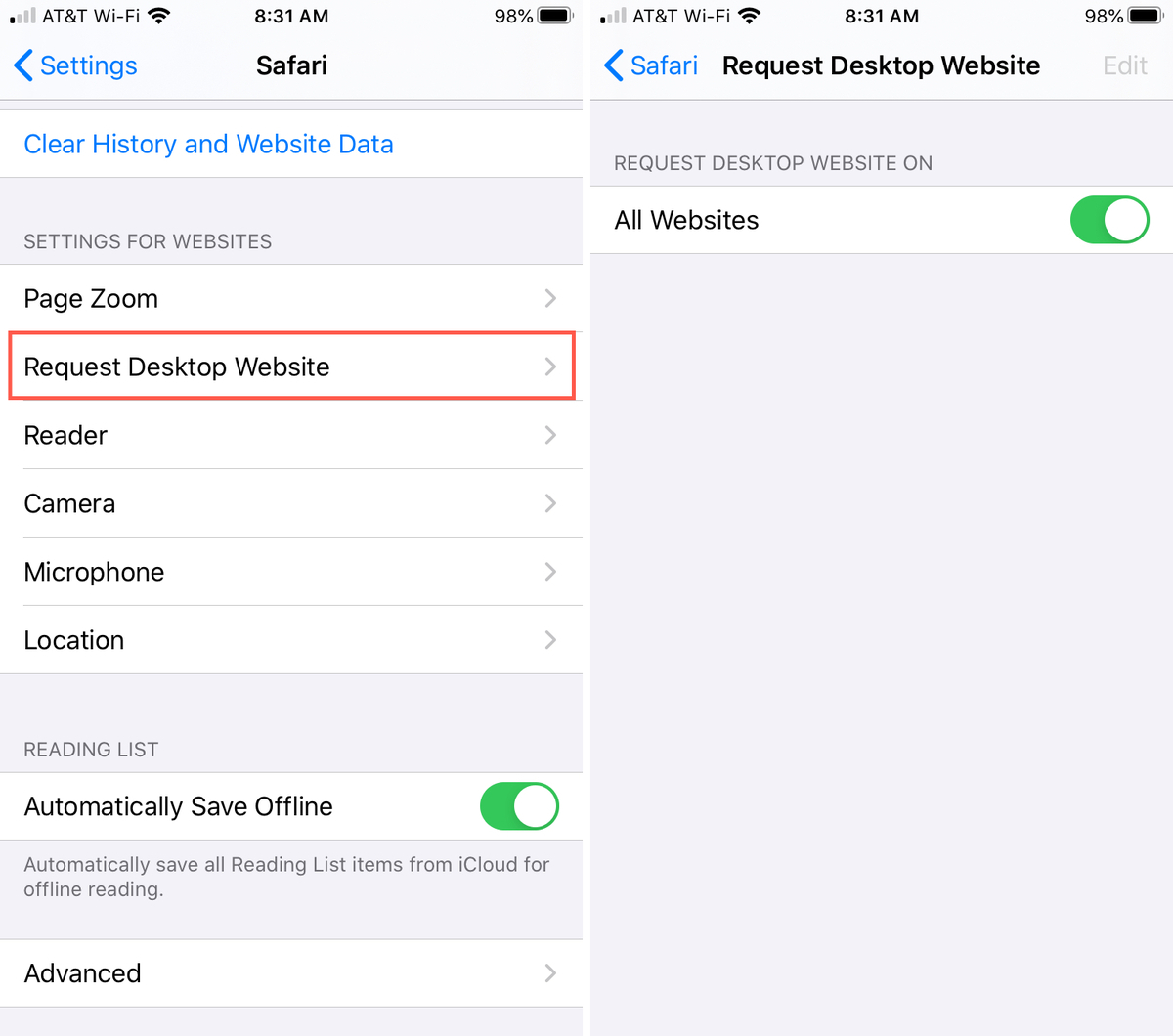
To request a desktop website in Safari on your iPhone or iPad, tap the aA button in the address bar, then tap Request Desktop Website. This instantly reloads the current...
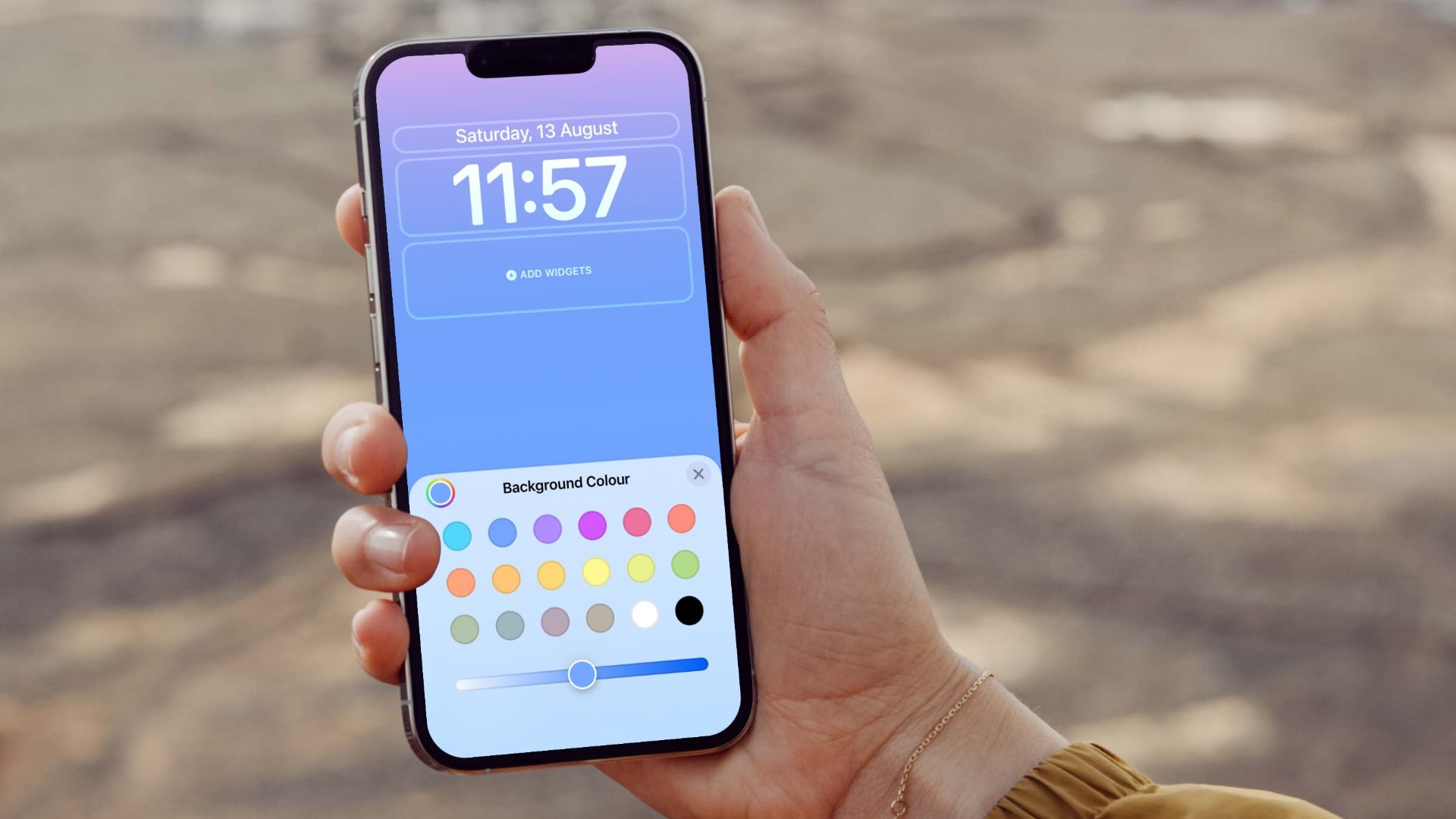
To change your lock screen to a gradient color in iOS 16, use the built-in Color wallpaper feature in Settings. Where to find the color wallpaper setting Apple documents the...
To add a website to your home screen, you create a shortcut icon that launches the site with a single tap, bypassing the need to open a browser and type...
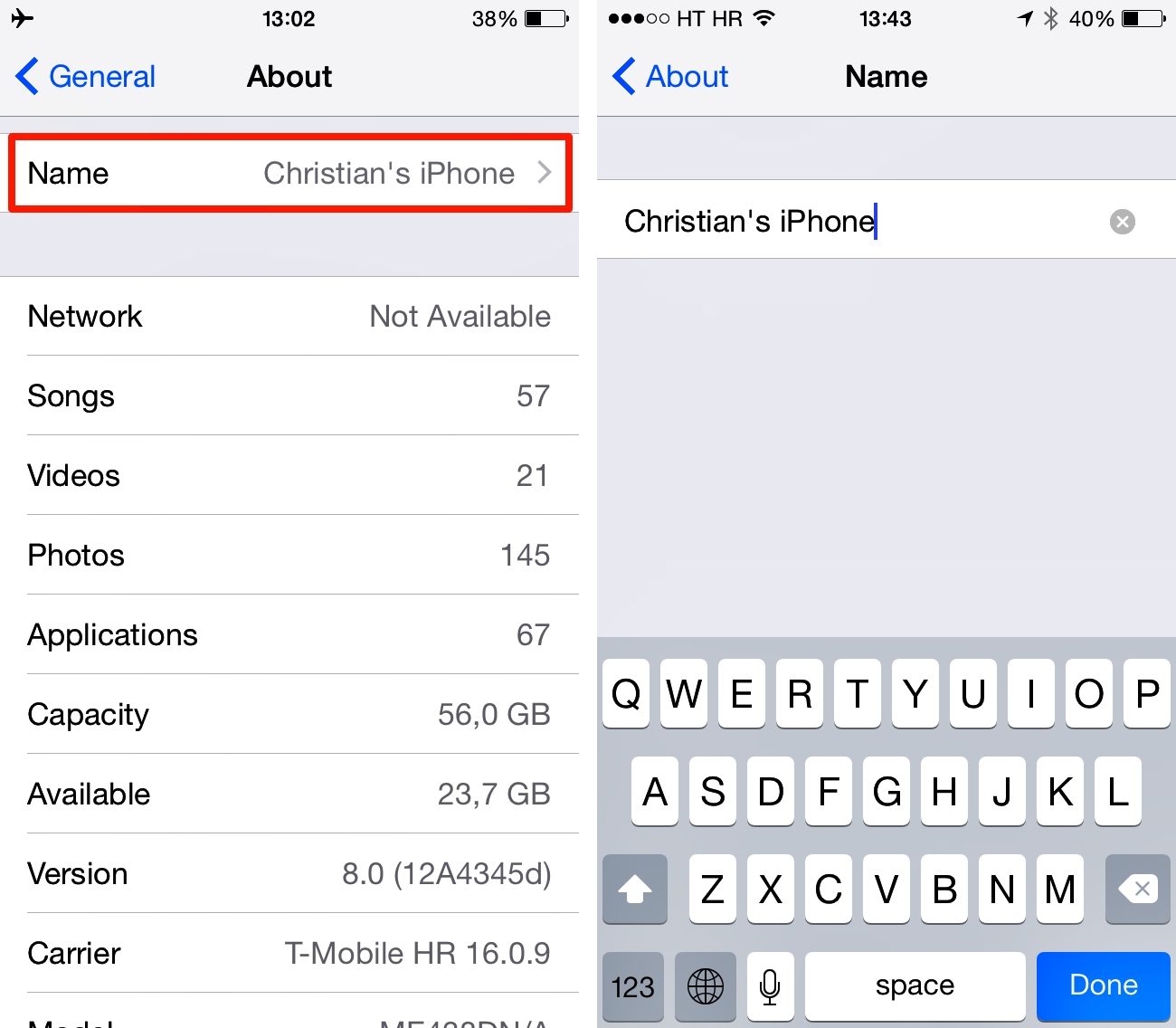
To change the name of your iPhone, open the Settings app, tap General, tap About, tap Name, enter a new name, and tap Done. This is the single, Apple-documented method...
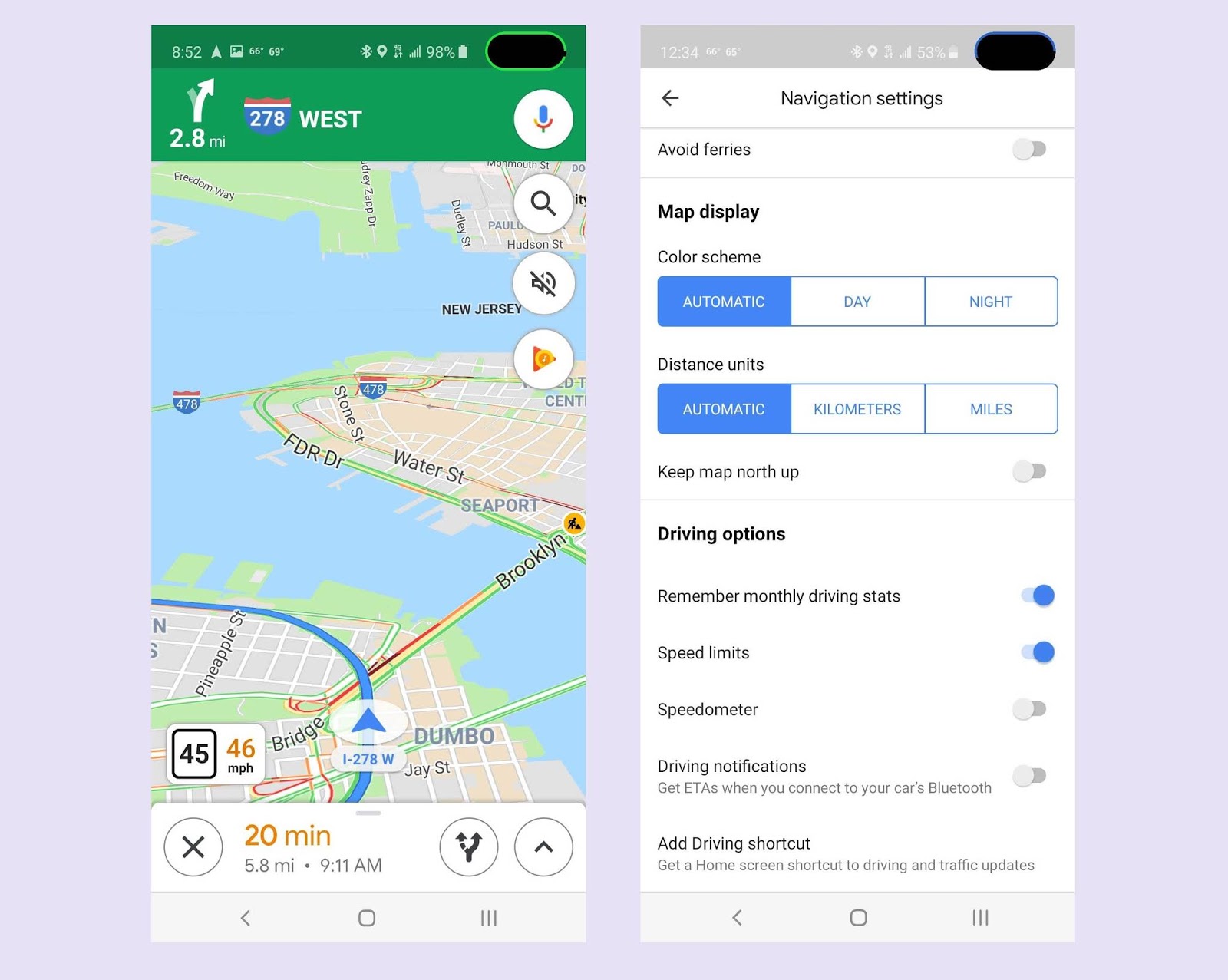
To enable Google Maps speed limit on your device, open the Google Maps app and tap your profile picture or initial, then go to Settings > Navigation, and turn on...
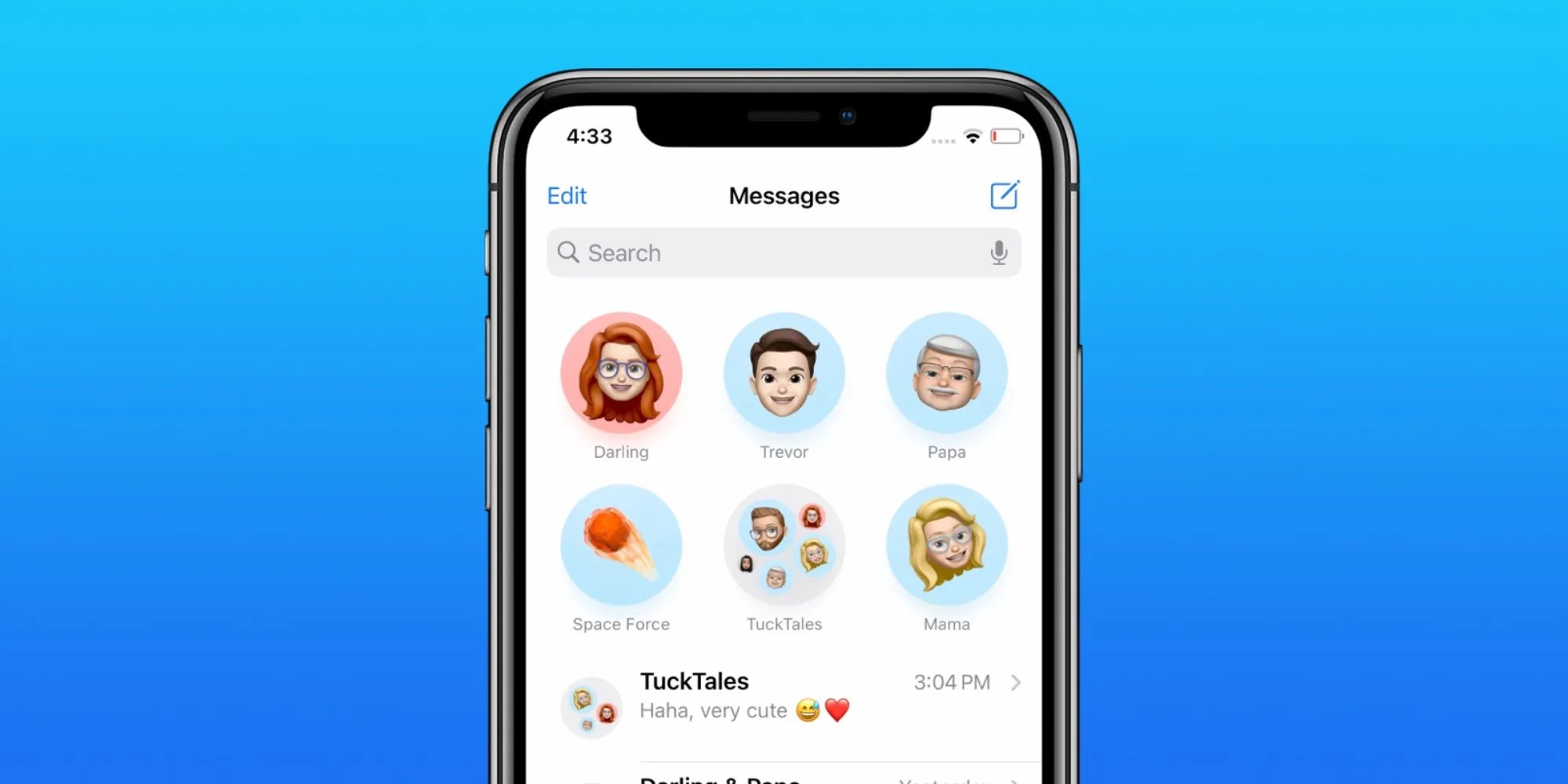
To pin shared content in messages on iPhone, open the conversation, touch and hold the message bubble containing the attachment, then tap Pin. This elevates the content to the top...
The print screen key prtsc is a physical key on computer keyboards that captures a screenshot of your current screen. On mobile devices, the equivalent function uses hardware button shortcuts...
Remote Desktop Connection (RDC) is Microsoft's remote access client that lets you connect to your Windows desktop, apps, and resources from an iPhone, iPad, or Android device. This means you...
Mobile code is software written specifically to run on smartphones and tablets, using programming languages like Java, Swift, and Objective-C. It is the underlying technology that enables mobile devices to...
Credentials are the information used to sign in, verify identity, or prove a qualification. On phones and computers, credentials specifically mean passwords, passkeys, verification codes, and Wi‑Fi passwords stored in...
A tablet is a portable touchscreen computing device that bridges the gap between a smartphone and a laptop, offering a larger screen than a phone but without a physical keyboard....