Welcome to the iOS tag on CellularNews. This collection is for anyone who uses an iPhone or iPad and wants to get more out of their device, from casual gamers to power users looking to tweak their system. The articles here are focused on two main areas: helping you find the best apps and games to download, and guiding you through common settings and fixes when things don't work as expected.
If you're looking for something new to play, you'll find extensive lists covering a huge variety of genres. Whether you are into strategy with the 15 Best City Building Games, competitive action with the Top 20 Fighting Games, or relaxing puzzles with 20 Mobile Games Like Candy Crush, these articles help you discover top-rated titles. For those needing practical tools, guides like 26 Best Productivity Apps and 16 Best VPN for Android & iOS help you choose the right software for work and privacy. Beyond just finding apps, the tag also solves technical problems. You can learn how to fix your software with the guide on How to Downgrade iOS Using SHSH2 Blobs, or explore system modifications with the Jailbreak iOS guide and the article on Cydia Impactor. Other topics, such as How to Find Someone's Location by Cell Phone Number and How to Use TikTok App, provide clear steps for specific tasks you might need to accomplish.
Reddit is a social platform where people join communities called subreddits to discuss topics, post content, and comment on other posts. The official Reddit Help Center describes it as “the...
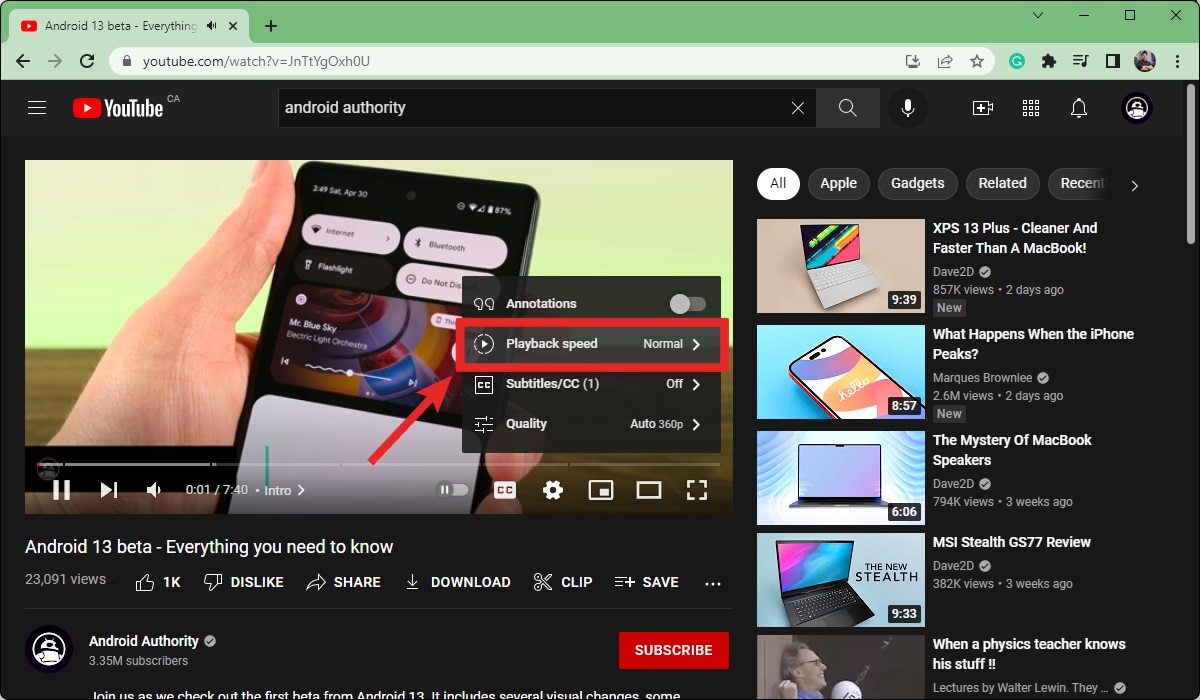
To change podcast playback speed, look for the "1x" or speed icon on the now-playing screen of your podcast app, this is the universal control that lets you fix audio...
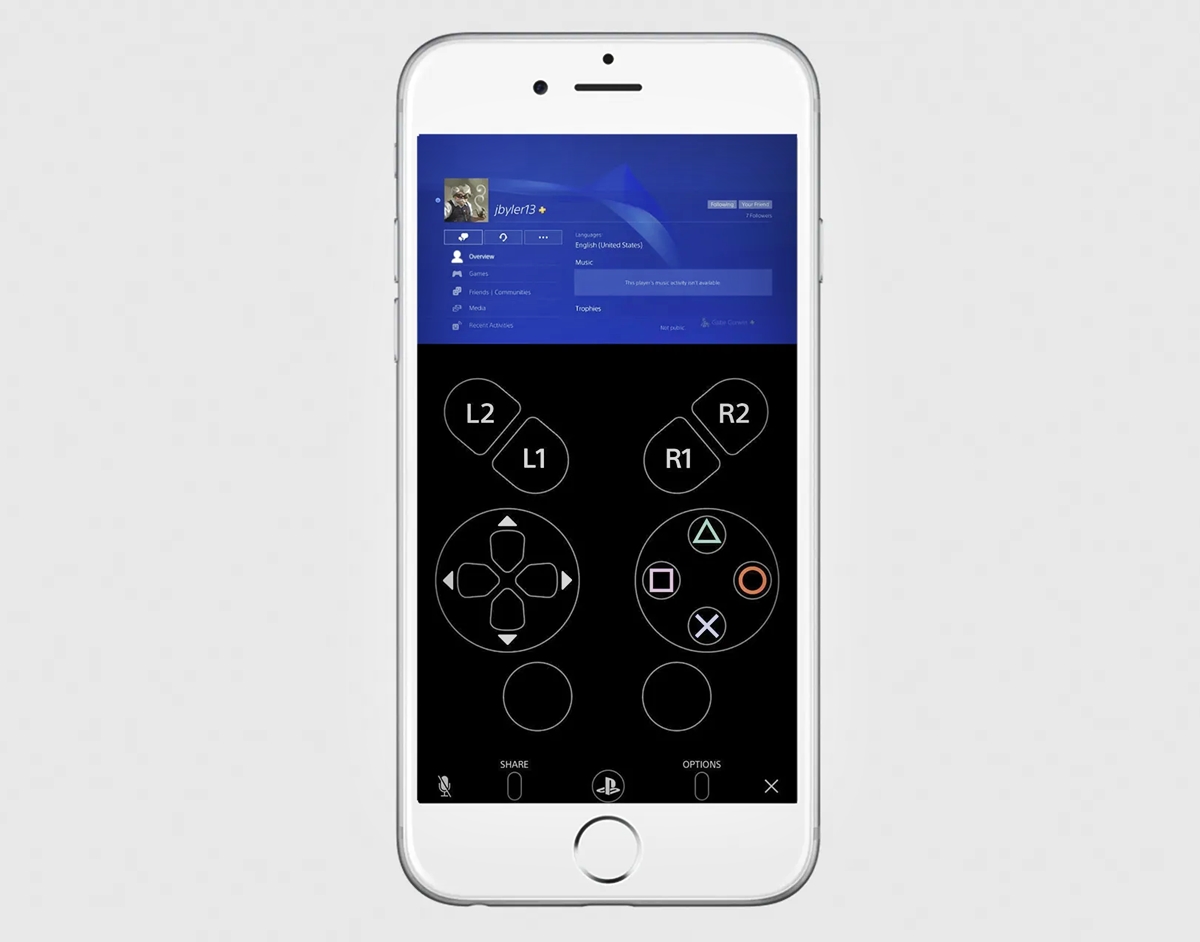
To connect a PS4 to a phone and unlock more features, use the official PS Remote Play app to stream and control your console from your mobile device. This setup...
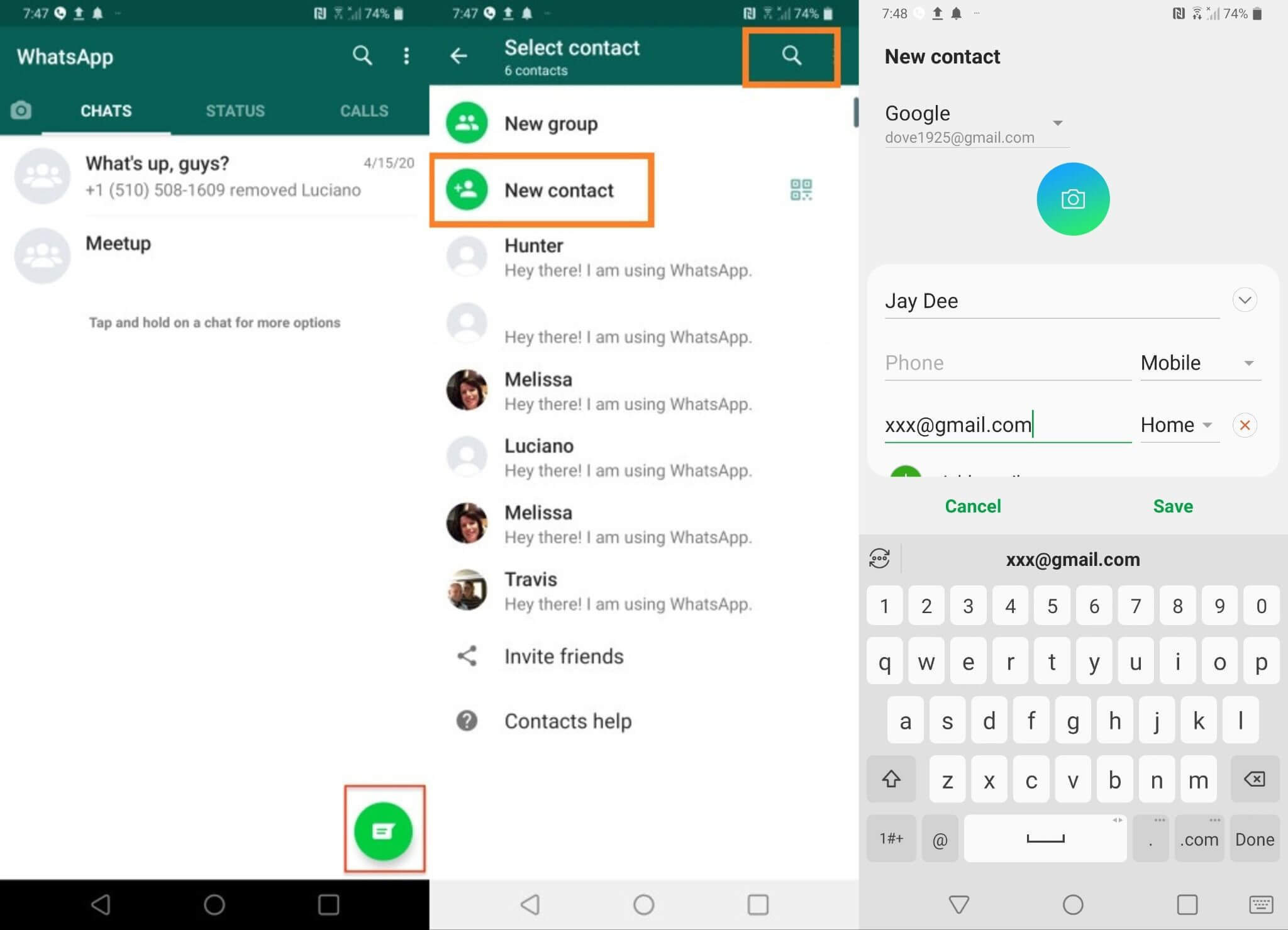
To add someone on WhatsApp, you can sync a contact from your phone's address book, scan their QR code, or use an invite link. The most common method is syncing...
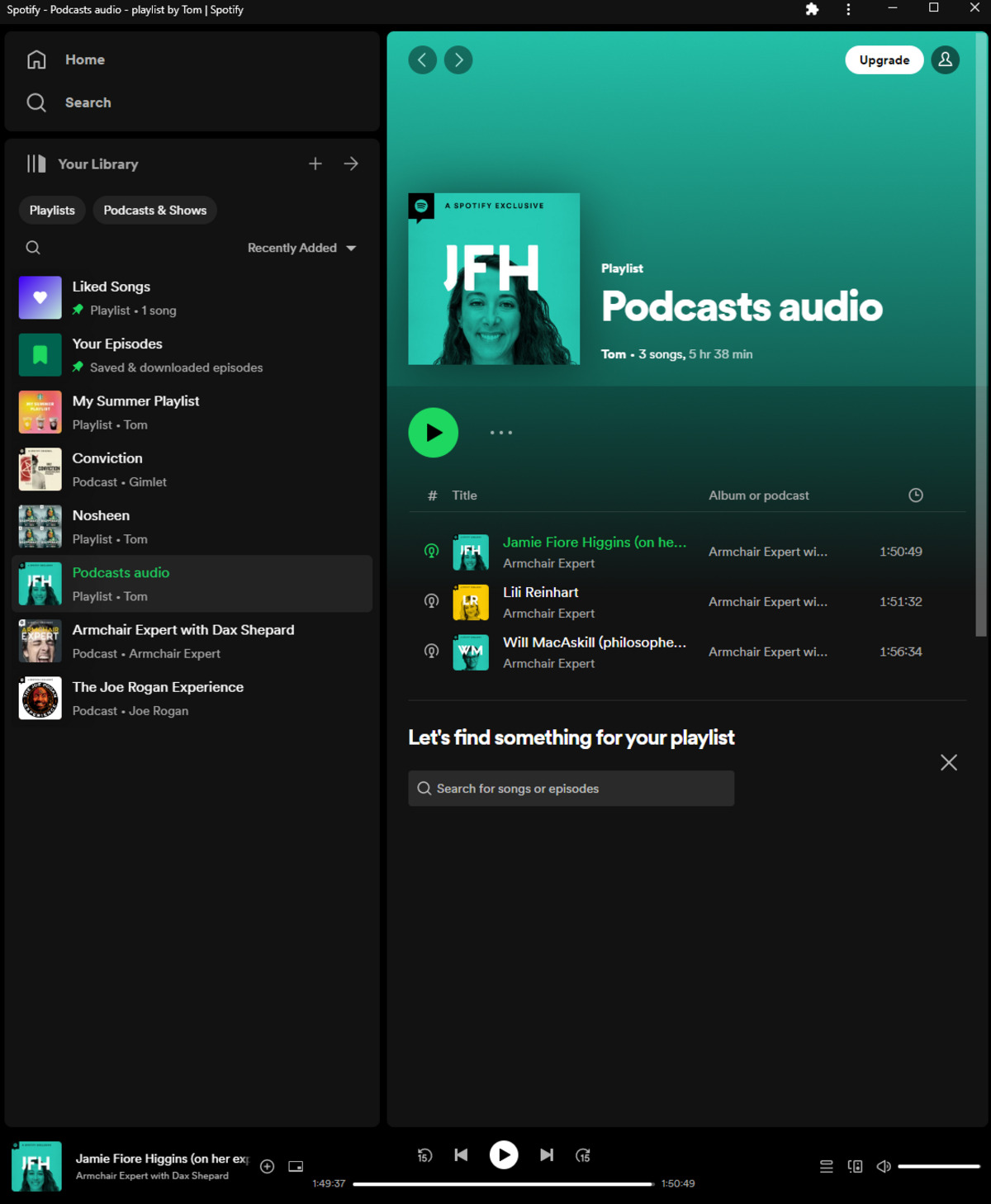
To rearrange songs in Spotify playlists on a mobile phone, open the playlist, tap the three-dot menu, then tap Edit. Press and hold the handle icon on the right side...
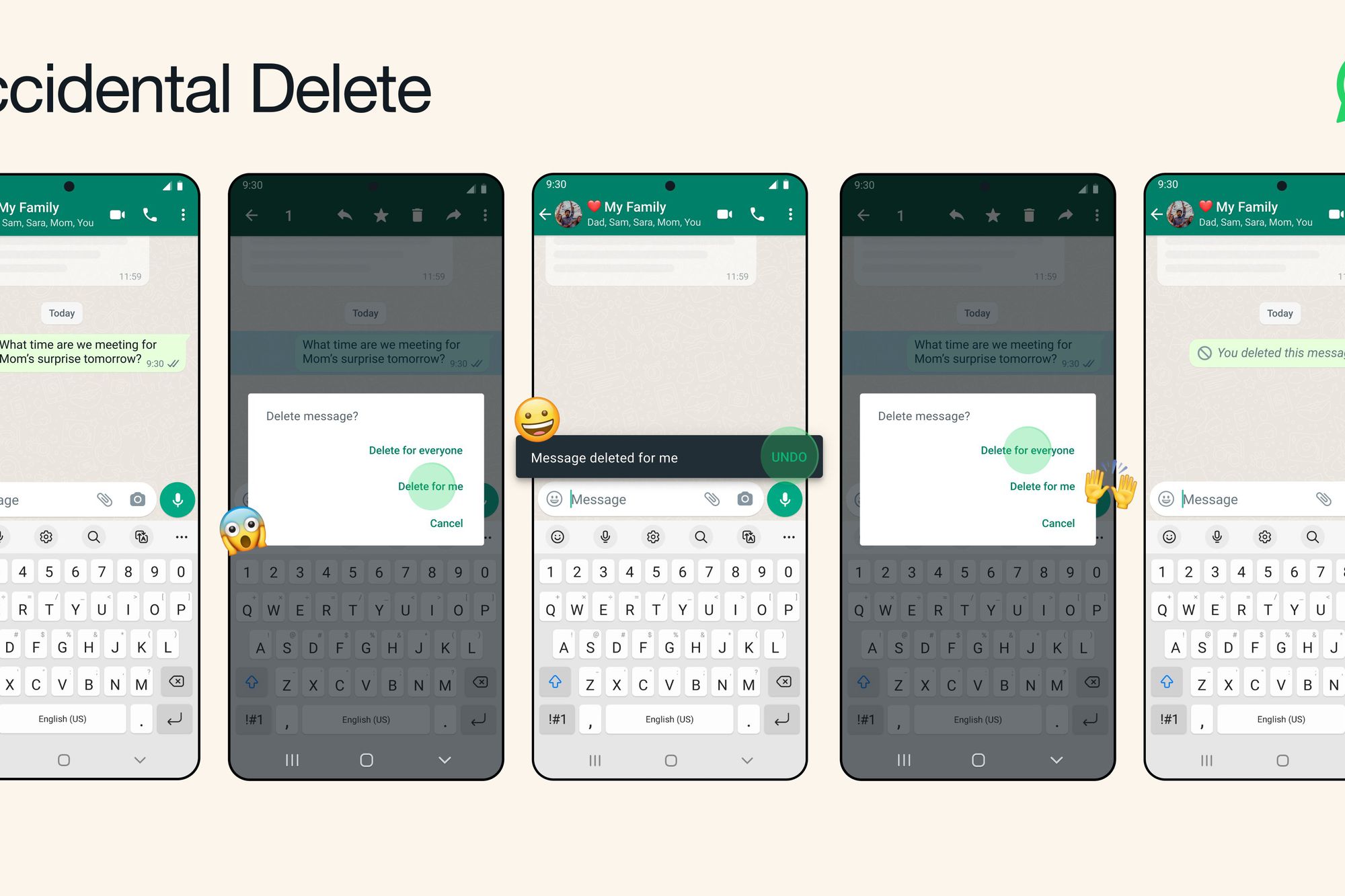
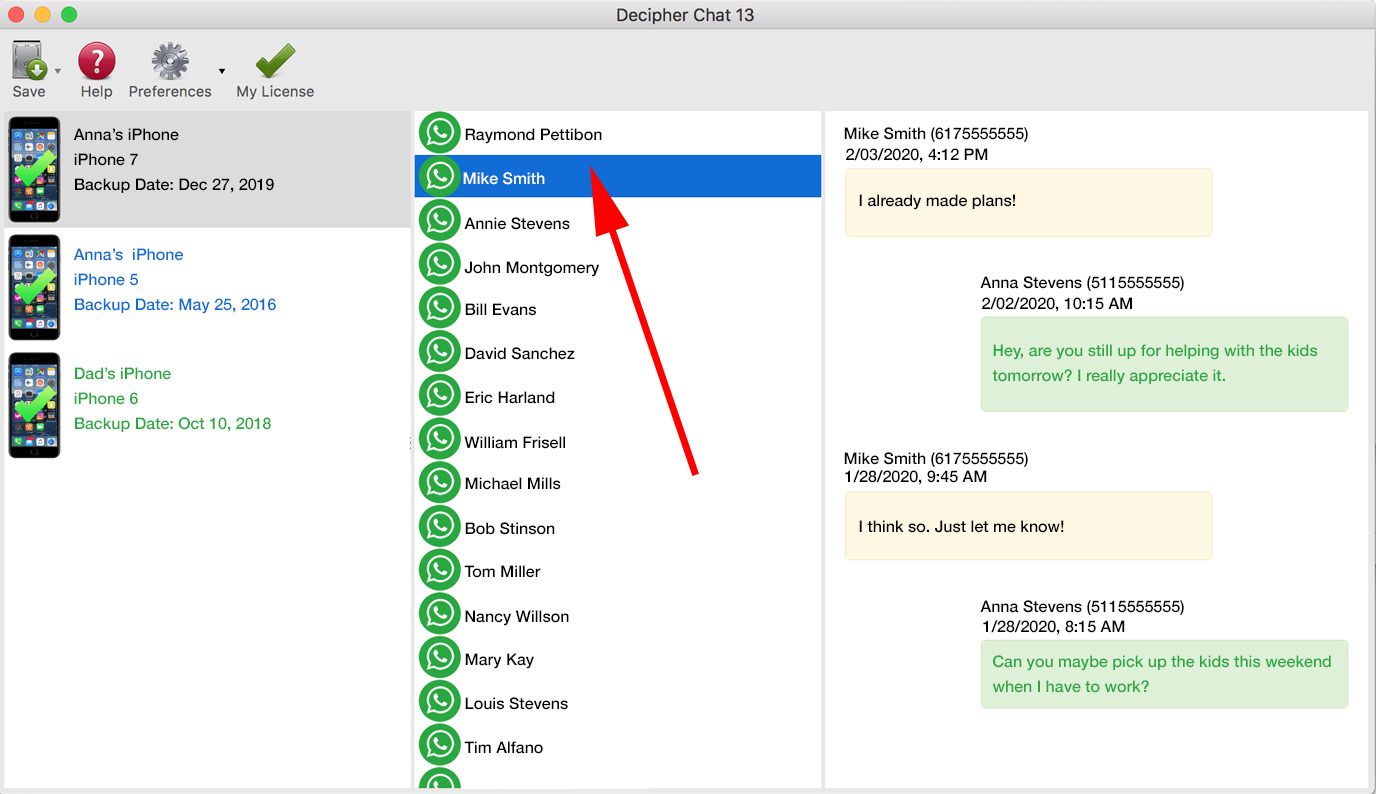
Delete Wrongly Sent WhatsApp Messages And Recover Deleted Messages To delete wrongly sent WhatsApp messages, use the "Delete for Everyone" feature within 60 hours of sending, which removes the message...
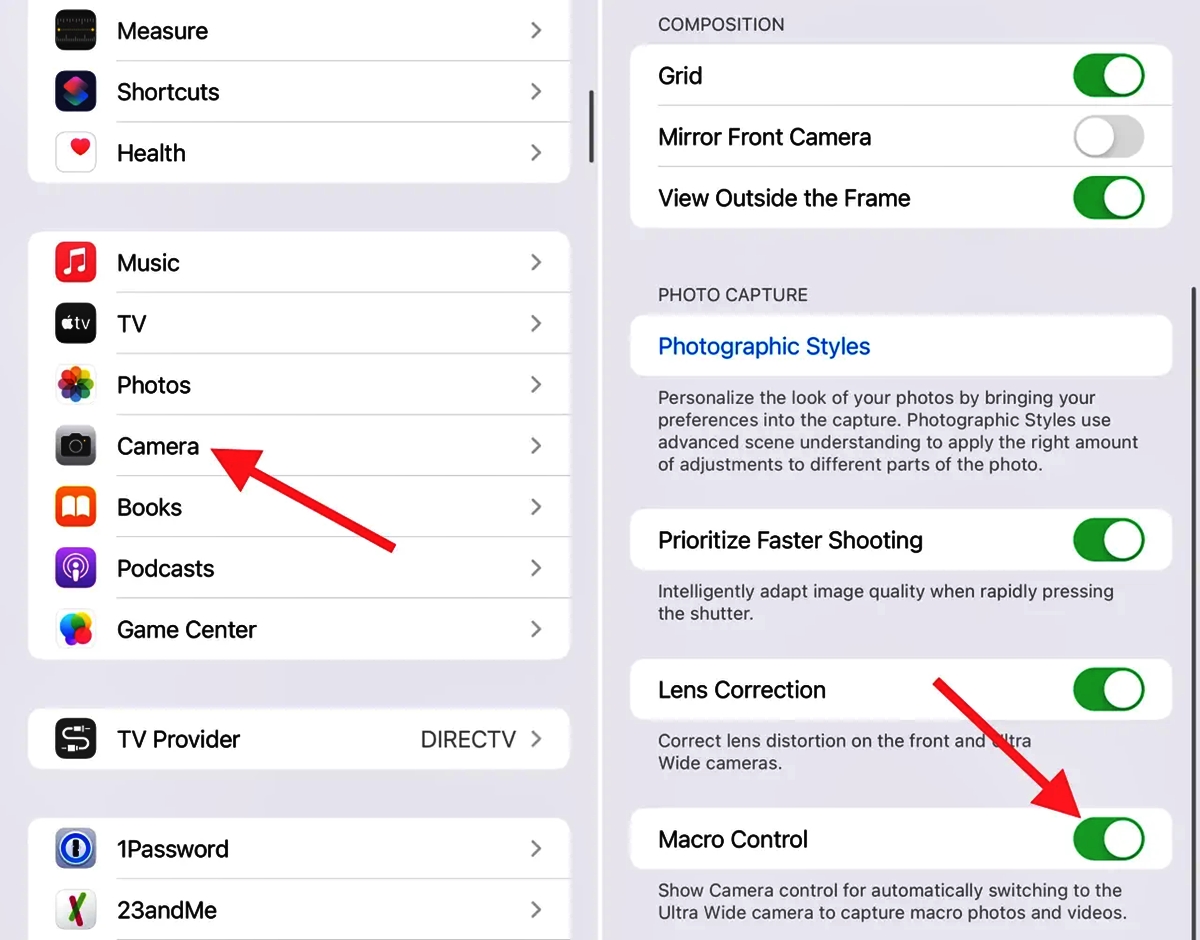
To disable auto macro mode on iPhone 13 Pro, open Settings, tap Camera, and turn off Auto Macro. This setting is available on iOS 15.1 or later and stops the...
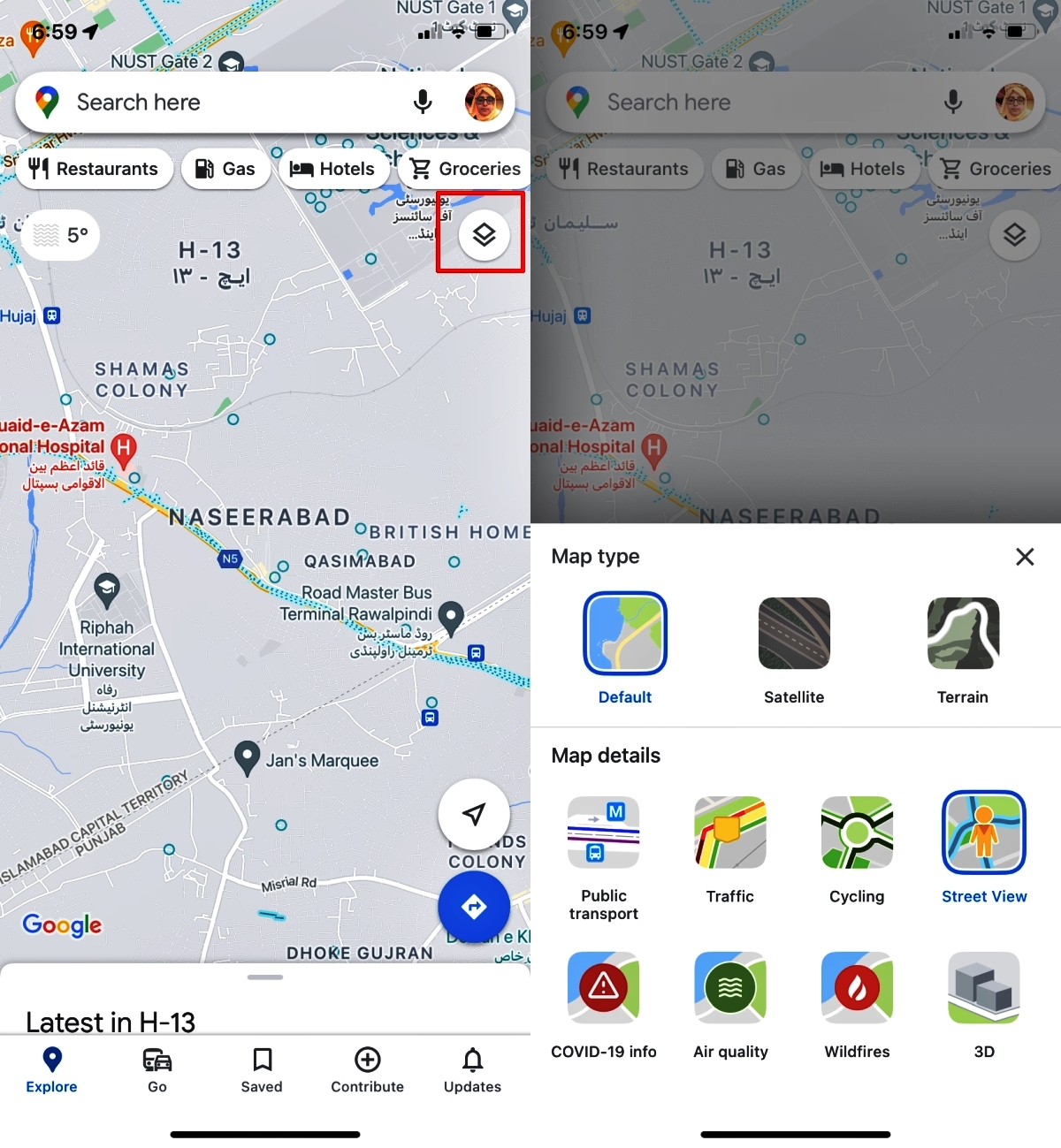
To change your default transportation mode in Maps, open the Apple Maps app on your iPhone or iPad, tap your picture or initials next to the search field, then tap...
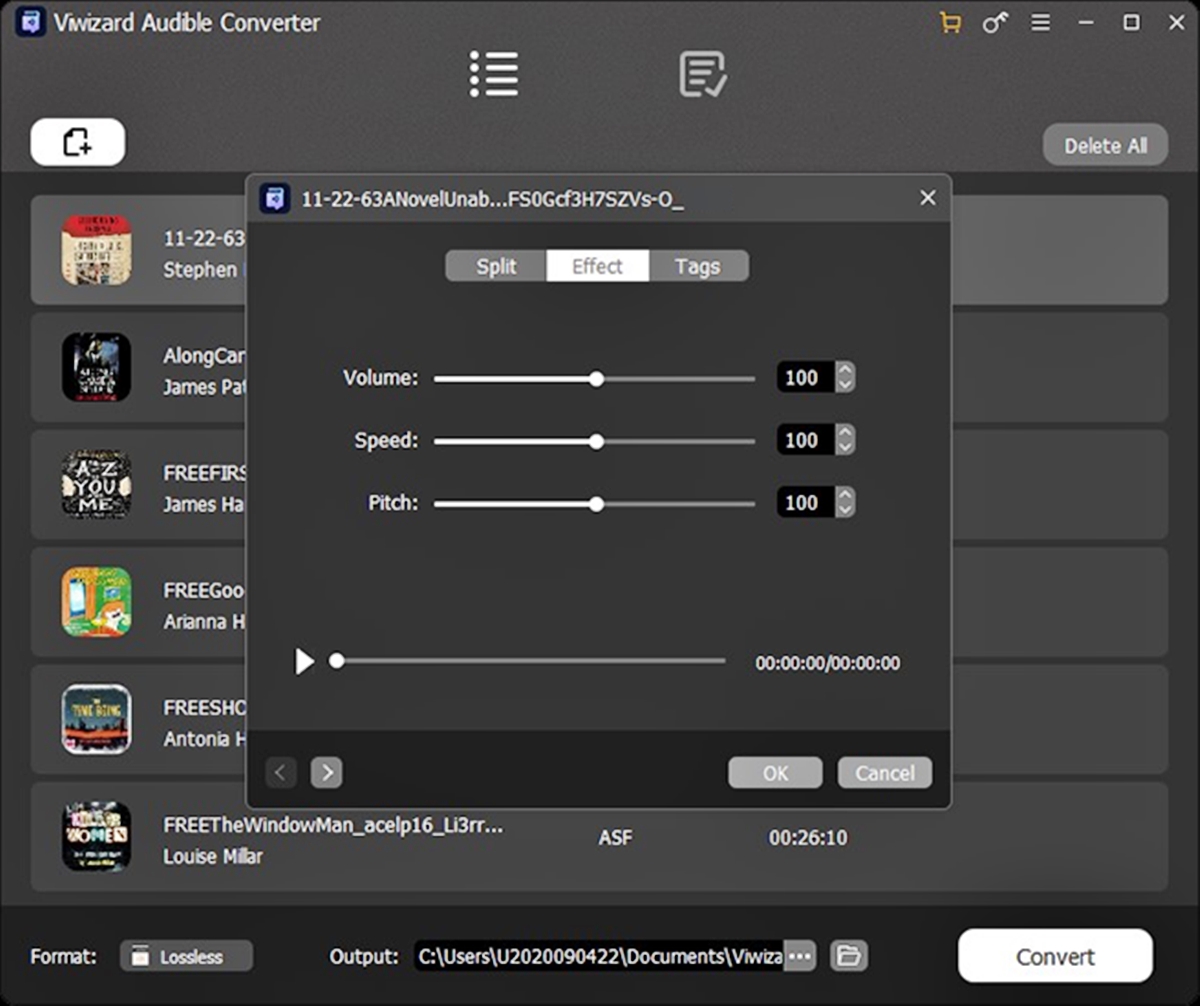
To change audible playback speed on iPhone, open the Audible app, start an audiobook, tap the Speed icon at the bottom of the player screen, and choose your desired speed...
To print WhatsApp messages, use the app's built-in Export Chat feature to create a .txt file, then send that file to a printer from a computer or phone. This is...
WhatsApp Business vs WhatsApp comes down to one core difference: WhatsApp Business is a separate, free app built for businesses, while standard WhatsApp is the consumer messenger for personal chats....