Welcome to the iOS tag on CellularNews. This collection is for anyone who uses an iPhone or iPad and wants to get more out of their device, from casual gamers to power users looking to tweak their system. The articles here are focused on two main areas: helping you find the best apps and games to download, and guiding you through common settings and fixes when things don't work as expected.
If you're looking for something new to play, you'll find extensive lists covering a huge variety of genres. Whether you are into strategy with the 15 Best City Building Games, competitive action with the Top 20 Fighting Games, or relaxing puzzles with 20 Mobile Games Like Candy Crush, these articles help you discover top-rated titles. For those needing practical tools, guides like 26 Best Productivity Apps and 16 Best VPN for Android & iOS help you choose the right software for work and privacy. Beyond just finding apps, the tag also solves technical problems. You can learn how to fix your software with the guide on How to Downgrade iOS Using SHSH2 Blobs, or explore system modifications with the Jailbreak iOS guide and the article on Cydia Impactor. Other topics, such as How to Find Someone's Location by Cell Phone Number and How to Use TikTok App, provide clear steps for specific tasks you might need to accomplish.
To watch Verizon Fios on your phone, you need to download the Fios TV Mobile app and log in with your Verizon credentials. This app lets you stream live TV,...
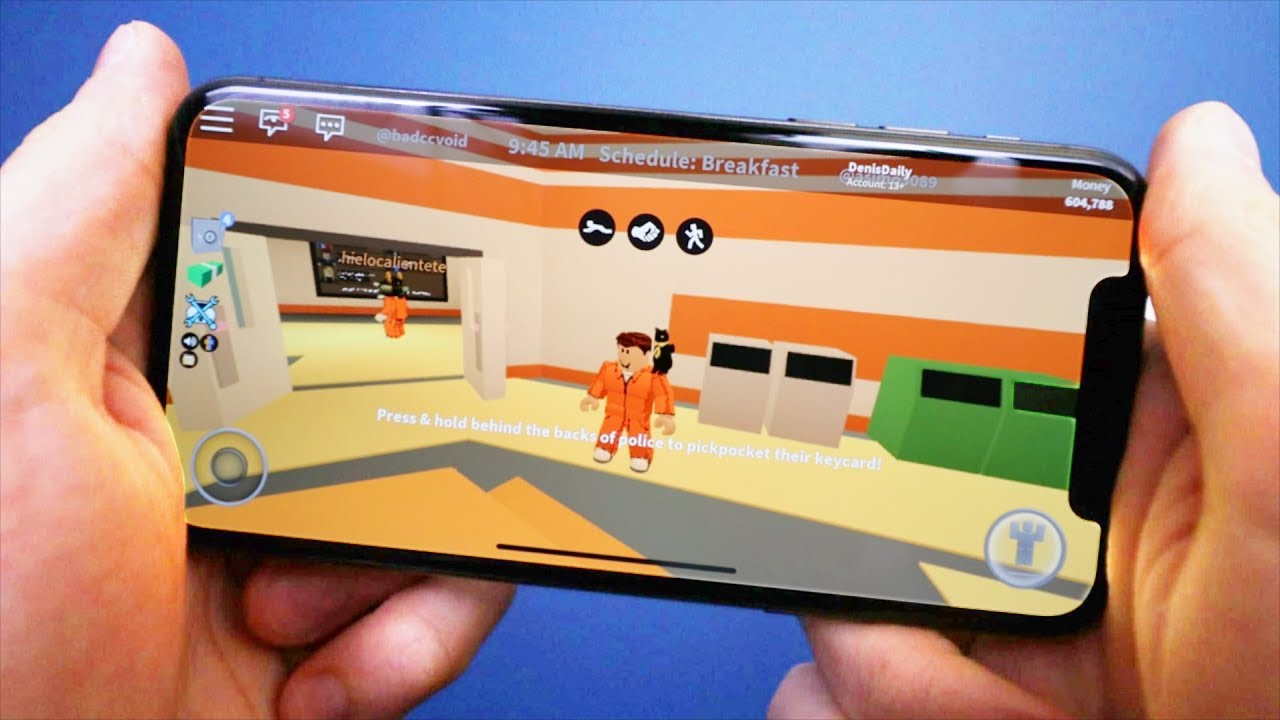
To play Roblox on your phone, download the official Roblox app from the App Store (iPhone) or Google Play Store (Android) and install it on a device that meets the...
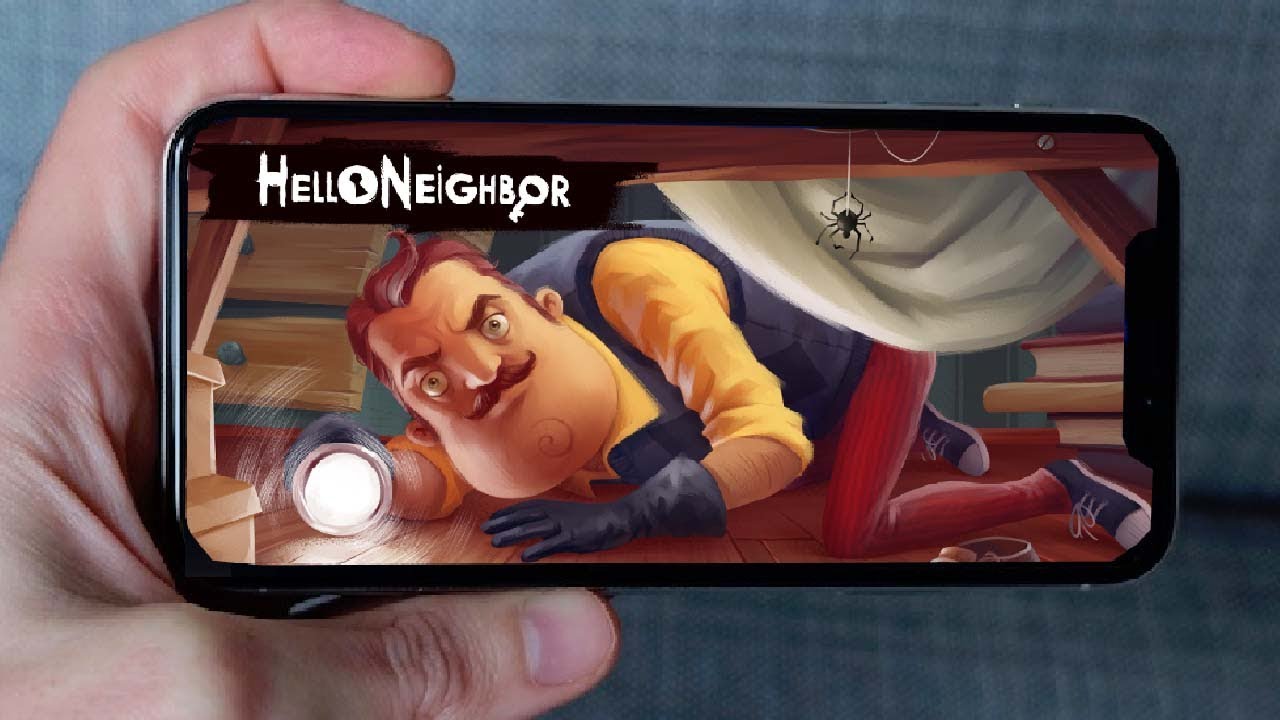
Hello Neighbor is available on Android, iOS, Nintendo Switch, and PS4, making it one of the most accessible stealth horror games across hello neighbor platforms. You can download the game...
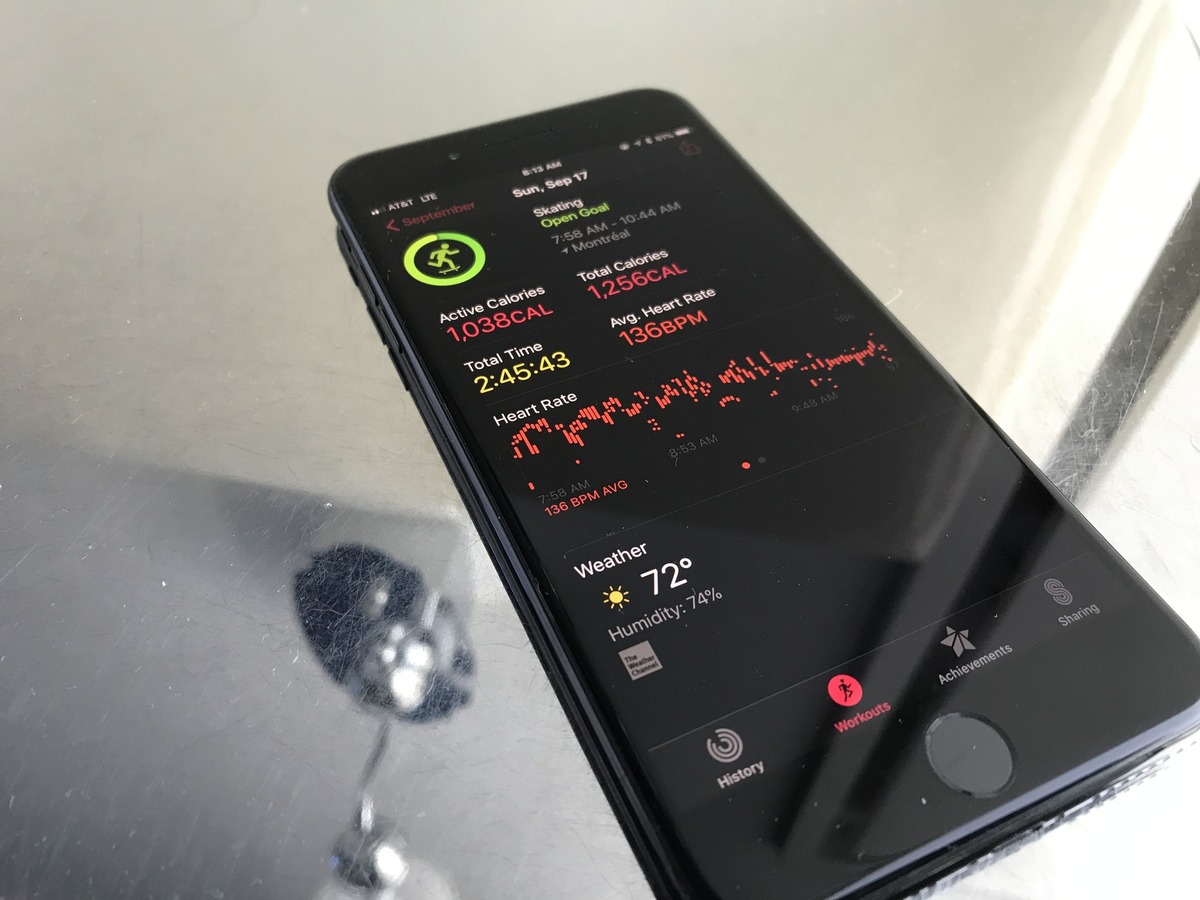
To view activity rings on iPhone, open the Fitness app, not the Health app. The Activity rings are located in the Fitness app under the Summary tab, where you can...
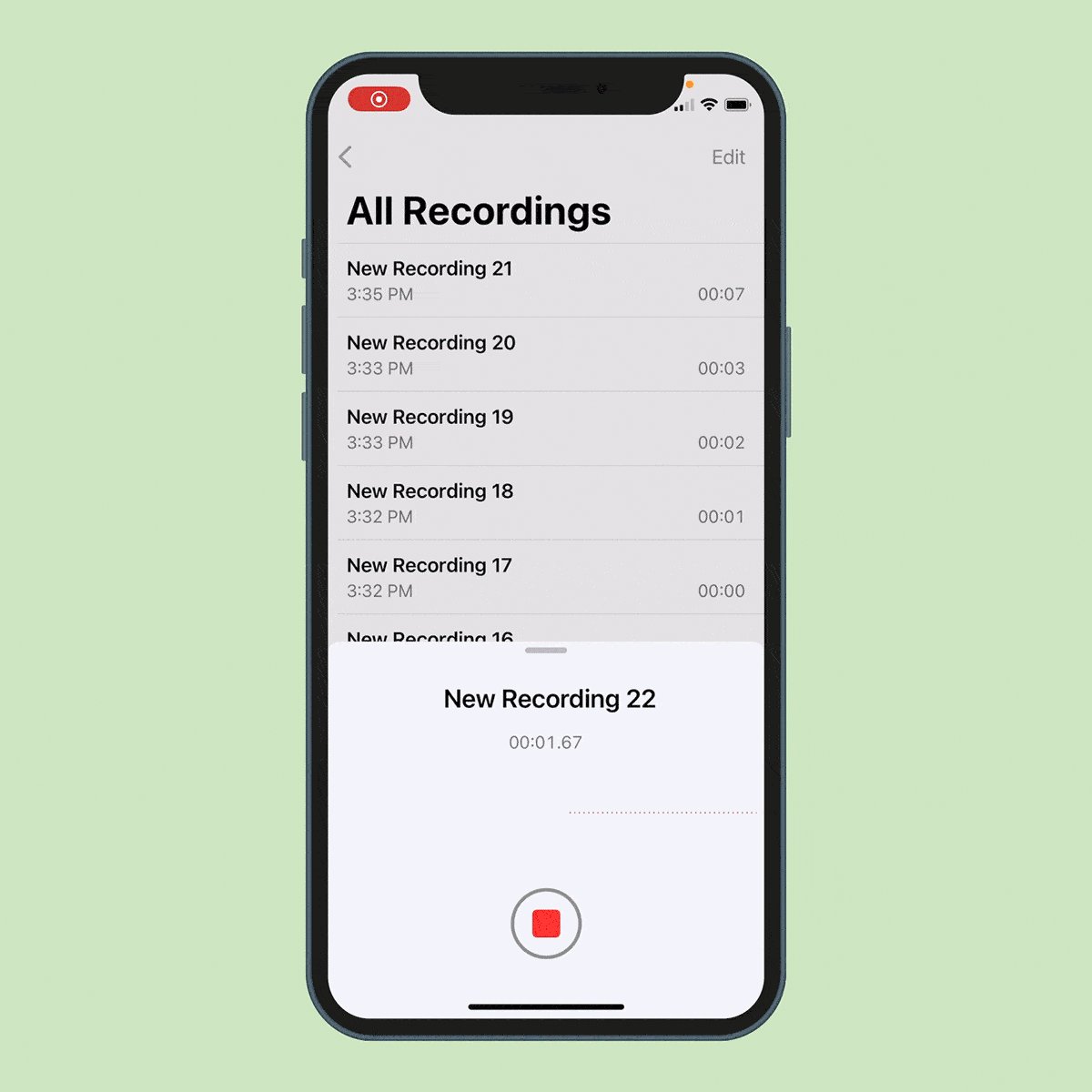
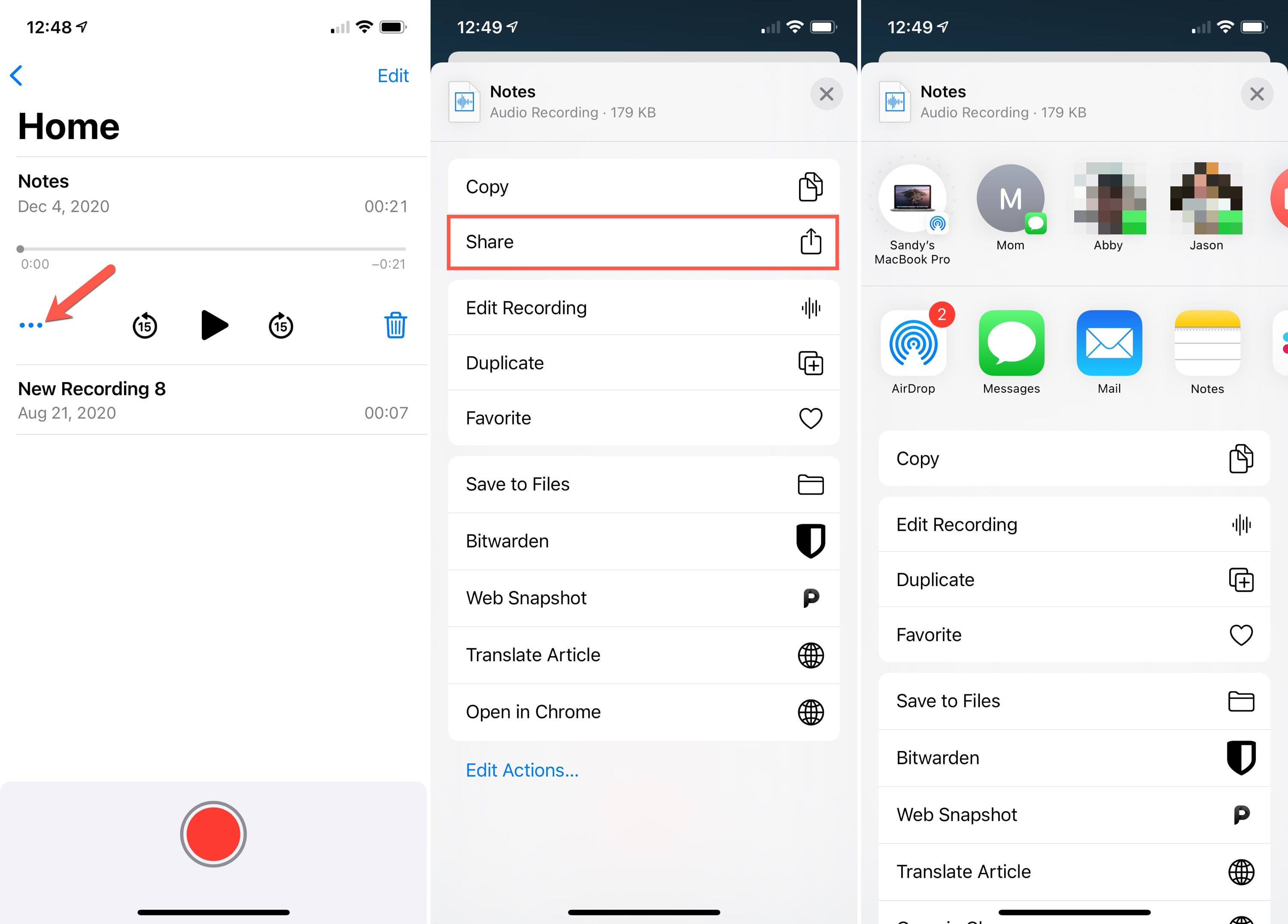
To edit a voice memo on an iPhone, iPad, or Mac, use the built-in Voice Memos app to trim, delete, or replace parts of a recording without needing third-party software....
A passkey is a password replacement that lets you sign in to supported apps and websites using your device's built-in biometric verification, Face ID, Touch ID, or your device passcode,...
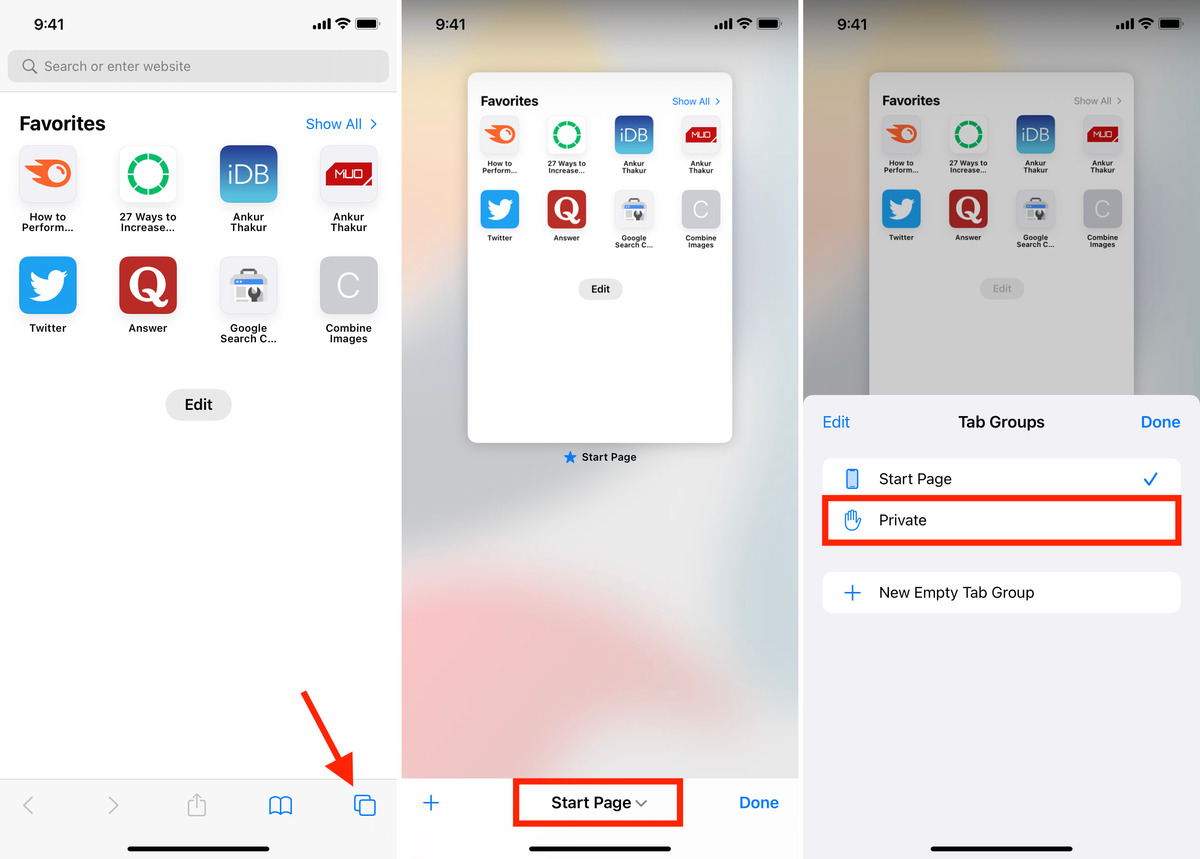
To use private tabs in Safari on your iPhone, open the Safari app and tap the tab switcher button. In iOS 17, swipe to the Private tab group and tap...
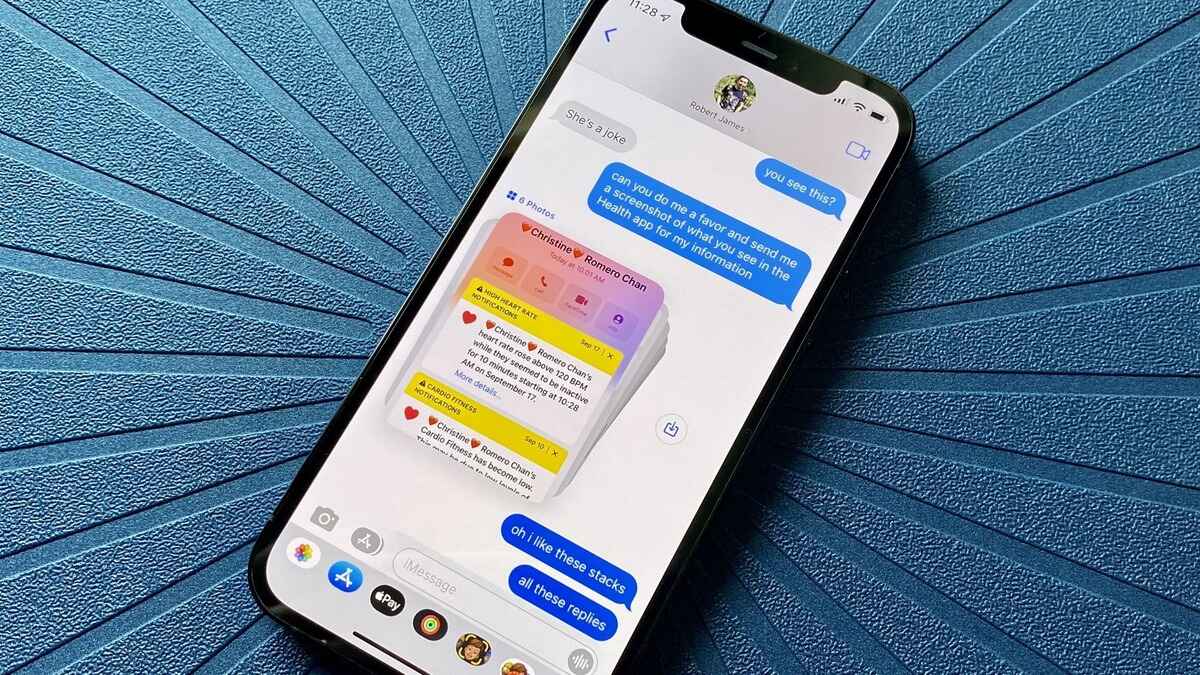
To send photos in messages instantly on your phone, open your default messaging app, start or open a conversation, and use the attachment button to select a photo from your...
Napster is now an AI agent platform and a multi-device music app, not just the file-sharing service it was in 1999. Its January 2026 redesign for iOS and Android centers...
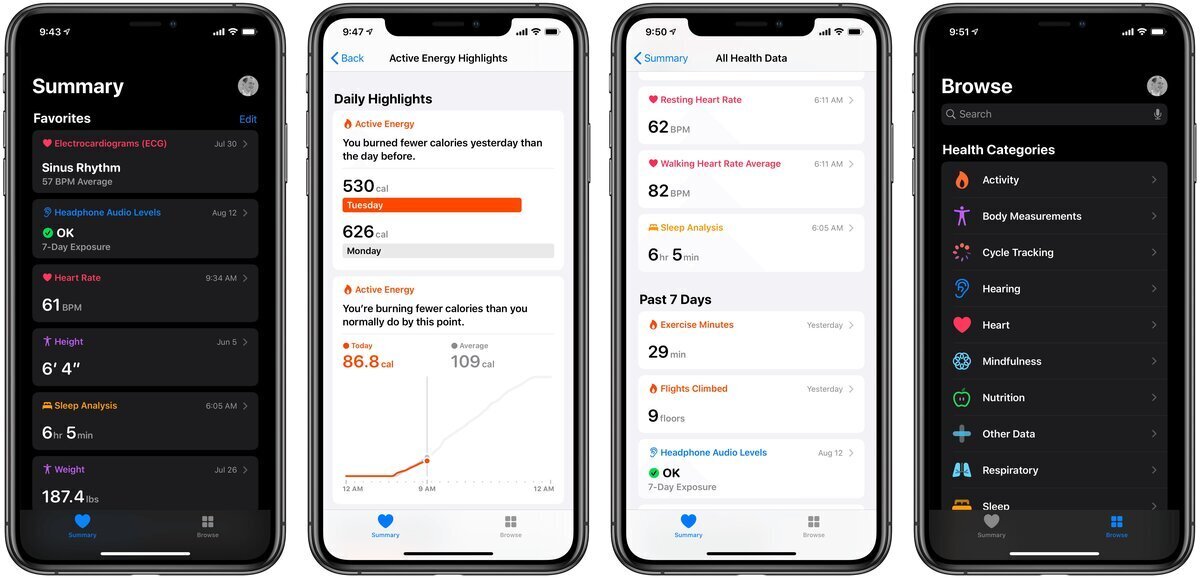
To customize the Summary tab in the iOS 13 Health app, open the Health app, tap the Summary tab, then tap Edit next to Favorites to add or remove the...
To share a voice memo from an iPhone or iPad, open the Voice Memos app, tap the recording, tap the Share button, then choose a recipient. This is the core...