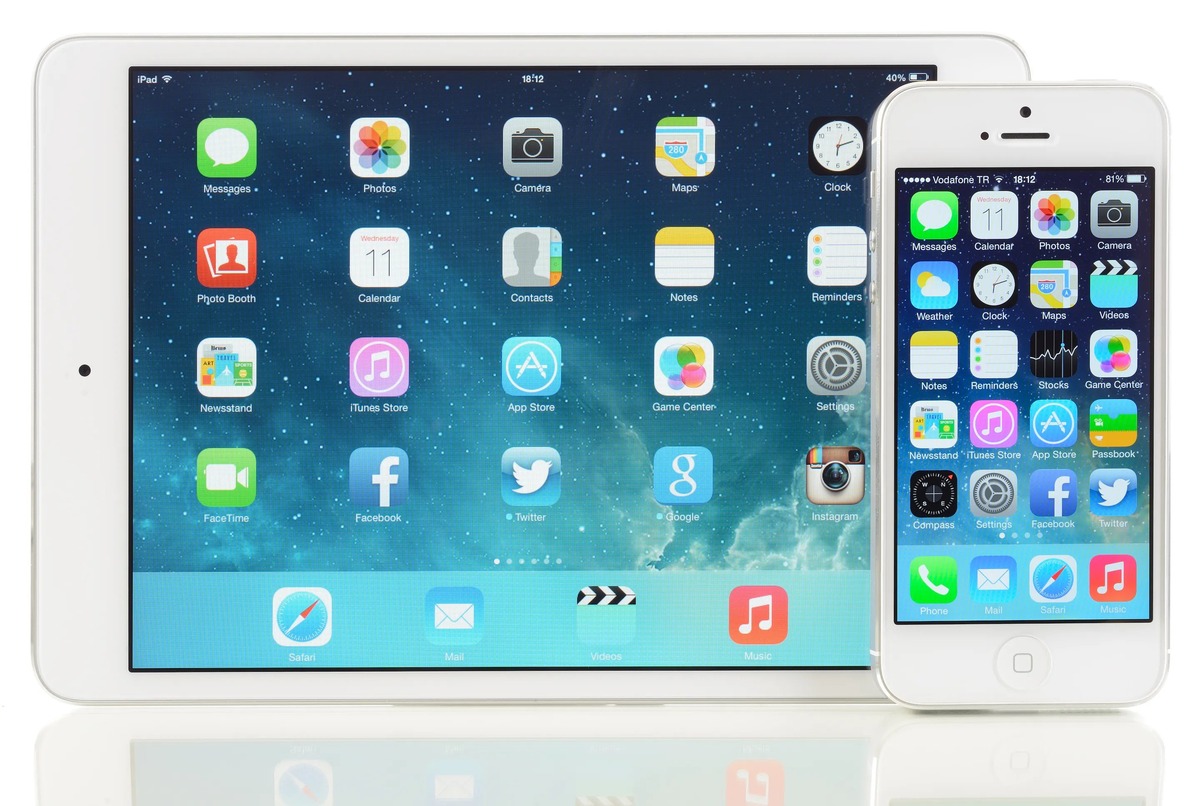
A practical collection of guides and reviews focused entirely on Apple’s tablet, its software, and the accessories that work with it. This page is for anyone who owns an iPad, or is thinking about getting one, and wants straightforward help with everyday tasks, from fixing a glitch to picking the right app or accessory.
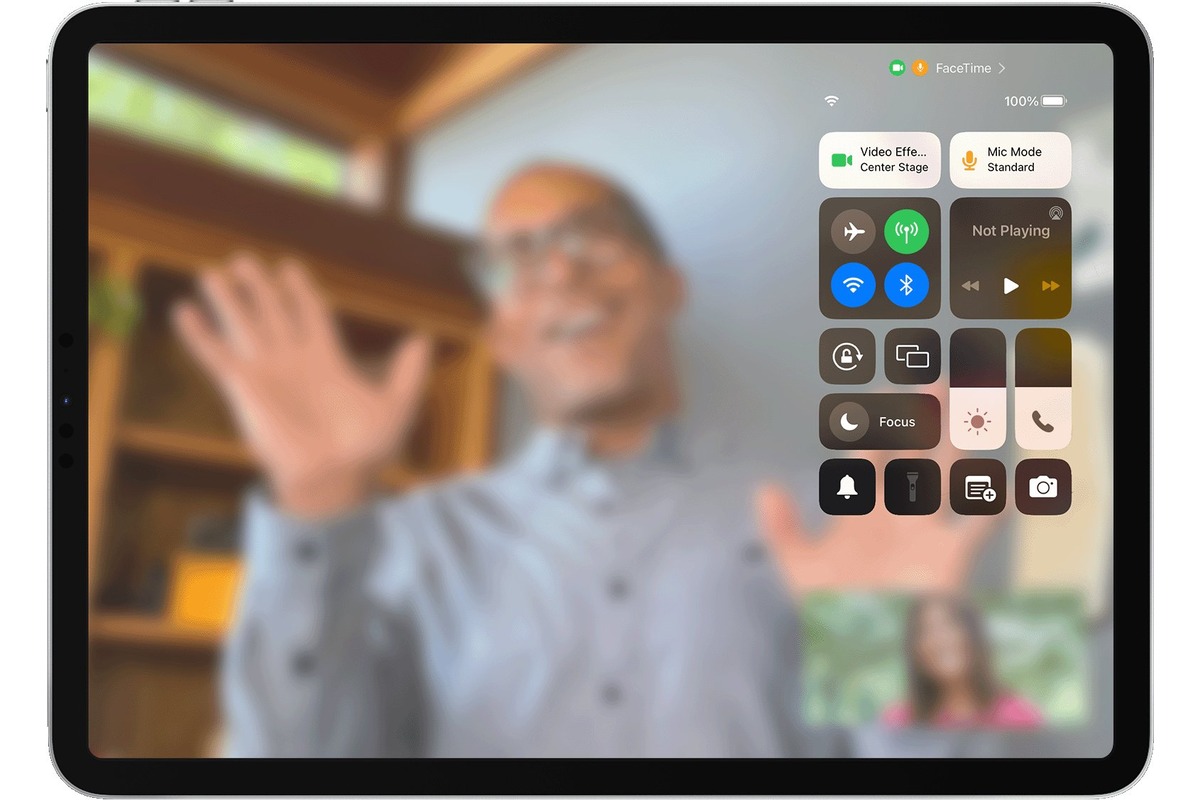
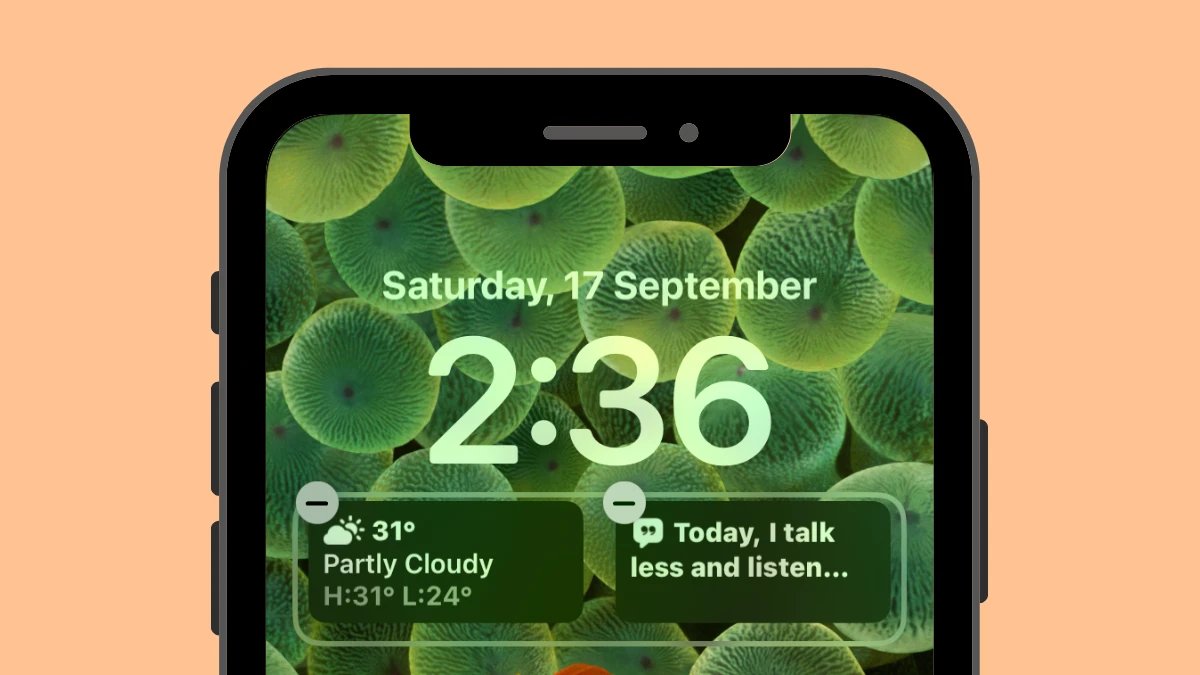
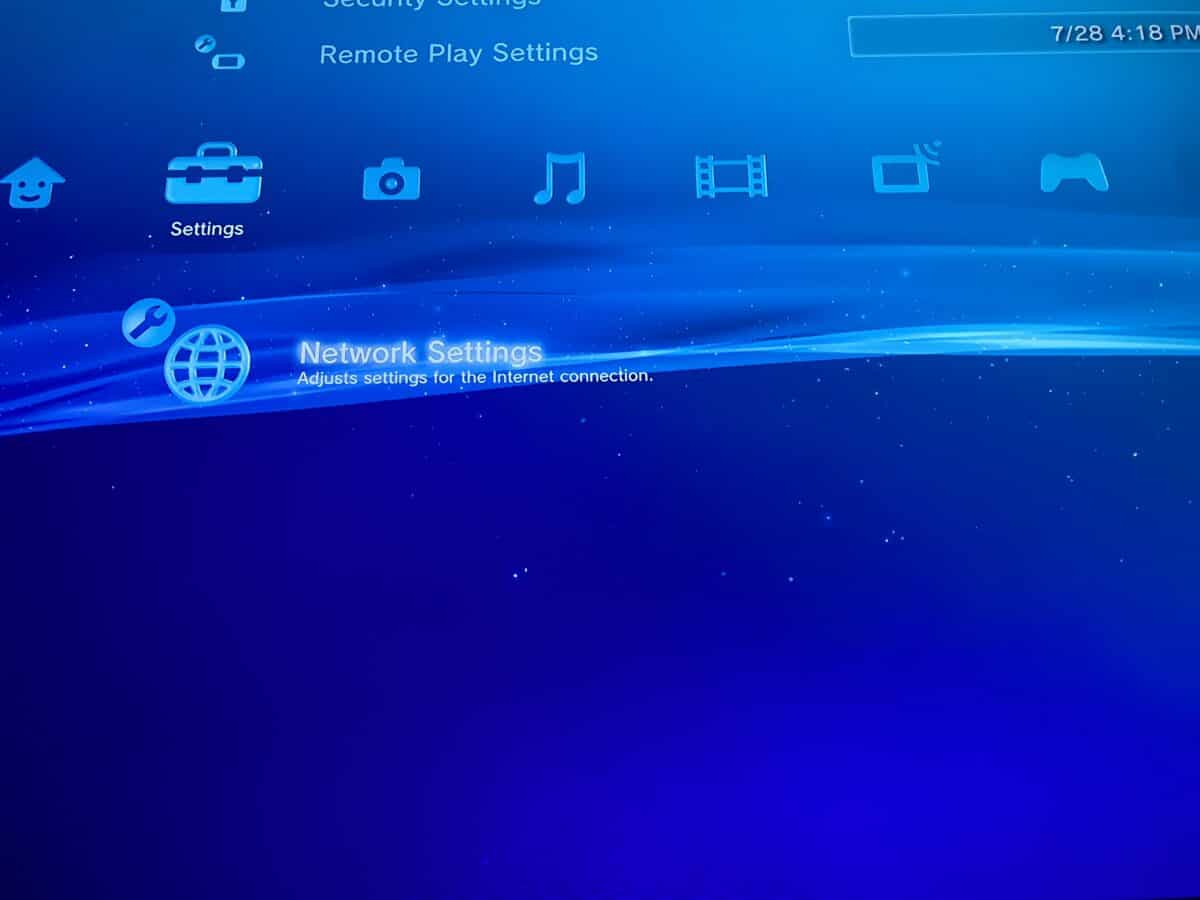
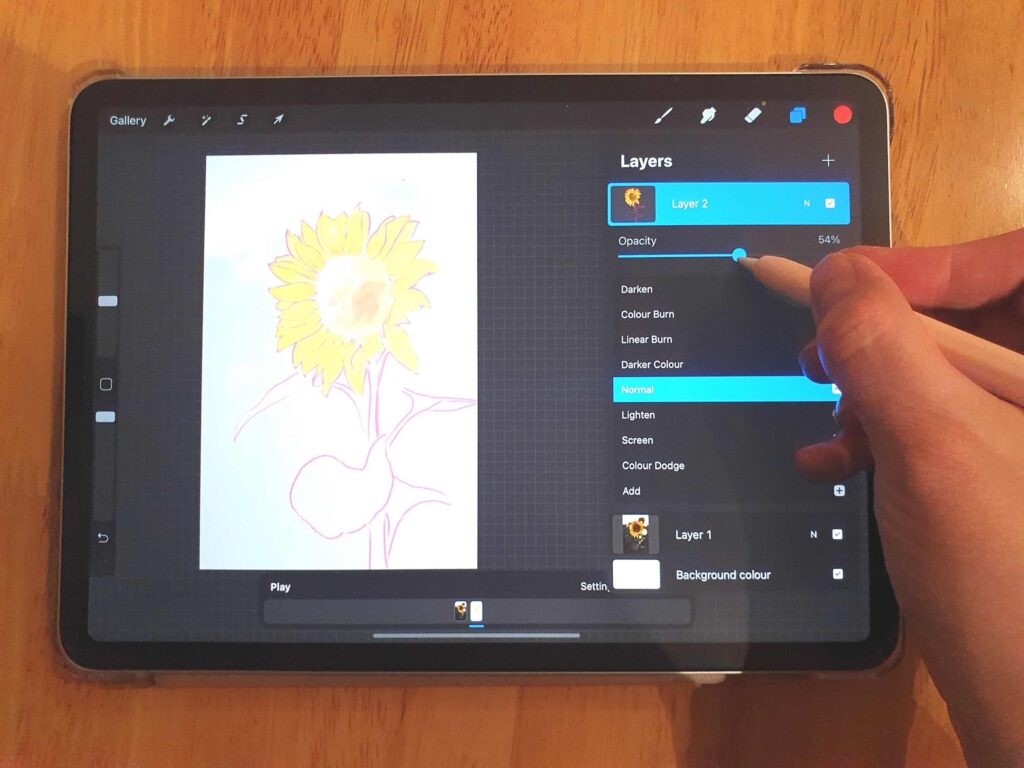
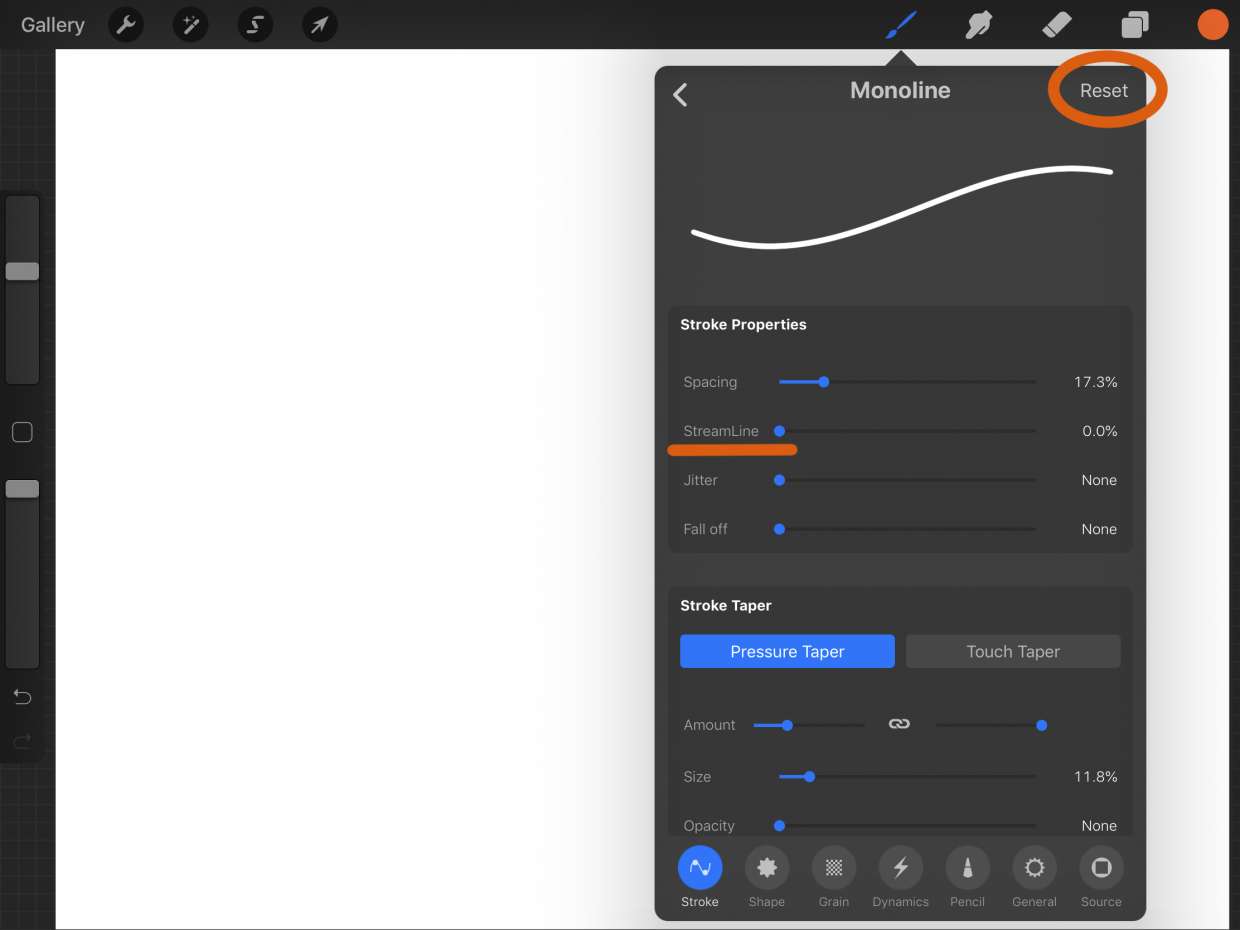
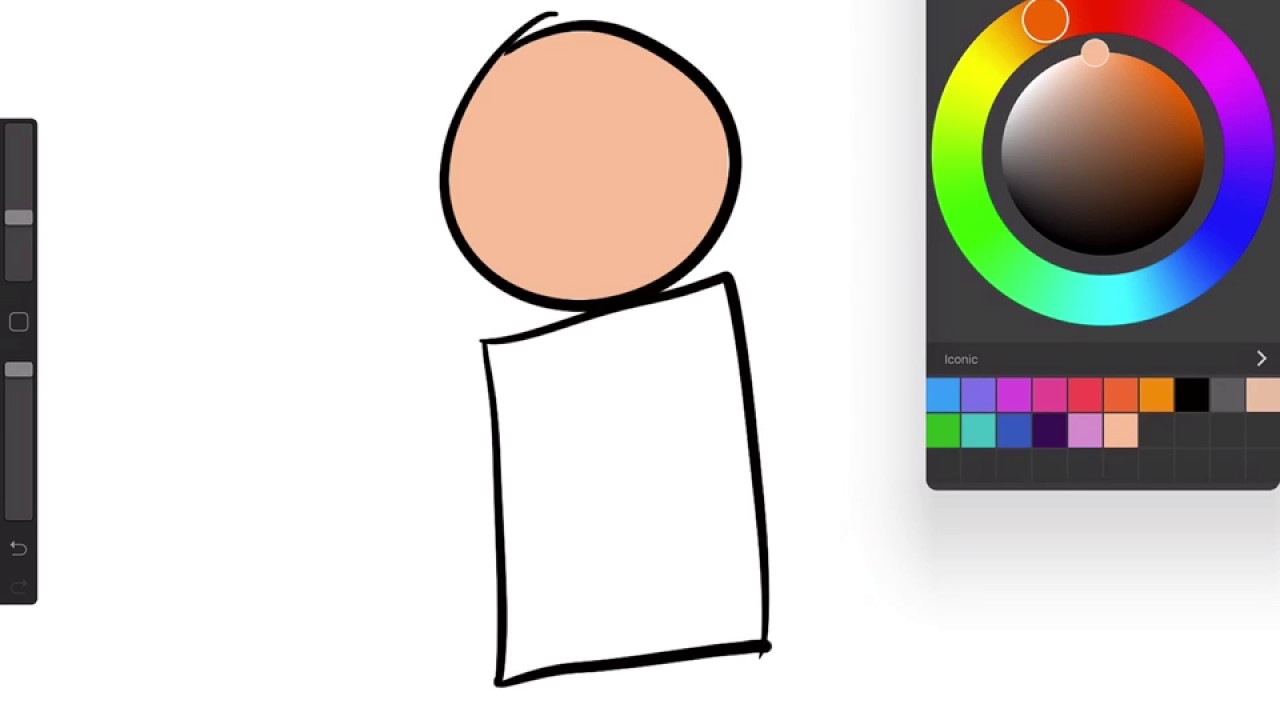
The articles here solve problems that fall into a few clear categories. Many help you set up and customize your device, such as learning how to change the wallpaper, reset network settings, or add accessibility features to the Control Center. Others tackle connectivity and hardware, with step-by-step instructions on using the iPad as a second monitor for a Windows or Mac computer, connecting an AirTag, or disconnecting devices from a hotspot. A third group focuses on apps and entertainment, including reviews of drawing apps like Procreate alternatives, a deep look at Marvel Unlimited for reading comics, and lists of the best Apple Arcade games to play right now.
Specific topics you will find here include how to remove a Paperlike screen protector, what an IPA file is, how to turn off AirPod announcements, and how to change your default transportation mode in Maps. Whether you need to replace an iPad battery, invert the Y-axis on a joystick, or share a voice memo, these articles are designed to give you clear, actionable steps without extra fluff.