The iPad tag on CellularNews brings together a practical collection of guides and reviews focused entirely on Apple’s tablet, its software, and the accessories that work with it. This page is for anyone who owns an iPad, or is thinking about getting one, and wants straightforward help with everyday tasks, from fixing a glitch to picking the right app or accessory.

The articles here solve problems that fall into a few clear categories. Many help you set up and customize your device, such as learning how to change the wallpaper, reset network settings, or add accessibility features to the Control Center. Others tackle connectivity and hardware, with step-by-step instructions on using the iPad as a second monitor for a Windows or Mac computer, connecting an AirTag, or disconnecting devices from a hotspot. A third group focuses on apps and entertainment, including reviews of drawing apps like Procreate alternatives, a deep look at Marvel Unlimited for reading comics, and lists of the best Apple Arcade games to play right now.

Specific topics you will find here include how to remove a Paperlike screen protector, what an IPA file is, how to turn off AirPod announcements, and how to change your default transportation mode in Maps. Whether you need to replace an iPad battery, invert the Y-axis on a joystick, or share a voice memo, these articles are designed to give you clear, actionable steps without extra fluff.
How To Name Art In Procreate

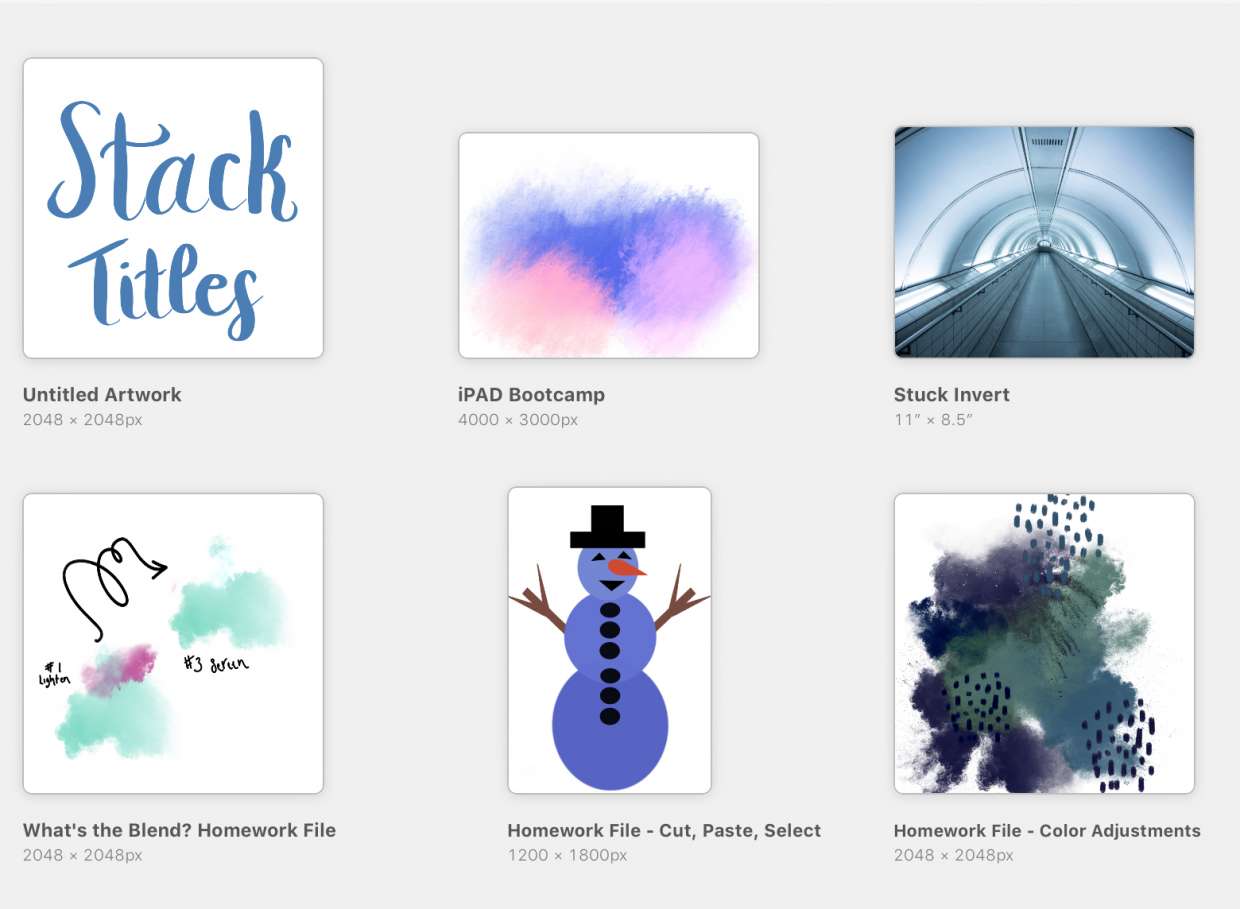
To name art in Procreate, tap the title under the artwork thumbnail in the Gallery, type a new name, and press Return. Alternatively, open the piece, go to Actions →...

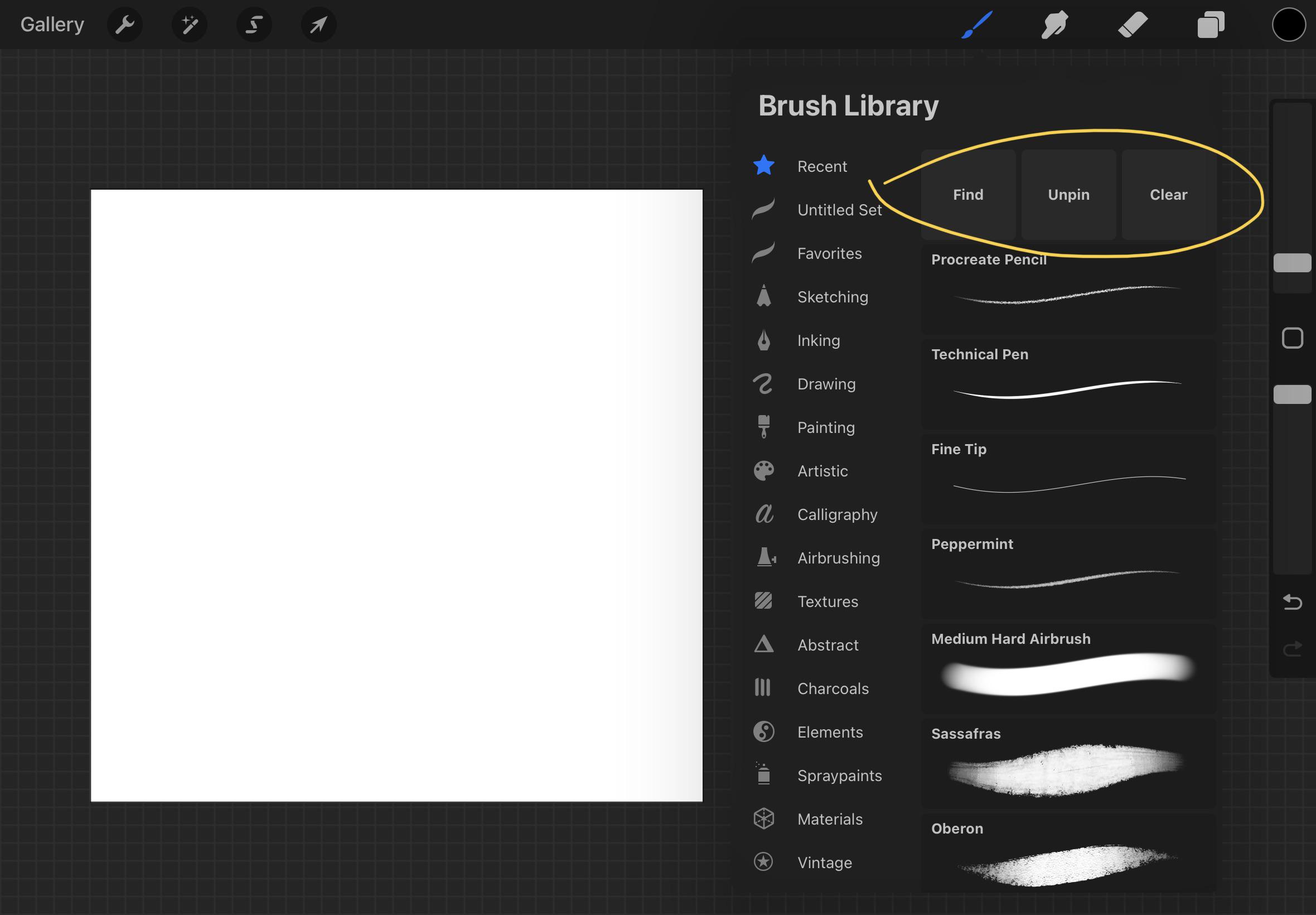
How To Rename A Brush In Procreate

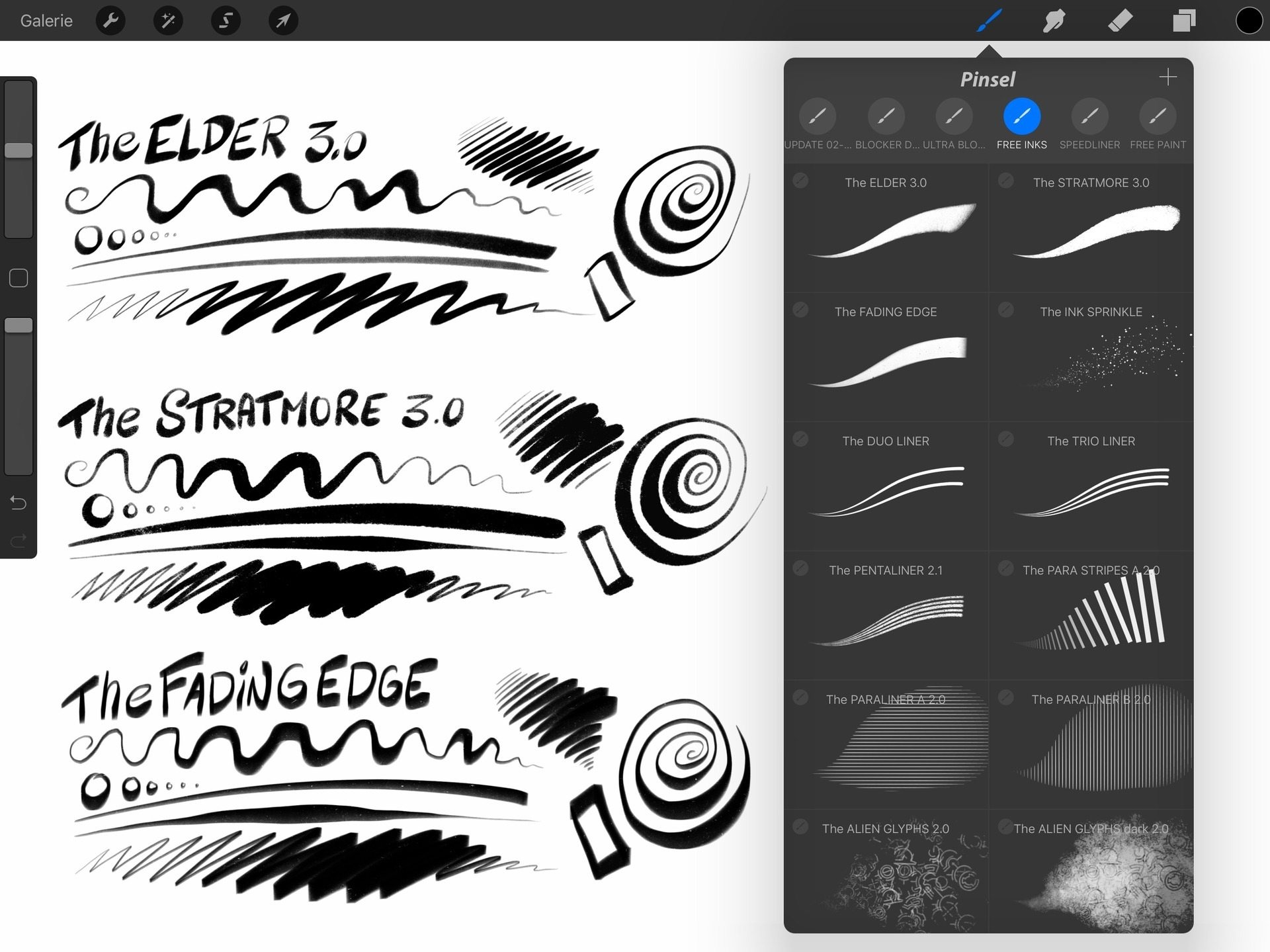
To rename a brush in Procreate, tap and hold the brush in the Brush Library, select Rename from the menu, type the new name, and tap Done. This is the...

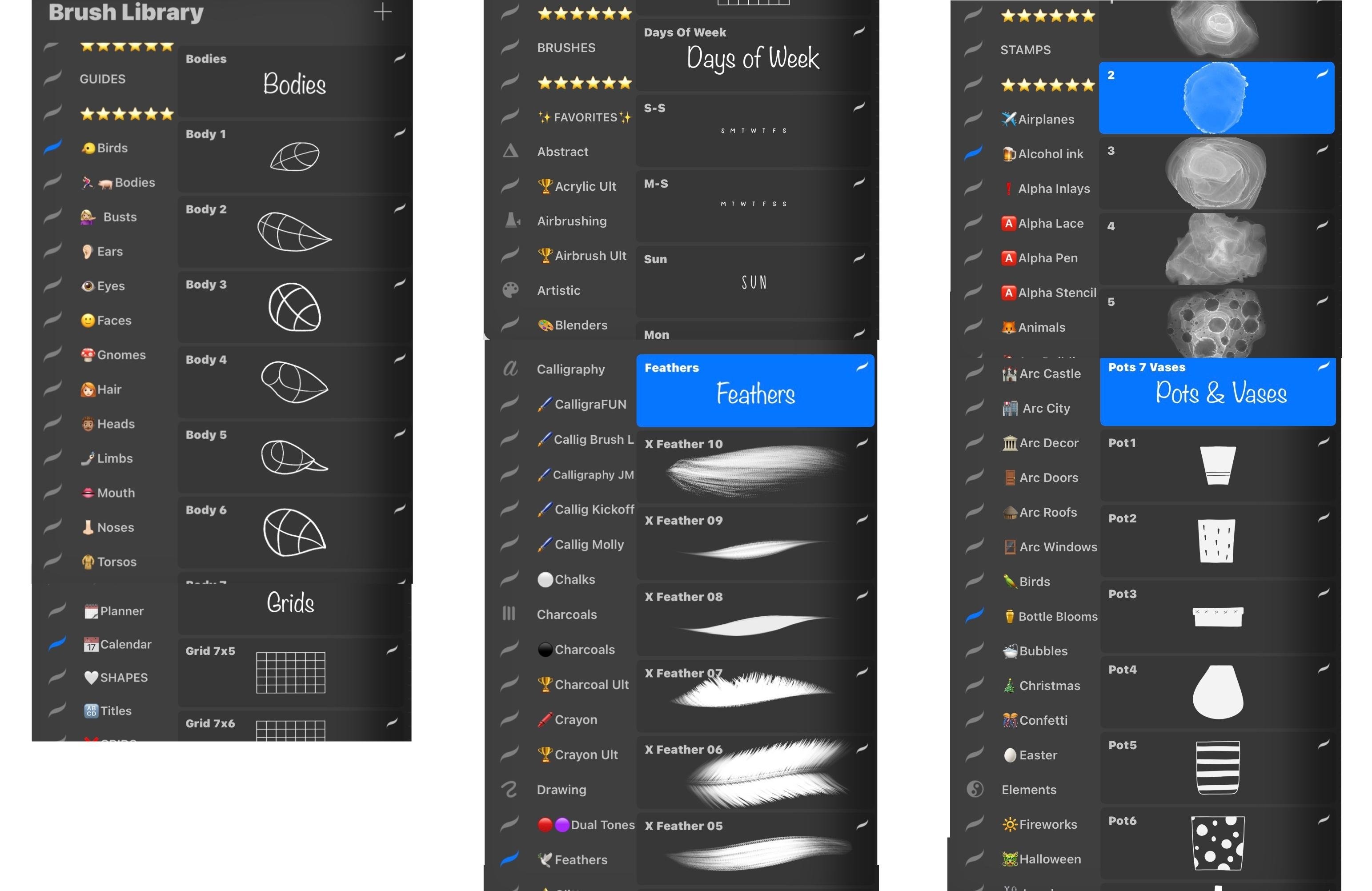
How To Organize Brushes In Procreate

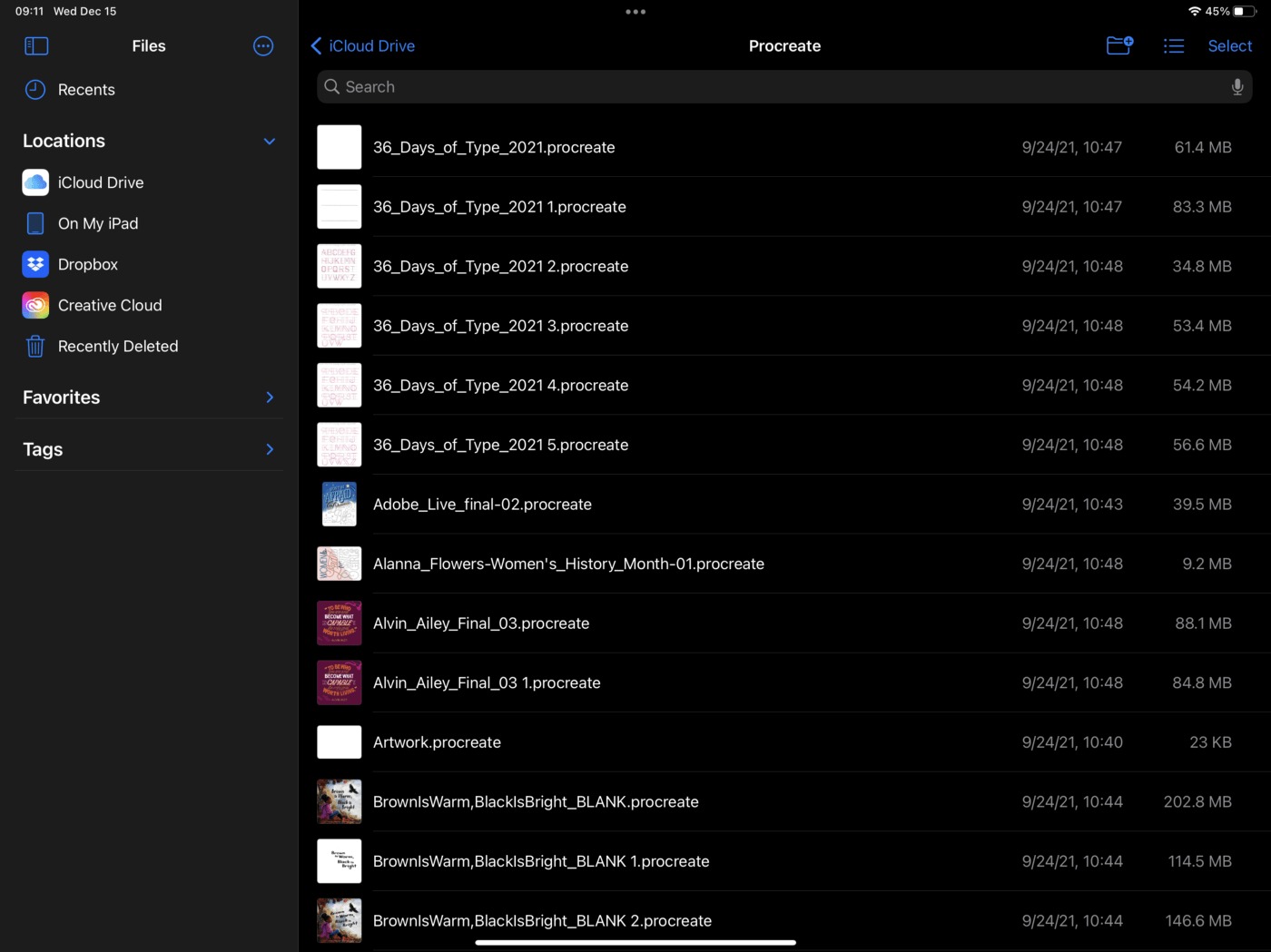
To organize brushes in Procreate on iPad, use the official drag-and-drop method inside the Brush Library or create custom brush sets by managing folders in the Files app. These are...

How To Restore Procreate Drawings

To restore Procreate drawings, you must have a pre-existing backup, because Procreate has no built-in recovery folder or undo option for deleted artwork. The only reliable way to restore Procreate...

How To Undo Stack In Procreate

To undo in Procreate, tap the canvas with two fingers. This reverses your last drawing action, not a Gallery stack, Procreate does not have a separate "undo stack" feature. What...

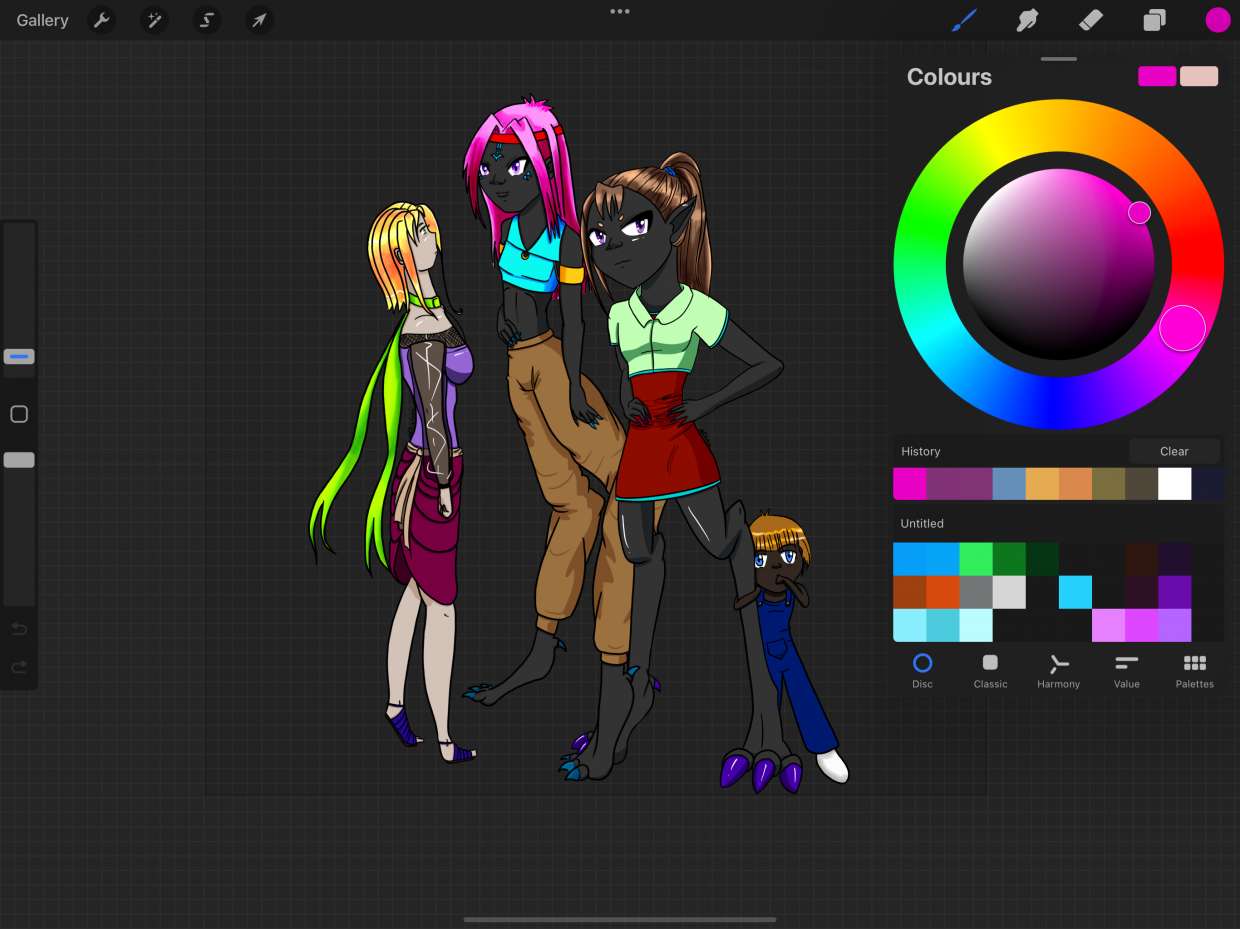
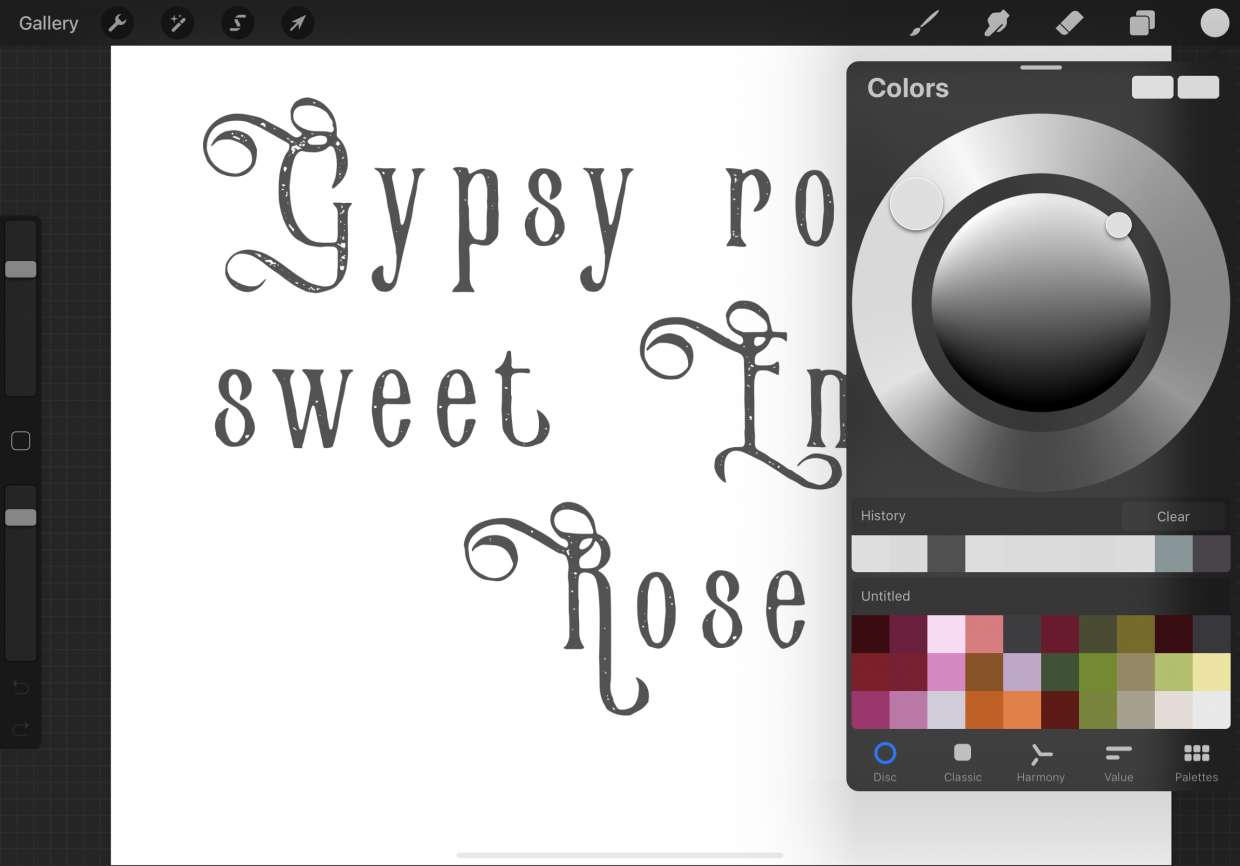
Why Is My Procreate Color Wheel Dull

Your Procreate color wheel looks dull because the canvas is using a CMYK color profile instead of an RGB profile. CMYK is designed for print and produces muted, less vibrant...

How To Duplicate Brush In Procreate

The fastest built-in way to duplicate a brush in Procreate is to swipe left on the brush in the Brush Library and tap Duplicate. You can also tap and hold...

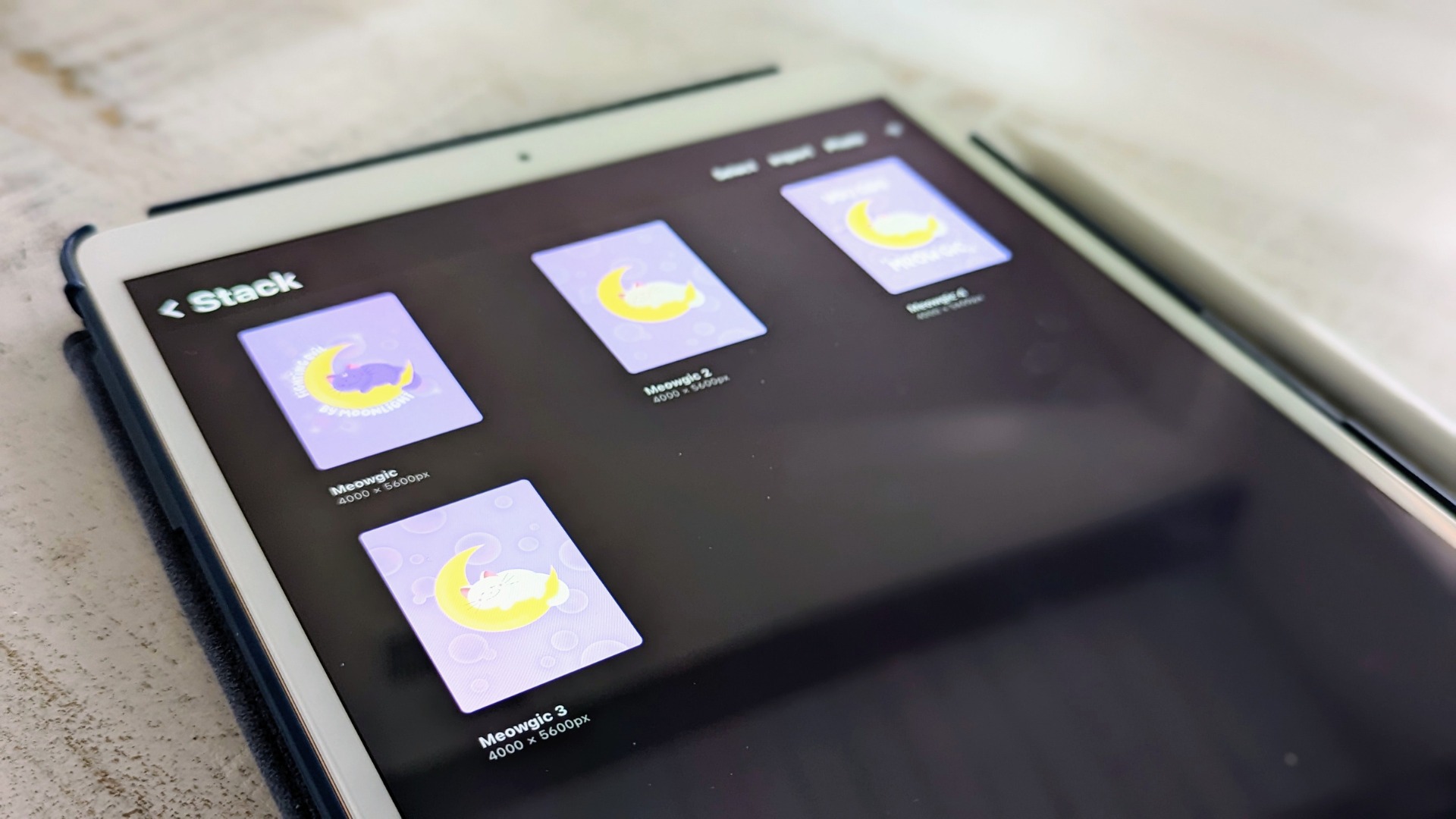
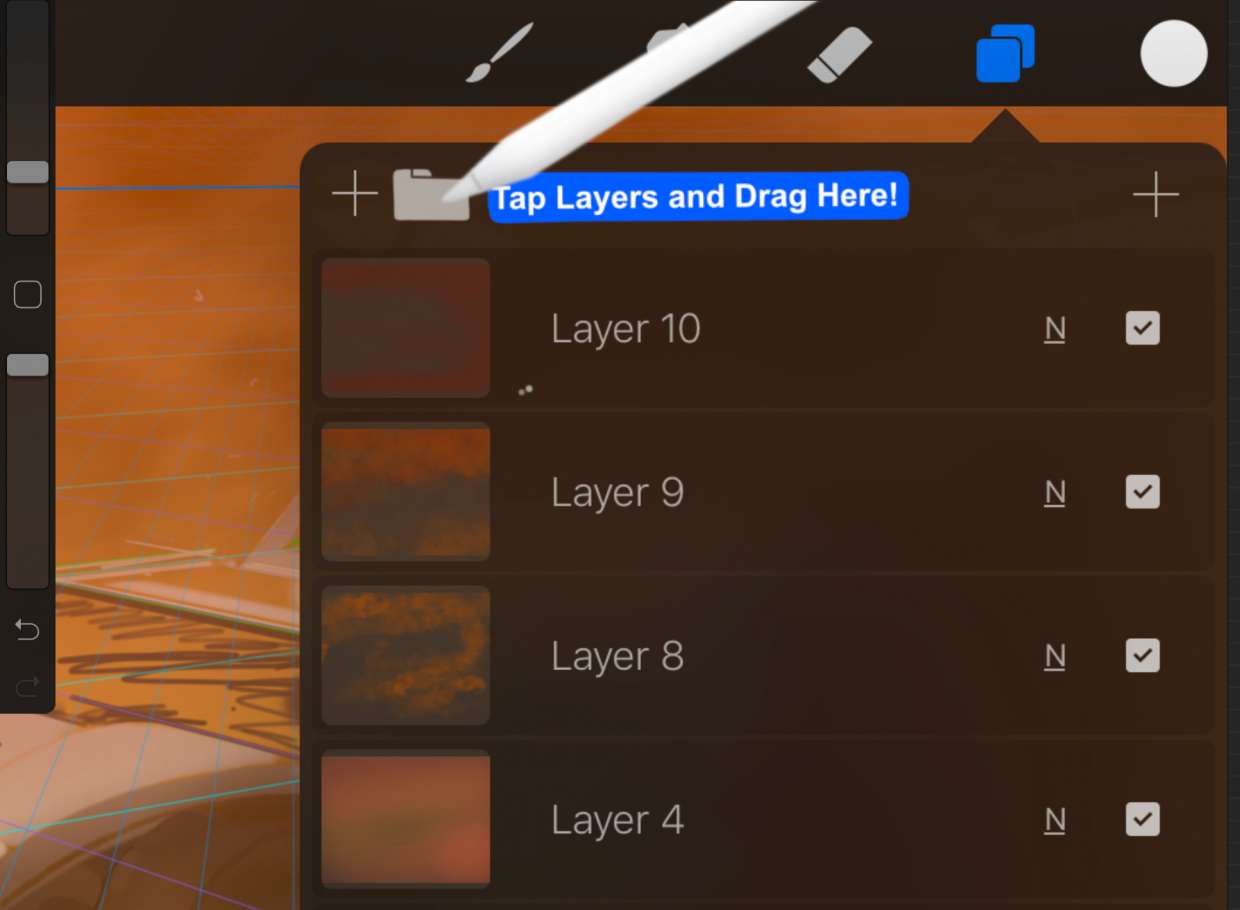
How To Make Folder In Procreate

To make a folder in Procreate, you create a Stack, which is Procreate's term for a folder that groups artwork thumbnails in the Gallery view. Unlike folders inside a canvas,...

How To Turn Off Color On Procreate

To turn off color on Procreate, use the Hue, Saturation, Brightness adjustment and move the Saturation slider to 0%. This removes all color from your artwork, creating a clean grayscale...

How To Render On Procreate

To render on Procreate, you control how glazed or blended your brushstrokes appear by using the Rendering setting inside Brush Studio, and you build up depth and shading by adjusting...

How To Alpha Lock In Procreate

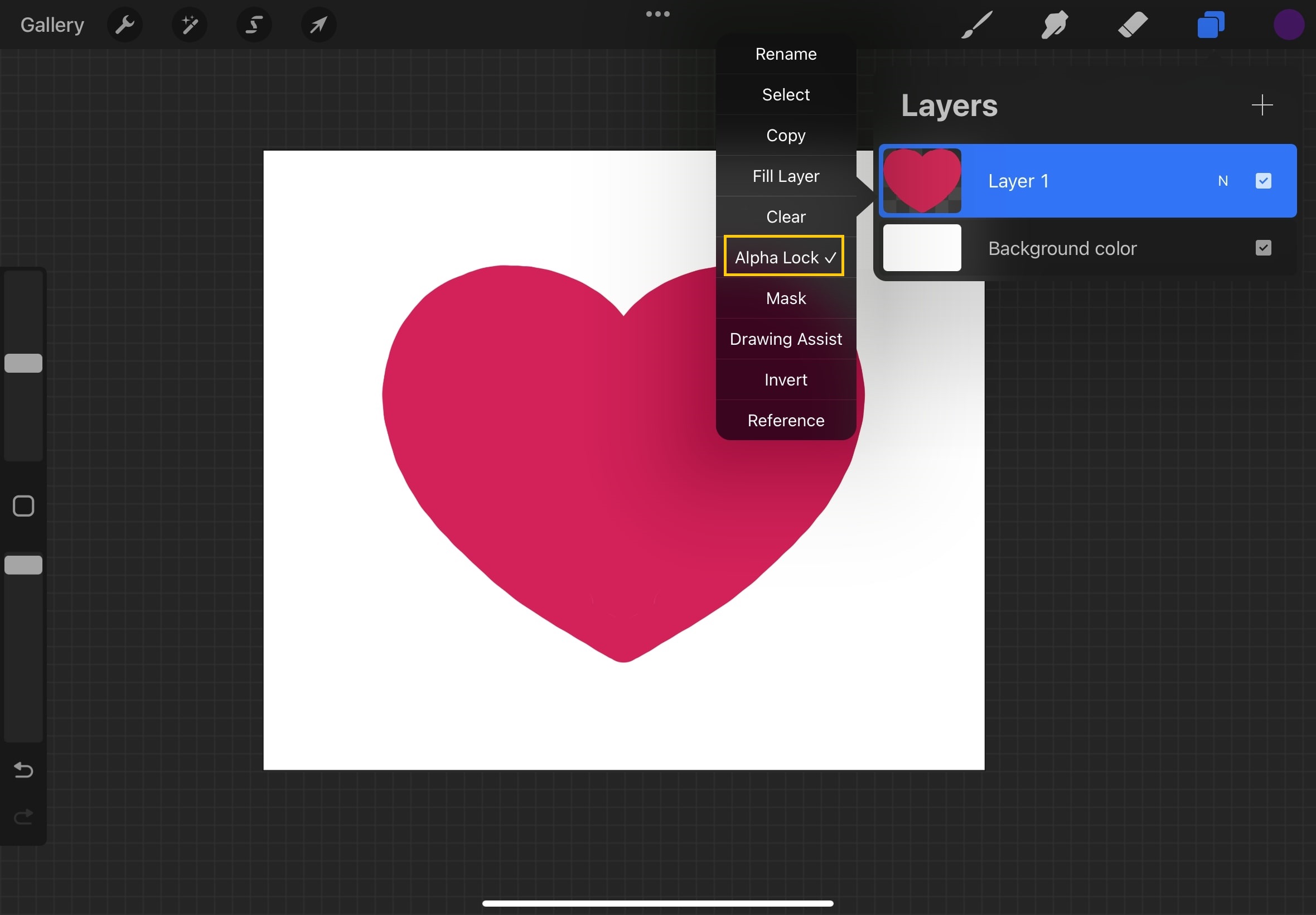
To alpha lock in Procreate, activate the feature on a layer so you can only paint or edit within the existing opaque pixels, leaving transparent areas untouched. This lets you...

How To Change Line Color In Procreate

To change line color in Procreate for lines you have already drawn, use Alpha Lock, the Recolor tool, the Selection tool with Color Fill, or an Adjustment layer. These four...