The iPhones tag page on CellularNews collects articles specifically for iPhone users, from casual owners to those who like to tinker with their devices. This tag is for anyone who wants to get more out of their phone, whether that means fixing a common glitch, finding a new app, or understanding a key feature.

The articles here solve real-world problems grouped around a few clear themes. One major theme is troubleshooting and network fixes, with guides on resetting network settings, fixing cellular network errors, and using Wi-Fi calling. Another theme is customization and app management, covering how to transfer apps to a new iPhone, schedule text messages, and recover deleted texts and WhatsApp messages. A third theme focuses on entertainment and productivity, including lists of the best Apple Arcade games, free movie apps, and text to speech readers.

These articles help the reader do practical things: fix a phone that won't make calls, learn how to screen record mobile games, recover deleted messages, and choose the best phone case or mobile accessory. They also explain technical topics like what an IPA file is and how to jailbreak an iPhone without a PC, giving clear steps for specific tasks.
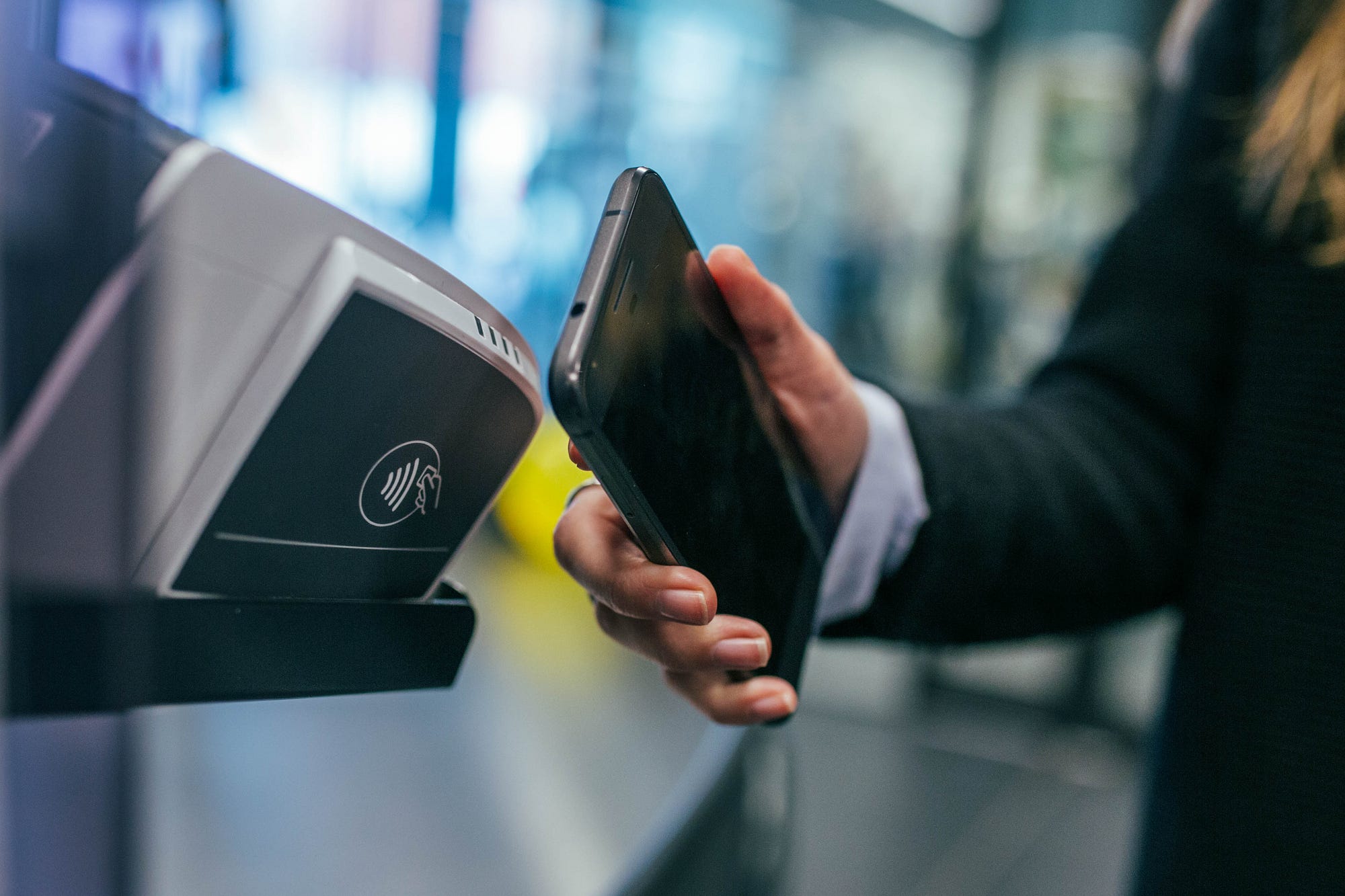
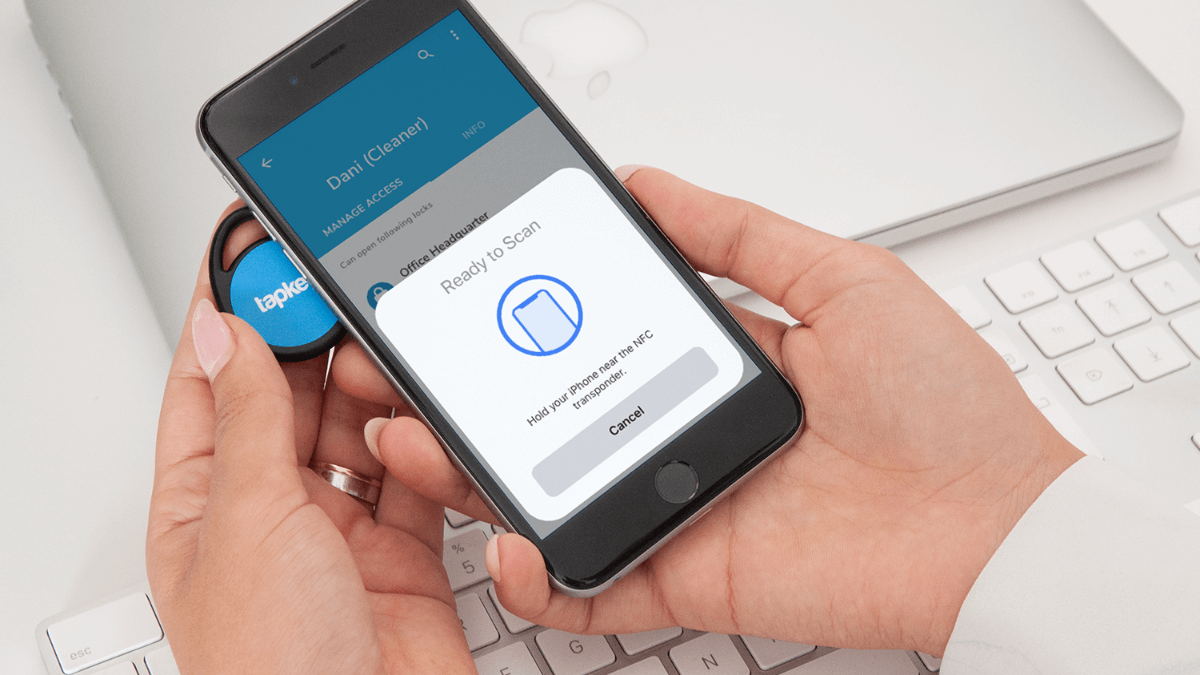
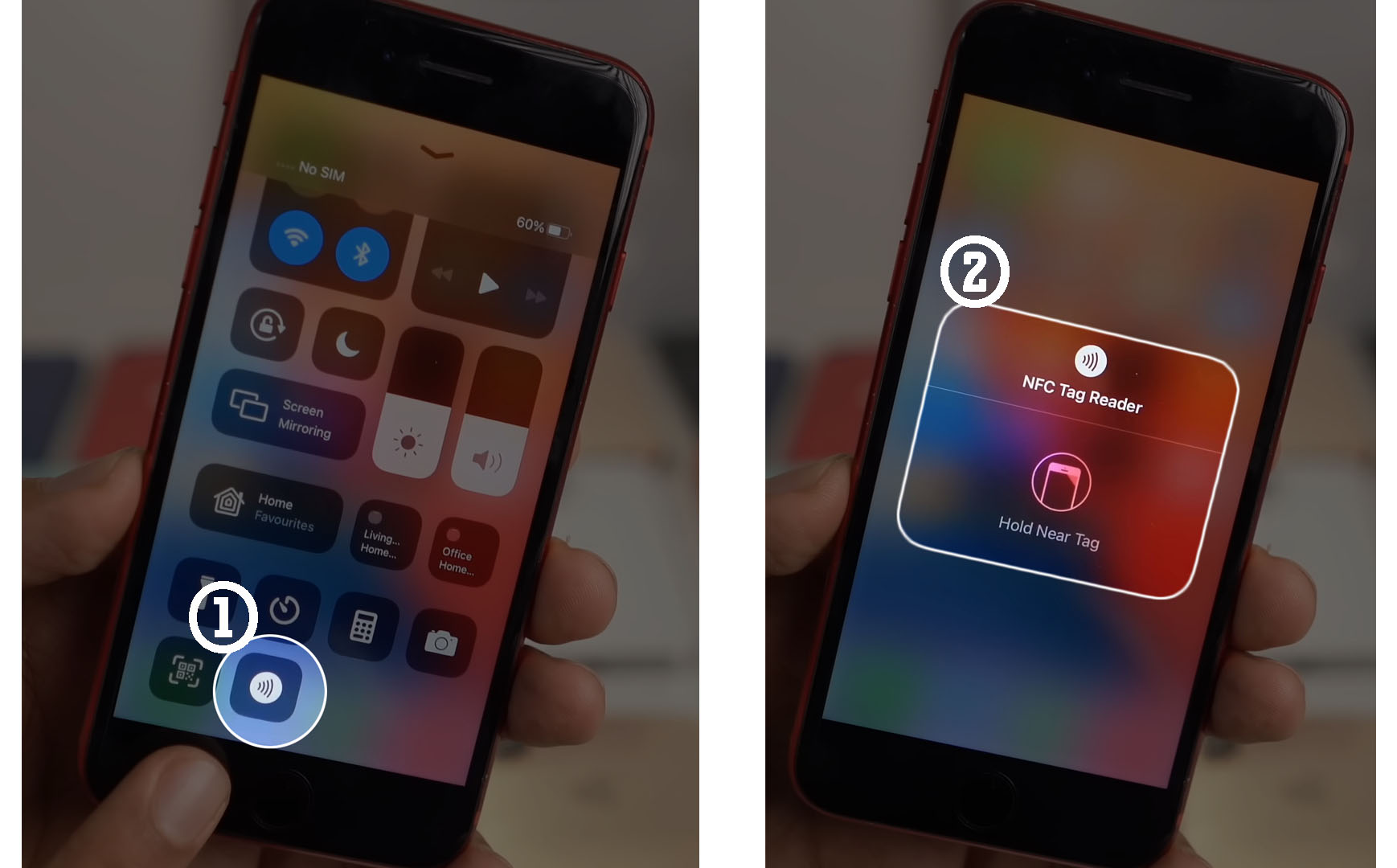
How To Scan NFC Tags

To scan an NFC tag, bring your unlocked phone close to the tag with the screen on. The method for how to scan NFC tags differs between iPhone and Android,...

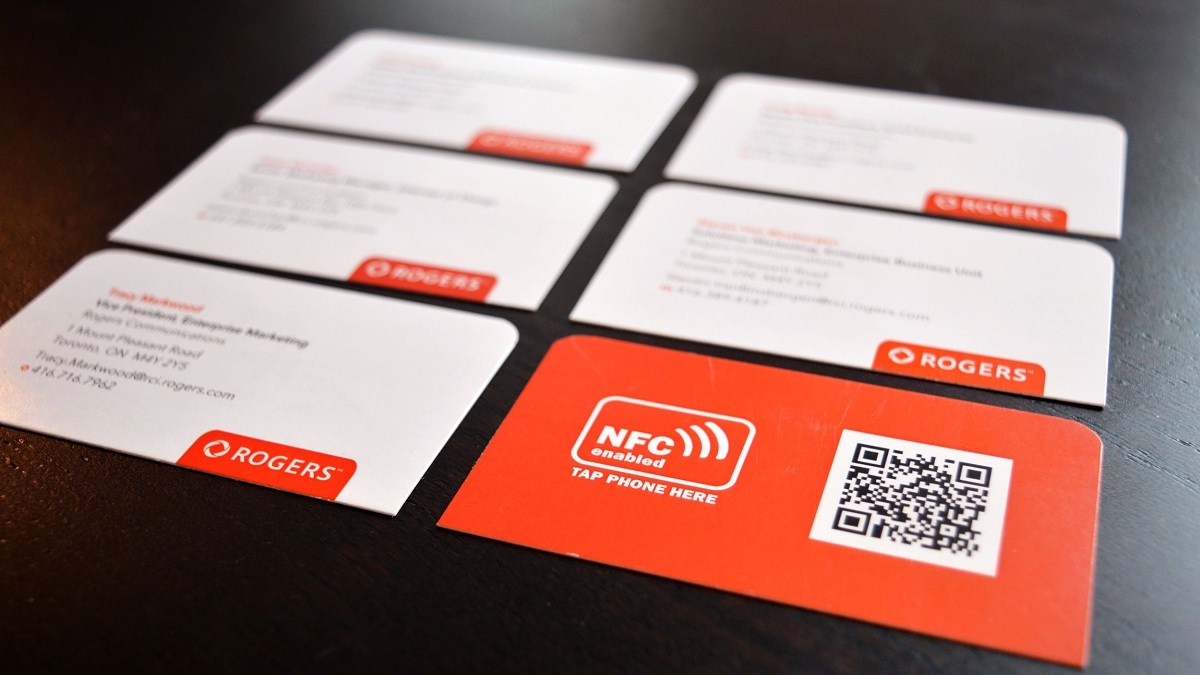
What Is An NFC Card?

An NFC card is a contactless smart card or tag that stores data and communicates with a phone over Near Field Communication when the phone is held close to it....

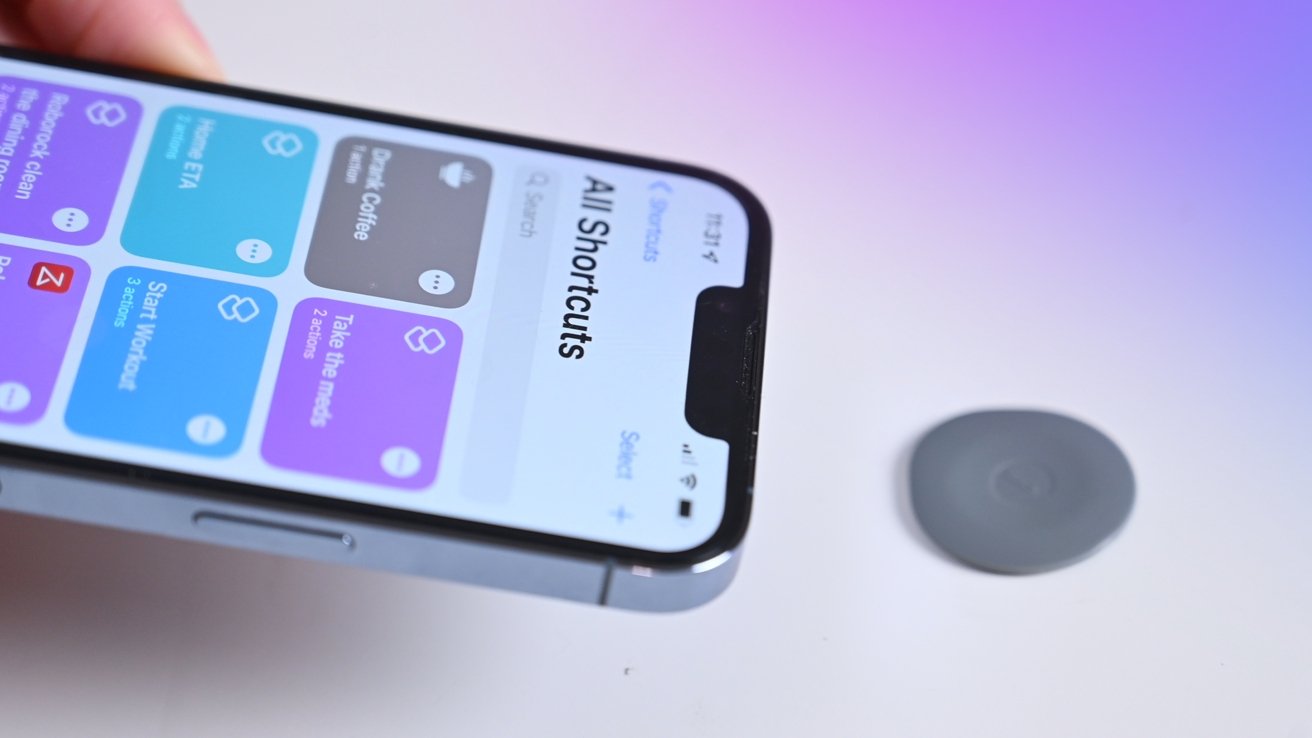
How To Enable NFC On IPhone 13

To enable NFC on your iPhone 13, you don't need to do anything, NFC is already always on. There is no manual toggle or settings switch to turn NFC on...

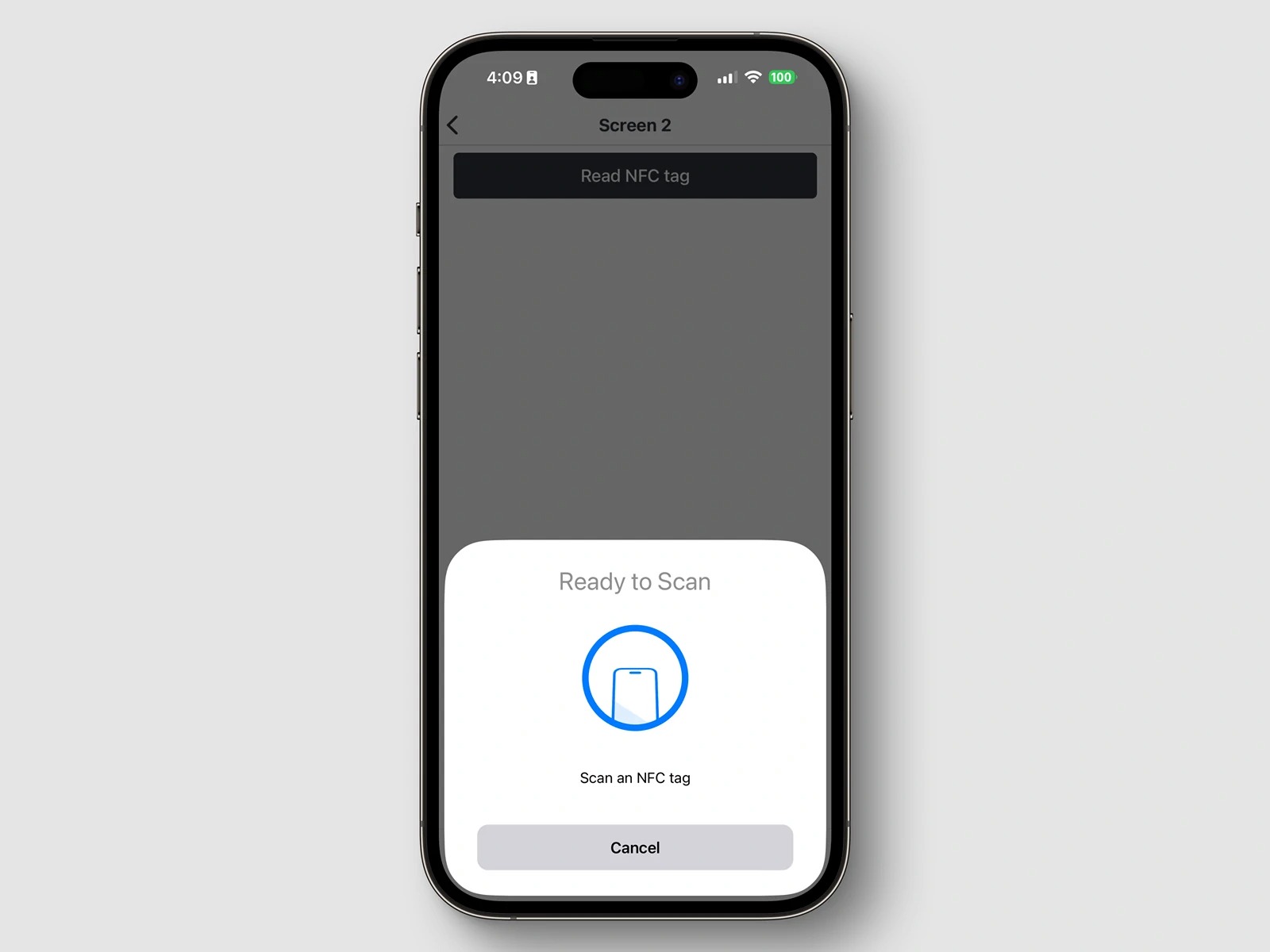
What Is An NFC Tag Reader?

An NFC tag reader is any device, most often a modern smartphone, that uses radio waves to power and read data from a passive NFC tag. When you hold your...

How To Turn Off NFC On IPhone

You cannot turn off NFC on an iPhone because Apple does not provide a system setting to globally disable the feature. If you searched for how to turn off NFC...

What Phones Take A SIM Card

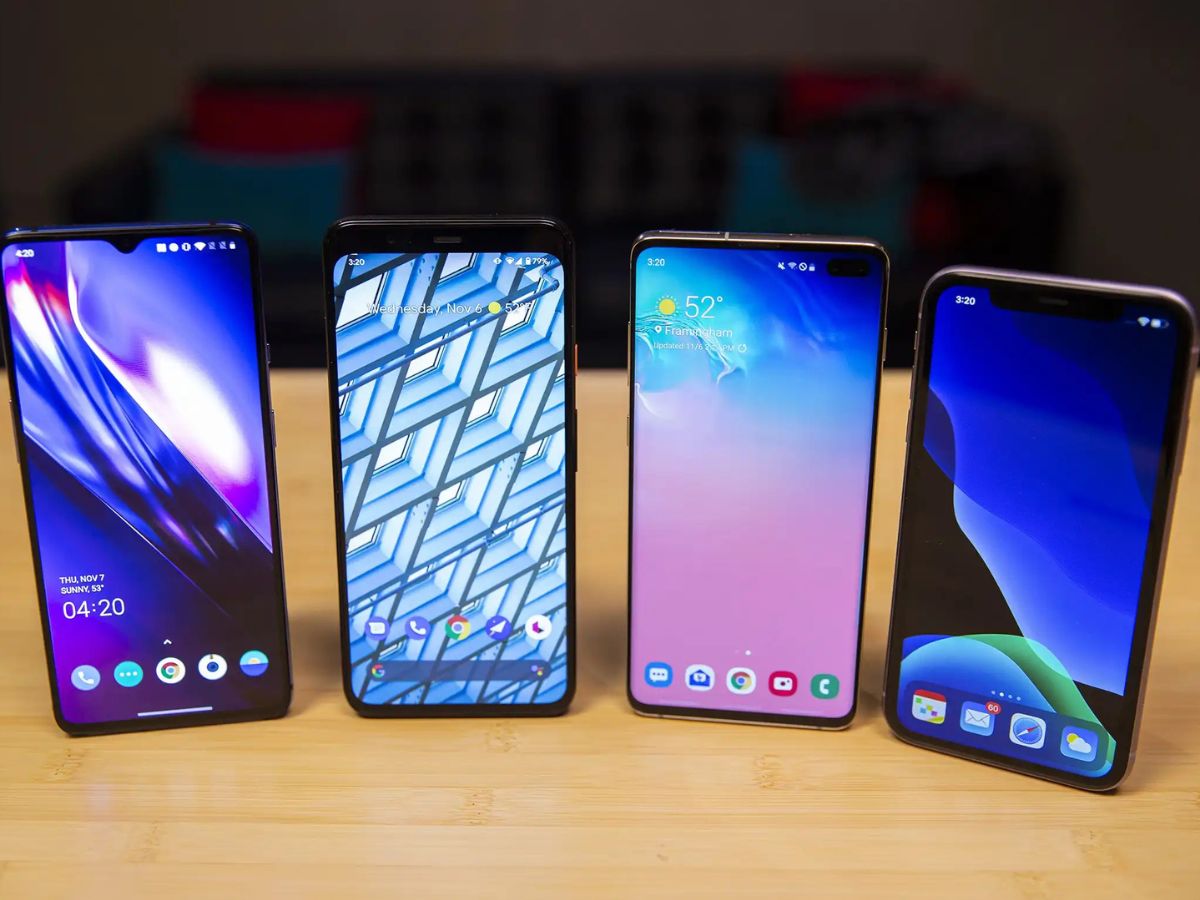
Many iPhones, Google Pixel phones, and Samsung Galaxy phones take a physical SIM card, but support varies by model and region, and some newer models are eSIM-only. Before buying or...

How To Unlock Your AT&T SIM Card

To unlock your AT&T SIM card, you submit an unlock request on AT&T’s official unlock page and then finish the process by inserting a non-AT&T SIM card or entering a...

How Do You Activate New SIM Card

To activate a new SIM card, you must either insert a physical SIM and wait for the carrier to activate it, or follow a carrier-specific process for an eSIM. The...

How To Turn Off A SIM Card

To turn off a SIM card, you can either disable it through your phone’s settings or physically remove it, depending on your device. This temporarily stops calls, texts, and mobile...