The iPhones tag page on CellularNews collects articles specifically for iPhone users, from casual owners to those who like to tinker with their devices. This tag is for anyone who wants to get more out of their phone, whether that means fixing a common glitch, finding a new app, or understanding a key feature.

The articles here solve real-world problems grouped around a few clear themes. One major theme is troubleshooting and network fixes, with guides on resetting network settings, fixing cellular network errors, and using Wi-Fi calling. Another theme is customization and app management, covering how to transfer apps to a new iPhone, schedule text messages, and recover deleted texts and WhatsApp messages. A third theme focuses on entertainment and productivity, including lists of the best Apple Arcade games, free movie apps, and text to speech readers.

These articles help the reader do practical things: fix a phone that won't make calls, learn how to screen record mobile games, recover deleted messages, and choose the best phone case or mobile accessory. They also explain technical topics like what an IPA file is and how to jailbreak an iPhone without a PC, giving clear steps for specific tasks.
How To Watch Euphoria For Free On IPhone

You cannot watch Euphoria on iPhone for free through any method documented by official sources. The only documented way to watch Euphoria on iPhone is through a paid HBO Max...

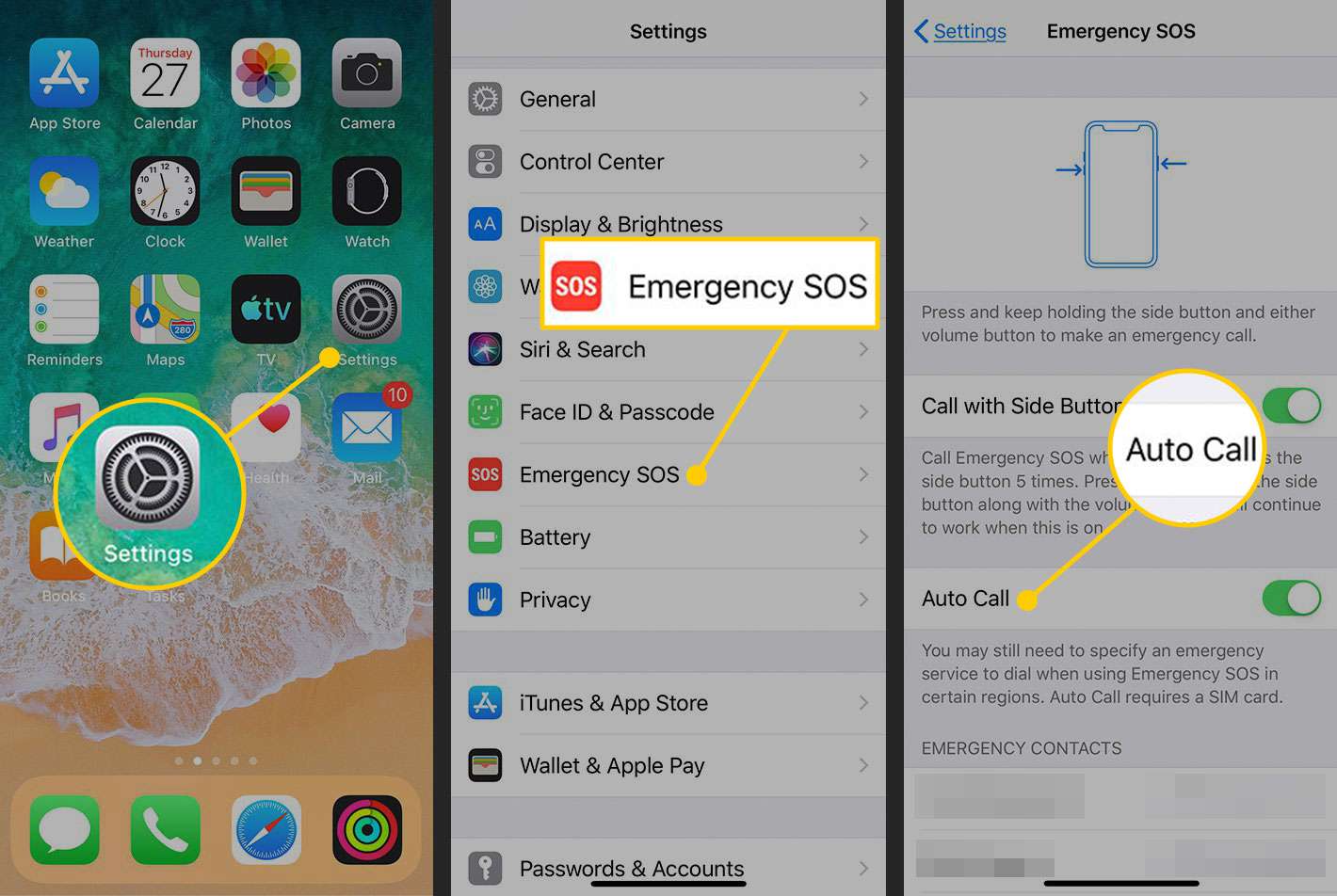
How To Remove SOS Mode On IPhone

To remove SOS mode on an iPhone, you first need to understand that "SOS mode" can mean two different things: the "SOS" or "SOS only" in the status bar, which...

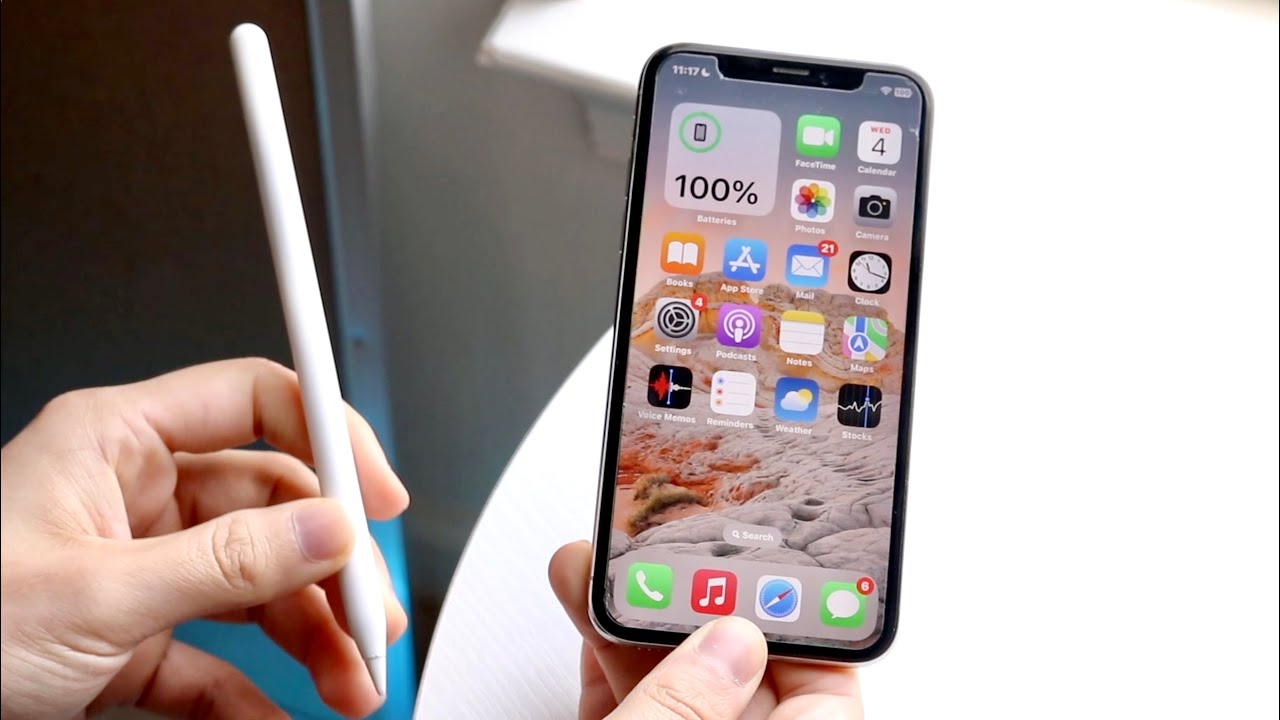
How To Connect Apple Pen To IPhone

You cannot connect Apple Pencil to iPhone. Apple's official support page lists Apple Pencil compatibility only with specific iPad models, and no iPhone model is documented as supported. Can you...

How To Turn Off Talk To Text On IPhone

To turn off dictation on iPhone, open Settings > General > Keyboard and switch off Enable Dictation. This is the official, Apple-documented control for the feature Apple calls Dictation, which...

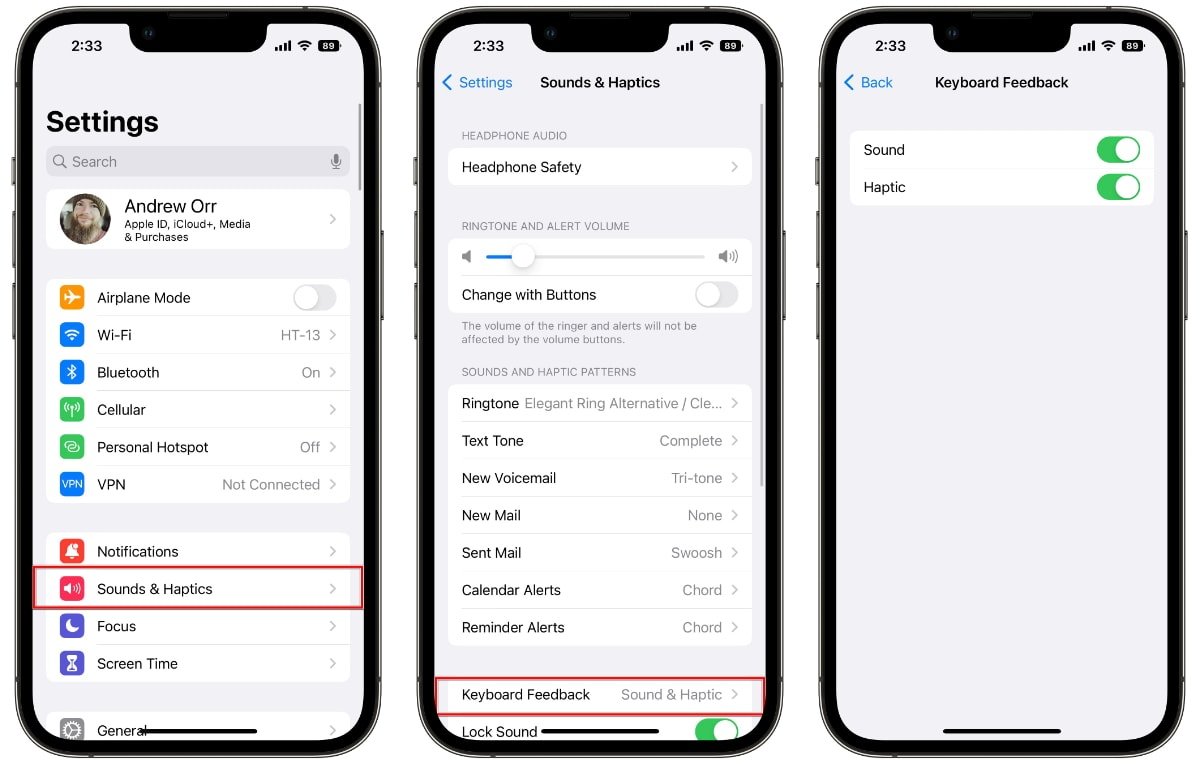
How To Turn Vibrate On IPhone Ios 16

To turn vibrate on iPhone iOS 16, open Settings and tap Sounds & Haptics. Then enable the toggles for Play Haptics in Ring Mode and Play Haptics in Silent Mode...

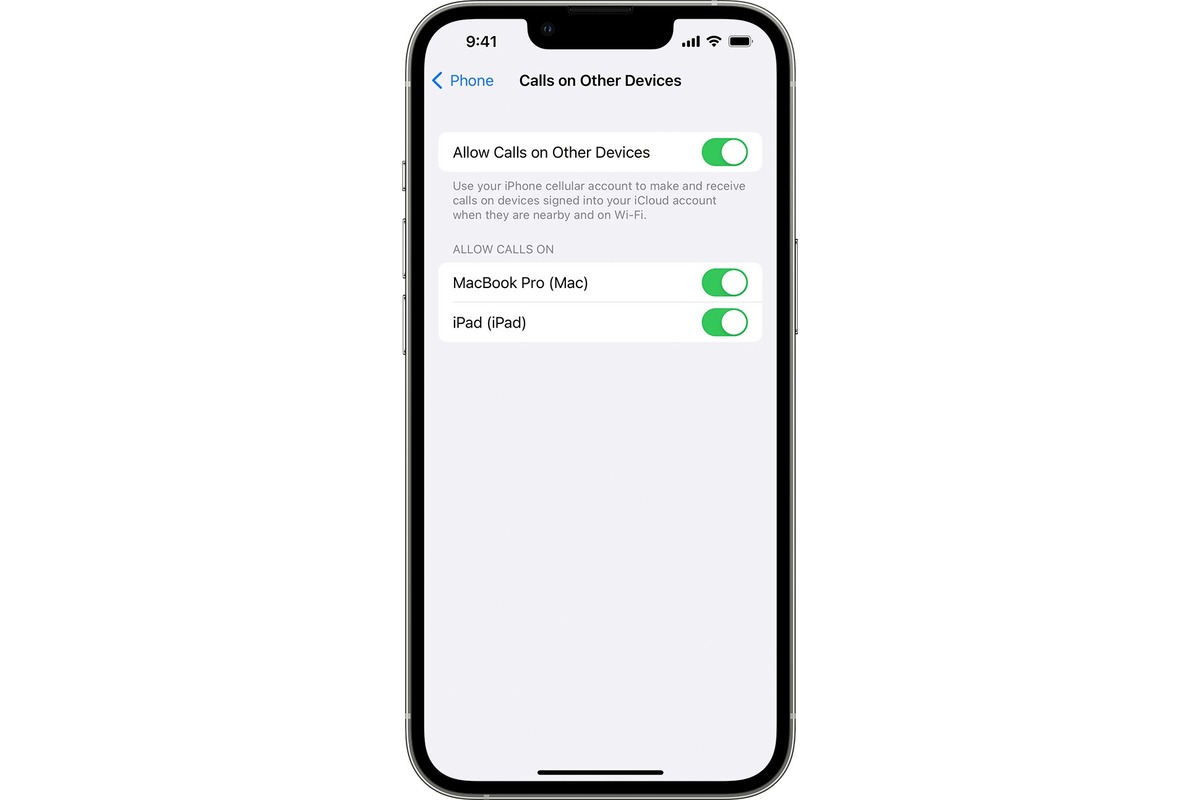
How To Allow All Calls On IPhone

To allow all calls on iPhone, you need to turn off Silence Unknown Callers in both the Phone and FaceTime settings, and disable Do Not Disturb mode. This ensures that...

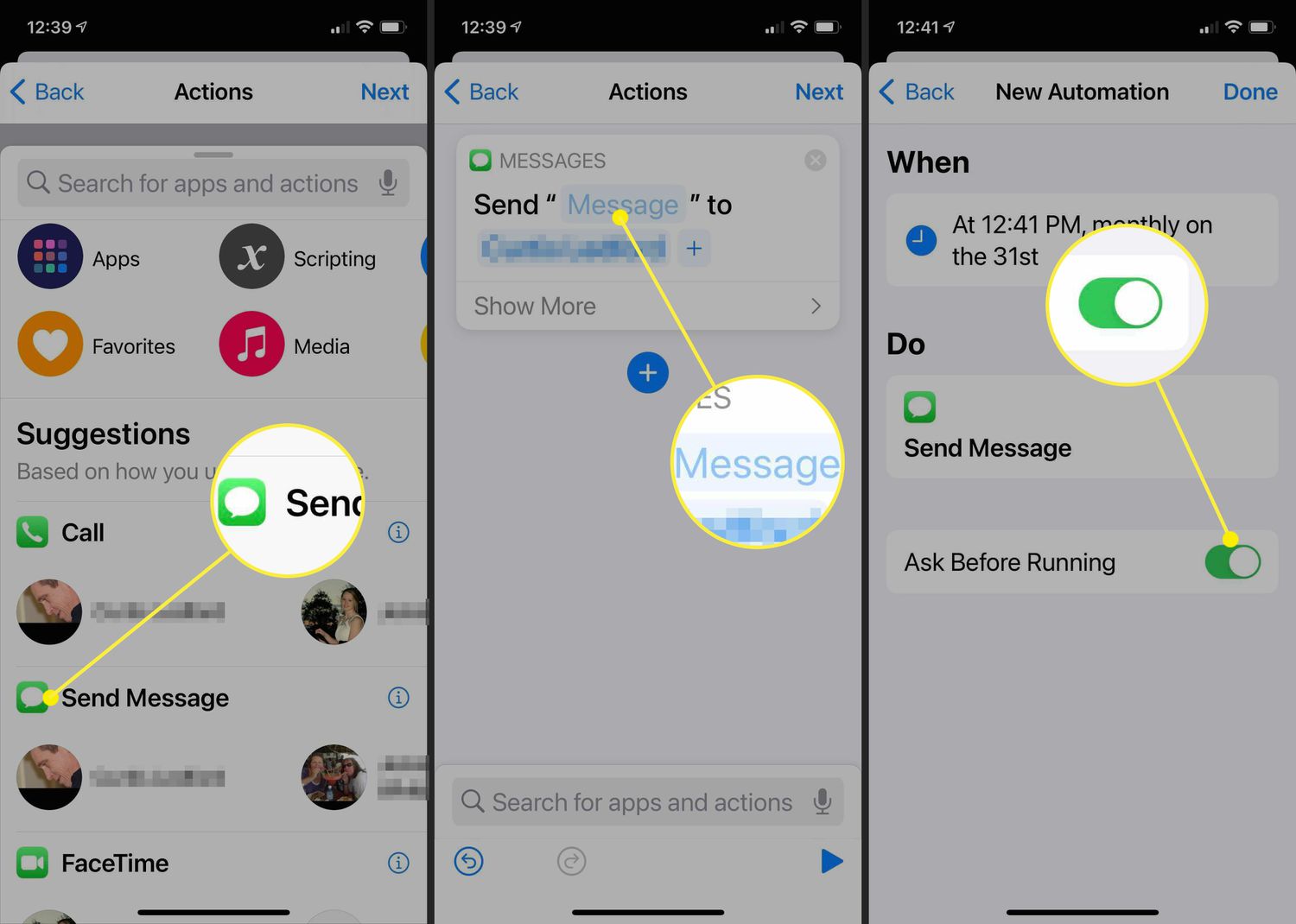
How To Send Timed Messages On IPhone

You can schedule text messages on your iPhone to send automatically at a future date and time using the built-in Send Later feature in iOS 18. This allows you to...

How To Send A Ping On IPhone

To ping an iPhone, use the Find My app on another Apple device or iCloud.com to play a sound that helps you locate a lost or nearby device. This ping...

How To Rename Apps On IPhone

To rename apps on iPhone, you must use the Shortcuts app because iOS does not allow directly renaming original app icons. The only way to change an app's label is...

How To Make Vibrate Stronger On IPhone

To make vibrate stronger on iPhone, you need to know that Apple does not provide a slider to increase vibration intensity. Instead, the only documented way to make your iPhone...

How To Adjust Bass On IPhone

To adjust bass on iPhone, use the built-in Equalizer (EQ) in the Settings app. This is the primary and most direct method to increase or decrease bass for all audio...