The iPhones tag page on CellularNews collects articles specifically for iPhone users, from casual owners to those who like to tinker with their devices. This tag is for anyone who wants to get more out of their phone, whether that means fixing a common glitch, finding a new app, or understanding a key feature.

The articles here solve real-world problems grouped around a few clear themes. One major theme is troubleshooting and network fixes, with guides on resetting network settings, fixing cellular network errors, and using Wi-Fi calling. Another theme is customization and app management, covering how to transfer apps to a new iPhone, schedule text messages, and recover deleted texts and WhatsApp messages. A third theme focuses on entertainment and productivity, including lists of the best Apple Arcade games, free movie apps, and text to speech readers.

These articles help the reader do practical things: fix a phone that won't make calls, learn how to screen record mobile games, recover deleted messages, and choose the best phone case or mobile accessory. They also explain technical topics like what an IPA file is and how to jailbreak an iPhone without a PC, giving clear steps for specific tasks.
How To Refresh Your IPhone

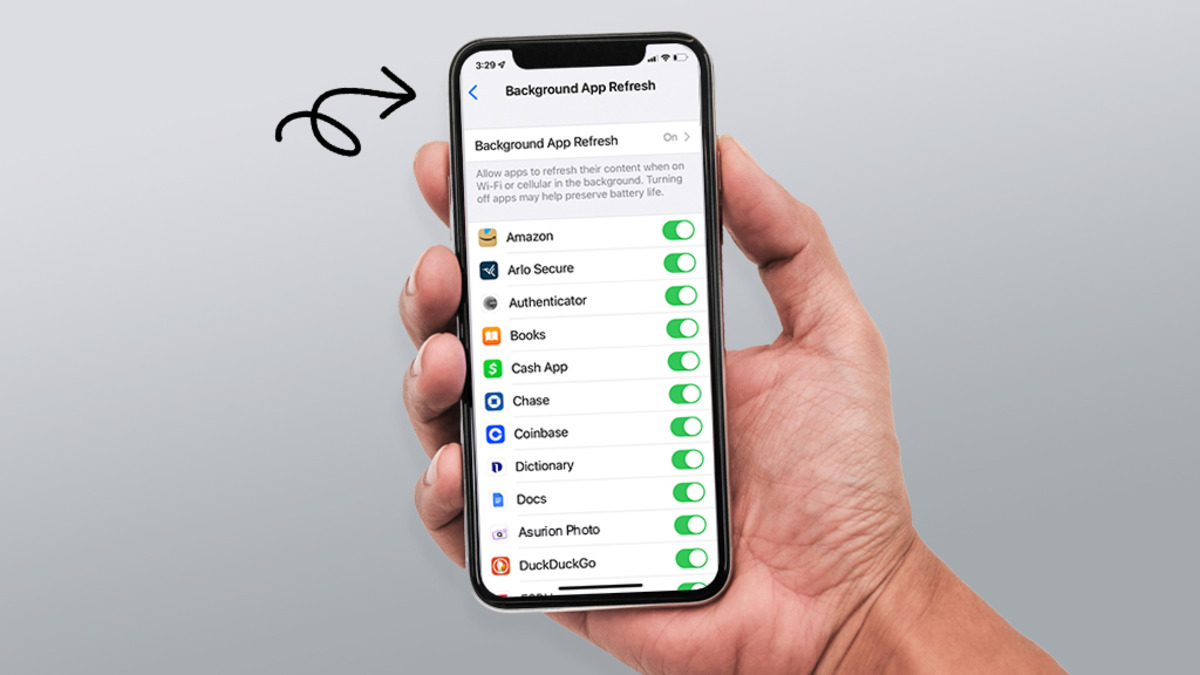
Refreshing your iPhone means clearing the clutter and resetting settings to fix slowdowns and glitches without deleting your personal data, not hunting for a hidden RAM-clearing button that doesn't exist....

How To Track Dead IPhone

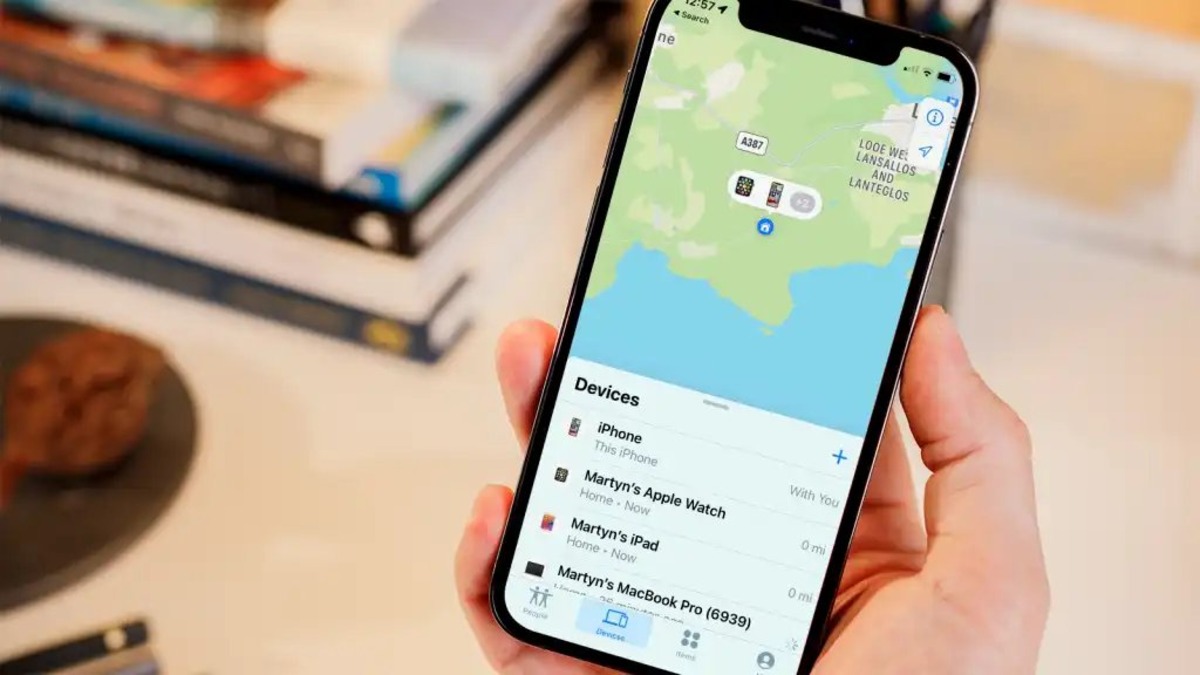
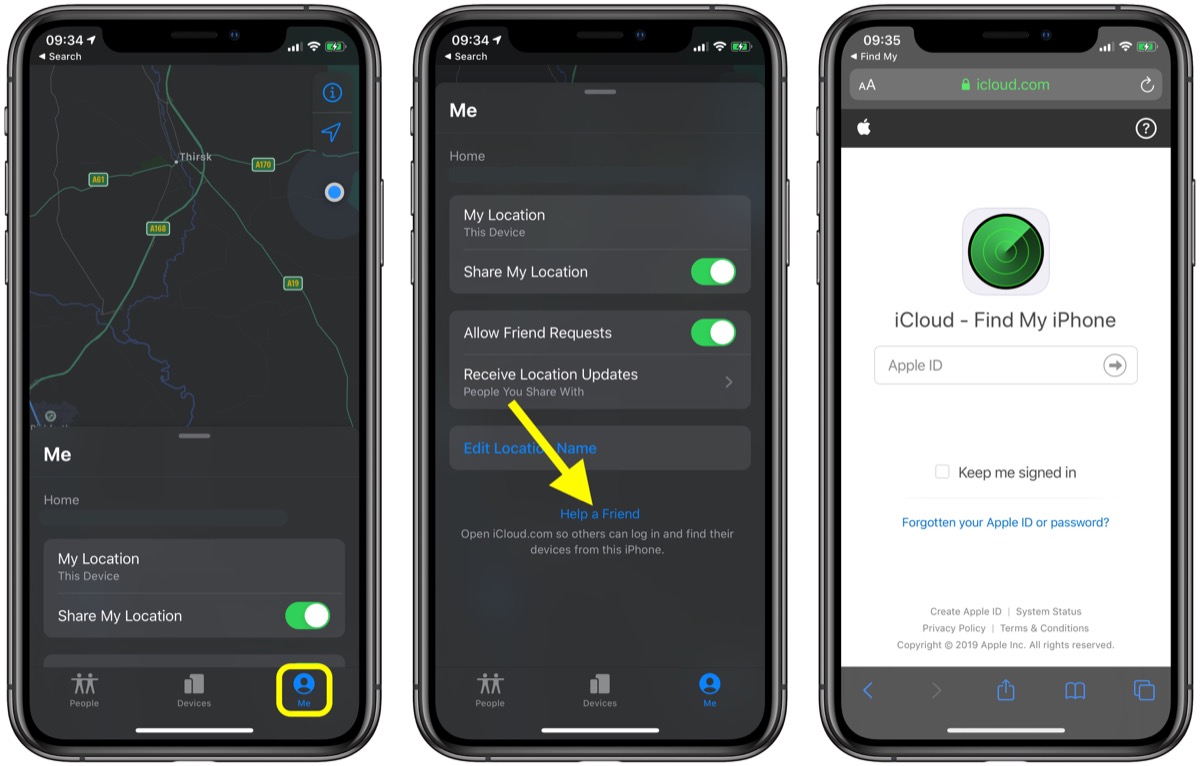
You can track a dead iPhone only if Find My was enabled before the battery died, with both the Find My network and Send Last Location switches turned on. Without...

How To Turn Off Microphone On IPhone 13

To turn off the microphone on iPhone 13, you must disable access per app in Settings, because there is no system-wide microphone kill switch. The only way to turn off...

How To Enlarge Icons On IPhone

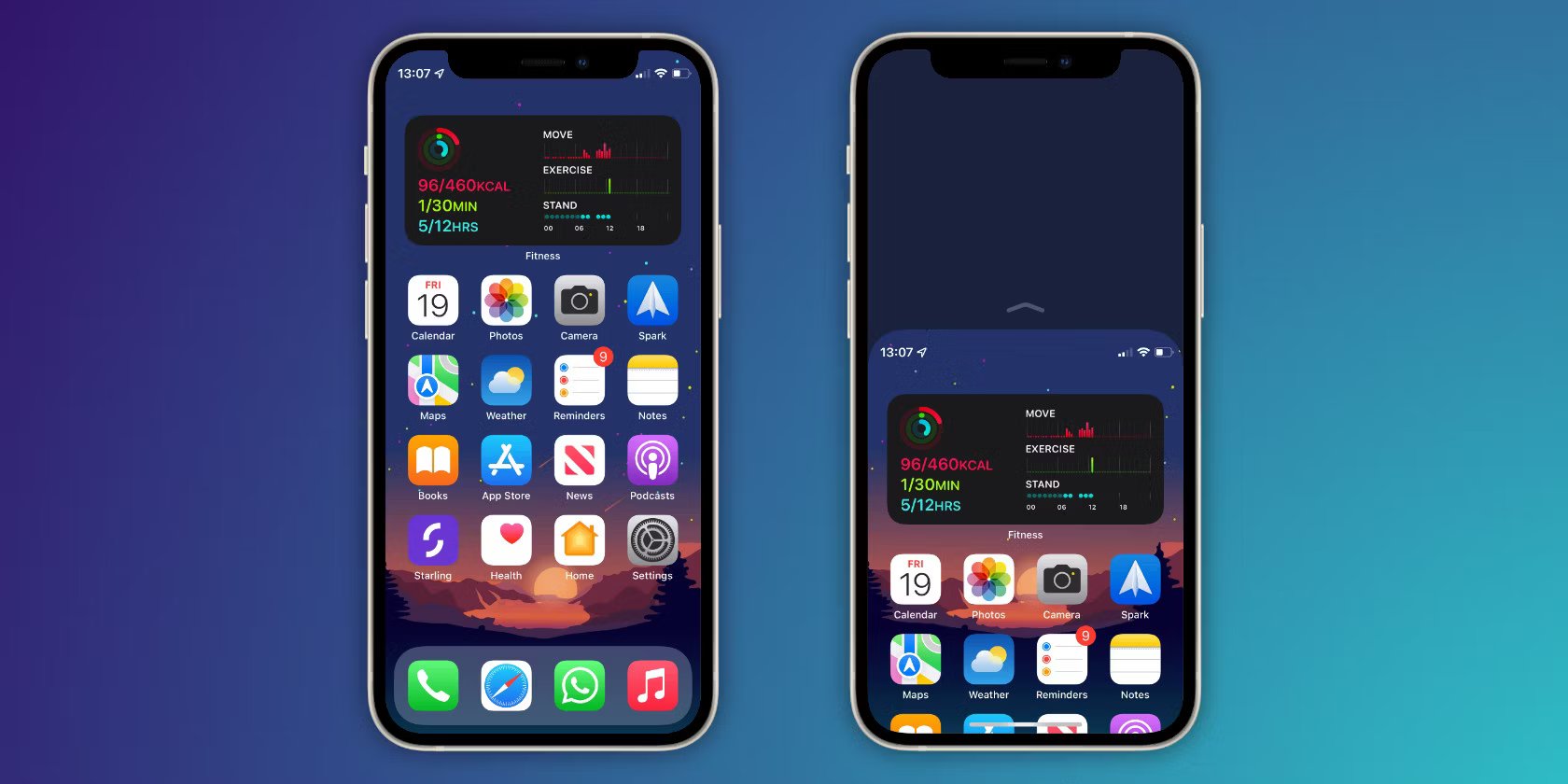
To enlarge icons on iPhone, use the built-in Large App Icon option for a direct Home Screen change. This is the newest and most straightforward method to make app icons...

How To Reduce Screen Size On IPhone 13

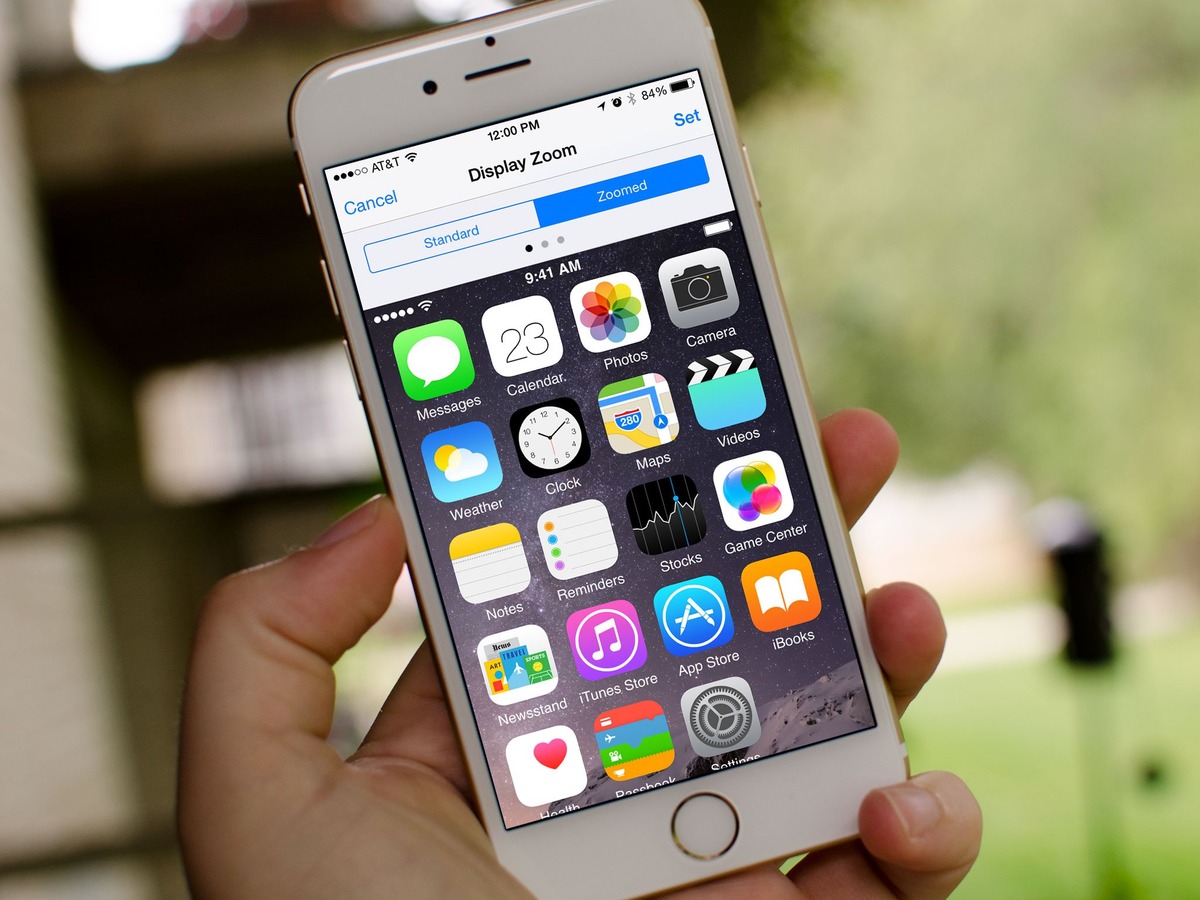
To reduce screen size on iPhone 13, you cannot physically shrink the display, but you can use three built-in features, Reachability, Display Zoom, and Zoom, to make the screen easier...

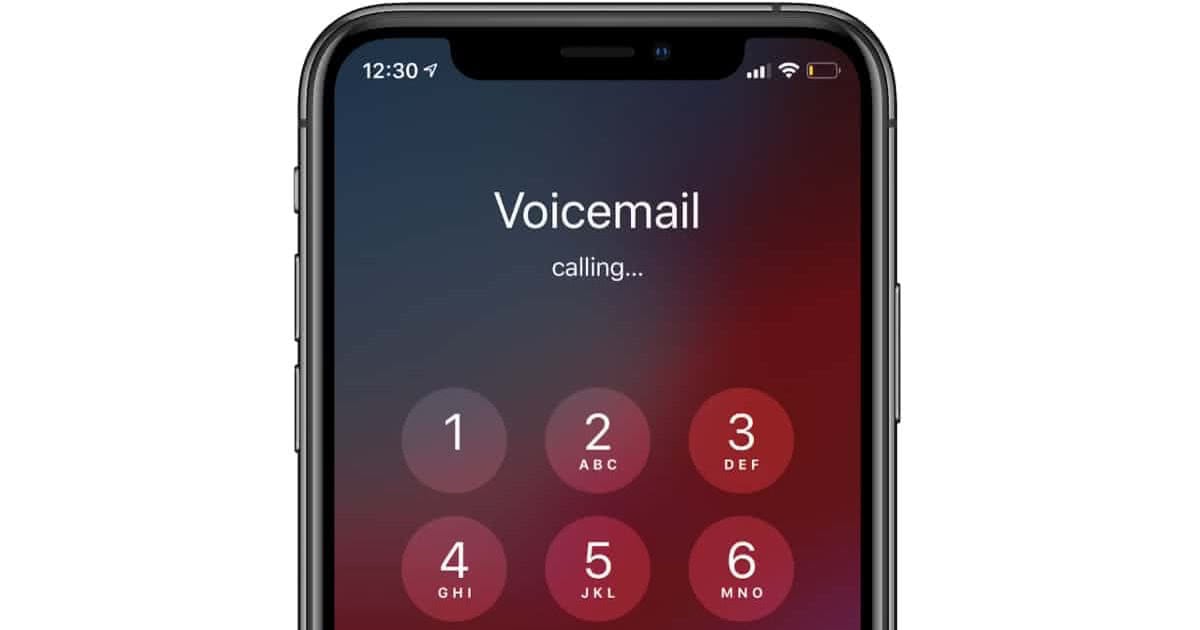
How To Cancel Voicemail On IPhone

To cancel voicemail on iPhone, you must contact your carrier or use a carrier-specific deactivation code, because no iPhone setting alone can remove carrier voicemail. This is the only way...

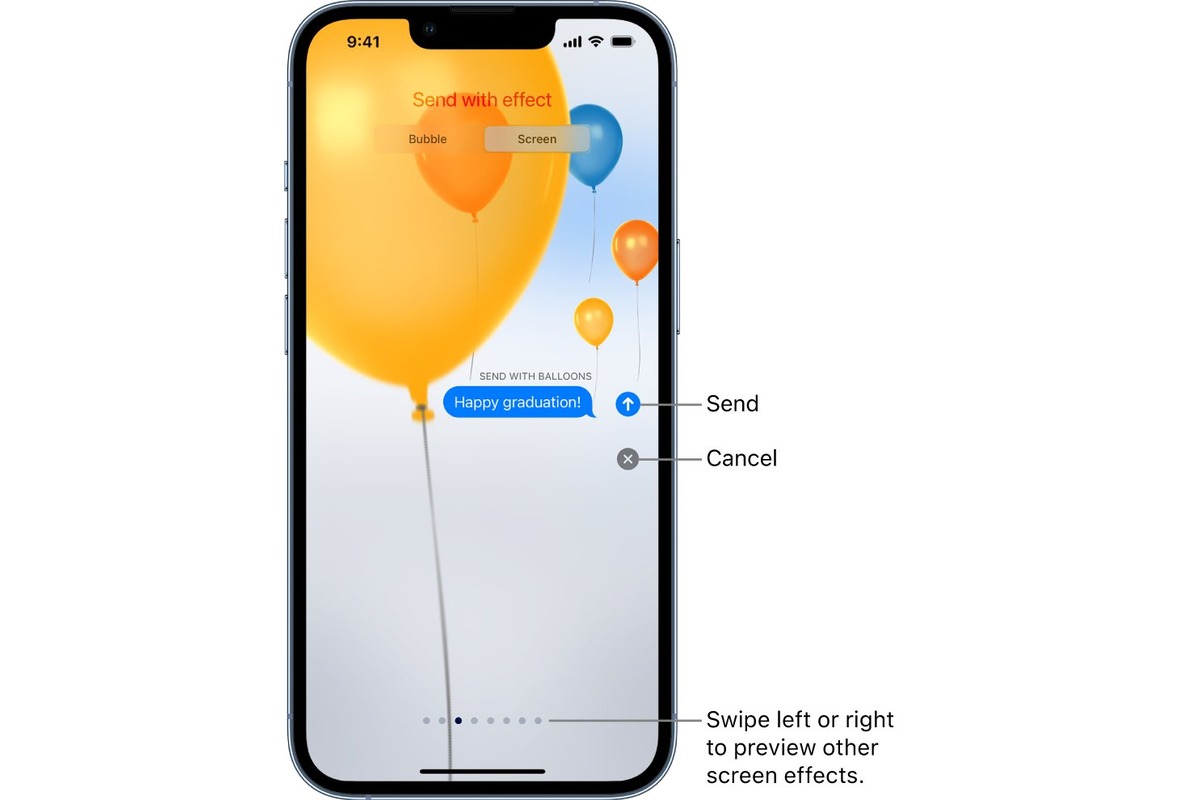
How To Send Birthday Balloons On IPhone

To send birthday balloons on iPhone, type "Happy birthday" exactly in an iMessage conversation, and the celebratory balloon animation will appear automatically. If the automatic trigger does not work, you...

How To Clear Trash On IPhone

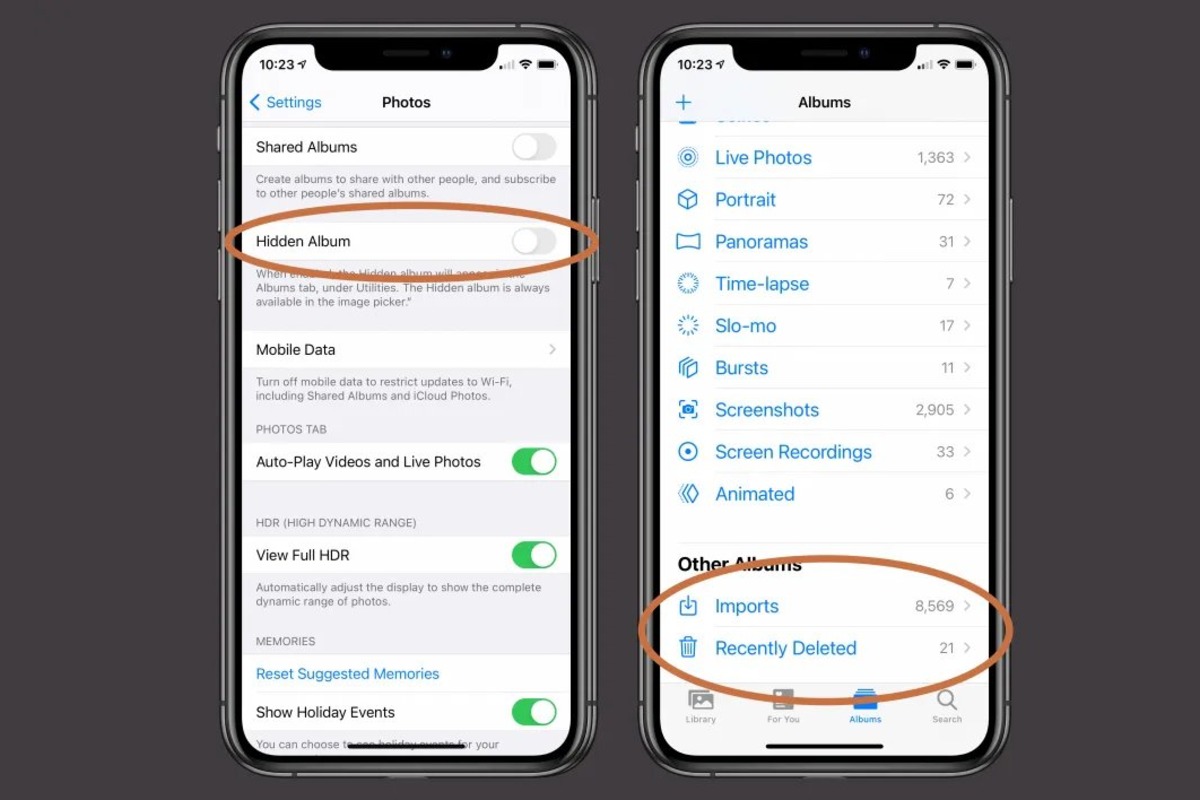
To clear trash on iPhone, you need to work within individual apps, because there is no single system-wide trash bin. Instead, apps like Photos and Messages keep their own “Recently...

How To Sync Versa 2 To IPhone

To sync Versa 2 to iPhone, download the Fitbit app from the Apple App Store, install it, and open it. You will need an iPhone or iPad running iOS 11...

How To Connect Earphones To IPhone

To connect earphones to iPhone, the most common modern scenario is pairing wireless Bluetooth earphones, which is done through the Settings app. For wired earphones, the method depends on your...