The iPhones tag page on CellularNews collects articles specifically for iPhone users, from casual owners to those who like to tinker with their devices. This tag is for anyone who wants to get more out of their phone, whether that means fixing a common glitch, finding a new app, or understanding a key feature.

The articles here solve real-world problems grouped around a few clear themes. One major theme is troubleshooting and network fixes, with guides on resetting network settings, fixing cellular network errors, and using Wi-Fi calling. Another theme is customization and app management, covering how to transfer apps to a new iPhone, schedule text messages, and recover deleted texts and WhatsApp messages. A third theme focuses on entertainment and productivity, including lists of the best Apple Arcade games, free movie apps, and text to speech readers.

These articles help the reader do practical things: fix a phone that won't make calls, learn how to screen record mobile games, recover deleted messages, and choose the best phone case or mobile accessory. They also explain technical topics like what an IPA file is and how to jailbreak an iPhone without a PC, giving clear steps for specific tasks.
How To Update IPhone 6 To Ios 14

You cannot update an iPhone 6 to iOS 14. The iPhone 6 is not compatible with iOS 14, and the highest supported version from Apple for this device is iOS...

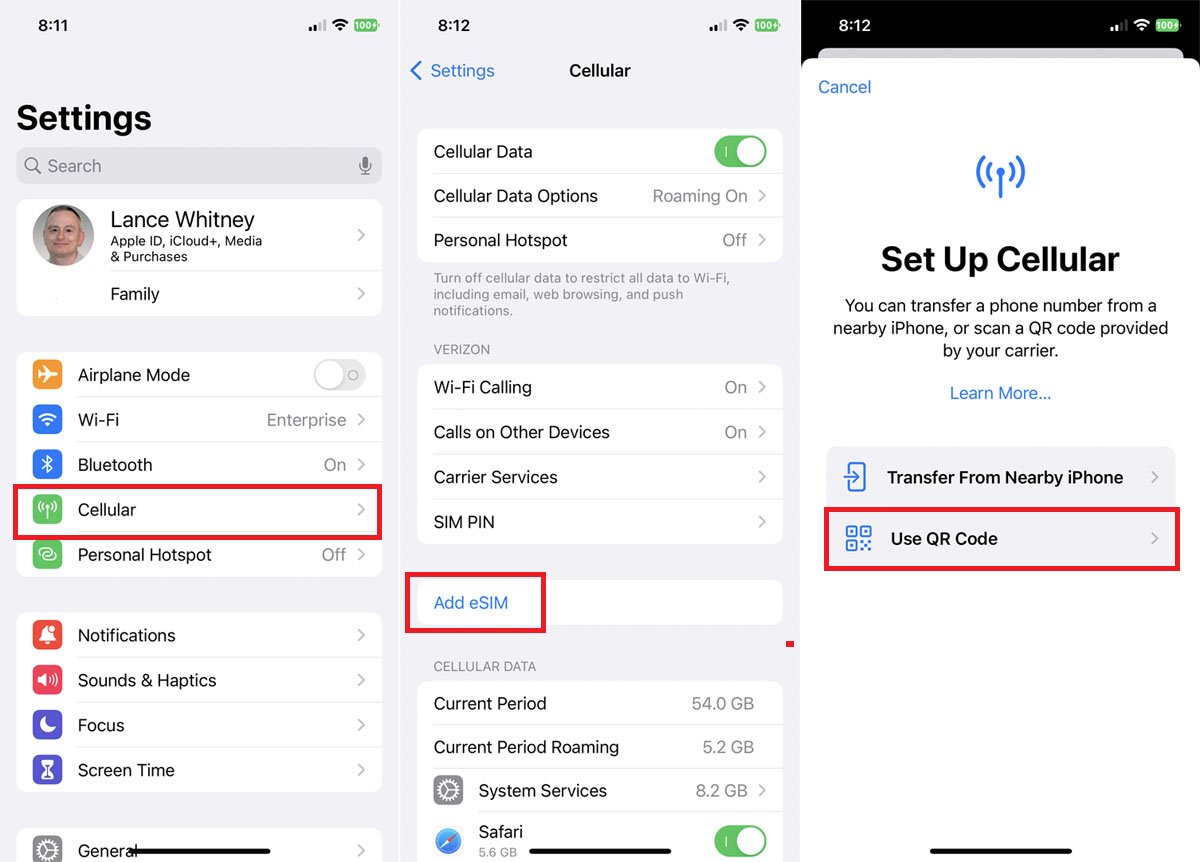
How To Find ESIM Number On IPhone

To find your eSIM number on an iPhone, you are likely looking for one of three identifiers: the ICCID, EID, or IMEI2. The term "eSIM number" is ambiguous, so knowing...

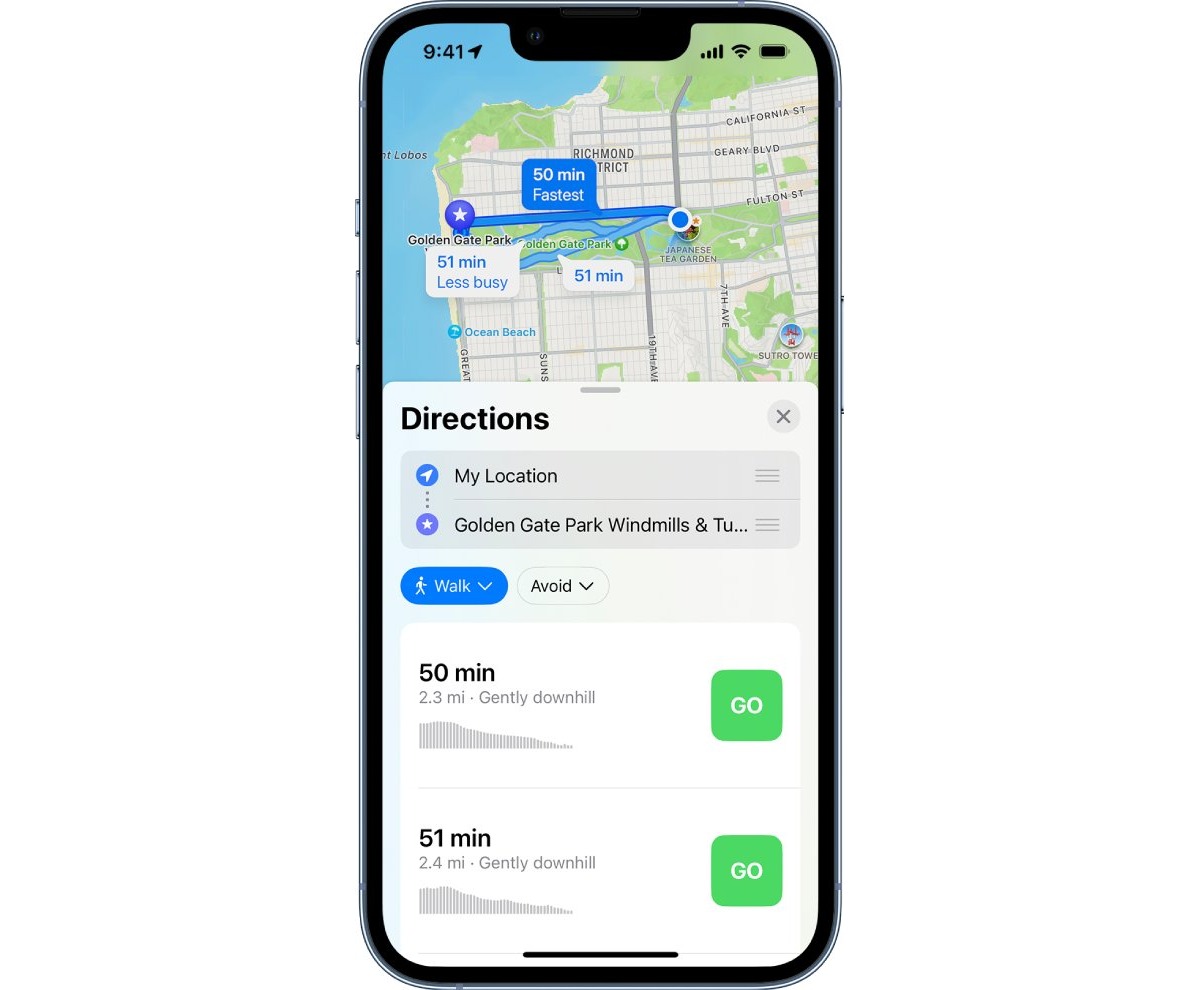
How To Track Walking Distance On IPhone

Your iPhone can automatically track your walking distance using its built-in motion sensors, without needing an Apple Watch or other devices. To ensure this feature works, the critical first step...

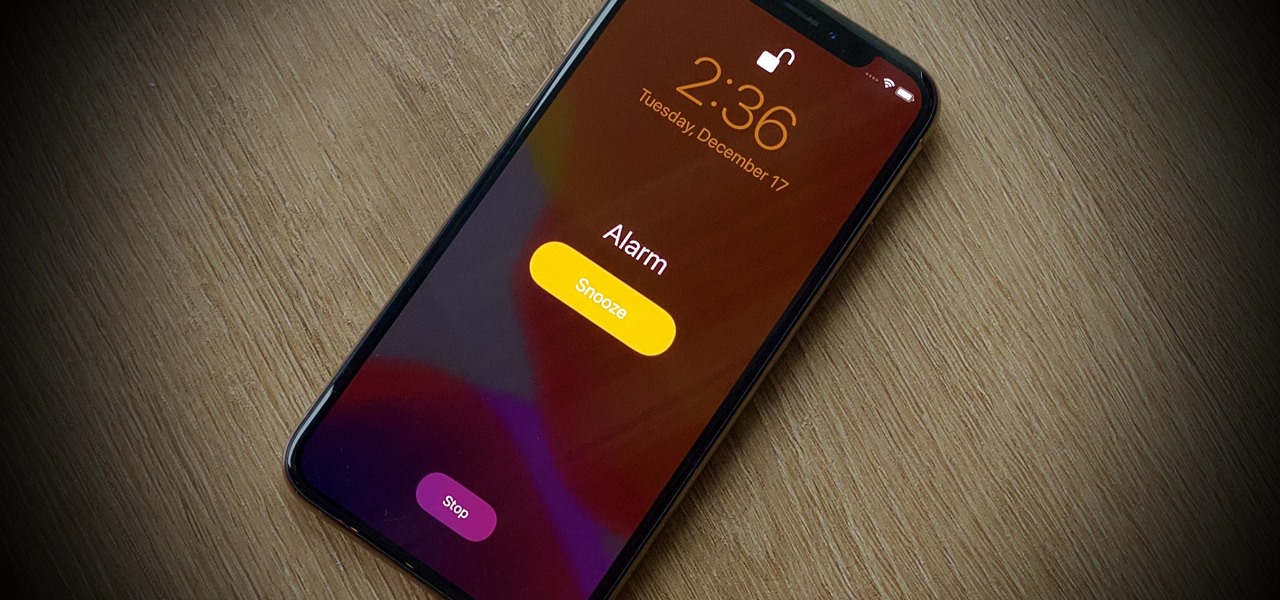
How To Set Alarm On IPhone 11

To set an alarm on iPhone 11, open the Clock app, tap Alarms, then tap the + button. Set your desired time and tap Save to activate the alarm immediately....

How To Delete Links On IPhone

To delete links on iPhone, you can remove Safari browsing history entries, clear shared link previews from Safari's Shared with You section, or delete Messages conversations that contain links. These...

How To Minimize IPhone Screen

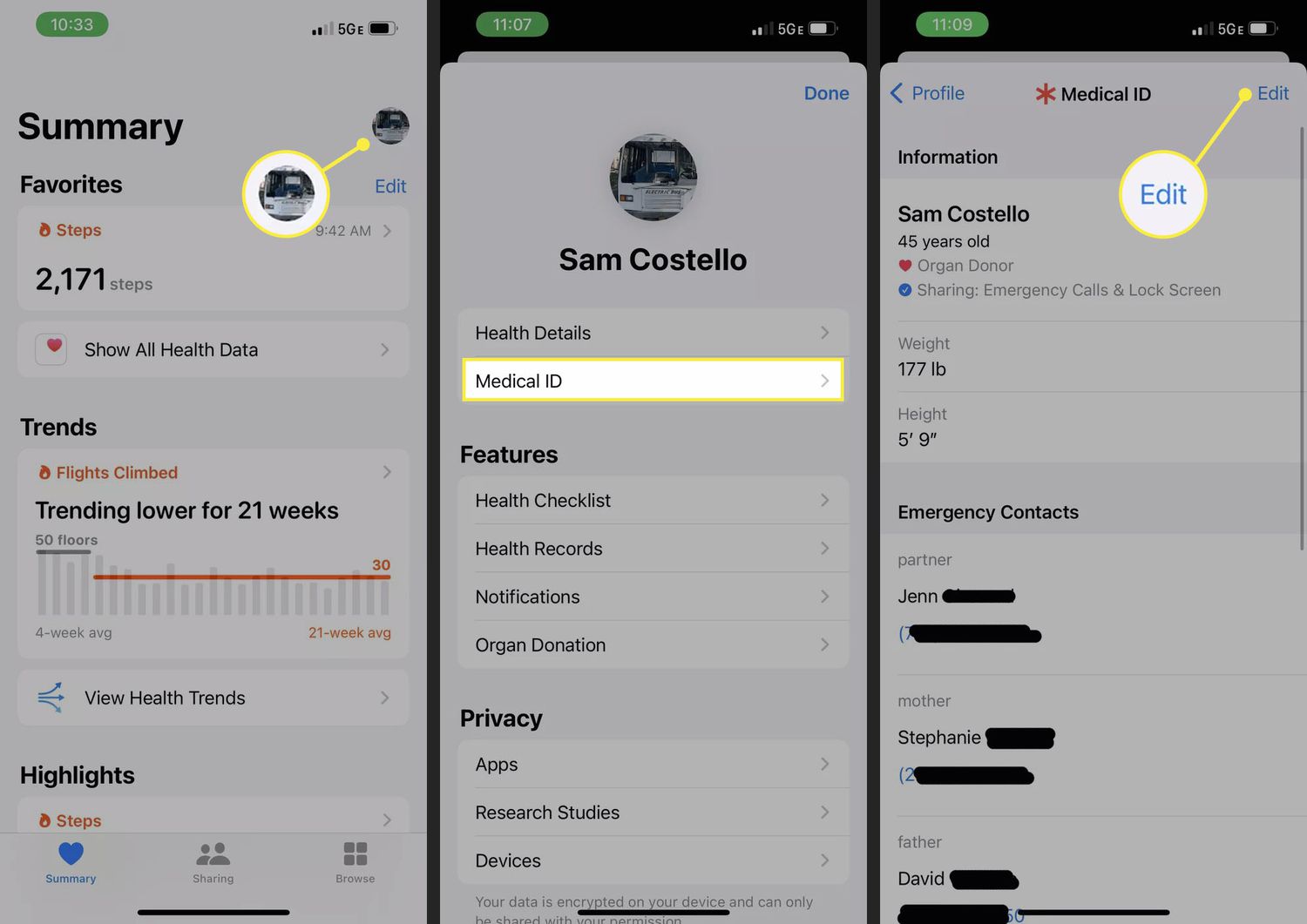
To minimize your iPhone screen and fit more content on the display, use the Display Zoom feature to shrink the interface elements rather than magnifying them. This changes the overall...

How To Disable Focus On IPhone

To disable focus on iPhone, open Control Center by swiping down from the top-right corner (on models with Face ID), tap Focus, then tap the active Focus to turn it...

How To Change Number Of Rings On IPhone

You cannot change the number of rings on iPhone through any iPhone setting, because the carrier controls how long your phone rings before sending a call to voicemail. The only...