This tag collects all of CellularNews’s Minecraft guides, written specifically for players who use mobile devices, gamepads, or VR headsets to play the game. Whether you are building a base on a phone or troubleshooting a control issue on a tablet, these articles are designed to help you play more effectively on the platform you actually use.

The articles solve problems that fall into two main themes. One group focuses on crafting and survival mechanics, walking you through specific recipes and block uses, like how to make and use a Grindstone, Smithing Table, or Enchanting Table, as well as how to craft a Blast Furnace and Fireworks. Another set of articles tackles creature management and resource farming, including guides on breeding Villagers, curing a Zombie Villager, taming a Cat, building a Mob Farm for XP, and setting up a Bee Farm to automatically harvest Honeycomb. A third, smaller theme covers mobile-specific controls and settings, such as how to use Touchscreen Mode, how to play on VR, how to connect a Joystick or Gamepad, and how to change your Minecraft Username or version on mobile.

Each article helps you do something concrete: craft a piece of gear, defeat a mob, build a farm, or adjust a setting on your phone. You will find step‑by‑step instructions for making an End Portal, getting an Elytra, and even ranking every Pickaxe Enchantment from best to worst, all without leaving the CellularNews site.
How To Add Data Packs To Minecraft

To add data packs to Minecraft, you place a .zip file or unpacked folder into your world's datapacks folder or use the in-game menu when creating a new world. This...

How To Reset Player Data Minecraft

Resetting player data in Minecraft removes a player's inventory, position, health, hunger, experience, gamemode, Ender Chest contents, advancements, and statistics, causing them to spawn as a new player. This is...

How To Delete Player Data Minecraft

To delete player data Minecraft, you must understand that this usually means resetting a character's inventory, achievements, and progress in a specific world, not deleting your entire Minecraft account. This...

How To Install A Data Pack

To install a data pack in Minecraft, you need to download the data pack as a .zip file and place it into your world's datapacks folder. This process works for...

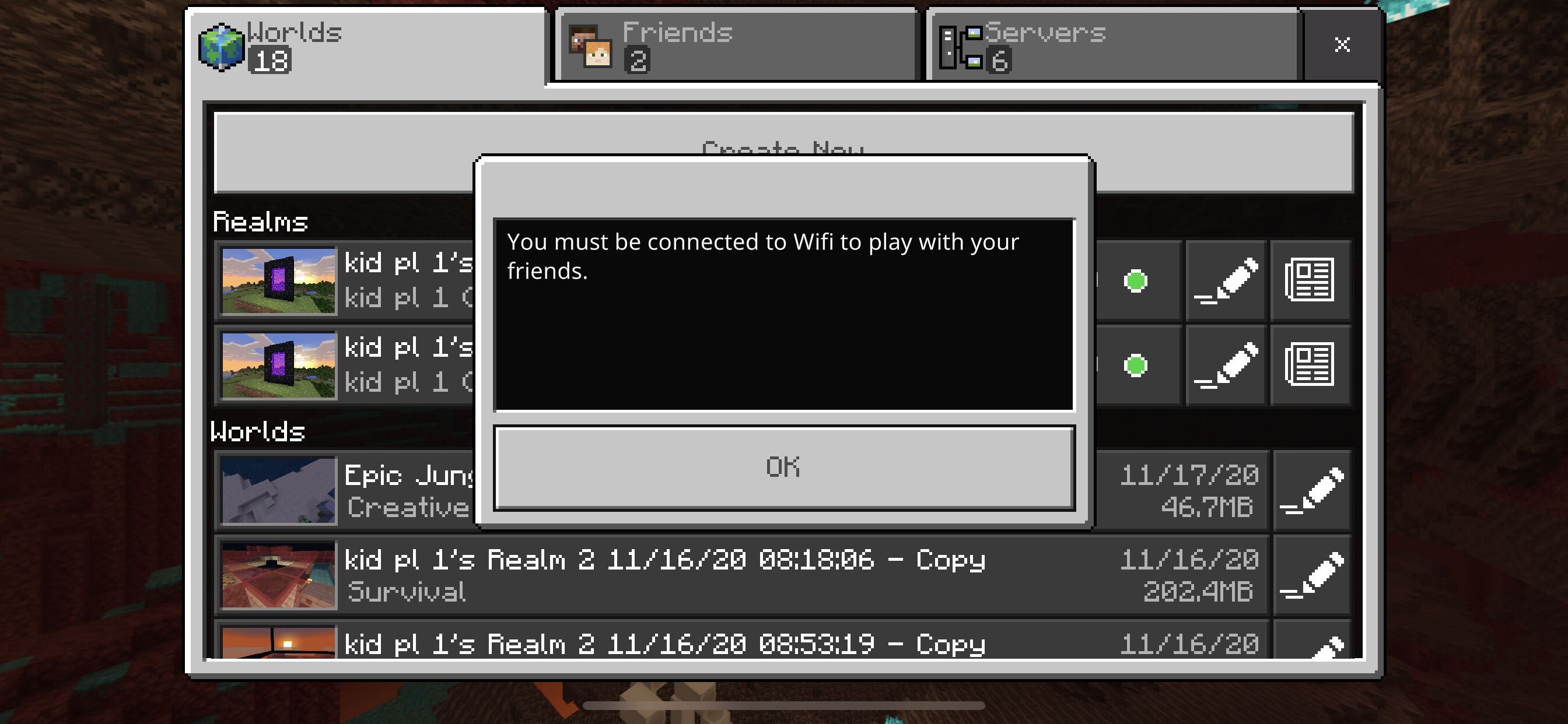
How To Play Minecraft On Cellular Data

To play Minecraft on cellular data, open the Minecraft app, go to Settings, then navigate to the Profile or General tab, and toggle the "Use cellular data" or "Allow mobile...

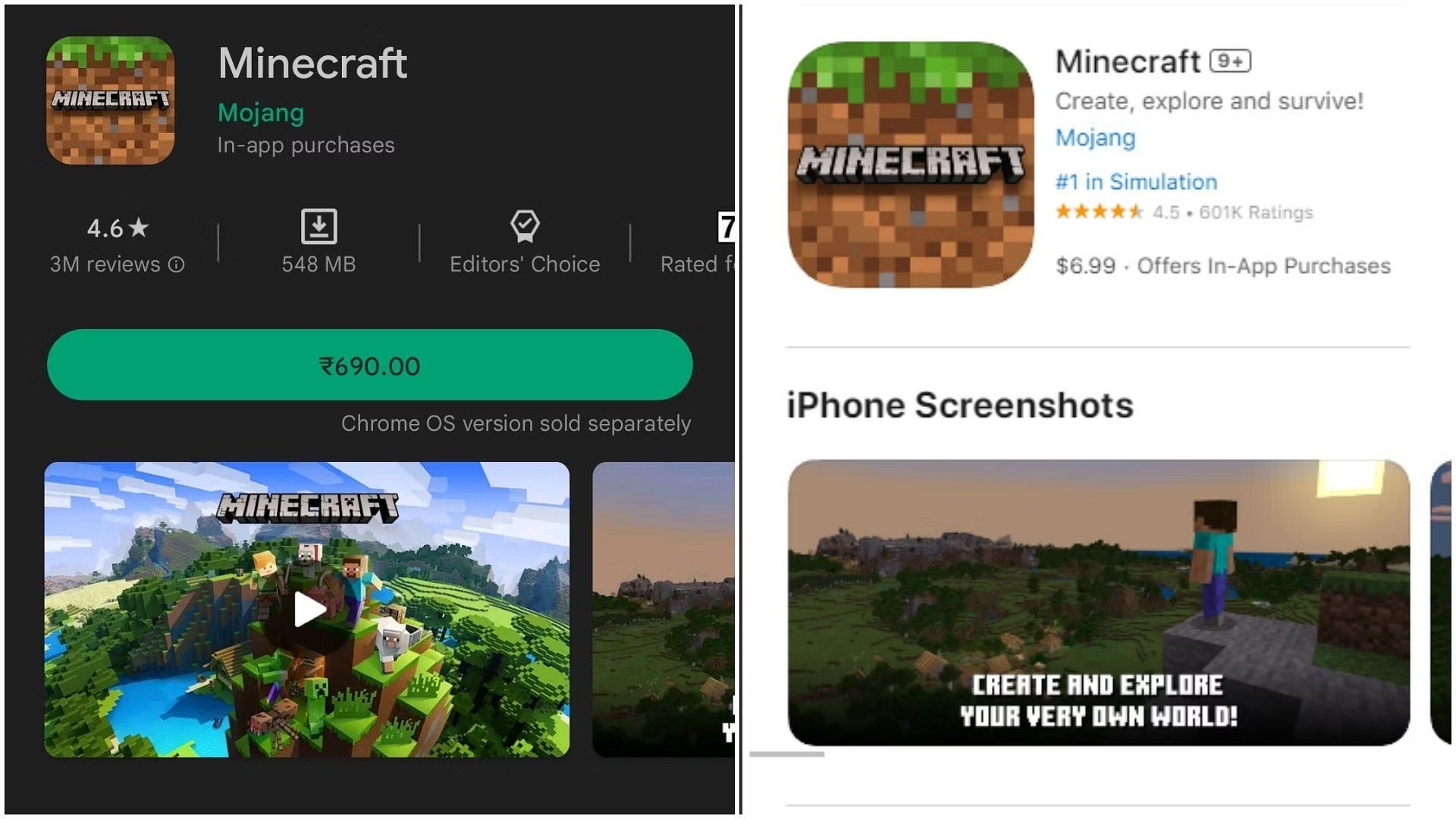
How To Change Minecraft Version On Mobile

You cannot change your Minecraft version on mobile to an arbitrary older release through any official setting. The official mobile stores, the App Store on iPhone and Google Play on...

How To Change View In Minecraft Mobile

To change view in Minecraft Mobile, open the Settings menu from the in-game toolbar and select your preferred perspective under Camera Perspective or View Mode. You can instantly switch between...

How To Use Joystick For Minecraft

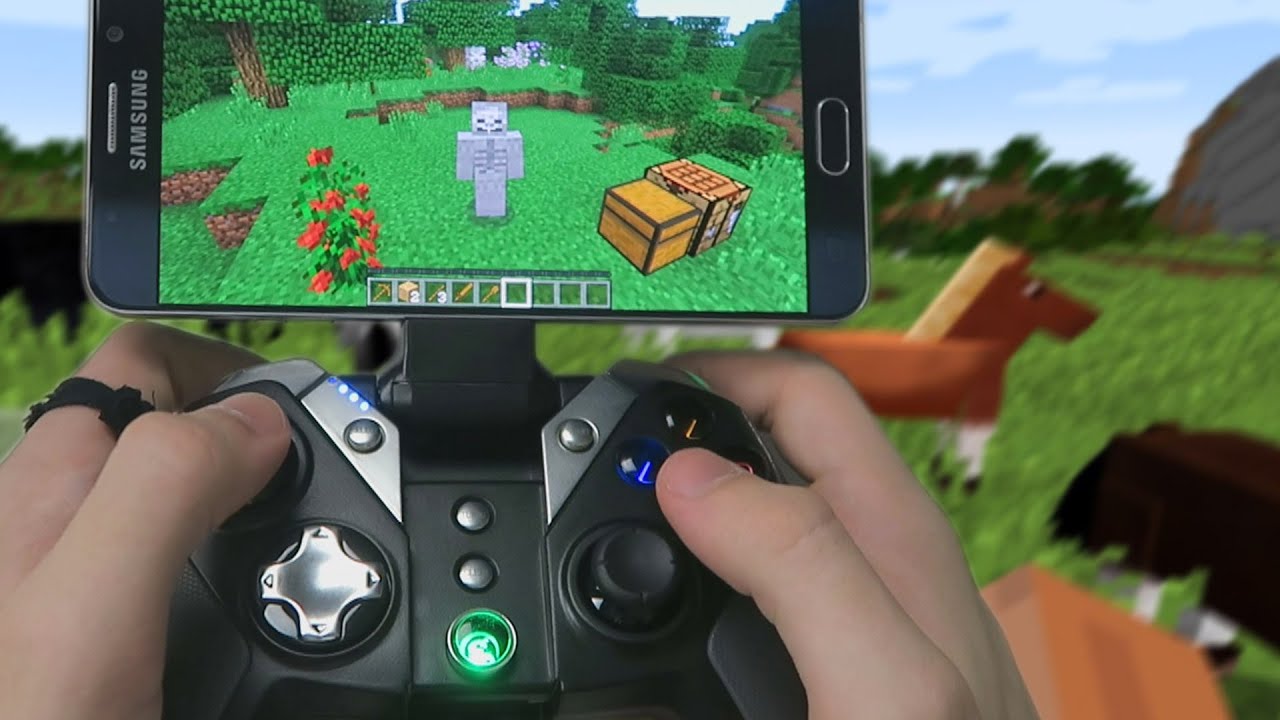
To use a joystick for Minecraft mobile, connect a physical game controller to your iPhone or Android device and pair it via Bluetooth. This replaces touch controls with joystick-style movement...

How To Use A Gamepad With Minecraft

To use a gamepad with Minecraft, connect a compatible controller to your PC or console, then configure the button mappings in the game's settings menu. On mobile, controller play is...